Choosing a smartwatch isn't just about finding one with the most health sensors or the longest list of features. The right smartwatch needs to fit your phone, your daily routine, your fitness goals, battery expectations and the way you actually want to use a wearable.
Compatibility should come first. An Apple Watch is designed for iPhone users, while current Samsung Galaxy Watch models require Android and don't support iOS. Google's Pixel Watch is also designed for Android phones. That means the best smartwatch on paper may not even be an option for your phone.
Then come the features that affect everyday use: battery life, GPS accuracy, sleep tracking, heart-rate monitoring, workout features, notifications, calls, payments, cellular connectivity and durability.
Battery life is particularly important because a smartwatch can be packed with sensors and still be frustrating if you have to charge it every night. Current models range from roughly a day of typical use to several days depending on the device and power mode. Apple's Watch Ultra 3, for example, is rated for up to 42 hours of normal use, while Google's Pixel Watch 5 reaches up to 40 hours with its always-on display in its larger configuration.
The best smartwatch isn't the one with the longest specification sheet.
It's the one whose features match the way you live.
1. Check Smartphone Compatibility First
Your phone should be the first thing you check because smartwatch compatibility can eliminate entire product families before you compare anything else.
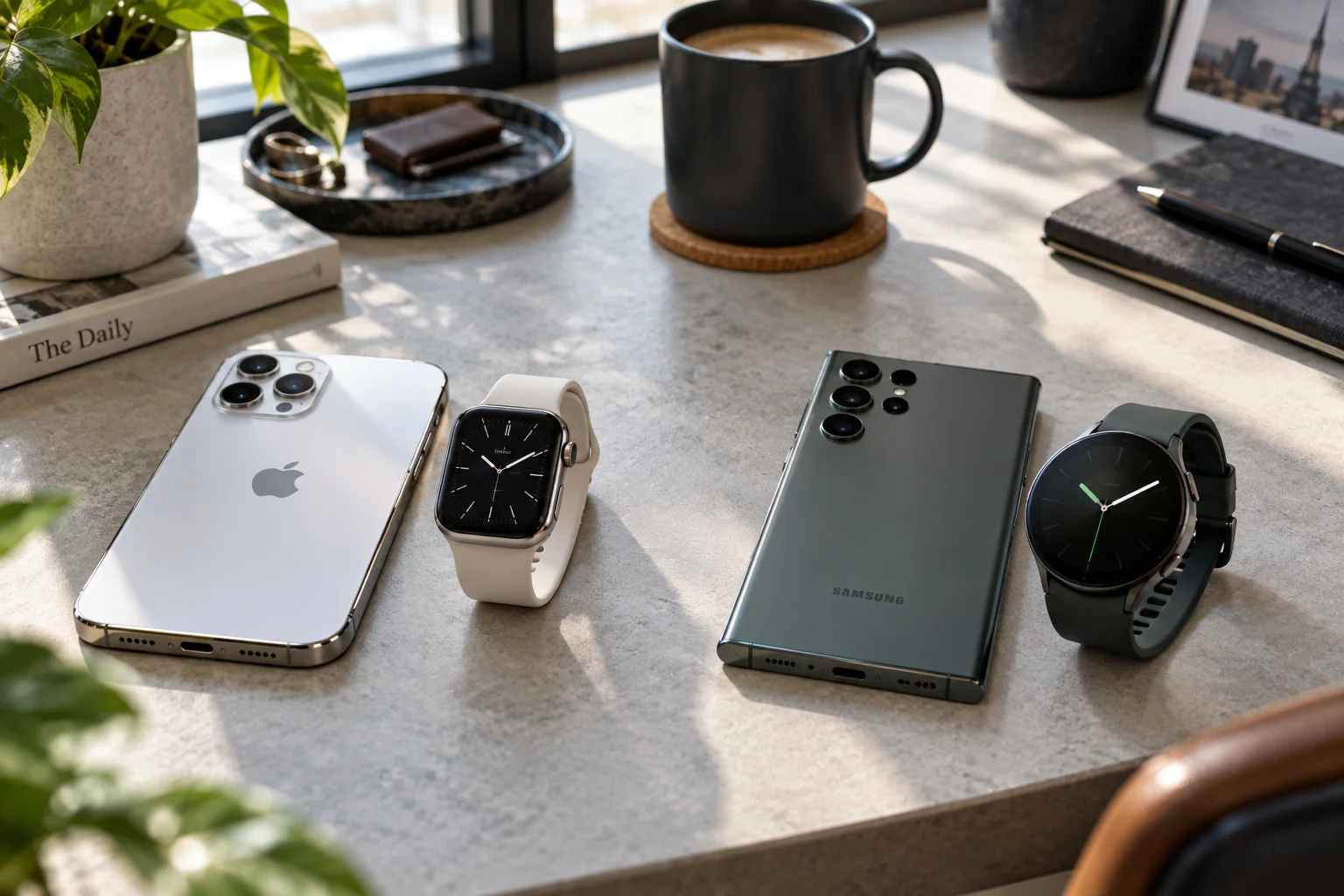
This is especially important if you're considering switching between iPhone and Android.
Apple Watch
Current Apple Watch models such as Series 12 and Ultra 4 require an iPhone 11 or later with iOS 27 or later. Older Apple Watch generations have different requirements.
Samsung Galaxy Watch
Current Galaxy Watch9 and Galaxy Watch Ultra2 models require Android and do not support iPhone. Samsung lists Android 13 or newer for these current models.
Google Pixel Watch
Current Pixel Watch models work with most phones running Android 12 or newer and require the Pixel Watch app and a Google Account.
So the basic rule is simple:
Your phone | Smartwatch families to consider |
|---|---|
iPhone | Apple Watch first; selected cross-platform watches |
Samsung Galaxy | Galaxy Watch, Pixel Watch and other Wear OS options |
Google Pixel | Pixel Watch, Galaxy Watch and other Wear OS watches |
Other Android phones | Check the exact watch's compatibility before buying |
Don't assume that because a watch uses Bluetooth, it will provide the same experience with every smartphone.
2. Decide What You Actually Want the Watch to Do
Your main reason for buying the smartwatch should determine which features deserve your money.
Someone buying a watch mainly for notifications has very different needs from a marathon runner or someone who wants detailed sleep and recovery data.
Your priority | Features to prioritize |
|---|---|
Notifications | Reliable phone integration, display, battery |
Fitness | Workout tracking, heart rate, GPS |
Running | GPS accuracy, training metrics, battery |
Hiking | GPS, maps, compass, altimeter, durability |
Sleep | Battery life, comfortable design, sleep tracking |
Health tracking | Sensors, ECG, heart-rate features, health software |
Travel | GPS, maps, payments, battery, cellular |
Swimming | Water resistance, swim tracking |
Outdoor sports | GPS, durability, long battery life |
Everyday use | Comfort, notifications, battery, apps |
This prevents you from paying for specialized features you will never use.
3. Look at Battery Life Before Buying
Battery life can matter more than almost any other smartwatch specification because frequent charging affects how consistently you use health and sleep features.
A watch that needs charging every night can make overnight tracking inconvenient.
Current watches vary considerably.
Apple's Watch Ultra 3 is rated for up to 42 hours of normal use and up to 72 hours in Low Power Mode. Apple also says it can reach 80% charge in about 45 minutes.
The Apple Watch SE 3 is rated for up to 18 hours of normal use and up to 32 hours in Low Power Mode.
Google's Pixel Watch 5 offers up to 30 hours with always-on display in the smaller configuration and up to 40 hours in the larger model, with longer battery-saver figures.
That gives you an important choice:
Do you want a smartwatch that does more but needs more frequent charging, or a simpler wearable that can stay on your wrist for several days?
Consider battery life based on your routine
If you:
Track sleep every night
Travel frequently
Spend weekends outdoors
Go on long hikes
Run long-distance races
then battery endurance should be one of your top buying criteria.
4. Check GPS Accuracy
GPS quality matters most if you run, cycle, hike, walk or exercise outdoors without carrying your phone.

Not every GPS system is equally sophisticated.
Basic GPS can be perfectly adequate for casual walks. Serious runners and outdoor athletes may benefit from dual-frequency or multi-band GPS, which can improve positioning in challenging environments such as cities, wooded areas and mountainous terrain.
Apple's Watch Ultra 3 uses L1 and L5 precision dual-frequency GPS and supports GPS, GLONASS, Galileo, QZSS and BeiDou.
Google's current Pixel Watch 5 also offers dual-frequency GPS across its listed positioning systems.
If you primarily exercise indoors, GPS specifications are less important.
If you regularly run through city streets or hike in areas with difficult terrain, they become much more relevant.
5. Look Beyond Step Counting for Health Features
Modern smartwatches can track considerably more than steps, but you should distinguish wellness features from medical diagnosis.
Depending on the model, you may find:
Continuous heart-rate monitoring
High and low heart-rate alerts
Irregular rhythm notifications
ECG
Blood oxygen measurements
Skin-temperature sensing
Sleep stages
Sleep scoring
Sleep-apnea notifications
Cycle tracking
Workout metrics
Recovery or readiness scores
Noise exposure monitoring
Apple's current Ultra 3, for example, includes ECG, heart-rate notifications, sleep stages, sleep score, sleep-apnea notifications and hypertension notifications among its health and wellness features.
Google's current Pixel Watch lineup similarly combines continuous heart-rate monitoring, ECG, irregular-rhythm notifications, sleep insights and additional health metrics.
But these features aren't interchangeable.
A watch supporting ECG doesn't mean it can diagnose every heart condition. A sleep score isn't a medical diagnosis. And availability can vary by country, age, software version and regulatory approval.
Think of smartwatch health data primarily as information you can use to understand trends and decide when professional medical advice may be appropriate.
6. Decide Which Health Metrics Actually Matter to You
More sensors don't automatically make a smartwatch more useful; the important question is whether the measurements help you make better decisions about your routine.
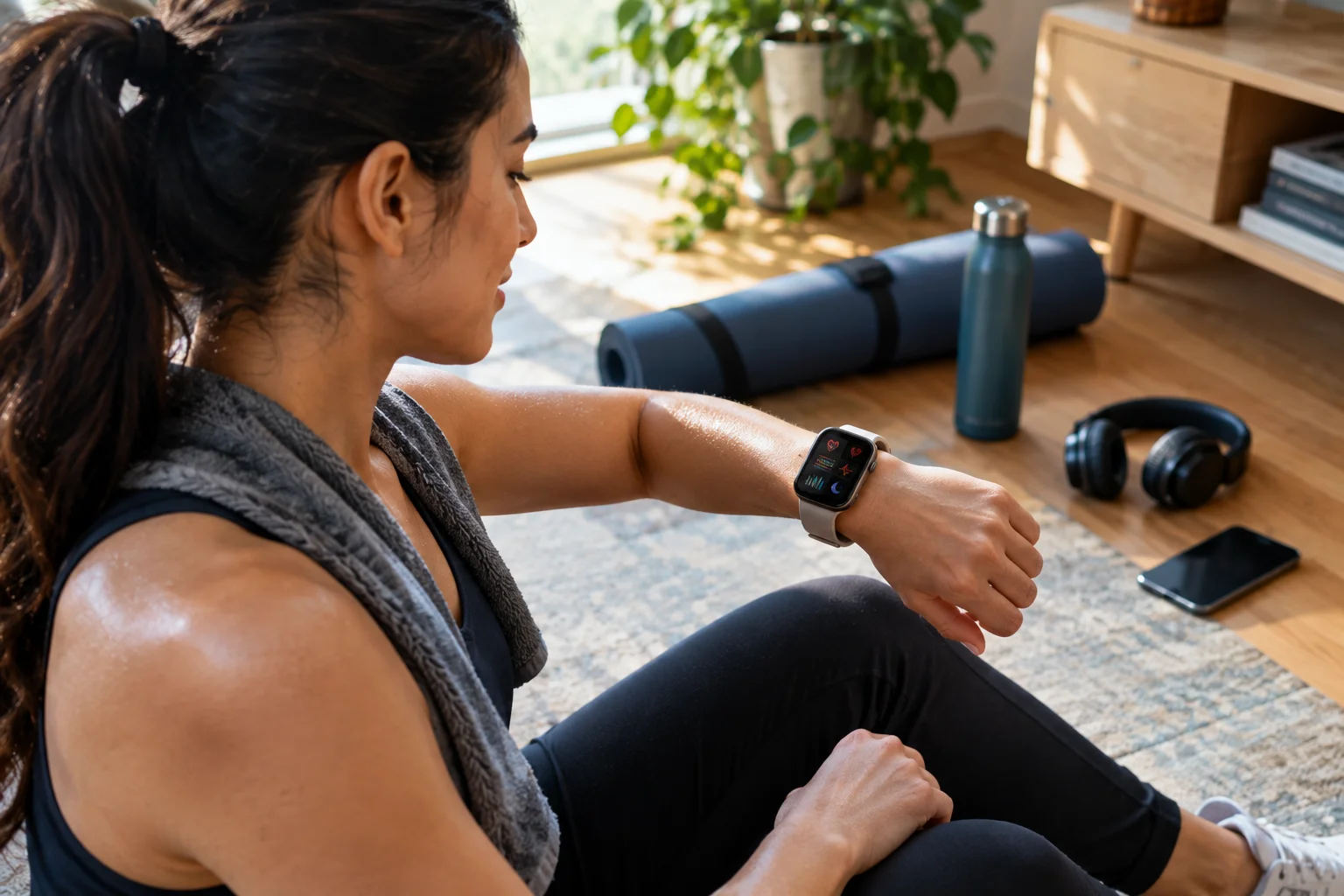
For example:
If sleep is your priority
Look for:
Comfortable design
Multi-day or reliable overnight battery
Sleep stages
Sleep duration
Sleep scoring
Sleep-apnea-related features where available
If you're a runner
Look for:
Accurate GPS
Heart-rate zones
Running dynamics
Training load
VO₂ max
Recovery information
Long workout battery life
Apple's current Ultra 3 includes training load, heart-rate zones, VO₂ max, stride length, cadence, running power and vertical oscillation metrics.
If you're focused on general wellness
Prioritize:
Heart-rate monitoring
Sleep
Activity
Stress or mindfulness features
Comfortable all-day wear
Battery life
You probably don't need the most expensive outdoor smartwatch.
7. Check Cellular Connectivity
Cellular connectivity is useful if you want to leave your phone behind while still making calls, receiving messages or accessing connected services.
A GPS-only smartwatch generally depends more heavily on your phone for connected functions when you're away from Wi-Fi.
A cellular model can provide more independence, but it also adds cost and may require a compatible wireless plan.
Cellular is particularly useful for:
Running without your phone
Going to the gym
Hiking
Swimming
Quick errands
Emergency communication
Parents who want more connectivity for a family member
If your phone is almost always in your pocket, you may not need cellular.
Don't pay for it simply because the model offers it.
8. Consider the Apps and Smart Features
A smartwatch becomes much more useful when its software works well with the apps and services you already use.
Think about:
Messaging
Music
Navigation
Payments
Calendar
Weather
Fitness apps
Smart-home controls
Voice assistants
Third-party apps
Apple Watch, Wear OS watches and other platforms have different app ecosystems and phone integrations.
This is another reason compatibility matters.
A watch may have excellent hardware but still be frustrating if it doesn't work naturally with the services you rely on every day.
9. Check Durability and Water Resistance
Your intended environment should determine how much durability you need.
A smartwatch for an office worker doesn't need the same ruggedness as one used for hiking, swimming or outdoor adventure.
Look at:
Water resistance
Dust resistance
Screen material
Case material
Temperature tolerance
Shock resistance
Dive rating
Military-standard testing where relevant
Apple's Ultra 3, for example, is rated for 100-meter water resistance, IP6X dust resistance and recreational scuba diving to 40 meters. It is also tested against multiple environmental conditions under MIL-STD 810H.
That doesn't mean you need an Ultra-class watch.
If you mainly walk, commute and work in an office, a slimmer everyday model may be more comfortable.
10. Don't Forget Comfort and Size
The best smartwatch is one you'll actually wear consistently.
This sounds obvious, but it is easy to overlook when comparing specifications.
A large outdoor watch can have an excellent battery and GPS system but feel cumbersome when you're sleeping.
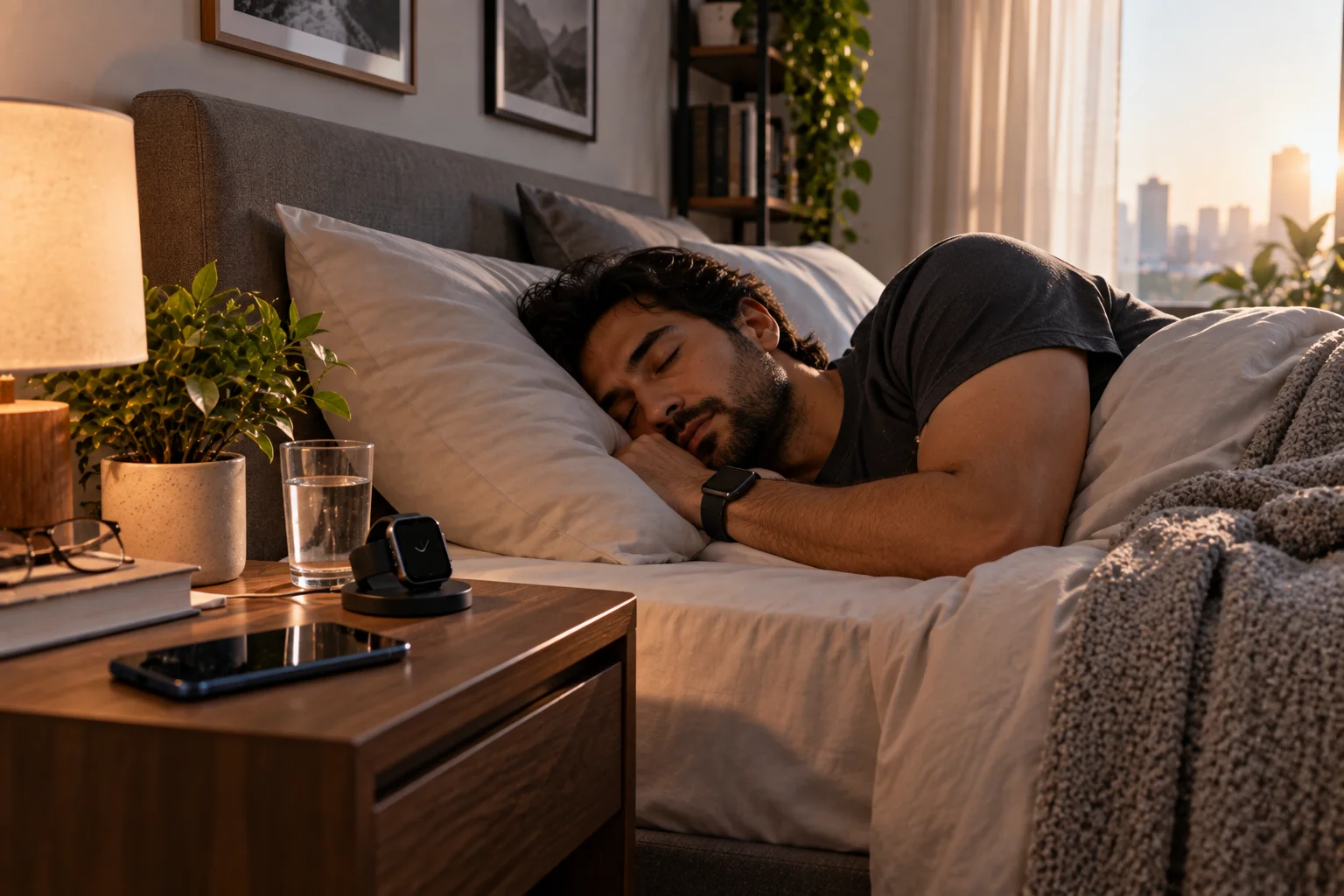
A tiny watch can be comfortable but have a smaller display and battery.
Consider:
Case diameter
Thickness
Weight
Strap material
Display size
Button placement
Comfort during sleep
Comfort during exercise
How easily you can read it outdoors
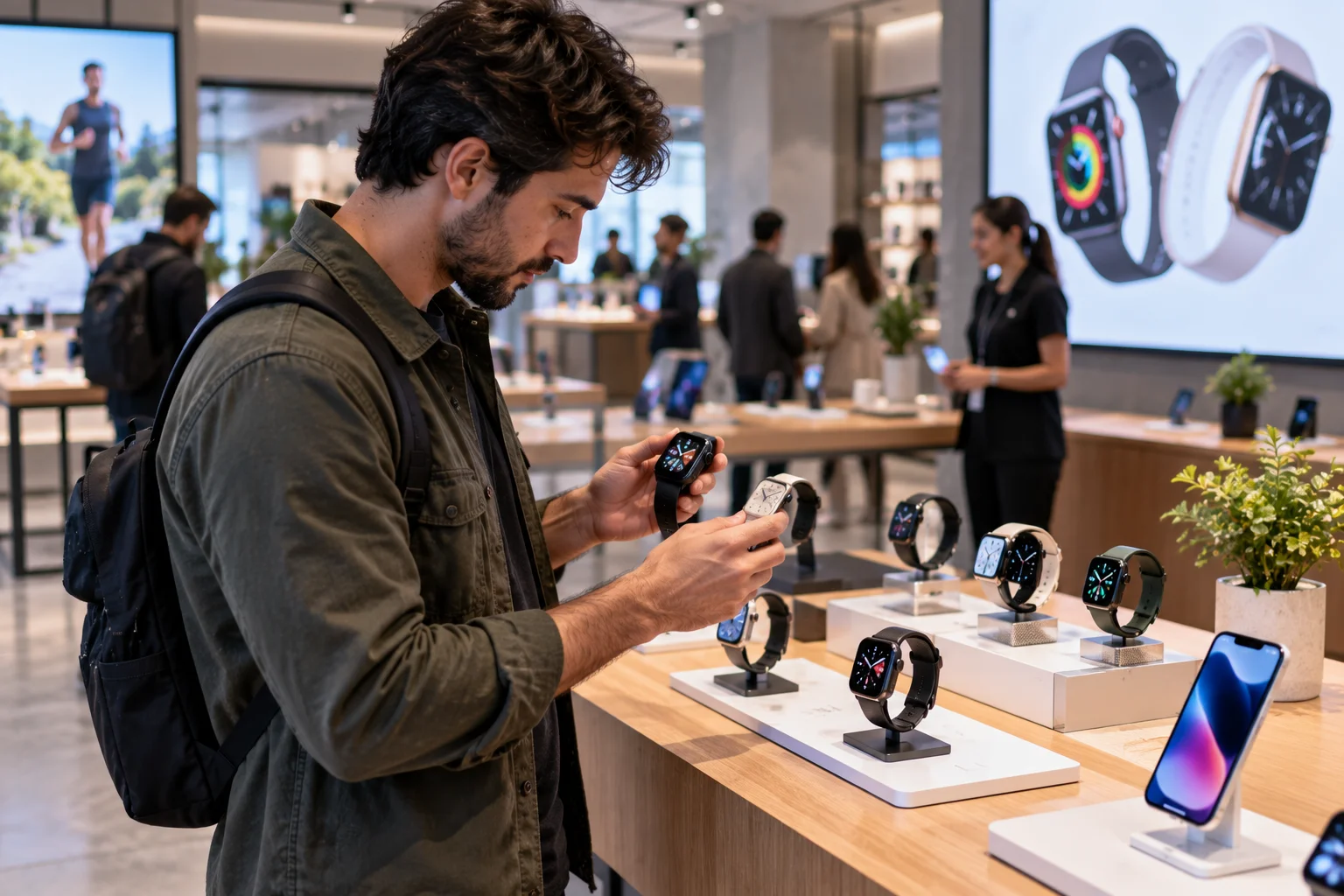
If possible, try the watch on your wrist before buying.
A few minutes in a store can tell you more about comfort than a specification sheet.
Apple Watch vs Galaxy Watch vs Pixel Watch: Which Ecosystem Fits You?
The best smartwatch ecosystem usually matches the smartphone you already own.
Here's the practical distinction:
Ecosystem | Best fit |
|---|---|
Apple Watch | iPhone users who want deep Apple integration |
Galaxy Watch | Android users, particularly Samsung owners |
Pixel Watch | Android users who want Google's ecosystem |
Other Wear OS watches | Android users seeking different designs/features |
Fitness-focused watches | Users prioritizing training and battery life |
Apple Watch's compatibility requirements make it a natural choice for iPhone owners, while current Galaxy Watch models are Android-only. Pixel Watch is also Android-focused.
This means your phone ecosystem can be a more important buying decision than a small difference in sensor specifications.
Do You Need a Smartwatch With ECG?
ECG can be useful for users who specifically want an electrocardiogram feature, but it shouldn't be the only reason you buy a smartwatch.
ECG-capable watches can record electrical heart signals and provide information that basic optical heart-rate monitoring doesn't.
However, availability and intended use vary by device and region.
Apple, for example, says its ECG app is intended to generate an ECG similar to a single-lead ECG and has specific eligibility requirements.
If you're buying primarily for heart-health features, look carefully at:
Which sensors are included
What the feature actually measures
Whether it is available in your country
Whether your phone supports it
How the manufacturer describes its intended use
Don't choose a watch solely because its marketing page has the longest health-feature list.
How Important Is Sleep Tracking?
Sleep tracking is only useful if the watch is comfortable enough to wear overnight and has enough battery to avoid frequent charging.
This creates an interesting trade-off.
A watch may have excellent sleep sensors, but if you remove it every night to charge it, you're losing the very data you bought it to collect.
If sleep tracking matters, prioritize:
Comfort
Battery life
Fast charging
Sleep-stage tracking
Sleep scoring
Relevant health insights
Apple's current watches include sleep stages and sleep score, while Google's current Pixel Watch lineup offers detailed sleep insights and readiness-oriented features.
Do You Need a Smartwatch With Built-In GPS?
You should consider built-in GPS if you regularly exercise outdoors and don't want to carry your phone.

Built-in GPS is especially useful for:
Running
Cycling
Hiking
Walking
Trail running
Outdoor workouts
If you always carry your phone, the difference may be less important.
For serious outdoor use, however, look beyond the simple phrase "built-in GPS." Check whether the watch supports dual-frequency GPS, which can provide better positioning in challenging environments.
What Battery Life Should a Smartwatch Have?
Aim for at least a full day of realistic use, but consider longer battery life if you want reliable sleep tracking or frequent outdoor GPS workouts.
A useful way to think about it:
Around 18–24 hours
Suitable if you don't mind charging frequently.
Around 30–48 hours
A better balance for many people who want overnight tracking.
3+ days
More convenient for travel, sleep tracking and outdoor use.
Several days to a week+
Usually comes with a greater emphasis on fitness, outdoor use or simpler smartwatch features.
Don't compare battery numbers without checking how manufacturers define them.
Always-on display, GPS, cellular connectivity and workouts can reduce actual runtime.
What Smartwatch Features Are Worth Paying More For?
Pay more for features that directly affect how you use the watch, not for specifications that look impressive on the product page.
Worth paying for can include:
Better GPS if you run or hike
Longer battery if you track sleep
Cellular if you want phone-free connectivity
Better health sensors if those measurements matter to you
A brighter display for outdoor use
More durable materials for demanding environments
Better app integration if you rely heavily on your smartwatch
Features that may not justify the extra money:
An enormous number of workout modes you'll never use
Cellular connectivity if your phone is always nearby
Advanced navigation if you rarely exercise outdoors
Premium materials if you're mainly buying a fitness tracker
Extra sensors without a use case
How to Choose the Right Smartwatch for Your Lifestyle
Start with your phone, then choose the watch around your most important daily use case.
For iPhone users
Start with Apple Watch.
If you want a lightweight everyday smartwatch, look at the standard models. If you spend a lot of time outdoors or want longer battery life and advanced GPS, an Ultra-class model may make more sense. Apple's current Ultra 3 reaches up to 42 hours of normal use and includes dual-frequency GPS.
For Samsung Galaxy users
Galaxy Watch models are a natural place to start because of their integration with Samsung's ecosystem.
Samsung's current Galaxy Watch9 focuses on everyday health, sleep, cardiovascular tracking and exercise, while Galaxy Watch Ultra2 is aimed more at demanding outdoor and fitness use.
For Pixel users
Pixel Watch is particularly relevant if you want Google's health and Wear OS ecosystem.
The current Pixel Watch 5 lineup combines dual-frequency GPS, health sensors, sleep insights, ECG capabilities and Google's broader fitness ecosystem.
For runners and athletes
Prioritize:
GPS accuracy
Training metrics
Heart-rate accuracy
Workout battery
Recovery information
Comfortable fit
For travelers and hikers
Prioritize:
Multi-day battery
Dual-frequency GPS
Offline maps
Compass
Altimeter
Emergency features
Durable construction
Apple's Ultra 3, for example, includes offline maps, compass features, Backtrack, satellite connectivity and dual-frequency GPS.
Choosing the Right Smartwatch: The Bottom Line
The right smartwatch is the one that fits your phone, lasts long enough for your routine, tracks the activities you care about and offers health features you'll actually use.
Start with compatibility.
Then decide what matters most:
Battery life if you want sleep and all-day tracking.
GPS if you run, cycle or hike.
Health sensors if wellness tracking is a major reason you're buying.
Cellular if you want to leave your phone behind.
Durability if you're outdoors frequently.
Apps and ecosystem if you want the watch to become an extension of your phone.
Comfort if you plan to wear it 24/7.
And don't automatically buy the most expensive model.
An everyday smartwatch can be a better fit for an office worker than a rugged outdoor model. A dedicated fitness watch can make more sense for a serious runner than a lifestyle-focused smartwatch. And an Apple Watch may be the obvious ecosystem choice for an iPhone owner, while an Android user has much more freedom to compare Wear OS options.
The smartest way to shop is to ask one question before looking at specifications:
What do I actually want this watch to do every day?
Once you know that, the right combination of compatibility, battery life, GPS, health features and price becomes much easier to find.
Choosing a Smartwatch: FAQs
Can an Apple Watch work with Android?
Current Apple Watch models require a compatible iPhone for setup and use. Apple's current compatibility documentation lists iPhone requirements for its latest watches.
Can Samsung Galaxy Watch work with iPhone?
Current Galaxy Watch models, including Galaxy Watch8 and Watch9 series, do not support iOS. Samsung lists Android compatibility requirements instead.
Is GPS important on a smartwatch?
GPS is particularly important for runners, cyclists, hikers and anyone who wants to record outdoor activity without carrying a phone. Dual-frequency GPS can be especially useful in challenging environments.
How much smartwatch battery life do I need?
At least a full day is a reasonable baseline. If you want sleep tracking, travel frequently or spend long periods outdoors, a watch offering 30–48 hours or more can be considerably more convenient.
Is smartwatch heart-rate tracking accurate?
Smartwatches can provide useful heart-rate information, but performance varies by device, fit and activity. For medical concerns, smartwatch data shouldn't replace advice or testing from a qualified healthcare professional.
Do I need ECG on my smartwatch?
Not necessarily. ECG is useful if you specifically want that capability, but it shouldn't be the sole reason to buy a particular watch. Check the feature's availability and intended use in your region.
Is a smartwatch worth buying if I already have a fitness tracker?
It can be, particularly if you want richer smartphone notifications, apps, calls, payments, navigation, music controls and a more complete smartwatch ecosystem. If you mainly want steps, sleep and basic workouts, a fitness tracker may be sufficient.
Should I buy a cellular smartwatch?
Choose cellular if you regularly want to leave your phone behind while staying connected. If your phone is almost always with you, GPS-only can save money and may offer better battery life.
Is a smartwatch useful for sleep tracking?
Yes, provided you're comfortable wearing it overnight and the battery lasts long enough. Fast charging can also make overnight tracking more practical because you can charge the watch during part of your morning or evening routine.
What is the most important smartwatch feature?
There isn't one feature that matters to everyone. For many buyers, compatibility comes first, followed by the feature that matches their main reason for buying the watch: battery life for sleep, GPS for running, health sensors for wellness, or cellular connectivity for phone-free use.