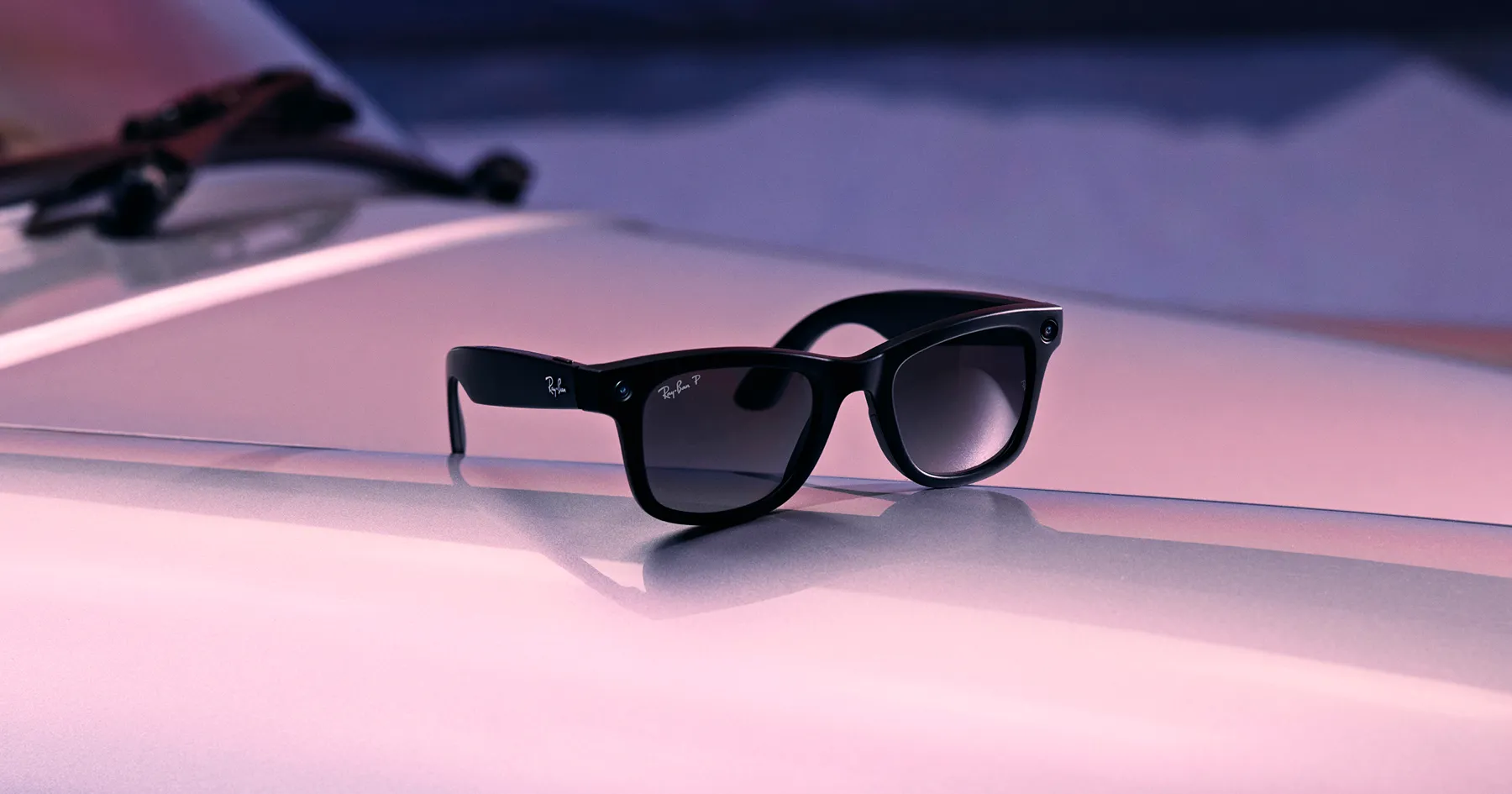
Wearable technology is moving beyond watches, fitness bands, and smart rings.
In 2026, smart glasses are becoming an increasingly interesting category for people who want technology to fit more naturally into everyday activities. Instead of reaching for a smartphone every time you need information, directions, a quick photo, or hands free communication, a pair of connected glasses can bring some of those functions closer to you.
The category is also becoming more diverse.
Some smart glasses focus on cameras and audio. Others add AI assistants, live information, navigation capabilities, or visual displays. There are also models designed specifically for productivity, entertainment, accessibility, or travel.
That makes choosing the right pair less straightforward than simply looking for the newest features.
The best Smart Glasses for you will depend on how you intend to use them.
What Are Smart Glasses?
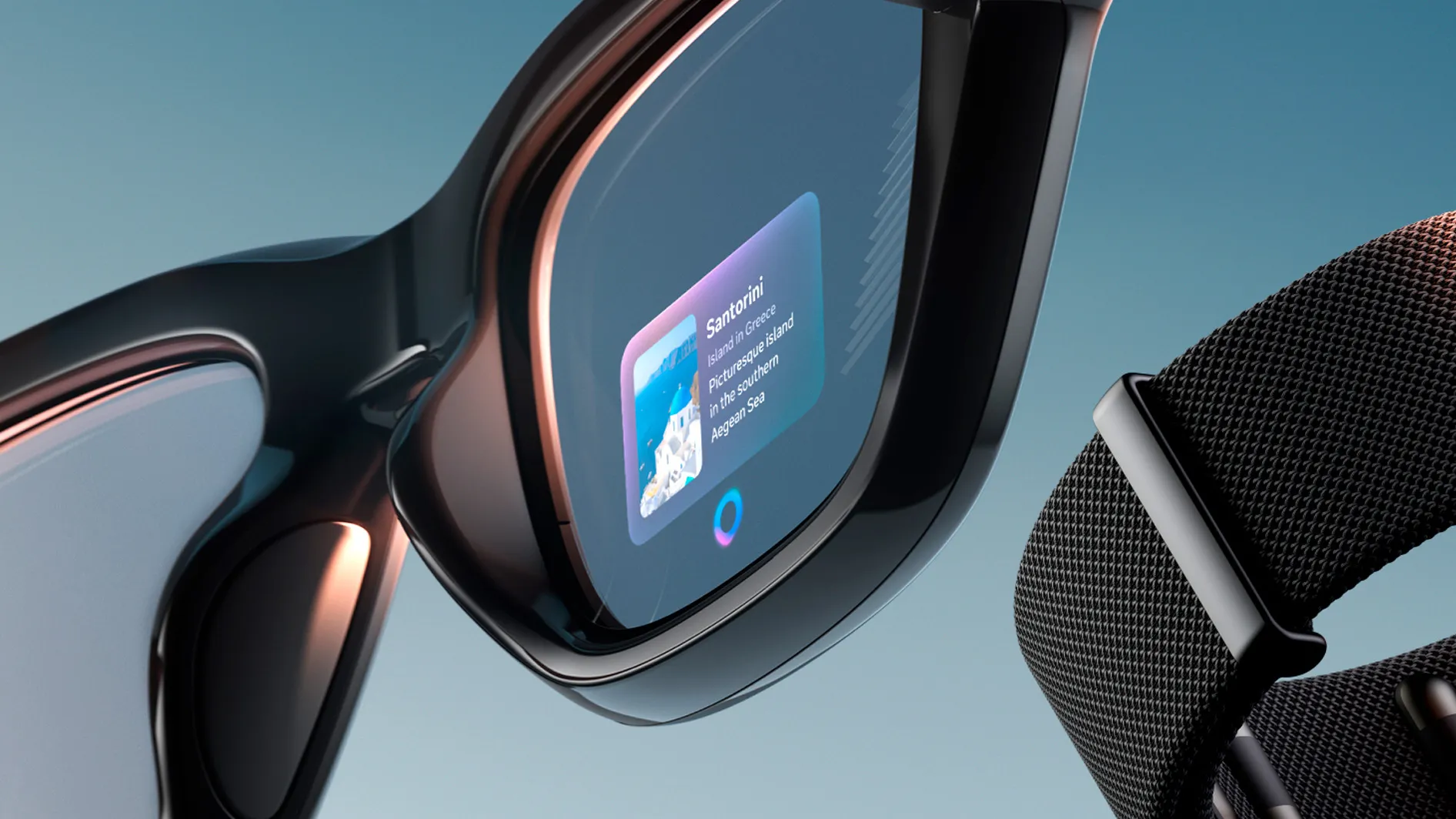
Smart glasses are eyewear products that incorporate electronic components such as cameras, microphones, speakers, wireless connectivity, sensors, AI features, or displays.
Unlike traditional glasses, they can interact with digital services while remaining wearable throughout the day.
Depending on the model, you may be able to:
• Listen to music and podcasts
• Make phone calls
• Take photographs
• Record video
• Interact with an AI assistant
• Receive information hands free
• Access navigation related features
• Translate or interpret information
• Use visual displays for digital content
Not every pair provides all of these capabilities.
This is why understanding the technology category is important before choosing a device.
Smart Glasses for Travel
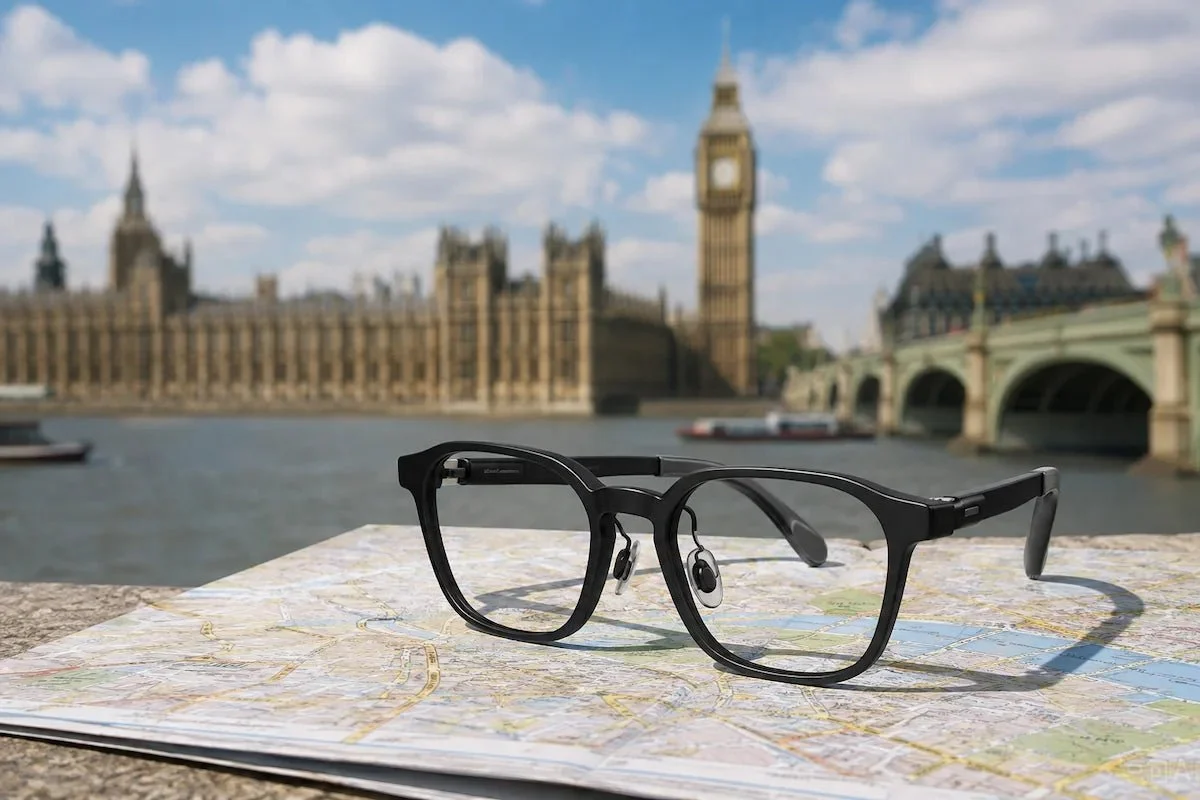
Travel is one of the most natural use cases for smart glasses.
When exploring an unfamiliar city, travelers frequently need to check directions, take photographs, communicate with other people, and access information.
Hands free technology can make some of these activities more convenient.
Camera equipped glasses can allow users to capture moments without reaching for a phone.
Built in speakers can provide audio while leaving your ears more aware of the surrounding environment, depending on the design.
AI enabled models can potentially help with questions, visual information, translation, or other travel related tasks where supported.
However, travelers should check regional availability and connectivity requirements before relying on advanced features abroad.
Smart Glasses for Navigation
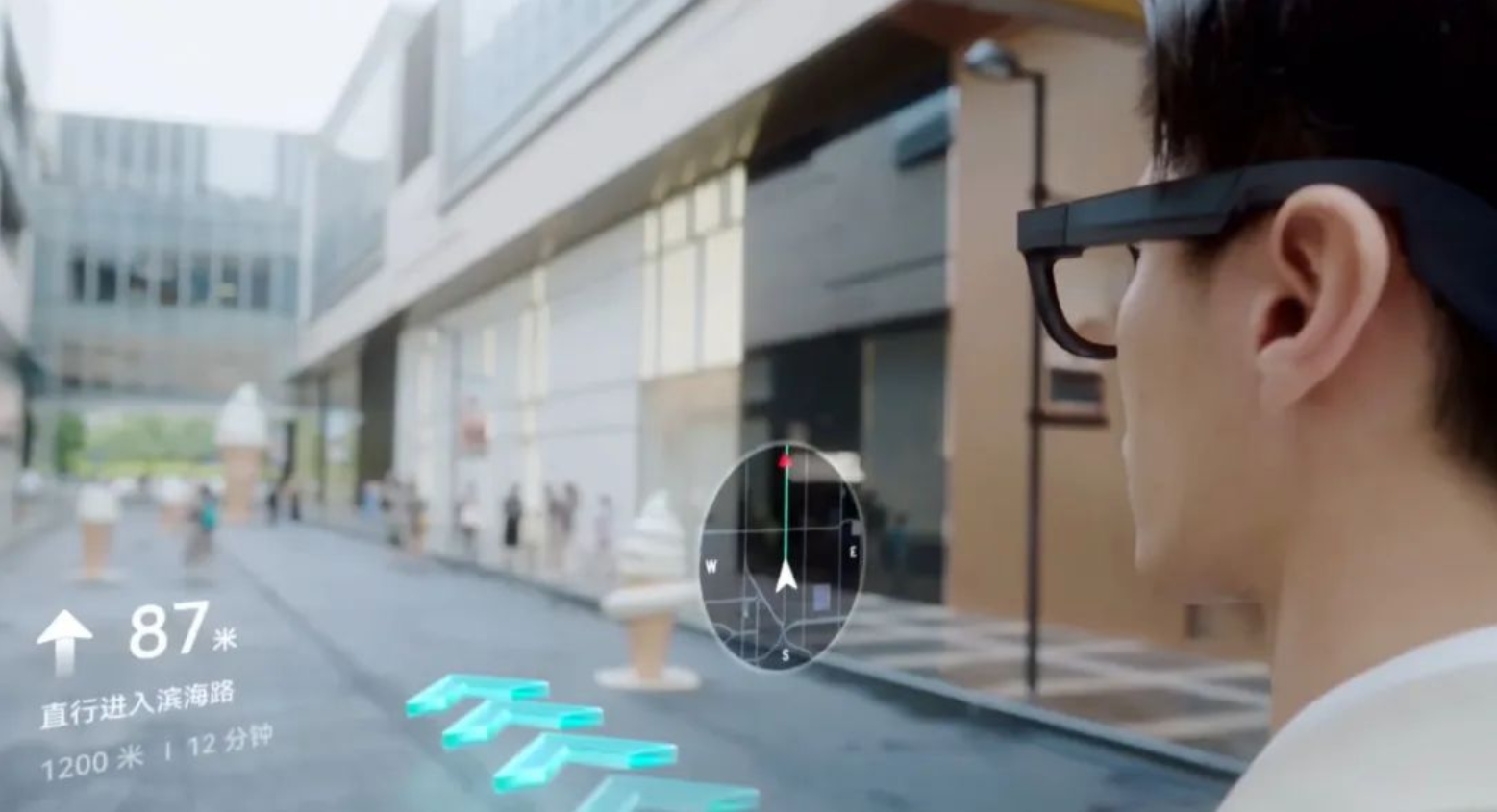
Navigation is an area where smart glasses could eventually become especially useful.
Instead of constantly looking down at a phone, compatible systems can provide audio guidance or, on display equipped models, visual information within the user's field of view.
Audio based navigation can be particularly useful because it does not require a screen.
However, the exact navigation experience varies significantly between products.
Some glasses may rely heavily on a connected smartphone, while others can access navigation related services through their own connectivity or companion ecosystem.
Before buying for travel, check exactly how navigation works and whether it requires your phone.
AI Assistants on Smart Glasses
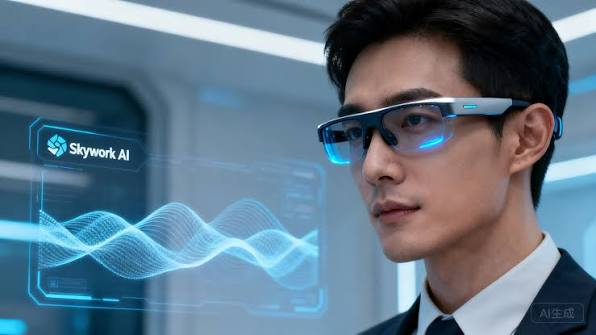
AI is becoming one of the defining features of modern smart glasses.
A connected AI assistant can potentially answer questions, summarize information, identify objects, provide suggestions, or interact with services using voice commands.
Camera equipped models can also use visual information as part of supported AI experiences.
Imagine walking through a museum and asking about an exhibit without pulling out your phone.
Or imagine asking for a quick translation while traveling.
These experiences can make technology feel more natural because the interaction happens through speech rather than typing.
Still, AI capabilities depend heavily on the software platform, internet connection, supported languages, regional availability, and product ecosystem.
Smart Glasses for Work
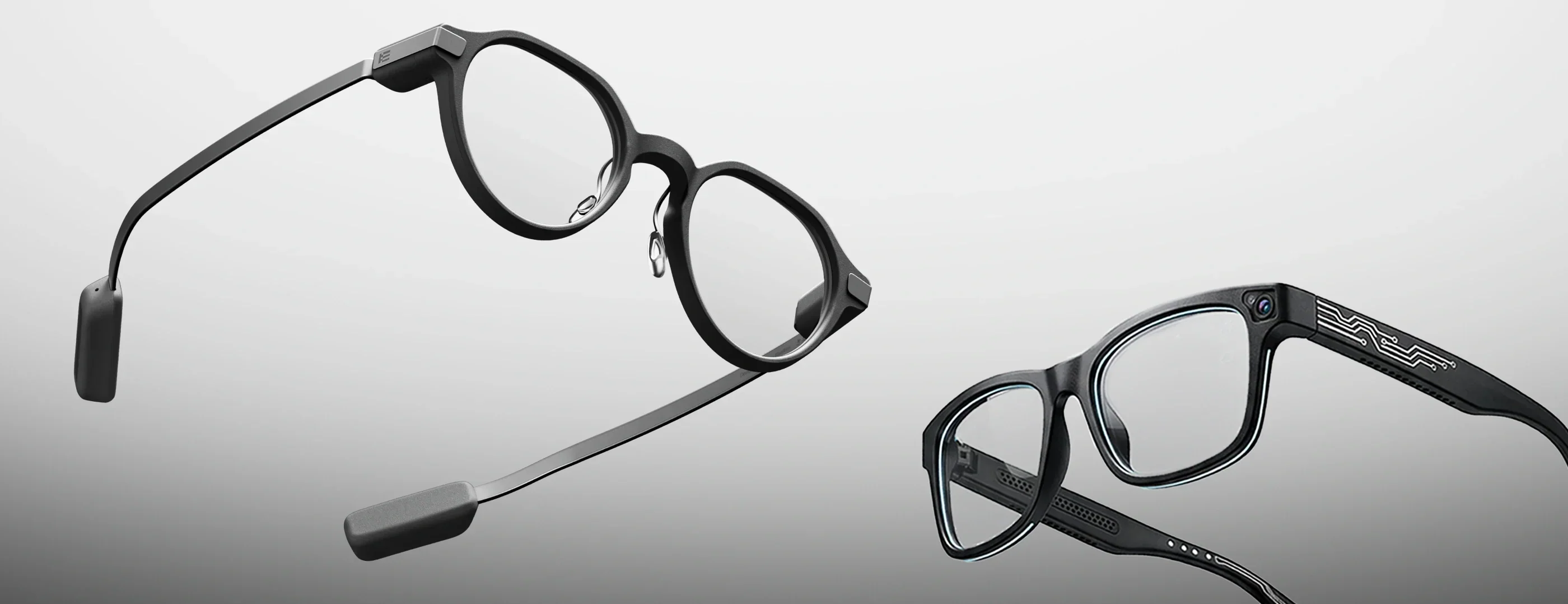
Smart glasses can also have practical workplace applications.
Audio focused models can function as hands free communication devices, allowing users to listen to calls or participate in conversations without constantly holding a phone.
For certain professional environments, cameras and AI capabilities could also support documentation, information retrieval, or visual assistance.
Display equipped glasses have another potential advantage.
They can place digital information in the user's field of view, potentially creating a more immersive productivity experience.
However, display based smart glasses vary considerably in capability.
Some are designed for simple notifications or contextual information, while others are intended to create large virtual screens.
The distinction matters when choosing a device for work.
Virtual Displays and Productivity
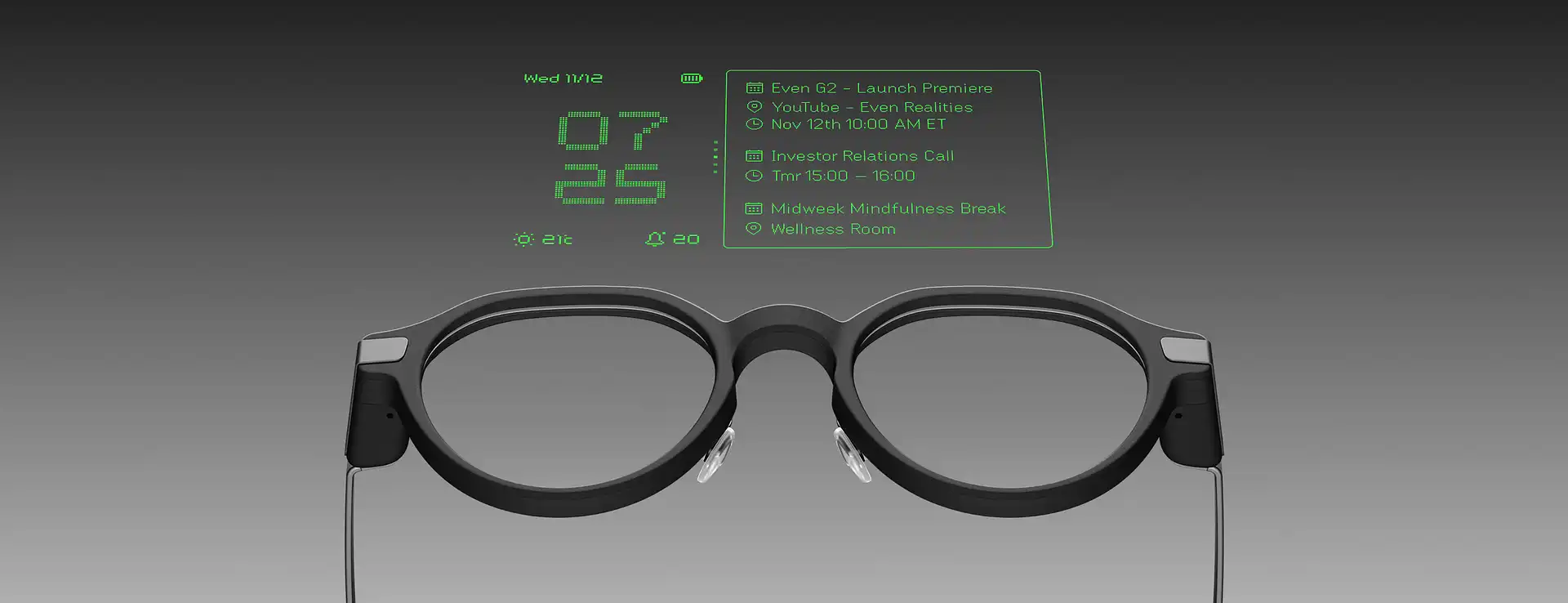
Some advanced smart glasses can function as personal displays.
When connected to compatible devices, they may create the impression of viewing a much larger screen than the physical glasses themselves.
This can be interesting for remote workers, travelers, and people who want a private viewing experience.
Imagine working from a hotel room and using glasses to create a large virtual display without carrying a traditional monitor.
For this use case, display quality becomes critical.
Resolution, brightness, field of view, refresh rate, text clarity, comfort, and compatibility can all affect productivity.
A device that looks impressive for watching video may not necessarily be comfortable for reading documents for several hours.
Smart Glasses for Everyday Use

The most successful smart glasses may ultimately be the ones that do not feel like technology products.
For everyday use, comfort is extremely important.
You might wear them while walking, shopping, commuting, traveling, working, or meeting friends.
Useful everyday features can include:
• Hands free calls
• Music and podcasts
• Voice assistants
• Camera controls
• Quick photographs
• AI interactions
• Audio notifications
The more natural these interactions feel, the more likely people are to use the glasses regularly.
Camera Quality Matters
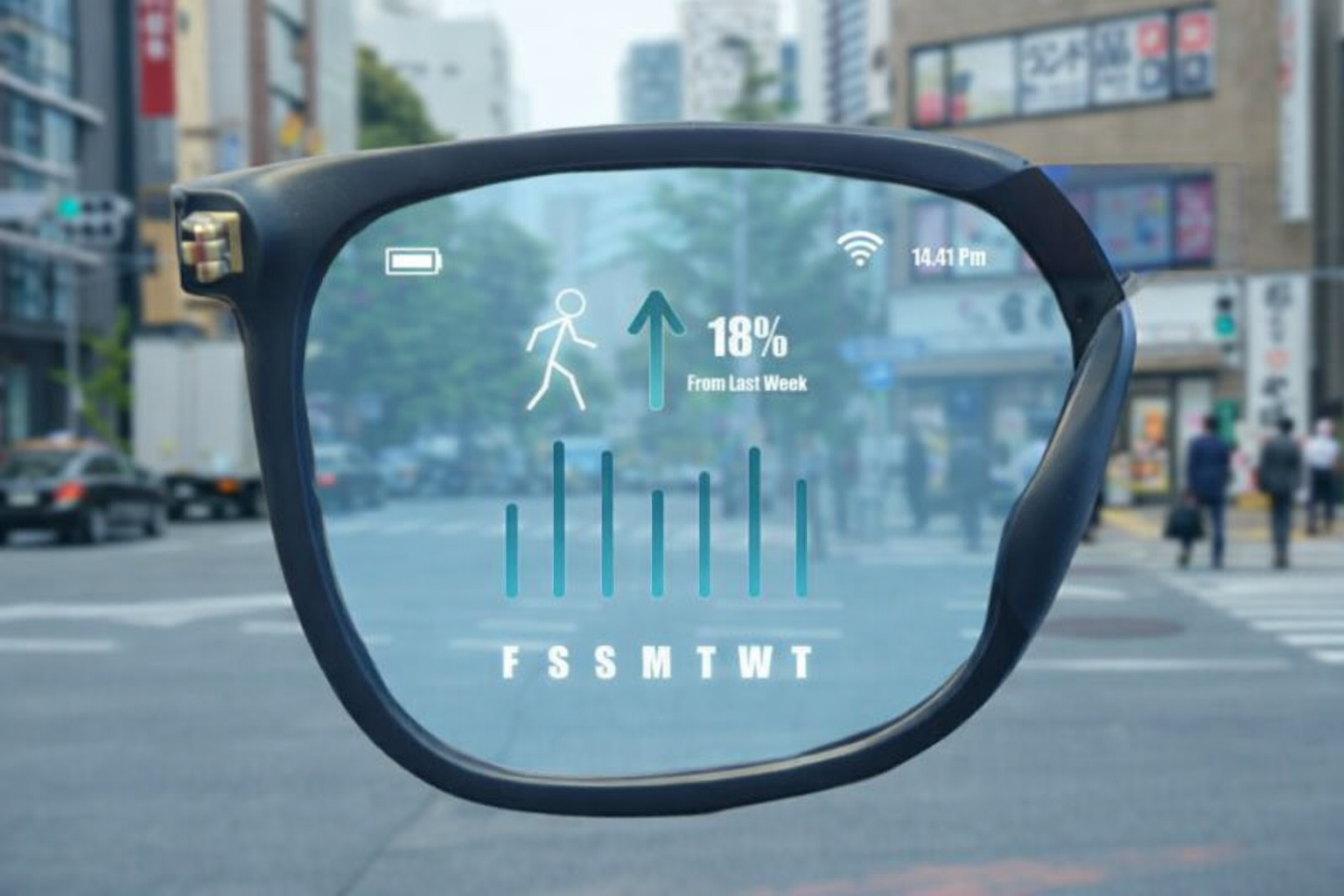
Camera equipped Smart Glasses offer a unique perspective because the camera is positioned close to the user's line of sight.
This can make them useful for hands free photographs and first person video.
When evaluating camera performance, do not look only at megapixel numbers.
Consider image stabilization, video resolution, low light performance, audio recording, processing, storage, and how easily media can be transferred to your phone.
The placement of the camera also affects the style of images you capture.
Because you are not holding a phone, the resulting footage can feel more immediate and natural.
Audio Quality and Open Ear Listening
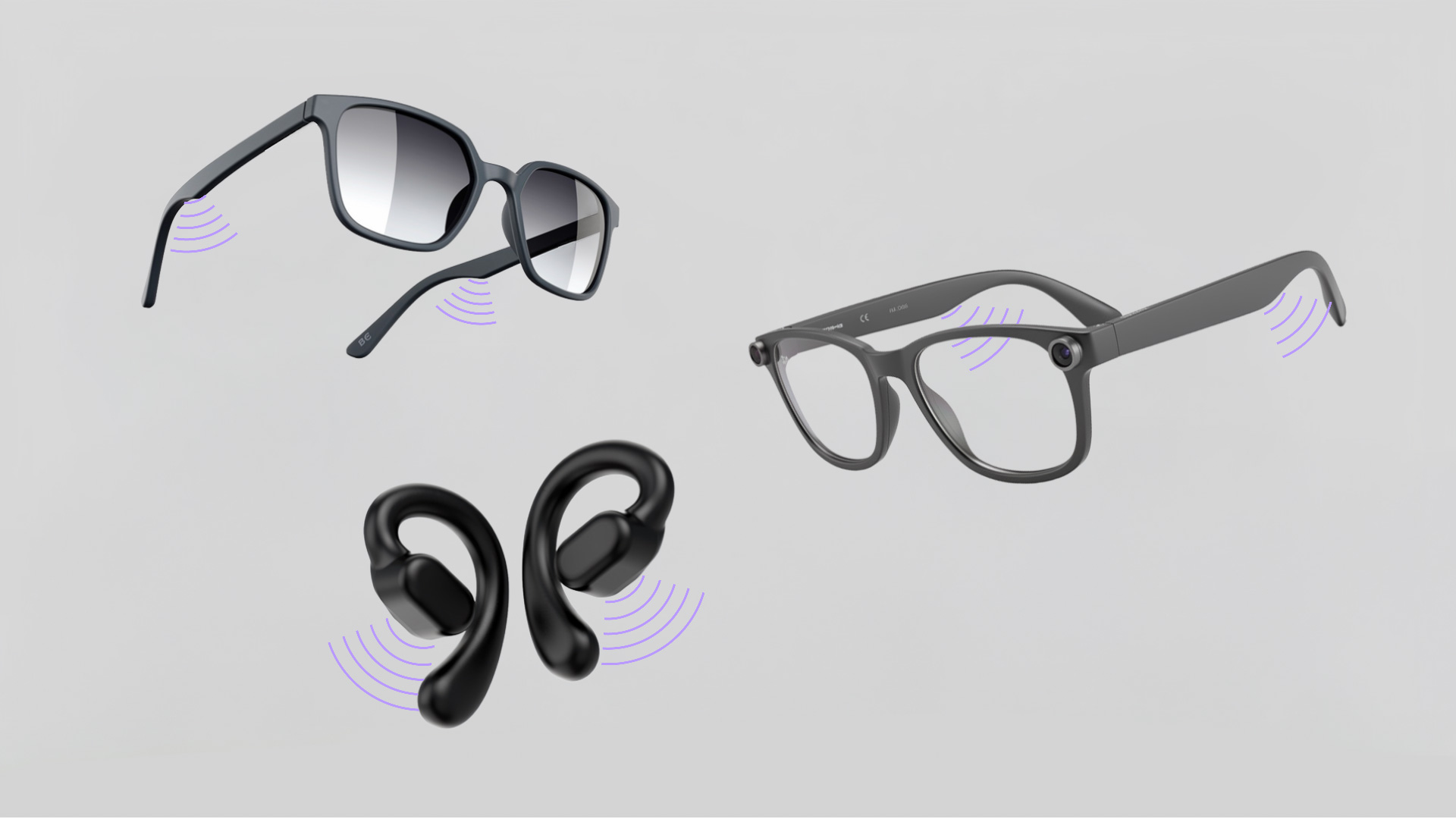
Many smart glasses use speakers built into the frame rather than traditional earbuds.
This can allow users to listen to audio while remaining aware of sounds around them.
That can be useful while walking, traveling, or working.
Audio quality depends on speaker design, fit, volume, environment, and background noise.
Open ear audio may also be less private than headphones because people nearby may hear some sound depending on the volume and design.
If you frequently use glasses in noisy environments, consider how the audio system performs outside quiet rooms.
Battery Life for Travel and Everyday Use
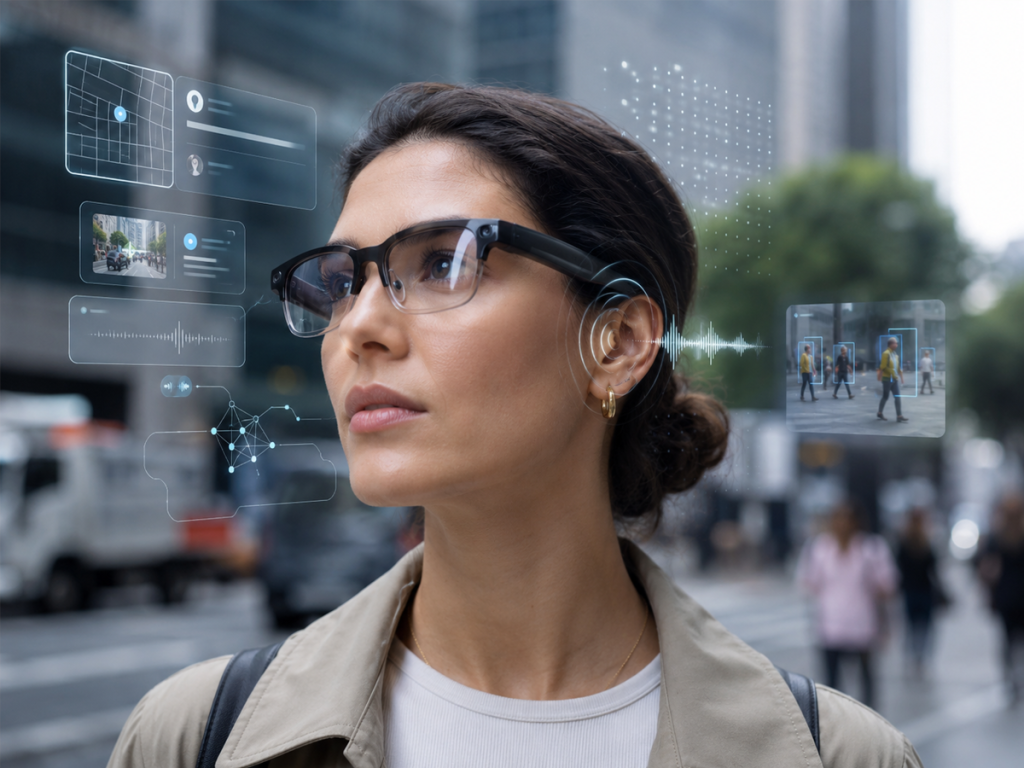
Battery life becomes particularly important when smart glasses are used while traveling.
Camera recording, AI processing, audio streaming, wireless connectivity, and displays can all consume power.
Manufacturers may quote battery life under specific testing conditions, so real world performance can vary.
Before buying, consider how you plan to charge the glasses.
Some models use a dedicated charging case, while others use a cable or another charging system.
A charging case can be particularly convenient during travel because it combines storage and power.
Comfort and Prescription Compatibility
Smart glasses have to work as glasses first.
Weight distribution, frame size, nose bridge design, temple pressure, and lens options can all influence comfort.
Prescription compatibility is also important for users who wear corrective lenses.
Some smart glasses are available with prescription options, while others may require specific lens configurations or professional fitting.
If you already wear glasses every day, do not treat prescription support as an optional detail.
It can determine whether the product is practical for continuous use.
Privacy Is a Major Consideration
Smart glasses with cameras and microphones create privacy considerations that traditional eyewear does not.
People nearby may not always know when a camera is recording.
Manufacturers may include visible recording indicators or other safeguards, but users still need to behave responsibly.
Before purchasing camera equipped Smart Glasses, understand the product's recording indicators, privacy controls, data handling practices, and applicable laws.
Users should also respect local rules and the privacy expectations of people around them.
Smart technology becomes much more useful when it is used transparently and responsibly.
Connectivity and Smartphone Requirements
Most smart glasses are part of a larger technology ecosystem.
A smartphone may provide internet connectivity, GPS information, processing power, applications, storage, or account access.
Before buying, check:
• Smartphone compatibility
• Operating system requirements
• Bluetooth support
• Companion application availability
• Internet requirements
• Account requirements
• Regional feature availability
• Supported languages
A pair of glasses may advertise extensive AI or navigation features, but some functions could depend on a connected phone or cloud service.
Understanding these dependencies prevents unpleasant surprises.
Smart Glasses With Displays vs Camera and Audio Glasses
One of the most important distinctions in the market is whether the glasses include a visual display.
Camera and Audio Glasses
These generally focus on cameras, microphones, speakers, voice controls, and AI features.
They can look and feel closer to conventional eyewear.
They are useful for hands free photography, calls, music, and voice interactions.
Display Equipped Glasses
These add visual information to the experience.
Depending on the product, the display may provide notifications, navigation information, virtual screens, or augmented reality content.
They can be more powerful for productivity and immersive experiences, but they may also be heavier, more expensive, or more complex.
Think about what you actually want the glasses to do before deciding which category makes sense.
Smart Glasses for Remote Workers
Remote workers can benefit from the portability of smart glasses.
A lightweight display system can potentially provide a large virtual workspace without requiring a physical monitor.
Audio focused glasses can also make calls and meetings more convenient.
For frequent travelers, reducing the amount of physical equipment required can be valuable.
However, productivity depends heavily on comfort.
If text appears too small, the display is difficult to position, or the glasses become uncomfortable after extended use, the theoretical advantage becomes less useful.
Smart Glasses for Commuting
Commuters may find audio based features particularly useful.
Listening to podcasts, receiving calls, or interacting with a voice assistant can be easier when you do not need to hold a phone.
Navigation can also become more convenient depending on the product.
However, safety should remain the priority.
Users should avoid interacting with complicated visual interfaces while walking, cycling, or driving.
Technology that reduces phone use can be helpful, but it should not create a new distraction.
How to Choose Smart Glasses in 2026
Start with your primary use case.
If you want hands free photographs and calls, camera and audio glasses may be sufficient.
If you want a virtual monitor, focus on display equipped models.
If travel is the priority, look closely at battery life, charging, connectivity, navigation, and language support.
If AI is important, check which AI features are actually available in your region rather than relying only on product marketing.
For everyday use, comfort and appearance can matter just as much as technical specifications.
Smart Glasses Buying Checklist
Before purchasing, consider:
• What will I use the glasses for most often?
• Do I want a camera?
• Do I need a visual display?
• Do I want AI assistant features?
• How long does the battery last in realistic use?
• How are the glasses charged?
• Do they support my smartphone?
• Are prescription lenses available?
• How comfortable are they for extended wear?
• How good are the speakers and microphones?
• What are the camera and recording controls?
• How is captured data stored?
• Which features require an internet connection?
• Are advertised AI features available in my country?
• Will the glasses receive software updates?
Frequently Asked Questions About Smart Glasses
What can Smart Glasses do?
Depending on the model, they can provide audio, calls, photography, video recording, AI assistance, navigation related features, notifications, and visual displays.
Are smart glasses useful for travel?
They can be useful for hands free photography, calls, audio, AI assistance, and some navigation experiences. Exact features depend on the device and its connection to a smartphone or online services.
Can Smart Glasses replace a smartphone?
For most people, no. They are better understood as a companion device that can handle selected tasks without requiring you to hold your phone.
Do smart glasses have cameras?
Some do and some do not. Camera equipped models are designed for hands free photography and video, while other products focus on audio, displays, or other functions.
Can I wear Smart Glasses with prescription lenses?
Some models support prescription lenses or specific prescription configurations. Compatibility varies, so check the manufacturer's current lens options before purchasing.
Do smart glasses need an internet connection?
Some functions can work locally or through a paired smartphone, while AI and cloud based services may require an internet connection.
Are smart glasses safe to use while driving?
Users should follow local laws and avoid features that distract from driving. Smart glasses should never interfere with attention to the road.
How long do Smart Glasses batteries last?
Battery life varies significantly according to the design and usage. Camera recording, AI features, displays, audio, and wireless connectivity can all affect battery consumption.
Are camera smart glasses private?
Camera equipped wearables create additional privacy considerations. Users should understand recording indicators and controls and respect applicable laws and the privacy of people nearby.
Final Thoughts
Smart glasses are evolving from experimental wearable technology into a broader category of everyday connected devices.
For travelers, they can provide hands free photography, audio, calls, AI assistance, and potentially more convenient access to information.
For professionals, display equipped models can create new possibilities for portable productivity, while audio focused glasses can simplify communication and media consumption.
For everyday users, the biggest advantage may simply be reducing the number of times they need to reach for their smartphone.
But the right pair of Smart Glasses depends on the experience you want.
Think carefully about whether you need cameras, AI, audio, visual displays, navigation, or productivity features. Then consider the less glamorous but equally important factors such as comfort, battery life, prescription compatibility, privacy, smartphone support, and software updates.
The most useful smart glasses are likely to be the ones that fit naturally into everyday routines rather than demanding constant attention.