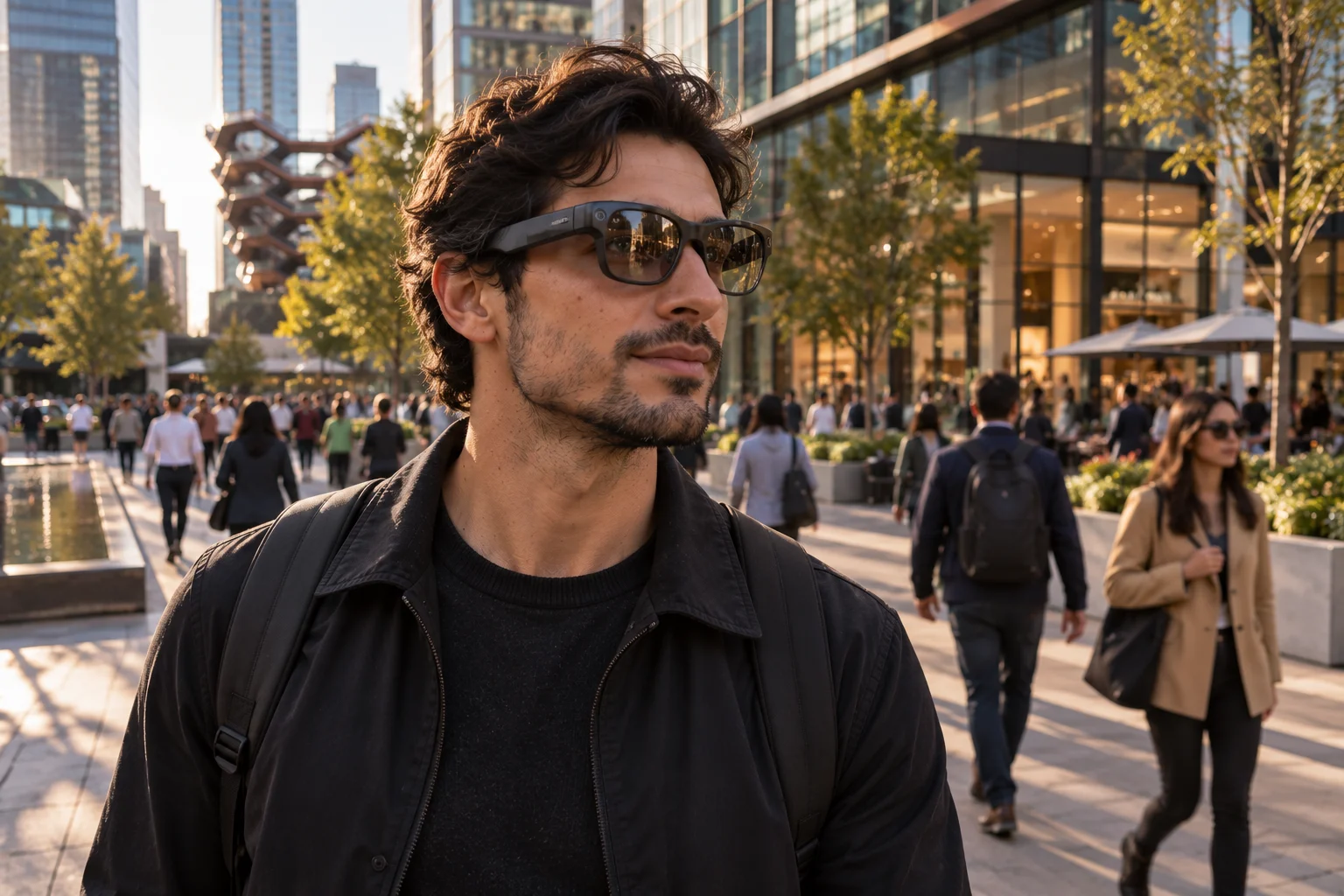
AI smart glasses are becoming much more than hands-free cameras. Modern glasses can combine cameras, microphones, speakers, phone connectivity, location data and AI assistants that understand what the wearer sees and hears.
That creates an obvious privacy question: what can AI smart glasses actually capture, and where does that information go?
The answer depends heavily on the hardware, software and AI service. A camera-equipped pair can photograph or record people and surroundings. Microphones can pick up voice commands and nearby audio during certain interactions. AI can analyze images, text and objects in the wearer's environment. Some processing can happen locally, but cloud processing is still used for many AI features.
The distinction matters because “on-device AI” does not automatically mean “nothing leaves the glasses.” Some systems use the glasses for sensing, a smartphone for connectivity or processing, and cloud servers for more demanding AI tasks.
As Google, Meta and other companies push AI eyewear into everyday use, regulators are also paying closer attention to the privacy implications.
What Can AI Smart Glasses Capture?
AI smart glasses can potentially capture images, video, audio and information about the wearer's surroundings, depending on their sensors and enabled features.
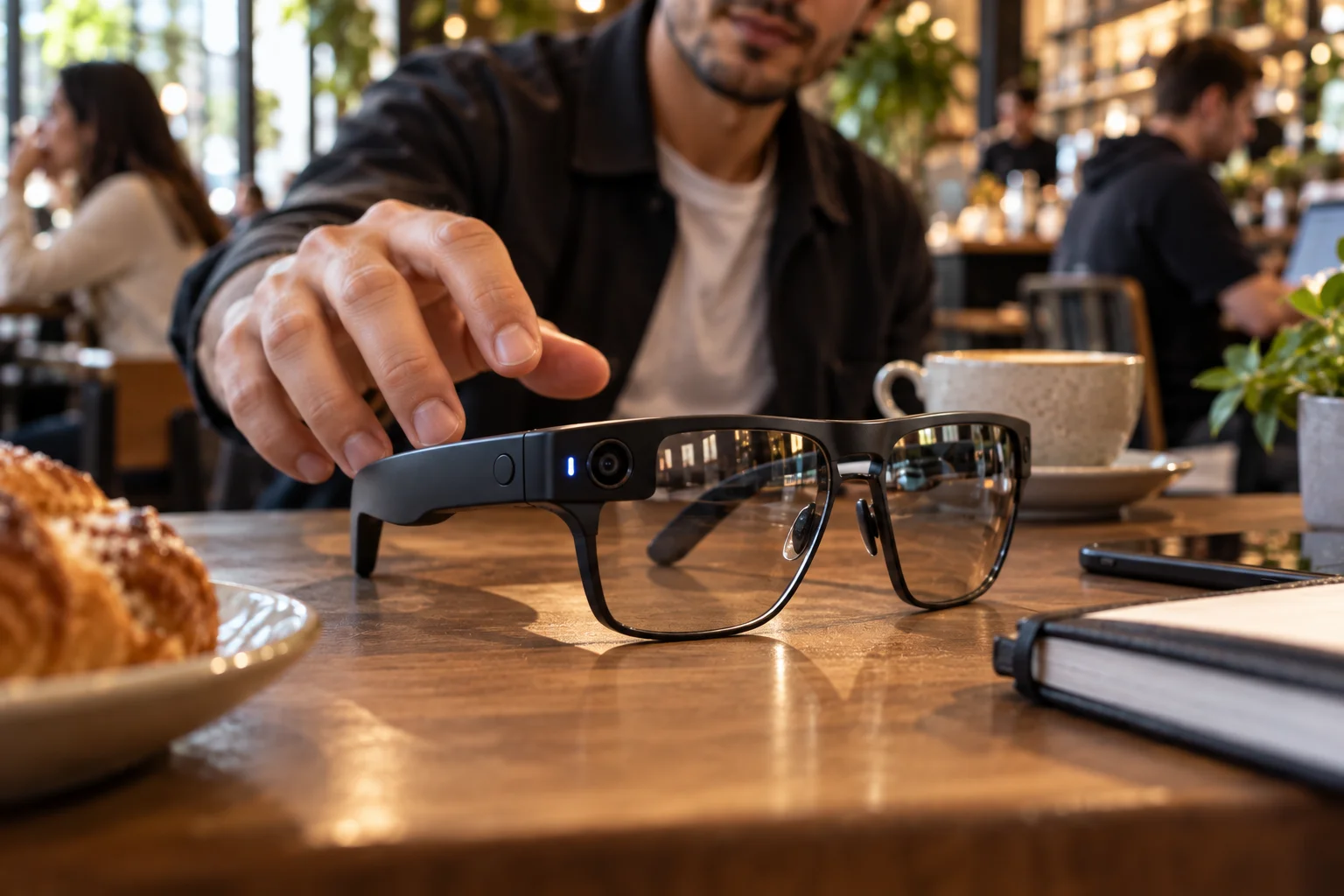
A typical camera-equipped AI glasses system can include:
Capability | What it can capture or process |
|---|---|
Camera | Photos, video, objects, signs, text and surroundings |
Microphones | Voice commands and nearby audio during supported interactions |
Speakers | AI responses, calls, music and navigation |
Location | Position and movement when location services are enabled |
AI vision | Objects, landmarks, text and visual context |
Phone connection | Apps, communications and internet-based services |
France's privacy regulator CNIL describes smart glasses as connected devices that can combine cameras and microphones with smartphones and AI systems capable of answering questions about the wearer's surroundings.
The important point is that the glasses don't necessarily need to save everything they see or hear for the sensors to have privacy implications.
Can Smart Glasses Record People Without Them Knowing?
Technically, a camera-equipped wearable can point at people without requiring the person being filmed to interact with the device.

That is one of the biggest differences between smart glasses and a conventional smartphone. A person holding a phone up to their face is relatively obvious. A pair of ordinary-looking glasses can be much harder to notice.
Meta's current AI glasses use a front-facing capture LED to indicate when photos, videos or livestreams are being captured. Meta says covering or disabling the capture LED automatically disables the camera.
However, there's an important distinction between recording content for the user's gallery and using the camera for AI perception.
Meta's current FAQ says newer models can use the camera for certain AI features, such as identifying a landmark or plant, without turning on the capture LED because the content isn't intended to be saved or shared as a photo or video. Meta says privacy protections still apply, including removing identifiable information such as license plates and phone numbers.
That means someone nearby may not necessarily see the recording indicator every time the camera is being used by AI.
What Can the Microphones Hear?
The microphones are primarily designed for voice interaction, calls and audio features, but they can process surrounding sound during supported interactions.
For example, Meta's Ray-Ban Meta documentation explains that when a conversational feature is enabled, the microphone can remain active for a short period after a request. If the wearer continues speaking, the glasses can record and process that audio.
This creates an important privacy consideration in conversations.
A microphone doesn't understand social boundaries by itself. It detects sound. The software then determines what to process, store or transmit according to its design and privacy settings.
That's why people should be particularly careful with AI glasses in:
Private meetings
Medical environments
Classrooms
Workplaces
Legal consultations
Financial discussions
Bathrooms and changing areas
Other locations where recording is restricted
Local laws and workplace policies can also impose additional restrictions.
Does On-Device AI Mean Your Data Stays Private?
No. On-device AI can reduce cloud dependence, but it doesn't guarantee that all captured information stays on the device.
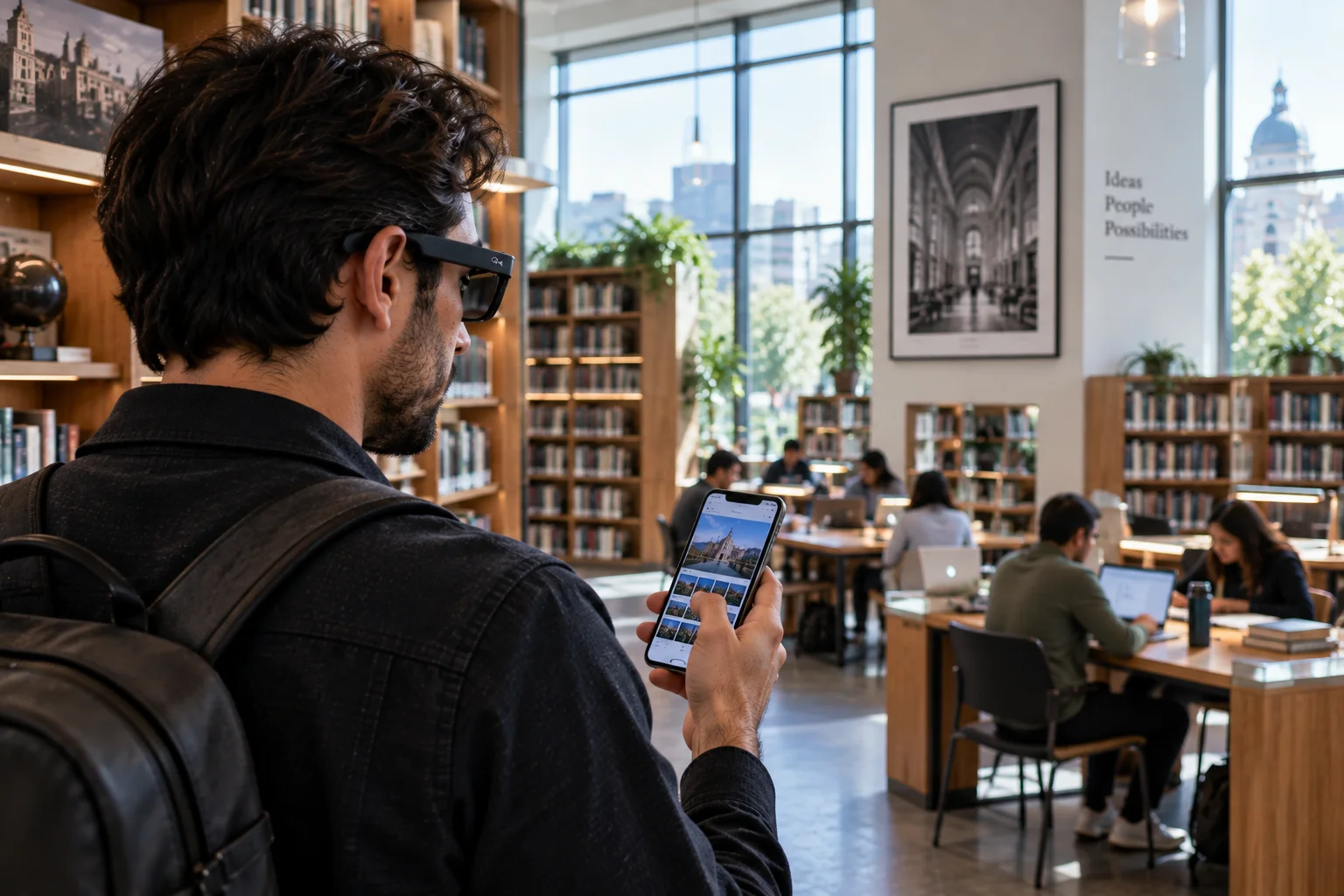
This distinction is becoming increasingly important as manufacturers market AI processing as a privacy feature.
There are several possible architectures:
Fully local: The glasses or connected phone processes the information without sending it to a remote AI service.
Phone-assisted: The glasses capture information and send it to a smartphone for processing.
Cloud-assisted: The glasses or phone sends information to a remote server where an AI model processes it.
Hybrid: Different parts of the task happen locally, on the phone and in the cloud.
For example, Google's 2026 Android XR glasses are designed to let Gemini answer questions about what the wearer sees, provide directions, translate text and perform other tasks. Google's announced intelligent eyewear also connects to phones and apps.
So when evaluating an AI glasses product, don't stop at the phrase “on-device AI.” Find out exactly which functions are local and which require an internet connection.
What Happens to Photos Used by AI?
The answer depends on the manufacturer and the specific AI feature.
Meta's current documentation says photos and videos used for certain AI features aren't saved to Meta AI conversation history. Meta also says the data is used to provide the requested feature and, in protected form, to improve its products.
But other Meta documentation has described cloud-based processing for visual AI features, meaning the image can leave the glasses before the AI responds.
This is why privacy policies and product documentation matter more than a general claim that a device has AI.
Before buying, check:
Whether images leave the device
Whether audio is uploaded
How long information is retained
Whether data is used for AI training
Whether humans can review content
Whether you can disable camera AI
Whether third-party apps can access sensors
Can Third-Party Apps Access Smart Glasses Cameras and Microphones?
Yes, on some platforms developers can access wearable capabilities through official software tools.
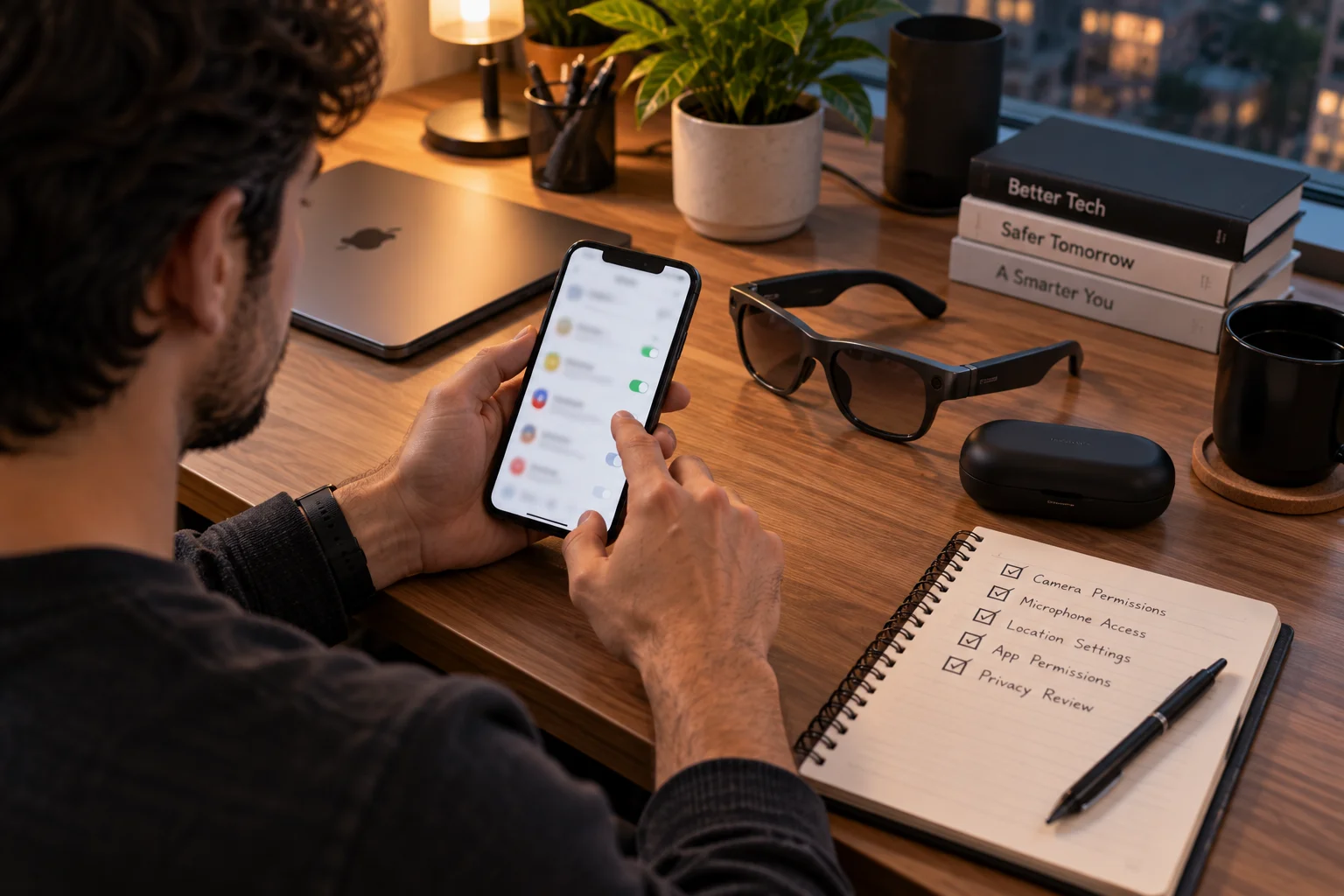
Meta's Wearables Device Access Toolkit allows developers to build applications using capabilities such as video streaming, photo capture, microphones and audio. Meta says developers will initially have camera access through the toolkit, with microphone and speaker access through mobile Bluetooth profiles.
This expands what smart glasses can do, but it also makes app permissions important.
The privacy model therefore isn't only about trusting the glasses manufacturer. You may also need to consider the applications connected to the glasses.
Why AI Glasses Are Creating New Privacy Concerns
The biggest issue isn't simply that smart glasses contain cameras; it's that cameras and AI can operate continuously within ordinary social situations.
The UK's Information Commissioner's Office recently highlighted the tension between useful AI glasses applications and harmful or intrusive uses. It noted that the technology combines cameras, AI and audio in ways that can provide genuine accessibility and independence benefits while also creating surveillance and trust concerns.
French authorities have also increased scrutiny of smart glasses following concerns about covert filming and harassment. Reuters reported that France's privacy regulator CNIL had received workplace complaints and growing questions from businesses about whether such devices should be restricted.
This isn't simply a technology-versus-privacy argument. AI glasses can provide useful accessibility, navigation, translation and hands-free computing features. The challenge is making those benefits compatible with reasonable expectations of privacy for everyone around the wearer.
How to Use AI Smart Glasses More Privately
The safest approach is to treat AI glasses like a camera, microphone and internet-connected computer that happens to be sitting on your face.
Before using them, review the privacy settings and:
Disable camera-based AI features you don't need.
Check microphone and app permissions.
Understand when visual information is uploaded.
Review retention and AI-training settings.
Avoid recording sensitive conversations.
Follow workplace, venue and local recording rules.
Tell people when recording is appropriate or required.
Keep the glasses and companion app updated.
Be especially cautious around children and vulnerable people.
Don't assume a visible capture LED means the camera is never being used for AI.
Are AI Smart Glasses a Privacy Risk?
They can be, but the level of risk depends on the device, software, settings and how the wearer uses it.

A modern AI glasses system can see, hear, understand and respond to parts of the world around its wearer. That's also what makes the technology useful.
The key distinction is between what the hardware can sense, what the software processes, what leaves the device and what gets stored.
As AI glasses move from novelty products into everyday computing, those four questions are becoming more important than the simple presence of a camera.
For buyers, the most useful privacy question isn't “Does this pair of glasses have AI?”
It's “What can it capture, where is that information processed, how long is it retained, and who can access it?”
Those answers tell you far more about the real privacy profile of an AI smart glasses product than its marketing label.
Frequently Asked Questions About AI Smart Glasses Privacy
Can AI smart glasses record people without them knowing?
AI smart glasses can potentially capture people within the camera's field of view. Some products use an external LED to indicate when photos or videos are being recorded, but AI-powered visual processing can work differently from conventional recording. Always follow local recording laws and venue or workplace policies.
Do AI smart glasses always record what they see?
No. Having a camera does not mean the glasses continuously save everything they see. Depending on the product, the camera may activate for specific commands, photos, video, livestreaming or AI features. The manufacturer's privacy documentation explains how each function works.
Can AI smart glasses listen to conversations?
Their microphones can pick up surrounding audio when the relevant microphone or voice features are active. Whether that audio is stored, processed locally or transmitted to another device or cloud service depends on the product and feature being used.
Is on-device AI more private than cloud AI?
On-device AI can reduce the amount of information that needs to be sent to cloud servers, but it does not automatically make a product completely private. Some features may still use a smartphone, internet connection or cloud-based AI processing.
Can AI smart glasses recognize faces?
Some AI glasses may be technically capable of processing visual information about people, but the availability and legality of facial recognition features varies by product, software and jurisdiction. Users should not assume that a camera's ability to see a person means the glasses can legally or automatically identify them.
Can smart glasses be hacked?
Like other connected devices, smart glasses can potentially face security vulnerabilities. Risks can include compromised accounts, insecure software, malicious apps or unauthorized access to connected devices. Keeping the glasses, companion app and phone updated reduces some security risks.
Should you wear AI smart glasses in the workplace?
It depends on the workplace and the type of information being handled. Offices dealing with confidential business information, customer data, medical information or intellectual property may have specific rules about cameras and recording devices. Check the organization's policy before using camera-equipped AI glasses.
How can you make AI smart glasses more private?
Review camera, microphone, location and app permissions; understand which features use cloud processing; disable unnecessary AI functions; keep software updated; and avoid using recording features in sensitive environments. Most importantly, respect the privacy expectations and applicable laws of people around you.