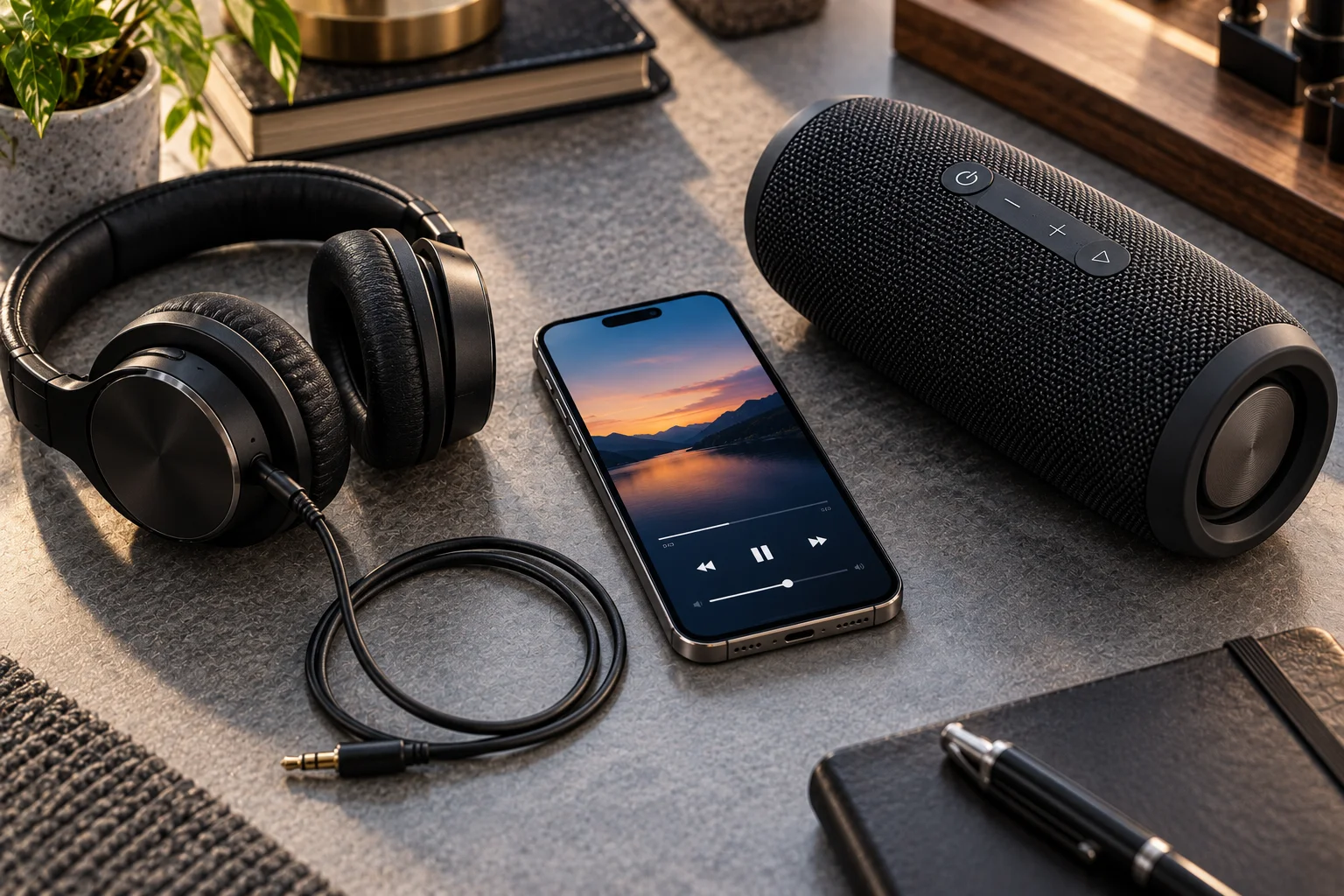
AUX has survived because it solves a very simple problem: it sends analog audio from one device to another with almost no setup. A 3.5mm AUX cable does not need pairing, wireless codecs, batteries, an app or a network connection. Plug it in, select the correct input, and the audio plays.
That simplicity still matters in cars, laptops, desktop PCs, mixers, speakers, headphones and older audio equipment. Even as smartphones increasingly remove headphone jacks, the 3.5mm connection itself hasn't disappeared. Modern computers such as compatible Mac models still include headphone jacks, while USB-C devices can connect to 3.5mm audio through an adapter.
AUX does have limitations. It's an analog connection, cables can be inconvenient, the signal can pick up electrical noise, and you don't get the wireless convenience of Bluetooth. But for straightforward, low-latency audio, its basic design remains surprisingly useful.
What Does AUX Actually Mean?
AUX is short for auxiliary, and in everyday consumer electronics it usually refers to a wired analog audio connection, most commonly through a 3.5mm stereo plug.
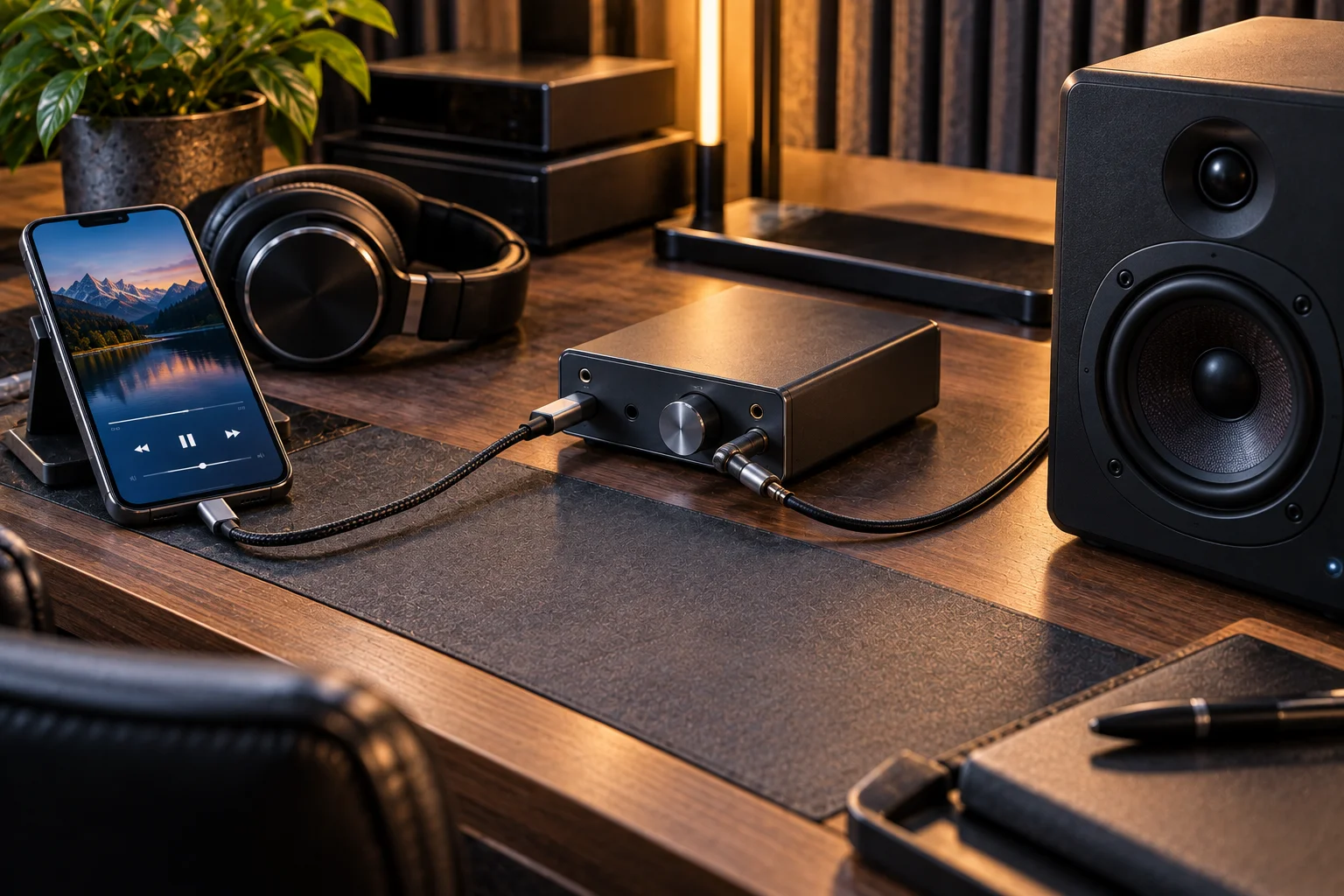
The important distinction is that the 3.5mm cable isn't carrying digital audio like USB or Bluetooth. The source device's digital audio has already been converted into an analog electrical signal by a DAC. That analog signal travels through the cable to the receiving device, where it is amplified and converted into sound by speakers or headphones.
A typical chain looks like this:
Digital audio → DAC → analog signal → AUX cable → amplifier → speaker
That's why an AUX cable itself doesn't determine things such as Bluetooth codec support or digital audio resolution. The quality of the source device's DAC, amplifier, cable, receiving equipment and original recording all contribute to the final result.
Why Does AUX Still Exist on Modern Devices?
AUX remains useful because it is simple, compatible, predictable and doesn't introduce wireless transmission or codec processing.
One of its biggest advantages is compatibility. A basic 3.5mm input can work with phones, laptops, tablets, cars, speakers, headphones, mixers and other equipment without requiring the two devices to understand a wireless protocol.
Apple's current Mac lineup is a good example. Compatible Macs continue to provide 3.5mm audio connections, including support for headphones and line-level devices. Some newer Macs can even detect headphone impedance and adjust voltage output accordingly.
AUX also remains useful because millions of existing audio systems already have it. Replacing every speaker, car stereo, amplifier and mixing system simply because wireless audio has become popular would make little economic sense.
What Are the Main Advantages of an AUX Connection?
1. Very simple setup
There is no pairing process. Insert the plug and the physical connection is established.
That's particularly useful in cars, conference rooms, classrooms and shared audio equipment where different people may connect different devices throughout the day.
2. Low and predictable latency
A direct analog connection doesn't need wireless transmission, buffering or Bluetooth codec encoding and decoding.

Bluetooth SIG documentation notes that codecs introduce latency because audio must be sampled, encoded, transmitted, decoded and reproduced.
For casual music listening, this delay may not matter. For instruments, gaming, monitoring or video applications where timing is critical, eliminating wireless processing can be valuable.
3. No Bluetooth pairing problems
AUX doesn't care whether the source supports Bluetooth 5.x, which codec it uses or whether another device is already connected.
This makes it particularly useful with older equipment.
4. No wireless battery requirement
The cable itself doesn't need charging. Wired headphones with a 3.5mm connection can continue working as long as the source and headphones have the necessary power for amplification.
That's different from many wireless headphones, which depend on their internal batteries.
5. Predictable compatibility
The 3.5mm connector became an extremely common consumer audio interface. Even today, USB-C devices can be connected to traditional 3.5mm headphones through adapters. Apple explicitly supports USB-C-to-3.5mm adapters for its current USB-C devices.
What Are the Limitations of AUX?
AUX's biggest weakness is that it is an old-fashioned physical analog connection rather than a flexible digital interface.
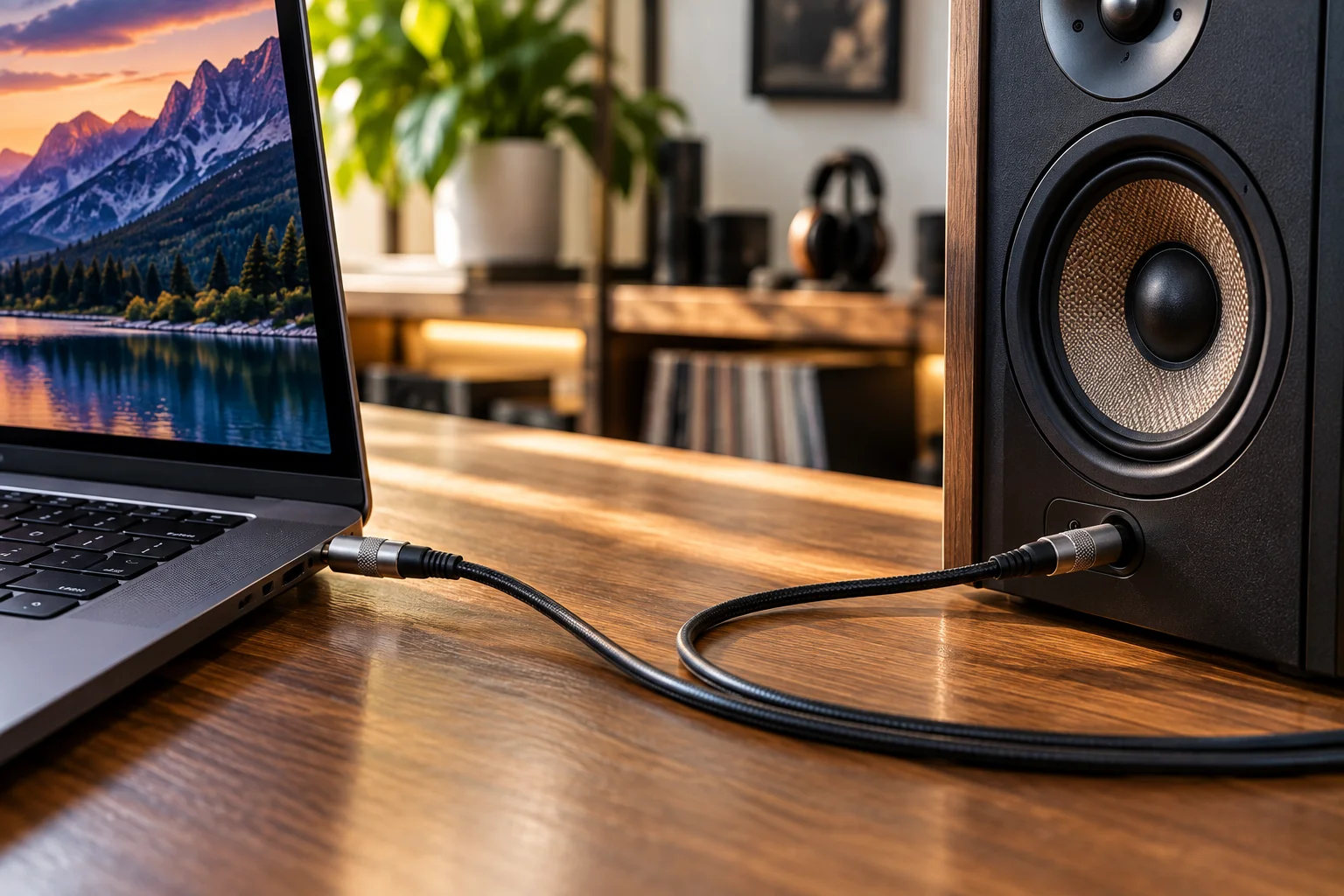
The cable can be inconvenient
A physical cable can get tangled, restrict movement and create mechanical stress around the connector.
Bluetooth solves much of that problem by removing the physical connection between the source and receiver.
Analog connections can pick up noise
Because AUX carries an analog electrical signal, electrical interference can sometimes become audible as hum, hiss or buzzing.
This doesn't mean every AUX connection is noisy. Good equipment can produce extremely clean analog output. But the physical environment and quality of the source and receiving equipment can affect the result.
Cable length can matter
A short, properly shielded cable is generally straightforward. Very long or poorly constructed analog cables can be more susceptible to interference and signal degradation.
One connection doesn't fit every device
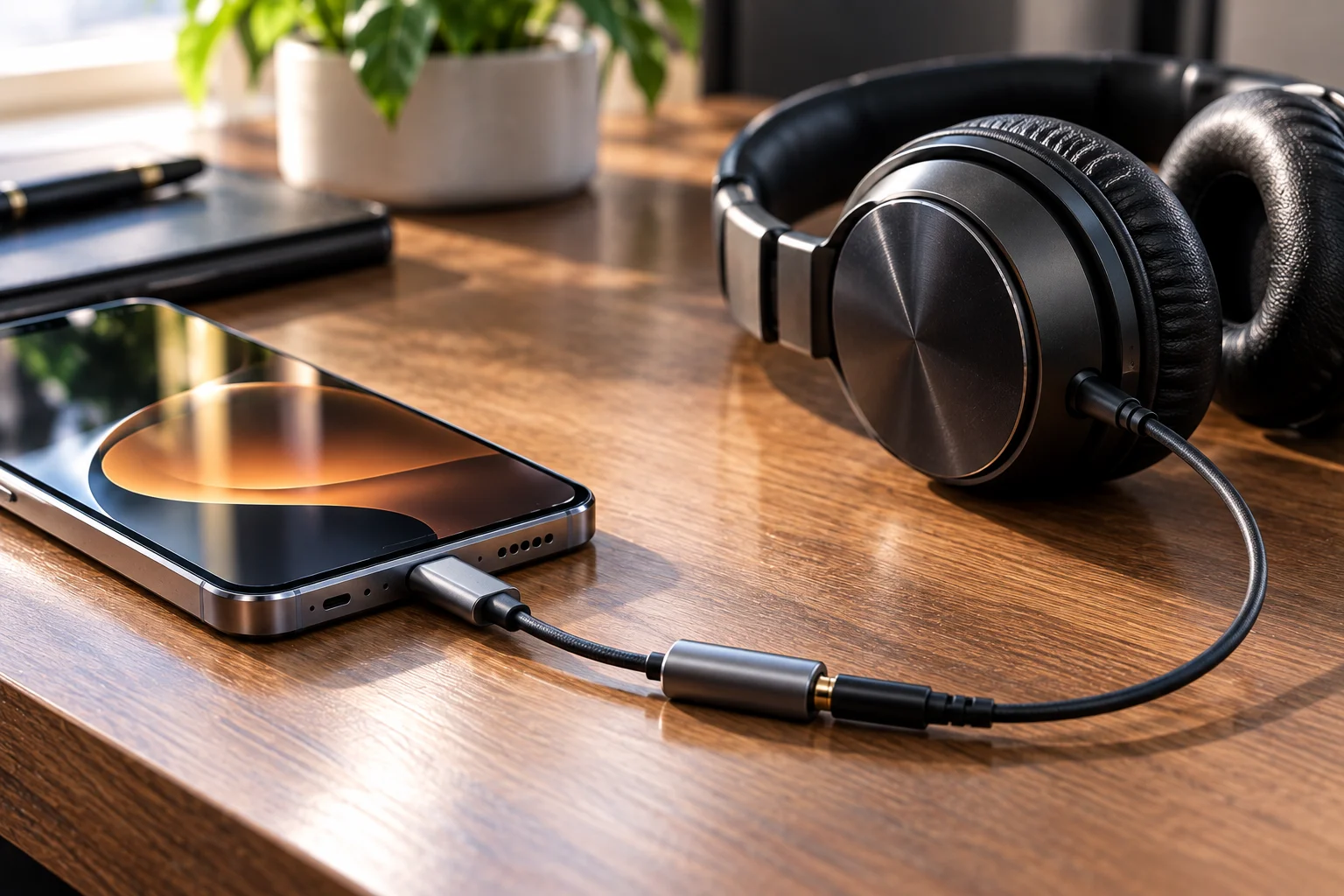
Modern phones increasingly rely on USB-C for wired audio. That means a traditional 3.5mm headphone may require an adapter.
And the adapter isn't simply a passive piece of metal in every implementation. USB-C audio can involve digital audio and conversion hardware before the signal reaches the 3.5mm output.
Is AUX Better Than Bluetooth for Sound Quality?
Not automatically. AUX has the potential to avoid Bluetooth compression, but the complete audio chain matters more than the connector alone.
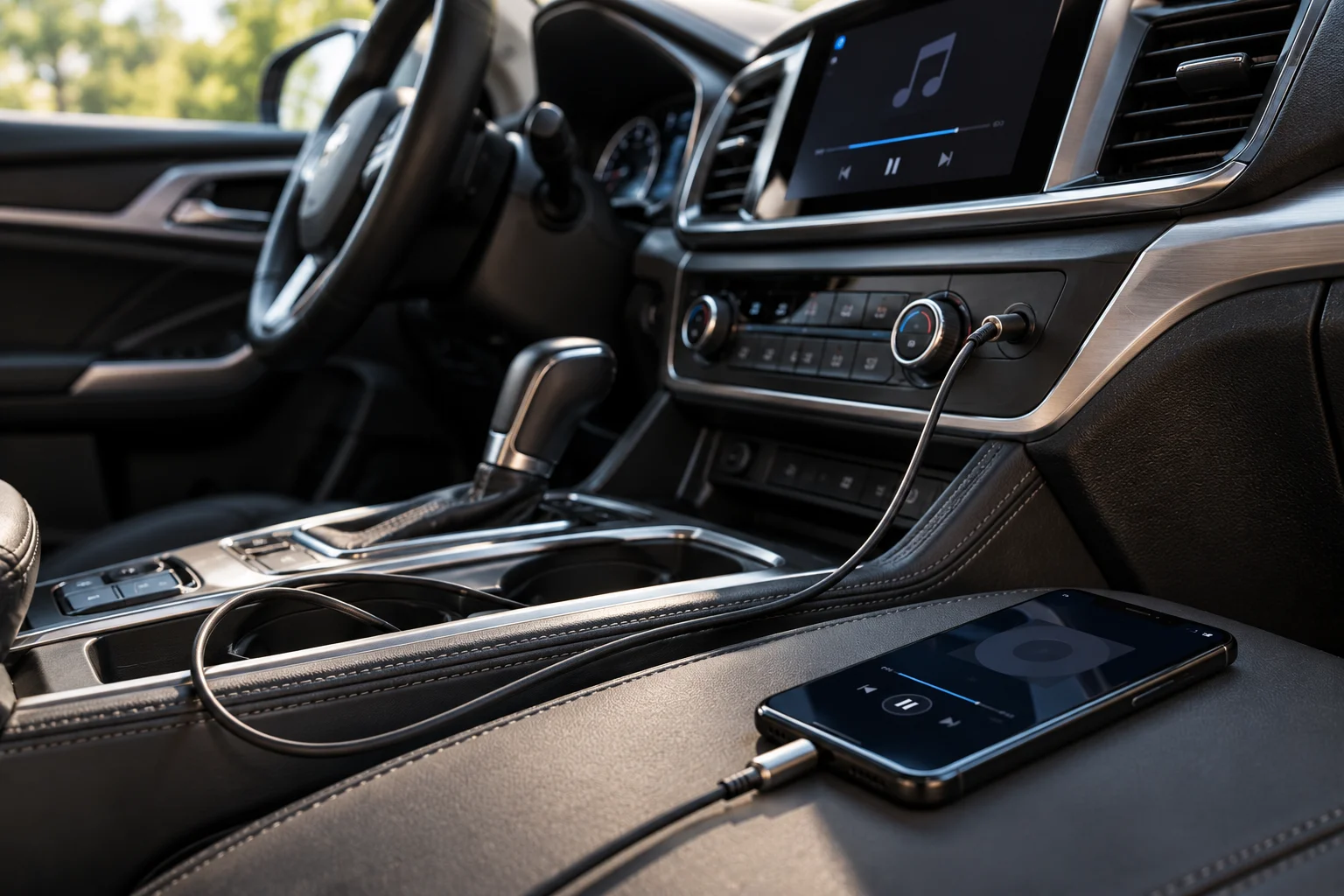
With AUX, the source sends an analog signal directly to the receiving equipment. Bluetooth instead transmits digital audio wirelessly and normally involves codec processing.
But that doesn't mean every AUX setup sounds better.
A poor DAC, weak headphone amplifier, noisy output or badly designed receiving system can produce worse sound than a well-designed Bluetooth system.
The headphones or speakers themselves, their tuning, the recording quality and the listener's environment can have a much larger effect.
So the useful distinction is:
AUX | Bluetooth |
|---|---|
Wired | Wireless |
Analog connection | Digital wireless connection |
No Bluetooth codec | Codec usually required |
Very low/predictable latency | Can introduce latency |
No wireless pairing | Requires pairing |
No wireless battery | Receiver needs power |
Cable required | No audio cable |
Broad legacy compatibility | Better convenience |
Why Are Phones Removing the Headphone Jack?
Smartphones have increasingly moved toward USB-C and wireless audio rather than maintaining a dedicated 3.5mm port.
There are several practical reasons. Removing the jack frees internal space, simplifies port design and encourages a single connector for charging, data and wired audio.
USB-C is also far more versatile. The same connector can carry charging, data, displays and digital audio. Apple's current iPhone documentation, for example, describes USB-C as supporting charging, syncing and audio/video connections.
That doesn't make AUX obsolete. It simply moves the analog connection farther down the chain, often into an adapter or audio device.
Does USB-C Replace AUX?
USB-C replaces the physical 3.5mm port in many devices, but it doesn't replace the underlying need for wired audio.
USB-C audio can remain digital until an audio device or adapter performs digital-to-analog conversion.
USB-IF's USB Audio specifications explicitly cover audio functionality involving both digital and analog audio systems.
This is why a USB-C-to-3.5mm adapter can effectively give a modern phone or tablet a traditional wired headphone connection.
The connector has changed, but the use case hasn't disappeared.
When Does AUX Still Make the Most Sense?
AUX remains particularly practical when you want:
Low-latency audio for monitoring, instruments or gaming
Simple connections without pairing
Compatibility with older equipment
Reliable car audio connections
Wired headphones without wireless batteries
A direct connection to mixers, amplifiers or powered speakers
A backup when Bluetooth isn't available
For ordinary listening at home, Bluetooth is often more convenient. For a fixed audio system, studio equipment or a car with a 3.5mm input, AUX can still be the easier solution.
Frequently Asked Questions
Is AUX analog or digital?
Traditional AUX through a 3.5mm audio connection is analog. The digital-to-analog conversion happens before the signal travels through the cable.
Does AUX have better sound quality than Bluetooth?
Not necessarily. AUX avoids wireless codec transmission, but the DAC, amplifier, headphones, speakers and source quality can matter more.
Does AUX have lower latency than Bluetooth?
Generally, yes. A direct analog connection avoids the encoding, wireless transmission and decoding stages associated with Bluetooth audio.
Can I use AUX headphones with a USB-C phone?
Yes, if the phone supports the appropriate USB-C audio adapter. Apple's USB-C-to-3.5mm adapter is one example.
Is the 3.5mm headphone jack obsolete?
It's less common on smartphones, but it remains useful on computers, professional audio equipment, cars and other devices. Its continued presence on modern Macs shows that manufacturers still see situations where a physical audio connection makes sense.
The Bottom Line
AUX survives for the same reason many older technologies survive: it works without making the user think about it.
Bluetooth is more convenient, USB-C is more versatile, and wireless audio is now the default for many people. But a simple analog connection still offers low latency, predictable behavior, broad compatibility and zero pairing complexity.
AUX isn't competing with modern audio technology on features. Its strength is that it doesn't need many features to do its job.