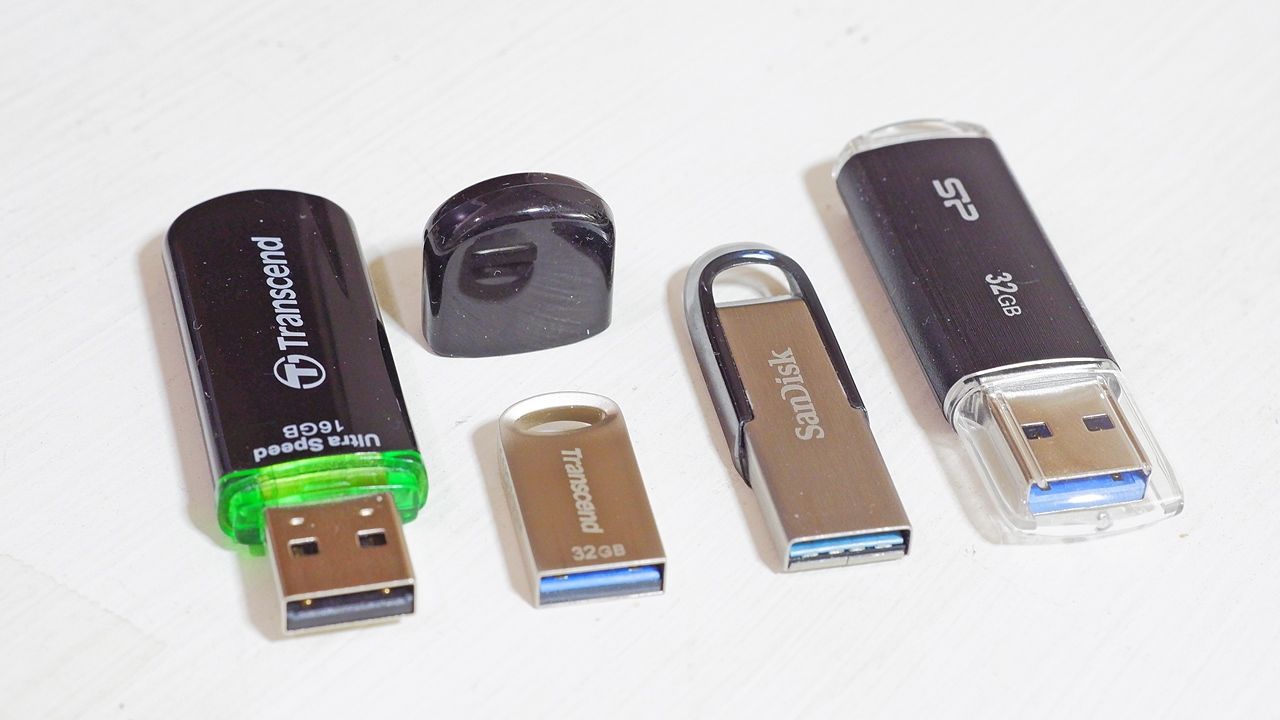
Choosing a fast USB flash drive sounds simple until you start comparing specifications. A drive may advertise impressive transfer speeds, yet everyday performance can feel very different when you move large videos, photos, software files, or entire folders.
The reason is that USB performance depends on much more than the number printed on the packaging. The USB standard, connector, storage technology, host device, file sizes, thermal conditions, and even the quality of the cable can affect how quickly data actually moves.
For anyone shopping for a Pendrive, understanding these differences makes it easier to choose the right storage device without paying for performance a laptop or phone cannot use.
This guide explains USB 3.2, USB4, advertised speeds, real world performance, and the features that matter when choosing a fast flash drive.
What Makes a Pendrive Fast?
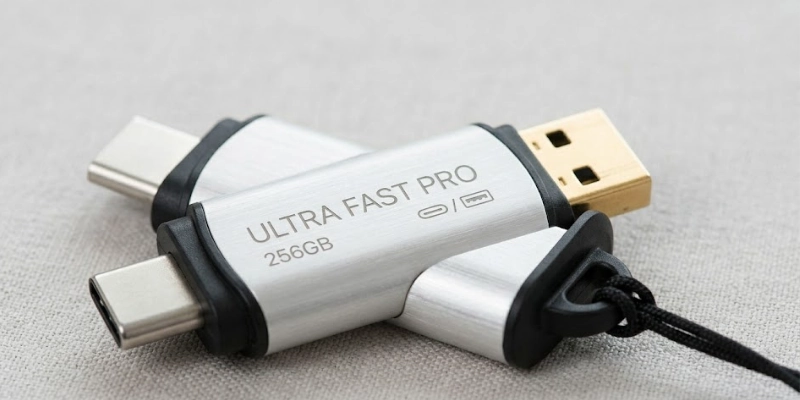
A Pendrive is essentially a compact storage device that uses flash memory to store and transfer files. Its performance is determined by several components working together.
The first factor is the USB interface. Modern standards can provide significantly more bandwidth than older USB generations.
The second is the flash storage itself. Two drives using the same USB specification can have very different read and write speeds because their internal memory and controller technology differ.
Your computer also matters. If a flash drive supports a high speed connection but your laptop only provides an older USB interface, the drive may operate below its maximum capability.
Other factors include:
• Read speed
• Write speed
• File size and type
• Storage capacity
• Controller quality
• Thermal management
• USB port capability
• Cable quality when using USB C
This is why a drive advertised as extremely fast does not necessarily deliver that speed during every file transfer.
Understanding USB 3.2 Speed Ratings
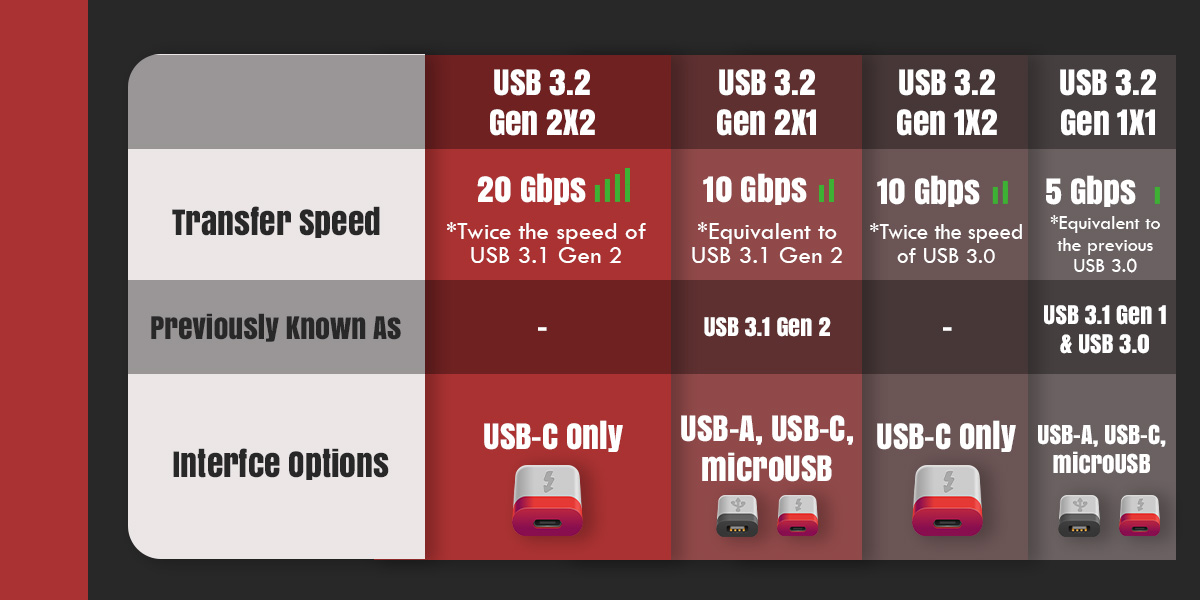
USB 3.2 is one of the most important standards to understand when comparing modern flash drives.
The naming can be confusing because USB 3.2 includes several different performance levels. Depending on the implementation, USB 3.2 can support signaling rates of 5 Gbps, 10 Gbps, or 20 Gbps.
That does not mean a drive will transfer files at those exact speeds.
Gigabits per second and gigabytes per second are different measurements. Storage manufacturers generally advertise transfer performance in megabytes per second or gigabytes per second, while USB specifications may be described using gigabits per second.
For example, a 10 Gbps interface has a theoretical signaling rate equivalent to roughly 1.25 GB per second before accounting for protocol overhead and other limitations.
Actual file transfers will normally be lower.
Why USB 3.2 Naming Can Be Confusing
USB naming has changed over time, which makes product descriptions difficult to interpret.
When shopping for a fast Pendrive, look beyond the phrase “USB 3.2.” Check the actual advertised read and write speeds and, more importantly, the exact USB speed capability.
A product described simply as USB 3.2 does not tell you the complete performance story.
What Is USB4?
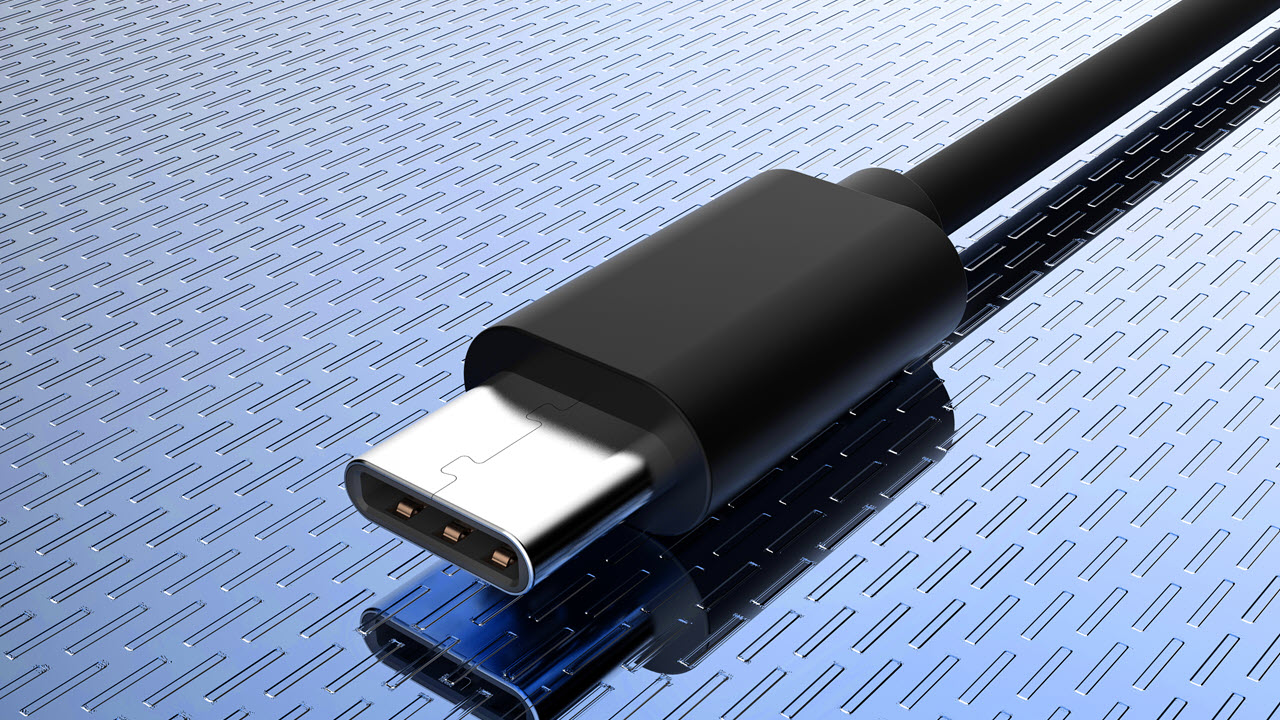
USB4 represents a newer generation of USB connectivity designed around USB C.
Depending on the version and implementation, USB4 can provide substantially higher bandwidth than common USB 3.2 configurations. It also incorporates technologies designed to improve compatibility and make better use of available bandwidth.
However, USB4 should not automatically be interpreted as meaning that every USB storage device will operate at the highest possible USB4 speed.
The storage hardware itself remains a major limitation.
A flash drive needs an appropriate controller and fast enough memory to take advantage of a high bandwidth connection. If the internal storage is slower, increasing the theoretical interface speed will not necessarily make file transfers faster.
For everyday buyers, this means USB4 is most relevant when the entire storage setup is designed to take advantage of its bandwidth.
Advertised Speed vs Real World Speed
One of the biggest mistakes when buying a Pendrive is assuming the advertised speed will remain constant throughout a transfer.
Manufacturers typically quote maximum or peak performance under specific testing conditions.
Real world performance can be lower because of several factors.
File Size
Large files are usually easier for storage devices to transfer efficiently.
Moving a single large video file can produce much higher sustained speeds than transferring thousands of small documents or photos.
Write Performance
Read speeds are often higher than write speeds.
A drive might be capable of reading data very quickly while taking considerably longer to write new information.
This difference becomes important if you frequently use a flash drive to copy videos, backups, photography files, or large software packages.
Cache and Sustained Performance
Some flash storage devices use a faster temporary cache.
During an initial transfer, performance can appear extremely high. Once the cache becomes full, the drive may slow down.
This is why sustained write performance is more useful than peak numbers when you regularly move large amounts of data.
USB 3.2 vs USB4 for Flash Storage
Feature | USB 3.2 | USB4 |
|---|---|---|
Connector commonly used | USB A or USB C | USB C |
Typical bandwidth options | Up to 20 Gbps depending on implementation | Higher bandwidth options depending on version |
Compatibility | Very broad | Requires compatible USB C hardware for full capability |
Everyday file transfers | Very capable | Useful for high bandwidth storage |
Best suited to | General storage and large file transfers | High performance storage and advanced devices |
The important point is that interface bandwidth and storage speed are separate specifications.
A high speed interface creates the potential for faster transfers, but the flash memory and controller must also be capable of keeping up.
Why Read and Write Speeds Matter
If you mainly use your Pendrive to open files, watch videos, or move existing data from the drive to another device, read speed deserves more attention.
If you frequently save files to the drive, write speed becomes equally important.
Consider two common scenarios.
Someone carrying a collection of movies for travel may prioritize fast read performance.
A photographer transferring hundreds of RAW images from a laptop to external storage may care more about sustained write performance.
Someone creating backups needs both.
Understanding your own usage pattern is therefore more useful than choosing the drive with the largest headline number.
USB A vs USB C Flash Drives
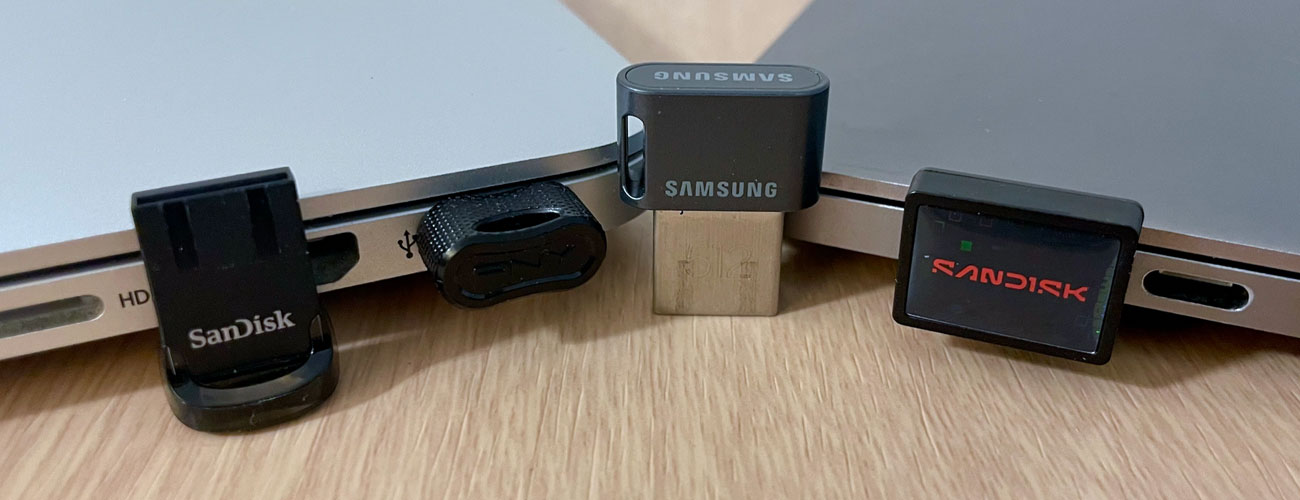
The connector is another important consideration.
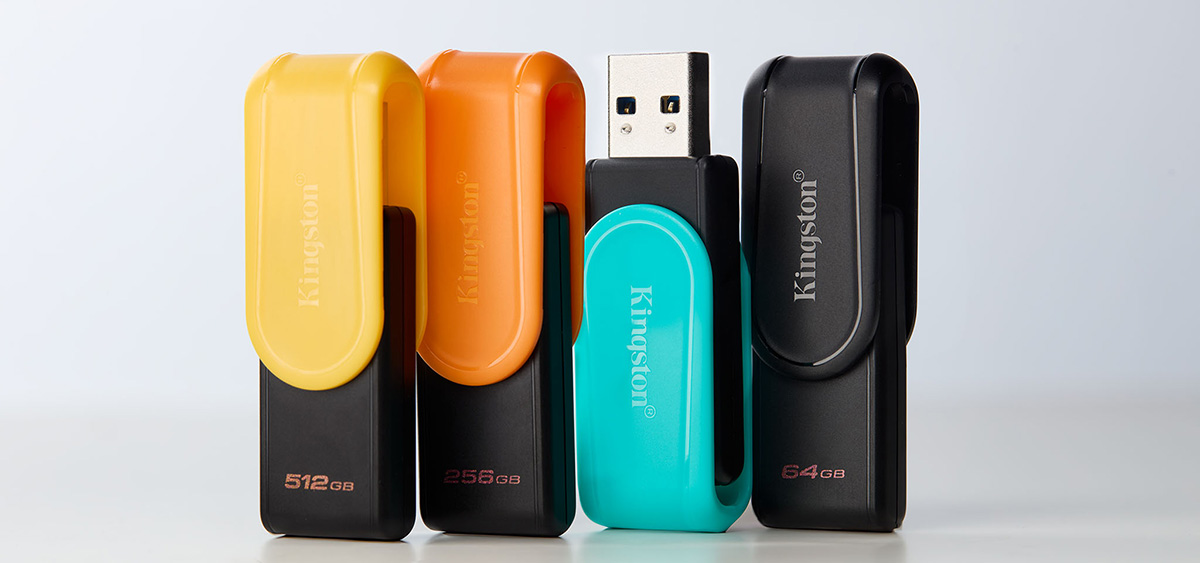
USB A remains common on desktop computers, older laptops, televisions, gaming systems, and other equipment.
USB C has become increasingly common on newer laptops, tablets, smartphones, and other devices.
Some modern flash drives offer dual connectors, allowing the same storage device to work with different hardware.
This can be especially convenient when moving files between a smartphone and a computer.
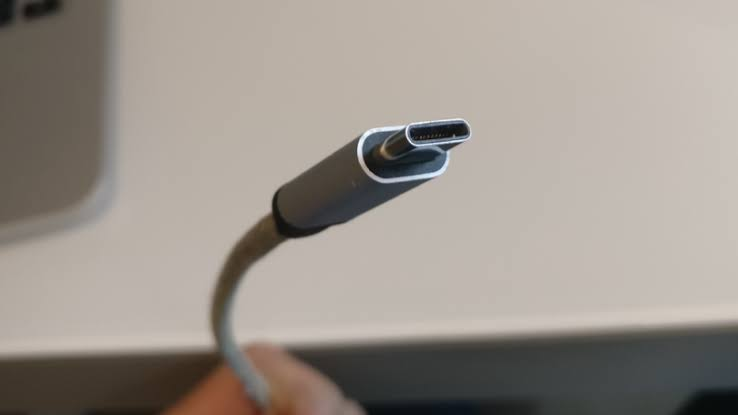
However, connector shape does not automatically determine speed.
A USB C connector can support different USB standards, so buyers should check the actual specifications rather than assuming every USB C device provides the same performance.
When a Fast Pendrive Makes a Difference
A fast Pendrive becomes particularly useful in several situations.
Moving Large Videos
4K and high resolution video files can consume substantial storage space. Faster transfer speeds can reduce the time required to move these files between devices.
Photography Workflows
Photographers often work with large collections of high resolution images. Faster storage can make importing, organizing, and backing up files more convenient.
Software and Game Files
Large applications and game installations can take considerable time to copy. A capable storage device can reduce waiting time.
Regular Backups
If you regularly back up a laptop or desktop, sustained write performance becomes important.
Travel
A compact high speed flash drive can provide a convenient way to carry documents, photos, videos, presentations, and other important files without relying entirely on cloud storage.
Does Capacity Affect Speed?
Capacity and performance can sometimes be related.
Flash storage devices may use different internal configurations at different capacities. A higher capacity version can potentially offer different performance characteristics from a smaller version of the same product family.
However, capacity alone should not be treated as a guarantee of speed.
A 256 GB drive is not automatically faster than a 128 GB drive.
When comparing models, look at the manufacturer's published read and write specifications for the exact capacity you intend to buy.
What About Heat?
High speed data transfers can generate heat.
This is particularly relevant with compact storage devices because there is limited physical space for heat dissipation.
A drive may initially transfer files quickly but reduce its performance when temperatures rise.
This behavior is known as thermal throttling.
For occasional file transfers, it may not matter much. For repeated transfers of very large files, sustained thermal performance becomes more important.
If you regularly move large video libraries or work with extensive backups, consider the drive's physical design and sustained performance rather than focusing exclusively on its peak speed.
How Your Computer Affects USB Performance
Even the fastest flash drive cannot exceed the capabilities of the system it is connected to.
Suppose you purchase a high performance USB storage device but connect it to an older port with lower bandwidth.
The computer becomes the bottleneck.
The same principle applies to hubs and adapters.
A high speed drive connected through a slower hub may not reach its full potential.
Before buying a premium Pendrive, check:
• USB standard supported by your computer
• USB port type
• Whether the port supports the advertised bandwidth
• Hub or adapter specifications
• Operating system compatibility
• Cable specifications for USB C devices
This simple check can prevent unnecessary spending.
How to Choose the Right Fast Pendrive
Instead of choosing based only on the highest advertised number, consider how you actually use storage.
For Everyday Documents
A mainstream USB 3.x drive can be more than sufficient for documents, PDFs, presentations, and occasional photos.
For Large Media Files
Look for strong sequential read and write performance, particularly if you frequently transfer videos or large photography libraries.
For Smartphones
A USB C model can be convenient if your phone supports external USB storage.
For Multiple Devices
A dual connector drive can be useful when your workflow includes both USB A and USB C equipment.
For Frequent Backups
Prioritize sustained write performance, reliability, and capacity rather than peak read speed alone.
For Professional Work
If you routinely transfer hundreds of gigabytes, high performance external SSD storage may be more appropriate than a traditional compact flash drive.
Common Mistakes to Avoid
A few simple mistakes can lead to disappointing performance.
• Buying based only on the USB generation
• Ignoring write speed
• Assuming advertised peak speed is sustained performance
• Using a slow USB hub
• Ignoring connector compatibility
• Choosing insufficient capacity
• Expecting a flash drive to perform like a high end external SSD
• Removing the drive during active transfers
A little research before purchase can make a significant difference.
Is USB4 Always Necessary?
Not necessarily.
For everyday documents, photographs, presentations, music, and occasional video transfers, a fast USB 3.2 drive may already provide plenty of performance.
USB4 becomes more interesting when your computer, storage device, and workflow can all take advantage of the additional bandwidth.
The key is balance.
There is little value in paying for an extremely high speed interface if the storage hardware, computer port, or typical workload cannot use it.
A Practical Buying Checklist
Before purchasing a fast Pendrive, check these specifications:
• USB standard
• Maximum read speed
• Maximum write speed
• Sustained write performance
• Storage capacity
• USB A or USB C connector
• Compatibility with your devices
• Heat management
• Manufacturer warranty
• Reliability and reputation
• Whether you need a compact flash drive or external SSD
This checklist focuses on the specifications that actually influence everyday use.
Frequently Asked Questions
Is USB 3.2 faster than older USB standards?
USB 3.2 can provide substantially more bandwidth than older USB generations, depending on the specific USB 3.2 implementation.
Is USB4 faster than USB 3.2?
USB4 can provide higher bandwidth than many USB 3.2 configurations, but actual storage performance depends on the drive, host device, controller, and other components.
Why is my Pendrive slower than advertised?
Advertised speeds are generally maximum or peak figures under specific testing conditions. Real world performance can be affected by file sizes, write operations, device compatibility, heat, storage technology, and other factors.
Are USB C flash drives faster?
Not automatically. USB C describes the connector, while the USB standard determines the supported communication capabilities. A USB C drive can use different USB generations and performance levels.
Is read speed or write speed more important?
It depends on your workflow. Read speed matters when retrieving files, while write speed matters when saving or backing up data. If you regularly move large files in both directions, consider both.
Can a fast flash drive improve smartphone storage?
On compatible smartphones, an external USB storage device can provide additional space for supported files and transfers. Performance depends on the phone's USB capabilities as well as the drive.
Should I buy a USB4 flash drive?
Consider USB4 if your computer and storage workflow support its capabilities and you regularly transfer large amounts of data. For ordinary file storage, a capable USB 3.2 device may already be sufficient.
Final Thoughts
The fastest Pendrive is not necessarily the one with the biggest number on its packaging.
USB 3.2 and USB4 can provide impressive connectivity bandwidth, but real world performance depends on the complete storage system. The flash memory, controller, write behavior, host computer, connector, cable, file sizes, and thermal conditions all play a role.
For everyday users, a well designed USB 3.2 drive can provide an excellent balance of speed, compatibility, capacity, and convenience. Users handling very large files or demanding professional workflows may benefit from higher performance interfaces or external SSD storage.
The smartest approach is to match the drive's capabilities with your devices and your actual workload. That way, you pay for performance you can realistically use rather than simply chasing the largest specification.