Getting lost while traveling can turn a relaxing journey into a frustrating experience. Whether you are driving through an unfamiliar city, hiking in a remote area, taking public transportation, or exploring a destination without mobile data, reliable navigation can make a significant difference.
Modern smartphones give travelers access to sophisticated navigation apps and GPS technology almost anywhere. But there is an important distinction between using live navigation with an active internet connection and relying on maps that have already been downloaded to the device.
Live navigation can provide current traffic information, road closures, route changes, business information, and other real time details. Offline navigation, meanwhile, can continue working when cellular service is weak or unavailable.
So which approach is more reliable?
The answer depends on where you are traveling, what type of journey you are taking, and what kind of information you need. For many travelers, the most dependable strategy is not choosing one over the other, but preparing for situations where either connection may become unavailable.
What Is Live GPS Navigation?
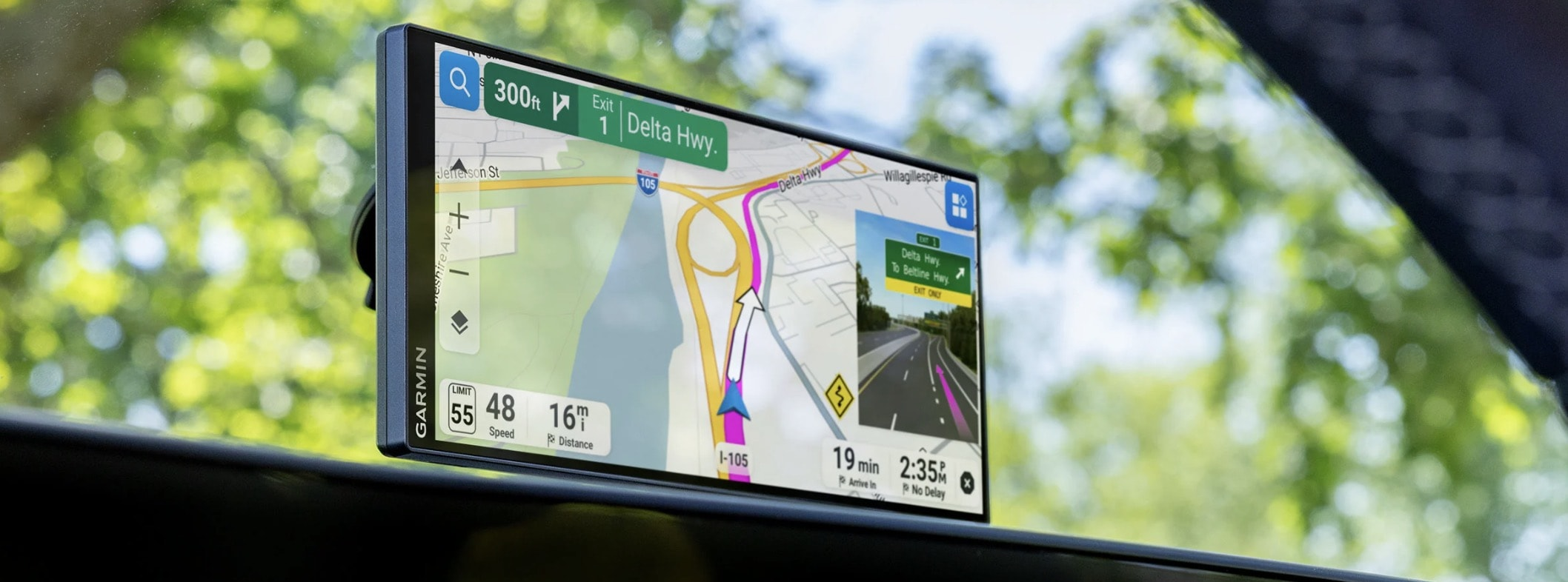
Live navigation typically combines GPS positioning with an internet connection.
GPS determines the device's location using satellite signals, while an internet connection allows the navigation service to access updated map information and other online data.
This combination can provide a dynamic navigation experience.
Depending on the app and location, live navigation may offer:
• Current traffic conditions
• Updated routes
• Road closures
• Construction information
• Public transportation updates
• Business information
• Estimated arrival times
• Incident reports
• Search results for nearby places
The major advantage is that the map can respond to changing conditions.
If traffic becomes heavier on your planned route, a connected navigation service may be able to suggest another route.
What Is Offline Navigation?
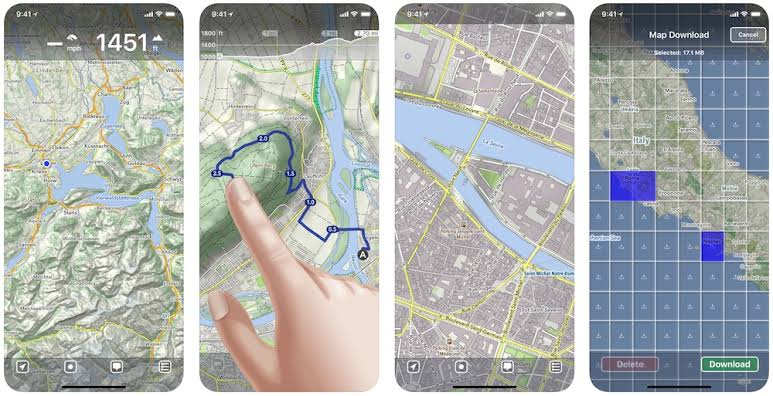
Offline navigation uses maps that have already been downloaded to your device.
Once the map data is stored locally, you can often view the map and navigate without an active mobile data connection.
This is particularly useful in places where cellular coverage is unreliable.
Examples include:
• Remote mountain areas
• Rural roads
• Underground transportation
• International destinations without roaming
• Areas with poor cellular coverage
• Hiking routes away from populated areas
The important point is that GPS itself does not require a cellular data connection. Your phone can often determine its position using satellite signals even when mobile internet is unavailable.
What you lose without an internet connection is access to many types of live information.
GPS Does Not Mean Internet
This is one of the most common misconceptions about smartphone navigation.
GPS positioning and mobile internet are different technologies.
Your phone can use satellite positioning to determine where you are without connecting to a cellular network.
However, a navigation app still needs map data.
If the map is stored locally, the phone can use that information without internet access. If the map depends on online data, the navigation experience may become limited when the connection disappears.
This is why downloading maps before a journey can be useful.
The Main Advantage of Live GPS
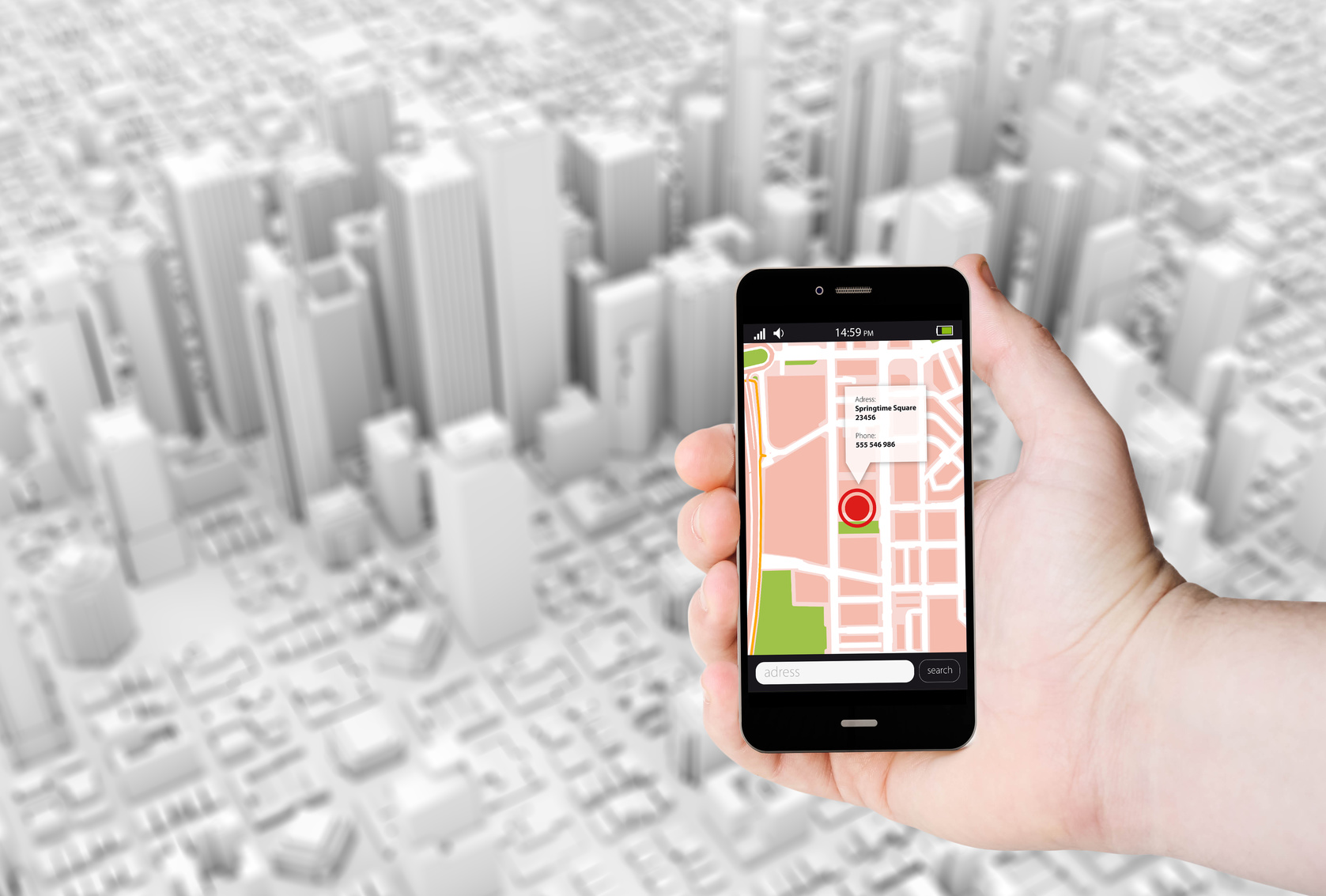
Live navigation is particularly useful when conditions change frequently.
Imagine driving across a busy metropolitan area during peak hours. Traffic can change quickly, and the fastest route five minutes ago may no longer be the fastest route now.
A connected navigation service can potentially use current traffic information to recalculate your route.
Live navigation can also be useful when searching for restaurants, fuel stations, hotels, pharmacies, attractions, or other nearby locations.
Because online services can update their databases, they may provide information that would not exist in an older offline map.
The Main Advantage of Offline Navigation
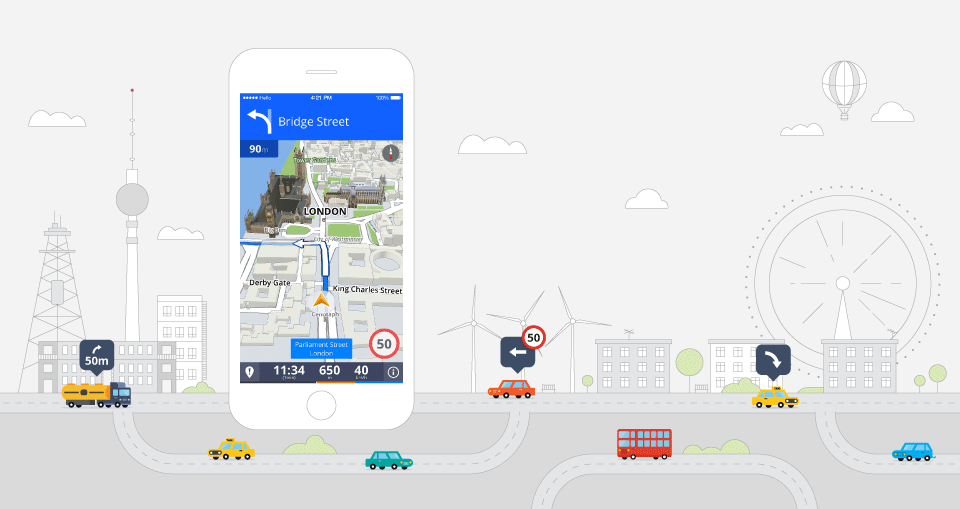
Offline navigation's biggest advantage is independence from mobile internet.
If you are driving through an area with poor cellular coverage, a downloaded map can continue to show roads and your position.
This can also be valuable for international travelers.
Instead of depending entirely on roaming or a local SIM, you can download the relevant map areas before leaving your hotel or home.
Offline maps can also reduce mobile data usage, which may matter when traveling internationally.
For hikers and outdoor travelers, offline maps can be particularly important because cellular coverage can disappear quickly outside populated areas.
Live GPS vs Offline Navigation
The two approaches serve different purposes.
Feature | Live GPS Navigation | Offline Navigation |
|---|---|---|
GPS positioning | Yes | Yes |
Internet required | Usually for live information | No for downloaded maps |
Traffic updates | Usually available | Usually limited |
Route updates | Dynamic | More limited |
Road closure information | Potentially current | May be outdated |
Nearby search | Broad online results | Depends on downloaded data |
Mobile data usage | Higher | Lower |
Remote areas | Depends on connectivity | Useful if maps are downloaded |
International travel | Can use roaming or local data | Useful without mobile data |
Preparation required | Usually minimal | Maps must be downloaded |
Neither option is universally superior.
The most reliable travel setup often uses both.
When Offline Navigation Is More Practical
Offline navigation can be particularly useful in situations where connectivity is uncertain.
Remote Road Trips
Long drives through rural regions can include areas with limited cellular coverage.
A downloaded map ensures that the basic road network remains accessible.
Hiking and Outdoor Travel
Mountain trails, forests, national parks, and remote landscapes can have limited or nonexistent mobile coverage.
Offline maps can provide valuable geographic information even when the phone cannot connect to a cellular network.
International Travel
If you do not have affordable mobile data, offline maps can reduce your dependence on roaming.
Airplane and Underground Environments
Navigation may not be useful while flying, but offline maps can still be valuable immediately after landing or when traveling through underground transportation areas where connectivity is inconsistent.
When Live GPS Is More Useful
Live navigation tends to be more useful in environments where conditions change quickly.
Busy Cities
Traffic, road closures, construction, and temporary restrictions can change throughout the day.
Driving During Peak Hours
Live traffic information can help navigation services respond to changing congestion.
Finding Businesses
If you want to locate a recently opened restaurant, fuel station, hotel, or store, online search can provide more current information than a locally stored map.
Public Transportation
Some navigation services can provide current information about transit routes, delays, and service changes when connected.
How Accurate Is Offline GPS?
Offline navigation can still provide accurate positioning because GPS positioning does not depend on your mobile data connection.
However, accuracy can vary depending on the environment.
Tall buildings can affect satellite visibility in dense cities. Mountains, dense vegetation, and other obstacles can also influence positioning.
Modern smartphones use multiple positioning technologies and sensors to improve location performance.
It is therefore useful to think of offline navigation as having access to the same basic positioning technology while lacking the constantly updated online information available to connected navigation services.
What Happens When You Lose Internet During a Journey?
If you are using a navigation app with a downloaded map, losing mobile internet may have little effect on basic navigation.
Your position can continue to update, and the downloaded road information can remain available.
However, some connected features may stop working.
You may lose access to:
• Live traffic information
• Online place searches
• Current road incident reports
• Cloud based route updates
• Some public transportation information
This is why downloading maps before a journey can be a useful backup even if you normally rely on live navigation.
How to Prepare for a Trip
A few minutes of preparation can make navigation much more reliable.
Before leaving:
Download the Map
Download the region or route you expect to visit while connected to reliable Wi Fi or mobile data.
Check the Downloaded Area
Make sure the entire route and surrounding area are included.
Test Offline Access
Put your phone into a mode where mobile data is unavailable and check whether the downloaded map still works.
Charge Your Phone
Navigation can consume considerable battery power, particularly when the screen remains active.
Carry a Power Bank
A portable battery can be valuable during long road trips or hikes.
Keep Important Information Available
Do not rely entirely on your navigation app. Keep essential addresses, accommodation information, emergency contacts, and other important details accessible separately.
Battery Life Matters More Than Many Travelers Expect
Navigation uses several parts of a smartphone simultaneously.
The GPS system, display, processor, mobile connection, and navigation application can all contribute to battery consumption.
Offline navigation can reduce mobile data usage, but it does not eliminate battery consumption.
For long journeys, consider:
• Car charging
• Portable power banks
• Lower screen brightness
• Automatic screen settings
• Charging breaks
A navigation strategy is only useful if the phone remains powered throughout the journey.
Offline Maps Still Need Updates
One potential weakness of offline navigation is outdated information.
Road layouts change. New roads open. Businesses close. Speed limits can change. Construction can modify routes.
A downloaded map is therefore not permanently accurate.
Before a major trip, check whether your navigation app has a current map available and download the latest version.
This is particularly important when traveling somewhere you have never visited before.
Navigation for Hiking and Outdoor Adventures
Outdoor navigation deserves additional consideration.
A road navigation app may not contain the detailed trail information needed for hiking.
Outdoor travelers should consider apps and map sources specifically designed for trails and wilderness areas.
Topographic information, trail routes, elevation data, landmarks, and offline access can be much more useful than standard road maps.
Even then, a smartphone should not necessarily be your only navigation tool in remote environments.
A physical map, compass, appropriate preparation, and awareness of weather and terrain remain important for serious outdoor trips.
Privacy Considerations
Navigation apps can collect location information depending on their features and settings.
Travelers who are concerned about privacy should review application permissions and understand how location information is handled.
Offline navigation can reduce the amount of information that needs to be exchanged with online services for certain navigation functions, although the exact privacy behavior depends on the application.
Reviewing location permissions and account settings is a useful part of maintaining control over your data.
Common Navigation Mistakes
One of the biggest mistakes is assuming that mobile coverage will always be available.
Another is downloading a map without checking whether it actually covers the complete journey.
Some travelers also forget to update offline maps before leaving.
Battery management is another common problem.
Even the best navigation system cannot help if your phone runs out of power.
Finally, travelers should not blindly follow navigation instructions. If a route appears unsafe, restricted, unsuitable for the vehicle, or inconsistent with road signs, use judgment and follow official signage.
A Practical Travel Navigation Strategy
For most travelers, the most practical strategy is a combination of live and offline navigation.
Use live navigation when you have a reliable connection and want current traffic, road, business, or route information.
Keep an offline map available as a backup.
This creates two layers of navigation.
The online system provides current information when connectivity is available.
The offline system provides basic map access when connectivity disappears.
That combination can be especially useful during road trips, international travel, outdoor adventures, and journeys through unfamiliar areas.
Final Thoughts
The question of whether offline navigation or live GPS is more reliable does not have a single answer.
Live navigation offers the advantage of current information. Traffic conditions, road closures, businesses, incidents, and route changes can make connected navigation extremely useful.
Offline navigation offers something different: independence from mobile internet.
When cellular coverage disappears, a downloaded map can continue to provide basic geographic information and GPS based positioning.
For travelers, the smartest approach is often to use both.
Plan your route with live navigation, download the relevant maps before departure, keep your phone charged, and carry a power source for longer journeys.
Technology can make travel easier, but preparation is what makes navigation resilient.
Frequently Asked Questions
Does GPS work without internet?
Yes. GPS positioning can work without mobile internet. However, the navigation app needs map information, which can be stored locally through downloaded offline maps.
Is offline navigation more reliable than live GPS?
It depends on the situation. Offline navigation can be more dependable when mobile coverage is poor, while live navigation can provide more useful information when traffic and road conditions are changing.
Does offline GPS use mobile data?
Basic positioning using GPS does not require mobile data. If the necessary map data has already been downloaded, navigation can often continue without an internet connection.
Can offline maps show traffic?
Usually not in the same way as live connected navigation. Traffic information generally requires current online data.
Should I download maps before traveling internationally?
Yes. Downloading the areas you plan to visit can provide a useful backup if roaming is expensive, mobile coverage is unavailable, or your connection becomes unreliable.
Does using GPS drain a phone battery?
Navigation can consume significant battery power because the phone may use positioning, the display, processing resources, and connectivity simultaneously.
Can I use offline navigation while hiking?
Yes, provided the application supports offline maps and the relevant hiking area has been downloaded. Outdoor travelers should also consider specialized trail maps and carry appropriate backup navigation tools for remote trips.
How often should offline maps be updated?
Update them before important trips, particularly when visiting an unfamiliar destination. Road layouts and other map information can change over time.
What is the best navigation setup for a road trip?
A combination of live navigation and downloaded offline maps is practical for many road trips. Add a reliable power source and make sure your phone has enough battery for the expected journey.