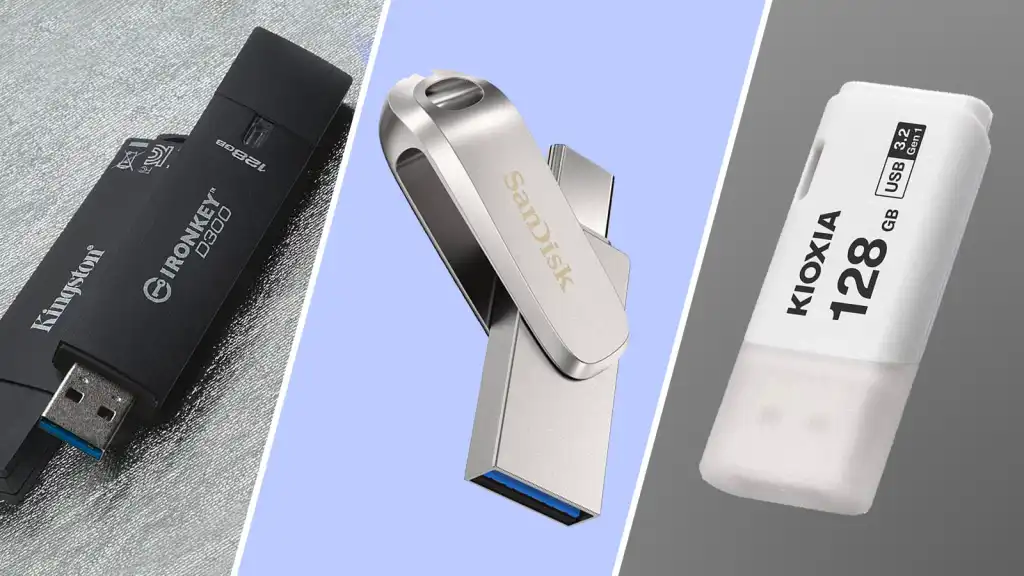
Photos, videos, presentations, creative projects, and large software files can quickly consume the storage available on a laptop or smartphone. Cloud storage is useful, but having a physical storage device can make it easier to carry important files, create local backups, or transfer large collections between compatible devices.
A high capacity Flash Drive offers a compact solution for people who need more space without carrying a traditional external hard drive. Modern options are available with substantial capacities, fast USB interfaces, USB C connectivity, and designs intended for different types of users.
However, capacity should not be the only consideration. A drive with plenty of storage can still disappoint if it has slow write performance, limited compatibility, poor heat management, or insufficient durability.
This guide explains what to look for when choosing a high capacity Flash Drive for photos, videos, large documents, backups, and everyday file transfers.
Why Choose a High Capacity Flash Drive?
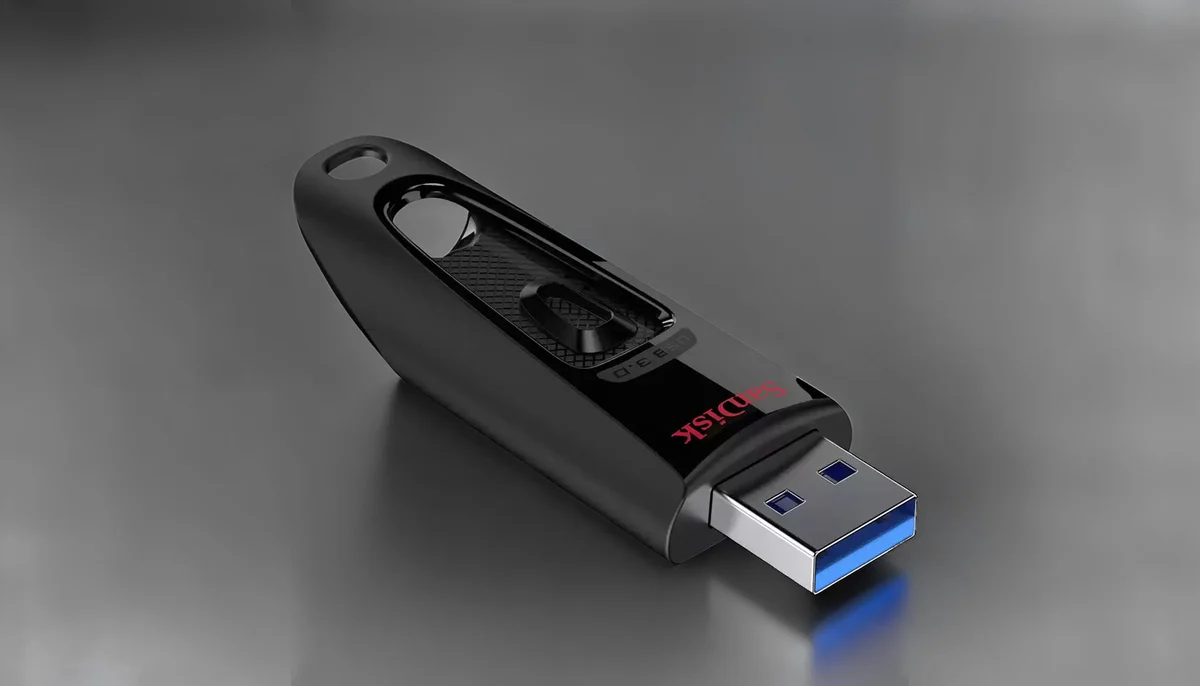
The biggest advantage of a high capacity Flash Drive is convenience.
Unlike a desktop storage solution, a compact flash drive can fit easily into a laptop bag, camera case, desk drawer, or travel pouch. You can use it to carry a collection of files without relying entirely on an internet connection.
For example, a photographer might use one to carry a working selection of images. A student could keep large project files in one place. A traveler could store offline videos and documents. A small business could use portable storage for presentations and media assets.
High capacity storage is especially useful when individual files are large. Modern photos and videos can consume considerably more space than ordinary documents.
How Much Storage Capacity Do You Need?
There is no single capacity that works for everyone.
Your ideal size depends on what you store and how often you move or archive files.
128GB
A 128GB drive can work well for documents, presentations, photos, music, and moderate amounts of video.
It can also be a practical choice for people who mainly need portable storage rather than a complete backup library.
256GB
A 256GB Flash Drive provides substantially more room for large photo collections, videos, project files, and general storage.
It can be a useful middle ground for users who regularly work with larger files.
512GB
A 512GB drive is more suitable for people who frequently handle high resolution photography, video projects, large software files, or extensive media libraries.
1TB and Above
Very high capacity flash drives can be useful when you need to carry a large collection in a compact form.
However, buyers should pay particular attention to the specifications and reliability of very high capacity products. Capacity claims should always come from established manufacturers and trusted retailers.
What Makes a Flash Drive Good for Photos?
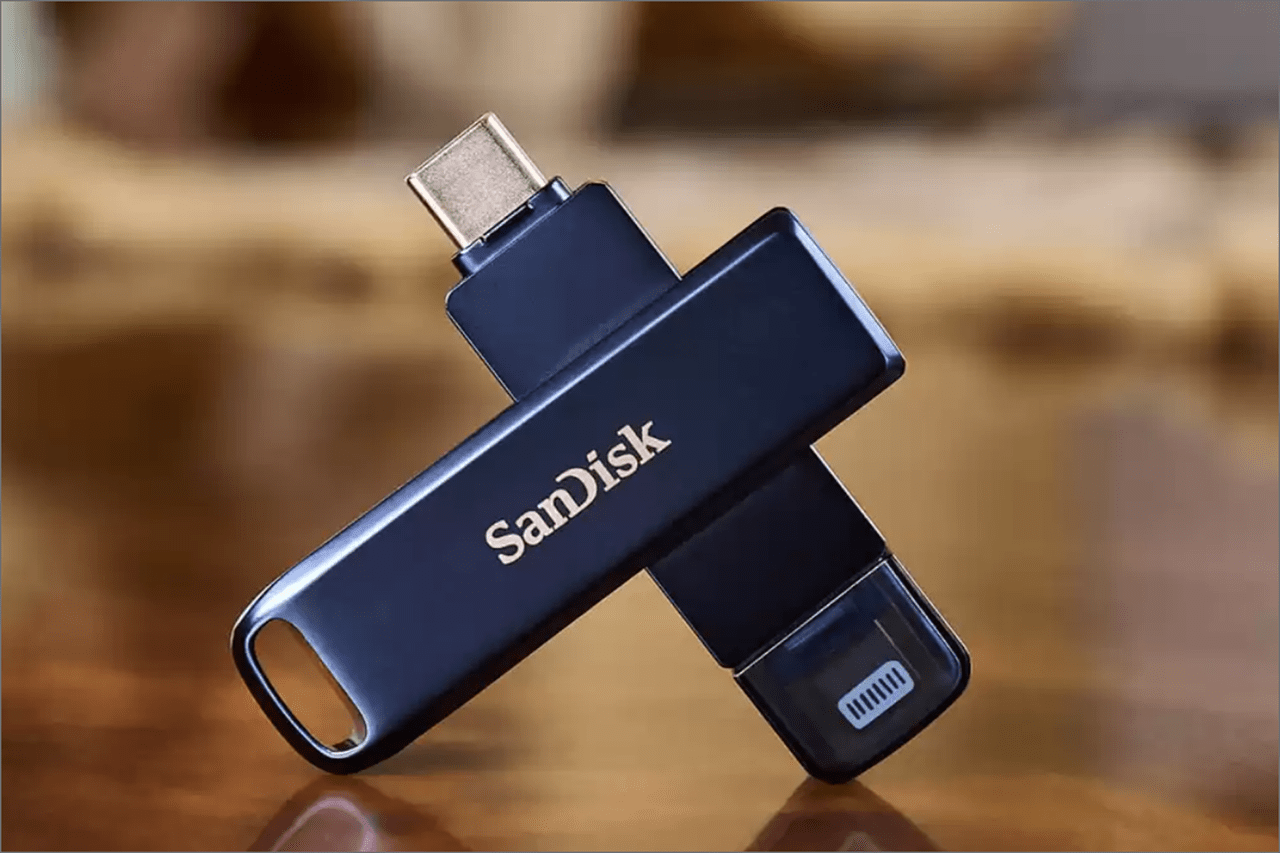
Photography storage is different from ordinary document storage.
A single high resolution image may be much larger than a typical text document. RAW photography files can be particularly demanding when transferring large batches.
For photographers, look for:
• High sequential read performance
• Strong write performance
• Reliable flash memory
• Sufficient capacity
• USB C compatibility when needed
• Good heat management
• Durable construction
Write performance is particularly important when moving photographs from a computer onto the drive.
If your workflow involves hundreds or thousands of images, sustained performance can matter more than a short burst of peak speed.
Choosing Storage for Videos
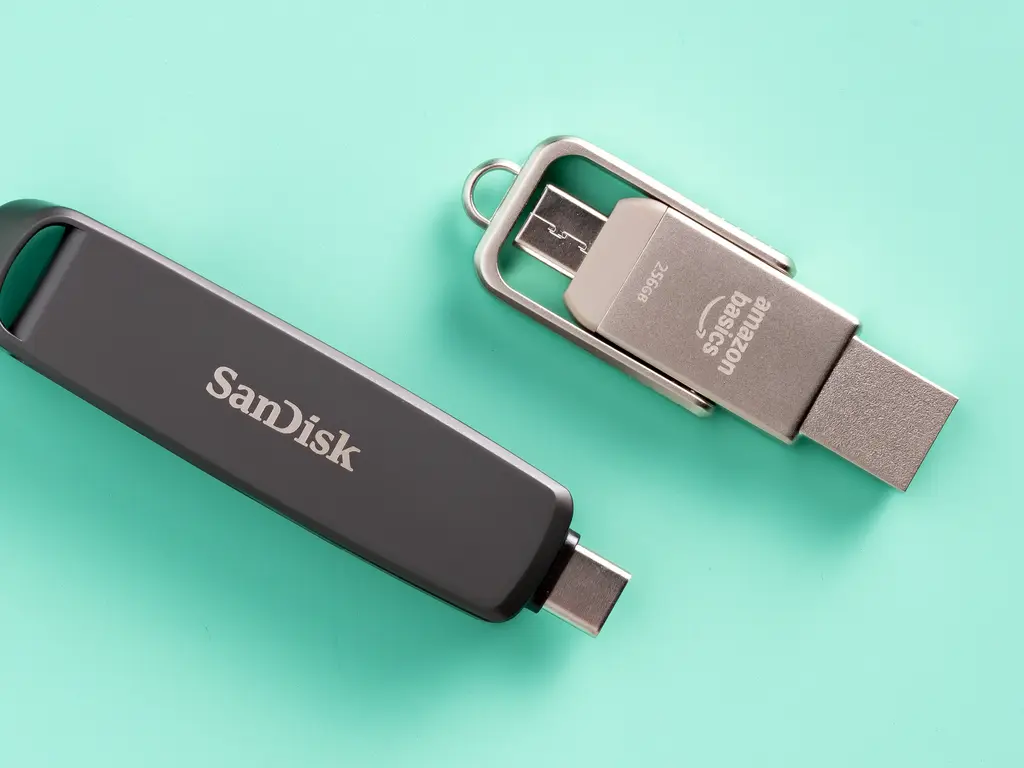
Video files can consume storage remarkably quickly.
A few high resolution recordings can occupy several gigabytes, while larger projects can require hundreds of gigabytes.
For video users, capacity and sustained write performance deserve particular attention.
If you regularly move large video files, consider a Flash Drive with strong sequential transfer performance. Also check whether the manufacturer provides both read and write specifications.
A product advertised with an impressive read speed may have a significantly lower write speed.
For professional video editing involving very large projects, an external SSD may be more appropriate because sustained performance can be more important than the extreme portability of a traditional flash drive.
USB 3.2, USB4 and High Capacity Storage
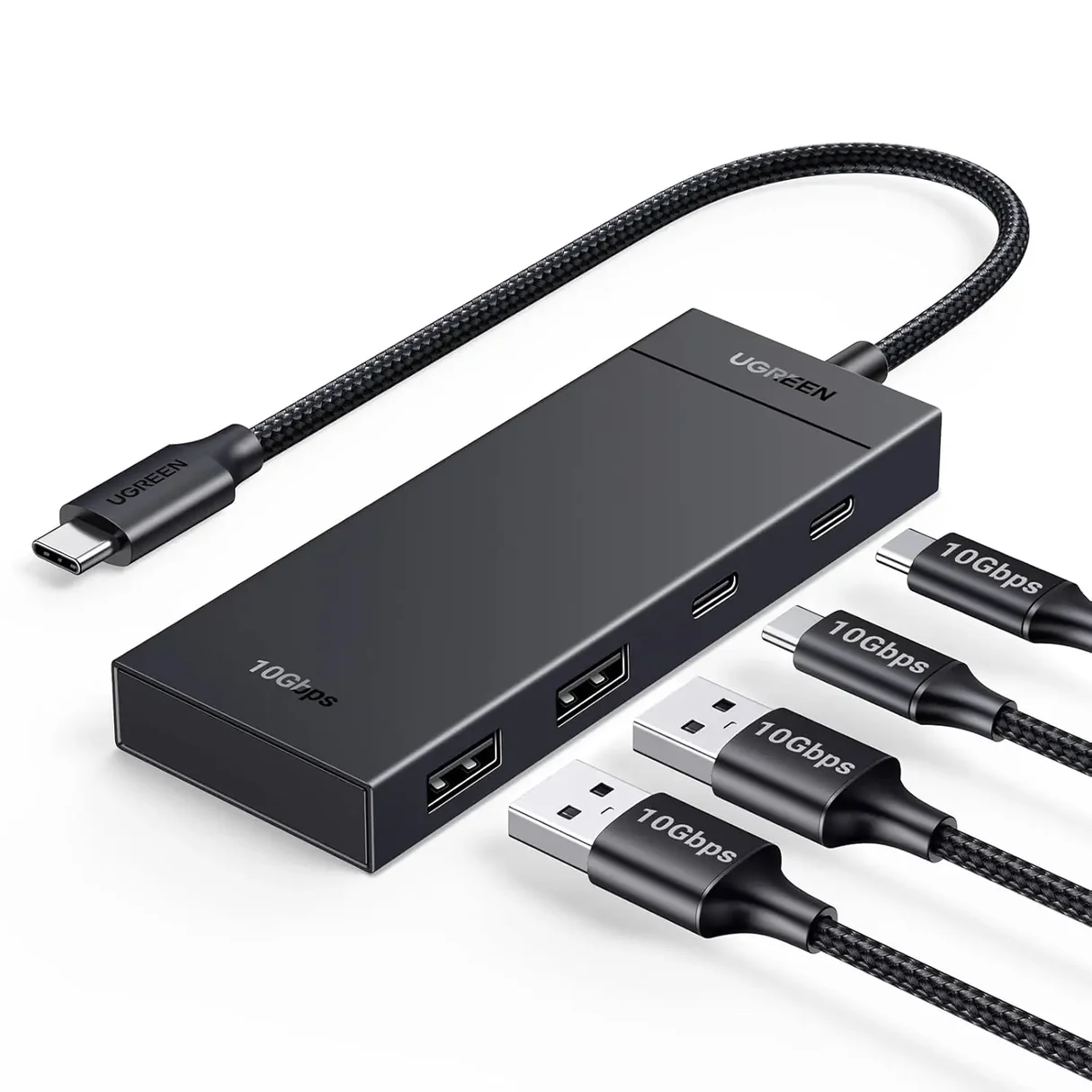
USB standards influence how quickly data can move between the drive and your computer.
USB 3.2 includes several performance levels, while USB4 represents a newer generation of USB connectivity built around USB C.
However, the USB standard is only one part of the performance equation.
A drive needs sufficiently fast flash memory and a capable controller to take advantage of a high bandwidth connection.
Your computer also needs a compatible port.
For example, connecting a high performance drive to an older or slower port can limit the actual transfer rate.
When comparing a Flash Drive, therefore, check the complete specification rather than choosing based only on the USB generation.
Read Speed vs Write Speed
Read speed determines how quickly files can generally be retrieved from the drive.
Write speed describes how quickly information can be saved to it.
This distinction is important.
Imagine you are carrying a collection of videos and want to watch or copy them to another computer. Read performance becomes particularly relevant.
Now imagine you are backing up thousands of photographs from a laptop. Write performance becomes more important.
A good high capacity drive should provide a sensible balance of both.
Also remember that advertised peak speeds do not necessarily represent sustained real world performance.
Why Sustained Performance Matters
A drive can sometimes begin a transfer extremely quickly and then slow down.
This may happen because of the drive's cache, flash memory characteristics, controller behavior, or temperature.
Short transfers may therefore feel very fast even when longer transfers reveal a different performance profile.
If you regularly transfer dozens or hundreds of gigabytes, look for information about sustained performance where available.
This is particularly relevant for photographers, videographers, content creators, and users who regularly perform large backups.
USB C vs USB A
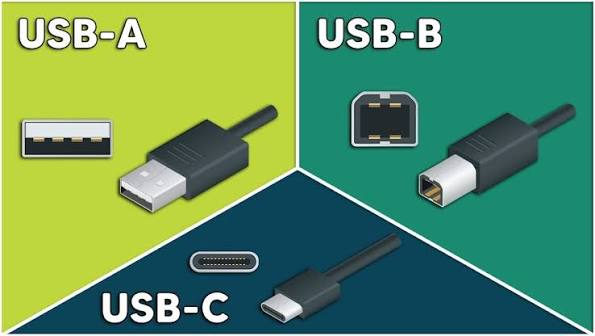
Connector compatibility is another important consideration.
USB A remains common on many desktops, older laptops, televisions, gaming devices, and other electronics.
USB C is increasingly common on newer laptops, tablets, smartphones, and modern accessories.
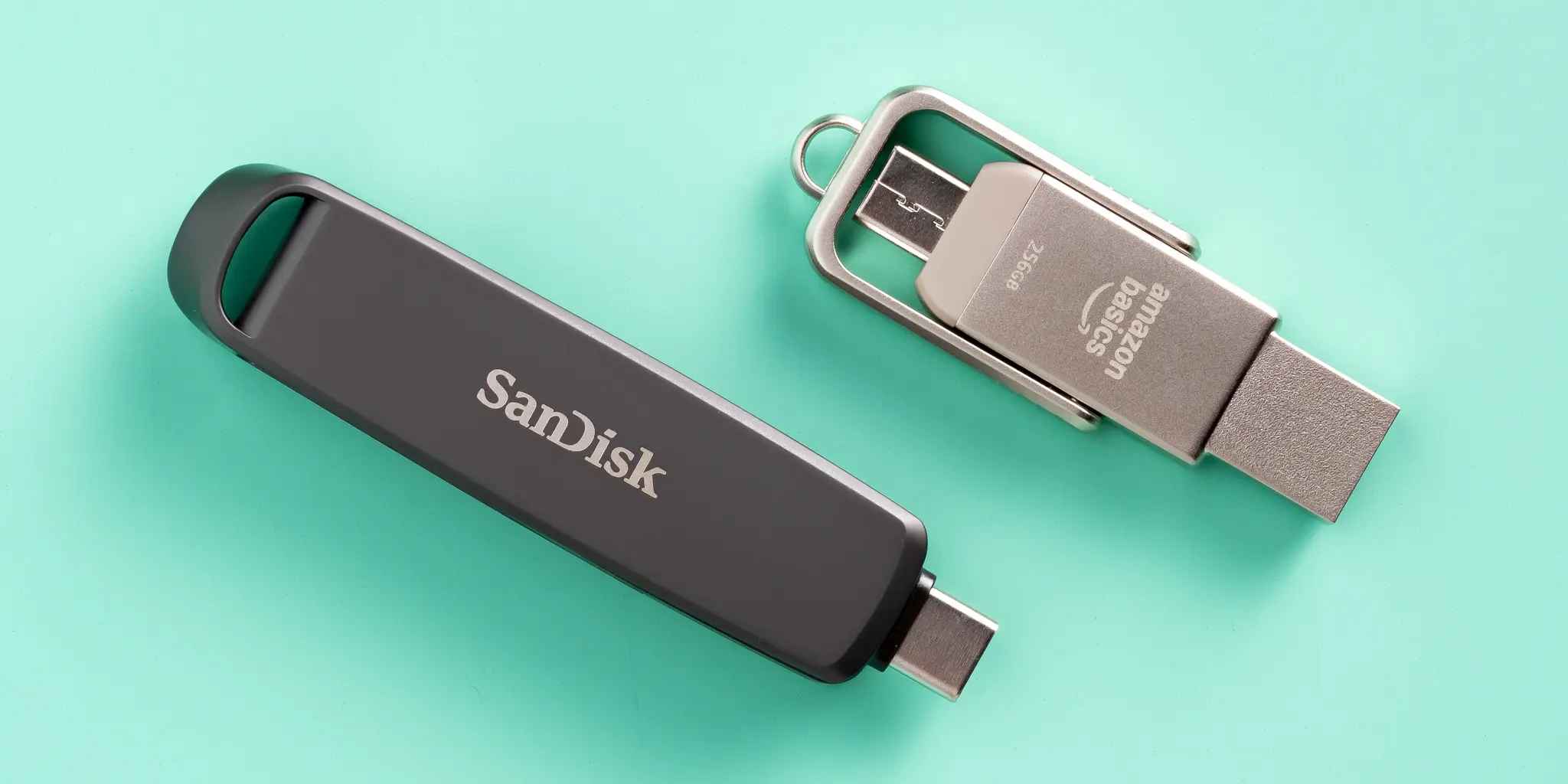
Some flash drives offer two connectors, making it easier to move files between different types of devices.
For example, a dual connector drive could allow you to transfer photos between a smartphone and a laptop without relying on cloud storage.
However, USB C does not automatically mean faster performance. The supported USB standard and internal hardware still matter.
Flash Drive vs External SSD
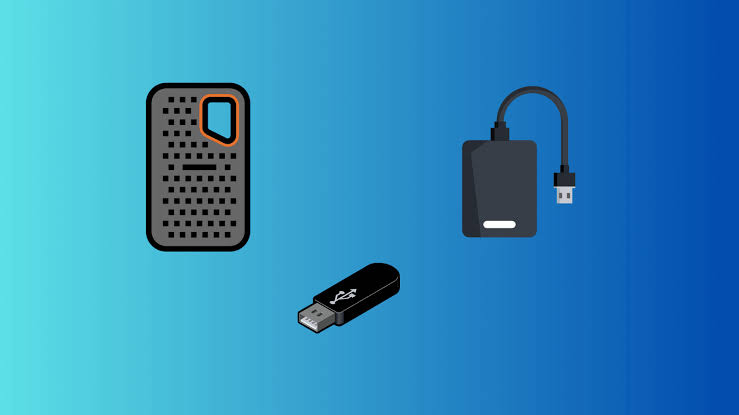
A high capacity Flash Drive is extremely convenient, but it is not always the best solution for large scale storage.
An external SSD may be more appropriate if you regularly:
• Edit high resolution video directly from external storage
• Transfer hundreds of gigabytes at a time
• Work with large creative projects
• Need consistently high sustained performance
• Use storage as an extension of your computer
A flash drive can make more sense when portability, simplicity, and compact size are priorities.
The choice depends on the workload rather than simply the capacity.
Durability Matters More Than It Seems
A high capacity drive may contain valuable personal or professional files.
That makes physical durability worth considering.
If you frequently carry your drive between locations, look for a design that protects the connector and storage hardware.
Useful design features can include:
• Protective caps or retractable connectors
• Solid construction
• Compact design
• Resistance to everyday handling
• Secure connector construction
For travel, a small drive that can be safely stored in a dedicated pocket or case can reduce the chance of accidental damage or loss.
Using a Flash Drive for Backup

A high capacity Flash Drive can be useful for local backups, but it should not necessarily be your only copy of important files.
A safer approach is to maintain multiple copies.
For example, important photographs could exist on your computer, in a cloud service, and on separate physical storage.
This provides greater protection against device failure, accidental deletion, or loss.
For irreplaceable files, consider following a structured backup strategy rather than simply copying files to a portable drive once and leaving them there.
What to Check Before Buying
Before buying a high capacity Flash Drive, review these specifications.
Capacity
Choose enough space for your current library while leaving room for future files.
Read Speed
Important when frequently retrieving or copying files from the drive.
Write Speed
Particularly important for backups, photography, and video workflows.
USB Standard
Check whether the drive supports the capabilities of your computer.
Connector
Choose USB A, USB C, or a dual connector design according to your devices.
Sustained Performance
If you frequently move very large files, this can matter more than a peak speed figure.
Physical Design
Consider how often you will carry the drive and where you will use it.
Warranty
A manufacturer's warranty can provide useful protection for a storage product.
Common Mistakes When Buying High Capacity Storage
Some purchasing mistakes are easy to avoid.
• Choosing capacity without checking performance
• Looking only at advertised read speed
• Ignoring write performance
• Assuming USB C automatically means high speed
• Buying more capacity than your workflow requires
• Using a high speed drive through a slow hub
• Keeping the only copy of important files on one drive
• Buying suspiciously cheap storage from an unreliable source
Storage is an area where reliability matters. A drive that offers impressive capacity at an unusually low price deserves careful investigation.
A Simple High Capacity Storage Strategy
For most users, a practical setup can be built around three principles.
First, choose enough capacity for the files you actually work with.
Second, match the drive's performance to your computer and workflow.
Third, maintain another copy of important files.
For example, someone working with travel photography might keep active projects on a laptop, maintain a high capacity Flash Drive for portable copies, and use cloud storage for another backup.
A video creator with much larger projects might instead use an external SSD for active editing and a high capacity flash drive for selected files and transfers.
The best setup depends on the size and importance of your data.
Frequently Asked Questions
What is the best capacity for a Flash Drive?
It depends on your files. 128GB can be suitable for general use, while 256GB, 512GB, 1TB, or larger capacities may make more sense for extensive photo and video libraries.
Is a high capacity Flash Drive good for video?
It can be useful for storing and transferring videos, particularly when it offers strong sustained write and read performance. For intensive video editing, an external SSD may be more suitable.
Is USB C better than USB A?
Neither connector is universally better. USB C is increasingly common on modern devices, while USB A remains widely compatible with older hardware. The supported USB standard matters more than connector shape alone.
Are advertised flash drive speeds realistic?
Advertised speeds generally represent peak or maximum performance under specific testing conditions. Real world speeds can vary depending on file sizes, host hardware, storage behavior, temperature, and other factors.
Can I use a Flash Drive to back up photos?
Yes. A high capacity drive can be useful for photo backups and portable copies. Important photographs should ideally have more than one backup location.
Is 1TB enough for photos and videos?
For many users, 1TB provides substantial portable storage. The amount of content it can hold depends heavily on image resolution, video resolution, compression, file format, and recording length.
Should I buy a flash drive or portable SSD?
Choose based on your workload. A flash drive emphasizes portability and convenience, while a portable SSD is generally better suited to demanding workloads requiring strong sustained performance.
Final Thoughts
The best high capacity Flash Drive is one that balances storage space, transfer performance, compatibility, durability, and reliability.
For photographers, strong write performance and sufficient capacity can make large image transfers easier. For video users, sustained performance becomes increasingly important as file sizes grow. For everyday users, a well designed high capacity drive can provide a convenient way to carry documents, media, and backups.
USB 3.2 and USB4 can offer impressive connectivity, but the interface is only one part of the equation. The internal storage, controller, computer port, connector, and workload all influence what you experience in everyday use.
Before buying, consider how much data you actually need to carry, how frequently you transfer large files, which devices you use, and whether a portable SSD would better suit your workflow.
A thoughtful choice can turn a small storage device into a reliable part of your everyday digital setup.