
A USB flash drive doesn't have a fixed number of times you can copy files onto it before it suddenly stops working. Its lifespan depends on the NAND flash inside the drive, how much data you write, the controller's wear-leveling system, the drive's capacity and even how it is used.
That's because USB flash drives use NAND memory, the same fundamental type of non-volatile flash storage found in SSDs and memory cards. NAND cells have a finite number of program/erase (P/E) cycles. Every time data is repeatedly written, erased and rewritten, the underlying memory cells experience wear.
But there's an important catch: one "write" in everyday computer usage isn't necessarily one complete P/E cycle for every cell. Flash controllers distribute writes across the available memory, use error correction and manage bad blocks to extend usable life.
So how long can a pen drive actually last?
How Many Times Can You Write and Erase a USB Flash Drive?
There is no universal number of write-and-erase cycles for every USB flash drive.

NAND endurance varies according to the type of flash being used. SLC generally offers higher endurance than MLC, TLC and QLC, while TLC is widely used in cost-sensitive consumer storage such as USB drives.
That means two 128GB flash drives can have very different endurance even though they have identical capacities and look almost identical.
Manufacturers don't always publish a simple "you can erase this drive 10,000 times" figure for consumer USB drives. That's partly because the usable lifespan depends on the entire storage system rather than just the raw NAND.
A more useful way to think about it is:
The more data you repeatedly write, the more wear you create.
What Actually Wears Out Inside a USB Flash Drive?
The NAND memory cells are the component most directly affected by repeated writing and erasing.
NAND flash doesn't overwrite existing information in exactly the same way as a traditional hard drive.
Data is programmed into pages, while erasing happens at the larger block level. Before previously used NAND space can be reused, the relevant block must be erased.
Repeated program/erase operations gradually degrade the physical properties of the memory cells.
Western Digital explains that NAND has a finite number of P/E cycles because repeated operation eventually damages the insulating oxide structure of the cells.
Eventually, some cells can no longer reliably store their intended charge.
Does Erasing a File Wear Out a Flash Drive?
Deleting a file isn't necessarily equivalent to immediately erasing the physical NAND cells containing that file.
The computer normally works with logical addresses rather than directly controlling individual physical NAND cells.
The flash controller decides where data is physically stored and manages operations such as wear leveling, error correction and bad-block management.
So deleting a 5GB file doesn't necessarily mean the flash instantly performs exactly 5GB of physical NAND erases.
The actual amount of internal work can differ from what the operating system reports.
This is one reason simple calculations such as "I deleted this drive 1,000 times, so I used 1,000 cycles" can be misleading.
What Is Wear Leveling and Why Does It Matter?
Wear leveling spreads write and erase activity across different NAND blocks so that the same cells aren't repeatedly worn out first.
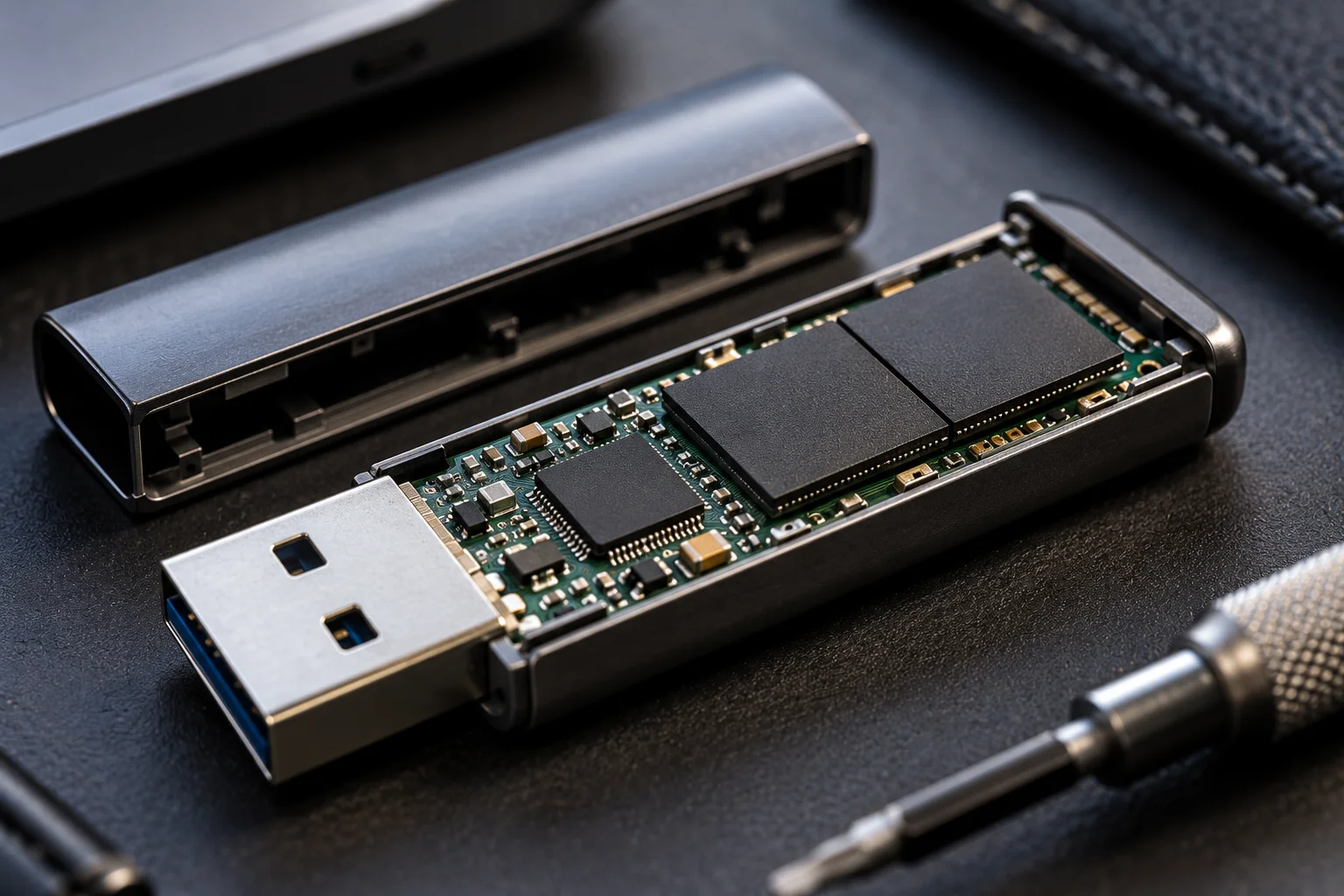
Without wear leveling, frequently modified areas could wear out much sooner than storage that rarely changes.
A flash controller can map logical addresses to different physical NAND locations and rotate data between blocks as necessary.
This means a USB drive can continue operating even though individual memory cells have already experienced substantial wear.
The controller effectively manages the NAND as a larger pool of available storage.
Does a Larger USB Drive Last Longer?
A larger drive can potentially spread the same workload across more NAND cells, but capacity alone doesn't guarantee longer life.
Imagine writing 500GB of data repeatedly.
On a 32GB drive, that represents many more complete drive-capacity equivalents than on a 256GB drive.
A larger drive provides more physical NAND over which the controller can distribute writes, assuming comparable NAND quality and controller design.
But NAND type, spare blocks, controller firmware and workload still matter.
Capacity is therefore one factor, not an endurance rating.
What Is Write Amplification?
Write amplification means the flash memory may perform more internal writing than the amount of data the computer requested.
For example, a computer might ask the drive to modify a relatively small amount of data, but the NAND architecture may require additional data movement because blocks are erased and rewritten as larger units.
Garbage collection can involve copying still-valid data to another block before an old block is erased and reused.
The ratio between physical NAND writes and host writes is known as the write amplification factor.
Higher write amplification means more internal NAND wear for the same amount of data written by the user.
This is another reason why "I only copied 1TB to the drive" doesn't necessarily tell you exactly how much physical NAND wear occurred.
How Long Can a USB Flash Drive Last With Normal Use?
For ordinary occasional file transfers, a quality flash drive can remain usable for years, but there is no guaranteed universal lifespan.

A drive used to move documents once a week experiences a very different workload from one used as a constantly rewritten recording disk.
For example:
Usage pattern | Relative write stress |
|---|---|
Occasional document transfers | Low |
Photos and videos copied periodically | Low to moderate |
Frequently replacing large backups | Moderate |
Editing large files directly from the drive | Higher |
Constant recording/logging | High |
Using a USB drive as an operating-system scratch disk | Very high |
The important factor isn't simply how old the drive is. Total write workload matters enormously.
Can Reading From a USB Drive Wear It Out?
Reading generally causes far less NAND wear than writing and erasing.
NAND's primary endurance limitation comes from program/erase operations rather than ordinary reads. Kingston notes that NAND cells wear over time because write cycles are more taxing than reads.
That makes a flash drive containing an archive that is occasionally read very different from one constantly being rewritten.
However, age and data retention are separate considerations. NAND's ability to retain data can change as cells accumulate wear, and endurance and retention are related characteristics.
So an old flash drive shouldn't be treated as a permanent archival medium simply because nobody is writing to it.
What Happens When a USB Flash Drive Starts Failing?
Failure can appear as corrupted files, write errors, disappearing capacity, read-only behavior or the drive becoming intermittently inaccessible.
The exact symptoms depend on which part of the storage system has failed.
A flash controller can retire bad blocks and use spare capacity to keep the device operating for some time. But eventually the available margin can become insufficient.
This is why flash storage shouldn't be considered fail-proof just because it has no moving parts.
And there's another problem: consumer USB drives generally don't provide the same detailed endurance monitoring features found on many internal SSDs.
How Can You Make a USB Flash Drive Last Longer?
The best approach is to avoid unnecessary continuous rewriting and buy a drive appropriate for the workload.
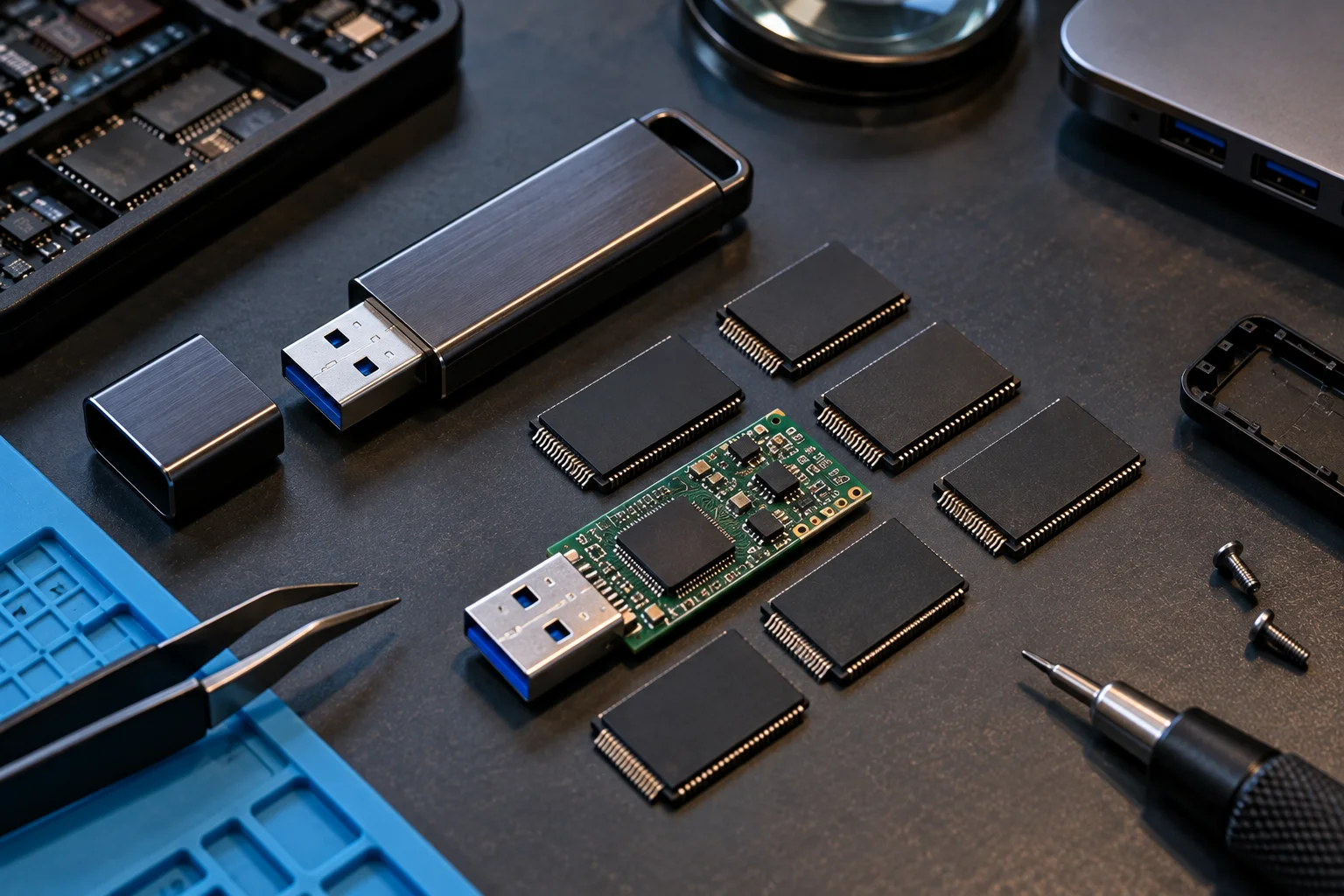
Practical habits include:
Don't use a cheap USB drive as a constantly rewritten scratch disk.
Keep important files backed up elsewhere.
Avoid repeatedly filling and formatting the drive when you don't need to.
Safely eject the drive when appropriate to reduce the risk of interrupted writes.
Buy from reputable manufacturers and authorized sellers.
For heavy write workloads, consider an SSD or purpose-built high-endurance storage device instead.
For important archives, use more than one storage copy rather than depending on a single pen drive.
Is a USB Flash Drive Good for Constantly Rewriting Data?
Usually, it isn't the ideal choice for sustained write-heavy workloads.
USB flash drives are convenient for portability, but inexpensive consumer models aren't necessarily designed for workloads involving continuous recording, frequent database changes or repeated large-scale rewriting.
Specialized NAND products can be designed for higher endurance. Micron, for example, distinguishes NAND types and applications according to performance and endurance requirements, with higher-endurance technologies intended for more demanding workloads.
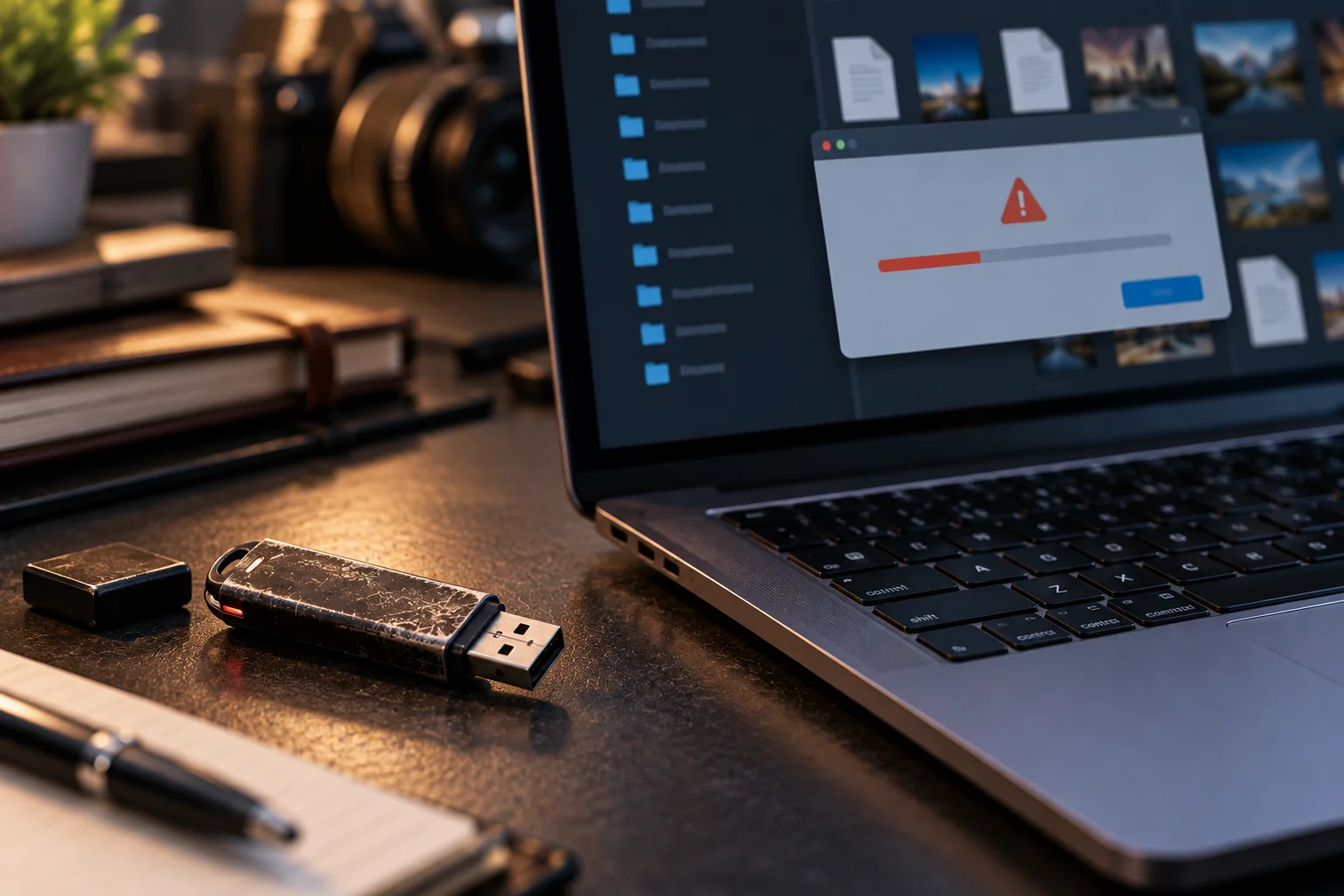
For heavy workloads, a properly specified SSD or industrial/high-endurance flash product is generally more appropriate than treating a basic pen drive as a miniature server drive.
Frequently Asked Questions
How many times can I format a USB flash drive?
There is no universal number. Formatting can generate writes and erase activity, but the actual NAND wear depends on the drive's controller, NAND type and how the format is performed.
Does copying a 10GB file use one write cycle?
No. A P/E cycle applies to NAND cells or blocks, not simply to a file. The controller distributes data and may perform additional internal operations.
Do USB flash drives wear out even if I barely use them?
They can eventually fail for reasons other than write endurance, and data retention can also become a consideration as flash ages and cells become worn. Important data should never exist on only one flash drive.
Is reading from a USB drive safe for its lifespan?
Reading generally creates much less NAND wear than writing and erasing. However, no flash drive should be considered a permanent archival medium.
Are expensive USB flash drives more durable?
Not automatically. Price alone doesn't establish NAND endurance. Look for the manufacturer's specifications, intended workload and warranty rather than assuming an expensive consumer drive is designed for heavy rewriting.
Is an SSD better than a USB flash drive for frequent writing?
For sustained or heavy workloads, a properly specified SSD is generally a better choice because SSDs are designed with more sophisticated controllers, endurance specifications and monitoring features. The exact advantage depends on the products being compared.
The Bottom Line
A USB flash drive doesn't have a simple "number of rewrites until death" counter.
Its lifespan depends on NAND type, capacity, controller design, wear leveling, write amplification and how much data you actually write. Flash cells have finite P/E endurance, but the controller spreads that wear across the available storage to extend the drive's useful life.
For occasional file transfers, a good USB drive can remain useful for years. For constant rewriting, however, a basic pen drive isn't the right tool.
Use flash drives for portability and convenient transfers, keep important data backed up, and choose storage designed for the workload rather than assuming every USB drive has the same lifespan.