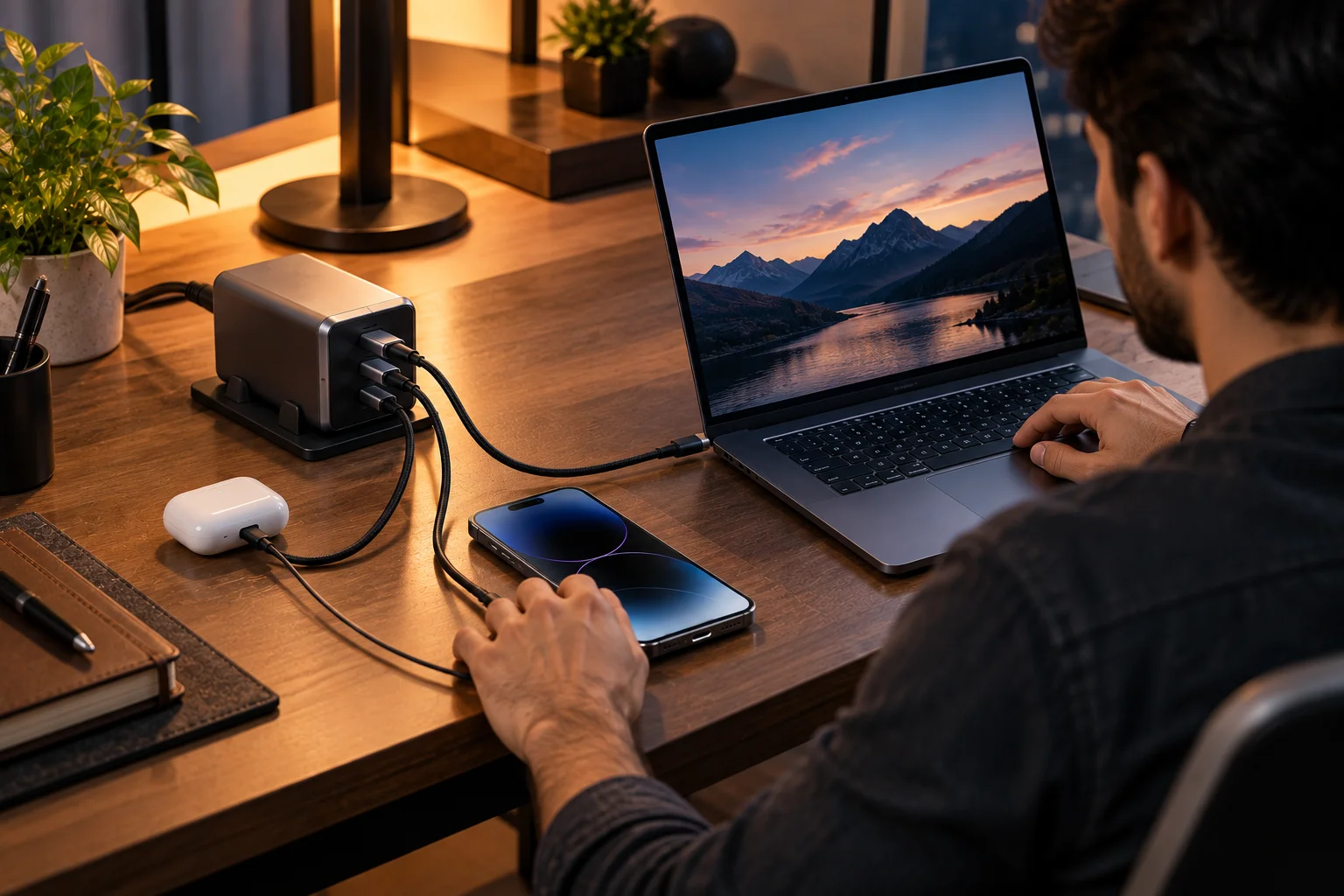
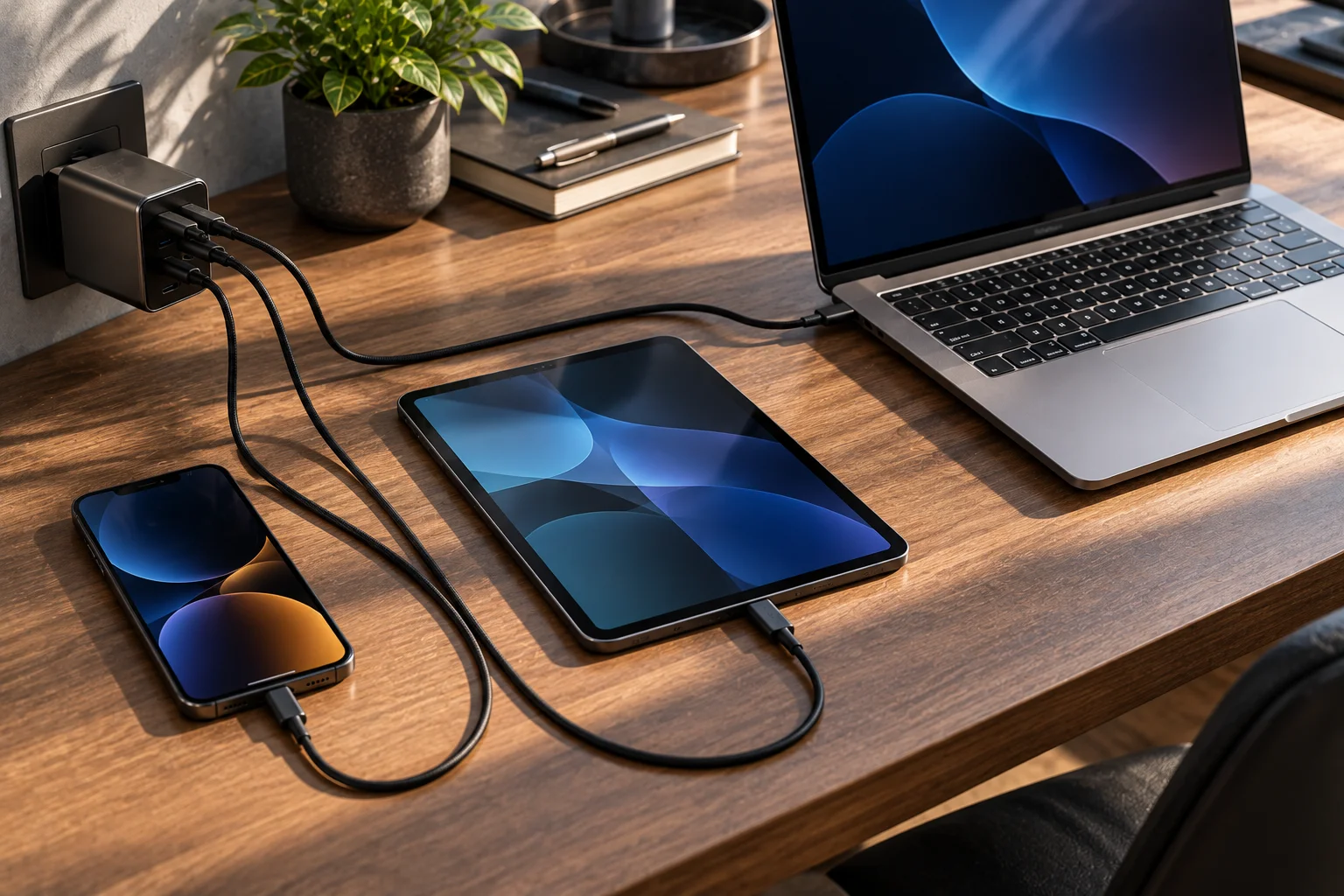
A single USB-C charger can power a pair of earbuds, charge a smartphone, top up a tablet and run a laptop because USB Power Delivery (USB PD) allows the charger and device to negotiate an appropriate power level instead of simply forcing maximum wattage into every device.
That's the key idea behind USB-C charging. A 100W or 140W charger doesn't automatically send that much power to every device connected to it. The device communicates what it can accept, the charger identifies an appropriate power option, and the connection operates within those agreed limits.
The latest USB Power Delivery specification supports applications up to 240W, making USB-C powerful enough for many laptops and other high-power devices.
So how can one charger serve devices with completely different charging requirements? The answer lies in power negotiation, voltage and current profiles, USB-C cables and, in some cases, Programmable Power Supply (PPS).
What Is USB Power Delivery and Why Does It Matter?
USB Power Delivery is a charging and power-negotiation protocol that lets compatible USB-C devices request the power they need from a compatible charger.
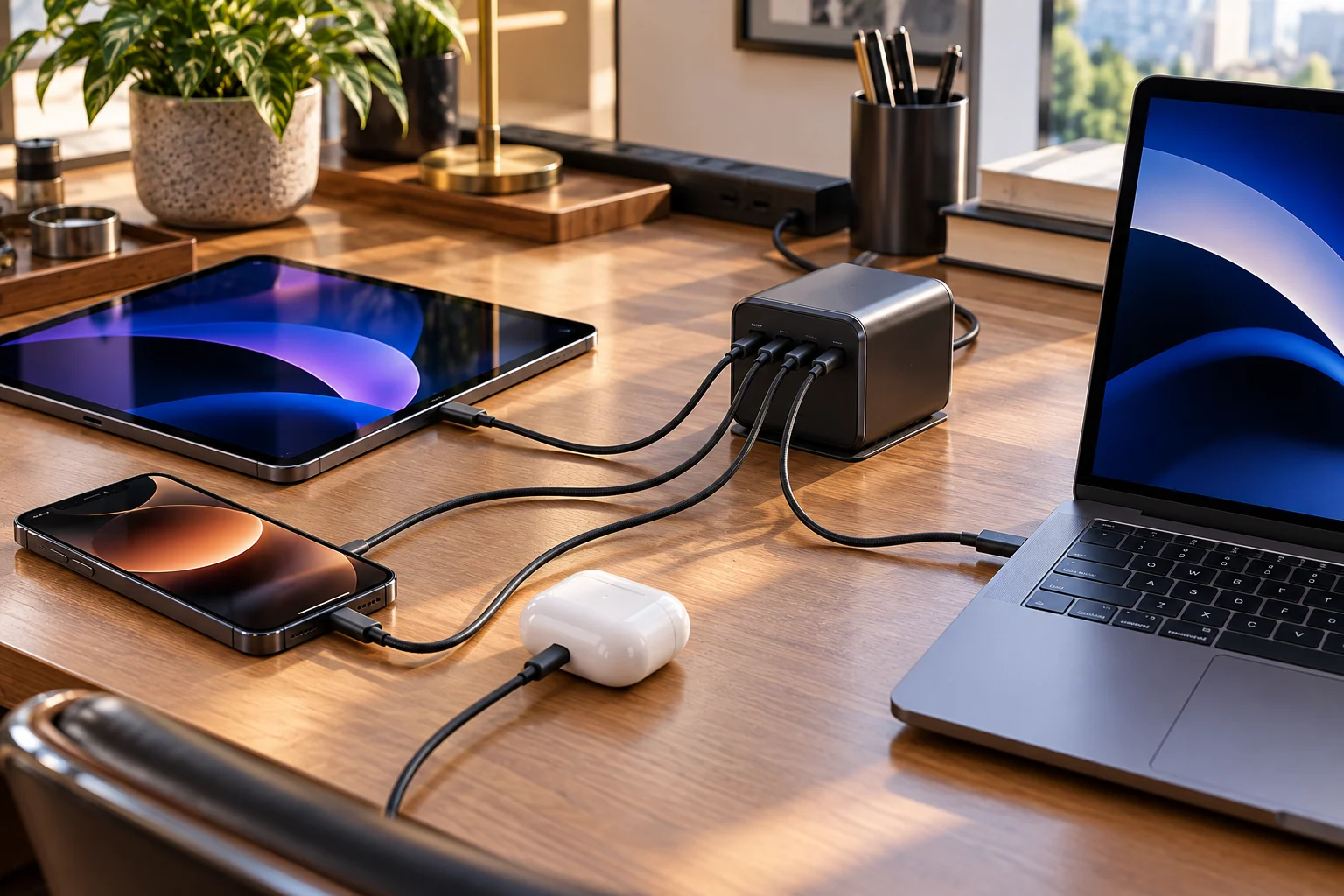
USB-C describes the physical connector and cable system. USB PD describes how compatible devices negotiate power over that connection.
That distinction matters because not every USB-C port supports the same charging capabilities.
A USB-C charger might advertise several possible power configurations. A connected device can select an appropriate option rather than simply receiving the charger's maximum rated output.
USB-IF specifically describes USB PD as supporting low-power devices that negotiate for only the power they require, while also supporting higher-power applications up to 240W.
How Does a USB-C Charger Know How Much Power a Device Needs?
The charger and device communicate before operating at higher negotiated power levels.
Think of the process as a conversation:
The charger announces its available power capabilities.
The device evaluates what it can accept.
The device requests an appropriate power configuration.
The charger accepts or rejects that request.
Power is delivered using the agreed parameters.
The important point is that a charger rated for 100W doesn't mean a phone suddenly receives 100W.
A phone might request a much lower power level, while a compatible laptop can request substantially more.
This is why a sufficiently capable USB PD charger can serve several categories of devices without requiring separate power bricks.
Why Doesn't a 100W Charger Overcharge a Phone?
Because maximum charger output and actual device power consumption are two different things.
If a charger can provide up to 100W, that simply describes its available capability under the appropriate conditions.
The connected device still determines what it is designed to accept.
USB-IF explicitly gives low-power devices such as headsets as an example of devices negotiating for only the power they require.
It's similar to connecting a large electrical supply to a small appliance: the appliance doesn't automatically consume the maximum available power.
The phone's charging circuitry manages the battery and charging current. The charger provides an available power source within the negotiated USB PD rules.
How Do Phones, Tablets and Laptops Request Different Power?
Different devices use different power requirements and may request different voltage and current combinations.
A small device might need only a modest amount of power. A tablet may require considerably more, while a laptop could need tens of watts or more during demanding workloads.
For example, a simplified scenario might look like this:
Device | Typical charging requirement |
|---|---|
Wireless earbuds | A few watts |
Smartphone | Roughly 10–50W depending on model |
Tablet | Roughly 20–60W depending on model |
Ultrabook | Roughly 30–70W |
High-performance laptop | 100W or more in some models |
These figures are illustrative rather than universal. Actual charging requirements vary substantially between products.
USB PD's flexibility comes from allowing compatible devices and chargers to negotiate suitable power rather than requiring one fixed wattage.
What Are USB PD Power Profiles?
USB PD can offer multiple voltage/current combinations, allowing devices with different power requirements to use the same charger.
Earlier USB PD implementations commonly used fixed power options. Modern USB PD also supports more advanced negotiation mechanisms.
The exact profiles available depend on the PD version and implementation.
This is one reason a charger labelled "100W USB-C PD" doesn't necessarily behave like every other 100W charger. Its supported voltage levels, current limits, PPS support, number of ports and thermal design can all differ.
USB-IF's current document library lists USB Power Delivery Specification Revision 3.2 Version 1.2, published in September 2026.
What Is PPS and Why Does It Matter?
PPS, or Programmable Power Supply, allows compatible devices to request power with more granular voltage adjustments rather than relying only on fixed voltage levels.
This can be particularly useful for modern fast-charging smartphones.
Instead of selecting one fixed voltage and then regulating it internally, a compatible phone and charger can continuously adjust the negotiated output within the supported PPS range.
That can help reduce conversion losses and heat in some charging implementations, although the real-world benefit depends on the phone, charger and charging system.
Not every USB PD charger supports PPS, so the words "USB PD" alone don't guarantee it.
Does a 140W Charger Need a Special USB-C Cable?
Yes, cable capability matters when you move into higher-power USB PD charging.
USB-C cables aren't all identical. Their power and data capabilities can differ.
USB-IF's current certified cable program uses power markings such as 60W and 240W to communicate certified cable power capability.
For higher-power charging, using an appropriate cable is therefore important. A charger capable of high output doesn't automatically make every USB-C cable suitable for that power level.
This is especially relevant with USB PD 3.1 Extended Power Range, which expanded USB-C power capability to as much as 240W.
Can One USB-C Charger Really Replace Several Chargers?
For many people, yes, but there are limits.
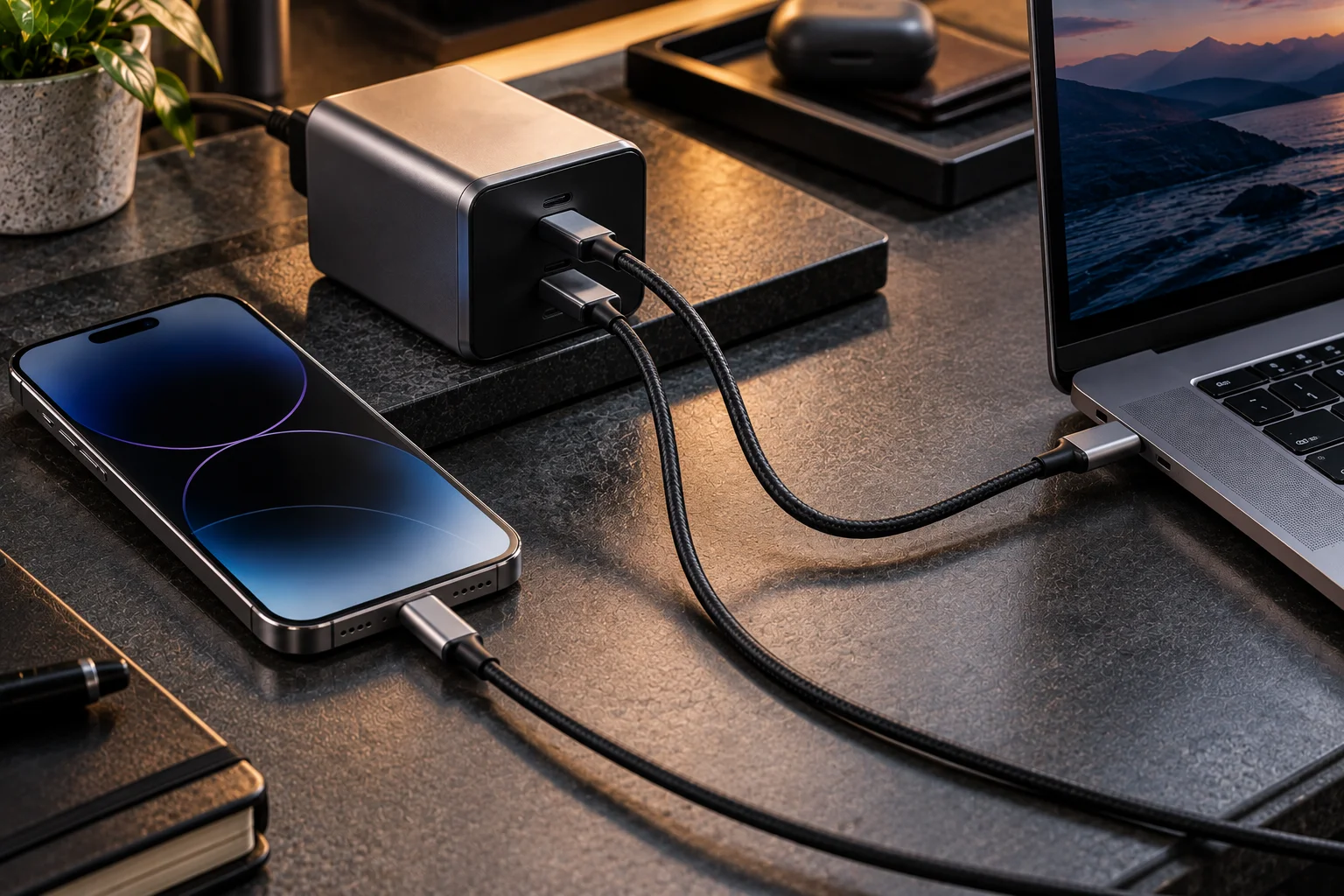
A sufficiently powerful multi-device USB PD charger can potentially replace separate chargers for:
Smartphone
Tablet
Laptop
Wireless earbuds
Portable gaming devices
USB-C accessories
The biggest limitation is total output.
A charger advertised as 100W with four ports doesn't necessarily provide 100W to every port simultaneously. The available power may be divided between connected devices according to the charger's design.
USB-IF also describes power bricks as capable of passing power through laptops and supporting multiple USB-powered applications.
Why Does a Laptop Sometimes Charge Slowly With a USB-C Charger?
The charger may not provide the power profile, wattage or charging technology that the laptop expects.
A laptop can technically charge over USB-C while still charging slowly if:
The charger has insufficient maximum output.
The charger doesn't support the required PD profile.
The cable has inadequate power capability.
Multiple connected devices are consuming the charger's available power.
The laptop is under heavy load.
The laptop has a higher-power charging requirement.
For example, a 45W USB PD charger might work with a laptop designed around 65W, but charging could be slower or the battery might continue to discharge during intensive workloads.
Does a Higher-Wattage Charger Charge Every Device Faster?
No.
A higher-rated charger gives the device more available power, but the device determines how much it can accept.
A 240W charger doesn't make a phone designed for a lower charging rate suddenly charge at 240W.
Charging speed is determined by the interaction between the device, charger, cable, charging protocol, battery temperature, battery state and software.
That's why buying the largest-wattage charger isn't automatically the best strategy.
What Should You Look for in a Universal USB-C Charger?
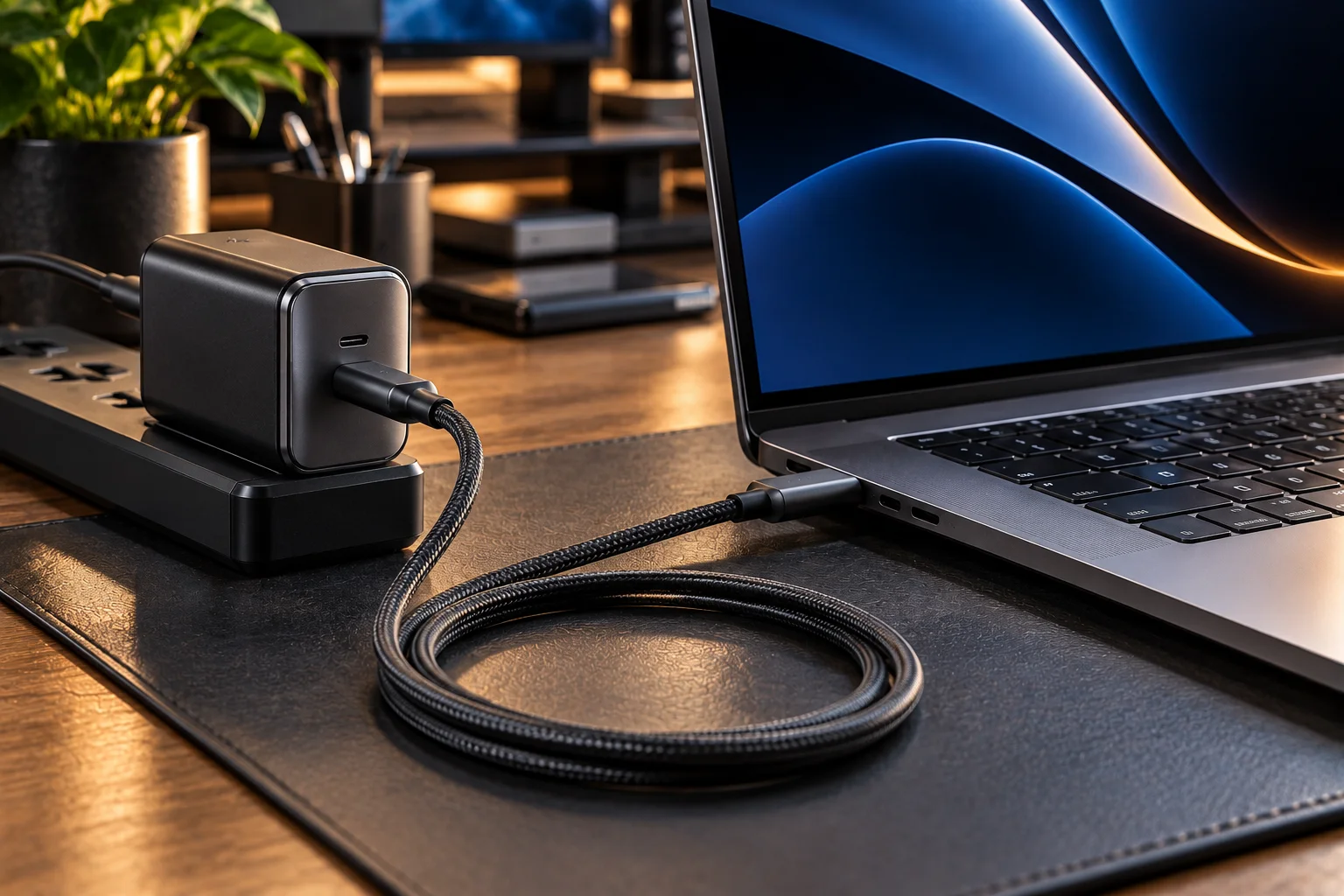
For a charger intended to handle phones, tablets and laptops, check:
USB PD support
Maximum output wattage
PPS support, if your phone benefits from it
Number of ports
Power distribution when multiple ports are used
Appropriate USB-C cable rating
Certification and reputable manufacturer
Physical size and thermal performance
For a mixed-device setup, a quality 65W–100W USB PD charger can cover a surprisingly broad range of everyday hardware. Users with high-performance laptops may need a higher-output model.
Frequently Asked Questions
Can I use a 100W USB-C charger with a phone?
Yes, provided the phone supports charging through USB-C. The phone won't automatically receive 100W simply because the charger is capable of providing it.
Does USB-C automatically mean fast charging?
No. USB-C is a connector standard, not a guarantee of a particular charging speed. The charger, device, cable and charging protocol all matter.
Is USB PD the same as USB-C?
No. USB-C describes the connector and related physical interface. USB Power Delivery is a power-negotiation protocol that can operate over USB-C.
What is the maximum USB-C charging power?
USB Power Delivery can support up to 240W under the appropriate USB PD implementation and compatible equipment.
Do I need a special cable for 240W charging?
You need a cable that supports the required power level. USB-IF's certified USB-C cable program uses power markings to identify certified 60W and 240W cable capabilities.
The Bottom Line
USB-C Power Delivery works because charging is no longer based on a charger simply pushing one fixed amount of power into every device.
Instead, compatible equipment negotiates what power can be delivered and accepted. That makes the same charger practical for everything from low-power accessories to tablets and laptops.
The result is one of the most useful changes in consumer electronics: fewer proprietary power bricks, fewer cables to carry and a charging system that can scale from a few watts to hundreds of watts without treating every device the same.