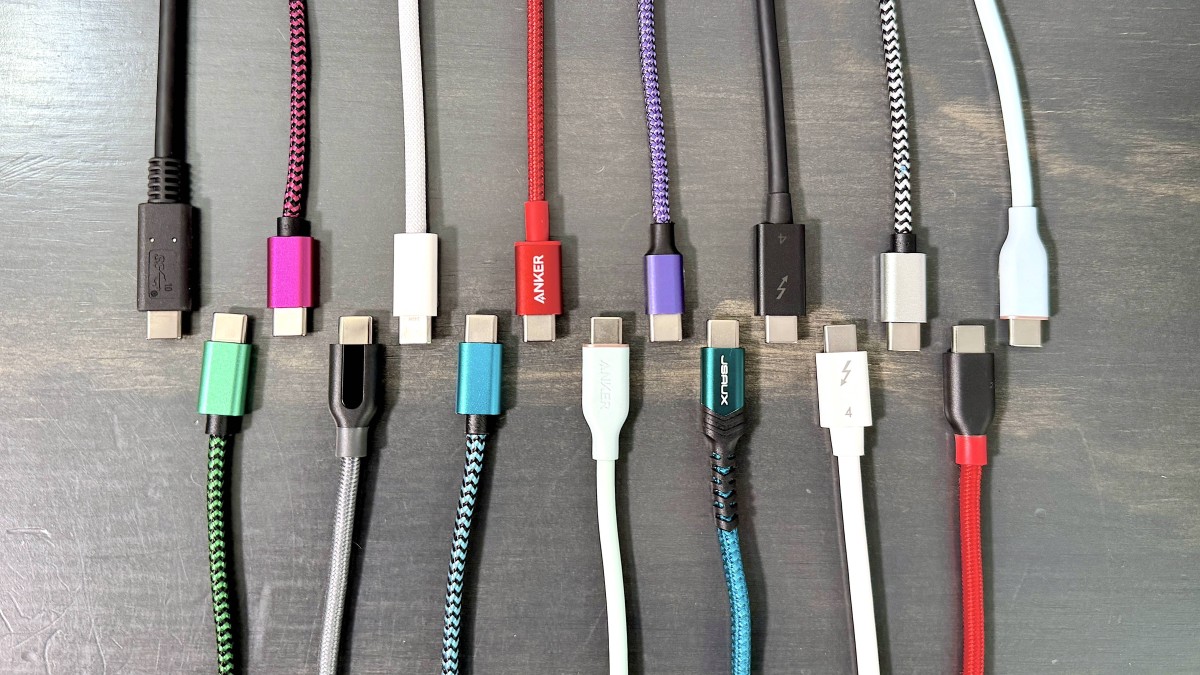
USB C has become one of the most useful connectors in modern technology. The same small reversible connector can be used with smartphones, tablets, laptops, headphones, monitors, power banks, cameras and other devices.
But there is a catch that often surprises people.
Two cables can have almost identical USB C connectors while delivering completely different performance. One may charge a phone quickly, another may charge a laptop slowly, and a third may support high speed data or display output while another handles only basic charging.
The reason is simple: USB C describes the connector and a family of technologies, not one single level of performance.
Understanding the different cable types can help you choose the right cable for charging, data transfer and everyday devices without paying for features you do not need.
Why USB C Cables Are Not All the Same
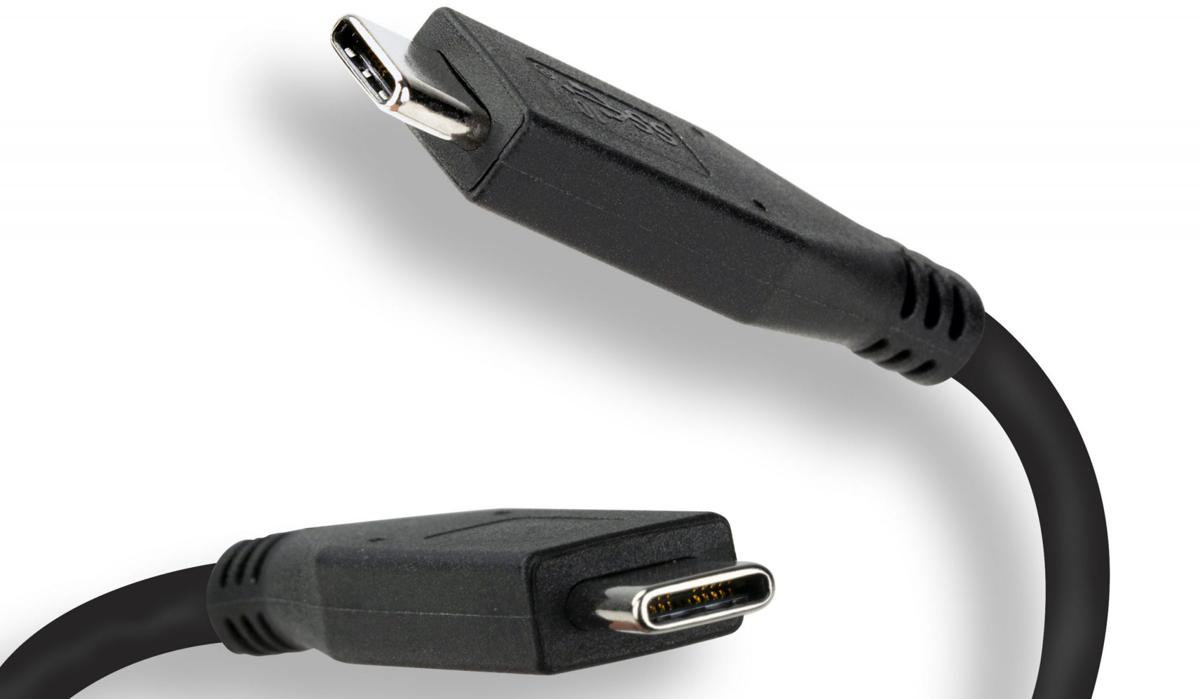
The physical USB C connector is only part of the story.
A cable can support different levels of power delivery, data transfer and video depending on its construction and specifications.
For example, one USB C cable might be designed primarily for charging a smartphone. Another could support high power delivery for a laptop. A higher specification cable may also support fast data transfer and advanced display connectivity.
This means that simply seeing a USB C connector does not tell you what the cable can actually do.
When buying a cable, it is useful to think about three separate capabilities:
• Charging power
• Data transfer speed
• Video and display support
A cable can be excellent at one of these while offering limited performance in another.
USB C Charging Cables
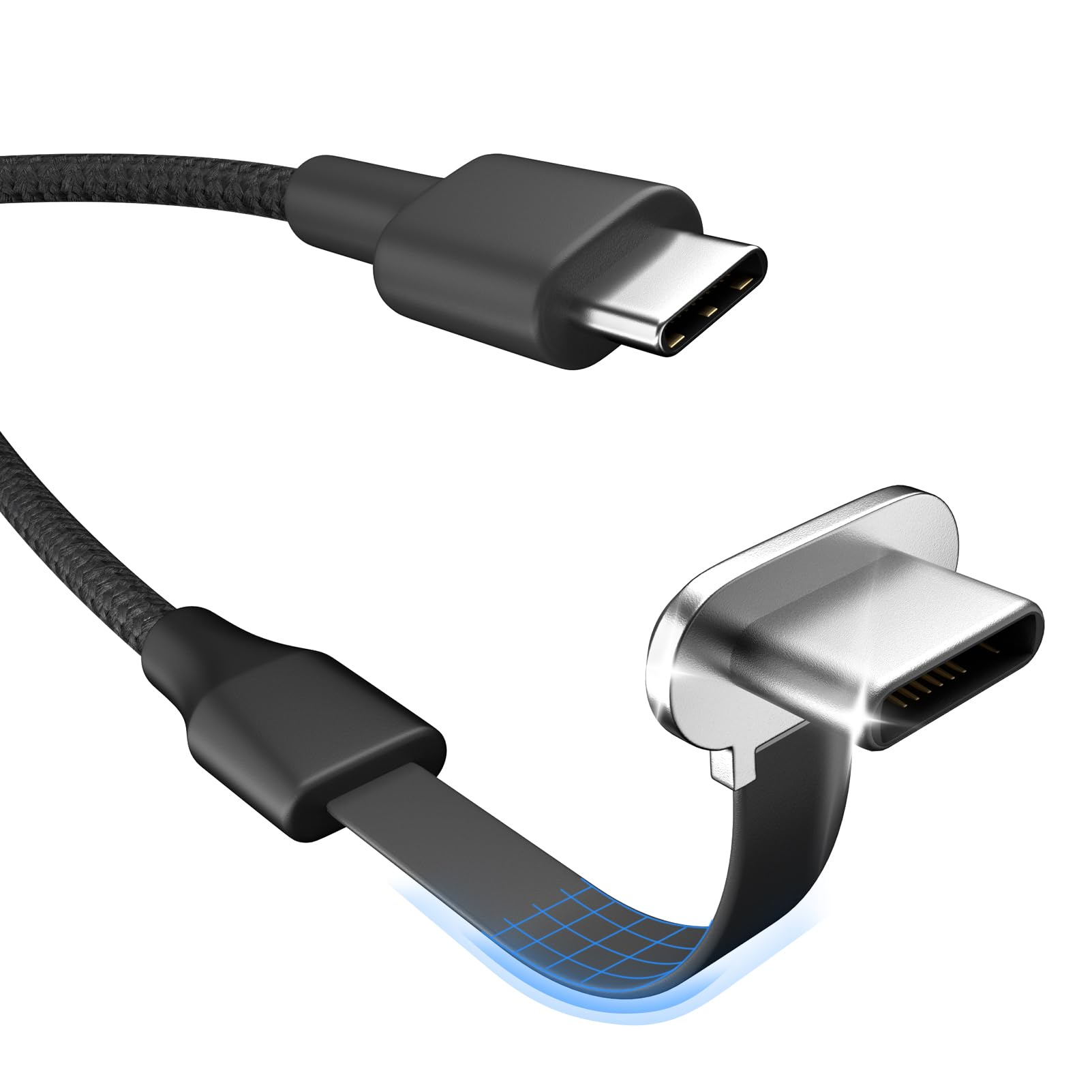
Charging is probably the most common reason people buy USB C cables.
Basic USB C cables can handle everyday charging for devices such as smartphones, earbuds and smaller accessories. Higher capability cables can support significantly more power when paired with a compatible charger and device.
USB Power Delivery, commonly called USB PD, allows compatible chargers and devices to negotiate an appropriate power level.
However, buying a cable rated for high power does not automatically make a phone charge faster.
The charger must support the required power, the device must accept it and the cable must be capable of carrying it.
Think of fast charging as a complete system rather than a feature belonging to the cable alone.
Why Some USB C Cables Charge Faster
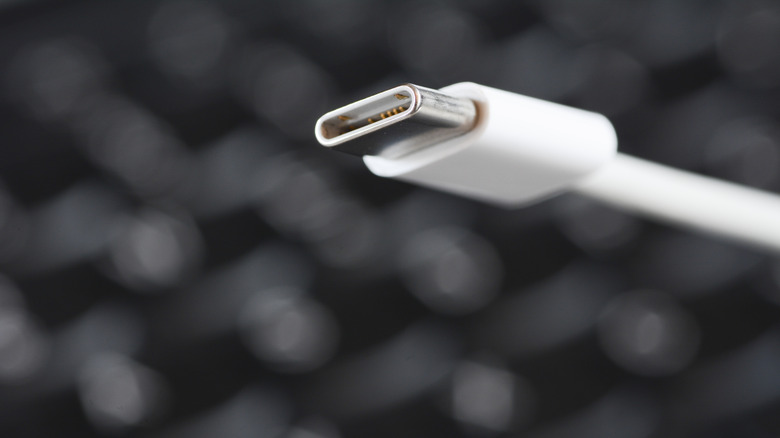
Several factors determine charging performance.
Cable Power Rating
A cable has a limit on how much electrical power it is designed to carry safely.
Higher power USB C cables are designed to support greater charging capabilities when used with compatible equipment.
Charger Capability
A powerful cable cannot create additional power.
If your charger provides a lower power output, connecting a higher rated cable will not turn it into a faster charger.
Device Compatibility
The smartphone, laptop or tablet also determines how much power it can accept.
For example, a phone designed for a particular fast charging system may not use the maximum output available from a much more powerful charger.
Cable Quality
Poorly made cables can introduce reliability problems, particularly when carrying higher levels of power.
A reputable cable with clearly stated specifications is generally preferable to an inexpensive cable that makes vague fast charging claims.
USB C Cable Types by Data Speed
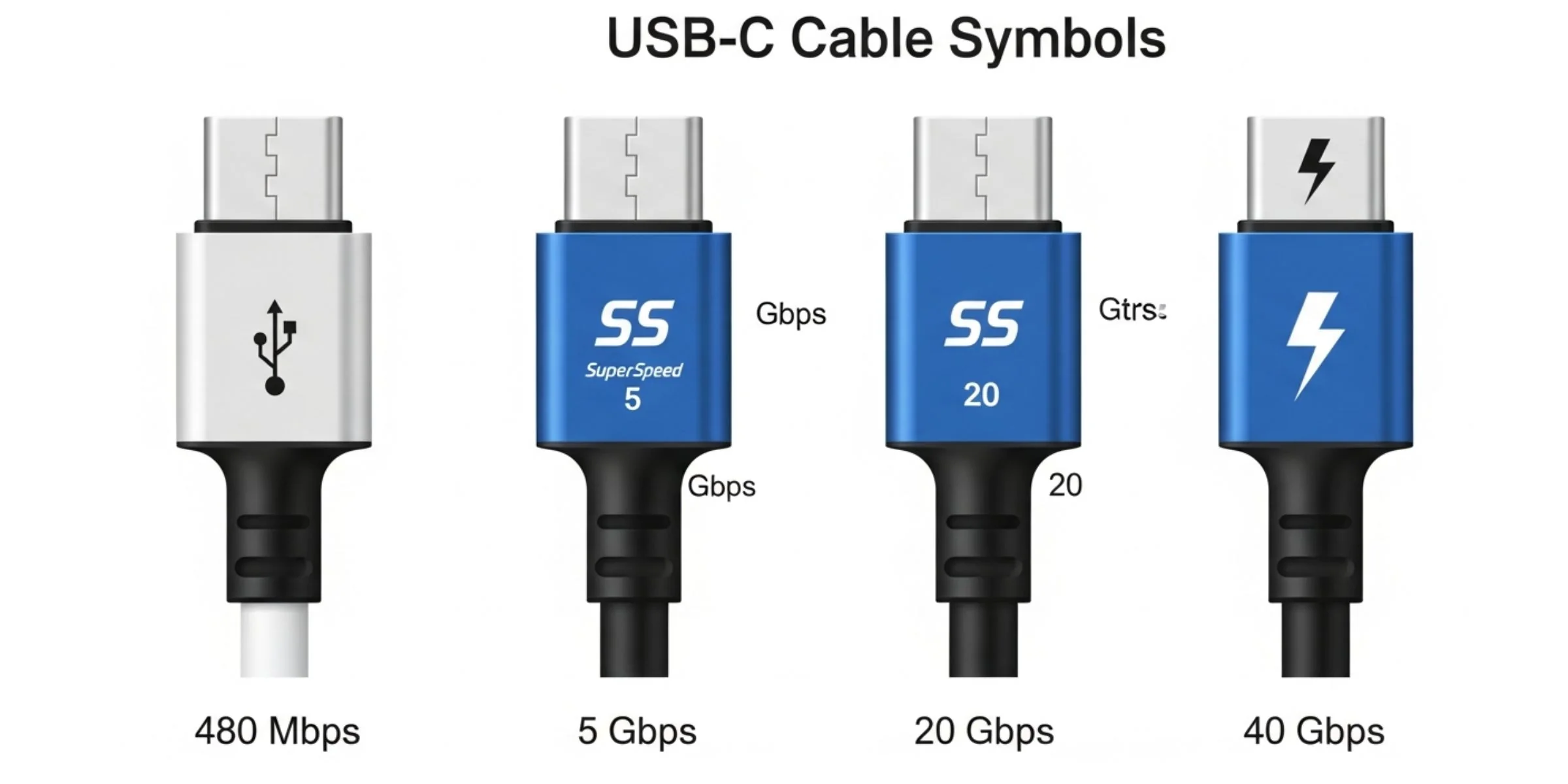
Charging is only one part of the USB C story.
USB C cables can also support very different data transfer capabilities.
Some basic cables are suitable for transferring photos, documents and other everyday files. Higher performance cables can support much faster transfers and are particularly useful for external SSDs, professional storage and large media files.
This creates an important situation.
A cable can charge your phone perfectly while transferring data relatively slowly.
If you regularly move large video files from an external SSD, camera or smartphone, checking the cable's data specification is essential.
USB C Cable Types for Laptops
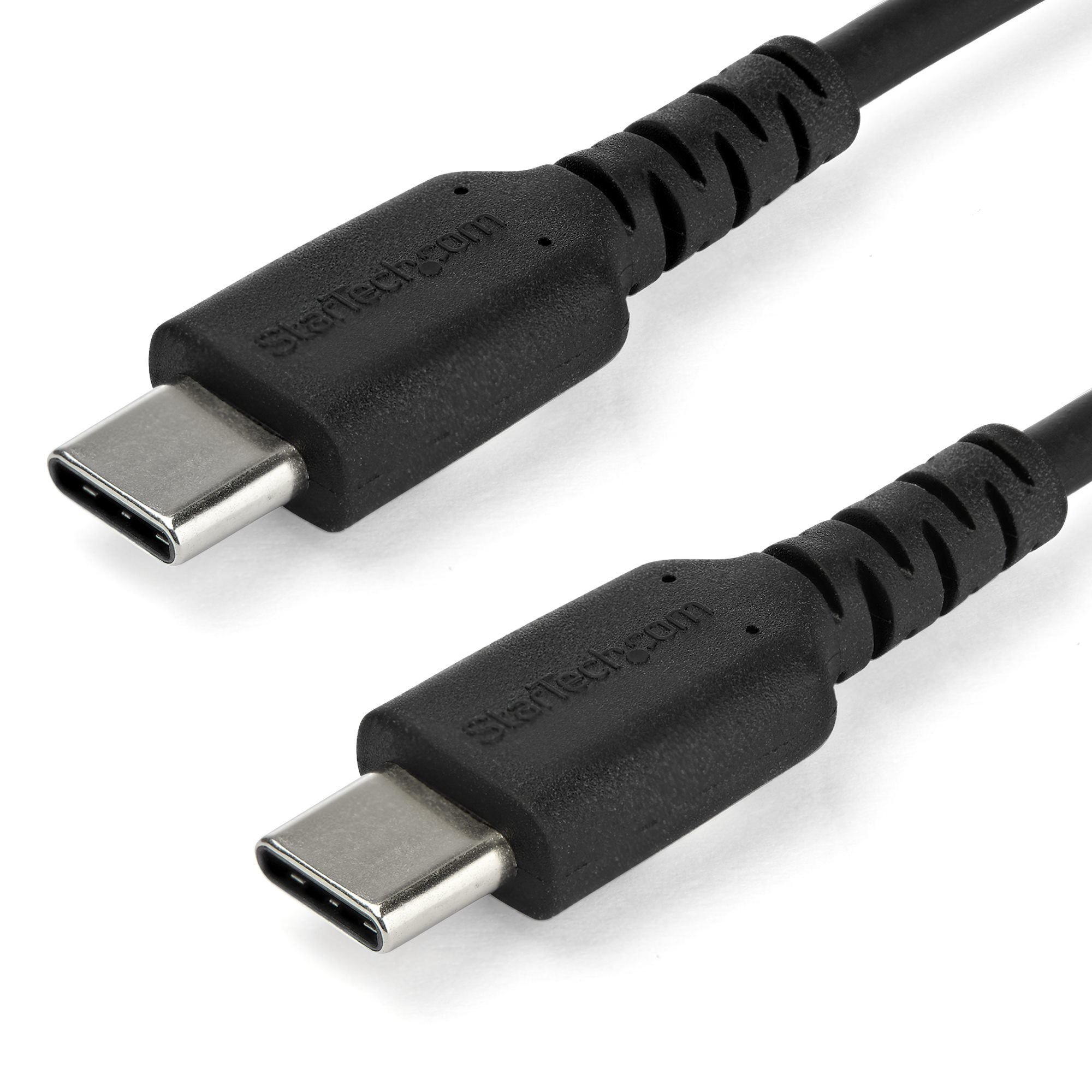
Laptops often have higher power requirements than smartphones, making cable selection more important.
A laptop charging cable needs to support the power level required by the computer and charger.
Some laptops can also use USB C for data and display connections. This means a single cable may potentially handle charging, data and video depending on the hardware.
If you are buying a USB C cable for a laptop, check:
• Required charging power
• Charger output
• Data transfer requirements
• Display requirements
• Cable length
• Compatibility with the laptop
A basic phone charging cable may physically fit a laptop while still being unsuitable for the laptop's maximum charging or data requirements.
USB C Cables for Phones
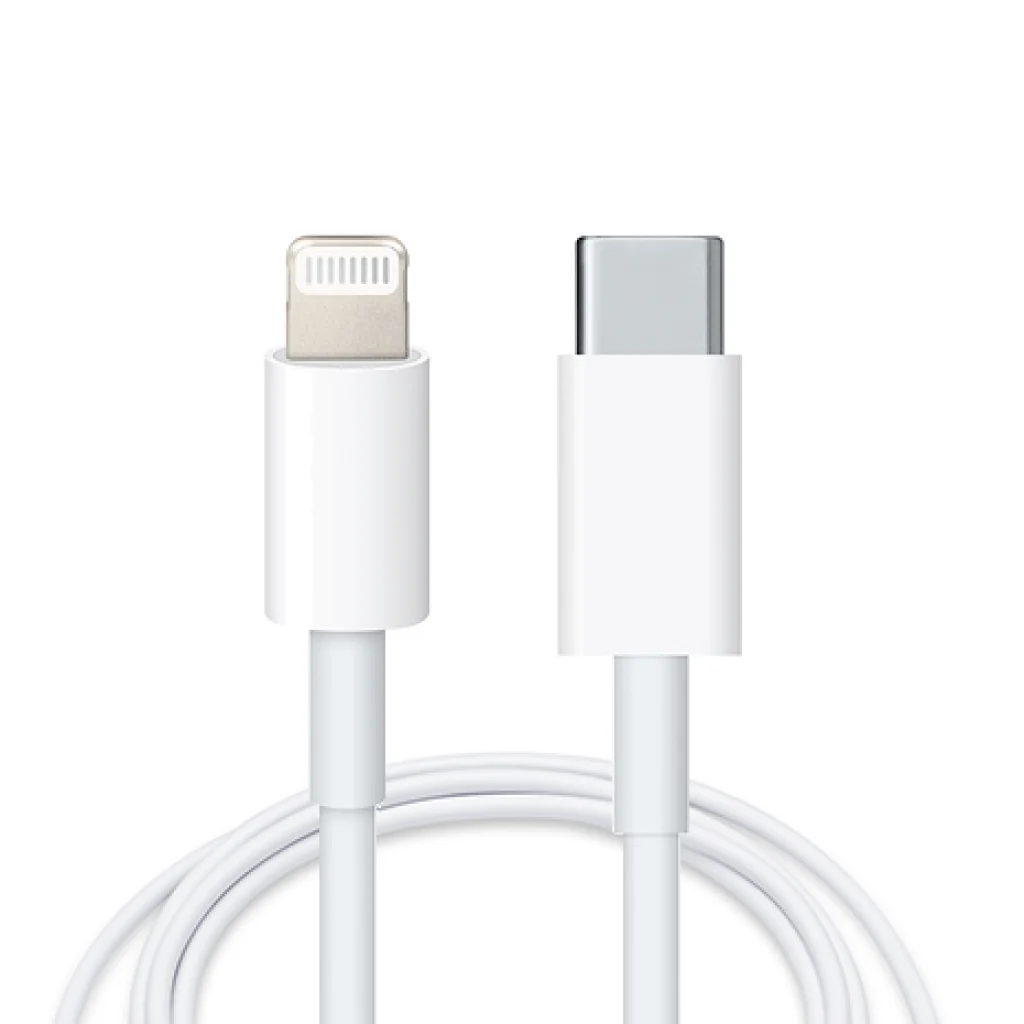
For smartphones, the ideal cable depends on the charging technology supported by the phone and charger.
If you mainly charge your phone overnight, a standard quality USB C cable may be enough.
If you frequently need rapid charging during the day, choose a cable that supports the power requirements of your phone's charging system.
Data transfer can also matter if you regularly move photos and videos between your phone and computer.
The important point is to check the specifications of the phone and charger first. Then choose a cable that meets or exceeds those requirements.
USB C Cable Types for Data Transfer
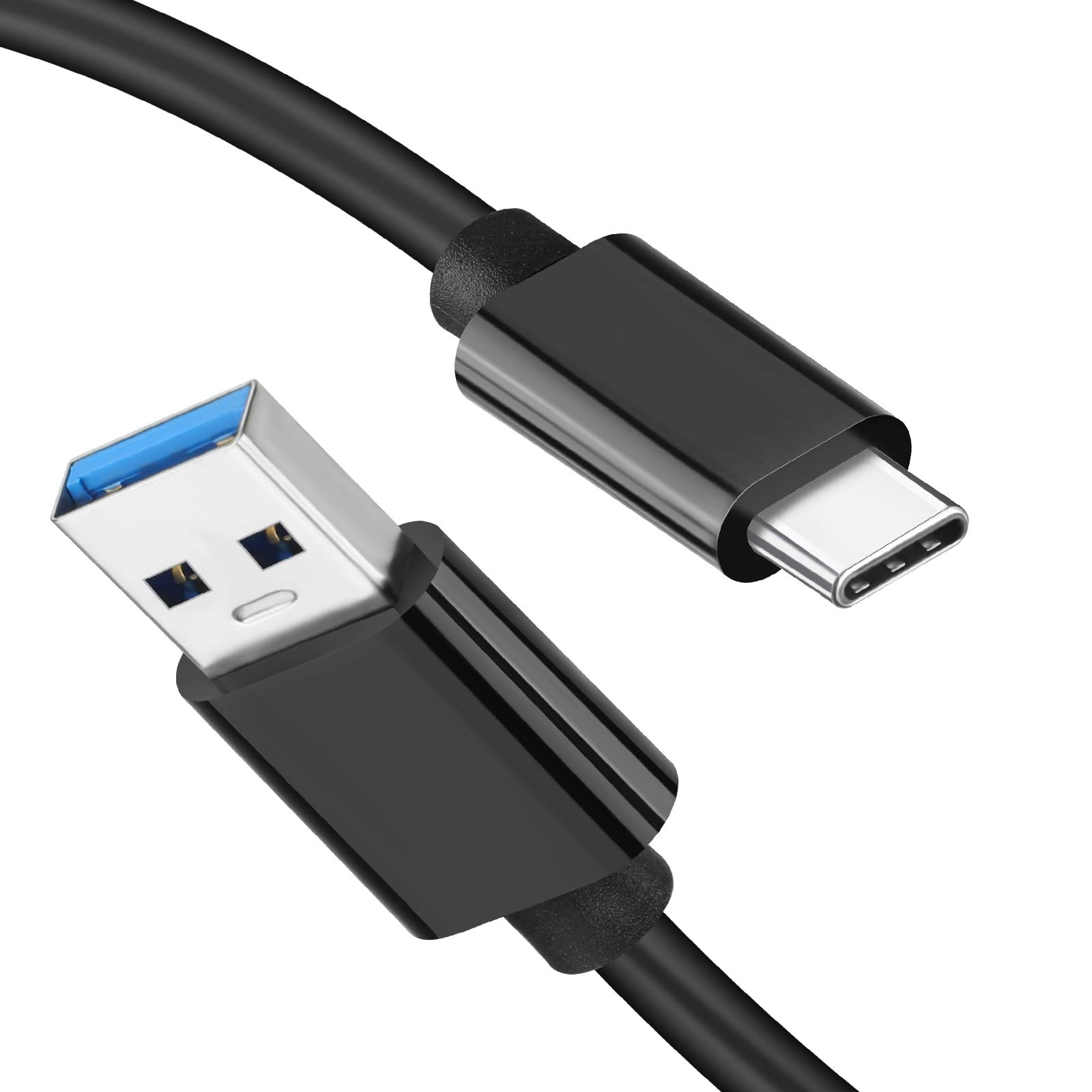
Not everyone needs the fastest data cable.
If you occasionally transfer documents, photos or small files, a basic data cable may be perfectly adequate.
The situation changes when you work with large video files, high resolution photographs or external solid state drives.
A high speed USB C cable can significantly reduce transfer times when both connected devices support the required standard.
Before purchasing, look for clearly stated data speeds rather than relying on phrases such as premium, professional or ultra fast.
USB C and Video Output
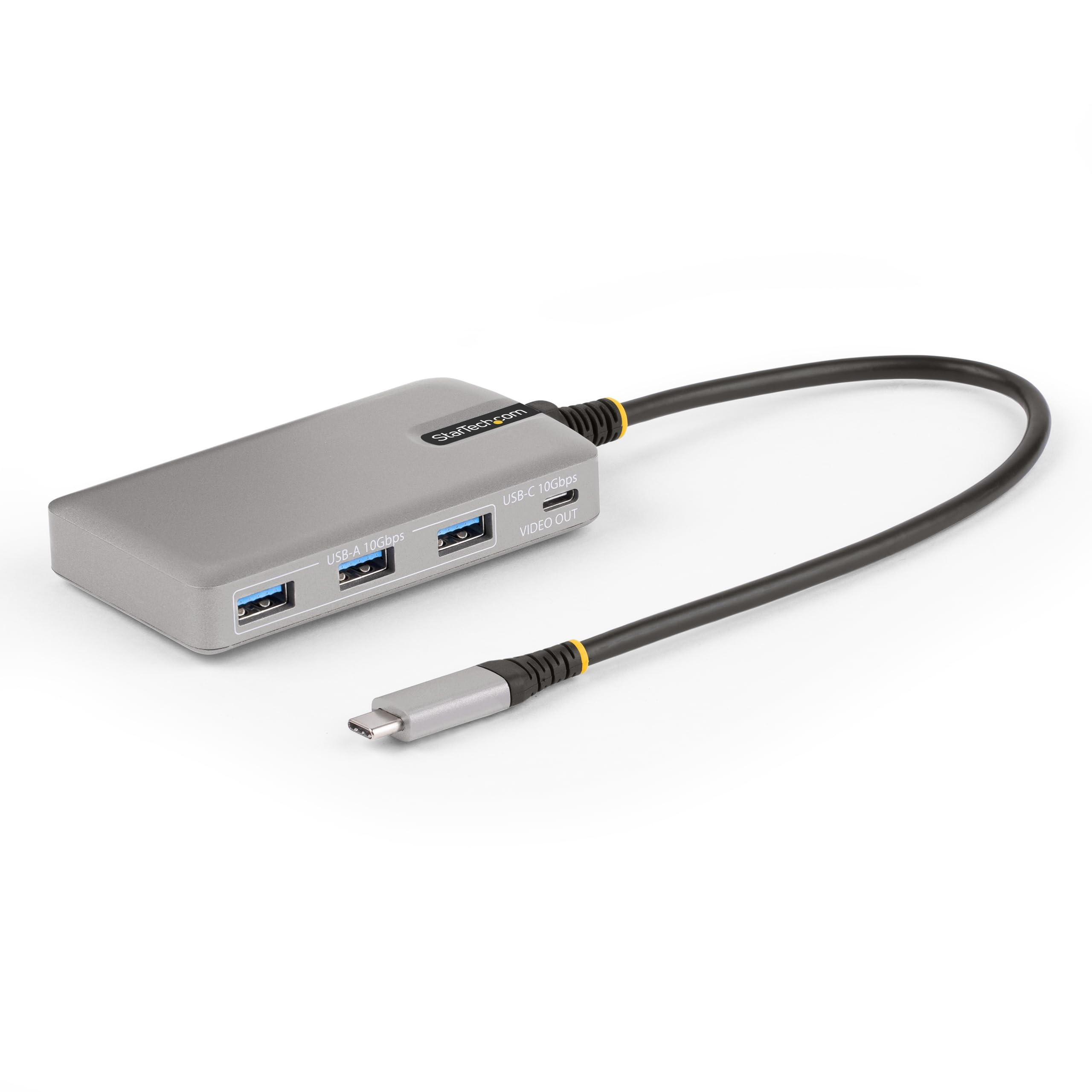
Some USB C cables can also carry video signals.
This can allow compatible laptops, tablets and smartphones to connect to monitors, docking stations and other display equipment.
However, video support is not universal across every USB C cable or every USB C port.
If you need a cable for a monitor, check the specifications of both the source device and the display equipment.
This is particularly important for high resolution displays and higher refresh rates, where bandwidth requirements can be substantially greater.
Why Cable Length Can Matter
A longer cable can be convenient, especially when charging from a wall outlet or using a laptop at a desk.
However, cable length can influence performance depending on the cable design and specification.
A high performance USB C cable needs to be designed appropriately for the power and data requirements it supports.
If you need a long cable for high speed data or high power charging, pay attention to its specifications rather than assuming any long USB C cable will perform identically.
For simple phone charging, length is generally more about convenience than performance.
USB C Cable Markings and Certification
One of the biggest challenges when buying cables is understanding the packaging.
Manufacturers may use different terminology to describe charging speed, data performance and compatibility.
Look for concrete specifications such as:
• Maximum supported power
• Data transfer rate
• USB standard
• Display support
• Connector type
• Cable length
Clear specifications are much more useful than marketing language.
Some certified or properly tested cables may also include identification features that allow compatible equipment to recognize their capabilities.
USB C Cable vs USB C Charger
It is easy to assume that the charger determines everything.
In reality, the charger and cable work together with the device.
Consider a simple example.
You have a powerful USB C charger capable of supplying high power. Your phone supports fast charging. But the cable is designed for a lower power level.
The charging system may not operate at the highest level possible.
The reverse is also true. A high capability cable connected to a basic charger cannot magically increase the charger's output.
For the best results, the charger, cable and device should all support the required specifications.
How to Choose the Right USB C Cable
Start with the device you are trying to connect.
For Smartphone Charging
Look for a reliable cable that supports the phone's required charging power.
For Laptop Charging
Check the laptop's recommended charging power and choose a cable capable of supporting it.
For External SSDs
Prioritize data transfer speed rather than focusing only on charging performance.
For Monitors
Check video support, bandwidth and compatibility with the display.
For Travel
A compact, durable cable with the appropriate charging and data capabilities can be more useful than carrying several different cables.
Common USB C Cable Mistakes
Assuming Every USB C Cable Is Fast
The connector does not determine the cable's maximum performance.
Buying Based Only on Price
An expensive cable is not automatically better, but extremely cheap cables with unclear specifications can create unnecessary uncertainty.
Ignoring Data Speed
A cable can be excellent for charging while being slow for transferring files.
Forgetting About Video
If you plan to connect a laptop or tablet to a monitor, check video compatibility before buying.
Choosing the Wrong Power Rating
A cable should be appropriate for the charging system you intend to use.
Using Damaged Cables
Frayed cables, damaged connectors or loose connections should not be treated as normal wear. Replace cables that show significant physical damage.
A Simple USB C Cable Buying Checklist
Before buying a new cable, ask:
• What device am I connecting?
• How much charging power does it require?
• Do I need fast charging?
• Do I need fast data transfer?
• Will I connect an external SSD?
• Do I need monitor or video support?
• How long should the cable be?
• Does the manufacturer clearly state its specifications?
• Is the cable from a reputable manufacturer?
• Do the charger and device support the same charging requirements?
This simple checklist can prevent most common purchasing mistakes.
Are Expensive USB C Cables Worth It?
Price alone should not determine your choice.
If you only need to charge a smartphone, you may not benefit from paying for an extremely high specification cable designed for professional data transfer and display applications.
On the other hand, someone using an external SSD, high performance laptop and monitor may benefit from a cable designed for much greater bandwidth and power.
The goal is to buy the capabilities you actually need.
A well specified mid range cable can often be more sensible than either the cheapest unknown option or the most expensive model available.
USB C Cable Care Tips
Even a good cable can fail prematurely if it is constantly bent or pulled.
Avoid sharply folding cables near the connector. Do not pull a cable from the wire when disconnecting it. Store longer cables loosely rather than wrapping them tightly around a charger.
Keeping the connectors clean can also help maintain a reliable connection.
If a cable begins disconnecting frequently, becomes unusually warm or shows visible damage, replace it rather than continuing to use it.
The Future of USB C Cables
USB C is becoming increasingly important because one connector can support several different functions.
Charging, data transfer, external displays and accessories can all use the same physical connector when the connected hardware supports them.
That versatility is one of the biggest reasons USB C has become so common across modern electronics.
However, the growing number of capabilities also makes specifications more important.
As devices become faster and more power hungry, choosing a cable based simply on the shape of the connector will become less useful.
Understanding what the cable actually supports is the better long term habit.
Final Thoughts
USB C has made modern device connectivity considerably more flexible, but that flexibility can also make cable shopping confusing.
The most important lesson is that USB C does not describe one universal level of performance. Different cables can support different charging power, data speeds and video capabilities.
If you only need to charge a smartphone, you probably do not need the most advanced cable available. If you are charging a laptop, transferring large files through an external SSD or connecting a monitor, specifications become much more important.
Before buying, consider the device, charger, power requirement, data speed and any video requirements. Then choose a cable that supports the features you actually need.
A good USB C cable is not necessarily the one with the biggest marketing claims. It is the one whose specifications match your equipment and everyday use.
Frequently Asked Questions
Are all USB C cables the same?
No. USB C refers primarily to the connector and interface. Cables can differ considerably in charging power, data transfer speed and video capabilities.
Why does one USB C cable charge faster than another?
Charging speed can depend on the cable's power capability, the charger, the device and the charging protocol being used. All three parts of the system need to support the desired charging level.
Can any USB C cable charge a laptop?
A USB C cable may physically connect to a laptop, but that does not mean it supports the laptop's required charging power. Check the laptop's charging requirements and the cable's specifications.
Does a more expensive USB C cable charge faster?
Not necessarily. A higher price does not automatically mean higher charging performance. Look at the cable's actual power rating and compatibility instead.
Can USB C cables transfer data?
Yes, but data speeds vary. Some cables are designed mainly for charging, while others support high speed data transfer.
Can USB C carry video?
Some USB C cables and devices support video output, but it is not guaranteed for every USB C connection. Check the specifications of the source device, cable and display.
Do longer USB C cables charge more slowly?
Not necessarily, but cable length can affect performance depending on its construction and specifications. For high power or high speed applications, choose a cable specifically rated for the required performance.
How do I know which USB C cable I need?
Start by identifying whether you need charging, data transfer, video support or a combination of these. Then check the power and bandwidth requirements of your devices and choose a cable that meets those specifications.