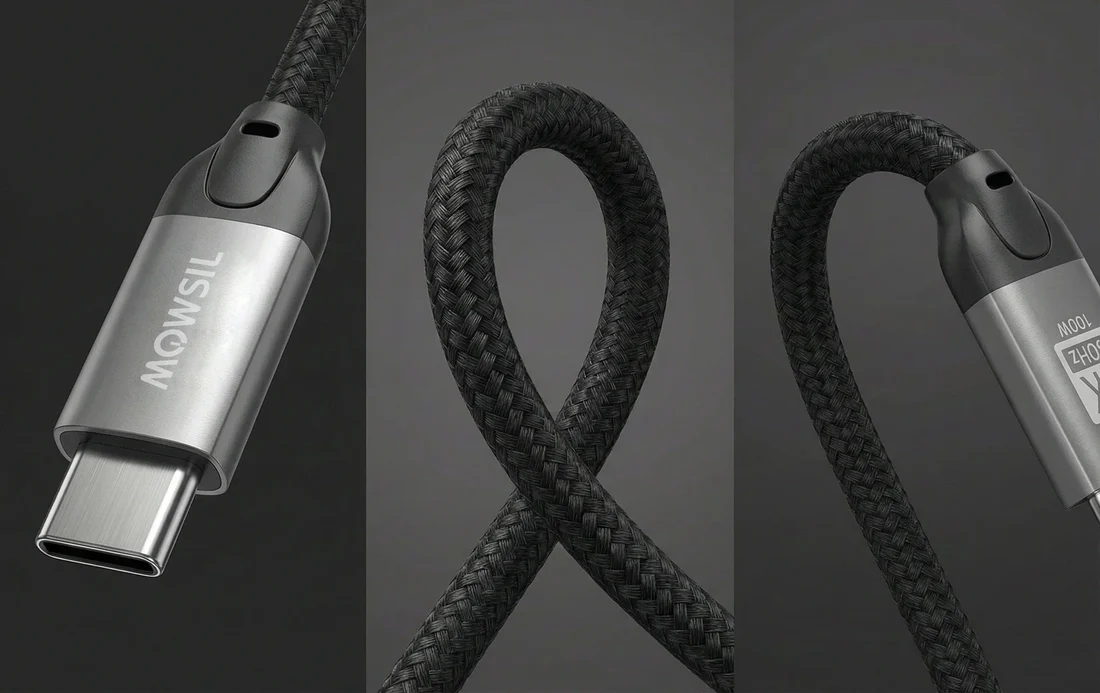
A good Data Cable does much more than connect a phone to a charger. Depending on its design and specifications, the right cable can charge your devices, transfer files, connect external storage and even support displays or other accessories.
The challenge is that cables can look almost identical while offering very different performance.
One cable might be designed primarily for charging. Another may support high speed file transfers. A third could be built for high power laptop charging and demanding data applications.
Durability also matters. A cable that performs well when new is not particularly useful if the connector becomes loose or the cable starts failing after a few months of everyday use.
The best approach is to consider three things together: speed, power rating and connector type. Build quality then determines how well the cable continues to perform over time.
What Is a Data Cable?
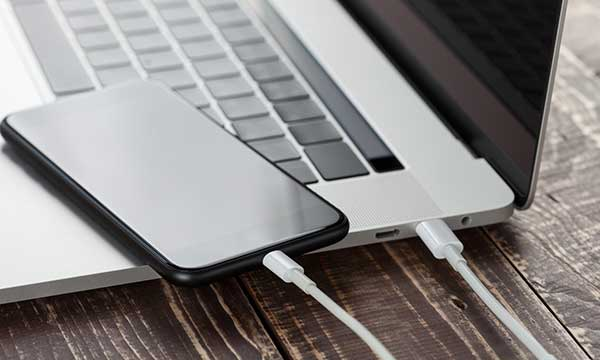
A data cable is a cable designed to transfer information between compatible electronic devices.
A common example is connecting a smartphone to a computer to transfer photos, videos or documents. Many modern cables also carry electrical power, which means the same cable can charge a device while transferring data.
However, not every charging cable provides the same data functionality.
Some inexpensive cables may be designed primarily for power and offer limited data performance. Others support much faster transfer speeds and are suitable for external storage, cameras and professional workflows.
That is why checking the cable's specifications is important rather than assuming every cable with the same connector will work identically.
Why Data Cable Durability Matters
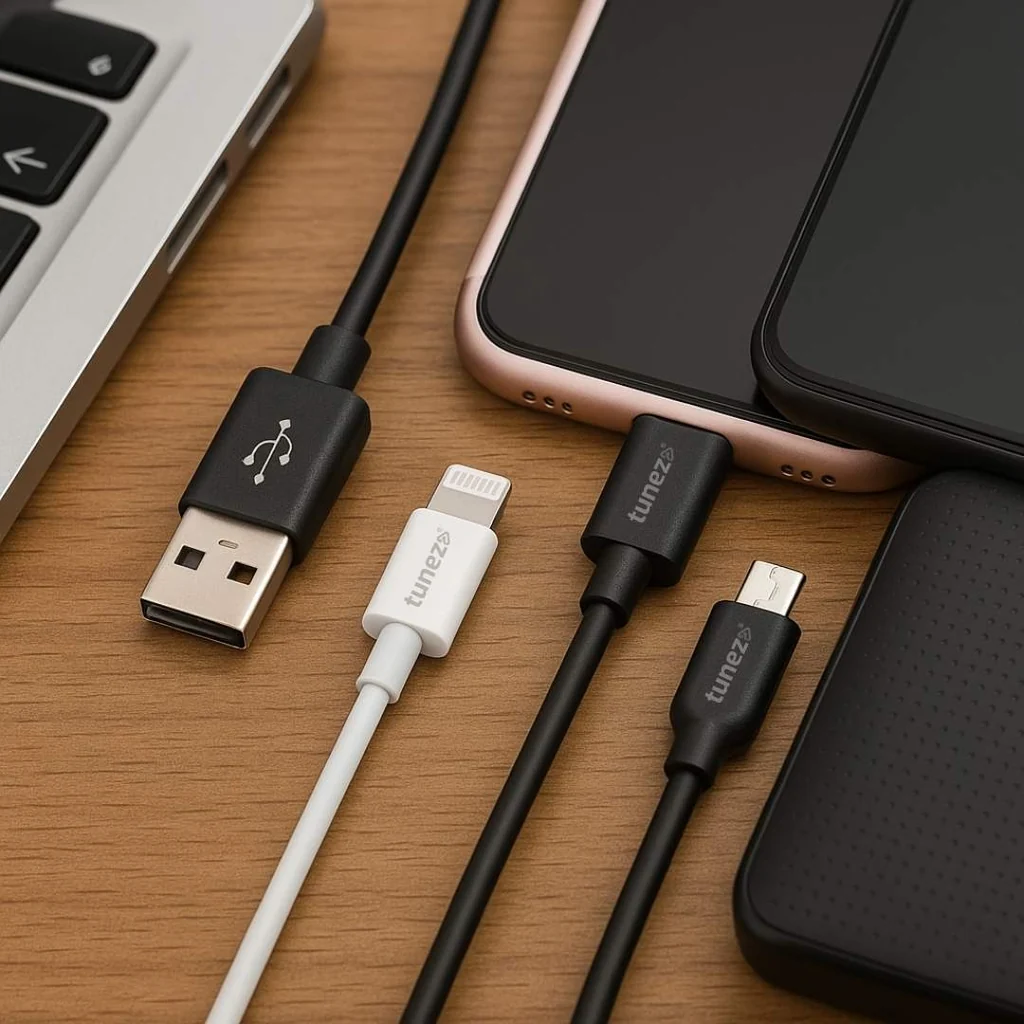
Data cables are often used in demanding everyday environments.
They are bent around desks, pulled from charging ports, packed into bags and connected and disconnected repeatedly.
The areas most likely to experience wear are usually the connector, cable joint and outer insulation.
A durable cable should have a well constructed connector and sufficient strain relief around the point where the cable meets the plug.
Braided outer materials can provide additional physical protection, although the outer material alone does not determine the quality of the cable.
Internal construction matters too.
If you plan to use a cable every day, especially for travel or work, durability should be considered alongside charging and data performance.
Understanding Data Transfer Speed
One of the biggest differences between cables is how quickly they can transfer data.
A basic cable may be perfectly adequate for occasional transfers of documents and photos. A higher performance cable becomes much more useful when moving large video files or working with external solid state drives.
Data transfer speeds are generally expressed in terms such as megabits per second or gigabits per second.
The important thing to remember is that the cable is only one part of the system.
Your phone, computer, storage device and ports must also support the required speed.
For example, purchasing a high speed cable will not make a slow computer port transfer files at the cable's maximum theoretical rate.
Charging Speed and Power Rating
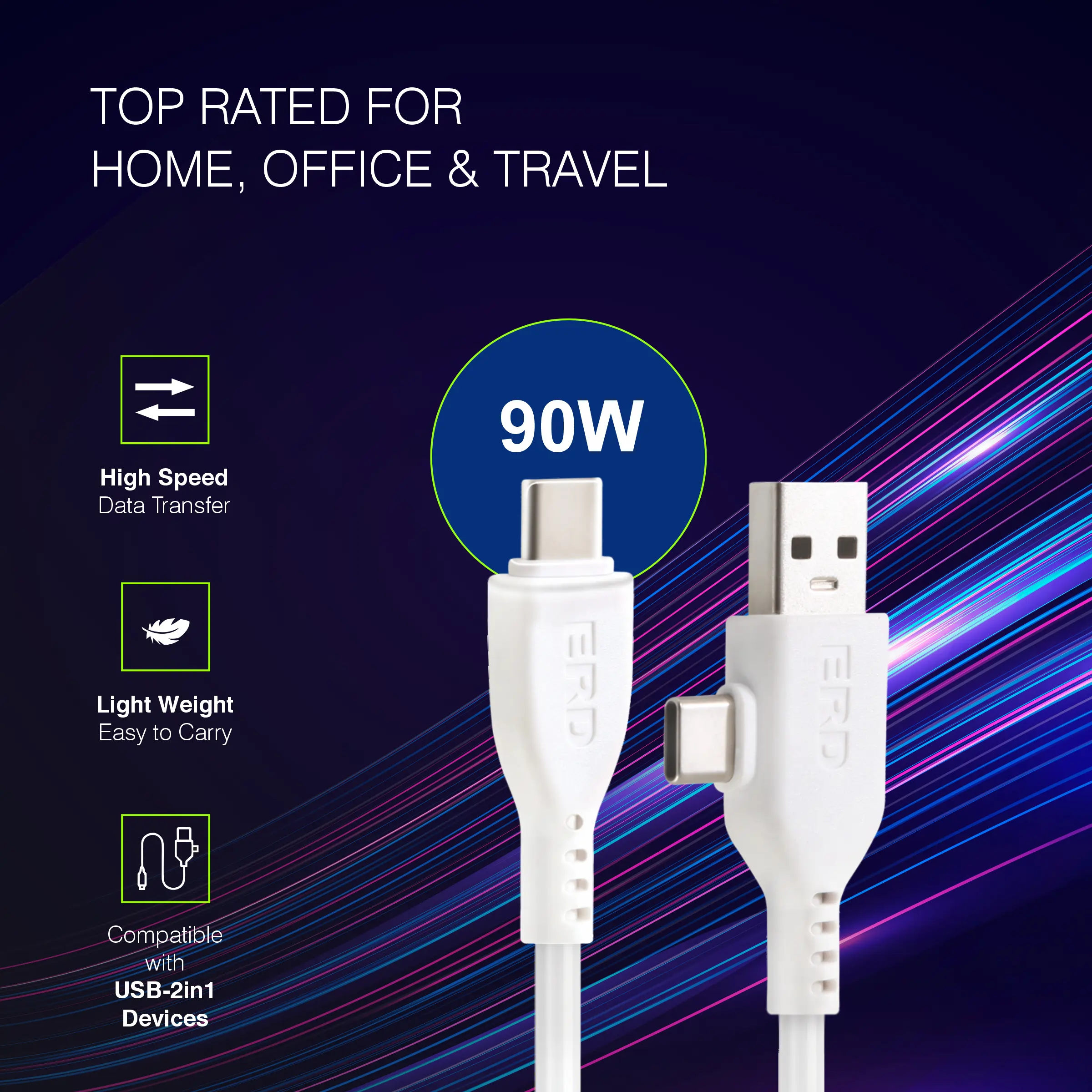
Many modern data cables also function as charging cables.
This makes power capability another important specification.
USB C cables can support different levels of power depending on their design and the applicable charging standards.
If you are using a cable with a smartphone, a moderate power rating may be sufficient.
For a laptop, however, you may need a cable designed to support considerably higher power.
A higher rated cable does not force your device to accept more power. The charger and device determine how much power is actually delivered.
Think of the cable as one part of the charging system.
The charger provides power, the device determines what it can accept and the cable needs to be capable of safely carrying the required level.
Connector Types Explained
The connector is the most obvious part of a cable, but different connector types serve different generations of devices.
USB C
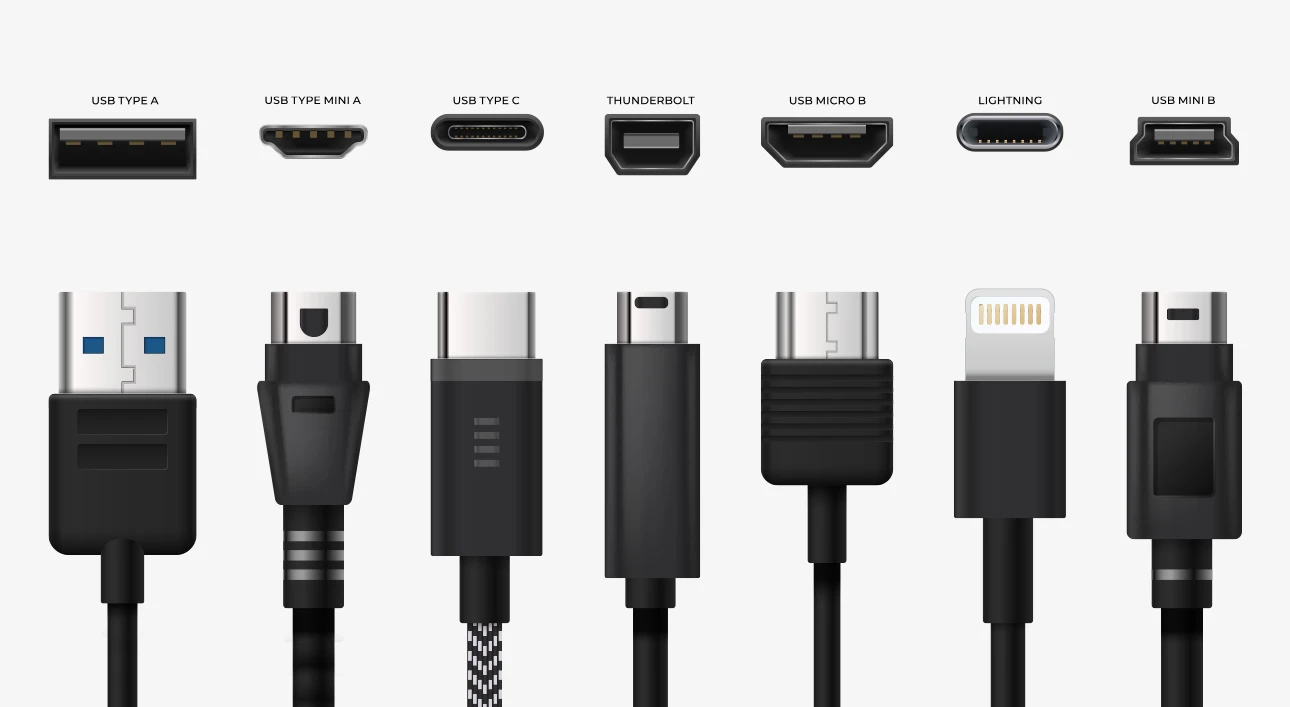
USB C has become the dominant connector for many modern smartphones, tablets, laptops and accessories.
It is reversible, compact and capable of supporting charging, data and other functions depending on the connected hardware.
However, two USB C cables can have very different capabilities.
Always check their power and data specifications rather than assuming they are interchangeable for every task.
Lightning
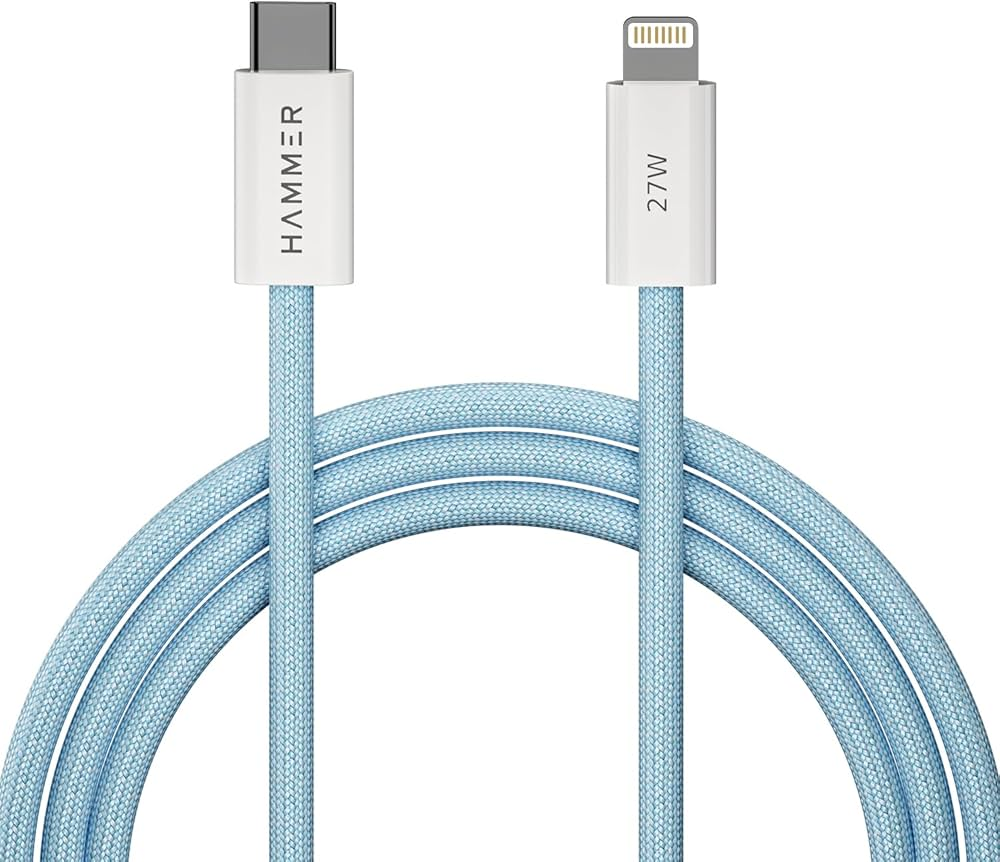
Lightning was widely used on earlier generations of Apple mobile devices and accessories.
Lightning cables can support charging and data transfer, but their capabilities depend on the specific cable and connected hardware.
If you still use a Lightning device, choosing a reputable compatible cable can help with reliability and long term use.
Micro USB
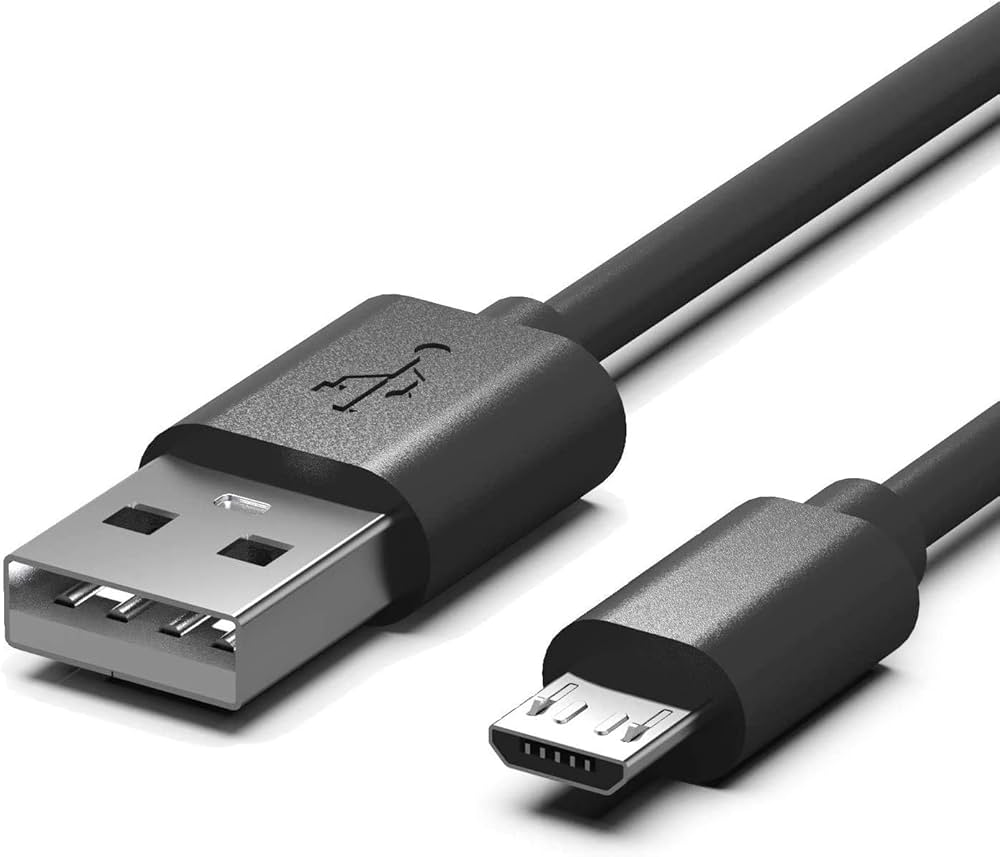
Micro USB remains common on older electronics, accessories, power banks, cameras and other devices.
It is less versatile than USB C, but it continues to be useful because of the large number of existing devices that use it.
If you have older equipment, a reliable Micro USB Data Cable may still be worth keeping available.
USB C Data Cables: What to Check
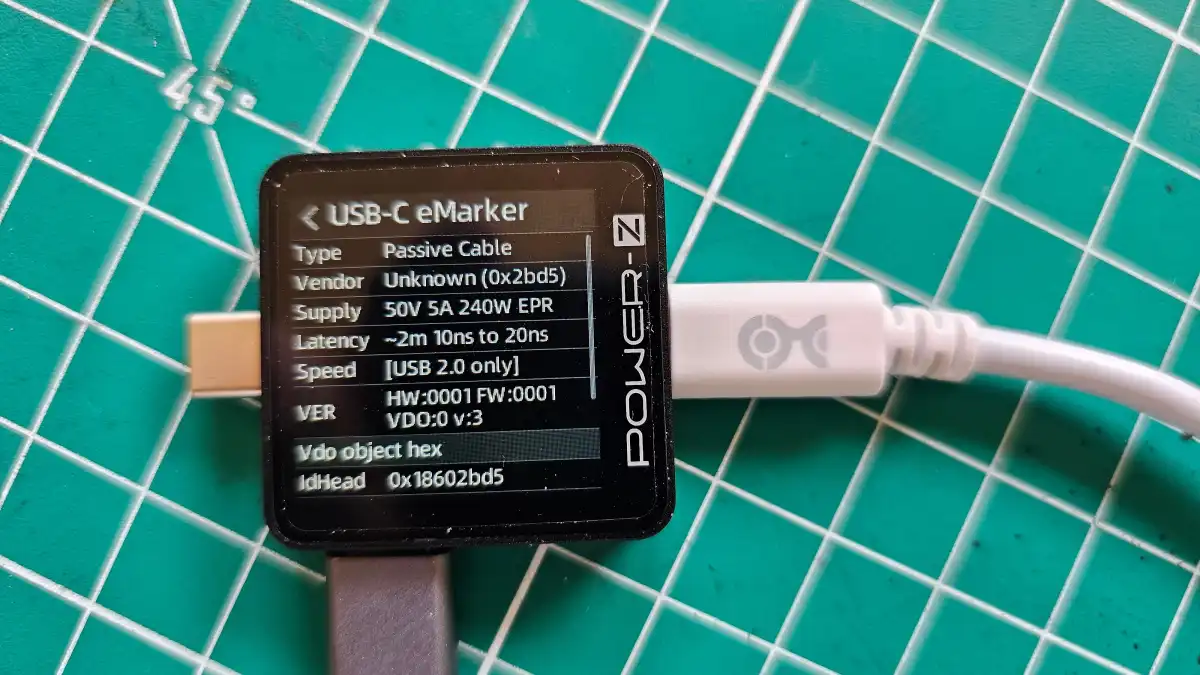
USB C cables deserve particular attention because the connector has become so widespread.
Before buying one, consider:
• Maximum charging power
• Data transfer speed
• USB standard
• Display support if required
• Cable length
• Build quality
• Compatibility with your devices
If you are using the cable with an external SSD, prioritize data performance.
If the cable is primarily for laptop charging, power capability becomes more important.
If you need both fast charging and fast data transfer, look for a cable that specifically supports both rather than assuming every high power cable is also a high speed data cable.
Does a Braided Data Cable Last Longer?
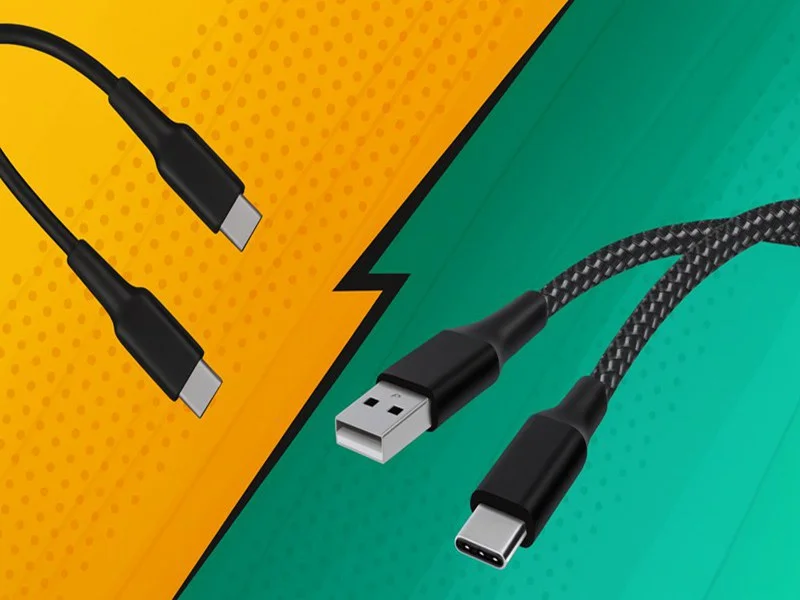
Braided cables are often marketed as more durable, and their woven outer construction can provide additional resistance to everyday abrasion and bending.
However, braided construction does not automatically guarantee a long service life.
Connector quality, internal wiring, strain relief and manufacturing quality are equally important.
A well designed standard coated cable can last for years, while a poorly constructed braided cable can still fail.
When durability is your priority, consider the entire construction rather than judging the cable purely by its outer appearance.
Cable Length: Does It Affect Performance?
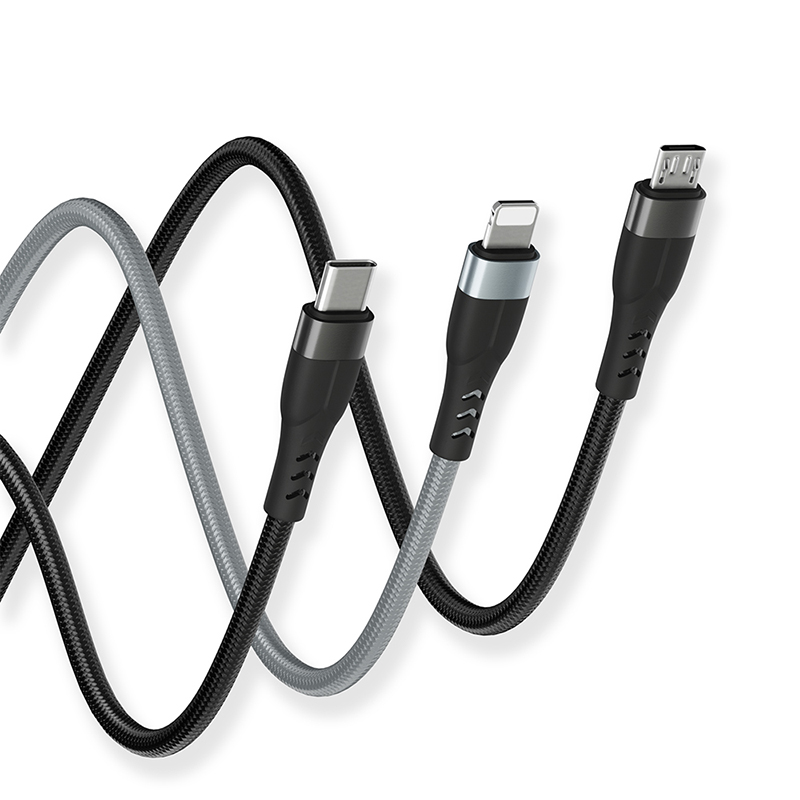
Cable length is mainly a convenience decision, but it can also influence performance.
Longer cables have more distance for the electrical signal to travel. Depending on the cable design and performance standard, this can affect data reliability and power delivery.
For basic phone charging, a longer cable can be extremely convenient.
For high speed data transfer or demanding laptop charging, choose a cable specifically designed and rated for the required performance at its advertised length.
If you regularly work with an external SSD, for example, using an unnecessarily long cable may not provide any advantage.
How to Choose a Data Cable for Your Phone
For everyday smartphone use, start by identifying the phone's connector.
Then determine what you actually need the cable to do.
If the cable is mainly for charging, focus on power capability and durability.
If you regularly transfer photos and videos to a computer, check the supported data speed.
If you use your phone with external storage or other high speed accessories, a higher performance cable may be worthwhile.
A useful habit is to buy according to your workflow rather than simply choosing the cable with the most impressive specifications.
How to Choose a Data Cable for a Laptop
Laptops often require a more capable cable than smartphones.
If you are charging a laptop, check its recommended charging power.
If you are connecting a dock, monitor or external SSD, check the required data and display capabilities as well.
A laptop cable may need to handle several functions simultaneously, making specifications particularly important.
For a simple charging setup, there is little reason to pay for extremely high data performance you will never use.
For a professional workstation, however, investing in a capable cable can make more sense.
Data Cable vs Charging Cable
The terms are sometimes used interchangeably, but there can be an important difference.
A charging cable is primarily designed to deliver electrical power.
A data cable supports communication between devices in addition to power delivery.
Some cables support both functions extremely well. Others have limited data capabilities even though they can charge a device.
If you intend to transfer files, do not assume that a cable capable of charging your phone will automatically provide high speed data transfer.
Check the specifications.
How to Test a Data Cable
If you already own several cables and are unsure about their capabilities, you can test them.
Connect the cable between compatible devices and transfer a large file. Observe the transfer speed and consistency.
For charging, check whether your device reports rapid charging or whether charging performance changes significantly compared with another known capable cable.
For professional use, dedicated hardware and software testing tools can provide more precise results.
Testing can be particularly useful when you have several visually identical cables but different specifications.
Common Data Cable Buying Mistakes
Choosing Only by Connector
The connector tells you what physically fits. It does not tell you the cable's complete capabilities.
Assuming Fast Charging Means Fast Data
A cable can support high power charging while offering limited data performance.
Ignoring Device Compatibility
The phone or computer may have limitations that prevent a cable from reaching its maximum advertised performance.
Buying Extremely Long Cables Without a Reason
Extra length can be useful, but unnecessary length may not be ideal for high performance applications.
Focusing Only on Braided Construction
A braided exterior can improve physical protection, but internal construction and connector quality matter too.
Replacing Cables Too Late
If the connector is loose, the cable is visibly damaged or the connection frequently drops, replacement is usually safer and more reliable than continuing to use it.
A Simple Data Cable Buying Checklist
Before purchasing a new cable, check:
• Connector type
• Charging power requirement
• Data transfer speed
• USB standard
• Cable length
• Device compatibility
• Display support if required
• Build quality
• Connector reinforcement
• Manufacturer specifications
• Warranty or replacement support
If you need the cable for more than one purpose, make sure it supports all of them.
What Makes a Data Cable Truly Durable?
Durability is not determined by one feature.
A reliable cable generally combines strong connectors, effective strain relief, appropriate internal construction and an outer material capable of handling regular use.
The way you use the cable matters too.
Avoid sharply bending the cable near the connector. Do not pull the cable by the wire. Store it loosely when travelling and keep the connectors clean.
A well constructed cable treated carefully can remain useful for a long time.
Final Thoughts
Choosing the right Data Cable is about more than finding a connector that fits your device.
The best cable should match the charging power, data speed and connector requirements of your equipment while also being durable enough for your everyday routine.
For basic smartphone charging, you may only need a reliable cable with the appropriate power capability. For file transfers, external SSDs or professional equipment, data speed becomes much more important. Laptop users may need a cable capable of handling both higher power and higher bandwidth.
USB C has made modern connectivity more flexible, but it has also made cable specifications more important.
Instead of choosing a cable based solely on appearance, price or marketing language, check the actual specifications. Once you know how much power and data performance your devices require, choosing a durable cable becomes considerably easier.
Frequently Asked Questions
What is the difference between a charging cable and a Data Cable?
A charging cable is primarily intended to deliver power, while a Data Cable can also transfer information between compatible devices. Some modern cables are designed to handle both functions.
Does every USB C cable support fast data transfer?
No. USB C describes the connector, not one universal data speed. Different USB C cables can support different data transfer capabilities.
Does a higher power cable transfer data faster?
Not necessarily. Charging power and data transfer speed are separate characteristics. Always check both specifications.
Are braided Data Cables more durable?
A braided outer layer can provide additional protection against abrasion and everyday wear, but overall durability also depends on the connectors, internal construction and strain relief.
Can a Data Cable charge a laptop?
Some can. The cable must support the laptop's required charging power, while the charger and laptop must also support the appropriate charging system.
Why is my Data Cable transferring files slowly?
Possible reasons include a cable with limited data capabilities, a slower device port, incompatible hardware or a storage device that cannot reach higher transfer speeds.
Does cable length affect data speed?
It can, particularly for higher performance applications. For demanding data transfers, choose a cable designed for the required speed at its advertised length.
How often should I replace a Data Cable?
There is no fixed replacement schedule. Replace a cable when it shows visible damage, develops unreliable connections, becomes loose or no longer performs consistently.