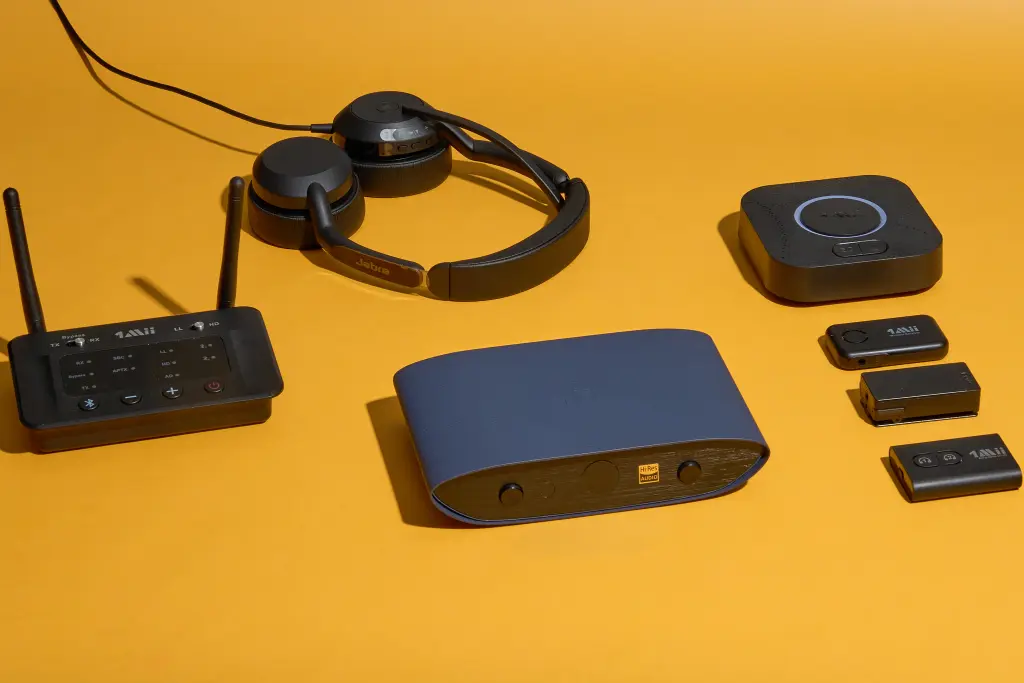
The humble AUX connection still has an important place in modern audio. Many older cars, wired headphones, speakers, amplifiers and home stereo systems continue to rely on the familiar 3.5mm audio jack, while newer smartphones increasingly use USB C or, in some older iPhone models, Lightning connections.
That change has created a simple problem. Your phone may have the music, but your car or headphones may still expect a traditional AUX connection.
Fortunately, the right adapter can bridge that gap without requiring a new stereo, new headphones or an expensive audio upgrade. Some adapters provide a direct wired connection, while others add Bluetooth so you can keep your phone wireless while sending sound to an older AUX enabled device.
The best choice depends on what you are connecting, how you use it and whether you need charging, microphone support or wireless functionality.
What Is an AUX Adapter?
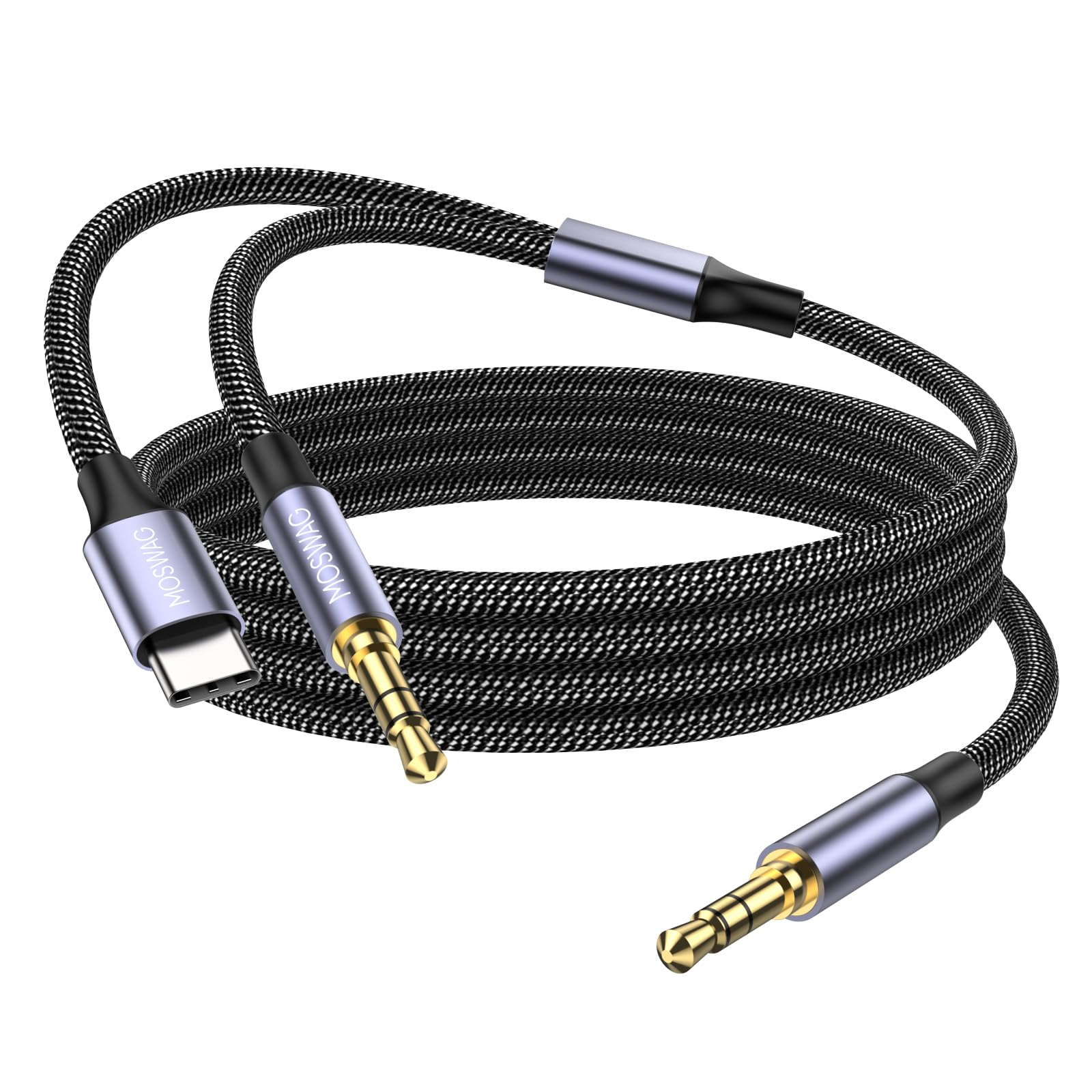
An AUX adapter is a small accessory that allows devices with different audio connections to work together.
The most familiar connection is the 3.5mm headphone jack, commonly called an AUX connection. A traditional AUX cable carries analog audio from a source such as a phone or laptop to a compatible car stereo, speaker or headphone system.
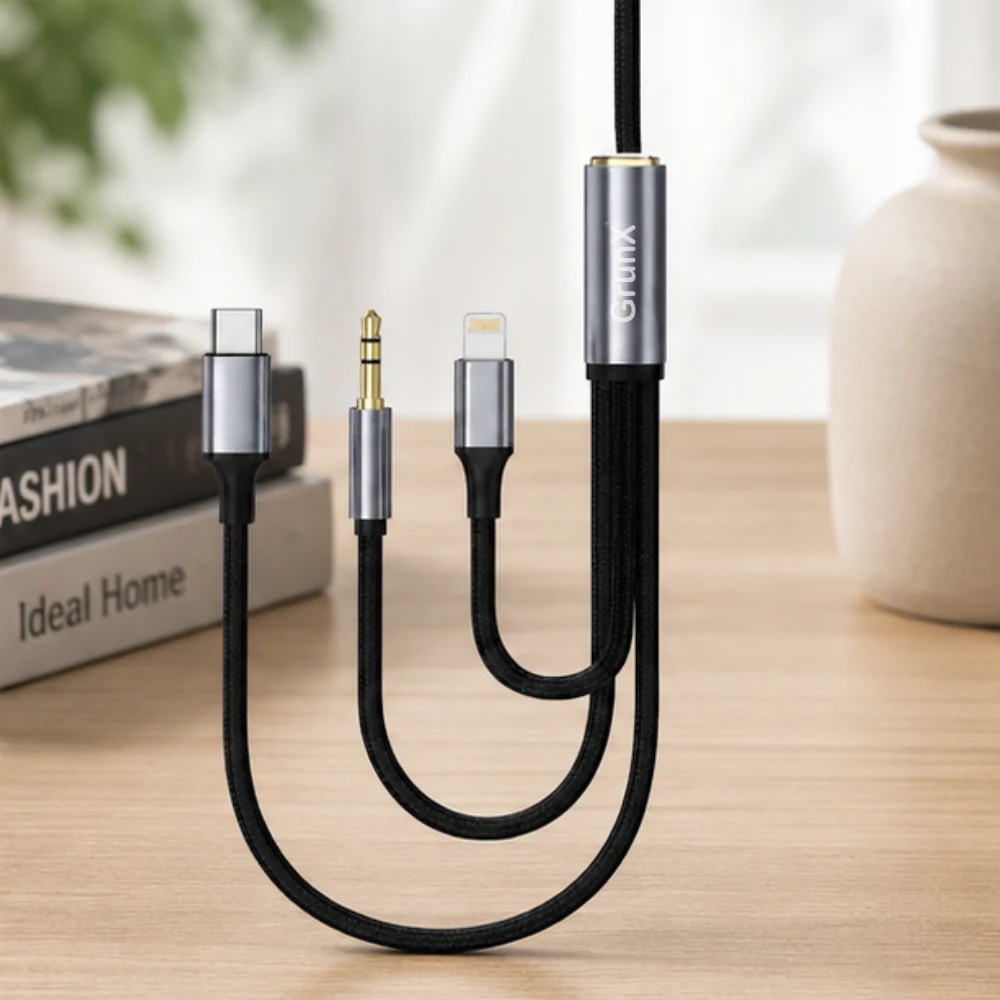
Modern smartphones may not have a 3.5mm port. USB C has become increasingly common, while some Apple devices use Lightning. An adapter can convert the physical connection so the phone can communicate with equipment that still uses 3.5mm audio.
There is another important category: Bluetooth AUX adapters. These devices allow a smartphone to connect wirelessly to an older stereo that has an AUX input.
This makes an old car stereo feel considerably more modern without replacing the entire head unit.
Best AUX Adapter Types to Consider
There is no single adapter that works best for every setup. Start by identifying the ports on both devices.
USB C to 3.5mm AUX Adapter
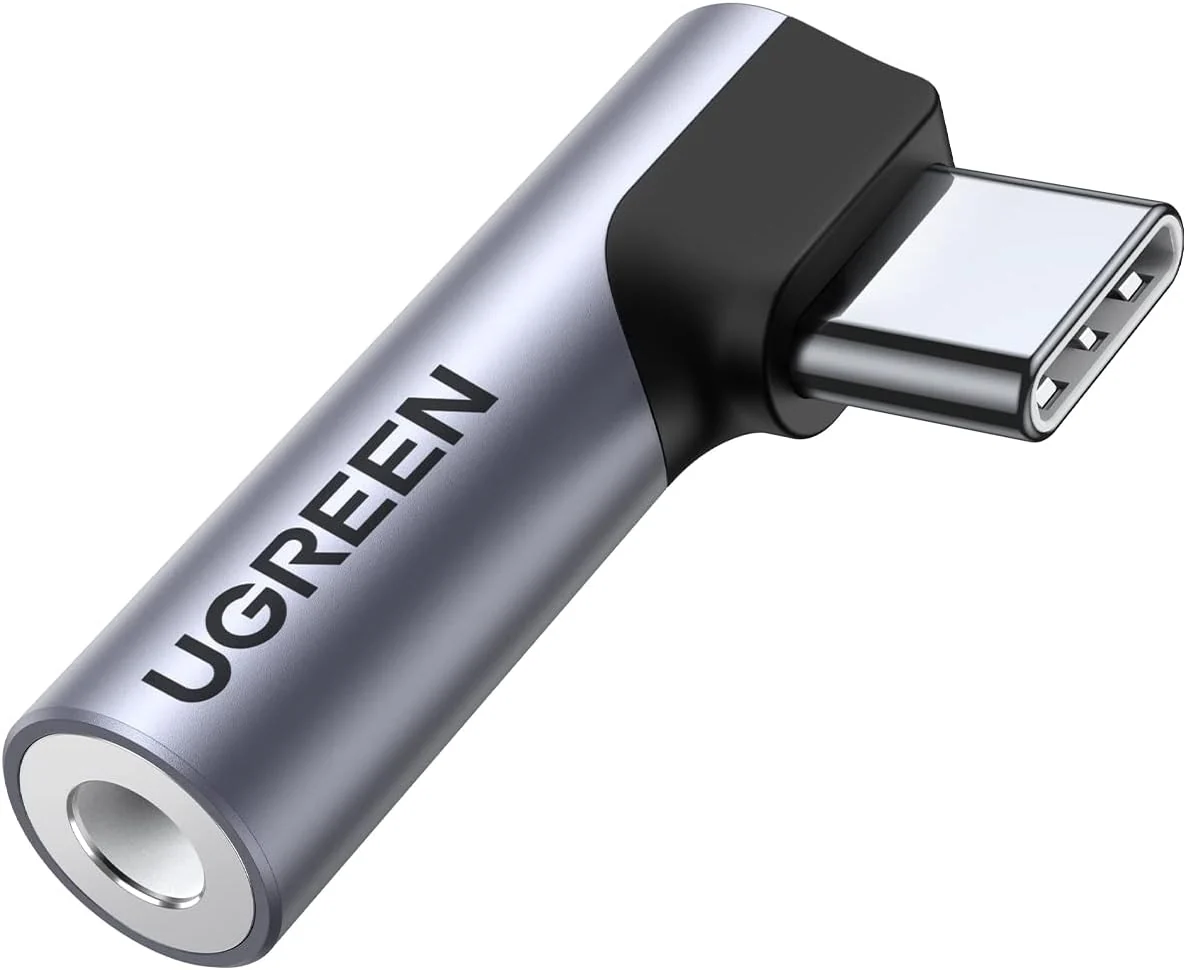
This is one of the most useful options for modern Android phones and USB C equipped devices.
The adapter connects to the phone through USB C and provides a 3.5mm output for wired headphones, speakers or a car stereo.
A key consideration is whether the adapter contains a digital to analog converter, commonly called a DAC. USB C carries digital audio, so the adapter needs suitable hardware to convert that signal into analog audio for a traditional 3.5mm connection.
A basic adapter can be perfectly adequate for everyday listening, while a better built model may provide improved compatibility and audio performance.
Lightning to 3.5mm AUX Adapter
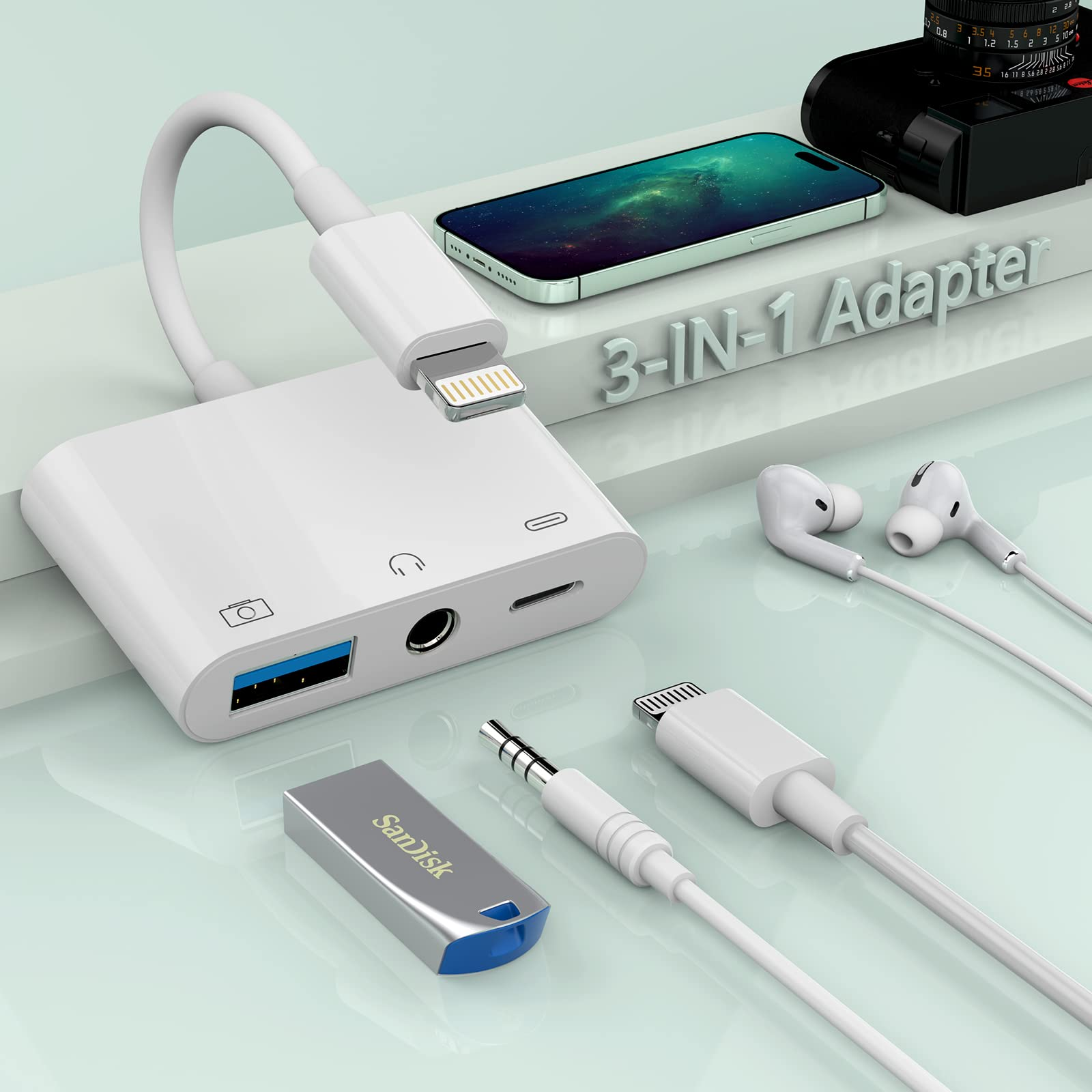
If you have an older iPhone with a Lightning port, a Lightning to 3.5mm adapter provides a straightforward way to connect wired headphones or an AUX equipped car.
The advantage is simplicity. There is no Bluetooth pairing and no separate battery to charge.
For users who still have Lightning based devices, a compact adapter can remain in the car or headphone case for convenient everyday use.
Bluetooth to AUX Adapter
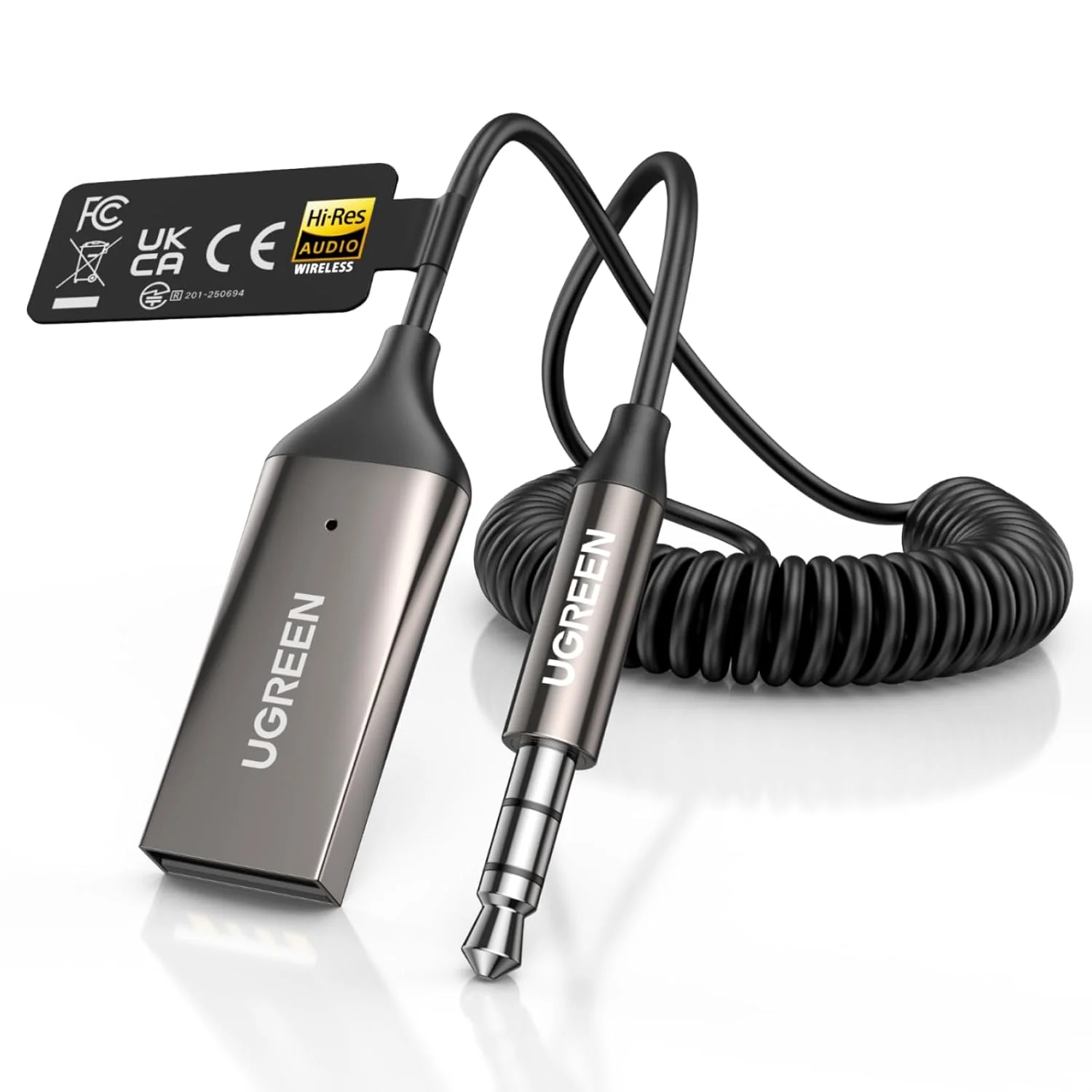
This is the better option when you want wireless music from your smartphone but your car or speaker only has a 3.5mm AUX input.
The adapter receives Bluetooth audio from your phone and sends it through the AUX connection to the stereo.
Current Bluetooth AUX receivers can also include built in microphones for hands free calls, physical playback controls and support for connecting more than one device. Recent 2026 testing guides continue to identify compact Bluetooth receivers as a practical way to add wireless audio to older AUX equipped cars.
Best AUX Adapters for Cars
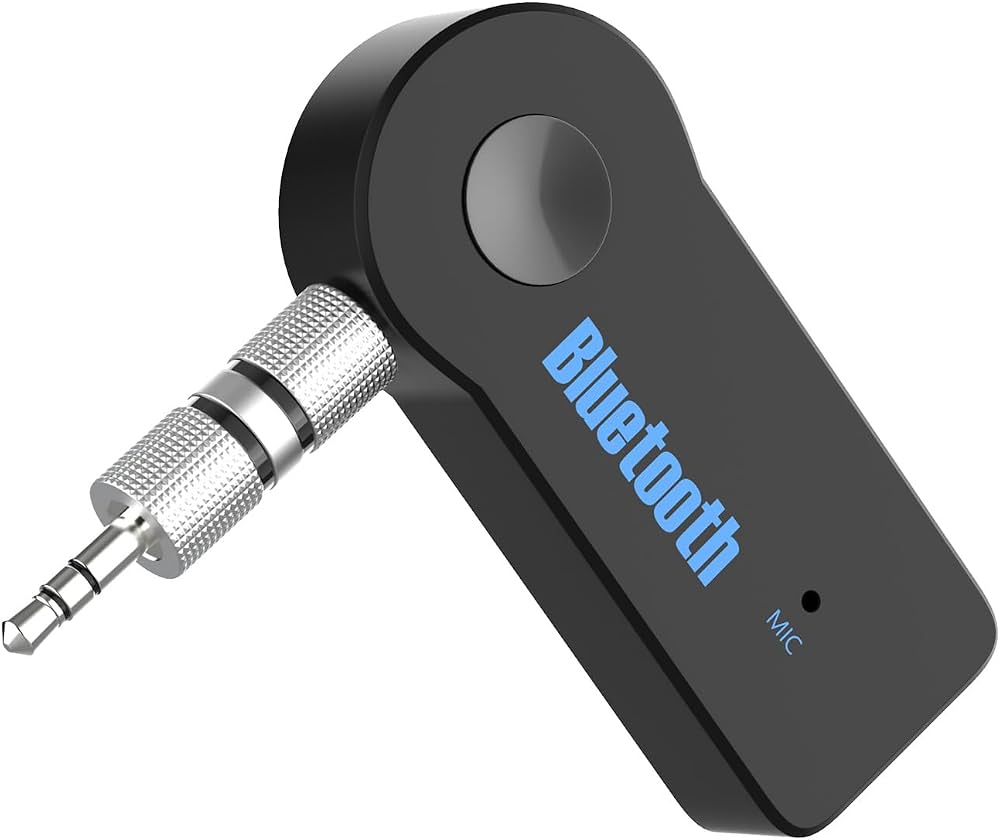
Older cars can often get a major convenience upgrade with a small adapter.
If your car has a working 3.5mm AUX input, a Bluetooth receiver is usually the simplest wireless solution. You connect the receiver to the AUX port, provide power if required and pair your phone.
A recent 2026 car audio guide specifically recommends using an AUX Bluetooth receiver when a vehicle has an AUX input because the audio signal goes directly through the stereo rather than being transmitted over an FM frequency.
When choosing one for a car, pay attention to:
• Bluetooth stability
• Built in microphone quality
• Battery life
• USB C charging
• Physical playback controls
• Dual device pairing
• Cable length
• Automatic reconnection
A compact receiver is particularly convenient for daily commuting because it can remain connected to the AUX port instead of being plugged in and removed every time you drive.
If your car does not have an AUX input, however, a Bluetooth AUX receiver is not the right solution. An FM transmitter or a vehicle specific integration system may be required instead.
Best AUX Adapters for Headphones
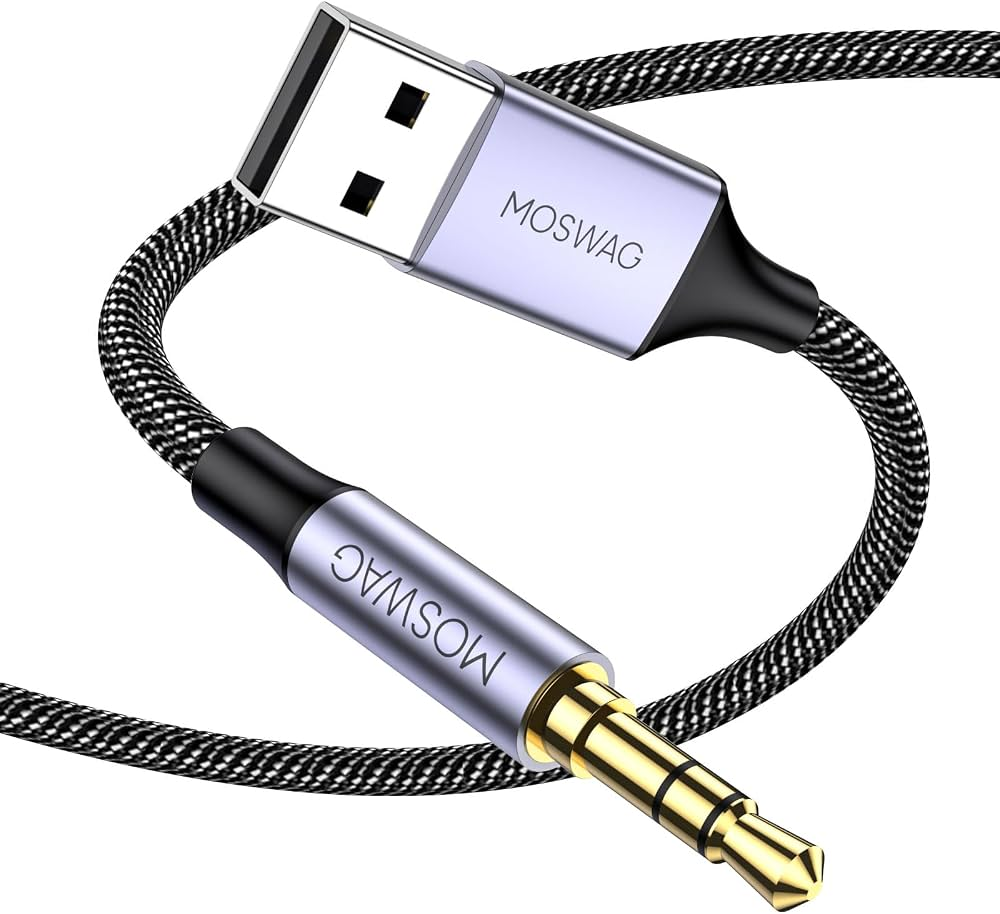
Headphones are another major reason people still need AUX adapters.
If you own a good pair of wired headphones but your smartphone no longer has a 3.5mm jack, a small USB C or Lightning adapter can keep those headphones useful.
For headphones, audio quality matters more than it might in a typical car installation. Look for an adapter with a reputable DAC, good build quality and appropriate support for your headphones.
You should also check microphone and remote compatibility if your headphones include an inline microphone or playback buttons.
For example, the Apple Lightning to 3.5mm adapter remains a straightforward option for compatible Lightning devices, while USB C models are increasingly relevant for newer smartphones.
The important thing is not simply finding an adapter that physically fits. The adapter needs to support the audio functions you actually use.
AUX Adapter vs Bluetooth Adapter
Both approaches solve the same basic connectivity problem, but they provide a different experience.
Feature | Wired AUX Adapter | Bluetooth AUX Adapter |
|---|---|---|
Connection | Physical cable | Wireless from phone |
Battery | Usually none | Usually required |
Setup | Very simple | Requires pairing |
Charging | Usually unnecessary | Required for battery models |
Latency | Generally very low | Can vary |
Convenience | Excellent | Excellent once paired |
Calls | Depends on adapter | Often supported |
Best for | Headphones and simple setups | Cars and older stereos |
A wired adapter is ideal when you want simplicity. Plug it in and start listening.
Bluetooth makes more sense when you want to keep your smartphone in your pocket, bag or dashboard without running a cable between the phone and stereo.
For many older cars, the Bluetooth approach is particularly attractive because it adds wireless playback without replacing the factory stereo.
What to Look for Before Buying an AUX Adapter
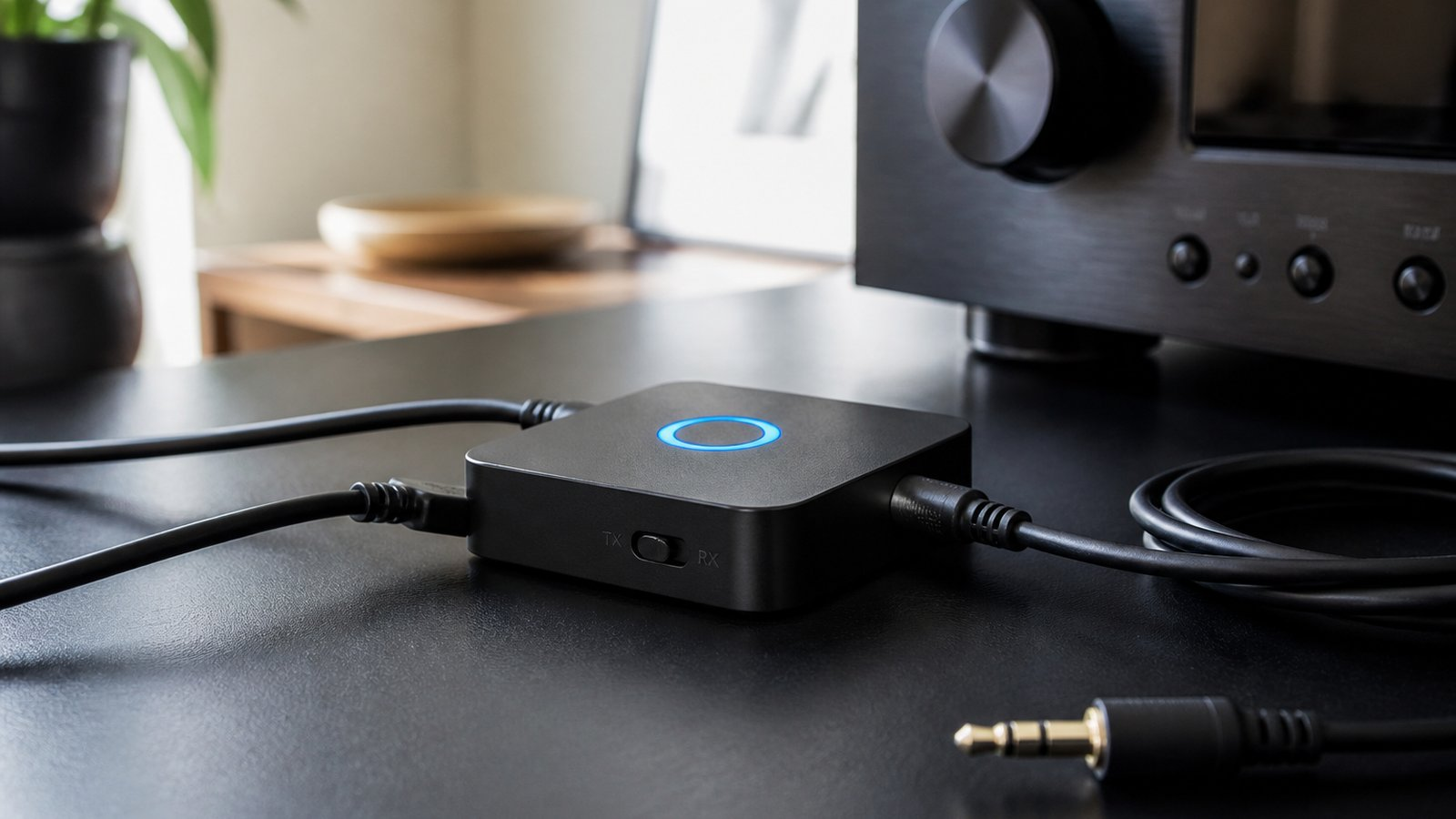
Check the Connector
This is the first and most important step.
Determine whether your smartphone uses USB C or Lightning and whether the receiving device uses a 3.5mm input.
For Bluetooth models, confirm that the stereo has an AUX input and that the adapter operates as a Bluetooth receiver.
Consider the DAC
USB C and Lightning audio adapters may need a built in DAC to convert digital audio into the analog signal required by traditional 3.5mm equipment.
If you care about music quality, look beyond the physical connector and check the adapter's audio specifications.
Check Microphone Support
If you intend to make calls through a car stereo, microphone support becomes important.
Some Bluetooth receivers include built in microphones, while basic wired adapters may provide different levels of support for headset microphones and controls.
Look at Power Requirements
A simple wired adapter usually draws power from the phone.
Bluetooth receivers generally need their own battery or USB power. Battery powered models are convenient, but they introduce another device that needs charging.
For permanent car installations, a USB powered receiver can be more convenient than repeatedly charging a small battery.
Consider Build Quality
Adapters are small, but they experience considerable daily handling.
A reinforced cable, sturdy connector and compact housing can make a difference if the adapter is used every day.
AUX Adapters for Different Everyday Situations
For Daily Driving
Choose a Bluetooth AUX receiver if your car has a 3.5mm AUX port. Prioritize reliable pairing, a good microphone and convenient controls.
For Wired Headphones
Choose a USB C or Lightning to 3.5mm adapter. A wired connection avoids Bluetooth battery management and can provide a simple listening experience.
For Travel
A compact USB C to 3.5mm adapter takes very little space and can be useful with older rental cars, hotel audio systems or wired headphones.
A Bluetooth transmitter and receiver combination can be more versatile when you need to connect wireless headphones to equipment that only provides wired audio.
For Home Stereo Systems
A Bluetooth receiver with a 3.5mm or RCA output can modernize an older stereo. Your smartphone can remain wireless while the traditional stereo handles the actual audio playback.
Common AUX Adapter Mistakes to Avoid
One common mistake is buying an adapter based only on the connector shape.
Two USB C adapters can look almost identical while offering very different audio functionality.
Another mistake is confusing a Bluetooth transmitter with a Bluetooth receiver. A transmitter sends audio from a source to Bluetooth headphones or speakers. A receiver does the opposite by receiving Bluetooth audio from your phone and sending it to a wired AUX input.
You should also avoid assuming that every adapter supports microphone input, volume controls or charging.
Before buying, check exactly which functions are supported.
A Simple AUX Adapter Buying Checklist
Before placing an order, check these points:
• Identify your phone's connector
• Identify the audio device's input
• Decide between wired and Bluetooth
• Check DAC specifications for USB C or Lightning adapters
• Confirm microphone support if you need calls
• Check charging requirements
• Look for automatic Bluetooth reconnection if using a car
• Consider build quality
• Check compatibility with your headphones or stereo
• Choose the shortest practical cable for a clean setup
Taking a minute to check compatibility can prevent the most common adapter problems.
Is an AUX Adapter Still Worth Buying in 2026?
Absolutely, particularly if you already own equipment that works well but uses an older audio connection.
A good AUX adapter can extend the useful life of an older car stereo, wired headphones, speakers or home audio system. Instead of replacing functioning equipment simply because your smartphone has changed its connector, a small adapter can provide the missing link.
For a phone with USB C, a quality USB C to 3.5mm adapter is often the simplest answer. For an older iPhone with Lightning, a Lightning to 3.5mm adapter serves the same purpose. If wireless convenience is the priority, a Bluetooth AUX receiver can modernize an older stereo without replacing it.
The key is to choose according to your complete setup rather than simply searching for the cheapest adapter.
Frequently Asked Questions
What is an AUX adapter used for?
An AUX adapter allows devices with different audio connections to communicate. Common examples include connecting a USB C smartphone to wired headphones or connecting a Bluetooth smartphone to an older car stereo with a 3.5mm AUX input.
Does a USB C to 3.5mm adapter work with every phone?
No. Compatibility depends on the phone's USB C audio implementation and the adapter's hardware. Check the manufacturer's compatibility information before purchasing.
Can I use a Bluetooth AUX adapter in an older car?
Yes, provided the car stereo has a functioning 3.5mm AUX input. The Bluetooth receiver connects to the AUX port while your smartphone connects wirelessly to the receiver.
Is wired AUX better than Bluetooth?
Neither is universally better. Wired AUX provides a simple physical connection with no Bluetooth pairing or receiver battery. Bluetooth provides greater convenience and eliminates the cable between your phone and the audio system.
Can an AUX adapter improve sound quality?
An adapter does not automatically improve the quality of the original audio. However, a well designed DAC or reliable Bluetooth receiver can provide a clean signal and avoid problems caused by poor quality conversion hardware.
Do Bluetooth AUX adapters need charging?
Many portable Bluetooth receivers contain rechargeable batteries. Some can remain powered through a USB connection, which can be particularly convenient in a car.
Final Thoughts
The continued popularity of AUX connections shows that older audio equipment can still fit comfortably into a modern technology setup.
The best adapter depends on what you already own. USB C to 3.5mm models are useful for modern smartphones and wired headphones. Lightning adapters remain relevant for compatible Apple devices. Bluetooth AUX receivers are especially useful for bringing wireless smartphone audio to older cars and stereos.
Rather than replacing perfectly functional equipment, the right adapter can provide a simple bridge between old and new technology. Check the connectors, audio requirements, power needs and features before buying, and you can create a setup that is inexpensive, convenient and easy to use.