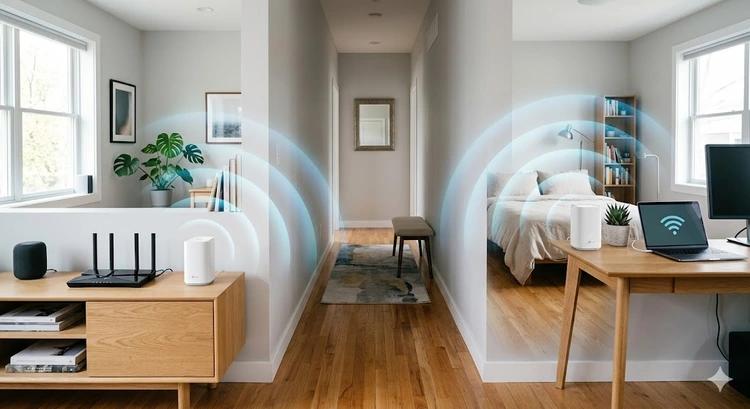
A mesh Wi-Fi system is usually the better choice for eliminating dead zones across several rooms or floors, while a Wi-Fi extender is a more affordable fix for one weak-signal area. Both can improve wireless coverage, but they work differently and offer different levels of convenience.
If your Wi-Fi drops in an upstairs bedroom, struggles in a home office or barely reaches the garden, the right solution depends on your home's layout, broadband speed and how many devices need a reliable connection. Currys sells both whole-home mesh Wi-Fi systems and Wi-Fi range extenders, giving you options for different budgets and coverage needs.
The important point is that neither solution increases the speed supplied by your broadband provider. Instead, each helps distribute your existing connection more effectively around your home.
What Is the Difference Between Mesh Wi-Fi and a Wi-Fi Extender?
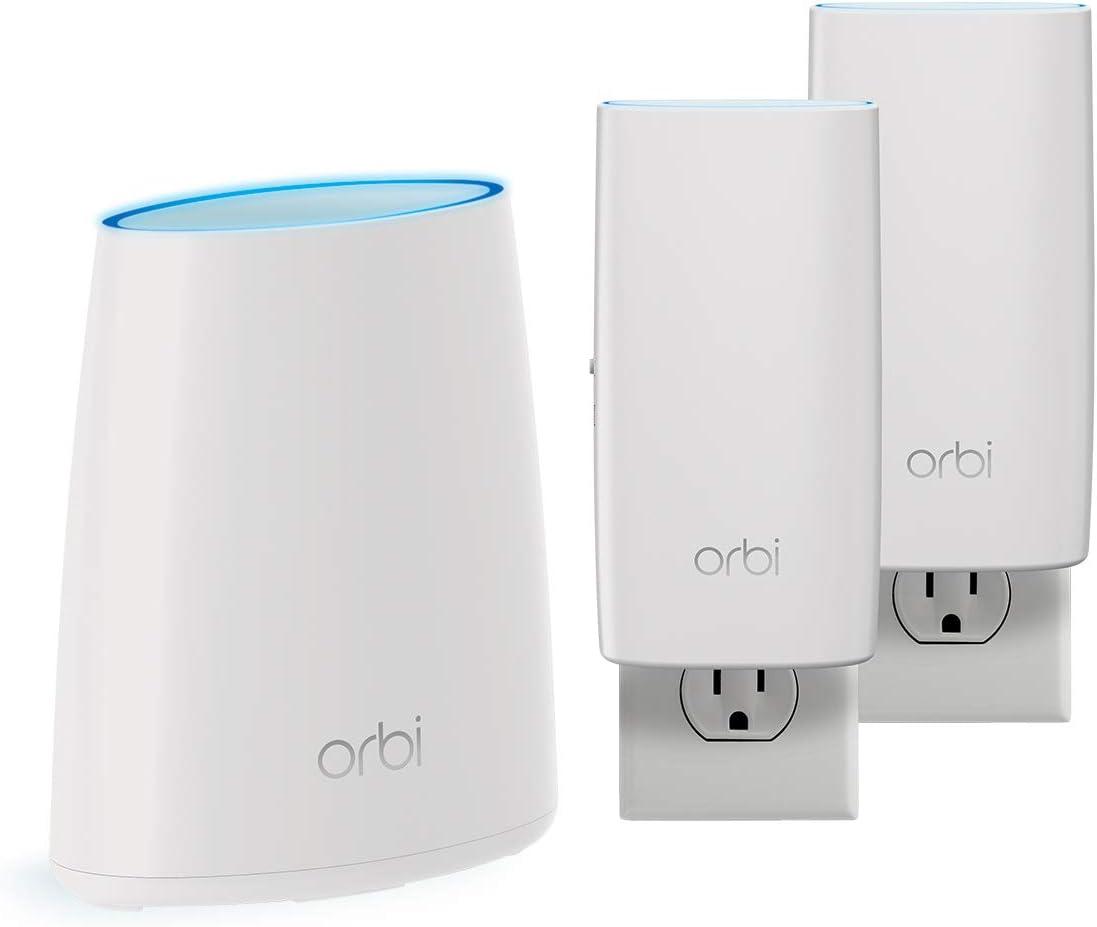
Mesh Wi-Fi uses multiple coordinated units to create one home network, whereas a traditional Wi-Fi extender rebroadcasts your router's signal into a weaker area. This difference affects coverage, device switching and everyday performance.
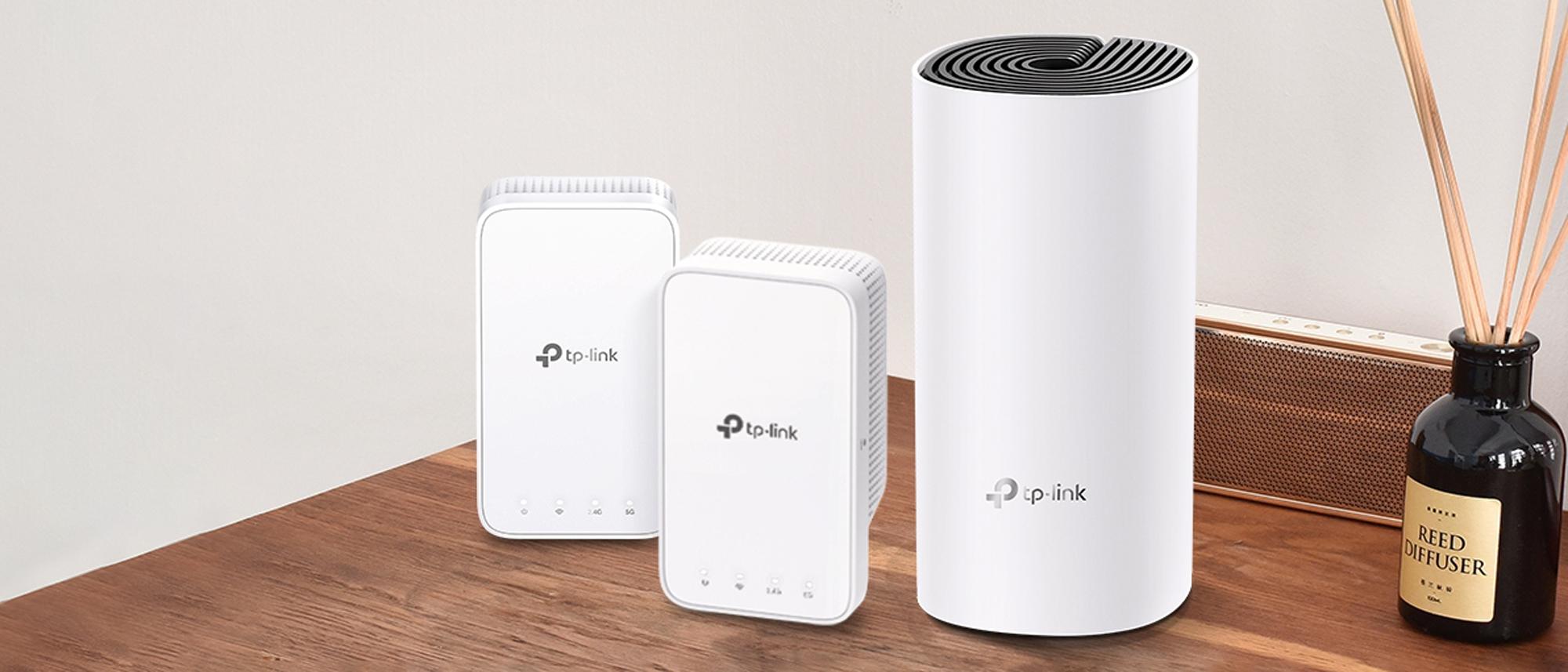
A mesh system usually includes a main unit connected to your router or modem and one or more satellite units positioned around your home. These units work together to provide broader coverage under a unified network name. Compatible devices can generally move between mesh nodes without requiring you to select a different network manually.
A traditional range extender is usually a compact device that plugs into a wall socket. It receives the existing Wi-Fi signal and retransmits it further into your home. Depending on the model and configuration, it may create a separate network name or use the same name as your router.
Mesh systems are designed for coordinated whole-home coverage. Extenders are designed to extend the reach of an existing network, often at a lower initial cost.
Which Provides Better Wi-Fi Coverage Around Your Home?
Mesh Wi-Fi generally provides more consistent coverage across larger homes, multiple floors and several rooms, while an extender is often sufficient for a single dead zone. However, the result depends on node placement, wall construction, interference and the quality of the equipment.
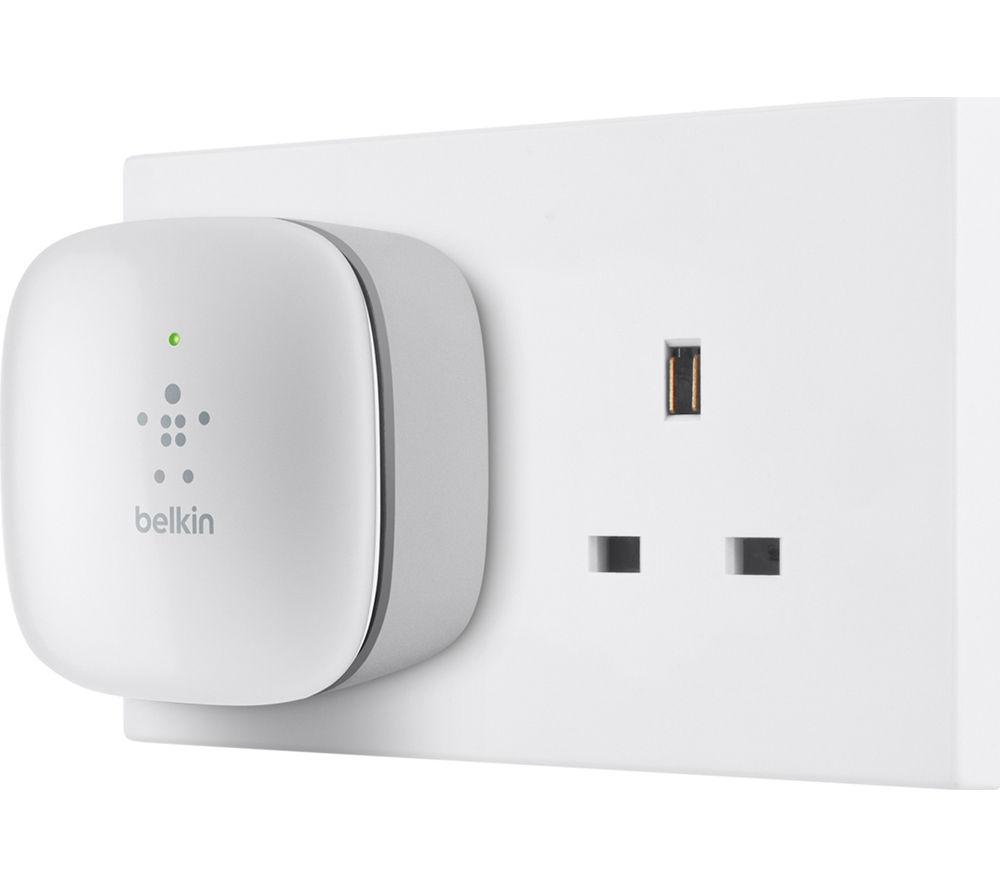
A range extender works best when it can receive a reasonably strong signal from the main router. If you put it in a room where the signal is already almost nonexistent, it cannot magically create a strong connection. Position it between the router and the problem area, where reception is still reliable.
Mesh systems offer more flexibility because satellite units can be distributed around the property. One node can cover the main living area, another can improve an upstairs landing, and a third can extend coverage towards a home office.
Thick brick walls, concrete floors and metal objects can still weaken either setup. A larger mesh system is not automatically better if its nodes are poorly positioned.
Does Mesh Wi-Fi Deliver Faster Speeds Than an Extender?
Mesh Wi-Fi can deliver more consistent speeds in distant rooms, but neither technology guarantees faster internet than your broadband plan provides. The actual result depends on the wireless standard, signal quality, backhaul connection and number of connected devices.
An extender receives data over Wi-Fi and retransmits it. On some traditional repeaters, sharing wireless airtime between receiving and transmitting can reduce available throughput. The impact varies by model and network design.
Mesh systems can manage connections between nodes more efficiently, especially when they use a dedicated backhaul band or Ethernet backhaul. However, a dual-band mesh system that uses the same wireless resources for device traffic and communication between nodes can also experience speed reductions.
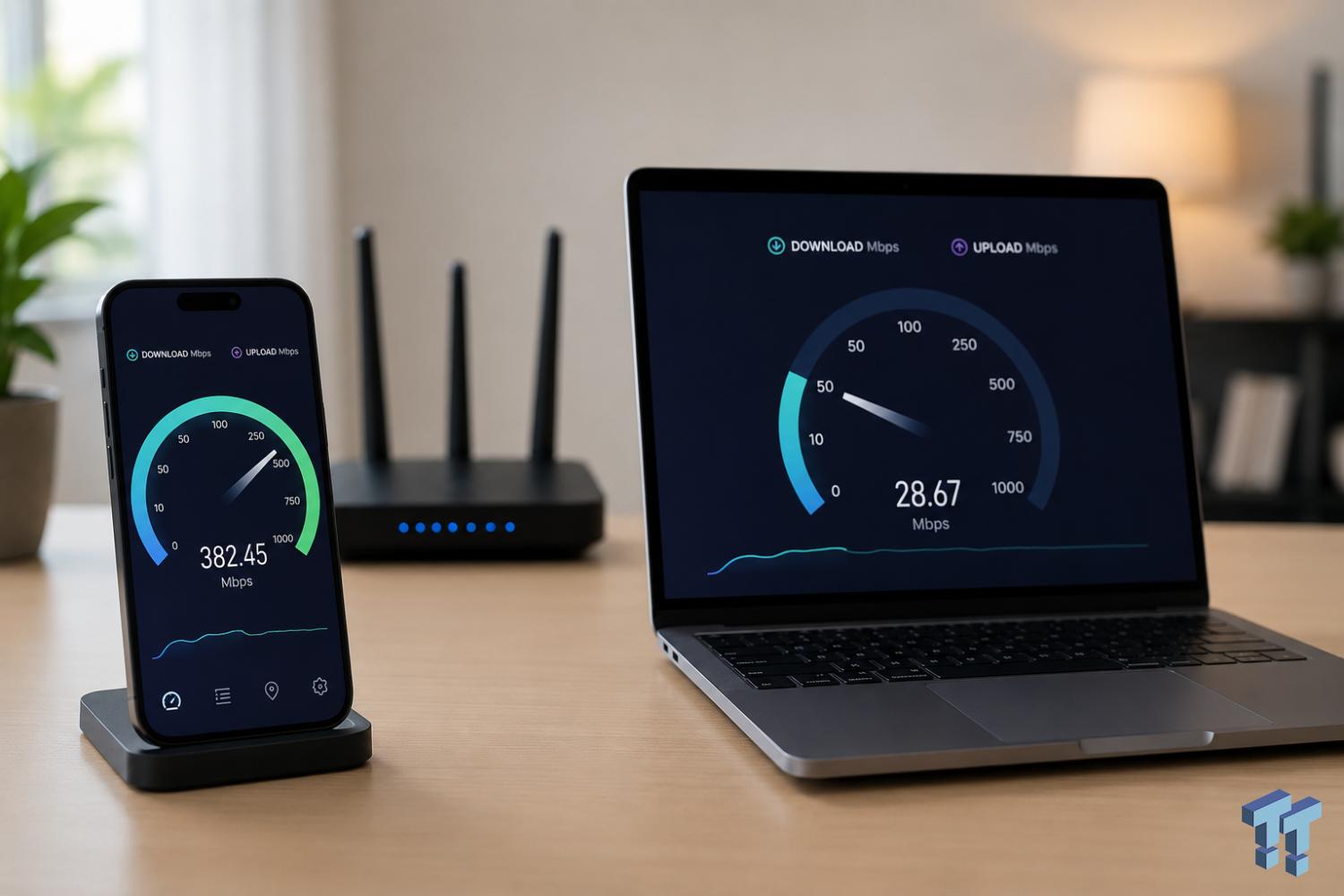
For example, if your broadband connection delivers 300 Mbps beside the router but only 30 Mbps in your upstairs office, either solution might improve the office connection. A well-positioned mesh node could provide a more reliable improvement, but the final speed will depend on the layout and equipment.
Before upgrading, test your broadband speed beside the router and in the problem room. If speeds are poor everywhere, investigate your broadband service, router or network congestion first.
Which Is Better for Roaming Between Rooms?
Mesh Wi-Fi is generally the better choice if you move around your home during video calls, streaming or other connected activities. Its coordinated nodes are designed to help compatible devices move between coverage areas without requiring you to change networks manually.

With a traditional extender, you may encounter separate network names or devices that remain connected to a weaker access point for longer than expected. Some extenders support mesh-like roaming features, but compatibility depends on the router and extender combination.
Mesh systems can make movement between rooms more seamless, but they cannot guarantee uninterrupted connectivity. Your phone, laptop or other device also plays a role in deciding when to switch access points.
If you mostly use Wi-Fi in one bedroom or study, roaming may not matter enough to justify the additional expense. If your household regularly moves between floors or uses several connected devices throughout the day, mesh is more attractive.
How Easy Are Mesh Wi-Fi Systems and Extenders to Install?
A Wi-Fi extender is usually quicker to set up, while a mesh system takes a little more planning but can be easier to manage once configured. Both are suitable for many homes without specialist installation.
A typical extender installation involves plugging the device into a socket within range of the router, connecting it through a compatible setup method and checking reception in the target room. WPS setup may be available, although some models use a mobile app.
A mesh system generally requires you to connect the main unit to your existing router or modem, follow the manufacturer's app instructions and place the satellite units around the home. Depending on the system and your broadband equipment, you may need to configure access point mode or disable the existing router's Wi-Fi.
For best results, avoid placing mesh satellites too far apart. They need a sufficiently strong connection to the main unit or another node. A central, open location is usually better than a cupboard or a spot behind a television.
If your broadband router already provides reliable Wi-Fi in most rooms, an extender may be all you need. If you are setting up coverage across a larger property, a mesh kit can offer a more organised long-term solution.
How Much Should You Spend on Mesh Wi-Fi or a Wi-Fi Extender?
An extender is usually the lower-cost option, while a mesh system costs more because it includes multiple coordinated units. The best value depends on how many dead zones you need to fix and how much you rely on a stable connection.
Currys' product listings illustrate the price difference between these categories. The Wi-Fi range extender collection includes models such as the TP-Link RE200 and RE315, while the mesh Wi-Fi collection includes multi-unit options such as the TP-Link Deco X1500 and Deco X50.
As a general buying guide:
Choose an extender if you need to improve reception in one room, want a low-cost fix or mainly need Wi-Fi in a nearby garden or patio.
Choose an entry-level mesh kit if you have several weak-signal rooms or need coverage across multiple floors.
Consider a more capable mesh system if you have fast broadband, many connected devices or demanding uses such as large downloads, online gaming and high-resolution streaming.
Check current prices, stock and specifications on Currys before buying. Product listings and promotions can change, and the most expensive system is not necessarily the right match for your property.
When Is Mesh Wi-Fi Worth the Extra Cost?
Mesh Wi-Fi is worth considering when dead zones affect multiple rooms, your home has more than one floor, or you need dependable connectivity throughout the day. It is less compelling when one inexpensive extender can solve a clearly isolated problem.
A household with a router downstairs, bedrooms upstairs and a garden office may benefit from several coordinated access points. The same applies to homes with smart devices, streaming televisions and people working remotely in different rooms.
By contrast, a small flat with one weak bedroom connection may not need a complete mesh kit. Moving the router into a more central position, removing obstructions or adding a suitable extender could be enough.
There is also a third option: upgrading the router itself. If your existing router is old or struggles to handle the number of devices in your household, a newer router may improve both coverage and stability. For especially difficult layouts, Ethernet cabling or a suitable powerline networking kit may be worth investigating.
Start with the actual problem rather than buying the largest system available. That approach is more likely to deliver the right improvement without overspending.
How to Choose the Right Wi-Fi Solution at Currys
Choose the product based on the size of your dead zone, the number of affected rooms and your broadband requirements, rather than relying on advertised maximum speeds alone.
Before shopping, consider these questions:
Is the problem limited to one room or spread across several floors?
Does the connection fail completely, or is it simply slower than expected?
How fast is your broadband connection near the main router?
Do you need seamless roaming while moving around the house?
Does your existing router support the mesh system or features you intend to buy?
Compare the specifications and compatibility details on Currys' networking buying guide. Pay attention to Wi-Fi generation, frequency bands, Ethernet ports, backhaul options and the number of units included.
A sensible choice balances performance with the layout of your home. You do not need Wi-Fi 7 simply to get a better signal in a spare bedroom, and an inexpensive extender may struggle to meet the needs of a large, device-heavy household.
Conclusion: Should You Buy Mesh Wi-Fi or a Wi-Fi Extender?
Choose a Wi-Fi extender for a simple, low-cost fix in one area, and choose mesh Wi-Fi for more consistent coverage across a larger home. Mesh is generally better for multi-room coverage and roaming, while extenders are attractive for their affordability and straightforward installation.
If you are unsure, first test your current connection in different rooms and check whether relocating the router improves performance. Then compare the cost of a single extender with an appropriately sized mesh kit from Currys.
The best solution is the one that fixes the dead zones you actually have, provides enough speed for your household and avoids paying for features you will not use.
FAQs
Is mesh Wi-Fi better than a Wi-Fi extender?
Mesh Wi-Fi is generally better for covering several rooms or floors with a coordinated network. An extender is often better value when you need to improve reception in one specific area.
Does a Wi-Fi extender reduce internet speed?
It can. Traditional repeaters may lose throughput because they receive and retransmit data over wireless connections. The actual reduction depends on the model, signal strength, frequency bands and network conditions.
Can I use a mesh Wi-Fi system with my existing router?
Often, yes. Many mesh systems work with existing broadband equipment, but configuration varies. Some operate in access point mode, while others can replace your router's Wi-Fi functions. Check compatibility and setup instructions before purchasing.
How many mesh Wi-Fi units do I need?
It depends on your home's size, layout, construction and the number of dead zones. A smaller property may need only a two-unit setup, while a larger or multi-storey home may benefit from three units or more.
Will mesh Wi-Fi make my broadband faster?
Not beyond the speed your broadband connection can provide. It can improve the speed and reliability you experience in rooms where the existing Wi-Fi signal is weak.
Should I upgrade my router instead of buying an extender?
Consider a router upgrade if your current router is old, struggles with multiple devices or provides poor performance throughout the home. If the connection is strong near the router but weak in one distant room, an extender or mesh system may be more appropriate.