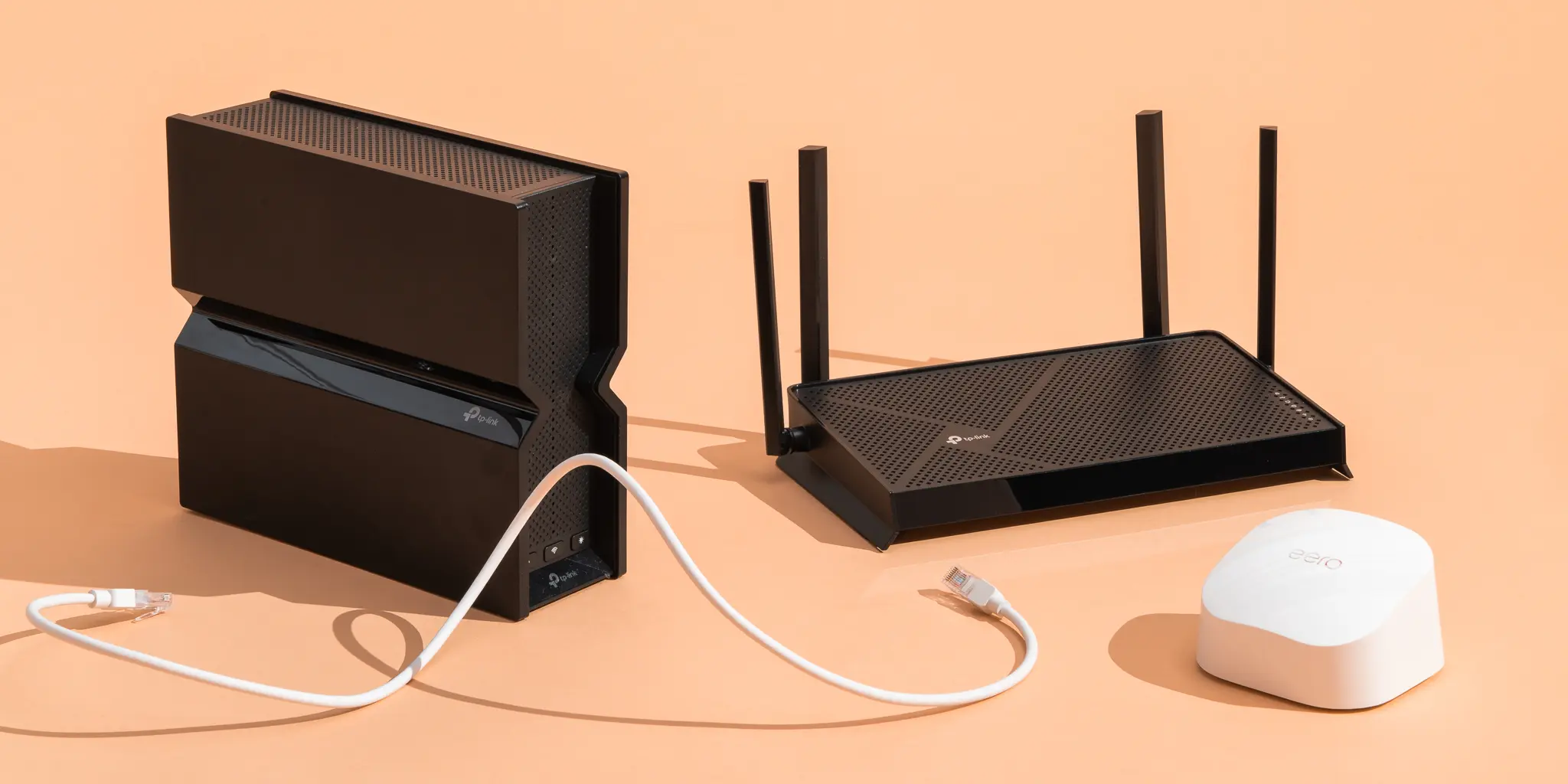
A modern home network has to handle far more than basic web browsing.
One household might have a gaming console downloading a large update while someone else is streaming a 4K movie. At the same time, smartphones are syncing photos, a laptop is attending a video call, security cameras are uploading footage, and smart speakers, lights, thermostats, and appliances are communicating in the background.
That is why choosing the right Wi Fi Routers has become increasingly important.
The fastest internet plan available from your provider does not automatically guarantee a great wireless experience. Your router determines how devices connect to that internet connection throughout your home and how efficiently the network handles multiple simultaneous connections.
In 2026, buyers have more choices than ever, including Wi Fi 6, Wi Fi 6E, and Wi Fi 7 routers, mesh systems, gaming focused models, and routers designed around increasingly connected smart homes.
The best option depends on your home, internet connection, number of devices, layout, and the activities you perform most often.
What Makes a Good Wi Fi Router in 2026?
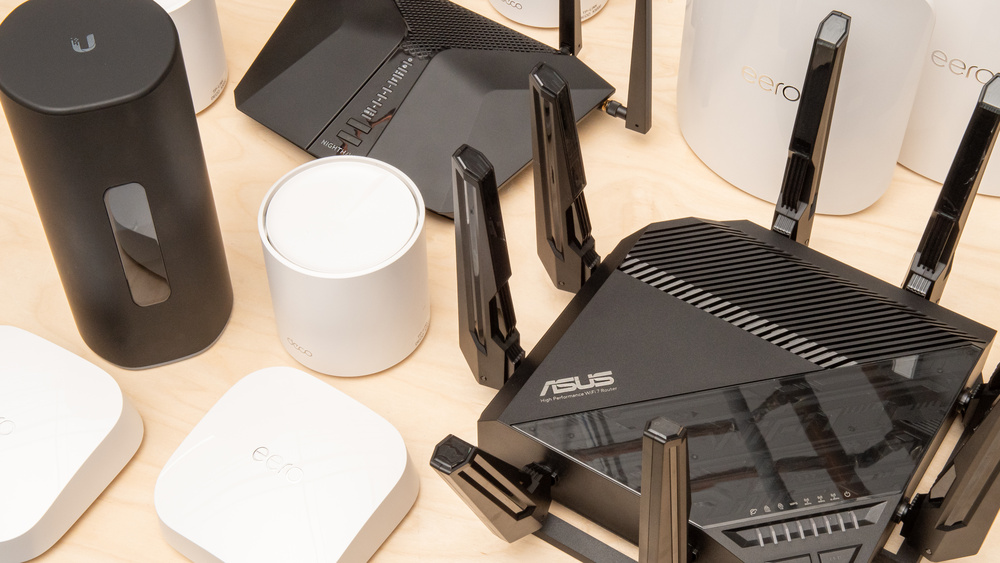
A good router should provide more than impressive theoretical speed.
The important factors include wireless standard, available spectrum, coverage, capacity, wired ports, network management, security features, and performance when many devices are connected.
For a gaming household, latency and connection stability may matter more than maximum download speed.
For a streaming focused home, consistent bandwidth and coverage can be more important.
For a smart home, the ability to support many low bandwidth devices reliably can be particularly valuable.
The best router is therefore the one that matches the network demands of your household.
Wi Fi 6, Wi Fi 6E and Wi Fi 7 Explained
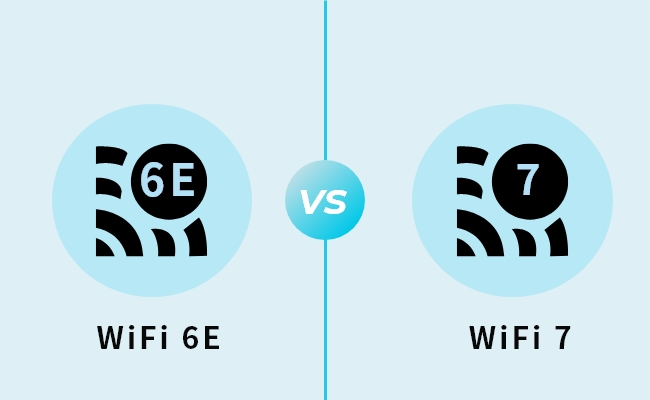
Understanding wireless standards makes router shopping much easier.
Wi Fi 6
Wi Fi 6 introduced technologies designed to improve efficiency and network capacity, particularly when many devices are connected.
Features such as OFDMA and improved multi user communication can help a router manage busy networks more efficiently.
For many households, a good Wi Fi 6 router remains more than capable.
Wi Fi 6E
Wi Fi 6E extends compatible Wi Fi 6 technology into the 6 GHz spectrum.
The additional spectrum can provide access to less congested wireless channels in supported regions and devices.
The benefit is most noticeable when both the router and client device support the relevant 6 GHz capabilities.
Wi Fi 7
Wi Fi 7 is the newest major generation of mainstream Wi Fi technology.
It introduces features such as Multi Link Operation, which can allow compatible devices to use multiple wireless links, along with wider channel options and other improvements.
Wi Fi 7 can provide higher theoretical throughput and improved network efficiency.
However, the real world benefit depends on compatible devices, spectrum availability, router configuration, and the internet connection itself.
Best Wi Fi Routers for Gaming
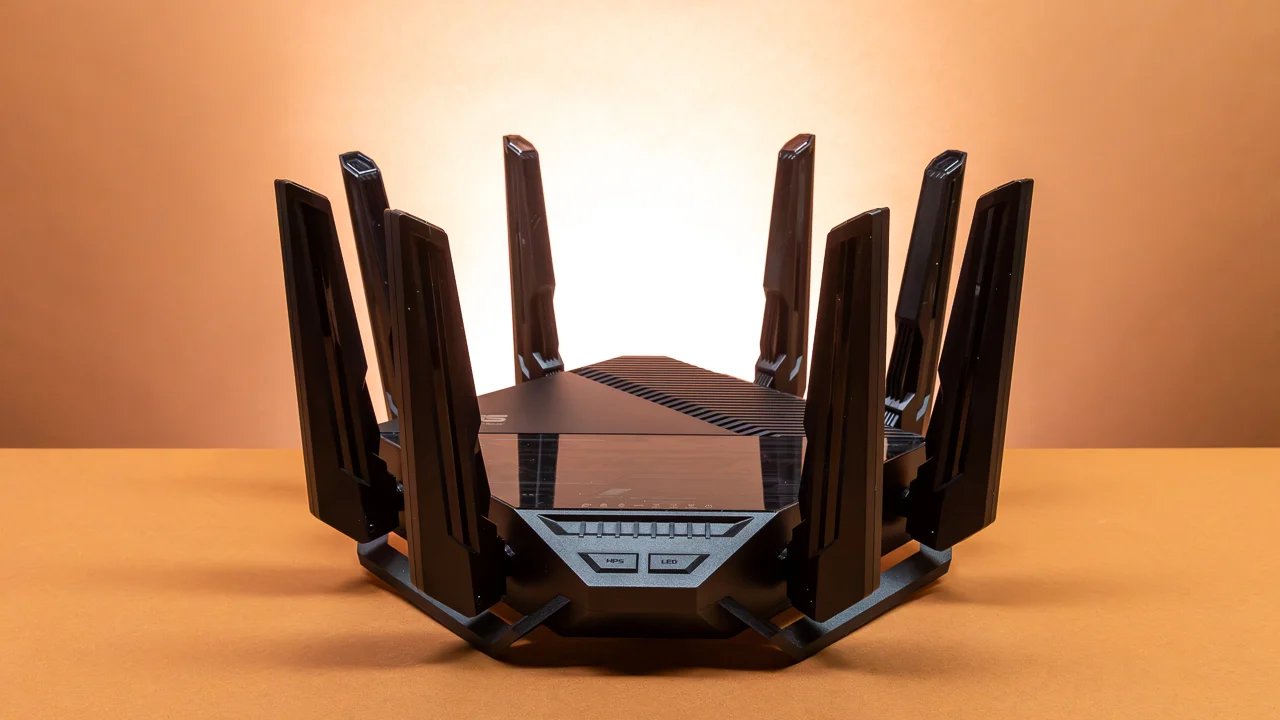
Gaming requires a different approach to network performance.
A fast connection is useful, but latency and stability are often more important.
When playing online games, the amount of time required for information to travel between your device and the game server can affect responsiveness.
A router cannot eliminate latency caused by a distant server or an overloaded internet connection, but good network management can help reduce local congestion.
Look for gaming oriented routers with features such as traffic prioritization, quality of service controls, strong processing hardware, and reliable wired Ethernet connections.
If your gaming setup is close to the router, Ethernet remains an excellent option.
For wireless gaming, a modern Wi Fi standard and strong signal can provide a reliable experience.
What Gamers Should Look For
A gaming focused router should ideally offer:
• Strong coverage near the gaming area
• Low latency under normal network load
• Quality of service controls
• Gigabit or faster Ethernet
• Reliable firmware
• Strong processor performance
• Support for modern Wi Fi standards
• Useful traffic monitoring
One particularly useful feature is the ability to prioritize gaming traffic.
If someone else starts downloading a huge file while you are playing, intelligent traffic management can help prevent that download from overwhelming the connection.
Best Wi Fi Routers for 4K and 8K Streaming
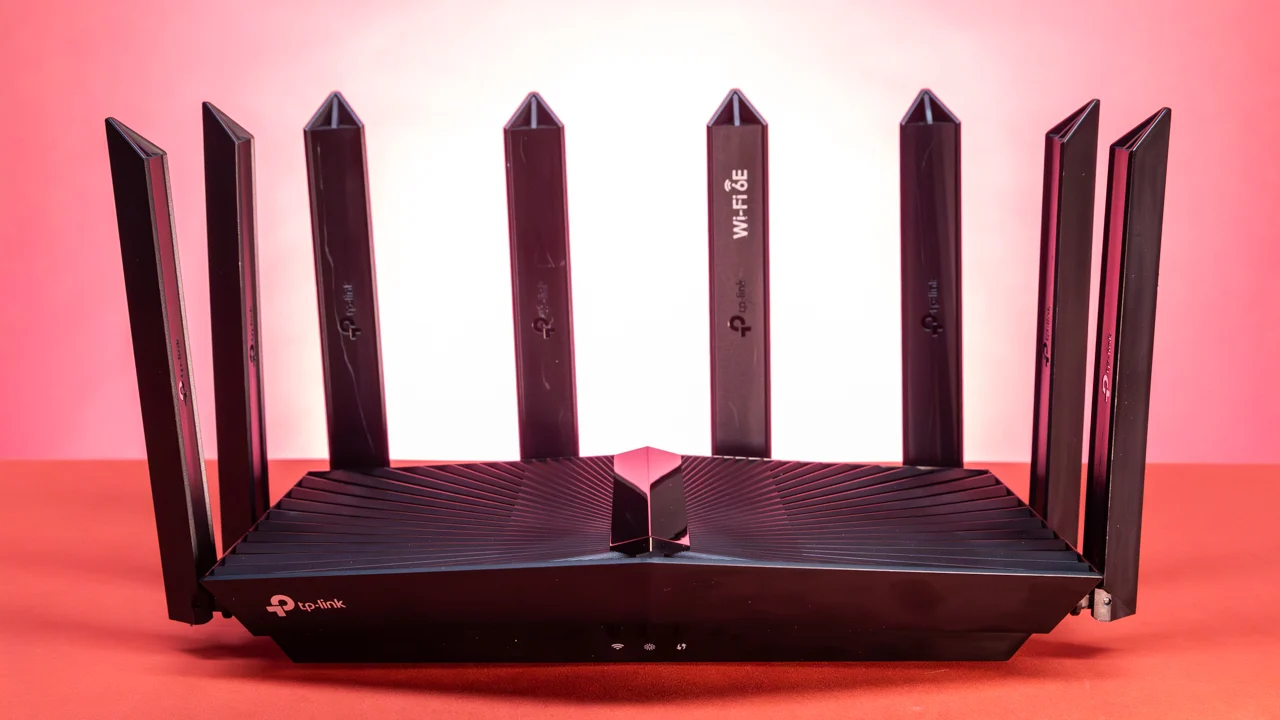
Streaming puts sustained demands on a home network.
A single 4K stream may work comfortably on a suitable connection, but households often have several streams running at the same time.
A smart TV might be playing a movie while another family member watches a different service on a tablet and someone else uses a laptop for a video call.
In these situations, overall network capacity matters.
A modern router can help distribute wireless resources among devices more efficiently.
For large homes, mesh Wi Fi can also be useful because coverage can be more important than peak speed.
Smart Home Networks Need Capacity
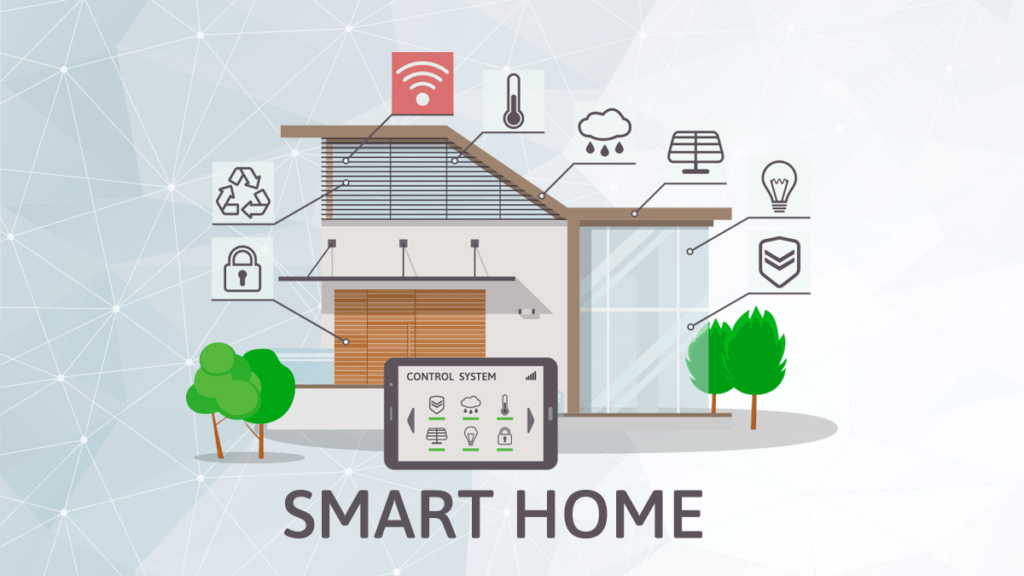
Smart homes can contain dozens of connected devices.
Smart bulbs, cameras, doorbells, speakers, thermostats, appliances, locks, sensors, televisions, and other devices may all communicate with the network.
Many of these devices do not require huge amounts of bandwidth.
What they do require is reliable connectivity.
A router designed for high device counts can therefore be more valuable than one focused entirely on maximum speed.
Network segmentation and guest networking can also improve organization and security.
If a router supports separate networks for guests or compatible smart home devices, it can provide additional control over how devices communicate.
Why Wi Fi 7 Is Interesting for Smart Homes
Wi Fi 7 is particularly interesting because modern homes are increasingly filled with connected devices.
Its improved wireless capabilities can help compatible devices communicate more efficiently.
However, buyers should not assume that upgrading to Wi Fi 7 will instantly make every smart device faster.
Most existing smart home products will continue to operate using the Wi Fi generations they were designed for.
The biggest benefits of a new router may initially appear in newer smartphones, laptops, tablets, and other compatible high performance devices.
Over time, as more Wi Fi 7 devices become common, the value of the technology can become more noticeable.
Mesh Wi Fi vs Traditional Router
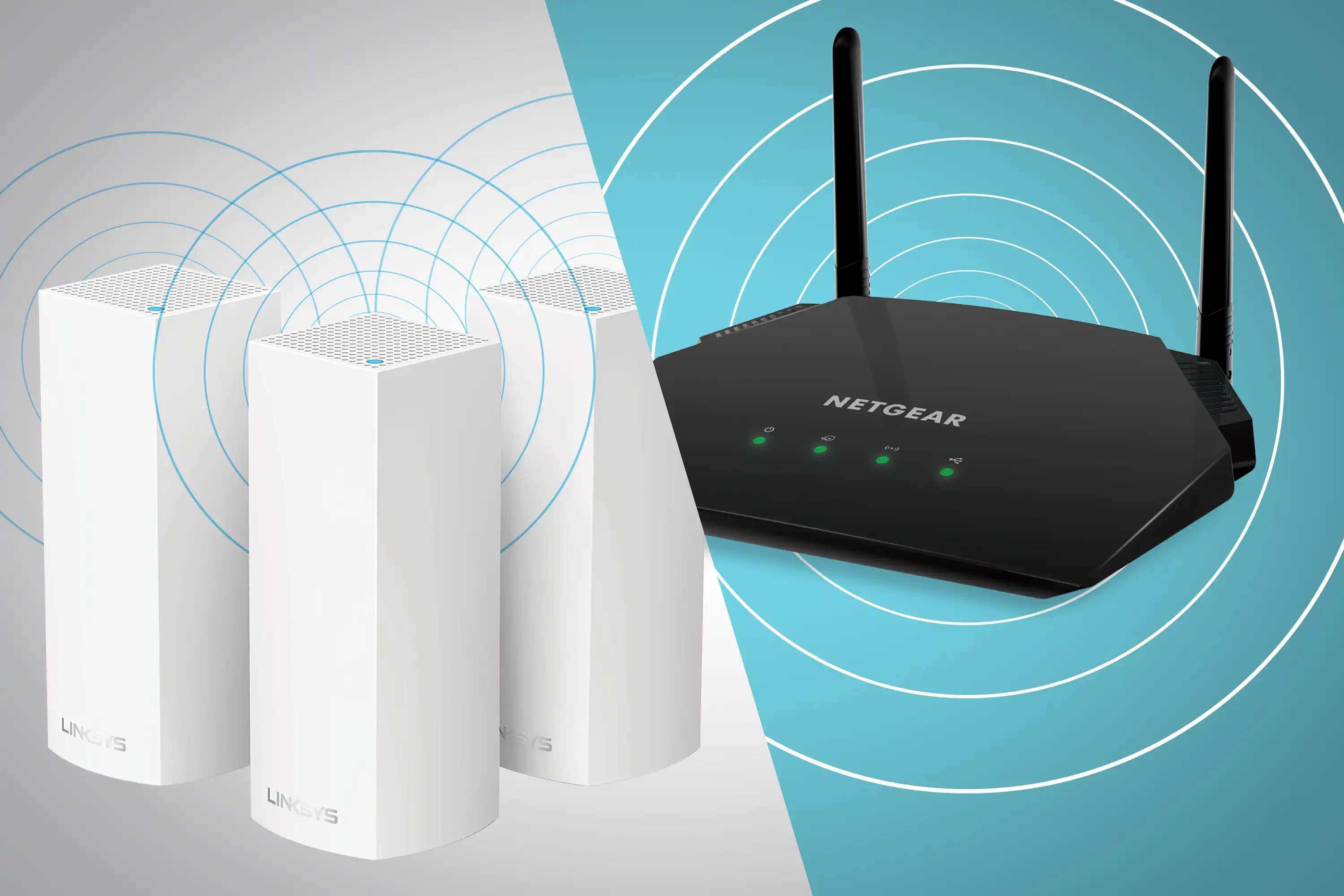
For a small apartment, one well placed router may provide excellent coverage.
Larger homes can be more challenging.
Walls, floors, furniture, appliances, and building materials can weaken wireless signals.
A mesh system uses multiple nodes to provide coverage across a larger area.
This can be useful for homes with multiple floors or rooms where a single router struggles to provide a consistent signal.
Mesh systems can also simplify network management because the nodes work together as a single network.
However, mesh is not automatically better.
Adding wireless nodes can introduce additional network complexity, and poor node placement can reduce performance.
If possible, connecting mesh nodes through Ethernet can provide a stronger backbone than relying entirely on wireless links.
How Fast Should Your Router Be?
Router specifications often advertise very large theoretical speeds.
These numbers should not be treated as the speed you will actually experience.
Real performance depends on the router, client device, distance, interference, spectrum, channel width, network congestion, and internet service.
For example, if your internet plan provides a certain maximum speed, a router capable of several times that speed does not automatically make your internet connection several times faster.
Extra capacity can still be useful.
A high capability router may provide more room for local network traffic, multiple devices, and future upgrades.
But it is important to match the router to your actual needs rather than paying for specifications that will never be used.
Ethernet Ports Still Matter
Wireless technology gets most of the attention, but Ethernet remains extremely important.
Gaming PCs, consoles, desktop computers, network storage devices, smart TVs, and other equipment can benefit from wired connections.
When choosing a router, check the speed and number of Ethernet ports.
Some modern routers include multi gigabit Ethernet ports, which can be useful for high speed internet connections and fast local network transfers.
A router with only basic Ethernet ports may become a bottleneck for users with very fast broadband.
Security Should Be a Priority
A router is the gateway between your home network and the wider internet.
Security should therefore be part of the buying decision.
Look for modern wireless security support, automatic firmware updates, strong administrative controls, guest networking, and useful security monitoring.
A strong administrator password is also important.
If your router supports separate guest networks, use them for visitors instead of sharing your primary network credentials.
Smart home devices can also benefit from network segmentation where supported.
Keeping router firmware updated is one of the simplest ways to maintain network security.
Router Placement Can Matter as Much as Router Specifications
Even the best router cannot overcome poor placement completely.
Try to position the router in a relatively central location.
Avoid hiding it inside cabinets or placing it directly beside large appliances and dense physical obstacles.
Higher placement can sometimes improve coverage.
If your home has multiple floors, consider where the signal needs to travel vertically as well as horizontally.
For mesh systems, node placement is particularly important.
A mesh node should generally be positioned where it still receives a strong connection from the rest of the system rather than being placed in an area where the signal is already extremely weak.
Recommended Router Types for Different Homes
Instead of looking for one universal best router, consider which category matches your home.
Home Type | Router Type to Consider | Key Priority |
|---|---|---|
Small apartment | Single Wi Fi 6 or Wi Fi 7 router | Coverage and simplicity |
Gaming household | High performance router | Low latency and traffic management |
Streaming household | High capacity router | Consistent throughput |
Large home | Mesh Wi Fi system | Whole home coverage |
Smart home | High device capacity router | Stability and device management |
Gigabit broadband | Multi gigabit router | Fast Ethernet and wireless capacity |
Future focused home | Wi Fi 7 router | Newer device compatibility |
This approach is more useful than selecting a router purely because it has the highest advertised speed.
Wi Fi Router Features Worth Paying Attention To
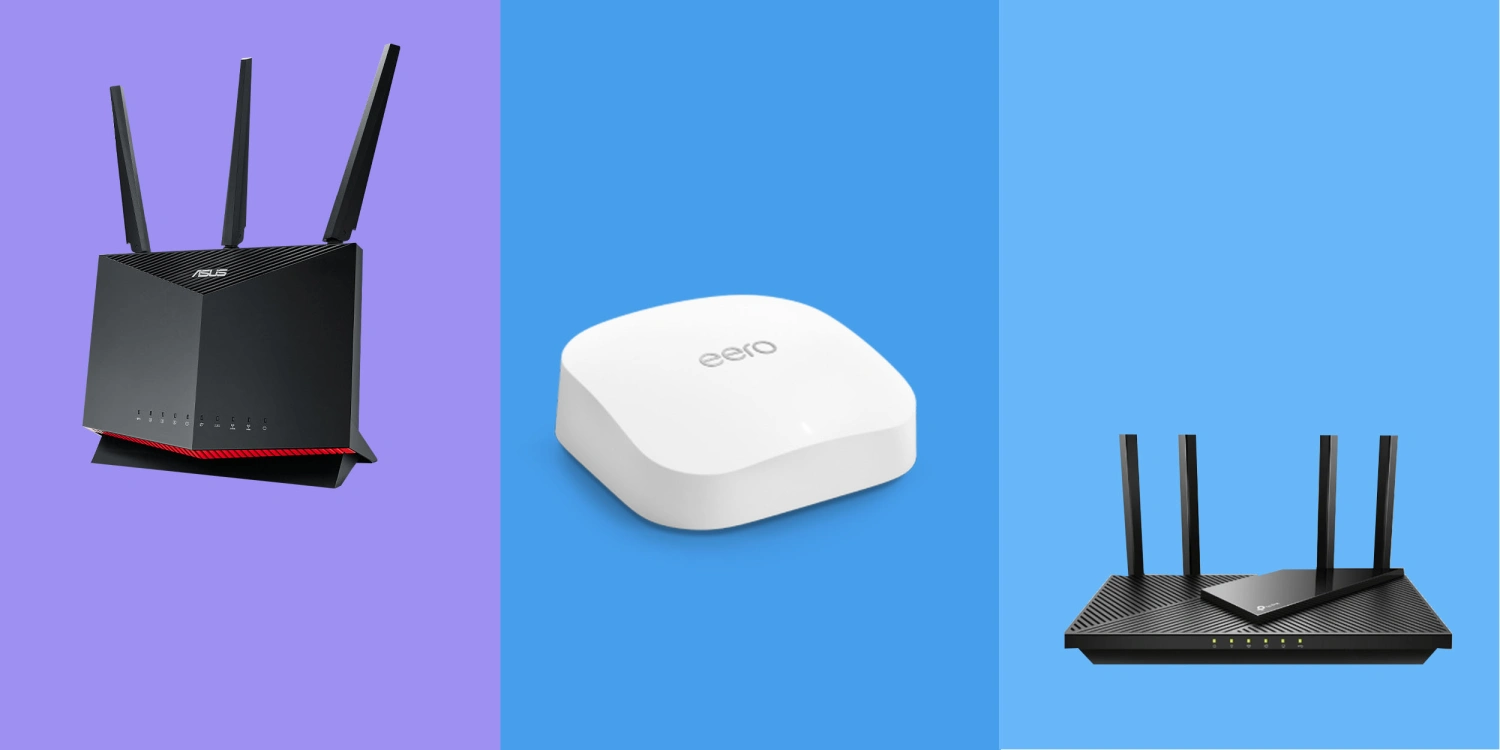
When comparing Wi Fi Routers, consider these features.
Wi Fi Standard
Wi Fi 6 remains capable for many homes, while Wi Fi 6E and Wi Fi 7 can offer additional capabilities.
6 GHz Support
This can be useful for compatible Wi Fi 6E and Wi Fi 7 devices where the spectrum is available.
Multi Link Operation
A Wi Fi 7 feature that can allow compatible devices to use multiple links.
Quality of Service
Useful for prioritizing important traffic such as gaming or video calls.
Multi Gigabit Ethernet
Important for high speed broadband and fast local network transfers.
Mesh Compatibility
Useful for larger homes where a single router cannot provide sufficient coverage.
Automatic Updates
Helpful for maintaining security and stability without requiring frequent manual intervention.
Guest Networking
Allows visitors to access the internet without giving them your primary network credentials.
How Many Devices Can a Router Handle?
Router manufacturers often advertise very high device counts.
However, the number alone is not a useful measurement of network quality.
Ten smart sensors generating small amounts of traffic are very different from ten laptops simultaneously downloading large files.
The more useful question is how much traffic your devices generate.
A modern household with dozens of connected devices may benefit from a router designed around high capacity and efficient device management.
For smart homes, stability can be more important than maximum bandwidth.
Do You Need a Wi Fi 7 Router in 2026?
Not necessarily.
Wi Fi 7 is attractive for households purchasing new high performance networking equipment and devices.
It can be particularly interesting if you already own or expect to purchase compatible smartphones, laptops, desktops, or other high performance devices.
However, a good Wi Fi 6 router can still be perfectly suitable for many households.
If your current router provides reliable coverage, your internet connection is relatively modest, and your devices do not support newer standards, upgrading solely for a newer Wi Fi label may not produce a dramatic difference.
Consider your current requirements and expected upgrades.
How to Choose the Right Router for Gaming, Streaming and Smart Homes
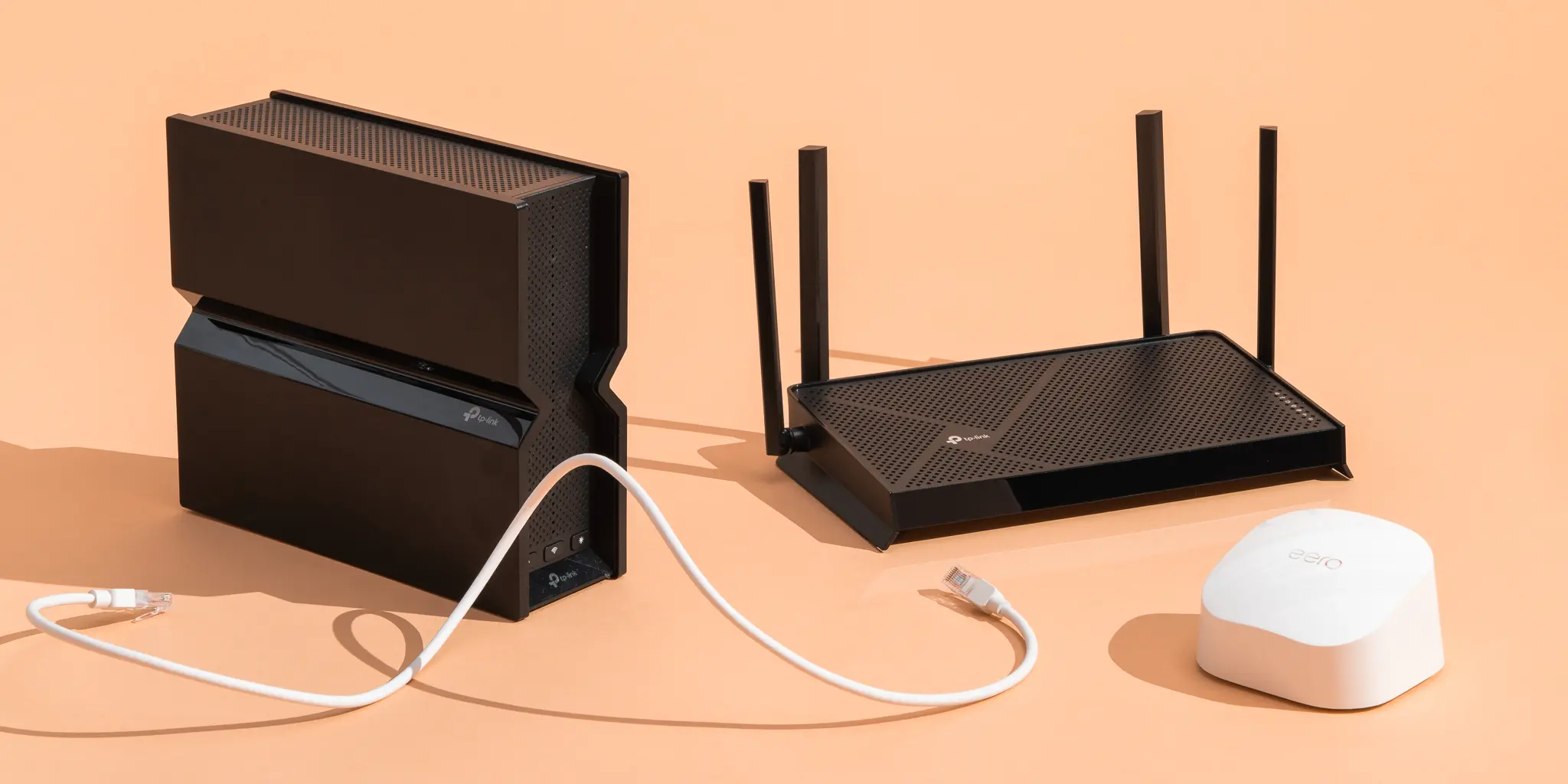
If your household combines gaming, streaming, and smart home devices, look for a router with balanced capabilities.
Prioritize reliable coverage first.
Then consider wireless capacity, latency management, Ethernet capabilities, security, and device support.
For a large home, mesh capability may be more valuable than an extremely powerful single router.
For a smaller home with gigabit broadband, a high performance Wi Fi 7 router with multi gigabit Ethernet may make more sense.
For a budget conscious household, a well designed Wi Fi 6 router can still provide an excellent experience.
The goal is not to buy the most expensive router.
The goal is to remove the network limitations that affect your household most often.
Common Router Buying Mistakes
One common mistake is buying a router based entirely on its maximum advertised speed.
Another is ignoring coverage.
A router with impressive specifications may still struggle to provide a reliable signal through several walls.
Some buyers also purchase a high end router without checking whether their devices support the relevant Wi Fi standard.
Another mistake is overlooking Ethernet.
If you have a gaming PC, console, network storage system, or high speed broadband connection, wired ports can be extremely important.
Finally, do not ignore software and security support.
A router is a long term part of your home infrastructure, so ongoing firmware support matters.
A Practical 2026 Wi Fi Router Checklist
Before purchasing a router, ask:
• What speed is my internet plan?
• How large is my home?
• How many floors need coverage?
• How many devices connect regularly?
• Do I play online games?
• Do I stream 4K or higher resolution content?
• How many smart home devices do I have?
• Do I need Ethernet for gaming or work?
• Do I have devices that support Wi Fi 6E or Wi Fi 7?
• Do I need a mesh system?
• Do I need multi gigabit Ethernet?
• Does the router receive regular security updates?
• Does it provide useful network management controls?
Answering these questions will usually narrow the choices considerably.
Frequently Asked Questions About Wi Fi Routers
Are Wi Fi 7 routers worth buying in 2026?
They can make sense for users with compatible devices, high speed broadband, and a desire for newer wireless capabilities. A good Wi Fi 6 router can still be sufficient for many households.
Is Wi Fi 7 faster than Wi Fi 6?
Wi Fi 7 supports newer technologies and higher theoretical capabilities than Wi Fi 6. Actual performance depends on the router, client devices, spectrum, interference, and network conditions.
Is a gaming router actually better for gaming?
A gaming focused router can provide useful traffic management and prioritization features. However, your internet service, game server location, connection type, and overall network conditions still have a major influence on gaming latency.
Do I need mesh Wi Fi?
Mesh can be useful for large homes, multiple floors, or areas where a single router cannot provide reliable coverage. Smaller homes may not need it.
Can a better router increase my internet speed?
A better router can remove wireless bottlenecks and improve local network performance. It cannot normally increase the speed beyond what your internet service and connection can provide.
Should gaming devices use Ethernet?
When practical, Ethernet can provide a stable connection with predictable latency. Wi Fi can still work very well when the router and device are positioned appropriately.
How many smart home devices can a router support?
There is no universal number that determines whether a router will perform well. Device type, traffic levels, wireless capacity, and network configuration all matter.
How often should I replace my Wi Fi router?
There is no fixed replacement schedule. Consider upgrading when your router no longer provides sufficient coverage, performance, security updates, or support for the wireless standards used by your devices.
Final Thoughts
The best Wi Fi Routers in 2026 are not necessarily the models with the largest speed numbers or the longest list of features.
For gaming, prioritize stable connectivity, low latency, traffic management, and reliable Ethernet.
For streaming, focus on consistent capacity and coverage across the home.
For smart homes, consider device capacity, stability, security, and network management.
For large properties, mesh networking can solve coverage problems that a more powerful single router may not completely address.
Wi Fi 7 is an exciting development for users who want newer wireless capabilities, especially when paired with compatible devices and fast broadband. At the same time, Wi Fi 6 remains a practical option for many homes.
Ultimately, the right router should match the way your household actually uses the internet. Once you understand your broadband speed, home layout, number of devices, gaming requirements, streaming habits, and smart home needs, choosing the right networking equipment becomes much easier.