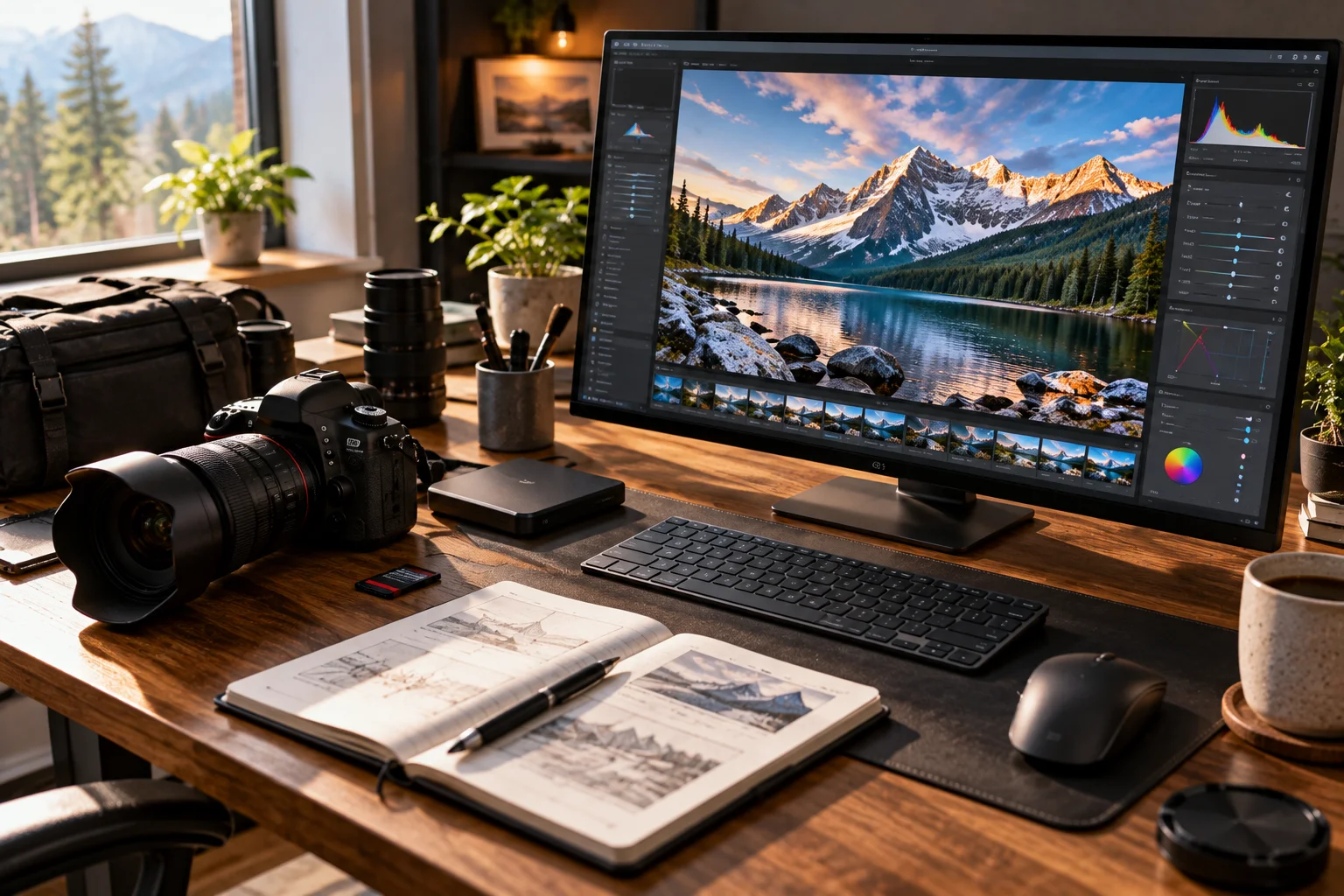
Capturing a beautiful landscape with an SLR camera isn't just about having a high-resolution sensor or an expensive lens. The real difference comes from understanding a handful of camera features and knowing when to adjust them.
A mountain range at sunrise, a waterfall surrounded by trees, a dramatic coastline or a city skyline at sunset can all look very different depending on how you set the camera.
Three settings form the foundation: aperture, shutter speed and ISO. Together, they control exposure, while features such as autofocus, metering, white balance, exposure compensation and image stabilization help you deal with the scene in front of you. Nikon describes aperture, shutter speed and ISO as the three core elements of exposure.
You don't need to shoot everything manually. The goal is to understand what each feature does so the camera's automatic modes work with your creative intention rather than against it.
1. Aperture: Control Depth and Background Detail
Aperture controls how much light enters the lens and how much of the scene appears acceptably sharp.
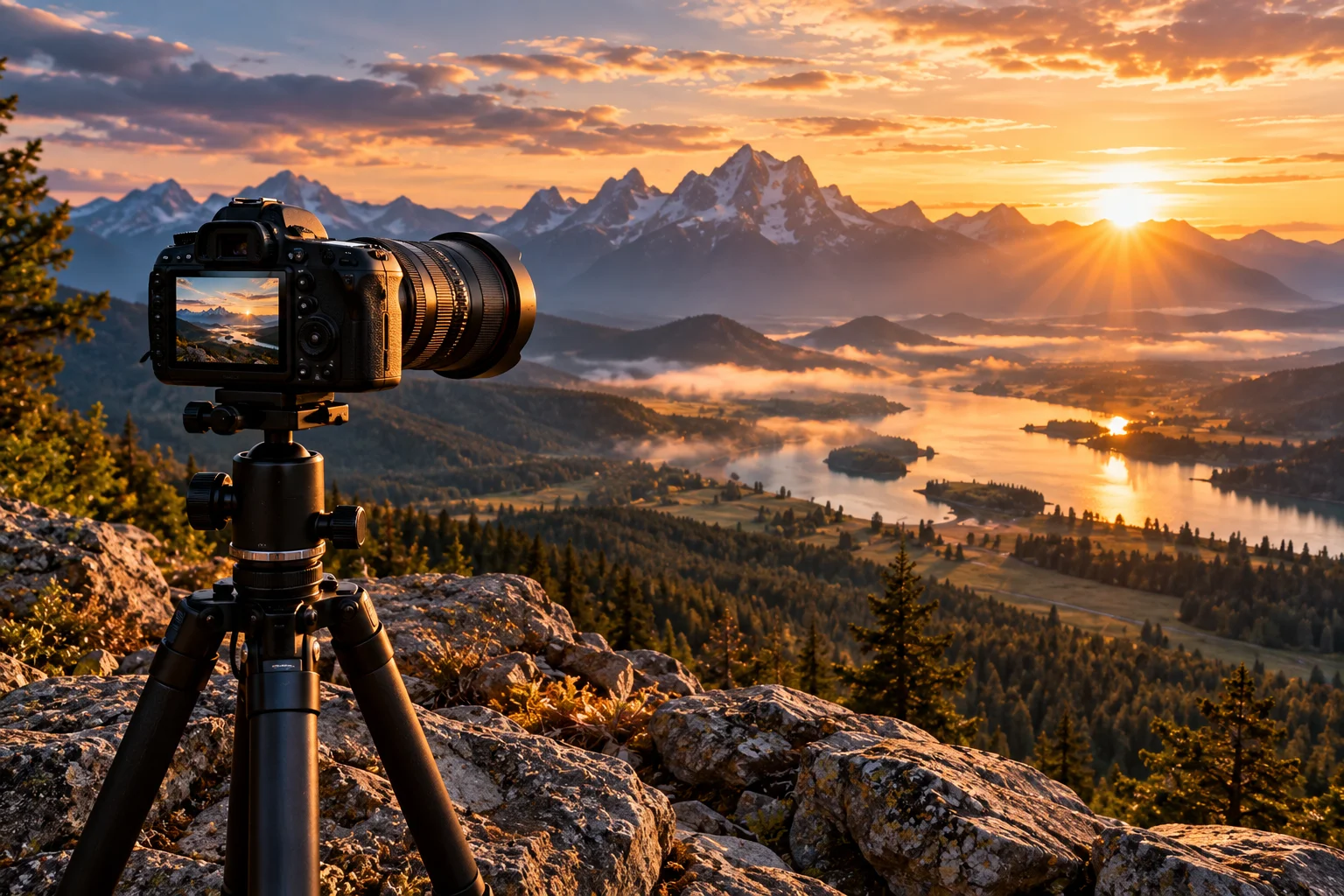
It's expressed as an f-number such as f/2.8, f/5.6, f/8 or f/16.
The confusing part is that a smaller f-number represents a larger opening.
For landscapes, photographers often use a relatively narrow aperture such as f/8 to f/11 when they want both foreground and distant scenery to appear sharp. A higher f-number generally produces greater depth of field.
For example:
f/2.8: More light, shallow depth of field
f/5.6: Moderate depth of field
f/8–f/11: Often useful for landscapes
f/16: Very deep depth of field, but diffraction can reduce fine detail on some cameras
Don't automatically choose the smallest aperture available. The best setting depends on the scene, lens and desired result.
2. Shutter Speed: Freeze or Blur Movement
Shutter speed determines how long the camera's sensor receives light and controls how motion is rendered.
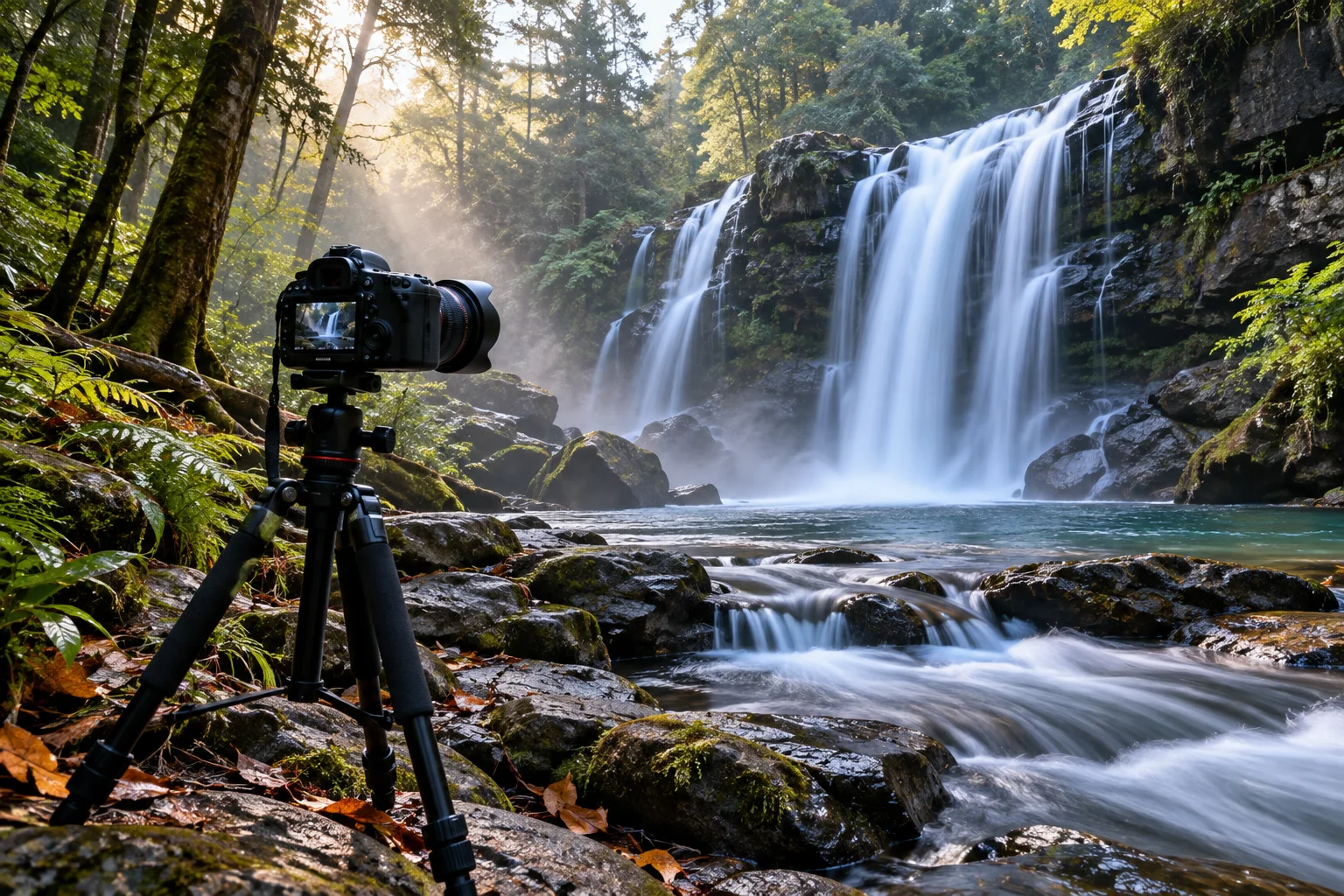
A fast shutter speed such as 1/1000 second can freeze moving water, birds or people.
A slow shutter speed can deliberately introduce motion blur.
That's particularly useful for waterfalls, rivers and waves. Nikon demonstrates how exposures of several seconds can turn moving water into a smooth, flowing effect.
For a landscape:
Want crisp moving subjects? Use a faster shutter speed.
Want silky water or moving clouds? Try a slower shutter speed, usually with a tripod.
The catch is camera shake. Once your shutter becomes slow enough, even a stationary landscape can look blurry if the camera moves during the exposure.
3. ISO: Control Sensitivity in Changing Light
ISO determines how strongly the camera amplifies the signal from the sensor, allowing you to maintain a usable exposure when light levels change.
In bright daylight, ISO 100 or 200 is often a good starting point.
As the scene becomes darker, increasing ISO can allow you to maintain a faster shutter speed or use a desired aperture.
The trade-off is image noise. Higher ISO settings can introduce more visible noise and reduce some image quality.
A simple landscape starting point is:
Lighting | Possible ISO starting point |
|---|---|
Bright sunlight | ISO 100–200 |
Cloudy daylight | ISO 200–400 |
Golden hour | ISO 200–800 |
Dusk | ISO 400–1600+ |
Night landscape | ISO 800–3200+ |
These aren't rules. Use the lowest ISO that still allows the shutter speed and aperture you actually need.
4. Metering Mode: Tell the Camera What Matters
Metering determines how the camera evaluates brightness when calculating exposure.
This becomes especially important with scenery containing both very bright and very dark areas.
A sunset is a classic example. The sky may be extremely bright while the foreground is comparatively dark.
Many SLRs offer options such as:
Matrix/evaluative metering
Center-weighted metering
Spot metering
Matrix or evaluative metering is a useful starting point for general landscape photography because the camera considers a larger portion of the frame. Nikon also recommends Matrix Metering as a starting point for beginners in several shooting situations.
Spot metering becomes useful when you deliberately want to base exposure on a small, specific area.
5. Exposure Compensation: Make the Image Brighter or Darker
Exposure compensation lets you tell the camera to intentionally make an automatically calculated exposure brighter or darker.
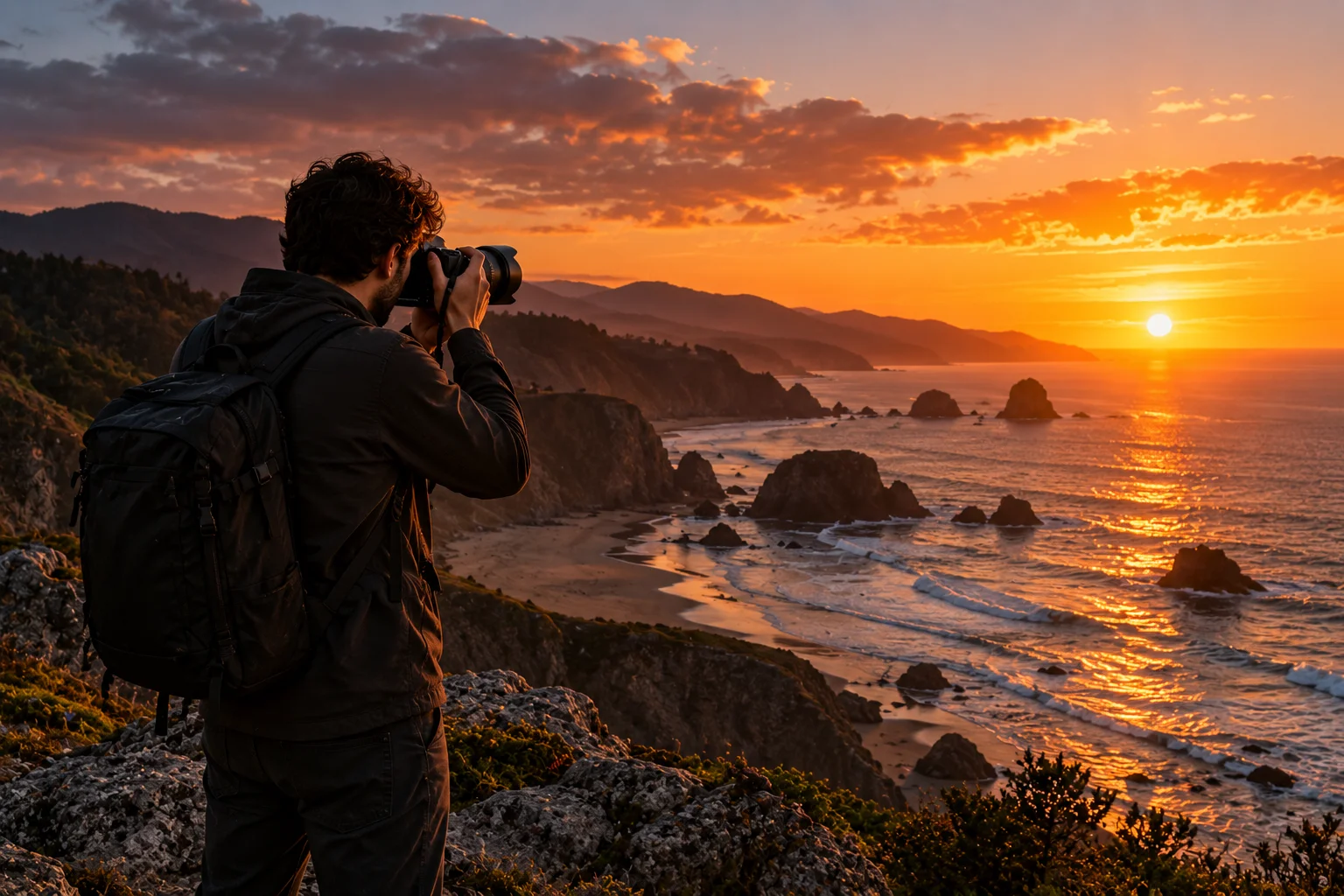
Imagine photographing a snowy mountain.
The camera sees a large amount of bright snow and may choose an exposure that makes the snow look darker than you intended.
You can use positive exposure compensation to brighten the result.
The opposite can happen with a very dark scene containing small bright areas.
Exposure compensation is particularly useful when you're using aperture-priority or another automatic exposure mode but still want creative control.
It's one of the quickest ways to correct an exposure without switching completely to manual mode.
6. Autofocus: Get the Important Part Sharp
Autofocus determines where the camera places sharp focus, and choosing the right AF mode can make a noticeable difference in scenery photography.
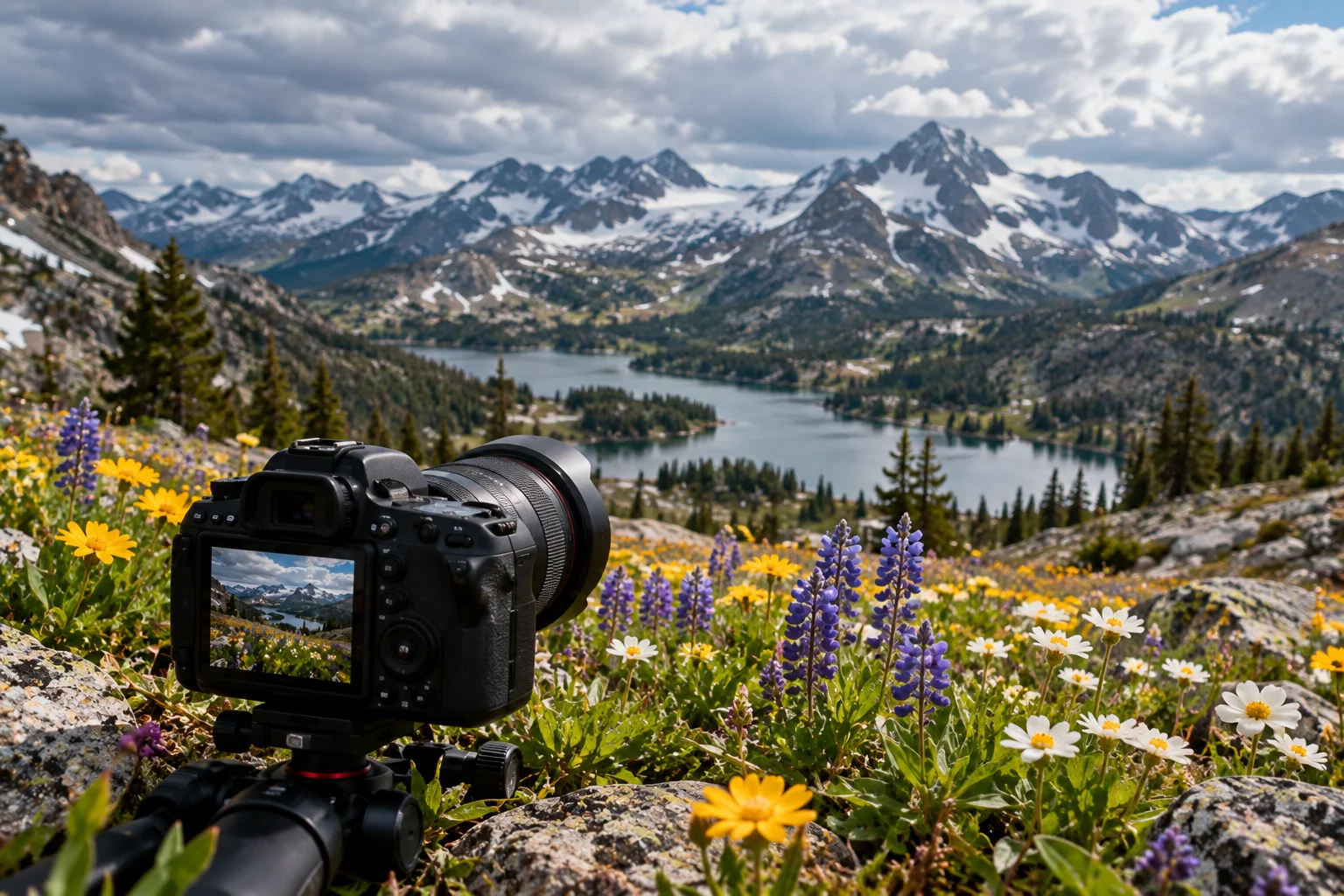
For a static landscape, you generally don't need continuous subject tracking.
A single-point or single-area autofocus mode can give you more control over exactly where the camera focuses.
For example, you might focus on an important foreground element rather than allowing the camera to choose something in the distance.
For scenes containing moving subjects, continuous autofocus becomes more useful.
The important thing is not simply having lots of autofocus points. It's understanding which part of the scene needs to be sharp.
7. White Balance: Keep the Colors Natural
White balance controls how the camera interprets the color of the light illuminating the scene.
Different light sources have different color temperatures.
Sunlight, shade, clouds and artificial lights can all produce different color casts.
Auto White Balance is convenient, but manually selecting a setting can help when you want more predictable color.
For example:
Daylight: Natural sunlight
Cloudy: Can add warmth
Shade: Usually warmer
Tungsten: Corrects warm indoor lighting
Custom: Useful for controlled situations
Nikon explains that white balance compensates for different light sources so neutral objects appear neutral rather than carrying an unwanted color cast.
For landscapes, you can also intentionally choose a warmer or cooler white balance if you're trying to create a particular mood.
8. Image Stabilization: Reduce Camera Shake
Image stabilization helps compensate for small movements of the camera during handheld shooting.
Depending on the camera and lens, stabilization may be built into the lens, the camera body or both.
It's particularly useful when you're photographing landscapes in fading light and don't have a tripod immediately available.
However, stabilization doesn't freeze movement within the scene.
If you're photographing a waterfall at a slow shutter speed, stabilization may reduce camera shake, but it won't stop the water from moving.
And when the camera is firmly mounted on a tripod, check your camera manufacturer's recommendations about whether stabilization should be disabled for the particular system.
9. RAW Image Quality: Preserve More Editing Flexibility
RAW files preserve substantially more image information for post-processing than a finished JPEG, making them particularly useful when a landscape contains difficult lighting.
A sunset is a good example.
You might have:
A bright sky
Dark foreground
Strong contrast
Saturated colors
Shadows containing useful detail
A RAW workflow gives you considerably more flexibility when adjusting exposure, highlights, shadows, white balance and other parameters during editing.
JPEG files are convenient and ready to share, but the camera has already processed the image.
If you're serious about landscape photography, RAW is worth understanding.
10. Shooting Modes: Choose How Much Control You Want
Shooting modes determine how much of the exposure process you control yourself.
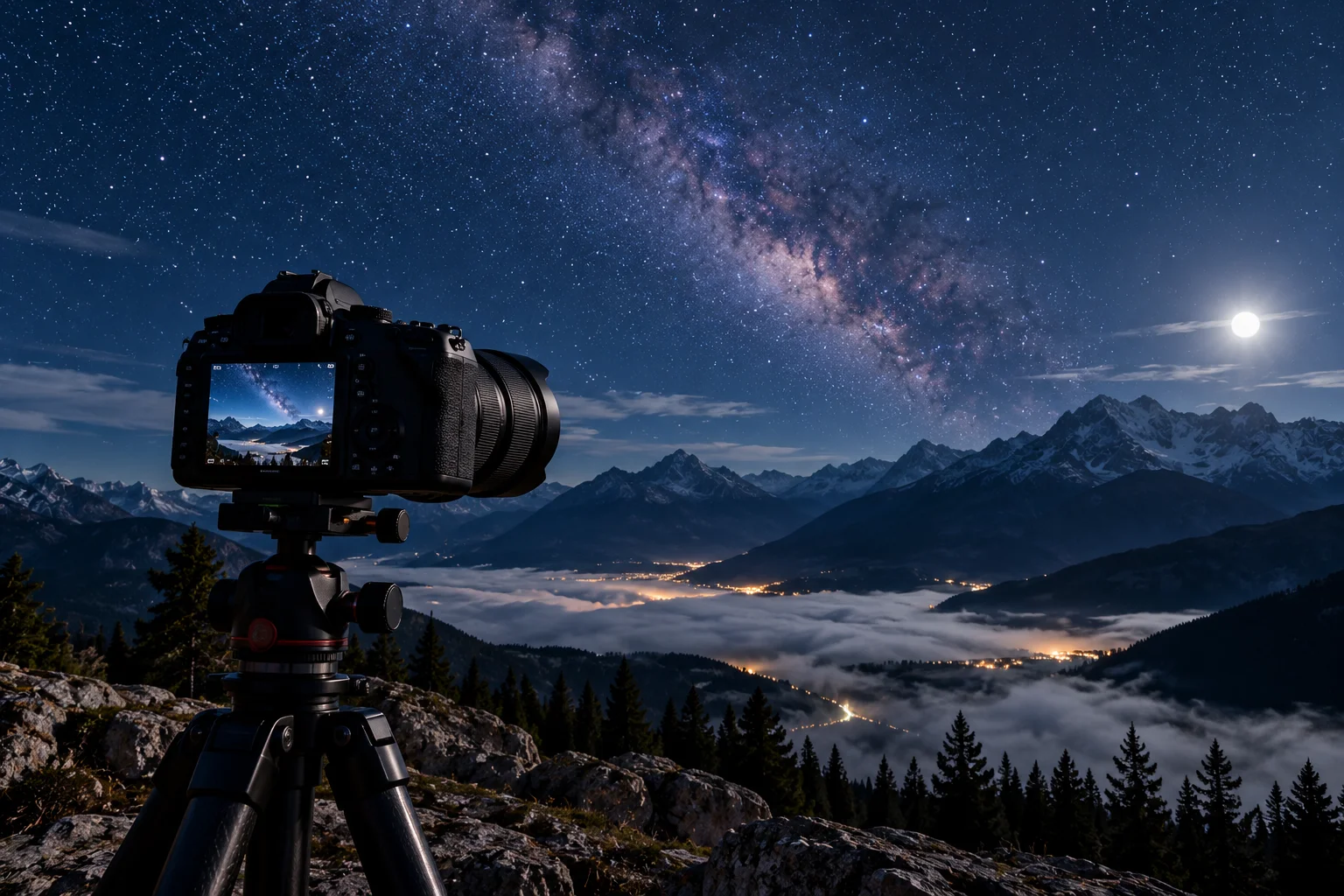
The four common modes are:
Mode | What you control |
|---|---|
Auto | Camera controls most settings |
Program (P) | Camera selects exposure combination |
Aperture Priority (A/Av) | You choose aperture; camera chooses shutter speed |
Shutter Priority (S/Tv) | You choose shutter speed; camera chooses aperture |
Manual (M) | You control aperture and shutter speed |
For landscapes, Aperture Priority is an excellent place to start.
You can select an aperture such as f/8 and let the camera determine the corresponding shutter speed.
When you want complete control, Manual mode lets you balance aperture, shutter speed and ISO yourself.
Nikon's DSLR documentation describes Program, Shutter Priority, Aperture Priority and Manual as the core exposure modes.
A Simple SLR Setup for Landscape Photography
If you're standing in front of a landscape and aren't sure where to start, try this basic setup.
Set RAW or RAW+JPEG.
Start around ISO 100–200 in daylight.
Select Aperture Priority.
Start around f/8.
Use a single autofocus point and focus on an appropriate foreground or midground element.
Check the shutter speed before taking the photograph.
Use a tripod if the shutter becomes too slow for reliable handheld shooting.
Check the highlights and shadows rather than trusting the LCD alone.
Adjust exposure compensation if the scene looks too bright or dark.
Take another frame with a slightly different exposure when the lighting is difficult.
This isn't a magic formula. It's a starting point that gives you a predictable baseline.
How Do You Capture Better Sunrise and Sunset Scenery?
Sunrise and sunset require you to pay particular attention to exposure because the scene can contain very bright skies and much darker foreground areas.
Try shooting several exposures rather than assuming the first frame is perfect.
Keep the ISO low when possible, watch your shutter speed, and use exposure compensation or manual exposure when the camera's meter isn't giving you the result you want.
A tripod becomes particularly valuable as the light disappears.
And don't rush.
The few minutes before and after the sun reaches the horizon can produce dramatically different colors and contrast.
FAQs About SLR Camera Settings for Scenery
What aperture is best for landscape photography?
f/8 to f/11 is a useful starting range for many landscapes because it provides substantial depth of field. The ideal setting depends on your lens, subject and desired depth of field.
What ISO should I use for scenery?
Start with ISO 100 or 200 in bright conditions and increase it only when you need more shutter speed or exposure. Lower ISO generally helps minimize noise.
Should I use autofocus for landscape photography?
Yes. Autofocus works very well for many landscapes. A single focus point can give you more control over where the camera focuses.
Should I shoot scenery in RAW?
If you plan to edit your photographs, RAW is generally preferable because it gives you more flexibility when adjusting exposure, highlights, shadows and color.
Do I need a tripod for landscape photography?
Not always. In bright daylight, handheld shooting can work perfectly well. A tripod becomes much more useful for long exposures, low-light scenes and carefully composed shots.
The Bottom Line
You don't need to master every SLR feature before taking beautiful landscape photographs. Start with aperture, shutter speed and ISO, then learn how metering, autofocus, white balance and exposure compensation affect the result.
Once you understand those controls, the camera stops feeling like a collection of confusing numbers.
You'll know when to use a fast shutter speed to freeze a wave, a slow shutter to smooth a waterfall, a narrow aperture to keep a landscape sharp or a low ISO to preserve clean detail.
And that's really the secret to better scenery photography: don't search for one perfect setting. Learn how each feature changes the photograph, then choose the settings that match the scene in front of you.