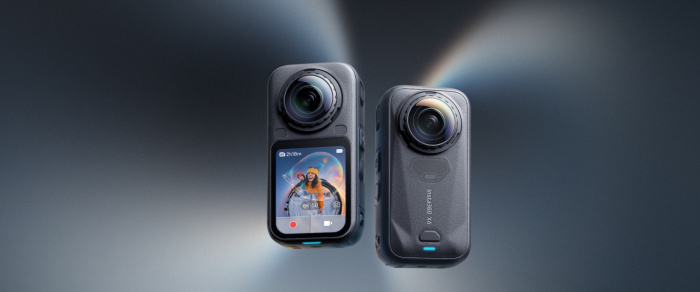
A 360 camera is designed to capture a complete spherical view of the scene around it instead of recording only what is in front of the lens. Most consumer 360 cameras achieve this using two ultra-wide fisheye lenses, one facing in each direction. Each lens captures more than 180 degrees, and software combines the overlapping footage into a single 360-degree image or video.
The result isn't simply an extremely wide photograph. A true 360 image contains the view around the camera horizontally and vertically, allowing you to look left, right, behind, above and below after the shot has been recorded.
That's what makes 360 cameras different from ordinary action cameras. Instead of deciding exactly where to point the camera before pressing the shutter, you can capture first and choose the viewing angle later.
What Is a 360 Camera?
A 360 camera is a camera system that records enough visual information to create an immersive view of the environment surrounding the camera.
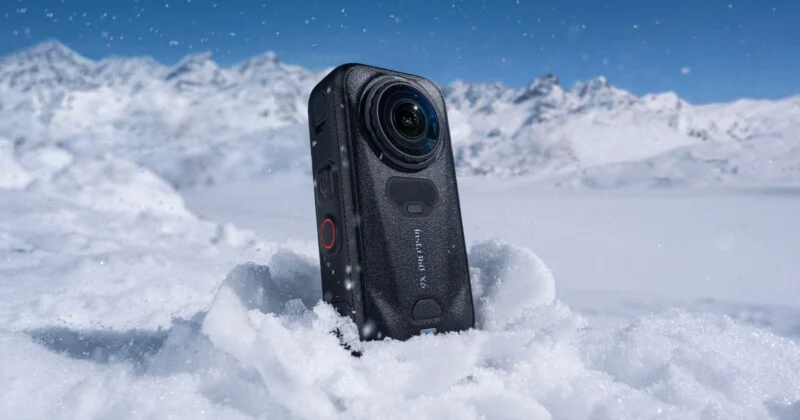
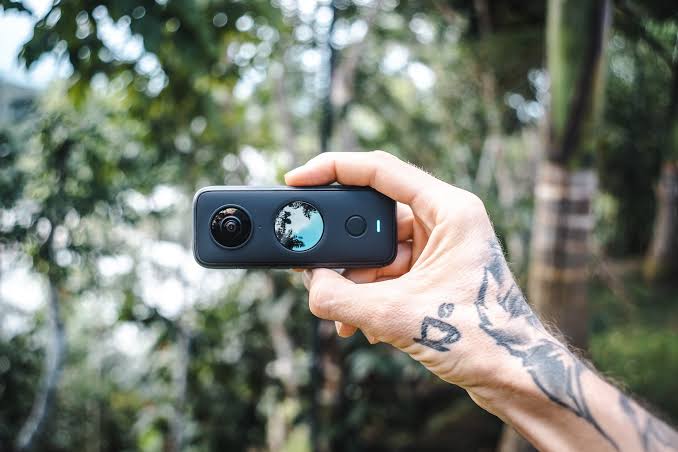
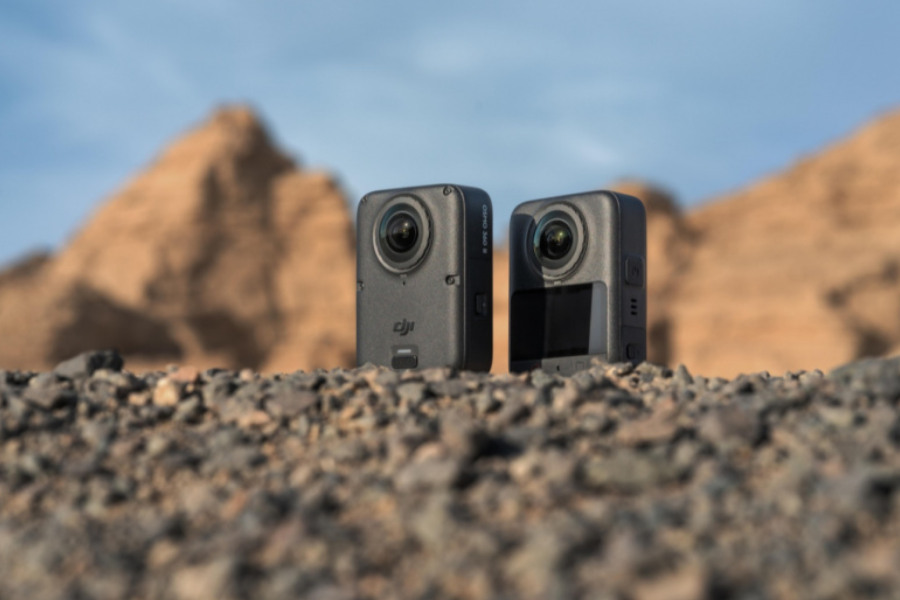
Consumer models commonly use two back-to-back fisheye lenses. Each lens covers roughly half of the surrounding sphere, with some overlap between the two views. The camera or its companion software then processes those images into one spherical image.
Professional systems can use more lenses. For example, Insta360's Titan uses eight 200-degree fisheye lenses to capture high-resolution panoramic imagery.
So, “360 camera” describes the final field of view, not necessarily a particular number of lenses.
How Does a 360 Camera Capture Everything Around You?
The simplest way to understand the process is to imagine two cameras pointing in opposite directions.
Lens A → front hemisphere
Lens B → rear hemisphere
Because the lenses are extremely wide, their fields of view overlap. The camera records both views simultaneously and software determines how those images should be combined.
In a typical consumer 360 camera, this happens quickly enough that the final footage can be stitched inside the camera or processed later in an app or desktop software. Insta360, for example, supports both in-camera and external stitching on current X-series cameras.
The result is a continuous spherical image rather than two separate videos.
Why Do 360 Cameras Use Fisheye Lenses?
Fisheye lenses provide an extremely wide field of view, allowing each lens to capture a large portion of the surrounding environment.
A conventional wide-angle lens might capture a broad scene in front of you, but it still can't see what is directly behind the camera.
A fisheye lens bends the scene across a much wider angle, making it possible for two lenses to cover essentially the entire sphere.
This also explains why the original footage can look strange. Straight lines near the edges of a fisheye image can appear heavily curved.
The software corrects and combines these views during the stitching process.
What Is Stitching in a 360 Camera?
Stitching is the process of combining the images from multiple lenses into one continuous 360-degree view.
This is one of the most important parts of a 360 camera.
The two lenses don't see exactly the same image. Their viewpoints are physically separated by a small distance, so objects close to the camera can appear in slightly different positions in each lens.
The software analyzes overlapping areas and aligns corresponding details before blending the images together.
This is why distant scenery often stitches easily while something very close to the camera can produce a noticeable seam or distortion. Insta360 specifically notes that the separation between lenses creates parallax, which can make close subjects harder to stitch correctly.
Why Is There Sometimes a Visible Line in 360 Footage?
The line is called the stitch line, and it is the boundary where footage from different lenses is joined.
Ideally, sophisticated stitching algorithms make this boundary difficult to notice. But problems can appear when an object is extremely close to the camera, when the camera moves unexpectedly, or when an important subject sits directly across the stitching boundary.
For this reason, manufacturers recommend keeping close subjects away from the lens boundary and positioning important subjects carefully.
A person standing a few inches from the camera is much more challenging to stitch cleanly than a landscape several meters away.
Why Does a 360 Image Look Distorted When You Open It Normally?
A 360 image isn't designed to look like a conventional flat photograph.
The original visual information represents a sphere, but your phone or computer screen is flat.
To store and edit that spherical information, 360 cameras commonly map the scene into a flat panoramic representation. When you view that file as an ordinary rectangular image, the environment can look stretched or distorted.
A 360 viewer then converts that information back into an interactive perspective.
That's why you can drag around a 360 photograph and look behind yourself even though the file itself appears like an unusually wide panorama when opened in some applications.
How Can You Look Around After Taking the Photo?
The 360 file contains the surrounding visual information, while the viewer determines which portion of that information you see at any particular moment.
Think of it as standing inside an invisible sphere.
Instead of moving the camera to look left or right, you move your viewpoint inside the recorded sphere.
This also enables a major creative advantage: you don't necessarily have to decide your final composition while shooting.
Insta360 describes this approach as capturing the entire environment and reframing the footage afterward.
What Is “Shoot First, Frame Later”?
With a conventional camera, you point the lens at your subject before pressing record.
With a 360 camera, you can record everything and decide afterward where the virtual camera should point.
For example, imagine cycling down a mountain trail.
A normal action camera might be aimed forward. If another cyclist suddenly passes behind you, they're outside the frame.
A 360 camera records both directions. During editing, you can create a conventional-looking video that follows the cyclist, switches to the scenery, then turns toward something behind you, all from the same original recording.
That's why 360 cameras are particularly useful for action sports, travel, virtual tours and situations where unpredictable movement makes traditional framing difficult.
Does a 360 Camera Really Capture Everything?
It can capture almost the entire surrounding sphere, but “everything” doesn't mean every part of the physical environment is equally easy to record.
The camera itself creates a small blind area around its body, depending on its design.
The stitching process can also struggle with very close objects because the two lenses see them from different positions. Manufacturers therefore specify minimum stitching distances for their cameras.
The camera's position also matters.
If it's mounted high in an open space, it has a clear view in every direction. If it's placed close to a wall, furniture or another object, those surfaces can dominate part of the spherical image.
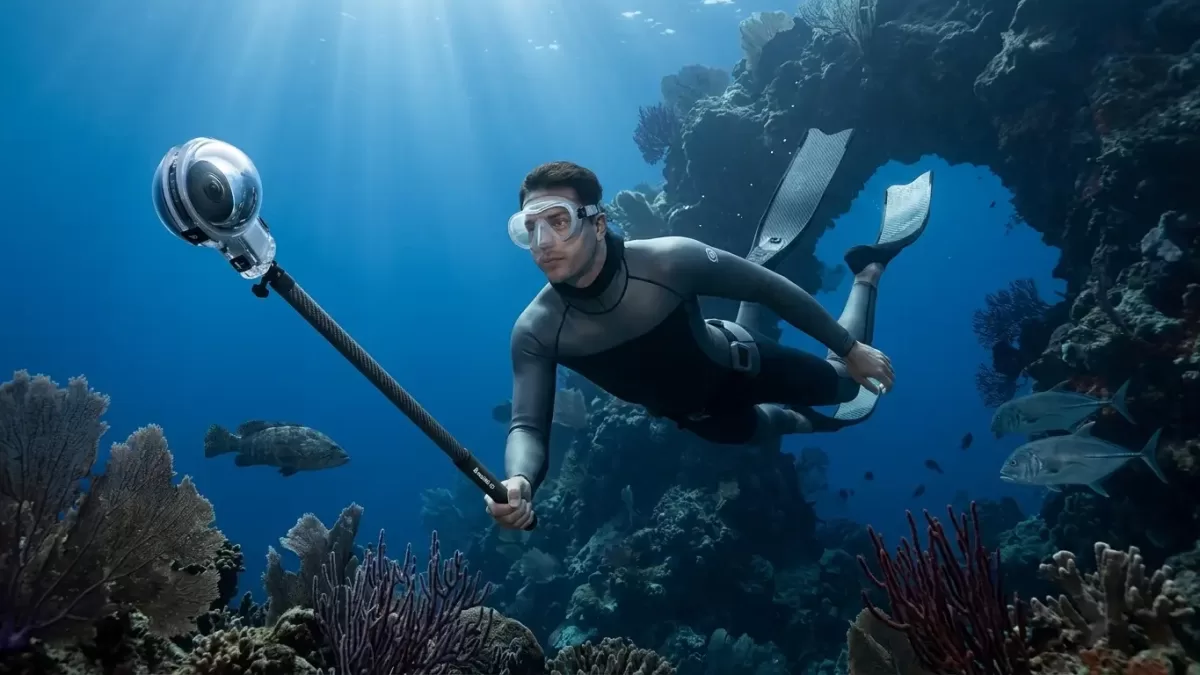
Why Does a 360 Camera Sometimes Make the Selfie Stick Disappear?
Some 360 cameras can make a compatible selfie stick appear almost invisible in the final footage.
The trick comes from the camera's geometry.
A thin stick positioned directly below or along the camera can fall into an area where the two lenses' images are blended. With appropriate software processing, the stick can effectively disappear from the finished view.
This works because the camera is capturing the environment from multiple directions rather than relying on a single lens.
It isn't magic or an object being physically removed while recording. It's a combination of camera placement, lens coverage and stitching software.
Is 360 Video the Same as 8K Video?
No.
360 degrees describes the field of view, while 8K describes image resolution.
A 360 camera can record 8K 360 video, but that doesn't mean you get an 8K-quality view in every direction simultaneously.
The recorded resolution is spread across the entire spherical image. When you look at only a small portion of that sphere, you're viewing a crop of the total available pixels.
Insta360's explanation of 8K 360 capture makes this distinction particularly important: the resolution is distributed across the full spherical view rather than concentrated in one conventional camera frame.
That's one reason higher-resolution sensors and lenses can matter so much for 360 cameras.
What Happens to a 360 Video During Editing?
Editing a 360 video can happen in two fundamentally different ways.
Interactive 360 editing: The final file remains a 360 video, allowing viewers to look around themselves.
Reframed editing: You select a particular viewing angle and export a conventional flat video.
The second approach effectively turns the 360 camera into a virtual camera that can be repositioned after recording.
Some current 360 cameras can also generate conventional flat footage alongside 360 footage, depending on the model and shooting mode.
Where Are 360 Cameras Useful?
360 cameras are particularly useful when you want to preserve the entire environment rather than a single viewpoint.
Common applications include:
Action sports
Travel videos
Real-estate tours
Virtual property walkthroughs
Events
Automotive footage
Outdoor adventures
Training and documentation
Immersive VR content
Real-estate photography is a good example. Instead of photographing one wall at a time, a 360 camera can capture the surrounding room so viewers can explore the space interactively. RICOH's THETA system, for example, is designed around capturing and viewing complete 360-degree scenes.
FAQs About 360 Cameras
Does a 360 camera use two cameras?
Most consumer models use two fisheye lenses and two imaging paths, although professional 360 cameras can use more lenses.
Can a 360 camera see behind itself?
Yes. That's one of its main purposes. Opposing ultra-wide lenses capture the areas around both sides of the camera.
Why are 360 cameras sometimes called VR cameras?
Because 360-degree footage can be viewed through VR headsets as an immersive environment. However, not every 360 camera is specifically designed for VR production.
Can you take normal photos with a 360 camera?
Many models offer single-lens or reframed shooting modes that produce conventional images or videos. However, their main advantage is capturing the full surrounding scene.
Do 360 cameras need stitching software?
Not necessarily. Some cameras can stitch footage internally, while others allow or require stitching and optimization through companion software.
The Bottom Line
A 360 camera captures the world around you by using multiple ultra-wide lenses and combining their overlapping views into a spherical image.
In a typical consumer design, two fisheye lenses face opposite directions. Each records a large portion of the environment, and stitching software aligns and blends the footage into one continuous 360-degree view.
The clever part isn't simply the lenses. It's the combination of wide-angle optics, overlapping coverage, image processing, stitching algorithms and spherical projection.
That's what turns two camera views into an image you can explore in every direction.
And because the entire scene is recorded at once, a 360 camera changes the usual photography workflow: instead of asking “Where should I point the camera?”, you can often ask that question later, during editing.