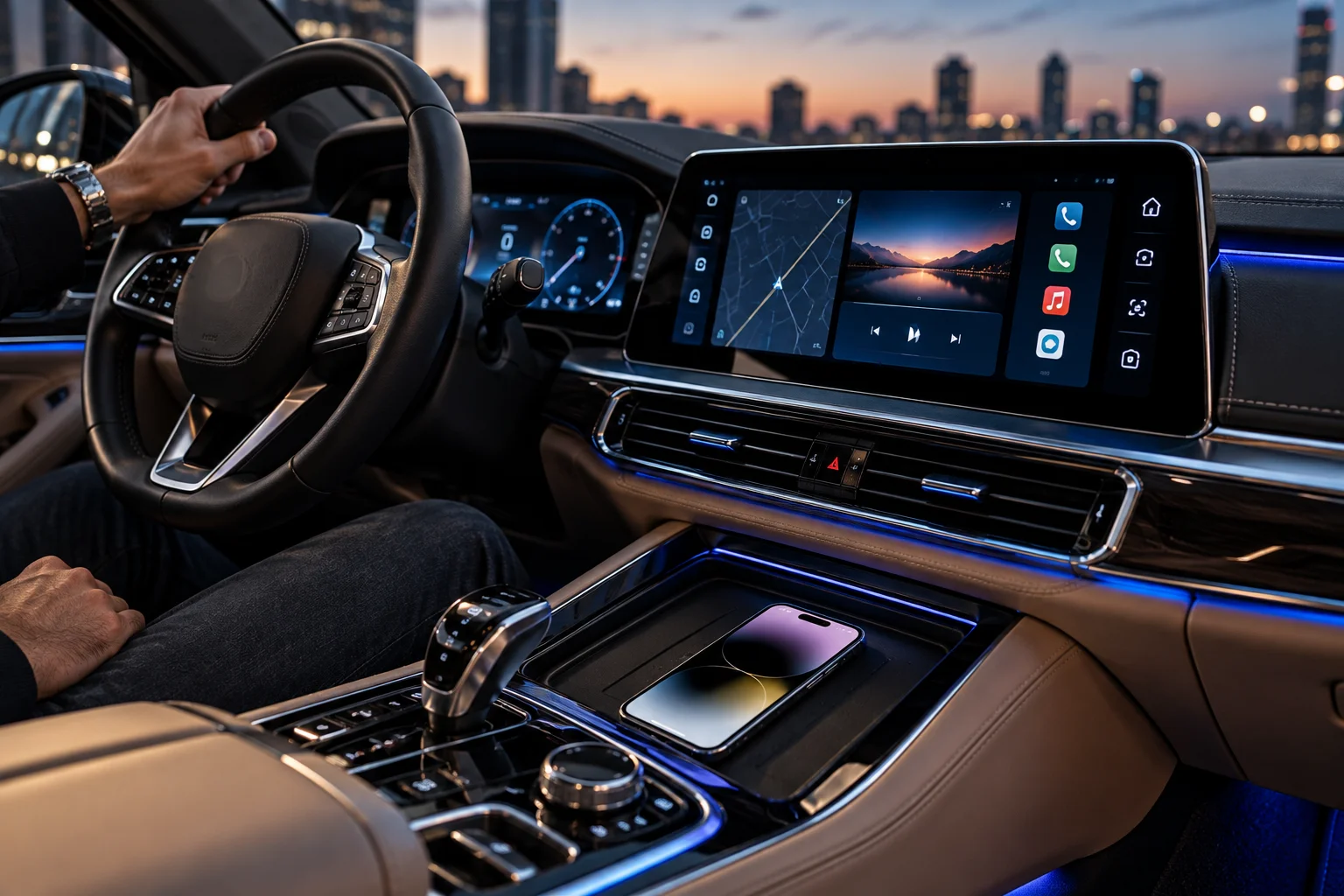
Wireless CarPlay removes one of the most annoying parts of using CarPlay: the cable. You get into the car, start it and, in a compatible vehicle, your iPhone can connect automatically without being plugged in.
But removing the cable doesn't make the two systems technically identical.
Wired CarPlay sends CarPlay data through USB, while wireless CarPlay uses Bluetooth for discovery and Wi-Fi for the ongoing connection. Apple says wireless CarPlay requires both Bluetooth and Wi-Fi, with the actual CarPlay communication moving over Wi-Fi after the initial connection.
That difference affects how the systems connect, how they respond to interference and what happens to your iPhone's battery.
Audio quality, however, is a different story. Wireless CarPlay isn't automatically lower quality simply because it isn't using a cable. For most drivers, the more noticeable differences are connection behavior, battery consumption and convenience.
How Does Wireless CarPlay Actually Connect?
Wireless CarPlay uses Bluetooth to establish the relationship and Wi-Fi to carry the main CarPlay communication.
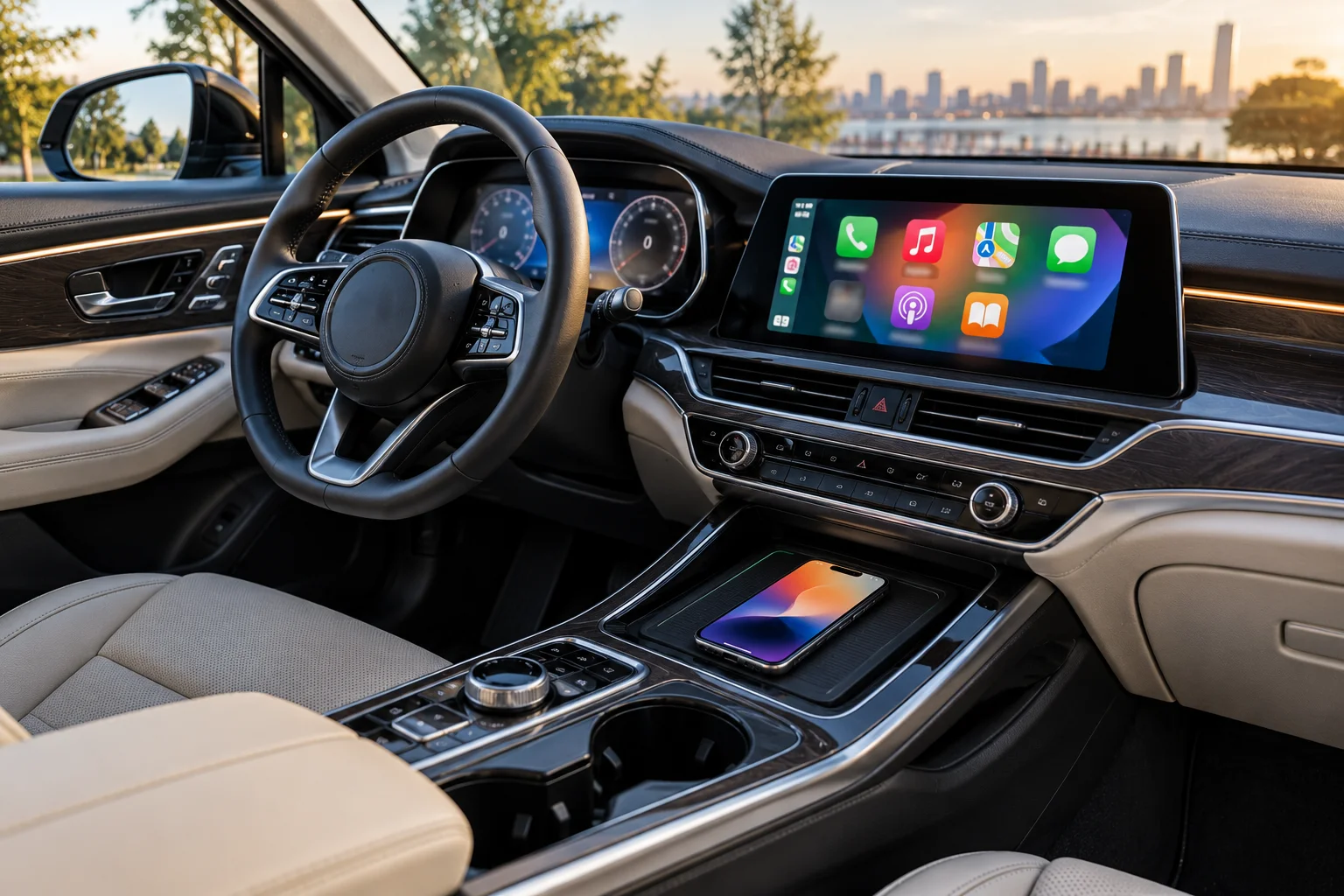
When you first configure wireless CarPlay, the iPhone and vehicle establish a Bluetooth connection. The necessary Wi-Fi information is then exchanged, after which CarPlay communication moves over Wi-Fi. Apple describes this architecture as carrying audio, video and control information over Wi-Fi during the CarPlay session.
That's why simply saying "wireless CarPlay uses Bluetooth" isn't quite accurate.
Bluetooth helps get the connection started. Wi-Fi does most of the heavy lifting.
With wired CarPlay, USB handles the connection instead. Apple describes wired CarPlay as sending audio, video and control information over USB.
Is Wired CarPlay More Stable Than Wireless?
A wired connection generally has fewer wireless variables because the communication path is a physical USB connection.
Wireless CarPlay depends on a radio link between the phone and vehicle. Wireless interference, the quality of the vehicle's wireless hardware and software implementation can affect reliability.
Apple specifically tells automakers to design for wireless interference because it can affect Wi-Fi performance in CarPlay systems. Apple also recommends the 5GHz band for wireless CarPlay implementations.
That doesn't mean wireless CarPlay is inherently unreliable. A well-designed factory system can remain connected throughout a drive.
It means wireless introduces another potential failure point that doesn't exist in the same form with a USB cable.
With wired CarPlay, you instead have physical failure points: the cable, USB connector, vehicle port and phone port.
Does Wireless CarPlay Take Longer to Connect?
It can take longer to establish the connection because wireless CarPlay has to perform a wireless discovery and connection process.
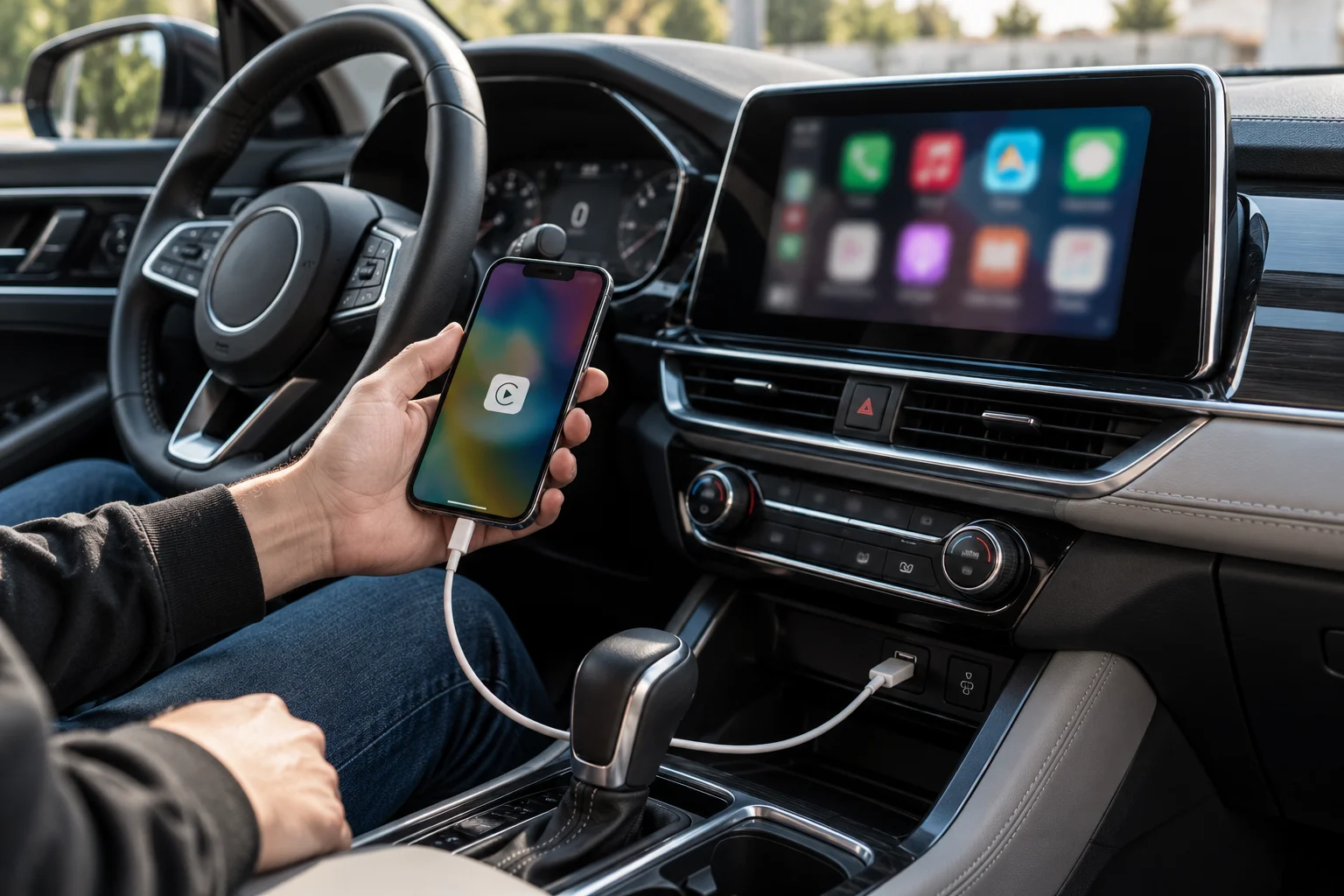
Wired CarPlay starts as soon as the phone establishes the USB connection and the vehicle recognizes it.
Wireless CarPlay has to establish the Bluetooth relationship and then bring up the Wi-Fi connection used by CarPlay. Apple provides automatic wireless reconnection for supported vehicles, so the process can feel almost invisible once configured.
The exact startup time varies considerably by vehicle and software.
That's why one car can feel almost instantaneous while another takes noticeably longer to bring up CarPlay.
Does Wireless CarPlay Have Worse Audio Quality?
Not necessarily. Wireless CarPlay doesn't automatically mean inferior audio quality compared with wired CarPlay.
Both systems are transporting digital audio from the iPhone to the vehicle's CarPlay system.
Wired CarPlay uses USB, while wireless CarPlay uses Wi-Fi for the CarPlay communication. Apple describes wireless CarPlay as carrying audio and video over Wi-Fi rather than Bluetooth.
So the simplistic claim that wireless CarPlay is "Bluetooth audio" is incorrect.
For most users, there isn't a meaningful sound-quality difference between properly implemented wired and wireless CarPlay.
The vehicle's audio system, source material, processing and speakers will usually matter much more.
Can Wireless CarPlay Add Audio Latency?
Wireless communication can introduce some additional processing and transmission delay, but whether you notice it depends on the vehicle and implementation.
The wireless system has more communication stages than a direct USB connection.
In normal use, this isn't necessarily noticeable. Music, podcasts, navigation prompts and phone calls can all work normally.
However, differences can become apparent in poorly optimized systems or during interactions such as rapidly changing tracks or responding to touchscreen controls.
Apple's CarPlay engineering guidance emphasizes stable wireless connections and handling short connection interruptions smoothly, which shows how important wireless link quality is to the overall experience.
Does Wireless CarPlay Drain More iPhone Battery?
Usually, wireless CarPlay puts more of the power burden on the iPhone because the phone is maintaining the wireless CarPlay connection without receiving USB power from the CarPlay cable.
This is one of the biggest practical differences.
With wired CarPlay, the USB connection can simultaneously carry CarPlay data and provide power to the iPhone.
With wireless CarPlay, the iPhone has to maintain the CarPlay connection over Wi-Fi while also handling the normal processing associated with navigation, music, calls and other apps.
Apple's CarPlay architecture confirms that Wi-Fi carries the ongoing wireless CarPlay communication.
Battery consumption can therefore become noticeable during long journeys, particularly when navigation is active.
But there is no universal "wireless CarPlay uses X% per hour" figure. Battery usage varies with the iPhone model, battery health, cellular signal, GPS use, screen activity, navigation app, temperature and other settings. Apple itself notes that battery results vary according to network, location, signal strength, configuration and usage.
What Happens if You Use Wireless CarPlay With a Wireless Charger?
A wireless charging pad can offset some or all of the battery drain, but charging efficiency and heat become additional considerations.
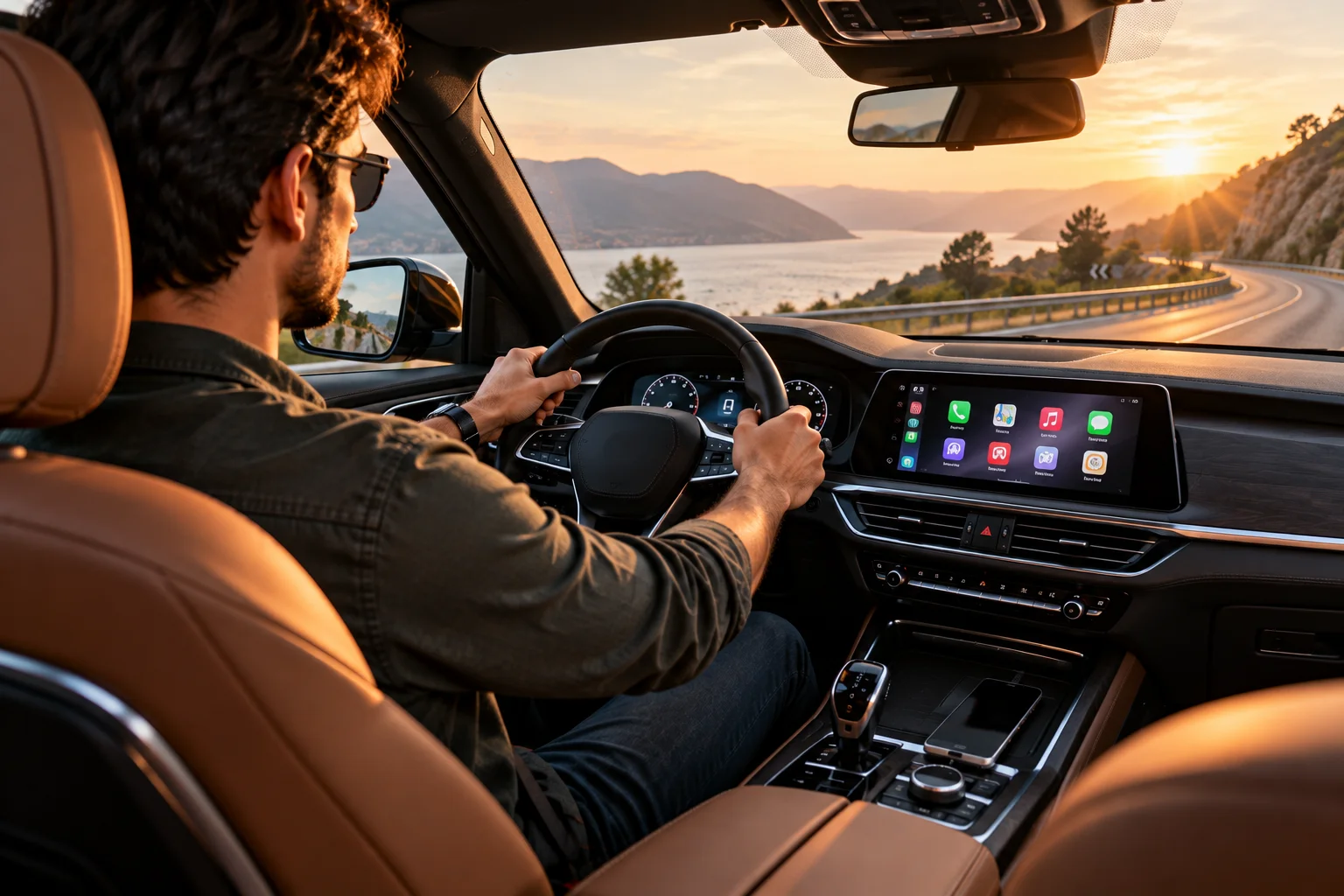
This creates a common modern setup:
Wireless CarPlay + wireless charging
You get the convenience of no cable while the phone receives power.
However, wireless charging itself produces heat, and the phone is already working during navigation and CarPlay use.
If the phone becomes hot, charging performance can be reduced or charging can temporarily pause depending on the device's thermal management.
A wired connection therefore has one major efficiency advantage: the same cable that carries CarPlay also supplies power.
Is Wired CarPlay Better for Long Road Trips?
Wired CarPlay can be particularly practical for long drives because it continuously powers the phone while maintaining the data connection.
This matters if you're using navigation for several hours.
Instead of starting the trip at 80% and gradually watching the battery fall, the phone can remain connected to vehicle power.
For short daily commutes, wireless CarPlay's convenience may matter more because battery consumption may be relatively unimportant over a short drive.
The choice therefore depends partly on how you use the car.
Does Wired CarPlay Have Its Own Problems?
Yes. The cable introduces physical failure points that wireless CarPlay avoids.
A cable can:
Become damaged or intermittent
Disconnect when the phone moves
Wear at the connector
Become tangled
Require a specific cable or adapter
Put mechanical stress on the phone's port
Apple's troubleshooting guidance specifically recommends trying another USB cable or USB port when wired CarPlay doesn't work correctly.
Apple also warns that certain combinations of adapters, cables and vehicle systems can disrupt wired CarPlay.
So wired isn't automatically trouble-free.
It simply trades wireless interference for physical connection issues.
Wireless vs Wired CarPlay: What Actually Changes?
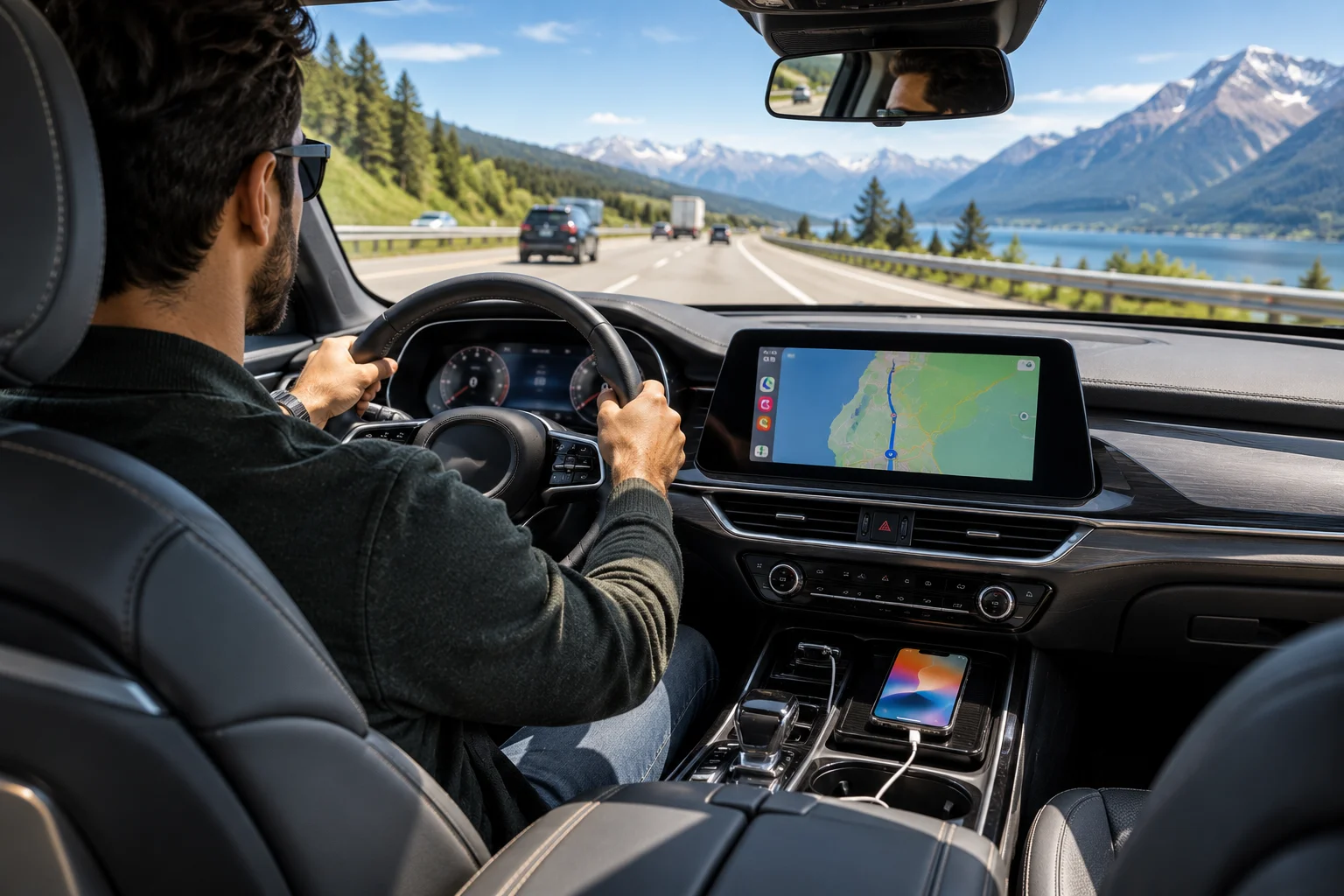
Feature | Wired CarPlay | Wireless CarPlay |
|---|---|---|
Main connection | USB | Wi-Fi |
Initial wireless pairing | No | Bluetooth |
Phone charging | Yes, through USB | No, unless separately charged |
Cable required | Yes | No |
Wireless interference | Not a factor for CarPlay link | Can matter |
Startup | Generally direct | Wireless connection process |
Audio quality | Digital CarPlay audio | Digital CarPlay audio |
Long-drive battery impact | Phone receives power | Phone battery can fall |
Physical cable wear | Yes | No |
The exact experience depends heavily on the vehicle's CarPlay implementation.
Which Should You Use?
Wireless CarPlay makes the most sense when convenience matters most; wired CarPlay is particularly useful when you want charging and a direct connection.
Choose wireless if you:
Mostly take short trips
Hate plugging in your phone
Have a well-designed factory wireless CarPlay system
Have convenient wireless charging
Choose wired if you:
Frequently take long journeys
Use navigation continuously
Want your phone charging during CarPlay
Experience wireless dropouts
Prefer a direct connection
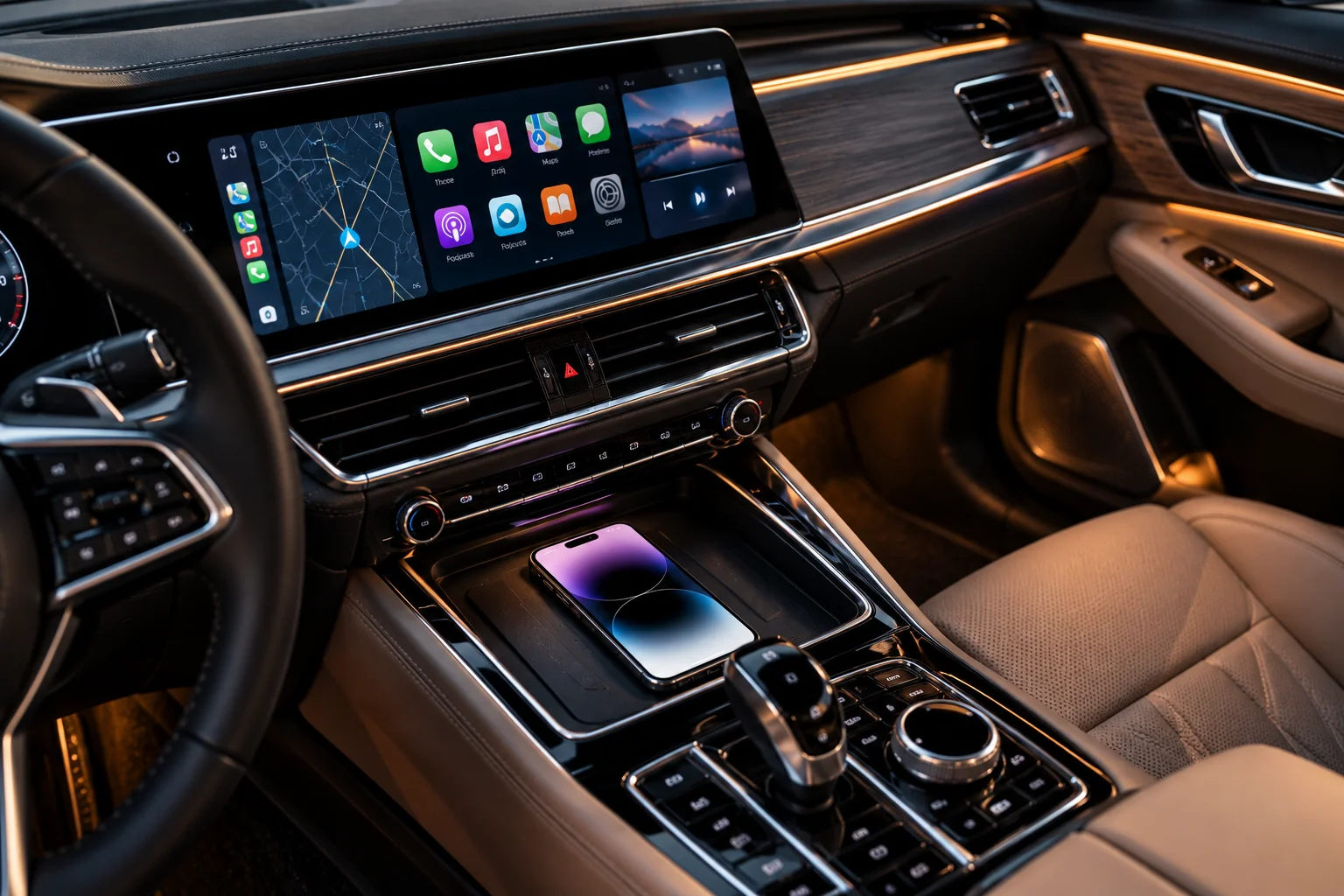
If your car supports both, there's no reason to treat the choice as permanent. Wireless can be ideal for a quick drive, while a USB cable can make more sense for a three-hour road trip.
Frequently Asked Questions
Is wireless CarPlay slower than wired CarPlay?
It can have a slightly different connection and response behavior because it uses Bluetooth for setup and Wi-Fi for communication, but a well-designed system can feel very responsive.
Does wireless CarPlay use Bluetooth for music?
Not in the way ordinary Bluetooth audio does. Bluetooth is used for discovery and initial connection; Apple says the subsequent CarPlay communication, including audio, runs over Wi-Fi.
Does wired CarPlay sound better?
Not automatically. Both are digital CarPlay connections, and the vehicle's audio system and processing can have a much larger effect on what you hear.
Does wireless CarPlay drain the iPhone battery?
It can, especially during long drives with navigation and other demanding features running, because the phone isn't receiving USB power through the CarPlay connection. The exact drain varies considerably by usage and conditions.
Can I use wireless CarPlay and charge my phone at the same time?
Yes, if the vehicle has a compatible wireless charging pad or you use another charging method.
Is wired CarPlay more reliable?
It can be less susceptible to wireless interference, but the cable and USB connection introduce their own potential failure points. Apple recommends checking cables and ports when wired CarPlay has connection problems.
The Bottom Line
Wireless CarPlay doesn't fundamentally change what CarPlay does. It changes how the iPhone and car communicate.
Wired CarPlay uses USB, giving you a direct connection that also charges the phone. Wireless CarPlay uses Bluetooth for discovery and Wi-Fi for the ongoing CarPlay session, eliminating the cable but making the experience dependent on the vehicle's wireless implementation.
For audio quality, the difference is usually less important than people expect. For battery life and connection behavior, however, the distinction is much more practical.
Wireless CarPlay wins on convenience. Wired CarPlay wins when charging and a direct connection matter.