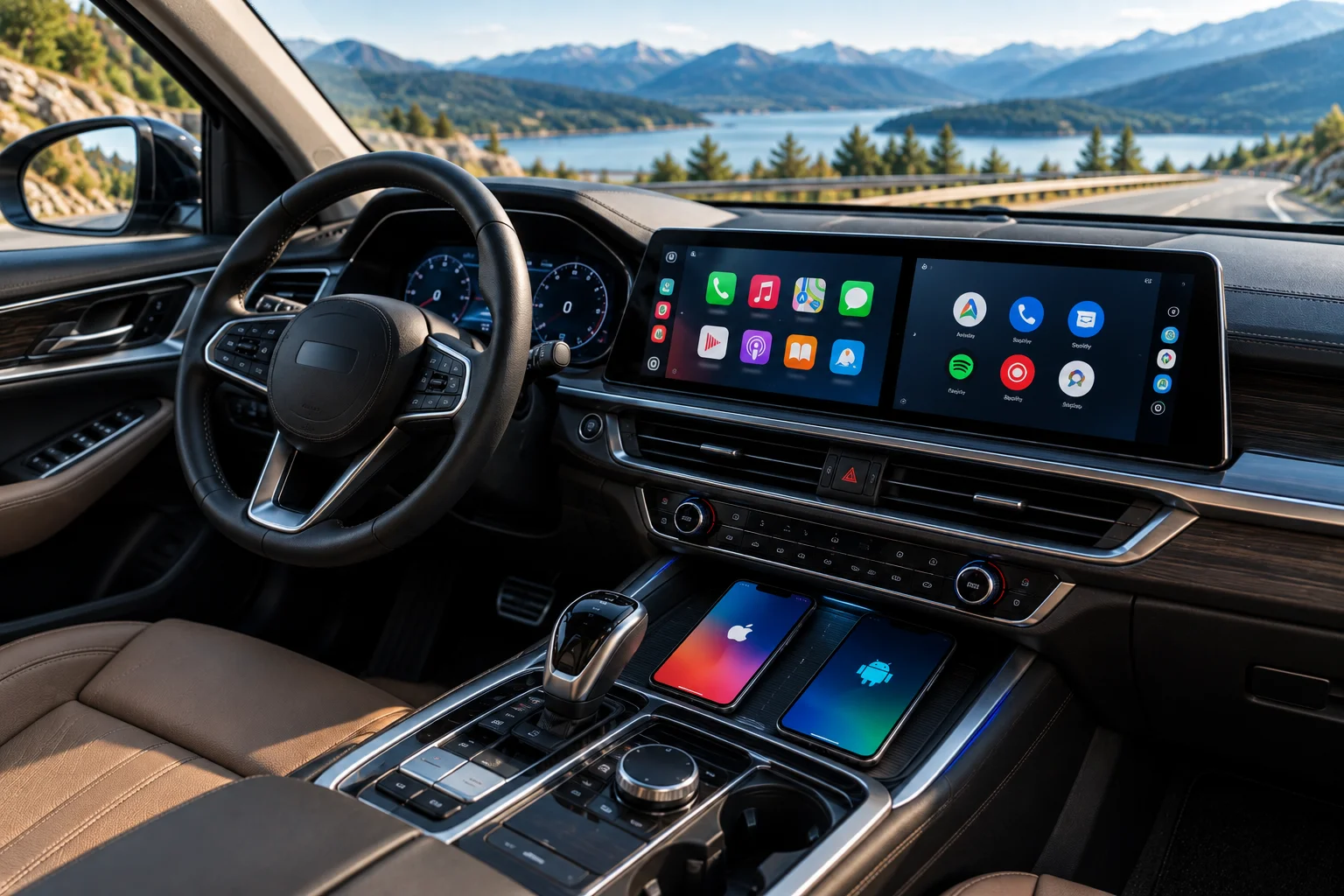
Apple CarPlay and Android Auto solve essentially the same problem: they put selected smartphone features onto your car's display in a driving-friendly interface.
CarPlay connects an iPhone to the vehicle, while Android Auto connects an Android phone. Both provide navigation, calls, messages, music and voice control without requiring you to handle the phone while driving.
The bigger differences appear in how they handle navigation, voice assistants, app ecosystems, interface design and integration with the phone.
CarPlay generally feels most natural if you're already invested in Apple's ecosystem. Android Auto makes more sense for Android users who rely heavily on Google Maps, Google services and the broader Android ecosystem.
Neither system is universally better. Your phone and the apps you already use should be the starting point when choosing between them.
What Is the Difference Between Apple CarPlay and Android Auto?
The fundamental difference is the smartphone ecosystem they belong to.
Apple CarPlay is Apple's in-car interface for iPhone, while Android Auto is Google's in-car interface for Android phones.
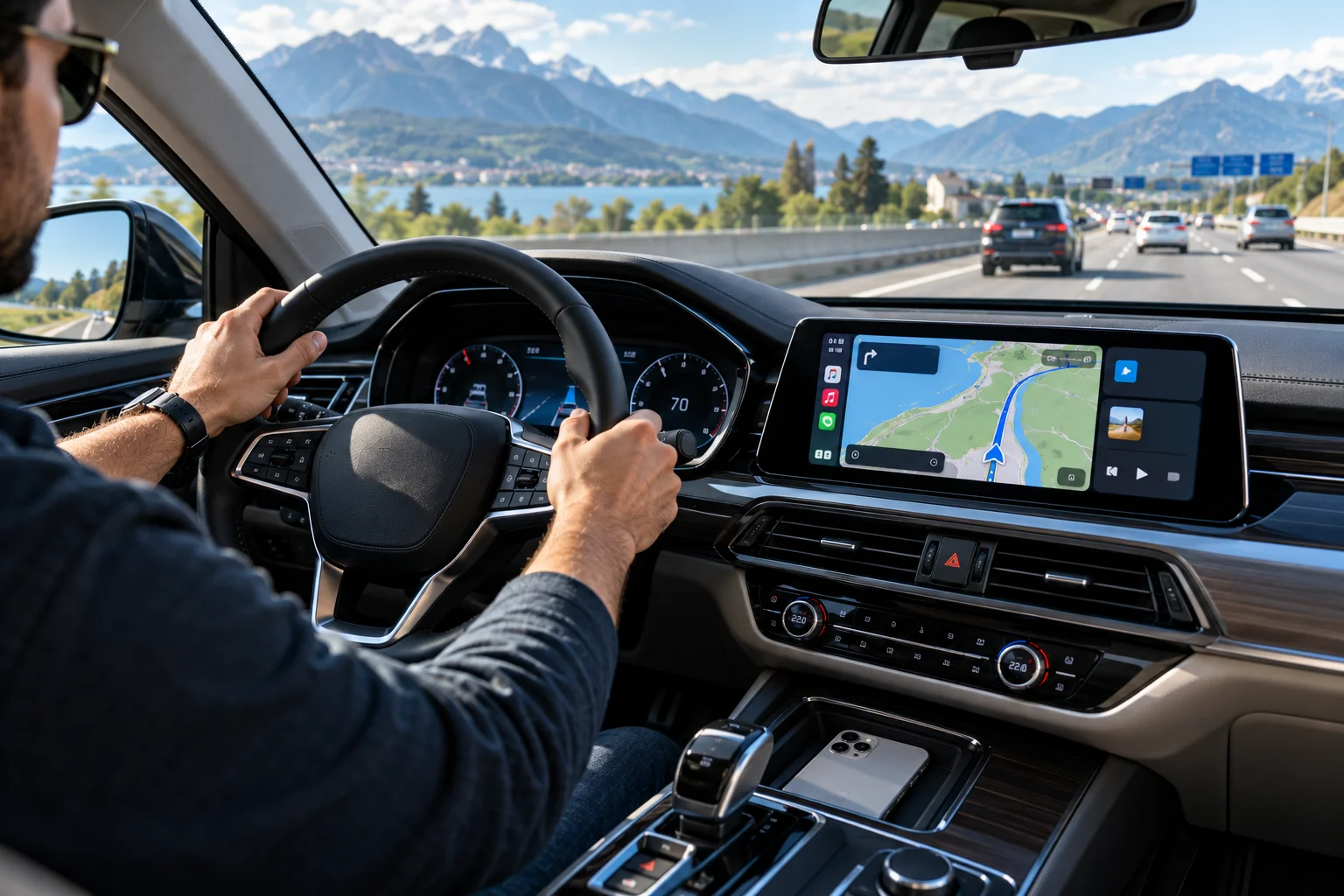
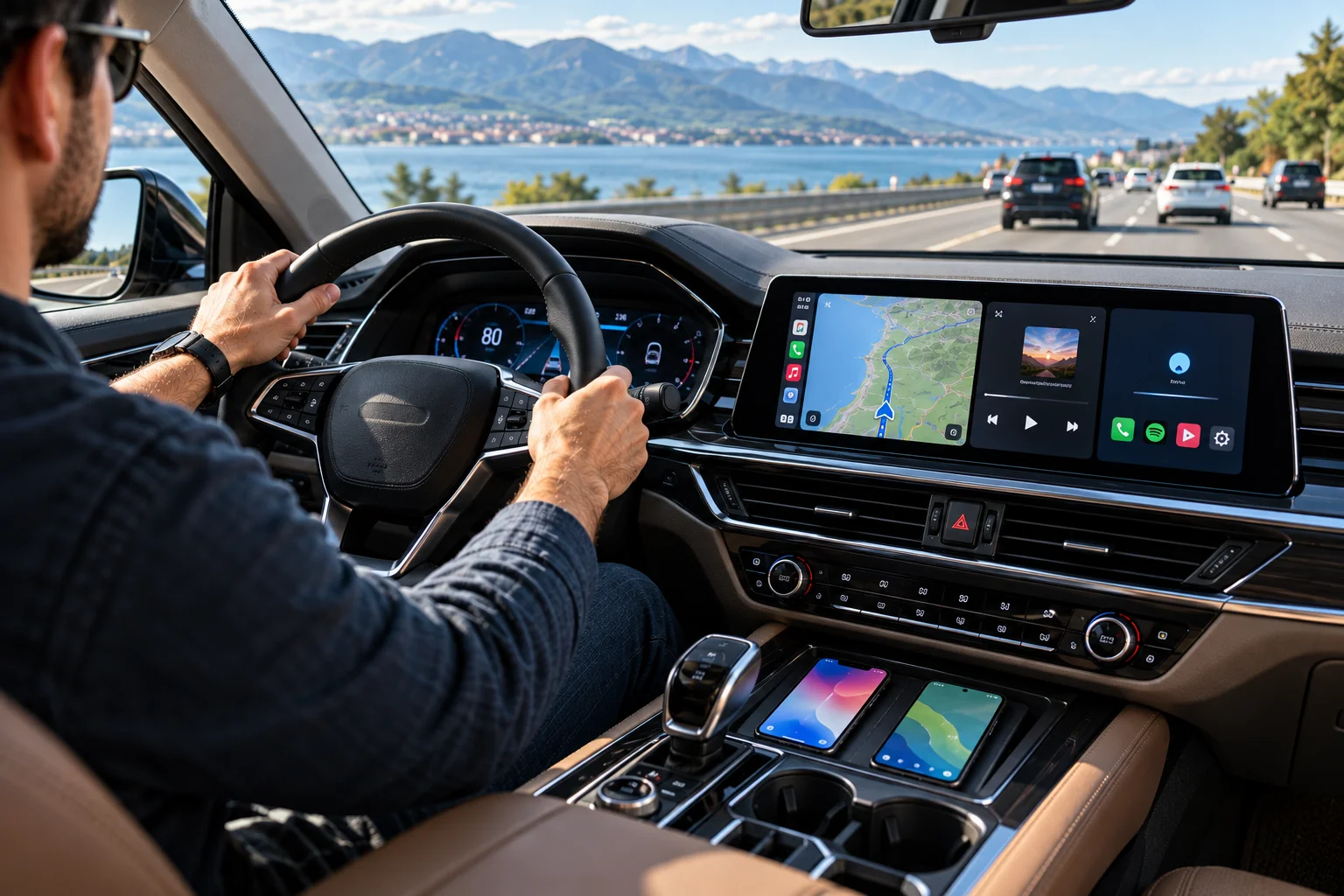
Both project or provide a simplified version of compatible phone apps on the car's infotainment display. You can use navigation, make calls, send messages and control media using the touchscreen, physical controls or voice commands.
Feature | Apple CarPlay | Android Auto |
|---|---|---|
Phone | iPhone | Android |
Navigation | Apple Maps, Google Maps, Waze and others | Google Maps, Waze and supported apps |
Voice assistant | Siri | Gemini / Google Assistant |
Messaging | Messages, WhatsApp and supported apps | Messages and supported apps |
Music | Apple Music, Spotify, YouTube Music and others | YouTube Music, Spotify and others |
Wireless connection | Supported in compatible cars | Supported in compatible cars |
Vehicle compatibility | 800+ listed models | 500+ listed models |
Phone ecosystem | Apple | Google/Android |
CarPlay currently lists more than 800 compatible vehicle models, while Google's Android Auto site says the platform works with more than 500 models. Compatibility varies by vehicle, model year and infotainment system.
How Do CarPlay and Android Auto Handle Navigation?
Both offer strong navigation, but the best experience depends largely on which mapping service you prefer.
CarPlay supports Apple Maps as well as third-party navigation apps such as Google Maps and Waze.
Android Auto naturally integrates with Google Maps and Waze, making it particularly convenient for people already using Google's ecosystem.
The distinction isn't as simple as Apple Maps versus Google Maps, though. An iPhone user can use Google Maps through CarPlay, so choosing CarPlay doesn't lock you into Apple's navigation service.
The same principle applies to Android users and other supported navigation applications.
Choose based on the navigation app you actually prefer, not simply the logo on the phone.
Which Has Better Voice Control: Siri or Gemini?
Both systems are designed to let you control important functions without reaching for your phone.
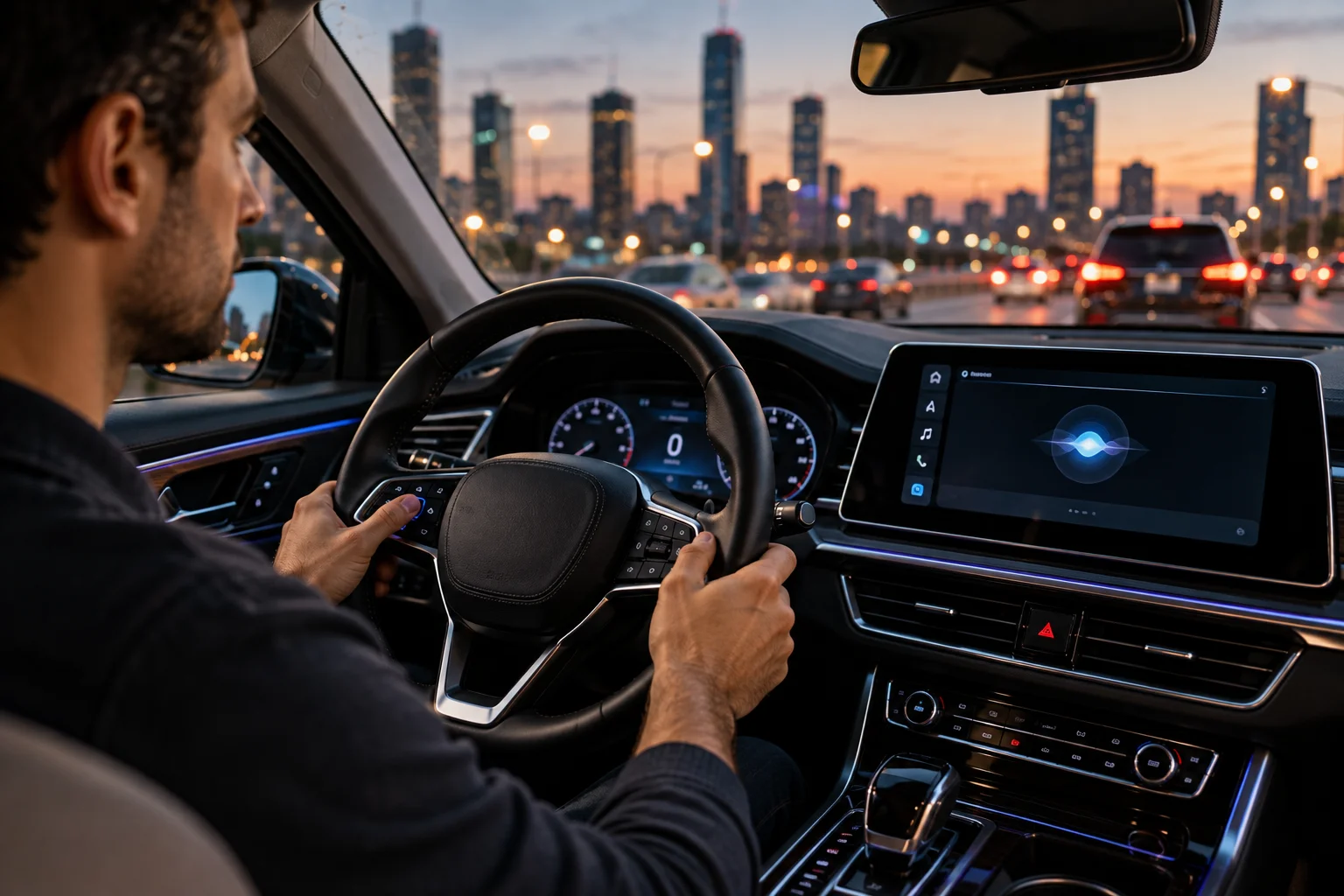
CarPlay uses Siri for voice interaction. You can invoke Siri using the vehicle's steering-wheel voice button and use it for supported tasks such as navigation, messages and media.
Android Auto is transitioning from Google Assistant toward Gemini on supported devices. Google's documentation says Gemini is replacing Google Assistant on most mobile devices and will understand the same commands while also allowing more natural conversation.
That makes the voice-assistant experience an area that's changing quickly.
For straightforward driving commands, both can handle the basics. The bigger differences become noticeable when you use conversational queries, Google services or Apple-specific features.
Which Has More Apps?
Both platforms support the major categories drivers actually use: navigation, music, podcasts, messaging and other driving-related services.
CarPlay supports apps including Spotify, WhatsApp, Amazon Music, YouTube Music, Audible, Waze and Google Maps. Apple also supports categories such as EV charging, parking and fueling apps.
Android Auto similarly supports music, media and messaging apps, with Google's official app directory providing the current compatibility list.
The important point is that you don't get unrestricted access to every phone app while driving.
Car interfaces deliberately limit how applications can appear and behave. The goal is to provide useful information without turning the dashboard into a second smartphone screen.
Is Apple CarPlay Easier to Use Than Android Auto?
Both interfaces are designed around simplified driving interactions, but their visual philosophies are different.
CarPlay tends to feel familiar to iPhone users. Apple integrates navigation, media, messages and other information into its dashboard-style interface, while allowing interaction through touchscreens, knobs, buttons and steering-wheel controls.
Android Auto follows Google's visual language and integrates closely with Google services. It also adapts its interface to supported vehicle displays.
There isn't a meaningful universal winner here.
If you have used an iPhone for years, CarPlay will probably feel immediately familiar. If your daily life revolves around Android and Google services, Android Auto will likely require less adjustment.
What About Wireless CarPlay and Android Auto?
Both platforms can work wirelessly, but your car must support the wireless version.
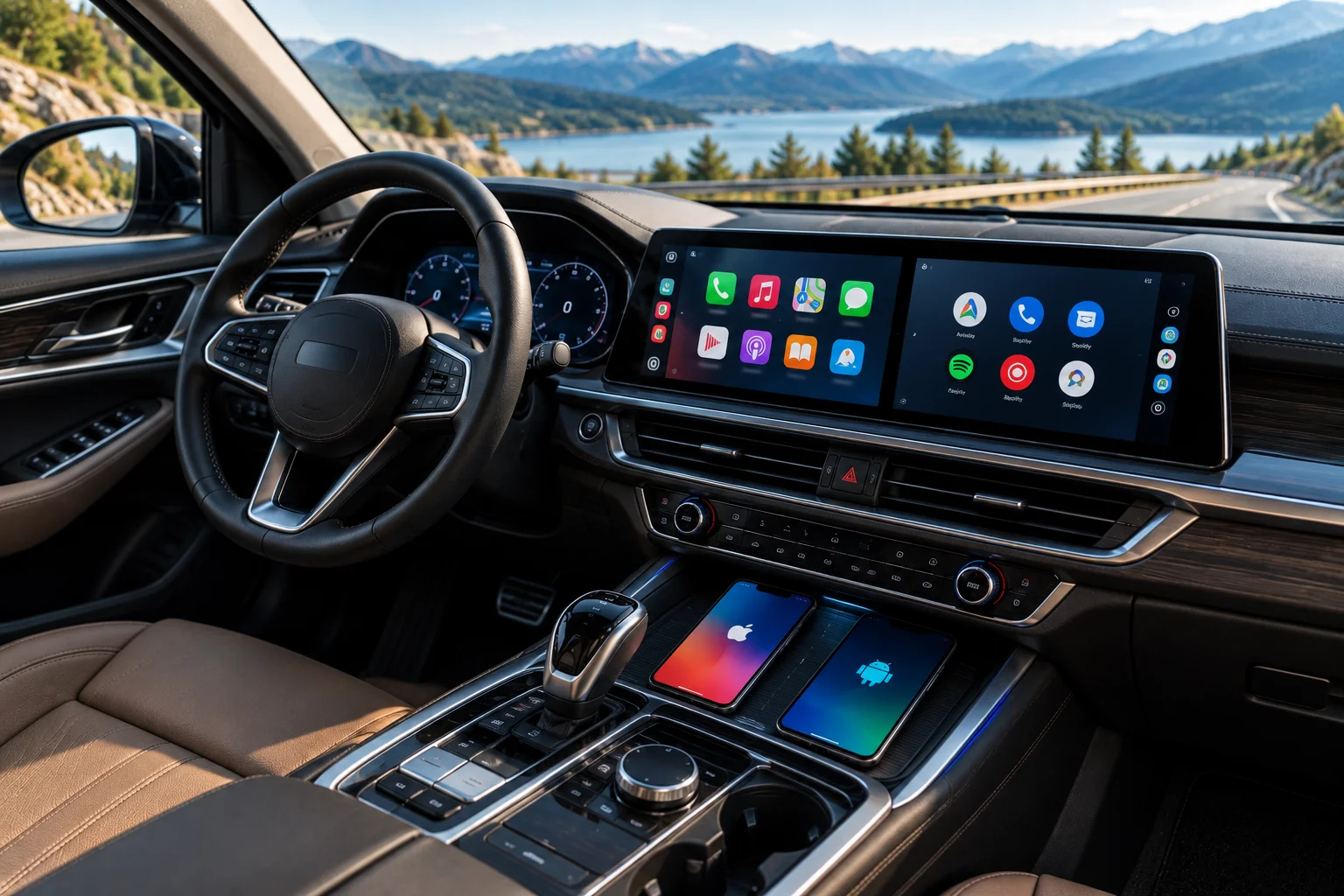
Android Auto supports wired connections and wireless connections on compatible phones and vehicles. Google currently lists Android 9 or later for most wired connections and Android 11 or later for wireless connections and select newer vehicles.
CarPlay also supports wireless connectivity in compatible vehicles and aftermarket systems.
Wireless connectivity is convenient because you can get into the car without plugging in a cable every time.
However, wireless compatibility shouldn't be assumed just because a vehicle supports CarPlay or Android Auto. A car can support one connection method without supporting the other.
Check the exact vehicle and head-unit specification before buying.
How Deeply Do They Integrate With the Car?
This is becoming more important as newer versions of both platforms expand beyond simply displaying phone apps.
Apple's newer CarPlay experience can extend across multiple vehicle displays. CarPlay Ultra can also integrate vehicle functions such as radio and climate controls, depending on the automaker's implementation.
That is different from traditional CarPlay, where the phone mainly supplies the software experience on the infotainment display.
Android Auto traditionally focuses on bringing compatible phone apps to the car display, while Google's separate cars with Google built-in platform integrates Google services directly into supported vehicles without requiring a phone to provide the entire experience.
This distinction matters when comparing vehicles: Android Auto or CarPlay support doesn't necessarily tell you how deeply the manufacturer has integrated smartphone features into the rest of the car.
Does CarPlay or Android Auto Work Without a Phone?
Traditional CarPlay and Android Auto are phone-based systems.
CarPlay relies on the iPhone, while Android Auto brings compatible Android-phone apps to the vehicle display.
Some vehicles now have built-in operating systems that provide navigation, music, voice assistance and other connected features independently of a phone.
So when buying a new car, it's worth distinguishing between:
CarPlay/Android Auto: your phone powers the experience.
Built-in automotive software: the vehicle provides the experience itself.
A car can have one, the other, or both.
Which Should You Use: CarPlay or Android Auto?
The simplest answer is use the system that matches your phone and your preferred apps.
Choose CarPlay if you:
Use an iPhone.
Prefer Apple's interface and ecosystem.
Use Siri regularly.
Like Apple Maps but also want Google Maps or Waze.
Use Apple Music, Messages and other Apple services heavily.
Want Apple's newer CarPlay features where your vehicle supports them.
Choose Android Auto if you:
Use an Android phone.
Depend heavily on Google Maps and Google services.
Prefer Google's voice-assistant ecosystem.
Want Gemini's evolving conversational capabilities in supported environments.
Use Android-compatible music and messaging apps.
If you're deciding between two cars and both support your preferred platform, the quality of the vehicle's native infotainment system, screen, controls and wireless implementation may matter more than the choice between CarPlay and Android Auto itself.
FAQs About Apple CarPlay and Android Auto
Can an iPhone use Android Auto?
No. Traditional Android Auto is designed for Android phones. An iPhone can use Apple CarPlay in a compatible vehicle.
Can an Android phone use Apple CarPlay?
No. CarPlay is designed for iPhone. Android phones use Android Auto where the vehicle and phone are compatible.
Can I use Google Maps with Apple CarPlay?
Yes. Google Maps is supported through CarPlay, along with other third-party navigation applications such as Waze.
Is wireless CarPlay better than wired CarPlay?
Wireless CarPlay is more convenient because you don't need to connect a cable every time. Wired CarPlay can still be useful for charging your phone and maintaining a direct connection. The practical difference depends on your vehicle and how you use it.
Does Android Auto require an app?
Android Auto is integrated into compatible Android phones rather than requiring a separate Play Store app on modern Android versions.
The Bottom Line
Apple CarPlay and Android Auto are more alike than different. Both bring navigation, communication, music and voice control into the car while reducing the need to interact directly with your phone.
The biggest deciding factor is your smartphone ecosystem.
iPhone → CarPlay.
Android → Android Auto.
After that, look at the details that actually affect your daily drive: your preferred navigation app, music services, wireless support, voice assistant, screen layout and how deeply your car integrates with the platform.
And if you're buying a new vehicle, don't stop at “supports CarPlay” or “supports Android Auto.” Check whether it supports wireless connectivity, your preferred apps, the exact phone requirements and any newer vehicle-level integration. Those details can make a much bigger difference once you're actually behind the wheel.