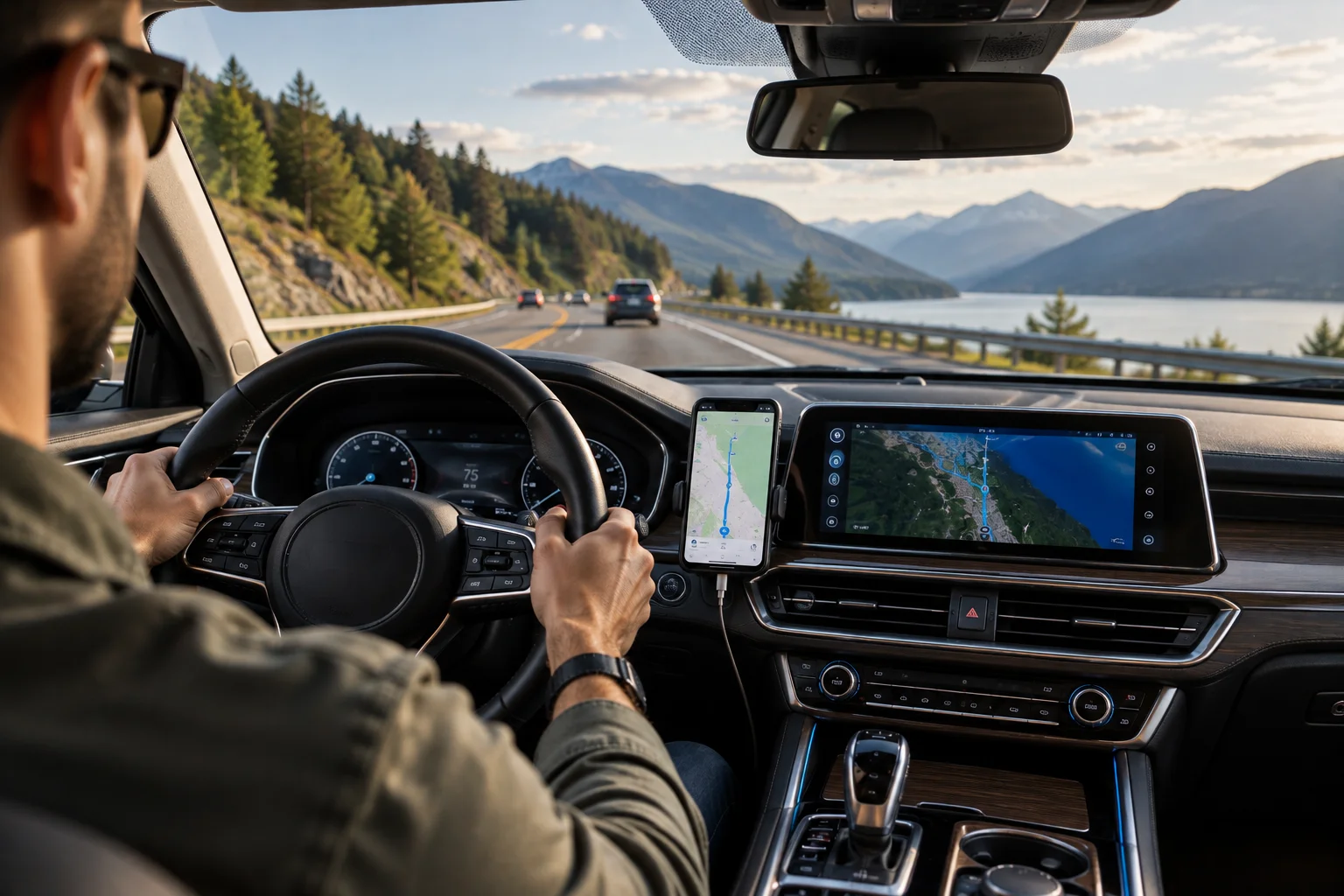
Google Maps and built-in car navigation can both get you from A to B, but they work very differently.
Google Maps is constantly connected to Google's mapping ecosystem, giving it access to live traffic information, road disruptions, route changes, places and other current data. On compatible cars, Google Maps can also run through Android Auto or Apple CarPlay. Google says its navigation can use real-time traffic information to provide route updates when a better route becomes available.
Built-in navigation, meanwhile, is part of the vehicle itself. It doesn't depend on your phone and can integrate more closely with the car's instrument display, driver-assistance systems and vehicle controls. Some modern cars even have Google Maps built directly into the infotainment system.
So the choice isn't simply Google Maps versus an old-fashioned car GPS.
The real question is whether you value fresh traffic and place information, phone integration and flexibility, or vehicle integration, independence from your phone and a dedicated navigation system.
What Is the Difference Between Google Maps and Built-In Car Navigation?
Google Maps is primarily a software service that uses online mapping data, while traditional built-in navigation uses maps and navigation software stored within the vehicle.
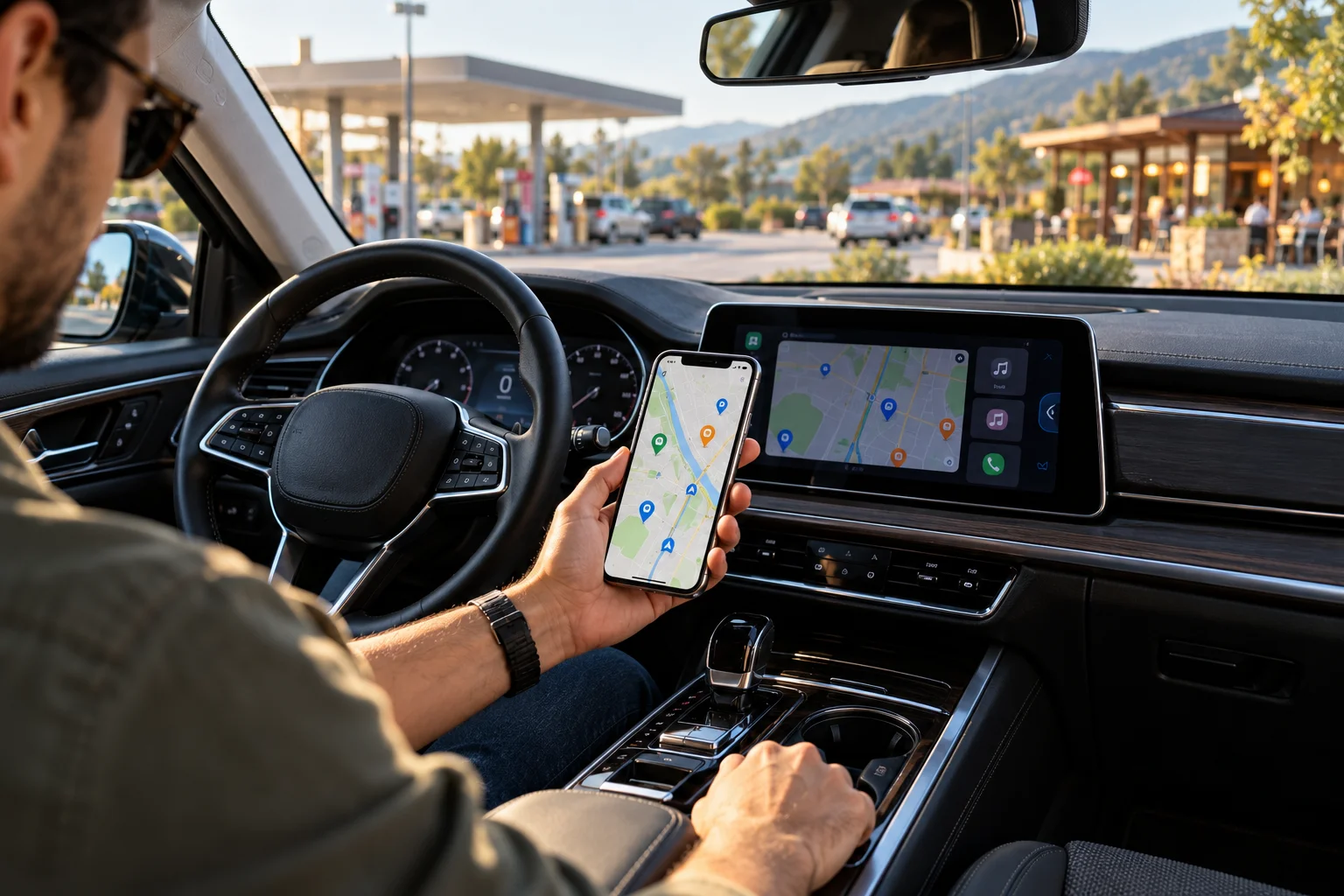
The difference becomes clearer when you compare how each system gets information.
Feature | Google Maps | Traditional built-in navigation |
|---|---|---|
Live traffic | Yes, with connectivity | Depends on vehicle/system |
Map updates | Frequently updated online | Usually requires vehicle updates |
Phone required | Usually, when using CarPlay/Android Auto | No |
Offline navigation | Yes, with downloaded maps | Yes |
Places and businesses | Extensive online database | Depends on manufacturer |
Route recalculation | Dynamic | Depends on system |
Vehicle integration | Varies | Usually deeper |
Works without phone | With Google built-in cars | Yes |
Voice search | Yes | Depends on system |
There is also a third category: cars with Google built-in. These vehicles run Google Maps directly from the car's infotainment system rather than simply displaying the phone version through Android Auto. Google says availability and functionality vary by manufacturer, region and data plan.
Why Is Google Maps Often Better for Live Traffic?
Google Maps can use current traffic and navigation data to adjust your route.
Google says Maps uses navigation data to provide real-time information about traffic conditions, disruptions and faster routes.
That can make a significant difference during a long commute.
Imagine your normal route takes 35 minutes, but an accident suddenly slows one section of the highway. A connected navigation system can detect the change and recalculate the route.
Google Maps can also provide traffic alerts, lane guidance and route updates during navigation.
Traditional built-in navigation may have traffic information too, but that depends on the particular vehicle, connected-services subscription and navigation system.
The presence of built-in navigation doesn't automatically mean it has live traffic.
Does Built-In Navigation Work Without a Phone?
Yes. That's one of its biggest advantages.
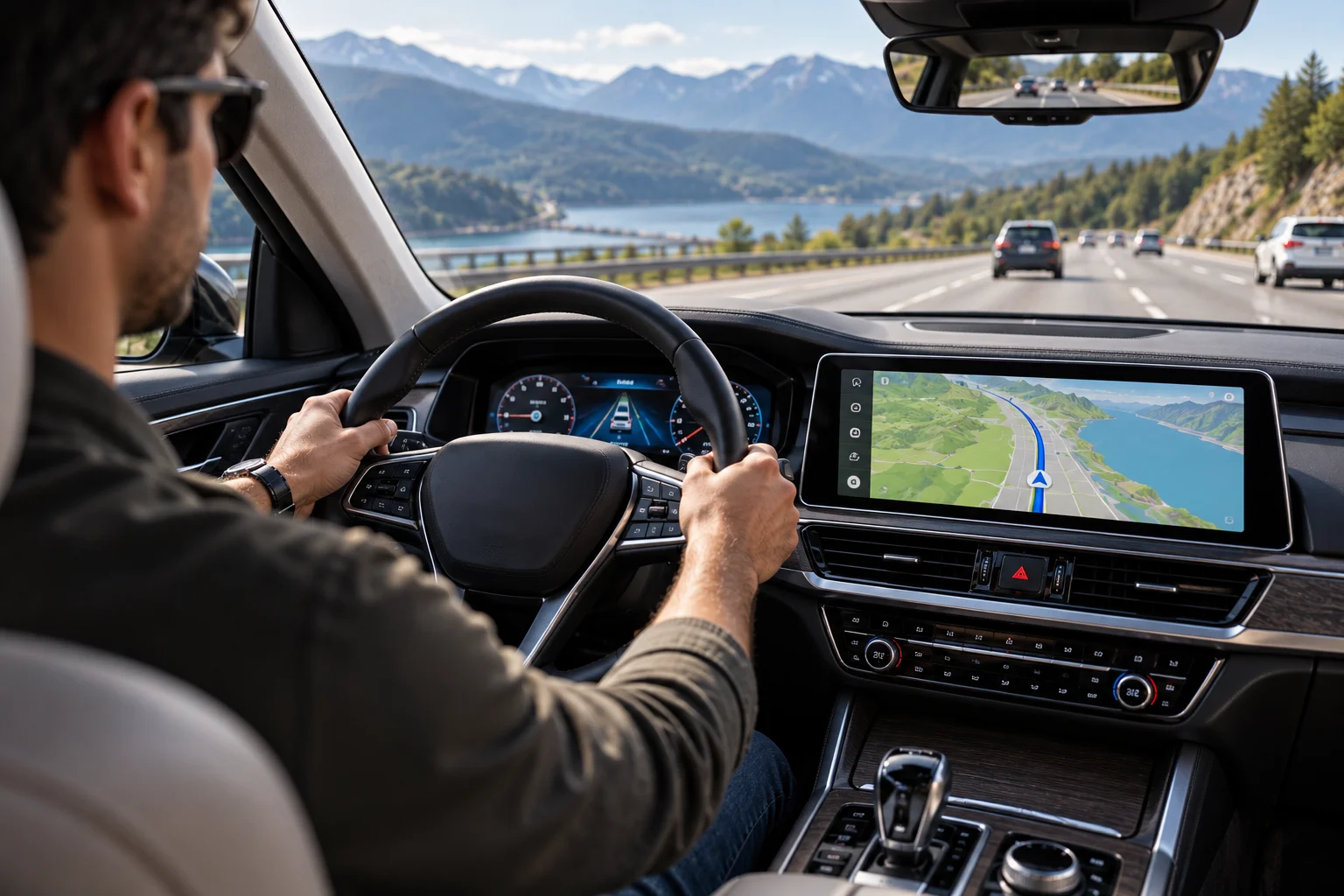
A traditional built-in navigation system stores its map data inside the vehicle or navigation hardware, allowing it to calculate routes without relying on your smartphone.
This can be useful when:
Your phone battery is low.
You don't want to connect your phone.
Mobile coverage is poor.
You're travelling somewhere with limited connectivity.
You want navigation displayed directly in the vehicle's system.
Google Maps can also work offline if the required maps have already been downloaded. Google says offline maps can provide navigation when the car has a poor or unavailable internet connection, although real-time traffic won't be available while offline.
So the offline advantage isn't exclusive to traditional navigation anymore.
Which Has Better Map Updates?
Online navigation generally has an advantage when it comes to keeping map information current.
Google Maps receives map and road-information updates through Google's online services. That's particularly useful for changes involving roads, businesses, traffic conditions and other points of interest.
Traditional built-in systems can also receive updates, but the process varies considerably between manufacturers.
Some vehicles update maps over the air. Others require a dealer, USB installation or another update process. The frequency and cost can also vary.
This matters because a navigation system isn't particularly useful if it thinks a recently changed road still looks exactly as it did several years ago.
Is Google Maps Better for Finding Restaurants, Fuel and Other Places?
Google Maps has a major advantage when you're searching for places.
You can search for businesses, fuel stations, parking and other destinations while planning a journey. On Android Auto, Google Maps supports category searches for places such as gas stations, parking garages and coffee shops.
Google Maps can also provide information associated with those destinations, depending on the location and available data.
A traditional car navigation system may include points of interest, but its database can be more limited or less frequently updated.
This becomes especially noticeable when you're looking for a business that opened recently.
Does Google Maps Need Internet While Driving?

Not always.
Google Maps can navigate using downloaded offline maps, but some connected features disappear without internet access.
Google specifically notes that real-time traffic information isn't available when Google Maps is operating offline.
Offline navigation is therefore useful for following a known route, but it isn't equivalent to having the full connected Google Maps experience.
Before a road trip through an area with unreliable connectivity, download the relevant map area while you're online.
Also remember that offline maps need to be kept up to date. Google says downloaded offline maps expire after one year unless they're updated.
What About Android Auto and Apple CarPlay?
You don't necessarily have to choose between Google Maps and built-in navigation.
If your vehicle supports Android Auto or Apple CarPlay, you can use Google Maps on the car's display while still retaining the vehicle's native navigation system.
Google supports Google Maps through Android Auto, including voice directions, estimated arrival times and traffic information.
Google Maps also works through Apple CarPlay. Google says CarPlay users can search for destinations, add stops and report supported traffic incidents from the vehicle display.
Apple itself lists Google Maps and Waze among the third-party navigation apps supported by CarPlay.
That gives you a practical option:
Use Google Maps for everyday navigation and keep the car's built-in system available as a backup.
What Advantage Does Built-In Navigation Have?
The biggest advantage is integration with the vehicle.
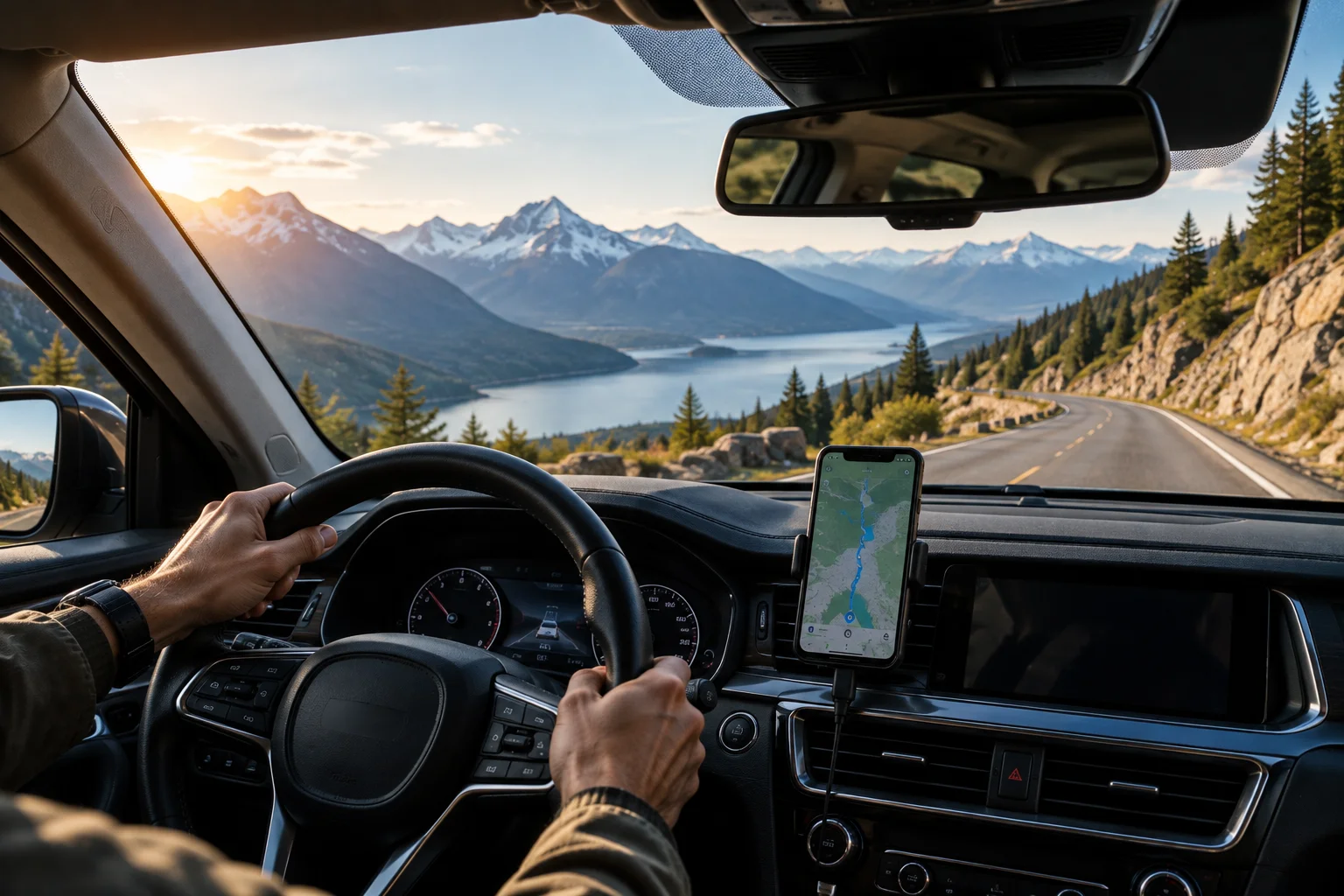
Depending on the car, built-in navigation may connect with information that a phone-based navigation app doesn't have direct access to.
For example, some vehicles can integrate navigation information with the instrument cluster, head-up display, EV range calculations or driver-assistance functions.
Google's own built-in automotive system demonstrates how deep this integration can become. Google says some cars use Google Maps data for features such as road-sign information and adaptive cruise control.
Electric vehicles can benefit particularly from integrated navigation because the vehicle can potentially use the planned route, battery state and charging information together.
Google says compatible cars with Google built-in can use vehicle data to provide range estimates, charging recommendations and alerts when the destination may be beyond the vehicle's available range.
Traditional manufacturer navigation can offer similar integration depending on the vehicle.
Which Uses More Phone Battery?
Phone-based navigation can consume a meaningful amount of battery because your phone is handling GPS, screen activity, data communication and potentially wireless communication with the car.
That's less of an issue when using genuinely built-in navigation because the vehicle's hardware handles the navigation workload.
However, when your phone is connected to the car and charging, this becomes much less important.
If you're taking a long road trip, keeping the phone connected to a charger is still sensible when using Google Maps through Android Auto or CarPlay.
Which Should You Use for Long Road Trips?
For long trips, the most practical setup is often to use both systems strategically.

Use Google Maps when you want:
Current traffic conditions
Dynamic route changes
Frequently updated places
Easy destination searches
Familiar phone-based navigation
Android Auto or CarPlay integration
Keep built-in navigation available when you want:
Navigation without your phone
A backup during connectivity problems
Better integration with the vehicle
Information displayed in the driver's instrument cluster
EV-specific route and charging integration, where supported
Before leaving, downloading offline maps in Google Maps gives you another layer of backup.
FAQs About Google Maps vs Built-In Navigation
Is Google Maps more accurate than built-in car navigation?
Accuracy depends on the specific system and location. Google Maps has access to continuously updated online mapping and traffic information, while built-in systems vary by manufacturer and update schedule.
Can Google Maps work without internet?
Yes. Downloaded offline maps can provide navigation without an internet connection, but features such as real-time traffic are unavailable while offline.
Does built-in navigation use mobile data?
Traditional navigation may not need mobile data for basic routing. Connected features such as live traffic, online searches and cloud services may require connectivity, depending on the vehicle.
Is built-in navigation worth paying extra for?
It depends on the vehicle. If the system provides useful integration with the instrument cluster, head-up display, EV charging or driver-assistance features, it can offer functionality beyond a phone navigation app.
Can I use Google Maps even if my car has built-in navigation?
Yes, if your vehicle supports Android Auto or Apple CarPlay. Some cars also have Google Maps built directly into the infotainment system.
The Bottom Line
Google Maps and built-in navigation aren't necessarily competing systems. They can complement each other.
Google Maps is particularly useful when you want connected traffic information, frequently updated places, dynamic routing and seamless integration with your phone.
Built-in navigation becomes more valuable when you want a system that works independently of your phone or integrates deeply with the vehicle.
For everyday driving, using Google Maps through Android Auto or CarPlay is a straightforward option. For long trips, poor-connectivity areas or vehicles with advanced navigation integration, keeping the built-in system available can be useful.
And if your car has Google built-in, the distinction becomes even less clear because Google Maps itself can run directly inside the vehicle rather than through your phone.