
Losing mobile data while driving doesn't necessarily mean losing navigation. If your navigation system has the required map data stored locally, your car or phone can often continue providing GPS-based turn-by-turn directions even without an internet connection.
What disappears is much of the information that depends on a live connection.
Real-time traffic, newly reported road incidents, constantly updated routes, online place searches, live parking information and some connected services may stop working. Google Maps, for example, says downloaded offline maps can continue guiding drivers when an internet connection is unavailable, provided the route remains within the downloaded area.
The reason is that GPS and mobile data perform different jobs.
GPS determines where the vehicle is. Map data tells the navigation system what roads exist around that position. Mobile data connects the system to online services that can provide constantly changing information.
Understanding that separation makes it much easier to know what will happen when the signal disappears.
Does GPS Navigation Work Without Mobile Data?
Yes. GPS positioning itself does not require a mobile data connection.
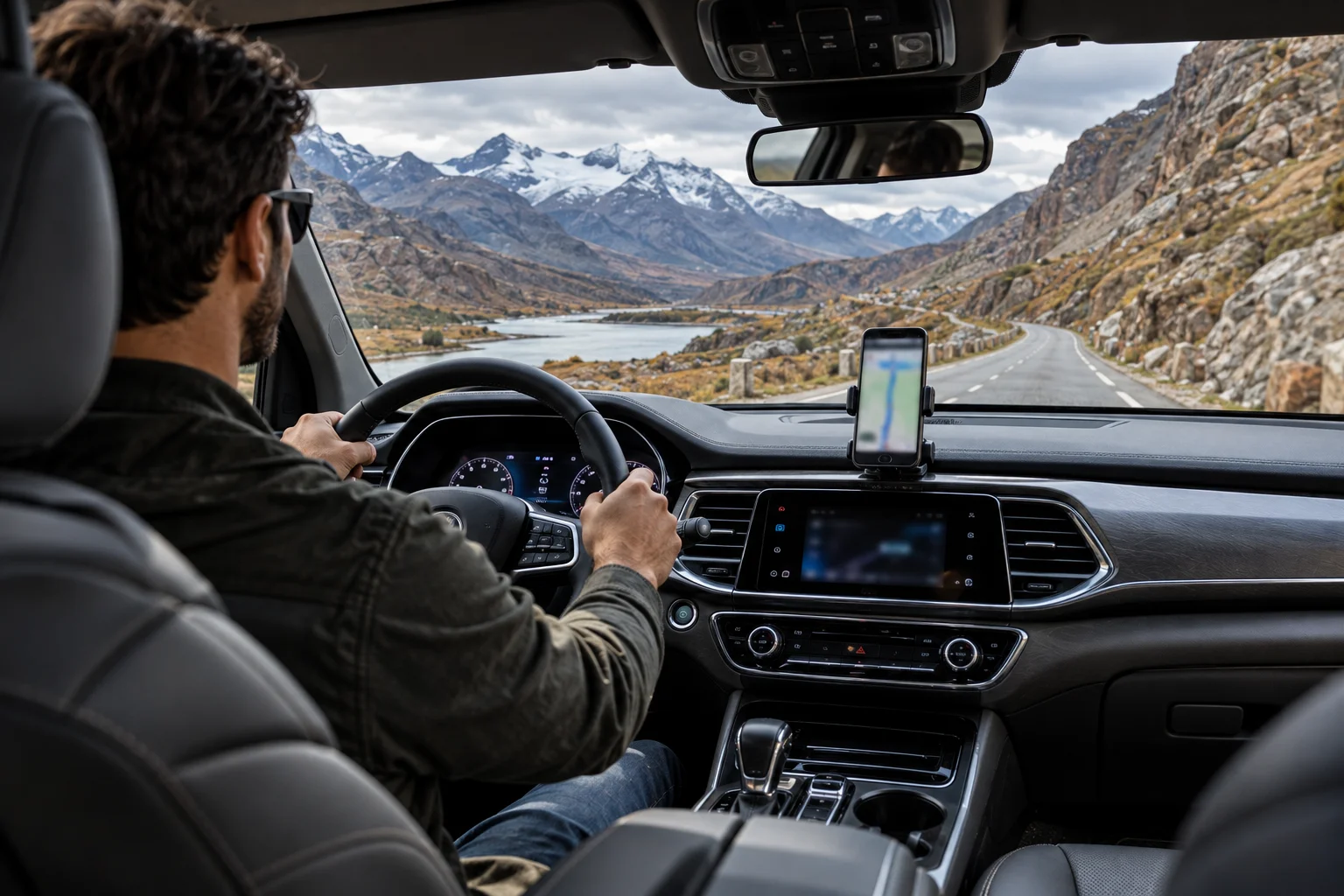
A phone or vehicle navigation system can receive positioning signals from satellites and calculate its approximate location without being connected to the internet.
Google's navigation documentation lists GPS as a requirement for determining your current location, while its offline Maps documentation separately explains that downloaded maps can be used without an internet connection.
The important limitation is that GPS only tells the device where it is.
It doesn't automatically provide:
Road maps
Business information
Traffic conditions
Road closures
New routes
Search results
Those come from map data and online services.
What Happens When Your Car Loses Mobile Data?
If the required map data is already stored locally, navigation can continue, but connected features become limited.
Imagine you're driving through a mountain area and your car suddenly loses cellular coverage.
If your route and surrounding roads are available offline, the navigation system can continue tracking your position and giving turn-by-turn instructions.
Google specifically states that offline maps can guide you when the internet connection is poor or unavailable.
But the system may no longer know about a traffic jam that formed five minutes ago.
That's the fundamental difference:
Offline navigation uses what the device already knows. Online navigation can keep learning from the network.
What Is Stored in an Offline Map?
An offline map stores enough geographic and road information for navigation within a defined area.
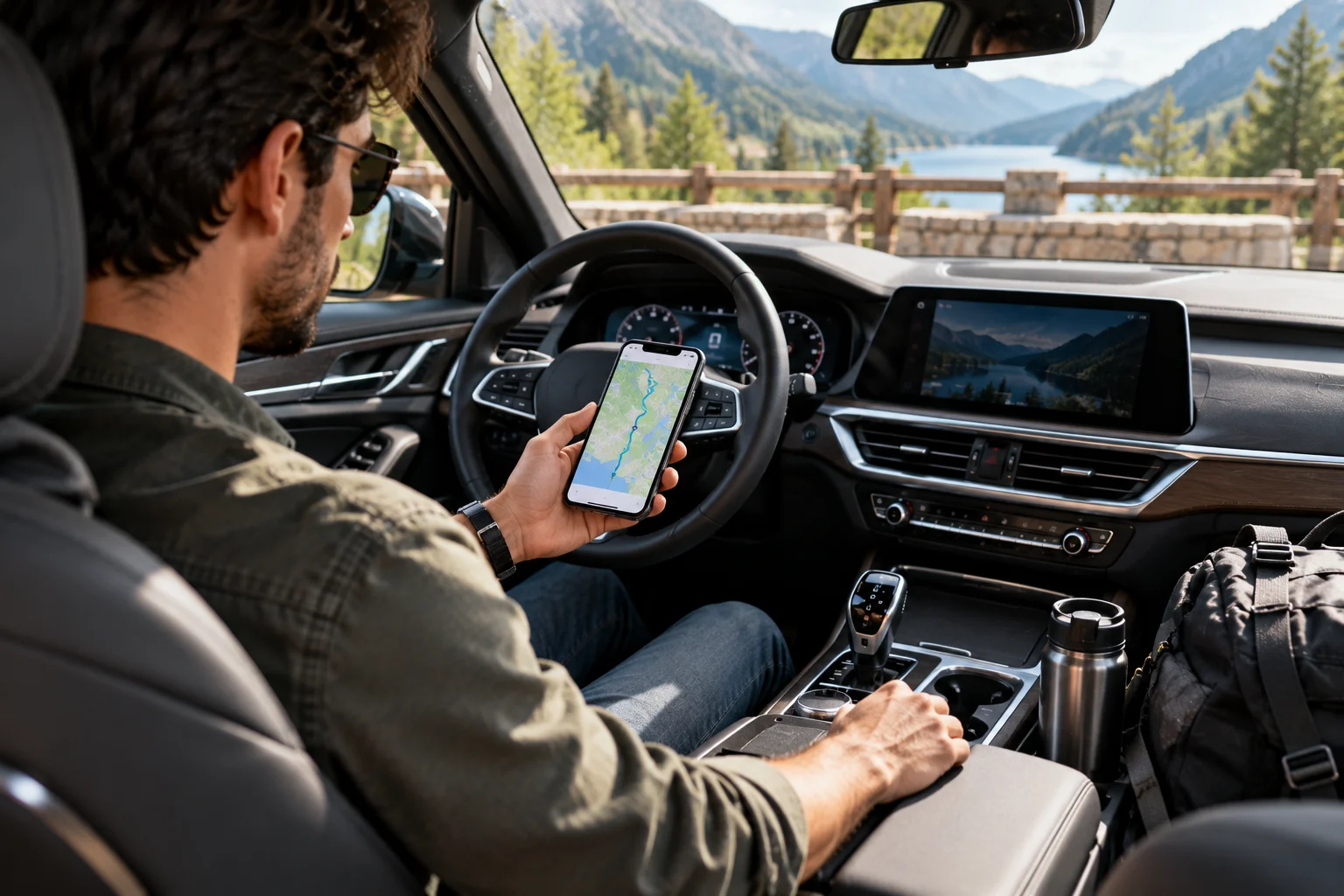
Depending on the navigation system, this can include road geometry, intersections, place information and routing data.
Google Maps lets users download a selected geographic area before travelling. If the entire driving route falls within that downloaded area, Google says the app can continue guiding the driver offline.
Apple Maps similarly allows downloaded maps to provide turn-by-turn directions and estimated arrival times without Wi-Fi or mobile data in supported areas.
The exact offline features vary by navigation provider, vehicle and region.
What Stops Working Without Internet?
The features that require continuously updated information are usually the first to disappear.
Google says that when driving offline, traffic information and alternative routes aren't available.
Depending on the system, you may also lose or reduce access to:
Live traffic
Current road incidents
Newly reported hazards
Dynamic route optimization
Live parking availability
Online business searches
Updated opening hours
Weather information
Cloud-based voice services
Some connected vehicle features
Your basic route can remain available while the information surrounding it becomes increasingly static.
Can Offline Navigation Reroute You?
It can often reroute using locally stored road data, but it cannot account for live conditions it cannot receive.
Suppose you miss a turn while offline.
A navigation system with sufficient local map and routing data can potentially calculate another route from its stored information.
What it cannot reliably do is say:
"There's a major accident ahead, so I've selected a completely different route based on current traffic."
That requires current information from a network.
Google explicitly notes that offline driving navigation does not provide alternative routes based on live conditions.
So offline navigation isn't necessarily static turn-by-turn guidance. It's better described as navigation without live intelligence.
Why Does Online Navigation Feel More Intelligent?
Online navigation can continuously combine your location with changing information from the network.
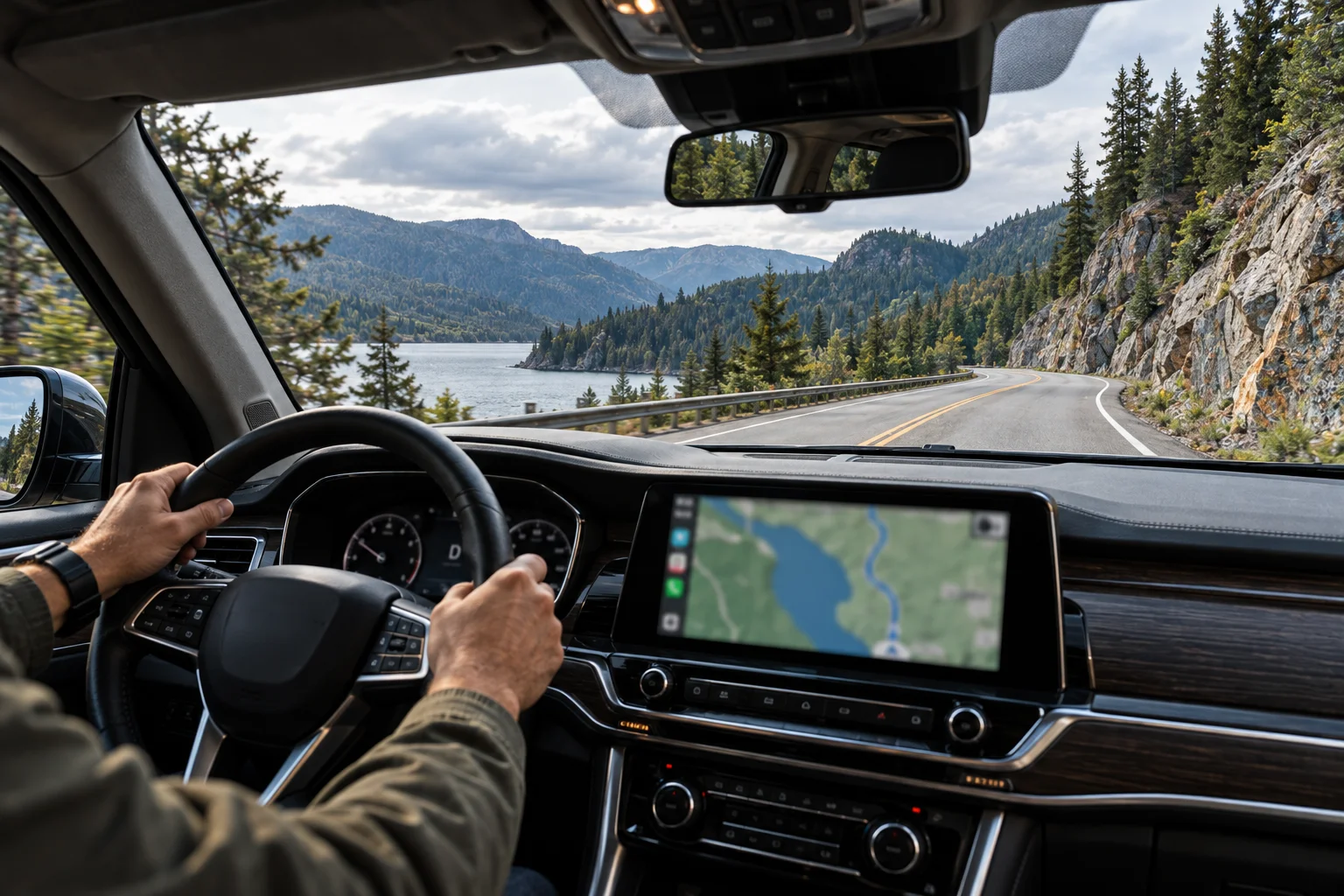
When connected, a navigation service can receive information about:
Traffic speeds
Congestion
Road closures
Accidents
Construction
New map data
User-reported incidents
Changes to places and businesses
It can then recalculate your route based on those changes.
Google describes connected navigation as using real-time traffic information to find routes and providing route updates when a better route becomes available.
That's something a completely offline system cannot reproduce unless the necessary information has already been downloaded.
Does Losing Mobile Data Mean the Map Disappears?
Not necessarily. The map may remain visible if its data is stored on the device.
This is an important difference between modern navigation and the old assumption that maps always need an internet connection.
If you've downloaded the relevant area, the map itself can remain available.
If you haven't downloaded it, the experience depends on what the navigation system has already cached or stored locally.
For example, Google requires offline maps to be downloaded while connected before they can be used for offline navigation.
That's why downloading your route before a long journey through areas with unreliable coverage is useful.
What Happens if You Drive Outside the Downloaded Area?
Offline navigation becomes much more limited once you leave the area covered by your stored map data.
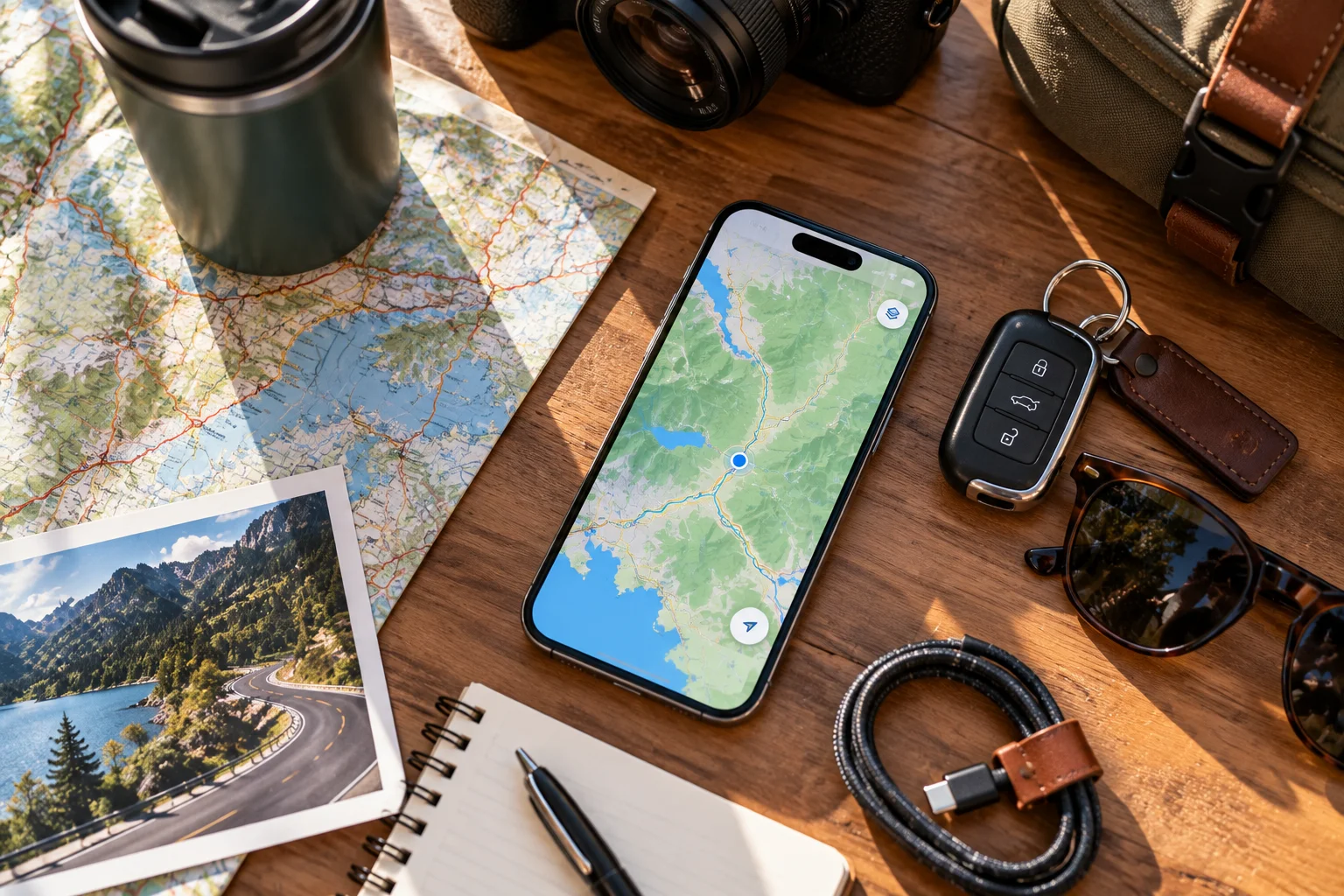
Suppose you've downloaded a city and its surrounding highways but then take an unexpected detour hundreds of kilometres away.
The navigation system may no longer have enough local road information to calculate a complete route.
Google specifically says offline navigation works as long as the entire route is within the downloaded map area.
So offline maps aren't a substitute for downloading the entire world.
They're a planned safety net for the areas you're actually travelling through.
Do Offline Maps Stay Updated Forever?
No. Offline map data needs to be updated periodically.
Road layouts, businesses and other geographic information change over time.
Google says offline maps in its cars expire one year after download and need to be updated periodically.
Google also offers automatic offline-map downloads for supported vehicles, helping keep local map data available and updated.
The exact update and expiration rules vary between navigation platforms.
What About Built-In Car Navigation?
Many modern cars can continue navigating offline, but the exact behavior depends heavily on the vehicle's navigation system.
Some vehicles store substantial map databases locally. Others rely more heavily on a connected smartphone or cloud service.
Cars with Google built-in, for example, can use downloaded offline maps without an internet connection, although some online features become unavailable.
This means two cars parked next to each other can behave very differently after both lose cellular coverage.
One might continue with full offline navigation. Another might have a much more limited map experience.
How Should You Prepare for a Journey With Poor Mobile Coverage?
Download the areas you'll travel through before leaving.
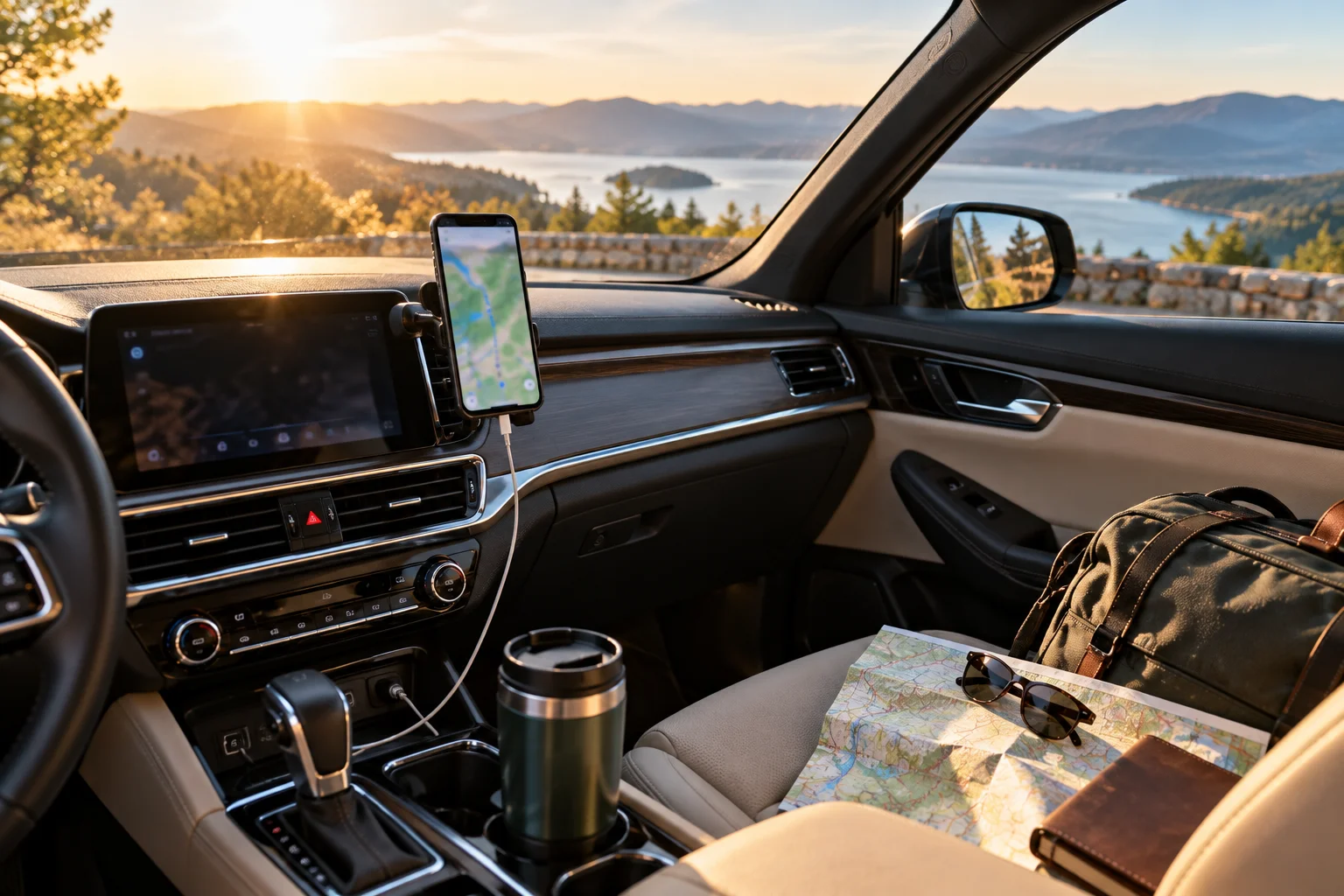
A simple preparation routine is:
Download the destination and surrounding route area.
Check that the offline map is actually stored.
Update old offline maps before travelling.
Start navigation while you're still connected.
Don't rely exclusively on live traffic information.
Keep your phone charged if you're using it for navigation.
Carry a backup navigation method for remote or unfamiliar journeys.
Apple Maps supports offline driving directions in supported areas, while Google Maps provides downloadable areas for offline navigation.
Offline vs Online Navigation: What's the Difference?
Feature | Offline navigation | Online navigation |
|---|---|---|
GPS location | Yes | Yes |
Stored road maps | Yes | Yes |
Turn-by-turn navigation | Yes, if supported | Yes |
Live traffic | No | Yes |
Live incident updates | Limited/No | Yes |
Dynamic rerouting | Limited | Yes |
Online place search | Limited/No | Yes |
Works without mobile data | Yes | No |
Requires map download | Usually | Usually not |
The exact feature set varies by navigation platform and vehicle.
Frequently Asked Questions
Can Google Maps work without mobile data?
Yes. Downloaded Google Maps areas can provide driving navigation without an internet connection when the entire route is covered by the offline map. Live traffic and alternative routes aren't available offline.
Does GPS need internet?
No. GPS positioning itself doesn't require mobile data. The internet is needed for many connected mapping and traffic services.
Can Apple Maps navigate without internet?
Yes, where offline maps are supported. Apple says downloaded maps can provide turn-by-turn directions and estimated arrival times without Wi-Fi or mobile data.
Will navigation automatically reroute if I miss a turn offline?
It may, depending on the navigation system and available offline map data. However, it cannot use current traffic conditions to choose a better route.
What happens to live traffic when the signal disappears?
The system can no longer receive current traffic information. Previously downloaded map data may continue working, but traffic conditions can become outdated.
Should I download offline maps before a road trip?
Yes, especially if you're travelling through rural areas, mountains, tunnels or countries where mobile connectivity may be unreliable. Download the complete route area and verify the maps are available before leaving.
The Bottom Line
Losing mobile data doesn't automatically mean losing navigation.
GPS can continue determining your vehicle's position, while locally stored map data can continue providing the roads and routing information needed for basic navigation.
What you lose is the constantly changing layer of information that makes online maps particularly useful: live traffic, current incidents, alternative routes and other connected services.
That's why the best approach isn't to choose between online and offline navigation. Use online navigation when connectivity is available, but keep the relevant offline maps ready before a journey.
When the cellular signal disappears, your car should still know where it is. The question is whether it also has enough local map data to know where to go next.