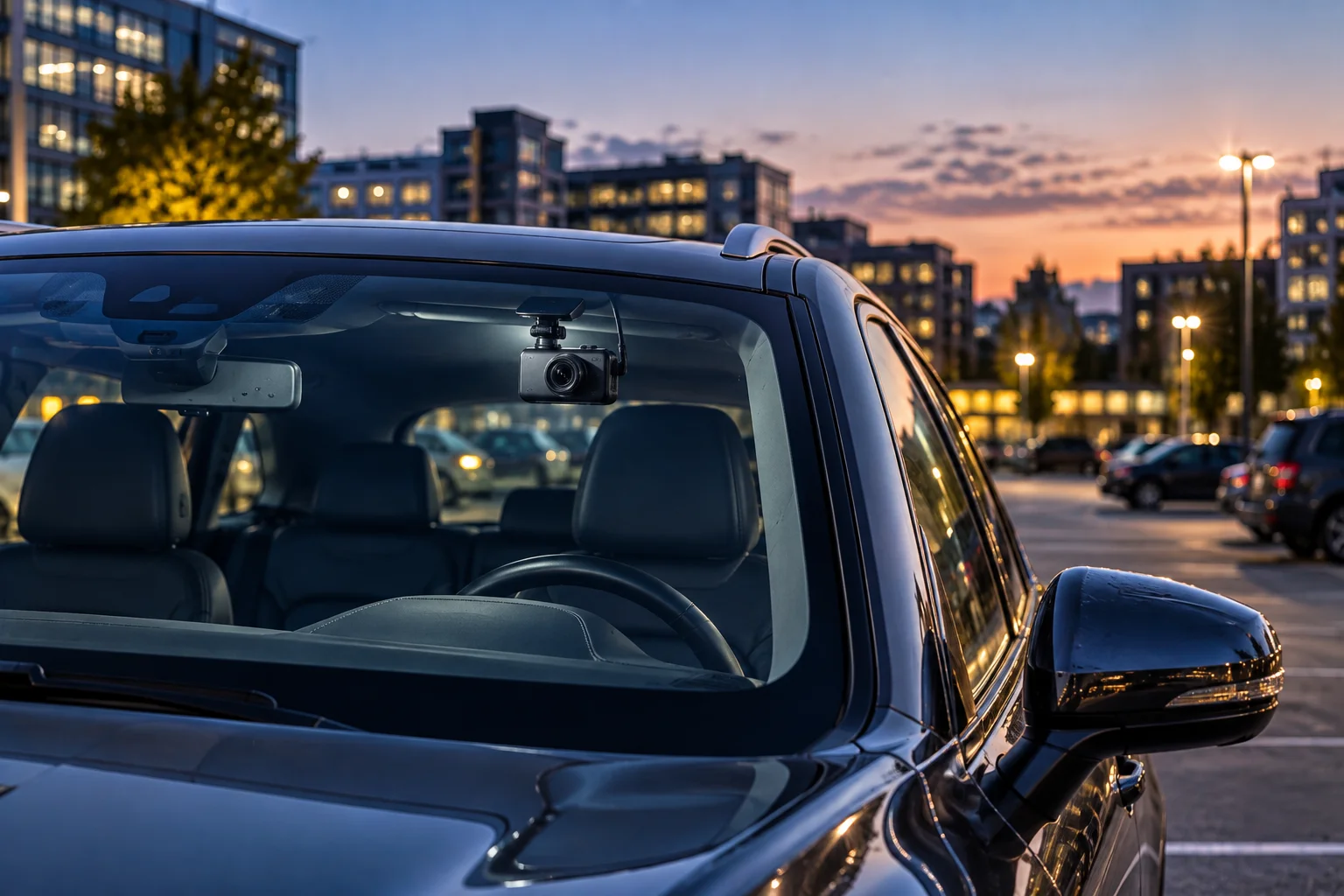
A dash cam doesn't have to stop recording the moment you switch off the engine. Parking mode allows a compatible dash cam to continue monitoring a parked vehicle and save footage when it detects movement, an impact or another predefined event.
The idea sounds simple, but parking mode can work in several different ways.
A dash cam may use its camera to detect movement, an accelerometer or G-sensor to detect an impact, a low-frame-rate time-lapse mode to monitor continuously, or a combination of these approaches. Some cameras also keep a short rolling buffer so footage from immediately before an event is saved.
The biggest challenge is power. Your car's engine is off, but the dash cam still needs electricity.
That's why proper parking-mode installation usually involves a dedicated power solution with battery protection rather than simply leaving the camera connected indefinitely.
What Is Dash Cam Parking Mode?
Parking mode is a recording mode designed to monitor the vehicle while it is parked and the engine is off.
During normal driving, a dash cam typically records continuously.
In parking mode, it can switch to a lower-power monitoring state and save footage only when something important happens.
Garmin, for example, describes Parking Mode as monitoring the surroundings of a parked vehicle and automatically saving video when motion is detected. Its compatible parking-mode cable provides the power required after the vehicle is turned off.
The exact behavior varies by camera.
Some models monitor motion and impacts. Others offer time-lapse recording, buffered event recording or impact-only modes.
How Does Motion Detection Work?
Motion detection uses the camera's image sensor to identify movement within its field of view.
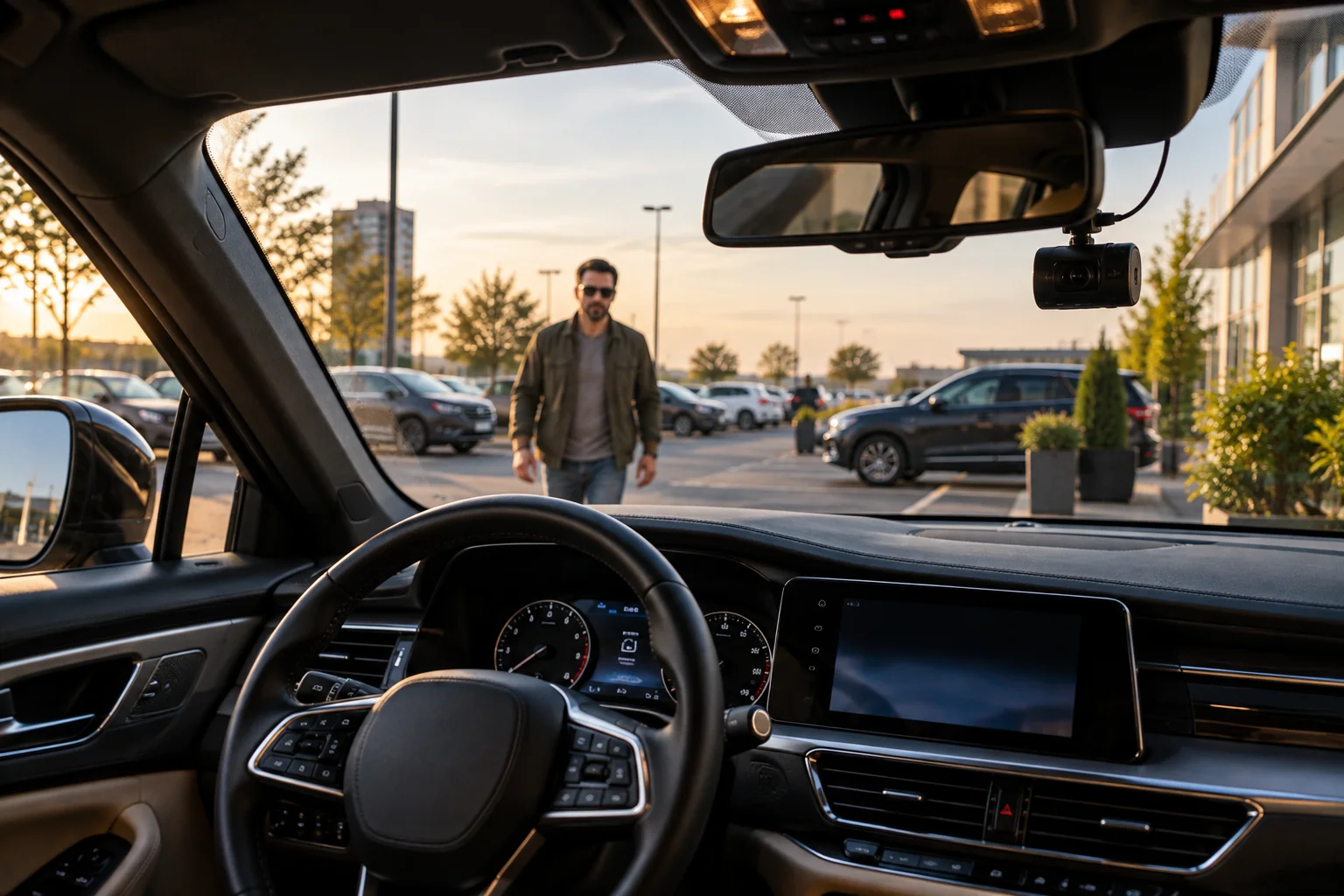
Imagine someone walking toward your parked car.
The dash cam can recognize movement in the scene and trigger a recording.
BlackVue's parking systems, for example, can continuously buffer video and save a parking recording when motion is detected. Users can also adjust sensitivity and, on supported models, define regions of the image where movement should trigger recording.
This makes motion detection useful for situations such as:
Someone approaching the vehicle
A person walking beside the car
Another vehicle moving close to it
Someone opening a nearby door
Possible vandalism
But it also creates false triggers.
Trees moving in the wind, rain, passing traffic or distant objects can generate motion events. BlackVue specifically provides sensitivity and detection-region controls to reduce unnecessary recordings.
What Does the Impact Sensor Do?
The impact sensor detects physical movement or acceleration that may indicate a collision or significant bump.
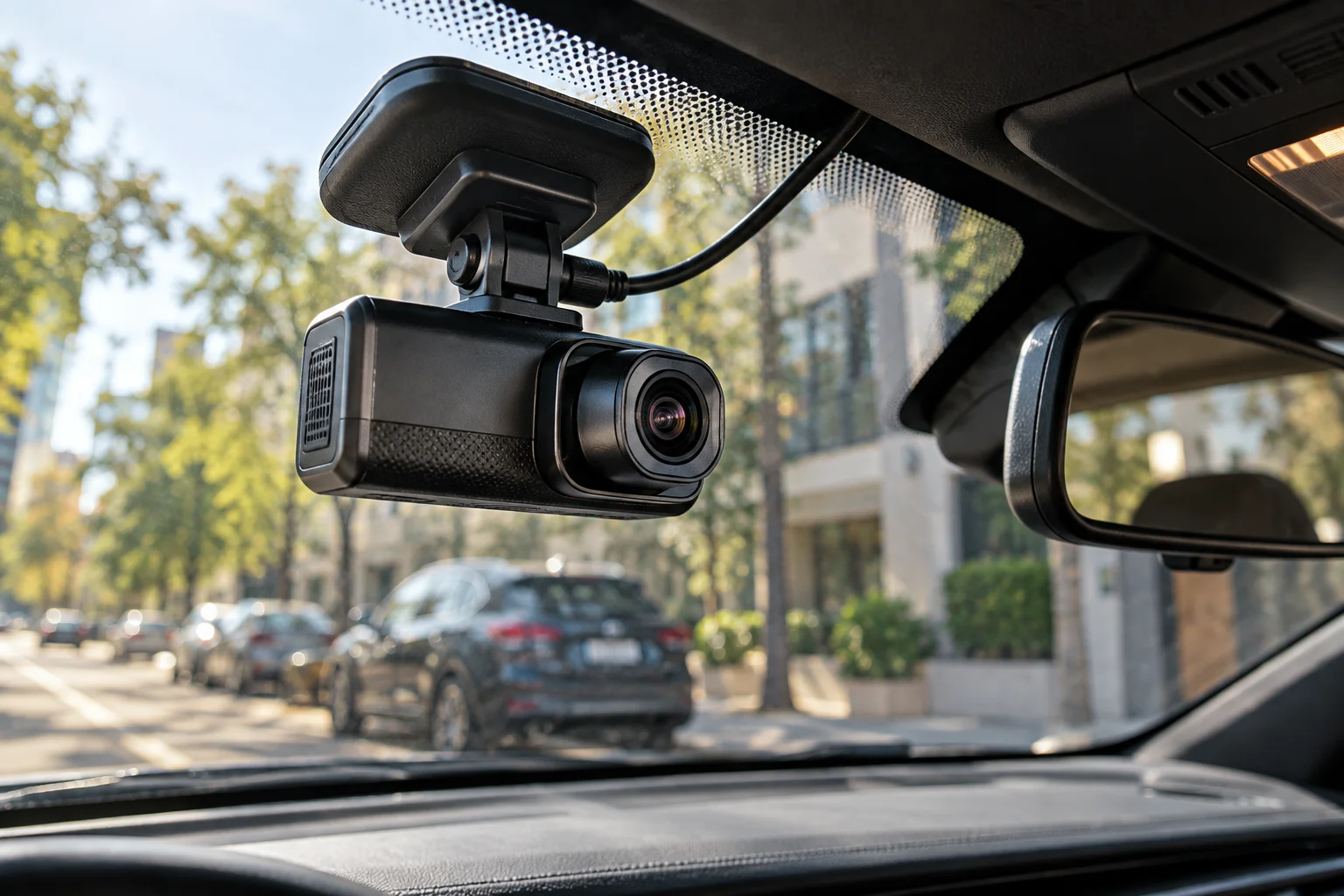
Most dash cams use an accelerometer, commonly called a G-sensor, to detect sudden movement across multiple axes.
BlackVue describes its G-sensor as measuring movement in three axes and triggering an event recording when significant or sudden movement is detected.
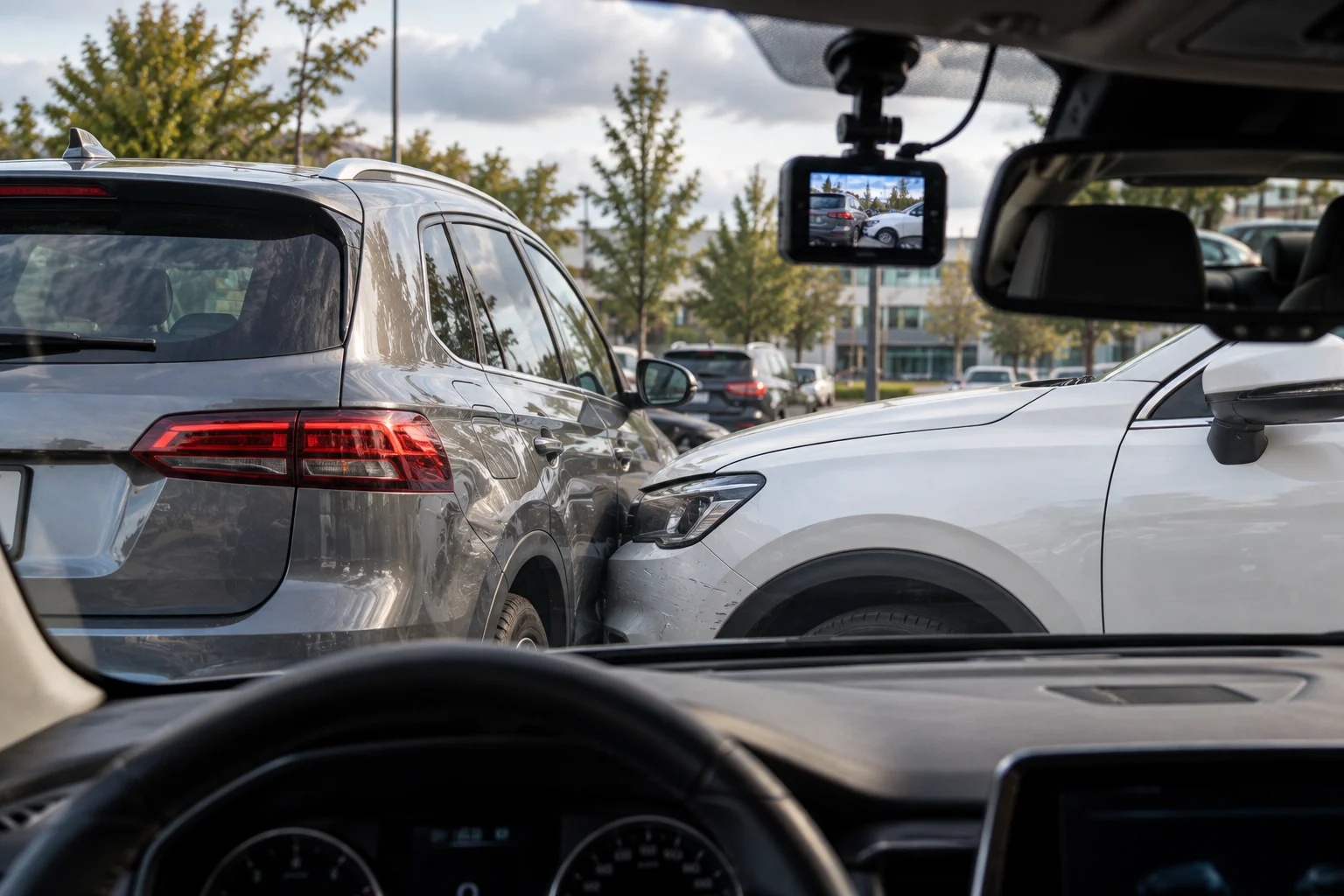
This is useful when another vehicle hits your parked car.
The camera doesn't need to see the other vehicle clearly. The physical impact itself can trigger the event.
However, impact detection isn't a replacement for motion detection.
A person could scratch the vehicle or break a window without creating enough acceleration to trigger the G-sensor.
That's why some parking systems combine both methods.
Why Is Buffered Recording Important?
Buffered recording saves a few seconds of footage from before the trigger, helping capture what happened immediately before an event.
Without buffering, the camera might start recording only after it detects motion or impact.
That could mean the most important moment has already happened.
With a rolling buffer, the camera temporarily keeps recent footage and permanently saves it when an event occurs.
BlackVue's parking systems use buffered recording so event clips can include footage from before the motion or impact trigger.
Garmin uses a similar concept on supported models, saving footage before and after detected motion.
This small feature can make a major difference when trying to understand exactly what happened.
What Is Time-Lapse Parking Mode?
Time-lapse parking mode continuously captures frames at a much lower rate than normal video.
Instead of recording conventional video at 30 frames per second, a camera may capture something such as one frame per second.
BlackVue's supported parking systems, for example, can record at 1 FPS and later create a video that plays back at 30 FPS.
This dramatically reduces storage requirements compared with continuously recording full-frame-rate video.
It also provides a broader record of what happened while the car was parked.
The trade-off is obvious: if something happens between captured frames, the resulting footage won't look like normal real-time video.
For that reason, some systems combine time-lapse monitoring with a G-sensor that switches to normal event recording when an impact occurs.
Does Parking Mode Record All the Time?
Not necessarily.
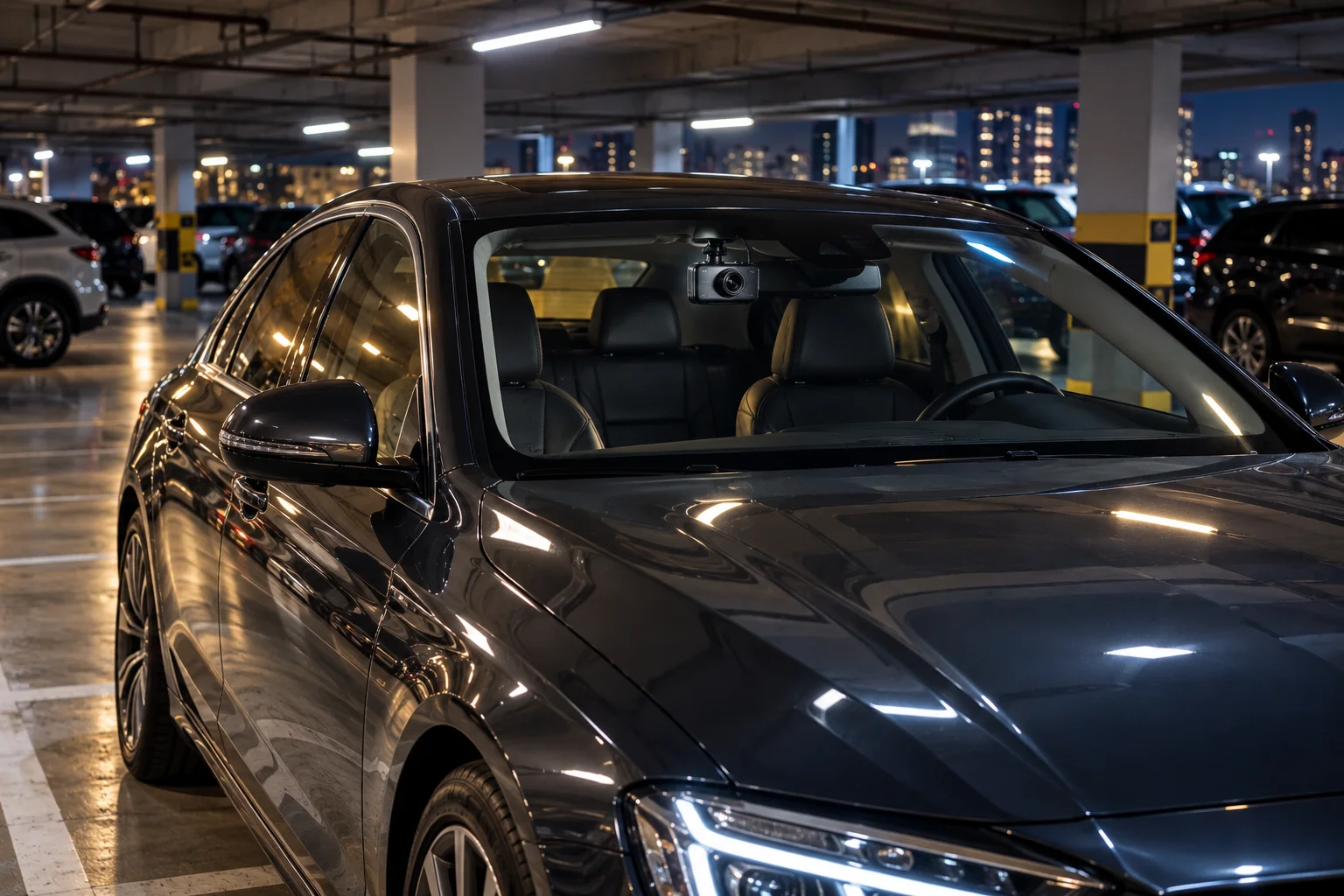
There are several different approaches:
Parking mode | What it does |
|---|---|
Motion detection | Saves footage when visual movement is detected |
Impact detection | Saves footage after physical impact |
Motion + impact | Uses both triggers |
Buffered recording | Includes footage from before the trigger |
Time-lapse | Continuously captures low-rate frames |
Impact + time-lapse | Time-lapse monitoring plus full event recording |
The exact options depend on the dash cam.
Some cameras also allow parking mode to operate for a limited period rather than remaining active indefinitely. Garmin, for example, provides configurable parking-mode durations on supported models.
How Does Parking Mode Avoid Draining the Car Battery?
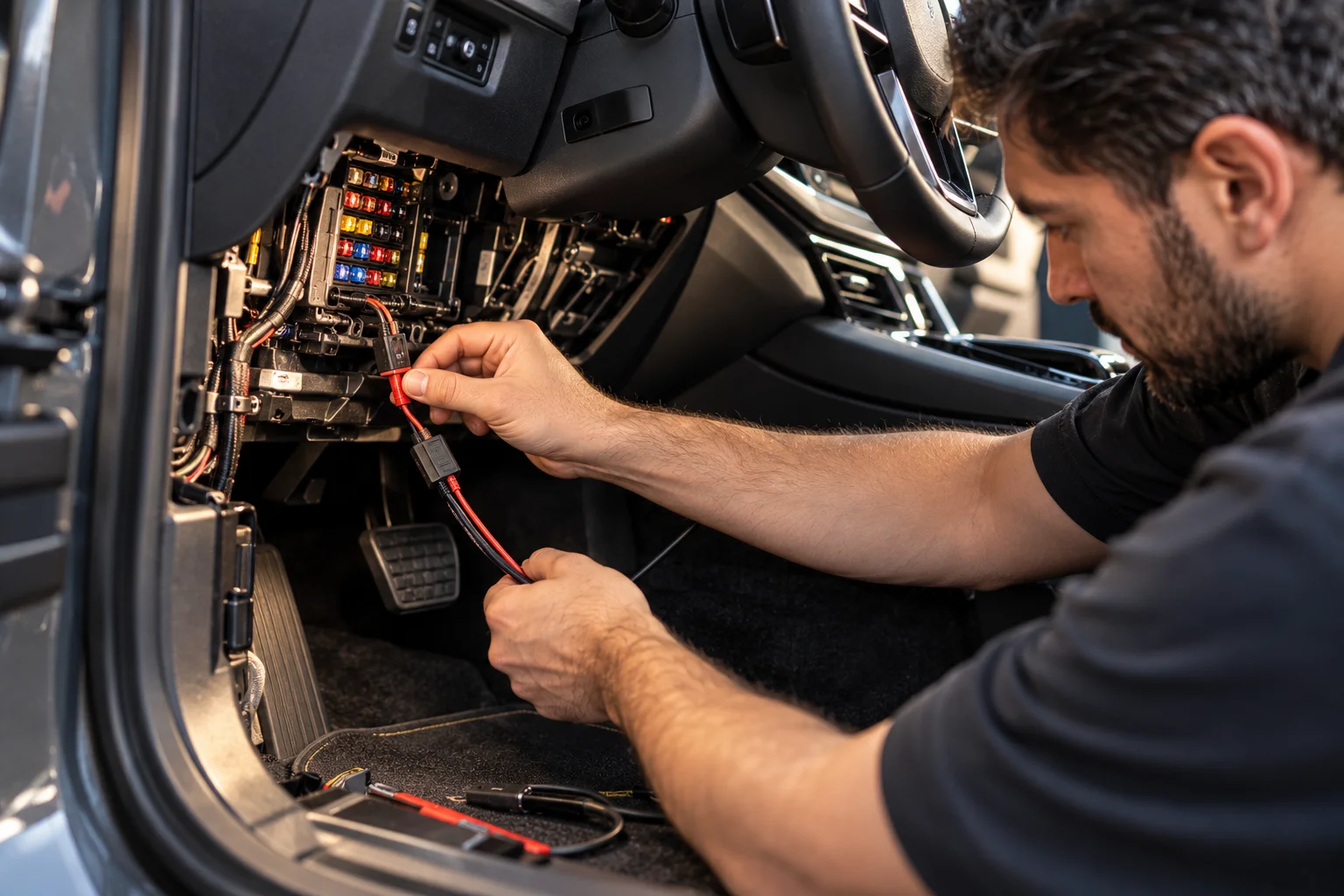
A proper parking-mode installation monitors the vehicle's power supply and can shut the dash cam down before the battery becomes dangerously depleted.
A dedicated parking-mode cable is commonly used to provide power after the ignition is switched off.
Garmin says its parking-mode cable is designed to prevent the dash cam from draining the vehicle battery to a problematic level and can automatically shut the camera down when the battery becomes too low.
BlackVue similarly offers battery-protection systems using low-voltage cut-off and configurable timers.
This is important because the dash cam is effectively consuming energy from a battery that is no longer being replenished by the alternator.
Can Parking Mode Drain Your Car Battery?
Yes, if the power system isn't properly designed or configured.
Even a low-power dash cam consumes electricity.
Battery condition also matters. Garmin notes that battery age and temperature can reduce capacity and therefore affect how effectively battery-protection systems prevent excessive discharge.
This is why parking mode should not simply be treated as "leave the camera plugged in."
A proper installation should consider:
Vehicle battery condition
Power source
Low-voltage cut-off
Parking duration
Camera power consumption
Local temperature
Whether the vehicle is driven frequently enough to recharge the battery
Can a Dash Cam Capture a Hit-and-Run?
It can, provided the camera is powered, the relevant area is within its view and the event triggers a recording.
An impact sensor can trigger event recording when another vehicle hits the parked car.
Motion detection can also capture someone approaching or leaving the vehicle.
A front-facing camera, however, cannot record something happening behind the car or outside its field of view.
A dual-channel system with front and rear cameras can provide broader coverage.
No parking mode can guarantee that every incident will be captured.
What About Night-Time Parking?
Low-light performance becomes especially important because parking incidents often happen when the car is unattended at night.
A camera may have motion detection enabled, but that doesn't guarantee useful identification footage.
Image quality depends on factors such as:
Sensor size
Lens aperture
Exposure
Infrared capability, if available
Street lighting
Headlights from passing vehicles
Windshield reflections
Parking mode is therefore only as useful as the camera's ability to produce usable footage in the conditions where your car is parked.
Does Parking Mode Record Audio?
It depends on the dash cam and its settings.
Some parking systems continue normal video recording with audio, while others use specialized low-power modes that may disable audio.
BlackVue's time-lapse parking mode, for example, records frames at a low rate and does not include audio, while impact event recordings can use normal recording.
Privacy laws can also affect whether parked recording is available or how it should be used. Garmin explicitly notes that parked recording may not be available in all regions because of privacy regulations.
Is Parking Mode Worth Using?
It can be extremely useful if your vehicle spends significant time parked in public or exposed areas.
The feature is particularly valuable for:
Hit-and-run incidents
Parking-lot collisions
Vandalism
Someone damaging the vehicle
Suspicious activity around the car
Documenting what happened while you were away
But the setup matters just as much as the feature itself.
A dash cam with excellent video quality is not much help if parking mode shuts down after 20 minutes because the vehicle battery protection kicks in.
Frequently Asked Questions
Does parking mode work when the engine is off?
Yes, on compatible dash cams with an appropriate constant-power or parking-mode installation.
Is motion detection better than impact detection?
They serve different purposes. Motion detection can capture people or vehicles before an impact, while an impact sensor can trigger recording even when the camera doesn't visually detect movement.
Does parking mode continuously record?
Not always. Motion/impact modes can remain in a low-power monitoring state and save clips only when triggered. Time-lapse modes can continuously capture low-rate frames.
Can parking mode kill a car battery?
It can contribute to battery discharge, particularly with an aging battery or inappropriate installation. Proper parking-mode power systems use battery-protection mechanisms such as low-voltage cut-off and timers.
Do I need a special cable for parking mode?
Often, yes. Many dash cams require a dedicated parking-mode or constant-power cable to remain active after the ignition is switched off.
Can parking mode record someone scratching my car?
Potentially. Motion detection may capture the person, while an impact sensor may not trigger if the physical movement is too small. The result depends on camera placement, sensitivity, lighting and whether the person enters the camera's field of view.
The Bottom Line
Parking mode turns a dash cam from a driving recorder into a basic security camera for your parked vehicle.
Motion detection watches for visible activity. The G-sensor watches for physical impacts. Buffered recording preserves the seconds before an event, while time-lapse can provide broader coverage without continuously recording full-rate video.
The biggest limitation is power. A dash cam needs electricity even when the engine is off, so a proper parking-mode cable and battery-protection system are important.
The best setup isn't simply the camera with the highest resolution. It's the combination of good night footage, reliable event detection, useful buffering, sensible sensitivity settings and safe power management.
That is what makes parking mode genuinely useful when nobody is sitting behind the wheel.