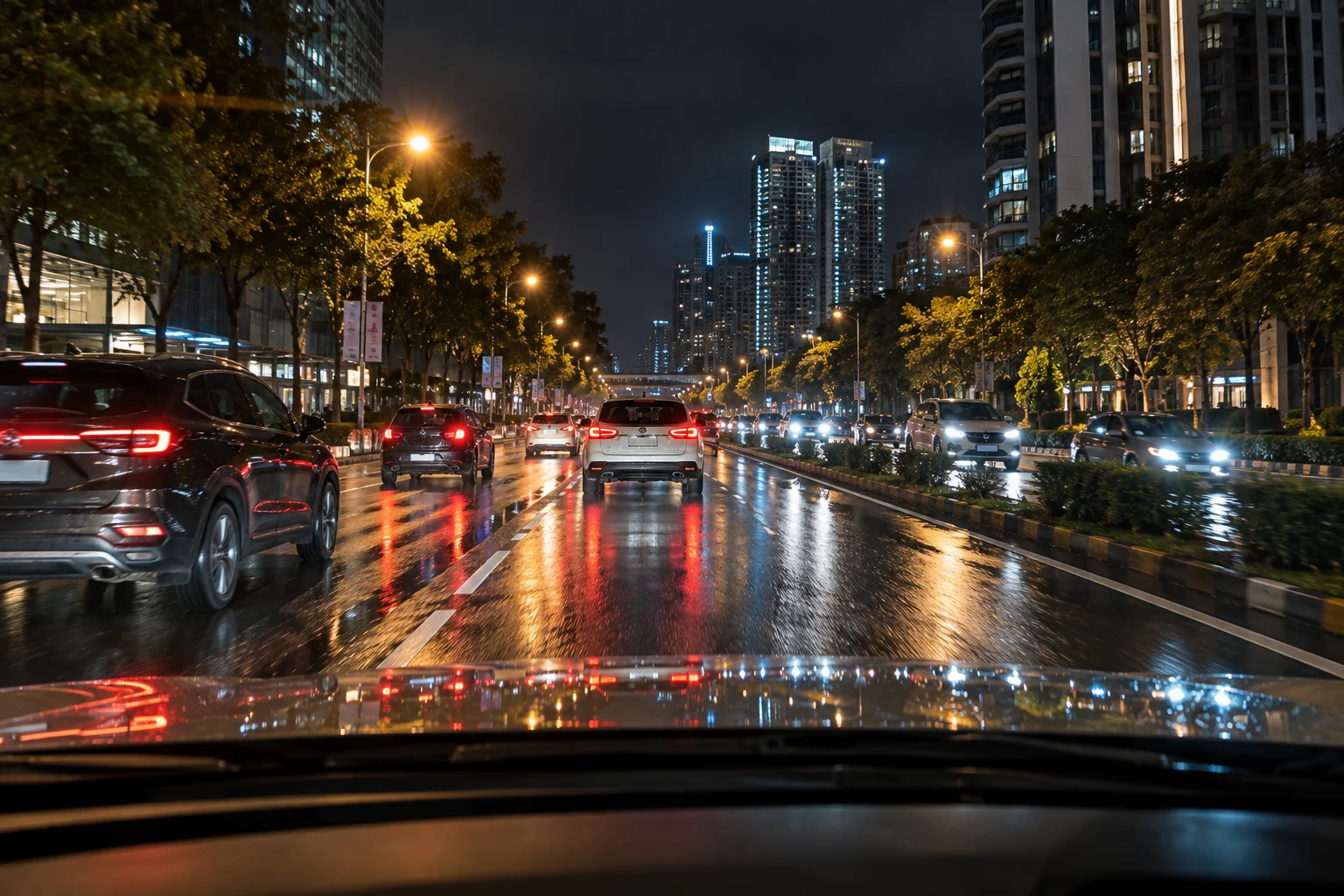
The best dash cam isn't necessarily the one with the biggest resolution number or the longest feature list. A useful dash cam needs to capture clear footage when something actually happens, store that footage reliably, and remain dependable in the conditions where you drive.
Resolution matters, but so do the image sensor, HDR performance, night recording, field of view and lens quality. A front-and-rear setup can provide more useful evidence than a single camera, while GPS can add location and speed information to recordings. Parking mode is valuable if you want protection while the car is unattended, but it often requires a hardwire kit.
Modern dash cams can also include Wi-Fi, smartphone apps, voice control, AI detection, 4G connectivity and cloud backups. These can be convenient, but they're secondary to the fundamentals.
When comparing the best dash cams, start with the features that affect the footage itself. Then consider convenience features.
What Should You Look for in a Dash Cam?
The most important dash-cam features are image quality, low-light performance, reliable recording, storage, camera coverage and parking functionality.
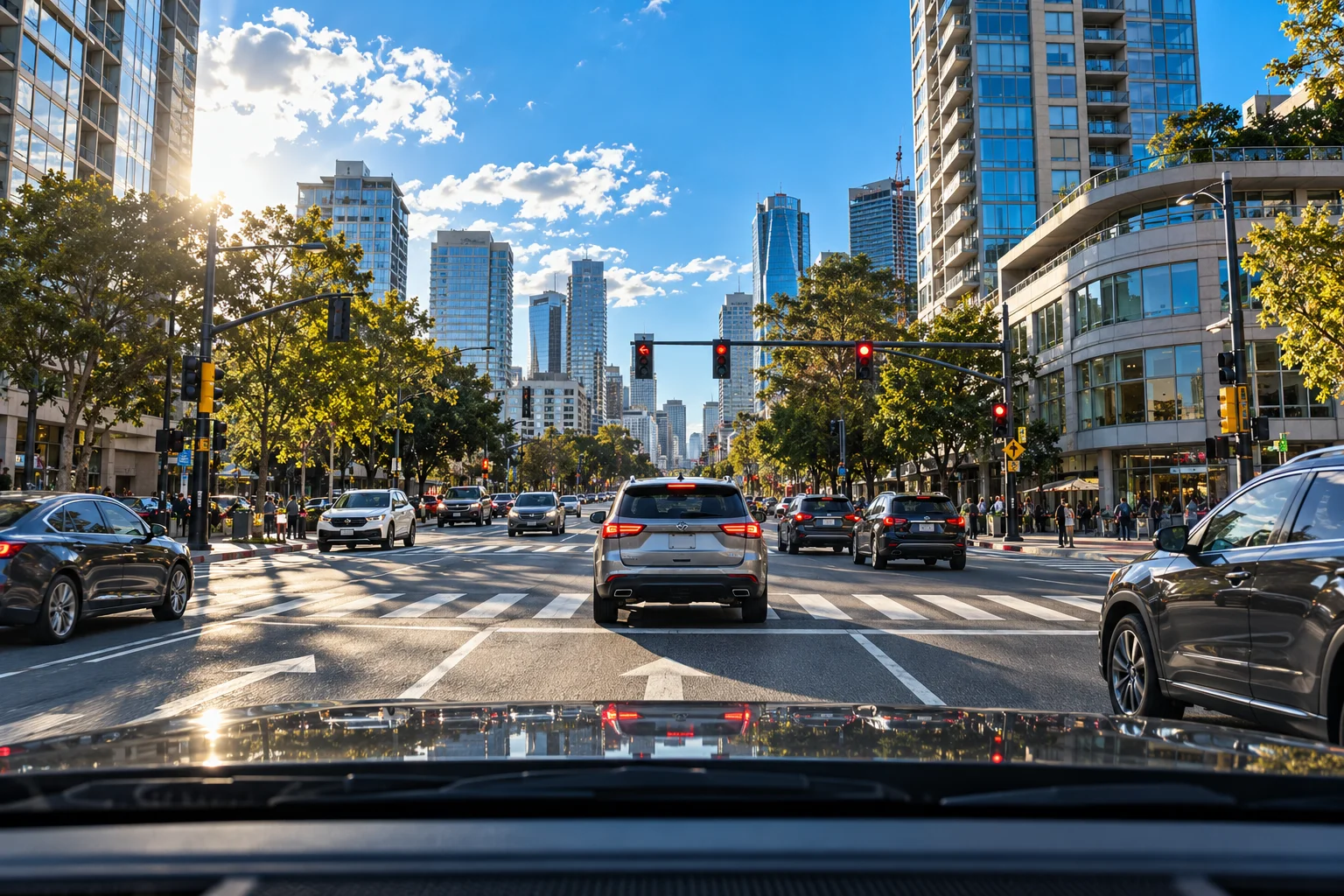
Here's a practical priority list:
Feature | Importance | What to look for |
|---|---|---|
Image sensor | Very high | Good low-light performance |
Resolution | High | 1440p or 4K front camera |
HDR | High | Useful in glare and high-contrast scenes |
Night recording | Very high | Clear plates and road details |
Front + rear coverage | High | Better coverage of incidents |
Loop recording | Essential | Automatically manages storage |
G-sensor | Essential | Locks footage after impacts |
GPS | Useful | Location, speed and route data |
Parking mode | Useful | Monitoring while parked |
Wi-Fi/app | Convenient | Easy footage transfer |
4G/cloud | Optional | Remote alerts and access |
Current models illustrate why specifications need context. For example, 70mai's 4K A800SE combines native 4K recording with HDR, dual-channel recording and parking surveillance, while VIOFO emphasizes sensor quality and heat reliability alongside resolution.
Is 4K Really Better for a Dash Cam?
4K can provide more detail, but resolution alone doesn't guarantee better evidence.
A 4K camera records approximately 3,840 × 2,160 pixels, giving you substantially more image detail than 1080p. That can be useful when you need to inspect a distant road sign, vehicle or license plate.
But the sensor and lens matter just as much.
A high-resolution camera with poor low-light performance can produce less useful footage at night than a lower-resolution camera with a better sensor and image processing.
That's why you should look beyond “4K” on the product box.
For example, current dash cams use sensors such as Sony's STARVIS 2 series, which manufacturers use specifically for improved low-light and dynamic-range performance.
Think of 4K as potential detail, not a guarantee of detail.
Why Does HDR Matter in a Dash Cam?
HDR helps the camera deal with scenes containing very bright and very dark areas at the same time.
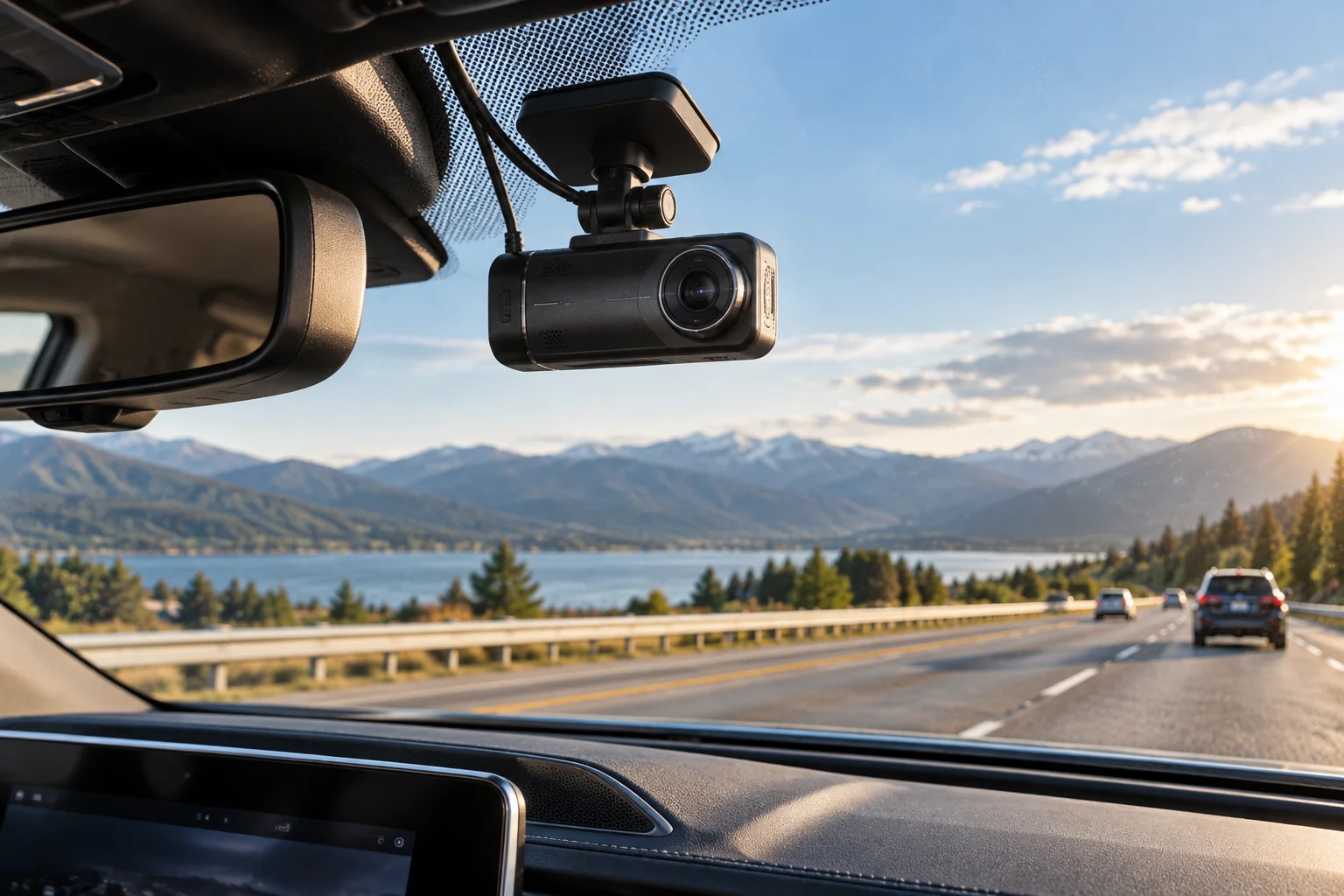
That's particularly useful in situations such as:
Driving toward a low sun
Entering or leaving a tunnel
Night driving with headlights
Bright streets with dark shadows
Parking garages
High-contrast urban roads
Garmin explains that HDR combines multiple exposure levels for each frame and can improve detail in high-contrast and low-light conditions.
For a dash cam, this matters because an incident can happen in precisely the kind of lighting that makes ordinary cameras struggle.
A camera that produces beautiful footage at midday but loses important details in headlight glare isn't necessarily useful when you need the recording.
What Makes a Dash Cam Good at Night?
The image sensor, lens, aperture and image processing all contribute to night performance.
Don't judge night vision purely by a marketing label.
Look for:
A capable image sensor
Wide aperture lens
HDR or WDR processing
Good exposure control
Low image noise
Clear detail around headlights
Usable footage in poorly lit streets
Modern dash cams using Sony STARVIS 2 sensors are designed specifically around improved sensitivity and dynamic range. 70mai, for example, uses STARVIS 2 sensors in several current models and combines them with HDR and night-processing technologies.
If possible, watch real sample footage recorded at night, rather than relying on the manufacturer's specification sheet.
Do You Need a Front and Rear Dash Cam?
A front-and-rear setup provides significantly broader coverage than a front-only camera.
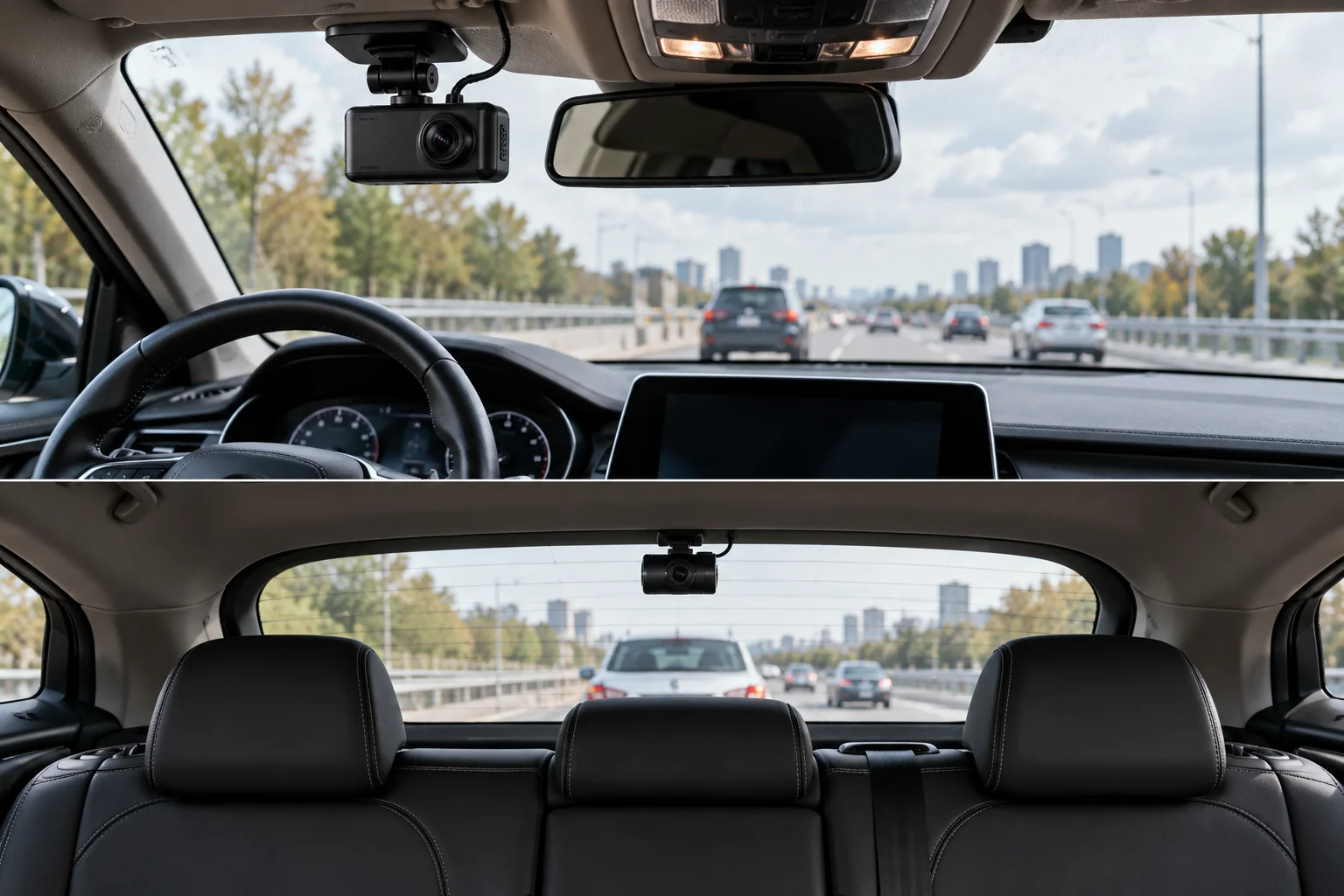
The front camera records:
Traffic ahead
Road signs
Traffic lights
Vehicles approaching intersections
Collisions in front of you
The rear camera records:
Vehicles behind you
Rear-end collisions
Tailgating
Vehicles approaching from behind
Incidents outside the front camera's view
Some current systems even offer dual 4K recording. The 70mai T800, for example, uses 4K front and 4K rear cameras, while its third camera covers the cabin.
You don't necessarily need three cameras, though.
For most private drivers, front + rear is a more directly useful upgrade than adding an interior camera.
What Is Loop Recording?
Loop recording allows a dash cam to keep recording without eventually filling the memory card.
The camera divides footage into smaller clips. Once the storage becomes full, it overwrites the oldest ordinary recordings with new ones.
Important footage can be protected from being overwritten.
The G-sensor plays a role here. If the camera detects a significant impact, it can lock the associated recording as an emergency file. VIOFO's documentation describes this type of impact-triggered event locking.
This is one of those features that isn't exciting when shopping but is essential in everyday use.
Is GPS Worth Having in a Dash Cam?
GPS is useful if you want the recording to contain additional journey information.
Depending on the camera, GPS data can include:
Location
Speed
Time
Route information
70mai, for example, says its A510 records speed, time and coordinates through its built-in GPS.
GPS isn't required for the camera to record video, so it's not an absolute necessity.
But if you're buying a mid-range or premium dash cam, it's a useful feature to have.
What Is Parking Mode and Do You Need It?
Parking mode allows the dash cam to monitor the vehicle while it's parked.
Depending on the model, parking surveillance can use:
Impact detection
Motion detection
Time-lapse recording
Low-bitrate continuous recording
Buffered recording
VIOFO currently offers these different parking modes, while 70mai models can use collision detection and time-lapse recording for parking surveillance.
However, parking mode often requires more than simply enabling a setting.
A hardwire kit may be required to provide continuous power when the ignition is off. 70mai, for example, specifies a compatible hardwire kit for parking surveillance on several models.
If you regularly park outdoors or in shared parking areas, parking mode can be significantly more useful than features such as voice control.
Do You Need Wi-Fi or a Dash Cam App?
Wi-Fi isn't what makes a dash cam record better. Its main advantage is convenience.
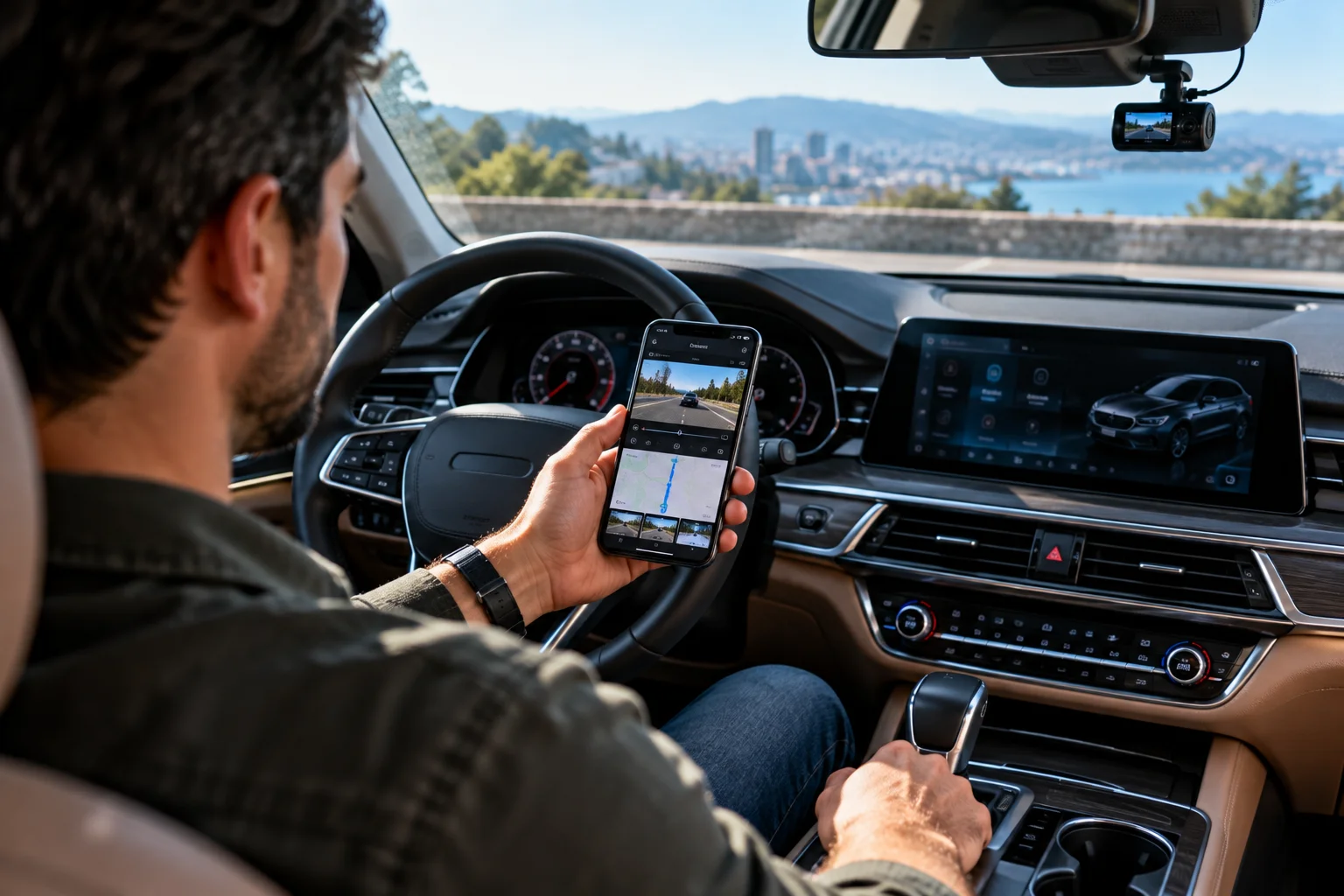
A Wi-Fi-enabled camera can allow you to connect your phone directly to the dash cam and access recordings through a companion app.
That can be much easier than removing the microSD card every time you want to download a clip.
For example, 70mai's current cameras use smartphone apps for footage access and camera settings.
I'd treat Wi-Fi as a useful convenience feature rather than a reason to sacrifice image quality.
Do You Need 4G or Cloud Connectivity?
For most drivers, 4G and cloud connectivity are optional rather than essential.
Connected dash cams can offer features such as:
Remote alerts
Remote footage access
Live viewing
Cloud backups
Vehicle-location features
But these functions can involve additional hardware, subscriptions or mobile-data requirements.
70mai's current A900 Ultra, for example, supports optional 4G Cloud+ features including remote album access and emergency cloud backup.
If your priority is simply recording driving incidents, you can save money by focusing on the camera itself.
What Type of Storage Does a Dash Cam Need?
Dash cams generally use microSD cards, and card quality matters because the camera may continuously write video data.
Check the manufacturer's recommended card type and maximum capacity before buying.
Storage requirements increase with:
Higher resolution
Higher frame rate
More cameras
Higher bitrates
Longer parking recordings
A dual-camera 4K system can consume storage much faster than a basic 1080p front camera.
Don't automatically buy the largest card you can find. Check the camera's documented compatibility first.
Do Dash Cams Need a Battery?
Many dash cams don't rely on a conventional battery for normal recording.
Some use a small battery for emergency shutdown, while others use supercapacitors.
Supercapacitors can be useful in automotive environments because they're designed to tolerate temperature fluctuations and provide power for safely saving the final recording.
70mai, for example, uses a supercapacitor in the A800SE and describes it as being designed for operation across a broad temperature range.
For a car that regularly sits in hot or cold conditions, the power design is worth checking.
Which Dash Cam Features Can You Skip?
Not every feature deserves extra money.
Depending on your needs, you may be able to skip:
Huge built-in displays
Voice control
Advanced driver alerts
4G connectivity
Cloud subscriptions
Very wide-angle lenses
Interior cameras
Don't skip the fundamentals just to get more features.
A good sensor + reliable recording + strong night performance + useful coverage is generally a more meaningful combination than a long list of AI features.
Best Dash Cam Features to Prioritize
If you're comparing several models, use this order:
1. Image sensor and real-world footage
2. Night performance
3. Front-camera resolution
4. HDR
5. Front + rear coverage
6. Reliable loop and emergency recording
7. Parking mode, if needed
8. GPS
9. Wi-Fi/app connectivity
10. Optional 4G and cloud features
This approach prevents a common shopping mistake: paying for features that sound impressive while overlooking the camera's ability to actually capture useful evidence.
FAQs About Buying a Dash Cam
Is 4K necessary for a dash cam?
No. A good 1440p camera can produce useful footage. 4K provides more potential detail, but sensor quality, lens quality and night performance also matter.
Is a front-only dash cam enough?
It can be. A front camera is useful for recording the road ahead. Adding a rear camera provides another perspective, particularly for rear-end collisions and incidents behind the vehicle.
Is GPS necessary?
No, but it can be useful for recording location, speed and route information alongside video.
Is parking mode worth paying extra for?
It depends on where and how you park. If your car spends significant time unattended in public or shared parking areas, parking surveillance can provide additional coverage. A suitable power installation may be required.
Should you buy a dash cam with an app?
An app is useful for quickly viewing and downloading footage. It doesn't directly determine video quality, so prioritize the camera's imaging hardware first.
The Bottom Line
When looking at the best dash cams, don't start with the longest feature list.
Start with the footage.
Look for a capable image sensor, good night performance, HDR, sufficient resolution and reliable recording. Then decide whether you need rear coverage, GPS and parking mode.
After those basics are covered, features such as Wi-Fi, voice control, AI detection and 4G connectivity can make the camera easier or more sophisticated to use.
The biggest mistake is buying a dash cam because “4K” or “AI” is printed prominently on the box.
A dash cam exists for one primary reason: to preserve useful evidence when something happens.
Choose the camera that does that reliably first, then pay for the conveniences you'll actually use.