
If you’re trying to access content from another country, protect your connection on public Wi-Fi, or simply stop websites from seeing your real IP address, you’ve probably come across three terms: VPN, proxy and Smart DNS.
They can sound interchangeable. They aren’t.
A VPN encrypts your internet traffic and routes it through a VPN server, giving you a different public IP address while protecting the connection between your device and the VPN server. A proxy also sits between you and the internet, but typical proxies don't provide the same full-device encryption and privacy protection as a VPN. Smart DNS takes an even narrower approach, primarily changing how DNS requests are handled to help with location-based access while leaving most of your connection untouched.
That difference matters in 2026 because the right choice depends less on which tool sounds fastest and more on what you actually want to accomplish.

If your priority is... | VPN | Proxy | Smart DNS |
|---|---|---|---|
Encrypting your connection | Yes | Usually no | No |
Hiding your public IP | Yes | Yes | No |
Protecting public Wi-Fi traffic | Yes | Not reliably | No |
Accessing geo-restricted content | Yes | Sometimes | Yes, where supported |
Maximum connection simplicity | Moderate | High | High |
Whole-device protection | Yes | Usually limited | No |
Streaming on unsupported devices | Depends on device | Depends on device | Often useful |
What is a VPN and what does it actually do?
A VPN is the most comprehensive option when you want privacy, security and location changing in one tool.
When you connect to a VPN, your device establishes an encrypted connection to a VPN server. Your internet traffic then travels through that tunnel before reaching its destination. Websites see the VPN server's IP rather than your normal public IP, while your connection to the VPN server is encrypted.
That makes a VPN useful for more than changing your apparent location.
You might use one when:
Connecting to public Wi-Fi at an airport, hotel or café
You don't want your ISP to see your browsing activity
You want to use a different IP address
You're travelling and want an additional layer of connection privacy
You need protection across multiple apps rather than just one browser
You want additional anti-tracking or DNS protection
A modern VPN doesn't necessarily mean accepting painfully slow internet, either. For example, Proton VPN supports WireGuard and OpenVPN, while its VPN Accelerator technology is designed to improve performance over longer distances. Its apps also include features such as DNS leak protection and a kill switch.
How is a proxy different from a VPN?

A proxy is essentially a middleman between your device and the destination you're connecting to.
The website sees the proxy's IP address instead of yours. That's useful when your goal is simply to route a particular connection through another server.
The catch is that a standard proxy isn't a replacement for VPN encryption.
Proxies can be useful for specific applications, browser connections, testing or situations where you simply need traffic to appear to originate from another IP address. But if you're looking for protection across your internet connection, a VPN is designed for that job.
Think of it this way:
A proxy changes the route. A VPN changes the route and creates an encrypted tunnel around your traffic.
There are different types of proxies, and HTTPS proxies can encrypt particular connections. So it would be misleading to say that every proxy behaves identically. But a conventional proxy should not be treated as equivalent to a full VPN.
What is Smart DNS and why is it so different?
Smart DNS is primarily a location-access tool rather than a privacy tool.
Instead of creating an encrypted tunnel for all your traffic, Smart DNS modifies the DNS portion of a connection so that supported services can receive location information associated with another region. The rest of your internet traffic generally continues through your normal connection.
That's why Smart DNS can be attractive for streaming.
It doesn't have to encrypt your entire connection, so there's less overhead. And because it can work through network settings rather than requiring a conventional VPN application, it can be particularly useful on some smart TVs, streaming devices and game consoles.
But there's a very important trade-off:
Smart DNS does not hide your public IP address or provide the encryption of a VPN.
So if you configure Smart DNS on your television because you want to access a supported regional streaming service, don't assume you've also secured everything else happening on your home network.
You haven't.
VPN vs proxy vs Smart DNS: which one is fastest?
There isn't a universal speed winner because performance depends on your ISP, device, server distance, network conditions and the service you're accessing.
That said, their designs give you a useful starting point.
Smart DNS generally has the least overhead because it isn't encrypting your entire connection. A conventional proxy can also have relatively little overhead. A VPN has more processing and routing involved because it encrypts and tunnels your traffic.
For everyday browsing, however, the difference may be much less dramatic than people expect, particularly with a modern VPN and a nearby server.

Technology | Typical performance approach | What you're giving up |
|---|---|---|
Smart DNS | Minimal routing overhead | Encryption and IP masking |
Proxy | Lightweight intermediary | Full VPN-style protection |
VPN | Encrypted tunnel | Potential additional latency |
The important question isn't simply, "Which is fastest?"
It's "How much protection am I willing to trade for that speed?"
Which should you use for streaming?
For streaming, the answer depends heavily on the device and what you're trying to accomplish.
Smart DNS can make sense when streaming access is your only concern and your device supports the service. It is particularly interesting for hardware where installing a VPN app isn't practical.
A VPN makes more sense when streaming is only one part of the picture.
For example, imagine you're travelling with a laptop. You want to watch content from home, check your email, browse the web and use hotel Wi-Fi.
Smart DNS only addresses part of that problem.
A VPN can protect the broader connection while also allowing you to connect through a server in another location. Proton VPN specifically supports location-based access and offers servers that can be selected by location and special features.
Keep in mind that no VPN or Smart DNS service can guarantee that every streaming platform or catalogue will work permanently. Streaming companies can change their detection and access systems, so availability can vary.
Which is better for privacy and public Wi-Fi?
For privacy and public Wi-Fi, a VPN is the relevant choice of these three.
Smart DNS isn't designed to encrypt your connection, while a typical proxy shouldn't be assumed to provide full VPN-style protection.
A VPN encrypts traffic between your device and the VPN server, which is especially useful when you're connecting through networks you don't fully control. Proton VPN says its supported protocols use strong encryption standards and that its applications include DNS leak protection.
That doesn't make a VPN an invisibility cloak.
Your VPN provider becomes an important part of your privacy model, which is why its logging policy, jurisdiction, transparency and security practices matter.
Proton VPN, for example, says its apps are open source, independently audited and covered by a strict no-logs policy.
Is a VPN worth using in 2026?
For someone who wants one tool that covers privacy, IP masking, public-Wi-Fi protection and location switching, a VPN is the most complete option.
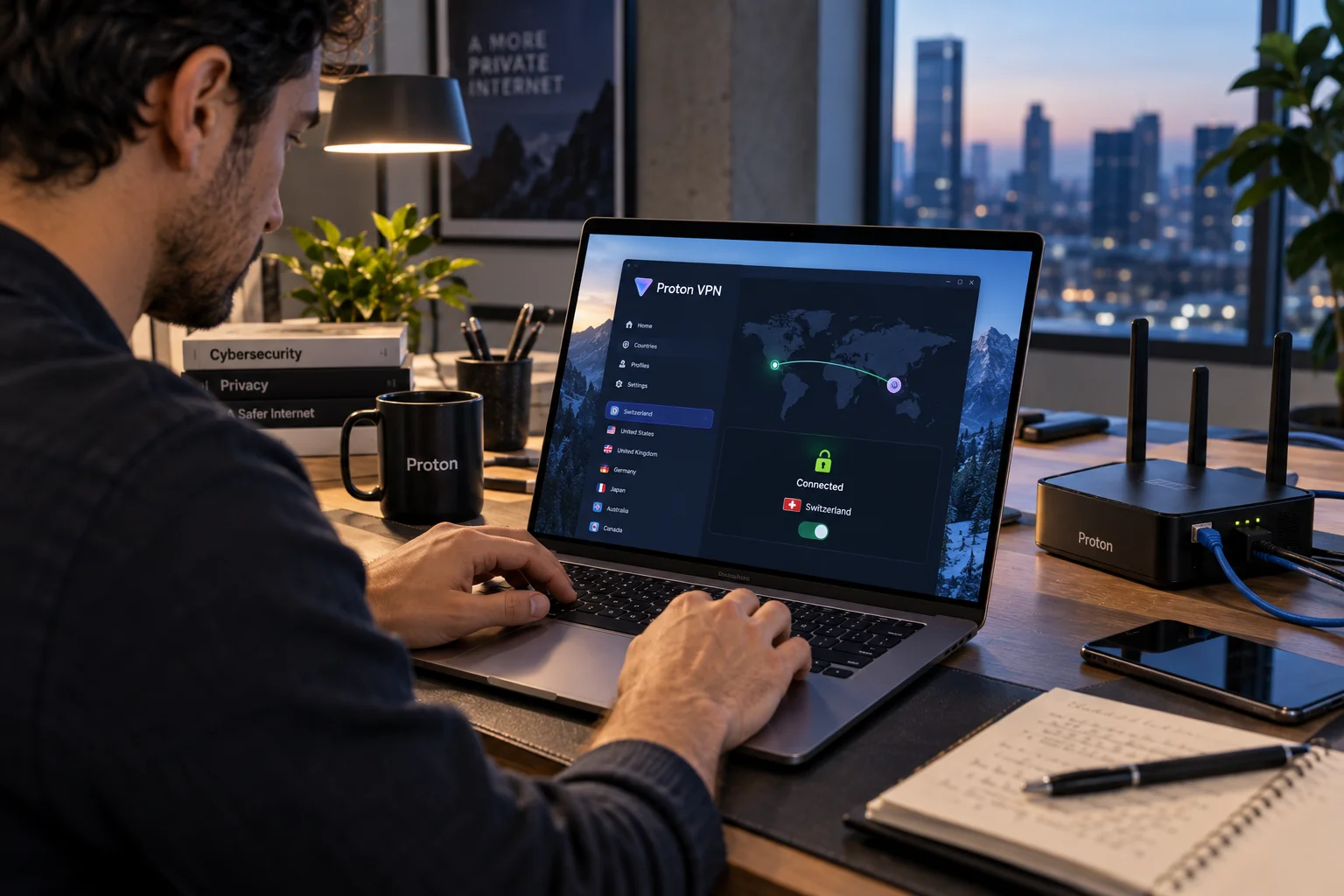
You don't necessarily need one running every second of every day, either. Some people use a VPN selectively, such as when travelling, connecting to public networks or needing a particular server location.
Proton VPN is worth considering if those are the features you're looking for. Its current feature set includes WireGuard, OpenVPN, DNS leak protection, a kill switch, split tunneling, NetShield filtering and anti-censorship technologies.
Its split-tunneling feature can also be useful when you want only selected traffic to use the VPN while other connections continue through your regular connection.
Can you use a VPN and Smart DNS together?
You can encounter both technologies in the same broader setup, but they solve different problems.
If you're already using a VPN, adding a separate third-party DNS service isn't automatically an upgrade. VPN providers can route DNS requests through their encrypted tunnel, and poorly configured third-party DNS settings can create routing or leak complications. Proton VPN specifically recommends using its own DNS handling while connected to its VPN rather than combining the connection with third-party encrypted DNS services.
So don't stack privacy tools simply because more sounds safer.
Configure the setup around the problem you're actually trying to solve.
VPN vs Proxy vs Smart DNS: the simple decision
If you're still deciding, this is the easiest way to think about it:
Choose a VPN if privacy, encryption, IP masking and general-purpose protection matter.
Choose a proxy when you have a specific application or routing requirement and understand its security limitations.
Choose Smart DNS when your primary goal is supported location-based streaming and you don't need VPN-style privacy protection.
Choose a VPN over Smart DNS when you're using public Wi-Fi, travelling, browsing privately or want protection across multiple applications.
Don't treat Smart DNS as a security product. Its strength is its narrow focus and low overhead.
Final takeaway

The VPN vs proxy vs Smart DNS debate becomes much easier once you stop treating them as three versions of the same product.
A proxy is mainly an intermediary. Smart DNS is mainly a location-access mechanism. A VPN is the broadest option because it combines IP masking with an encrypted connection.
For 2026, that makes the choice fairly practical: if you only need a lightweight solution for a specific streaming setup, Smart DNS may be enough. If you want your connection itself to be protected, a reputable VPN is the more appropriate tool.
And if you're choosing a VPN, look beyond server counts and flashy speed claims. Encryption, independent audits, logging practices, protocol support, DNS protection and useful features such as a kill switch are far more meaningful when you're trusting a service with your internet connection.