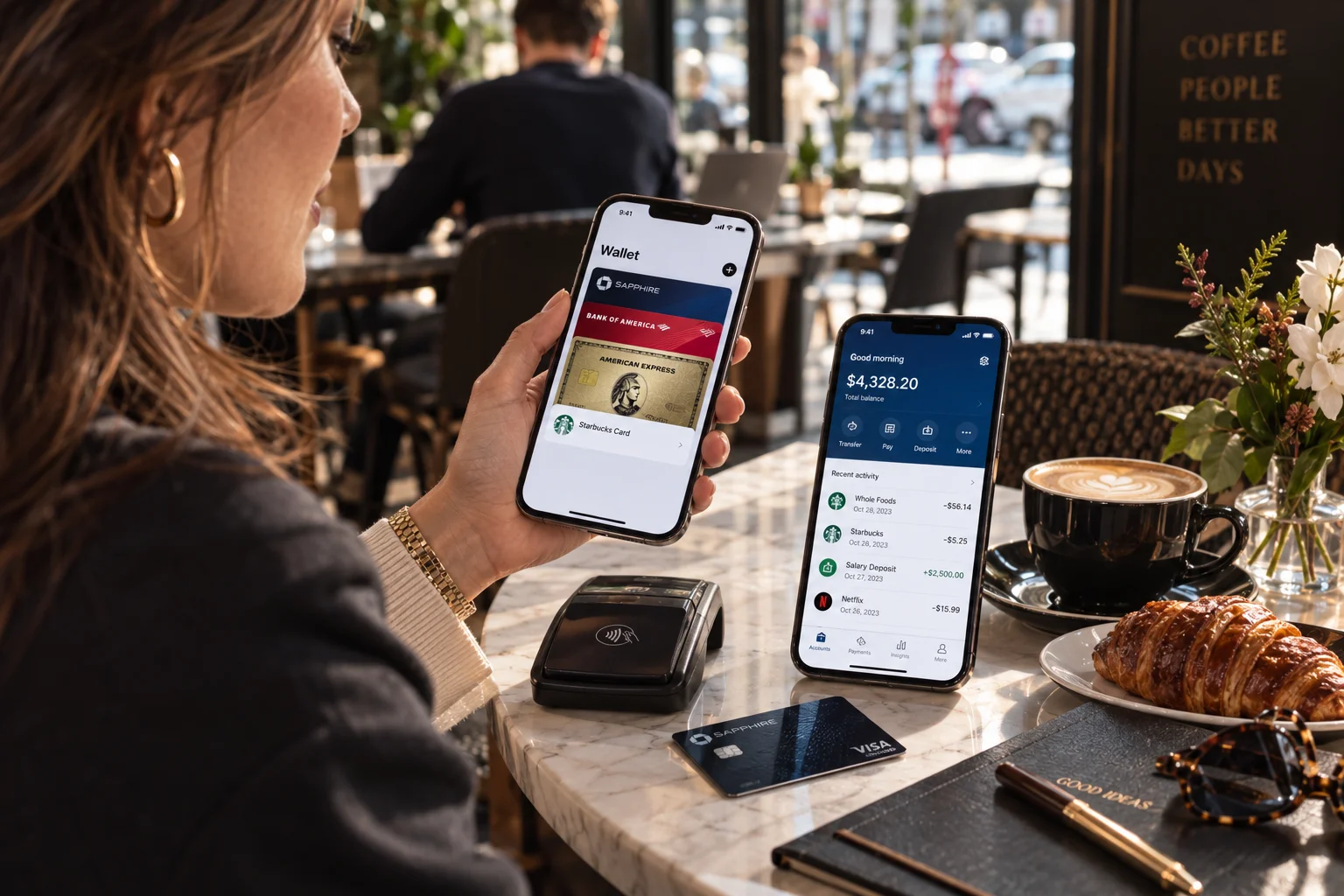
A digital wallet and a mobile banking app can both live on your phone, both can move money, and both can let you pay for things. That overlap makes it surprisingly easy to think they're basically the same.
They're not.
A digital wallet is primarily designed to store and use payment credentials, such as debit and credit cards, and can also hold things like tickets, passes or loyalty cards. A mobile banking app connects you to your bank account and lets you manage the broader banking relationship, including checking balances, transferring money, paying bills and reviewing transactions.
The simplest way to think about it is:
Your banking app helps you manage your money. Your digital wallet helps you use your money.
You may use both every day, but for very different reasons.
Task | Digital Wallet | Mobile Banking App |
|---|---|---|
Pay in a store | Excellent | Sometimes |
Store payment cards | Yes | Usually limited |
Tap-to-pay | Yes | Depends on bank |
Check bank balance | Sometimes | Yes |
Review transactions | Limited or linked | Yes |
Transfer money between accounts | Usually limited | Yes |
Pay bills | Limited | Yes |
Deposit a check | No | Often yes |
Manage bank account | No | Yes |
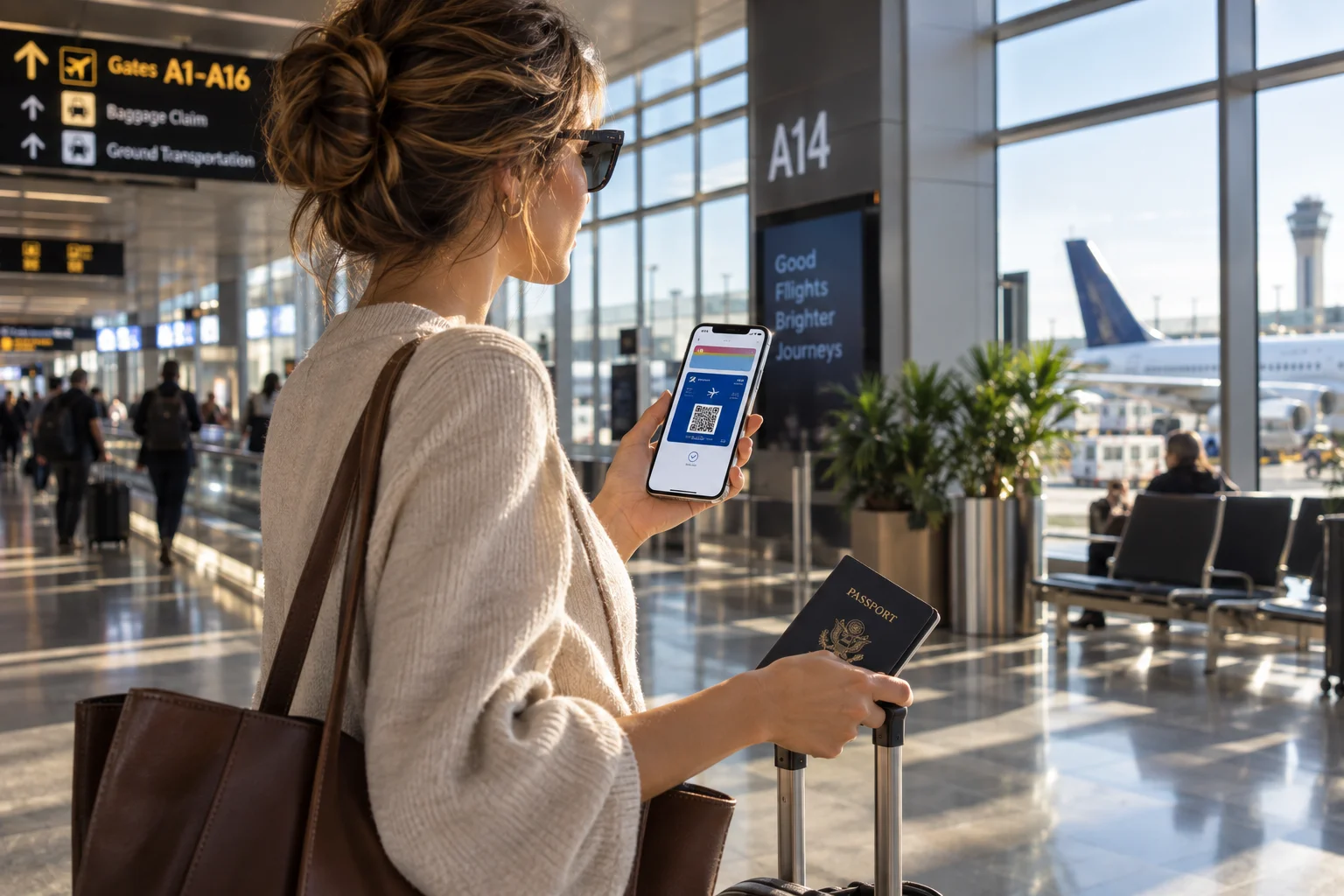
Store boarding passes/tickets | Often | No |
Send money to another person | Depends on wallet | Often |
Apply for banking products | No | Often |
What is a digital wallet?
A digital wallet is an app or service that lets you store payment information digitally and use it from your phone or another compatible device.
The most familiar examples include Apple Wallet, Google Wallet and similar services.
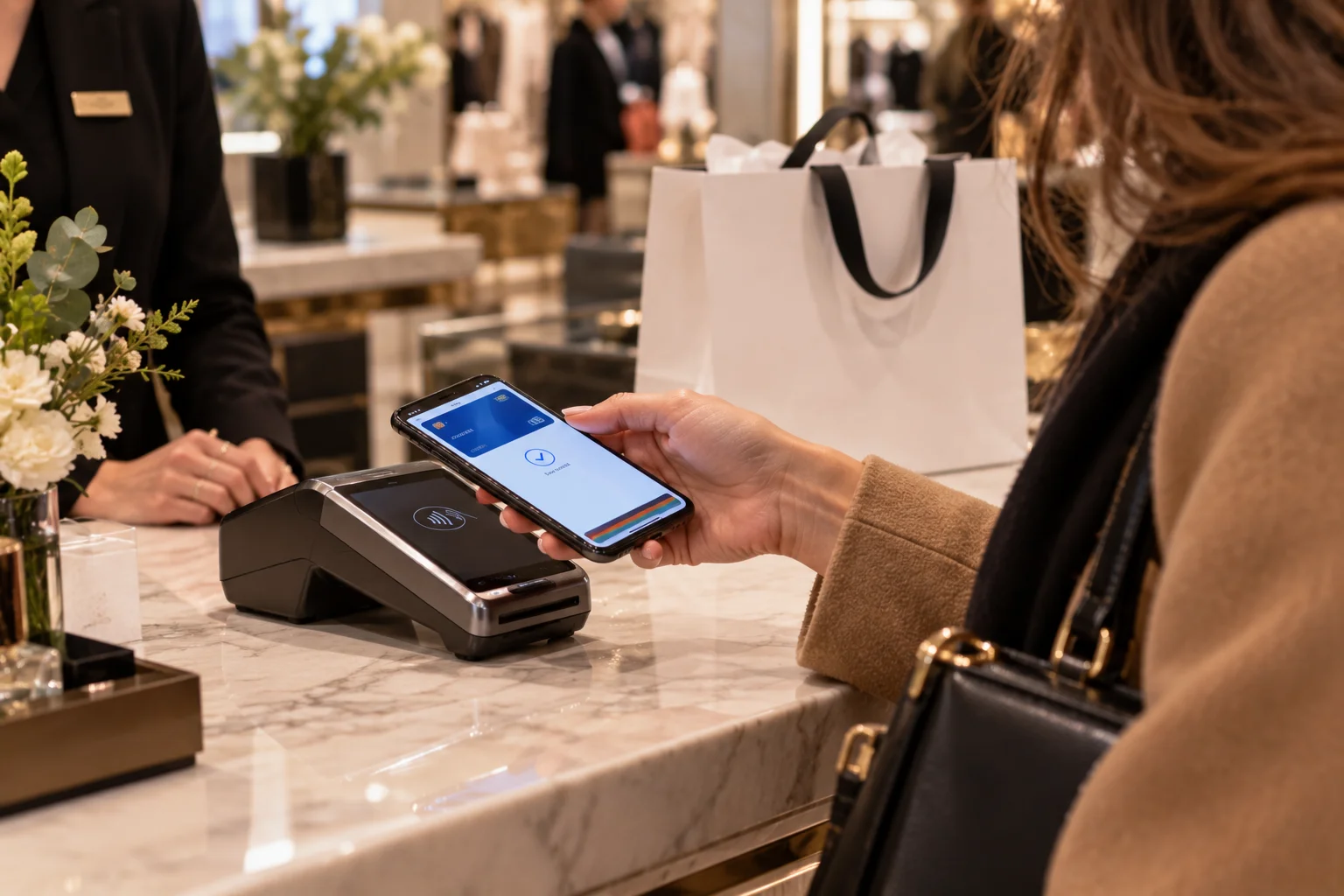
You can add eligible debit or credit cards, authenticate a payment and use your phone or wearable to pay at compatible terminals. Digital wallets can also store non-payment items such as loyalty cards, tickets, boarding passes and other credentials.
The important point is that a wallet doesn't necessarily hold your bank account itself.
For example, you might add your bank-issued credit card to a digital wallet. When you tap your phone at a store, you're using the wallet as the convenient interface for that payment card.
Your actual card account still exists with the financial institution that issued it.
What is a mobile banking app?
A mobile banking app is your bank's digital doorway into your account.
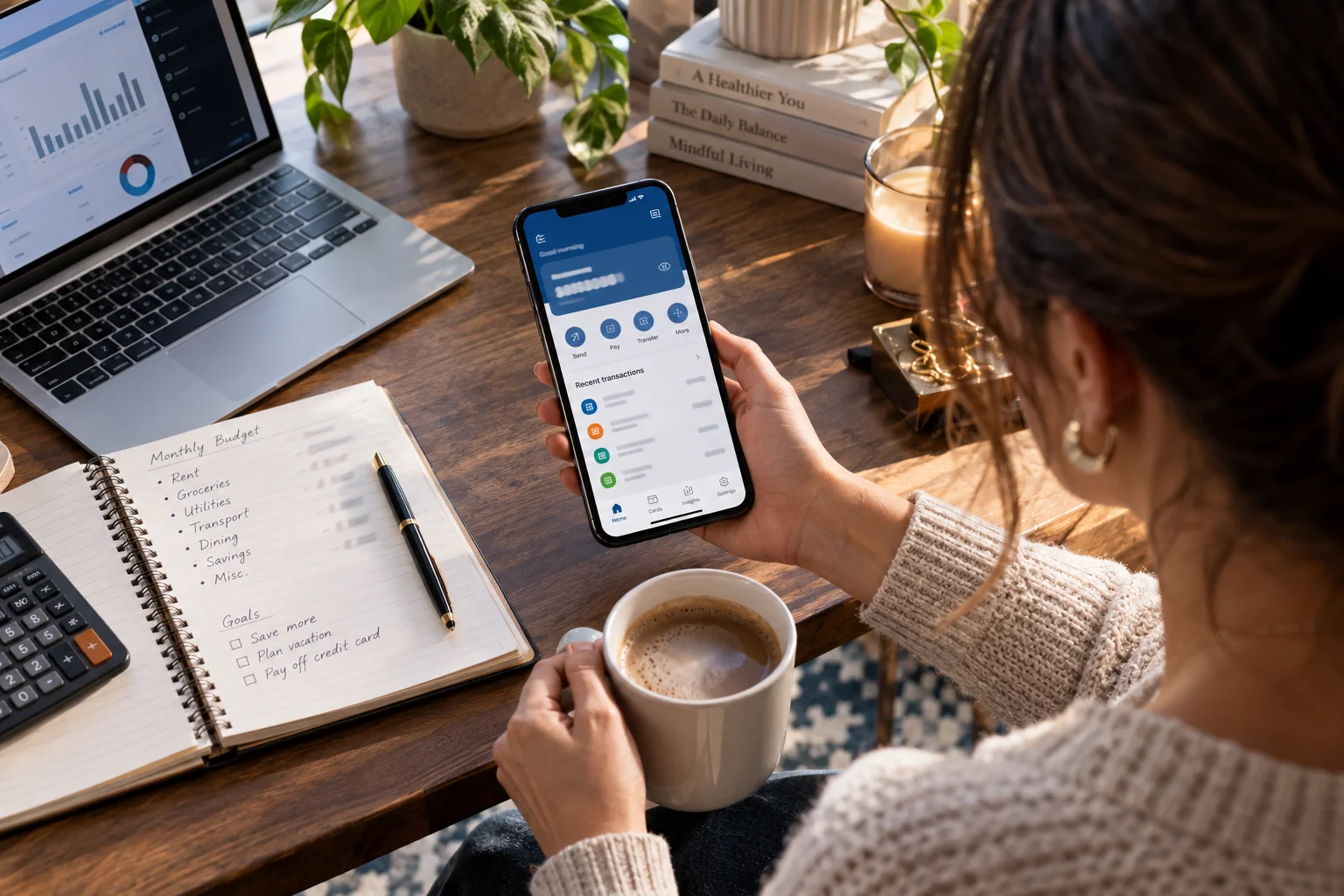
Once you sign in, you can typically see your balance, review transactions, transfer money, pay bills and manage other banking services. Many banks also provide alerts for transactions, deposits and low balances.
Depending on the bank, the app may also let you:
Deposit checks using your phone's camera
Transfer money between accounts
Send money to other people
Manage debit or credit cards
Freeze or replace a card
View statements
Apply for financial products
Set up account alerts
Contact customer support
So while a wallet is primarily about using payment credentials, a banking app is about managing the underlying financial account.
Digital wallet vs mobile banking app: what is the real difference?
The easiest distinction is the relationship each app has with your money.
A banking app is connected directly to your bank relationship.
A digital wallet is generally an additional payment layer that sits on top of payment cards or other supported payment methods.
For example, imagine you have a checking account with a bank and a debit card attached to it.
You might use:
Banking app → Check your balance → Move money → Review transactions
Then:
Digital wallet → Select your debit card → Authenticate → Tap phone to pay
Both involve the same underlying money, but they're solving different problems.
When should you use a digital wallet?
Use a digital wallet when the main thing you want to do is make a payment quickly and conveniently.
It's particularly useful when:
You regularly pay with your phone
You prefer contactless payments
You carry several payment cards
You want fewer physical cards in your wallet
You want tickets or passes available on your phone
You use a smartwatch for payments
You shop in apps or online stores that support the wallet
The convenience is significant.
Instead of taking out your physical card, finding it, inserting or tapping it and putting it away again, you can authenticate on your phone and pay.
Mobile payment systems can also provide security benefits compared with exposing the actual card number at a merchant. The exact technology and protections depend on the wallet, device and payment network.
When should you use your mobile banking app?
Use your banking app when you need to manage your money rather than simply spend it.
For example, suppose your rent is due tomorrow.
You might open your banking app to check whether enough money is available, move funds between accounts and verify recent transactions.
You wouldn't normally open a digital wallet for that.
A banking app is the better tool for:
Checking balances → reviewing transactions → transferring money → paying bills → managing accounts
Most financial institutions now provide mobile access to many of the functions that previously required online banking or a branch visit.
Can you send money with both?
Sometimes, yes.
This is one area where the line between wallets, payment apps and banking apps gets blurry.
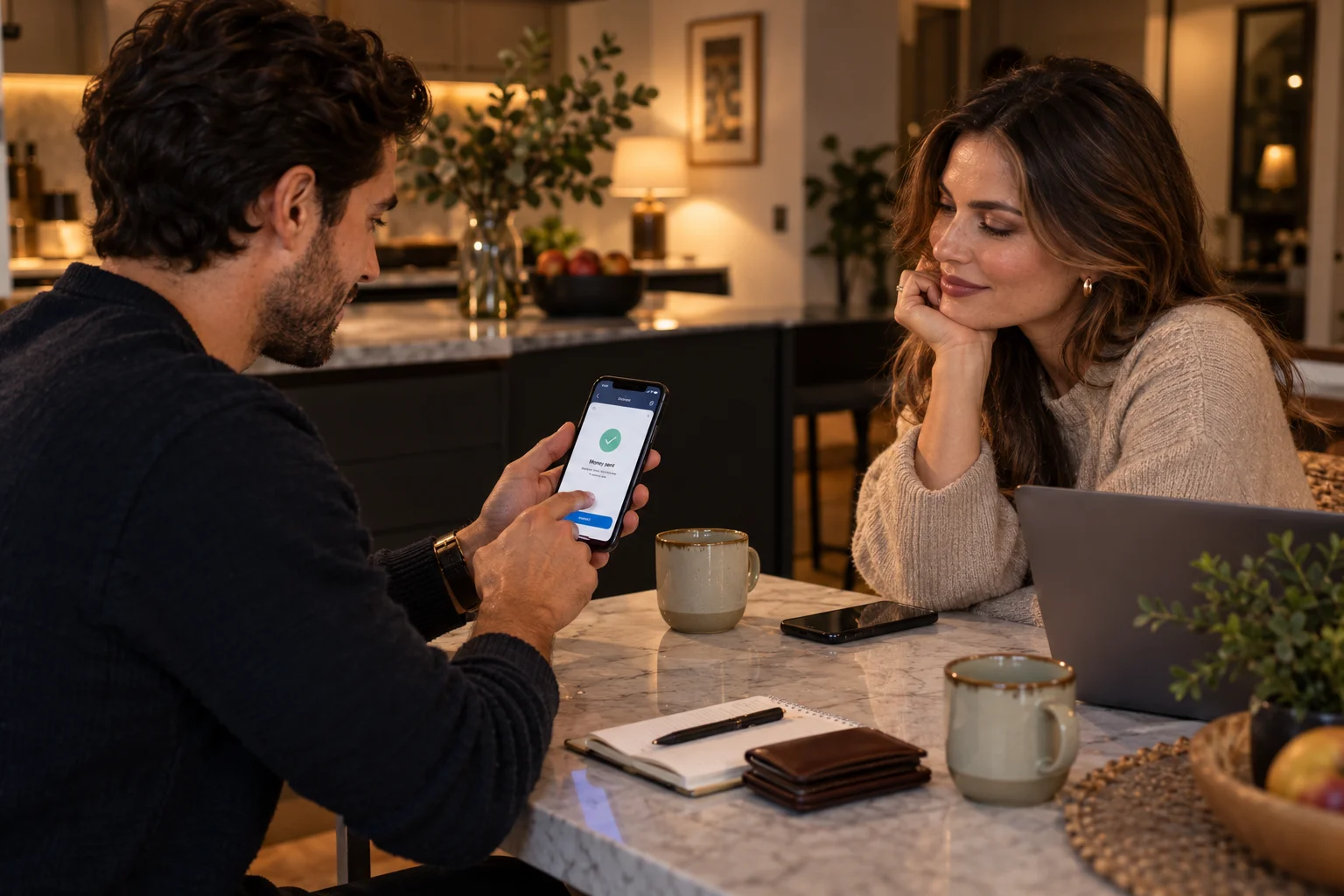
Some banking apps let you send money directly to another person. Separate payment apps can also facilitate person-to-person transfers, sometimes using a linked bank account or card. The CFPB notes that P2P payments can be initiated through online bank portals, prepaid accounts or mobile applications, depending on the provider.
The important thing is to check where the money actually comes from and where it goes.
A payment app might hold received funds inside the app until you transfer them to your bank.
A bank-to-bank transfer, by contrast, can move funds directly between financial accounts.
That distinction becomes particularly important if you're leaving money sitting in a nonbank payment app.
Is money in a digital wallet the same as money in a bank account?
Not necessarily.
This is one of the most important differences to understand.
A digital wallet may simply contain payment credentials linked to your bank or card account. But some payment apps also allow you to maintain a balance inside the app.
Those are not automatically equivalent to keeping money in an insured bank account.
In the U.S., the CFPB warns that money held in some nonbank payment apps may not have FDIC or NCUA deposit insurance unless specific arrangements or additional services apply.
So if you receive money through a payment app and don't need to keep it there, understand the provider's terms and consider transferring funds to an appropriately protected bank or credit union account.
The rules vary by provider and country, so don't assume that every wallet balance receives the same protections as a traditional deposit account.
Which is safer: a digital wallet or banking app?
There isn't a universal winner because security depends on the provider, device, authentication methods and how you use the service.
Both should be protected with strong authentication.
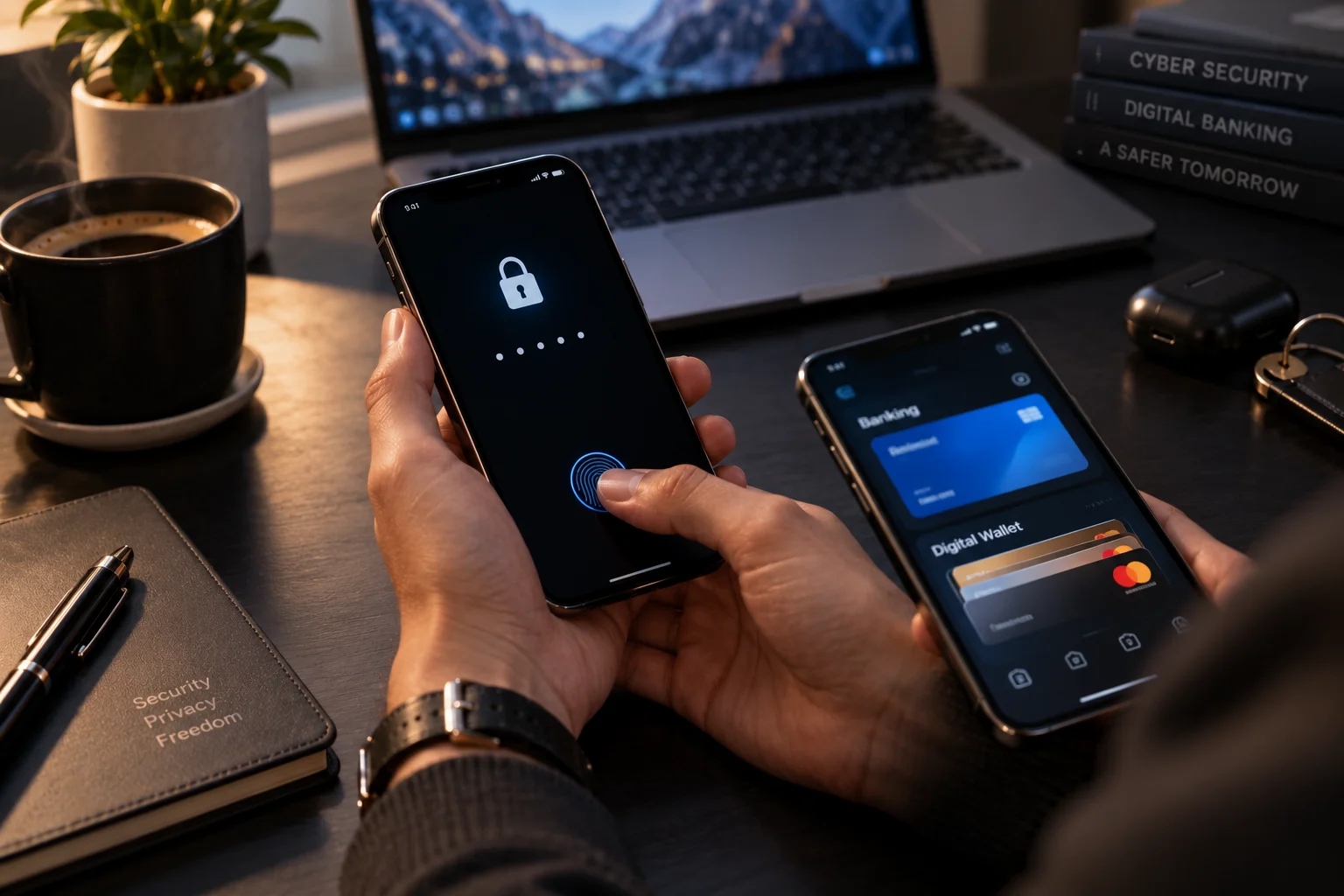
A digital wallet can benefit from device-level authentication such as a fingerprint, face recognition or passcode before a payment is authorized. Banking apps similarly use authentication and security controls to protect access to accounts.
Your own behavior matters enormously.
The CFPB recommends using passcodes or biometric authentication for mobile payment apps and checking payment details carefully before sending money.
For either type of app:
Use a strong, unique password where applicable.
Enable multifactor authentication.
Keep your phone's operating system updated.
Don't approve unexpected login or payment requests.
Check the recipient before sending money.
Avoid conducting financial transactions over untrusted public Wi-Fi.
Turn on transaction alerts when available.
A sophisticated app can't protect you from approving a fraudulent payment to the wrong person.
What happens if your phone is lost?
This is another reason phone security matters.
A modern phone protected by a strong passcode and biometric authentication provides an important first barrier against someone trying to access your financial apps.
You should also know how to remotely lock or erase your device.
For banking apps, contact your bank if you believe someone has gained access to your account.
For digital wallets, follow the wallet provider's procedures for removing payment credentials or disabling the device.
Don't wait until you lose your phone to figure this out.
Can you use a digital wallet without a banking app?
Often, yes.
A digital wallet can be used with supported cards from participating financial institutions without requiring you to use that bank's mobile app for every payment.
But the exact setup varies by wallet, card issuer and country.
You might still want the banking app installed because the wallet isn't designed to replace account management.
Think of the wallet as the payment interface and the bank app as the account-management interface.
Can a banking app replace a digital wallet?
Sometimes, but not completely.
Some banks offer their own mobile payment functionality, and some banking apps support features that overlap with digital wallets.
But a dedicated digital wallet can offer broader convenience by keeping several cards, tickets, passes and other items together and providing a consistent payment experience across supported devices.
If you frequently use contactless payments, a wallet can therefore be useful even when your bank already has an excellent mobile app.
Which one should you use for everyday tasks?
Here's the simplest way to decide:
What you're trying to do | Use |
|---|---|
Check your bank balance | Banking app |
Review recent transactions | Banking app |
Transfer money between accounts | Banking app |
Pay a bill | Banking app |
Deposit a check | Banking app, if supported |
Tap your phone at a store | Digital wallet |
Carry several cards digitally | Digital wallet |
Store a boarding pass | Digital wallet |
Pay with a smartwatch | Digital wallet, if supported |
Send money to someone | Depends on the service |
Manage your bank account | Banking app |
Make a quick contactless payment | Digital wallet |
Should you have both?
For many people, yes.
There's little reason to treat this as an either-or decision.
You can have your bank's mobile app for managing your finances and a digital wallet for everyday payments.
A normal day might look like this:
Morning: Open your banking app to check your balance.
Lunch: Tap your phone using your digital wallet.
Evening: Open the banking app to confirm the transaction has posted.
The two services complement each other rather than compete directly.
The bottom line
The difference between a digital wallet and a mobile banking app becomes much clearer once you look at their jobs.
A digital wallet is primarily about paying and carrying digital payment credentials.
A mobile banking app is primarily about managing your financial accounts.
If you're buying lunch, tapping your phone at a store or keeping your payment cards on your phone, reach for the wallet.
If you're checking your balance, transferring money, paying a bill or managing your account, open the banking app.
And when you're using either one, don't judge security by convenience alone. Use strong authentication, keep your phone protected and understand where your money is actually held. That last detail can matter much more than which app has the nicer interface.