A VPN can make you considerably more private online, but it cannot make you completely anonymous.
That distinction matters.
When you connect to a VPN, your internet traffic is routed through a VPN server and your real IP address is hidden from the websites you visit. Your connection between your device and the VPN server is also encrypted, which prevents your ISP or someone monitoring the local network from seeing the contents of that traffic.
But your IP address is only one piece of your online identity.
Websites can still recognize you through accounts, cookies, browser and device fingerprinting, tracking technologies and information you voluntarily provide. A VPN also means you're placing trust in the VPN provider itself.
So the better question isn't "Does a VPN make me anonymous?"
It's "What does a VPN actually hide, and what can still identify me?"
What you're trying to hide | Can a VPN help? |
|---|---|
Your real IP address from websites | Yes |
Your approximate IP-based location | Yes |
Browsing destinations from your ISP | Generally yes |
Traffic from people monitoring your local Wi-Fi | Yes |
Your identity when logged into an account | No |
Browser cookies | No |
Browser fingerprint | No |
GPS location | No |
Information you voluntarily provide | No |
Everything from your VPN provider | Depends on its policies and architecture |
What does a VPN actually hide?
The most important thing a VPN does is replace the public IP address that websites see with the IP address of the VPN server.
Without a VPN, a website can generally see your public IP address. That address can provide information about your general geographic location and can be used as one signal for tracking.
With a VPN connected, the website sees the VPN server's IP instead.
Imagine you're sending a package.
Normally, the recipient can see the return address associated with your home.
With a VPN, the package first goes through another address. The recipient sees that intermediary address rather than your home's public IP.
That doesn't mean the recipient has no other way of recognizing you.
It simply removes one particularly useful identifier.
Can a VPN hide your browsing history from your ISP?
Generally, yes.
When you're connected to a VPN, your ISP can see that your device is communicating with a VPN server, but the VPN tunnel prevents it from seeing the contents of that traffic or the DNS requests being sent through the tunnel.
That makes a VPN particularly useful if you don't want your ISP to have a straightforward view of the websites you're accessing.
There is an important trade-off, though.
You're moving trust from your ISP to your VPN provider.
The VPN provider operates the server through which your traffic passes, so its privacy practices matter enormously. The Electronic Frontier Foundation makes the same broader point: a VPN can protect traffic from an untrusted local network or ISP, but the VPN provider itself becomes part of the trust model.
That's why "any VPN" isn't necessarily good enough.
Can websites still identify you while you're using a VPN?
Absolutely.
This is where the anonymity myth starts to fall apart.
Suppose you connect to a VPN and then open your usual Google account.
Google doesn't suddenly think you're a completely unknown person simply because your IP address changed.
You're still logged in.
The same applies to social networks, shopping accounts, email services and other websites where you've identified yourself.
Your account is a much stronger identifier than your IP address.
A VPN can hide your network location from the service, but it cannot make an account you've deliberately logged into anonymous.
Can cookies still track you?
Yes.
Cookies are stored by websites or associated services in your browser and can be used for purposes such as remembering sessions, preferences and tracking activity.
Changing your IP address doesn't automatically erase them.
For example:
Monday: You visit a website without a VPN and receive a tracking cookie.
Tuesday: You turn on your VPN and visit the same website.
The website may still recognize the cookie in your browser.
The IP address changed.
The browser identifier didn't.
VPN provider Proton VPN itself notes that cookies and other tracking techniques can continue to identify users even when their real IP address is hidden.
What about browser fingerprinting?
Browser fingerprinting is another reason a VPN isn't an anonymity tool.
Instead of relying on your IP address, a website can examine characteristics of your browser and device.
Depending on the technology involved, these signals can include things such as browser configuration, operating-system characteristics, screen information and other technical attributes.
When combined, those characteristics can create a relatively distinctive fingerprint.
A VPN doesn't automatically change your browser fingerprint.
So you can end up with a situation where:
Your IP address says "VPN server."
Your browser fingerprint says "this is the same browser we've seen before."
That's why privacy is more complicated than simply changing your IP address.
Can a VPN hide your location?
It can hide your IP-based location, but that's different from hiding every form of location information.
If you're connected to a VPN server in another country, websites generally see the server's IP address and may therefore associate your connection with that server's geographic location.
But websites and apps can obtain location information through other mechanisms.
For example:
Your phone's GPS
Location permissions
Wi-Fi positioning
Bluetooth-based location signals
Information you manually provide
Location data attached to photos or other content
A VPN doesn't switch off your phone's GPS.
If an application has permission to access precise location, changing your IP address doesn't necessarily change what that application knows about where you are.
Can a VPN hide what you do from the VPN company?
This is the uncomfortable part of the VPN model.
Technically, the VPN provider sits in a position where it can potentially observe information about your connection.
Your traffic travels through its infrastructure.
That means the provider's logging policy matters enormously.
Proton VPN says it operates a strict no-logs policy and does not log users' browsing activity, IP addresses or session lengths. Its policy also says it doesn't log the websites users visit or the content of communications.
Proton also says its no-logs policy has been independently audited.
That's the kind of information worth checking when choosing a VPN.
Don't simply look at how many countries a provider has servers in.
Ask:
What does the provider log?
Has that policy been independently audited?
Where is the company based?
How transparent is it about legal requests and security?
Those questions are much more relevant to privacy than a giant server-count number.
Does a VPN protect you on public Wi-Fi?
Yes, this is one of the most practical reasons to use one.
When you're on hotel, airport, café or other public Wi-Fi, you don't necessarily know who operates the network or who else is connected to it.
A VPN creates an encrypted connection between your device and the VPN server, making it much harder for someone monitoring the local network to inspect your traffic.
That doesn't mean the VPN makes every activity safe.
It doesn't protect you from:
Phishing websites
Malware you voluntarily install
A compromised account
Weak passwords
Scams
Giving sensitive information to the wrong person
A VPN is one layer of security, not an all-purpose security system.
Can a VPN stop advertisers from tracking you?
It can reduce some forms of tracking, particularly tracking based on your real IP address.
But advertising and analytics companies have many other ways to recognize users.
Cookies, logged-in accounts, tracking pixels, browser characteristics and other technologies can continue to provide identifying signals.
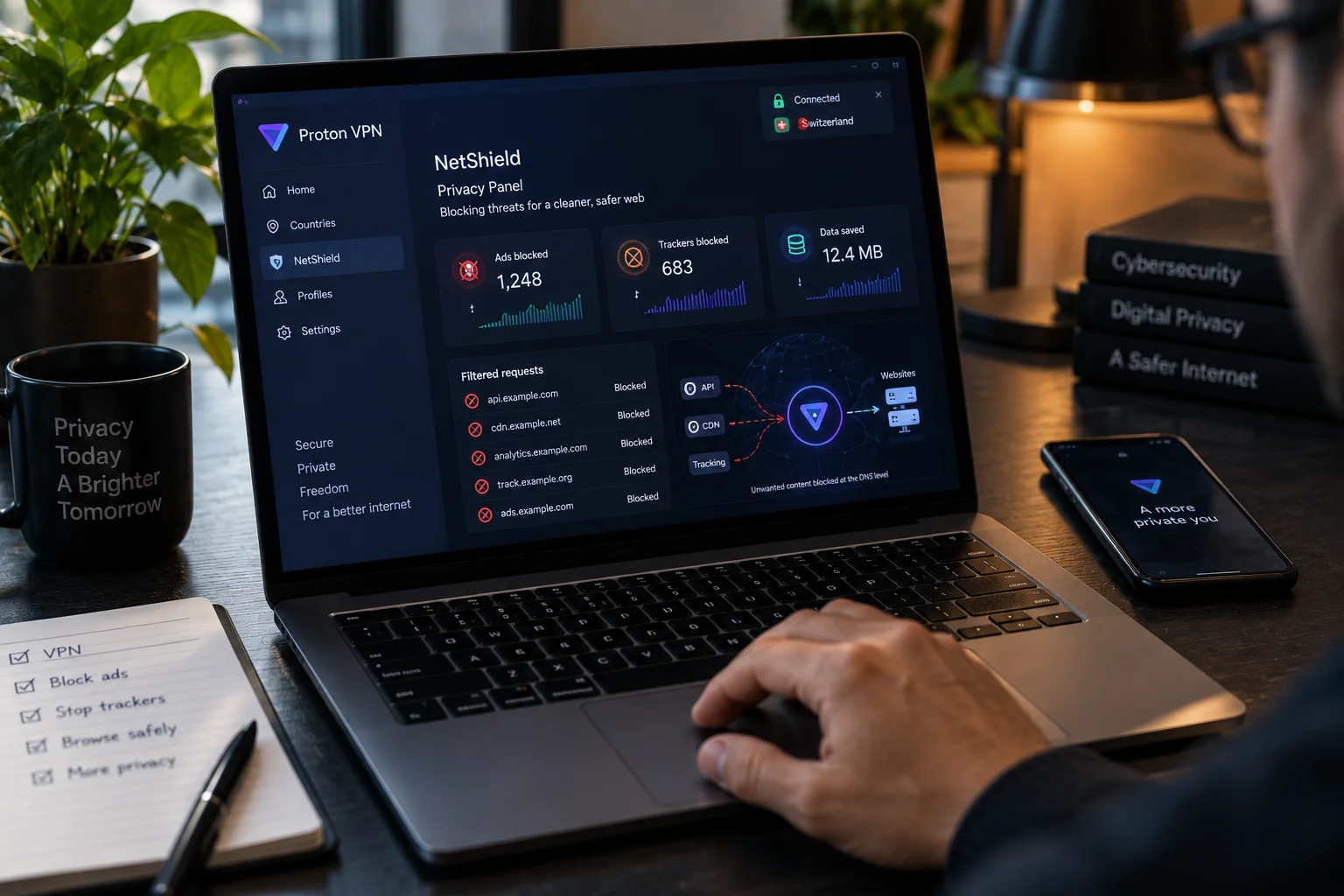
Some VPN services offer additional DNS filtering or tracker-blocking features.
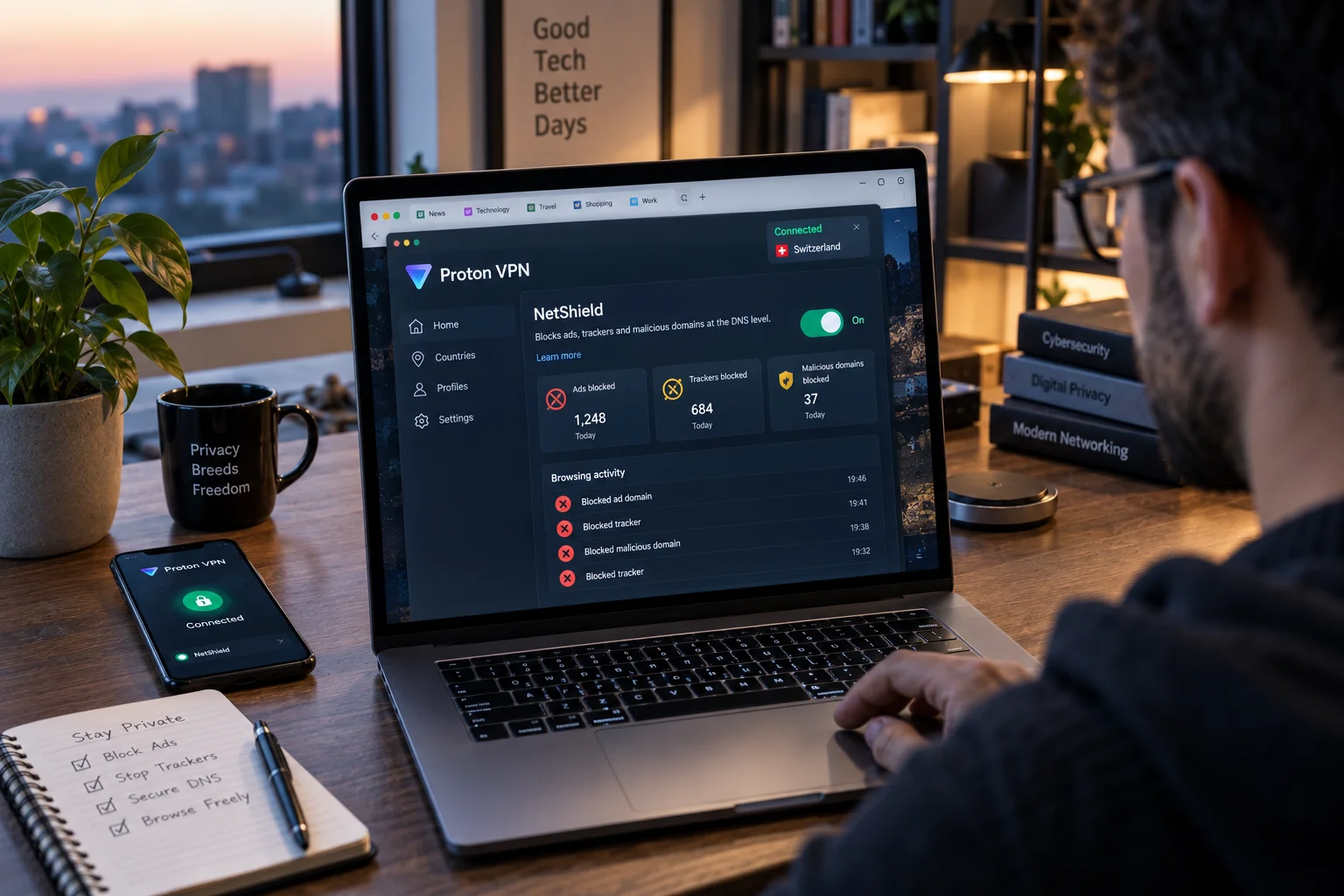
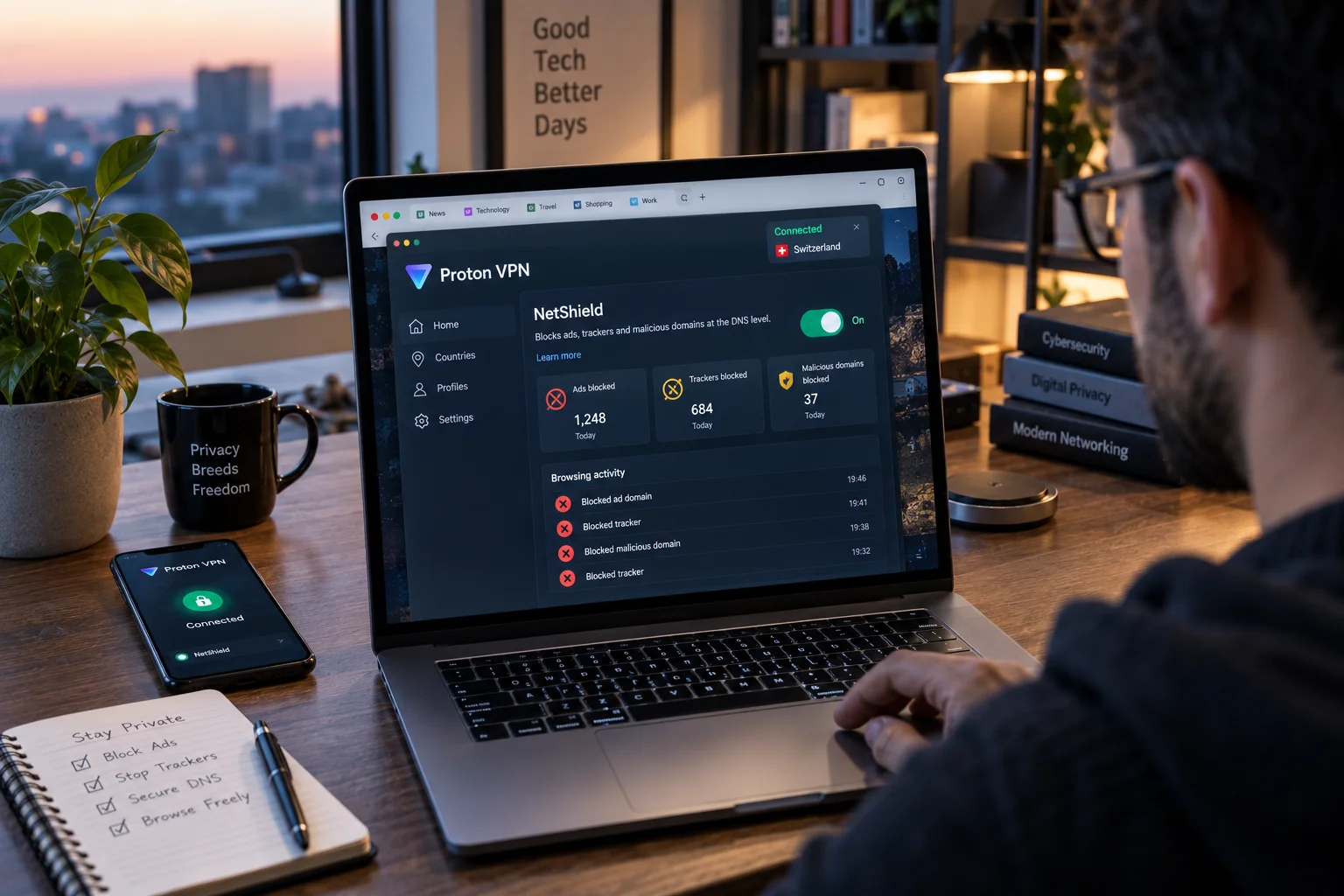
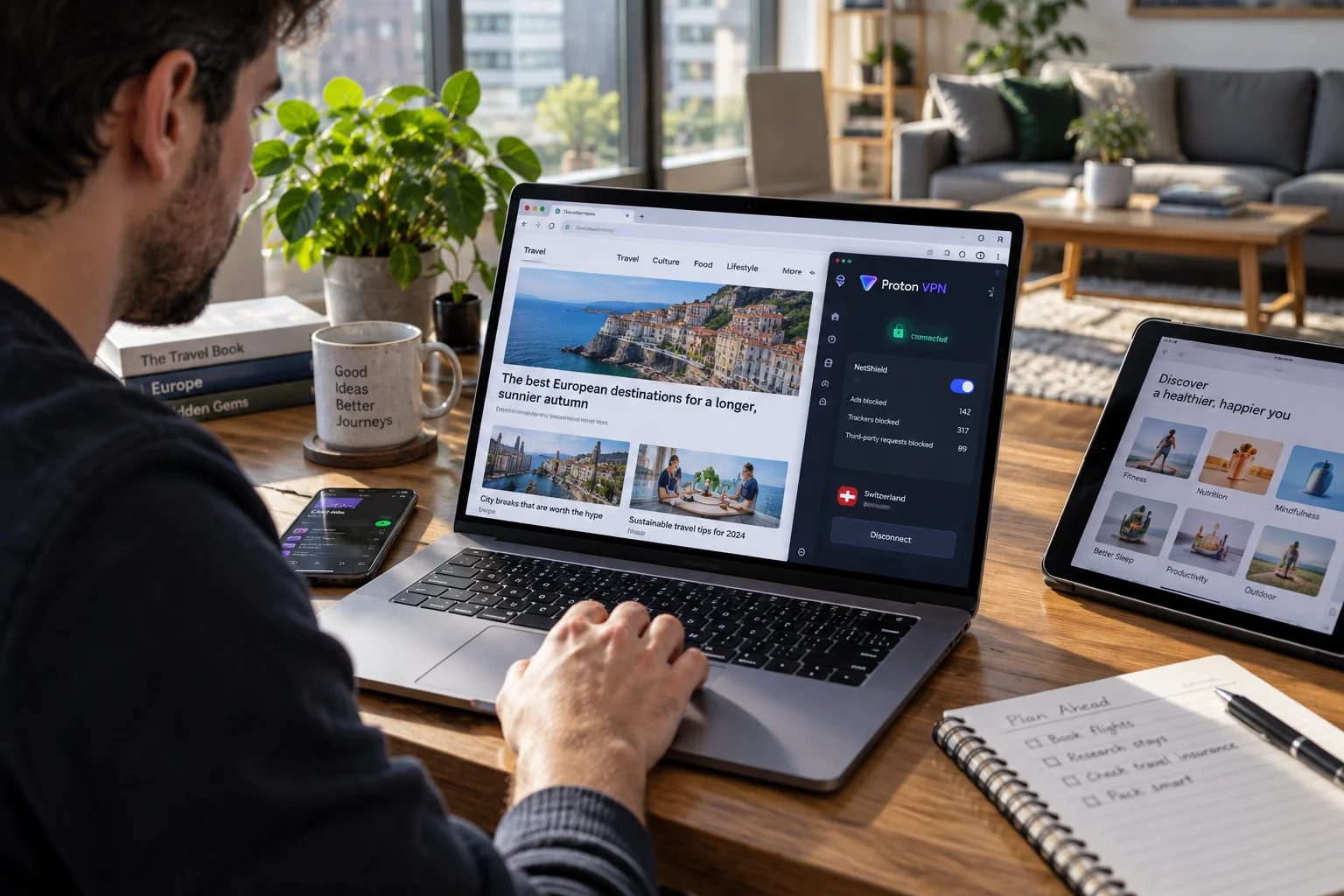
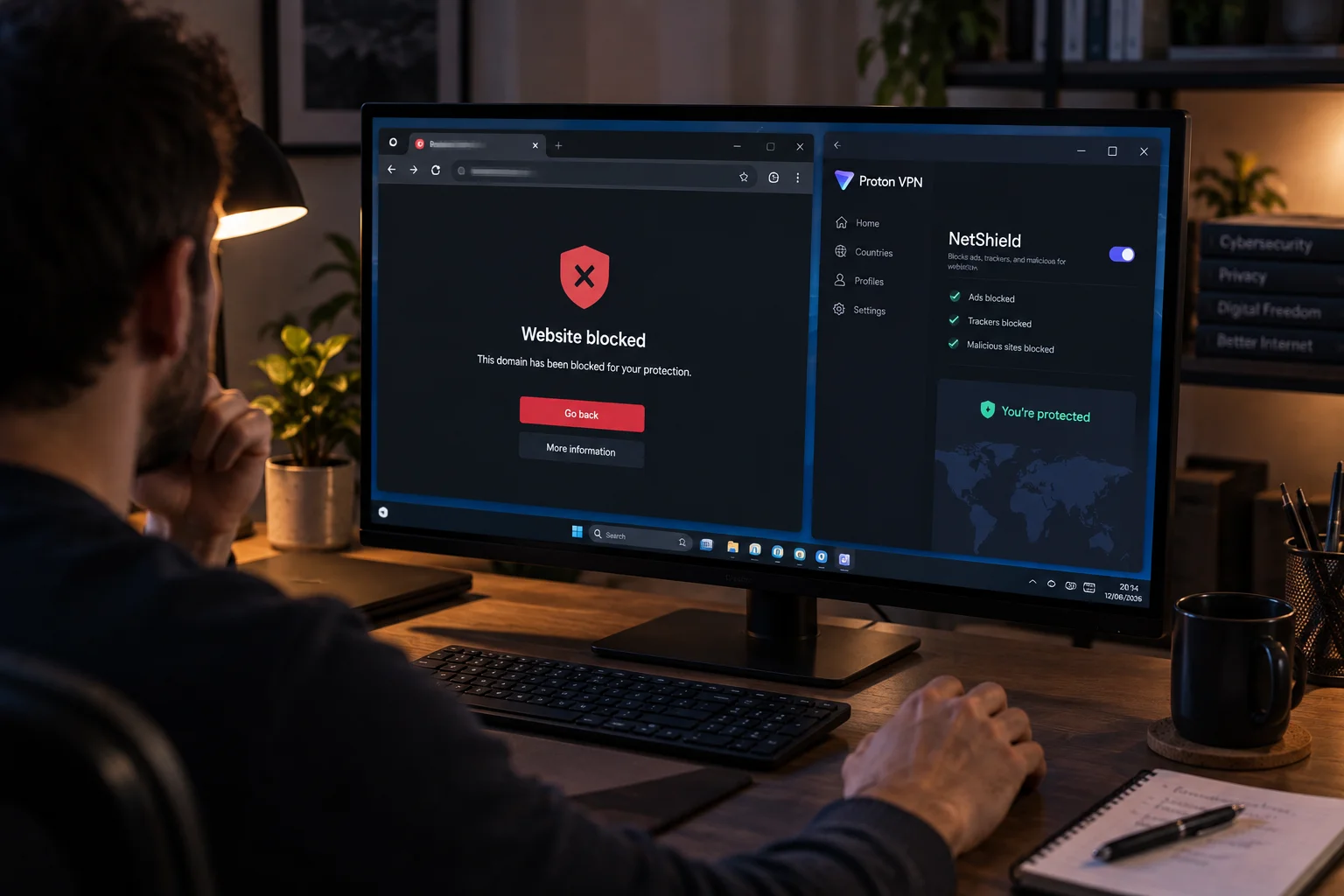
Proton VPN's NetShield, for example, is designed to block ads, trackers and malicious domains through DNS filtering.
That can reduce some tracking, but it's still not the same thing as becoming anonymous across the entire web.
What happens if your VPN disconnects?
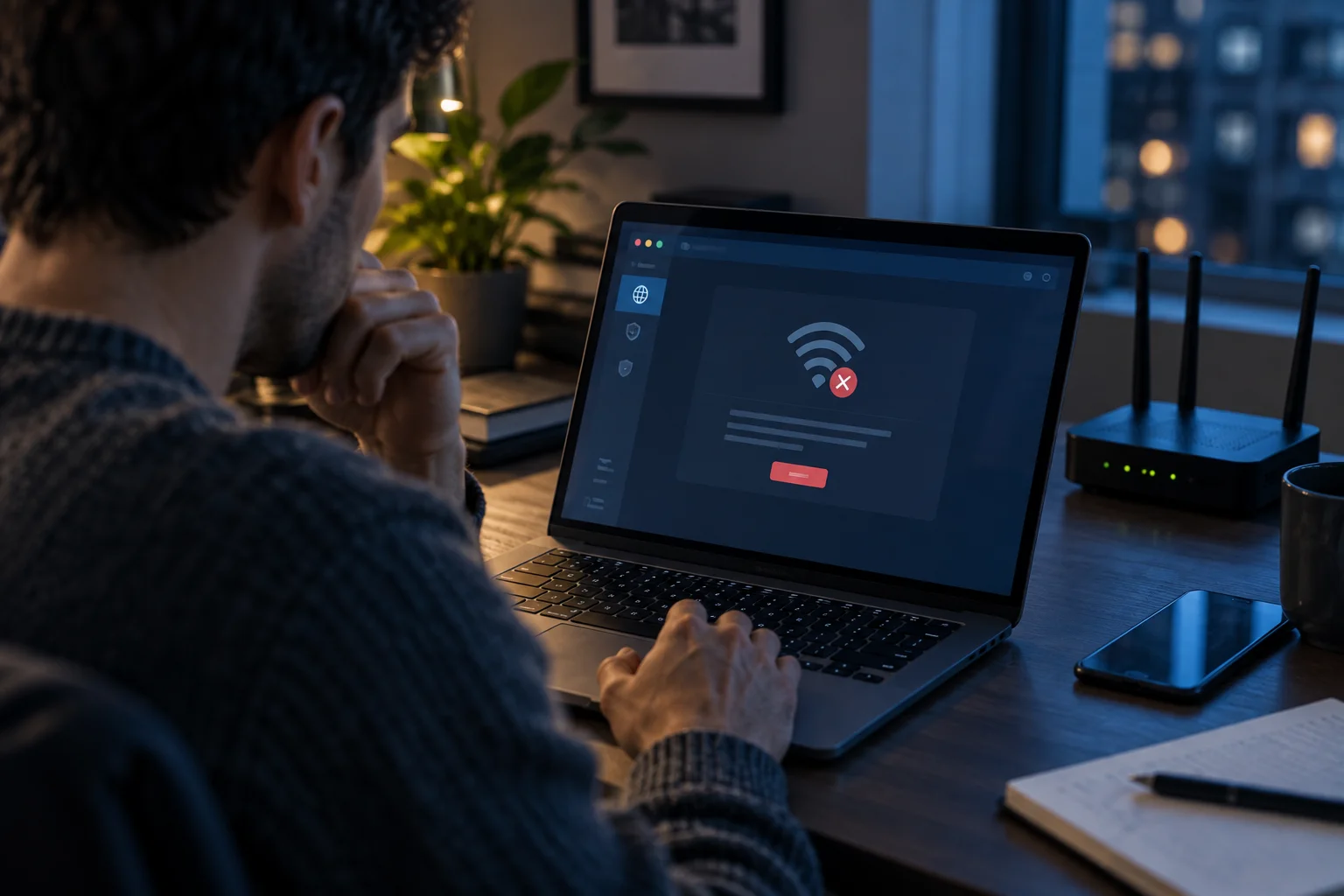
This is one reason a kill switch can matter.
If your VPN connection suddenly fails and your device immediately falls back to the normal internet connection, your real IP address could become visible to websites you connect to afterward.
A VPN kill switch is designed to block internet traffic when the VPN connection drops, preventing that accidental exposure.
Proton VPN provides kill-switch functionality in its applications, along with an always-on option on supported platforms.
It's a small feature that can make a meaningful difference if keeping the VPN connection consistent matters to you.
Can a VPN make illegal activity anonymous?
No.
A VPN isn't a legal invisibility cloak.
It can change the network-level information visible to websites and ISPs, but it doesn't erase other evidence, account information, payment records, device data or other sources that may exist.
More broadly, anyone considering a VPN should avoid the assumption that "hidden IP address" means "untraceable person."
Those are very different things.
So how anonymous are you with a VPN?
It's more useful to think about online privacy as layers.
Layer | VPN protection |
|---|---|
Public IP address | Strong |
ISP visibility into VPN-protected traffic | Strong |
Local Wi-Fi traffic protection | Strong |
DNS leak protection | Depends on VPN configuration |
Cookies | Little to none by itself |
Logged-in accounts | None |
Browser fingerprinting | Little to none by itself |
GPS/location permissions | None |
Malware | No |
Phishing | No |
VPN-provider visibility | Depends on provider |
Complete anonymity | No |
This is why a VPN should be viewed as a privacy and security tool rather than an anonymity button.
Is Proton VPN enough if privacy is your priority?
For ordinary privacy needs, a reputable VPN can provide a meaningful layer of protection.
Proton VPN combines IP masking with encrypted VPN connections, DNS leak protection, a kill switch and its stated no-logs policy. Its apps are also open source, and Proton publishes information about its security audits.
Its Secure Core feature provides another routing option for users who want additional protection against certain network-level threats, while Tor over VPN is available for situations where stronger anonymity properties are required.
But even Proton VPN cannot make you anonymous if you log into your normal accounts, give websites your identity, allow location permissions or maintain a highly identifiable browser profile.
The tool can protect the connection.
It can't erase the rest of your digital identity.
How to use a VPN more privately
If your goal is to get the most privacy benefit from a VPN, focus on the whole setup rather than the VPN alone.
A sensible approach is:
Choose a provider with a clearly documented logging policy.
Use a VPN kill switch so traffic doesn't unexpectedly fall outside the tunnel.
Keep your VPN and operating system updated.
Review browser permissions and location access.
Limit unnecessary tracking cookies and third-party permissions.
Remember that logged-in accounts identify you regardless of your IP address.
Use additional privacy tools when your threat model genuinely requires them.
For most people, that combination provides a much more realistic privacy improvement than simply installing a VPN and assuming everything else has disappeared.
The bottom line
A VPN can make you more private online, but it cannot make you completely anonymous.
It can hide your real IP address from websites, protect your traffic from observers on the local network and prevent your ISP from seeing the contents of traffic inside the VPN tunnel.
It cannot stop a website from recognizing you because you're logged into your account. It cannot automatically defeat cookies or browser fingerprinting. It cannot hide GPS information from an app that has permission to access it. And it cannot remove the need to trust your VPN provider.
That's actually a better way to think about VPNs in 2026.
Don't expect anonymity. Expect a stronger privacy layer.
And if you choose a service such as Proton VPN, pay attention not only to where its servers are, but also to its logging practices, security features, audits and the controls it gives you over your connection. Those details determine how much privacy you're actually getting.