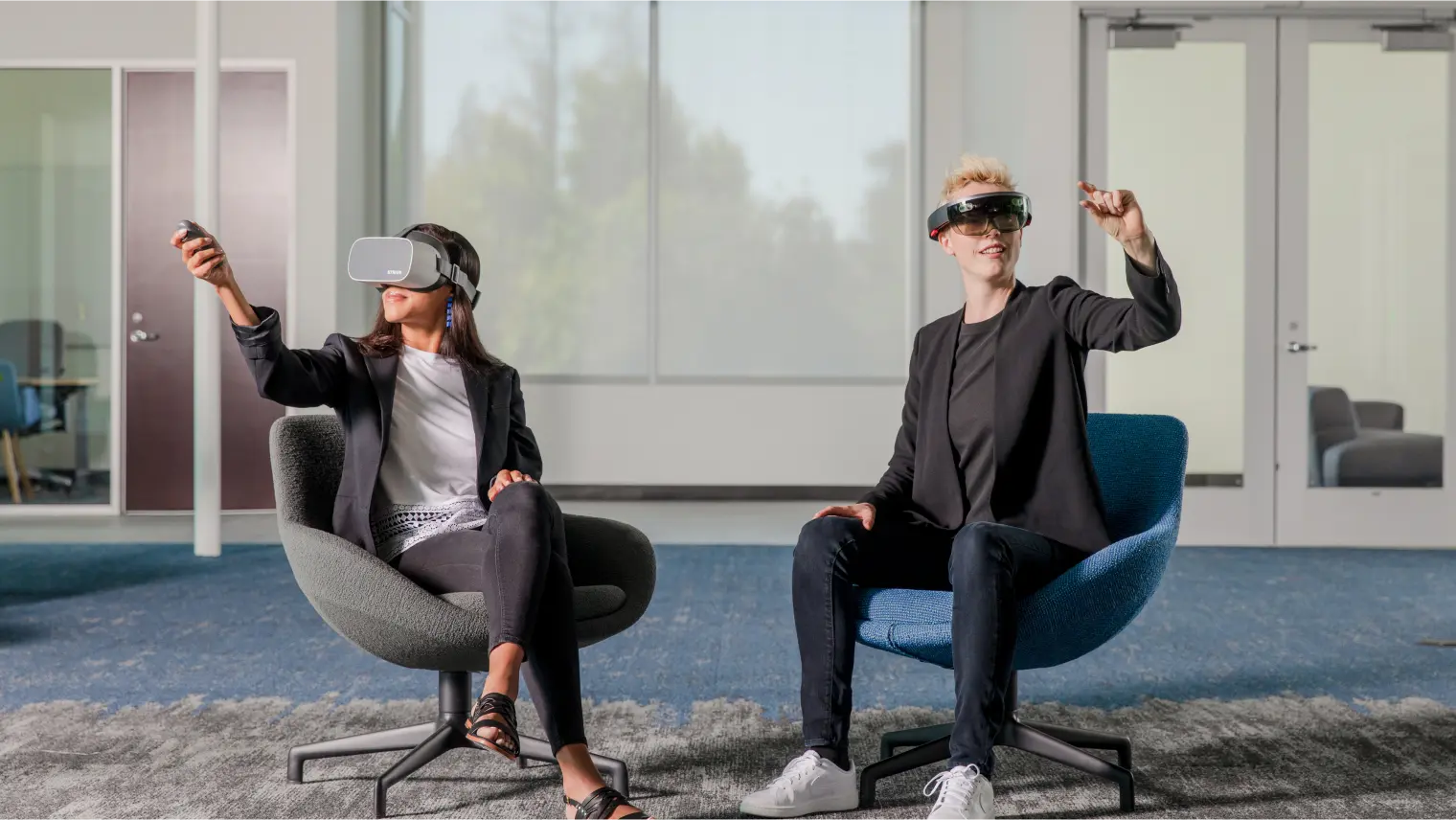
Yes, some VR games can be played without controllers, and hand tracking is making that experience increasingly practical. Instead of holding a pair of tracked controllers, players can use their actual hands to point, pinch, grab, tap and manipulate objects in virtual space.
Meta Quest supports hand tracking alongside its Touch controllers, while Apple's Vision Pro is built around eye and hand input for many apps and games. Meta's latest developer guidance also makes an important distinction: hand tracking is not intended to replace controllers in every scenario, particularly games requiring high precision.
That distinction explains where VR is heading.
Hand tracking works particularly well for casual games, puzzles, social experiences, menus and interactions where using your real hands feels natural. Controllers remain useful for games involving virtual weapons, precise aiming, thumbsticks, complex button combinations or strong haptic feedback.
The result is not necessarily a controller-free future.
Instead, VR is moving toward multiple input methods, with the software choosing the interaction that makes the most sense for the experience.
Can you play VR games without controllers?
Yes, but only when the game and headset support hand tracking as an input method.
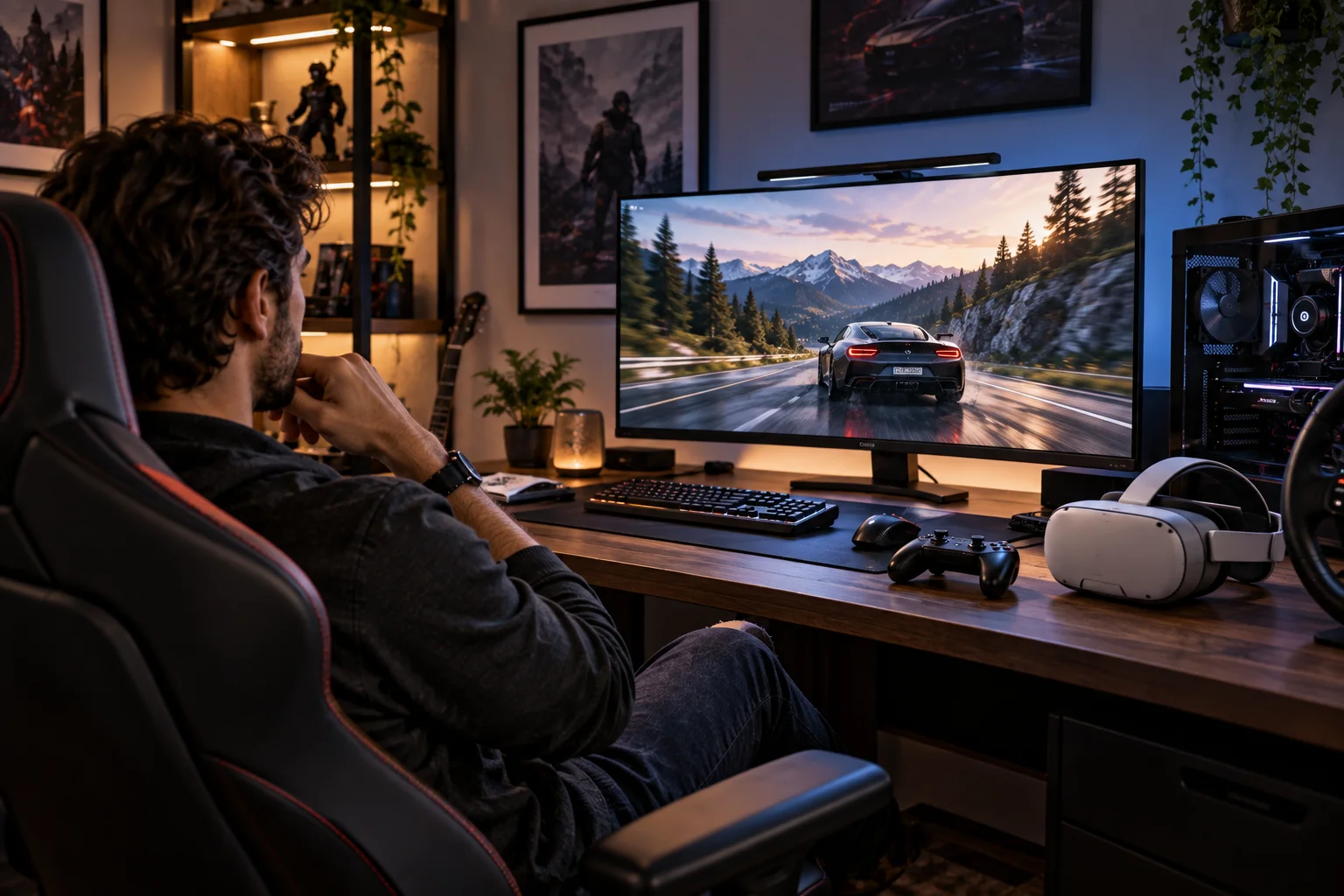
Meta Quest devices support hand tracking either alongside controllers or as a hands-only input mode. Developers can build experiences around gestures such as pinching, poking and grabbing.
Apple takes an even more fundamental approach with Vision Pro. Users primarily interact with visionOS using their eyes and hands, including gestures such as looking at an object and tapping the thumb and index finger together.
But there is an important limitation.
A game designed around physical buttons, analog sticks or highly precise controller movements cannot simply remove the controllers and expect the same experience to work perfectly.
The interaction itself has to be designed for hands.
How does VR hand tracking actually work?
Headsets use cameras and computer-vision software to estimate the position, orientation and movement of your hands and fingers.
Instead of tracking a physical controller, the headset observes your hands.
The software can identify gestures and hand poses, allowing you to perform actions such as:
Pinching to select
Pinching and holding to grab
Moving a hand to manipulate an object
Poking virtual buttons
Using two hands to rotate or scale objects
Pointing toward virtual elements
Meta describes hand tracking as an input method that can provide more natural interaction and a stronger sense of presence.
Apple similarly supports direct and indirect hand interactions in visionOS.
The clever part is that the headset does not need to know exactly what you are holding.
It can simply interpret the movement of your fingers as an instruction.
What types of VR games work best without controllers?
Games based on gestures, grabbing, pointing and simple object manipulation are the strongest candidates for controller-free play.
Think about a puzzle where you pick up virtual pieces with your fingers.
Or a casual game where you pop objects by touching them.
Or a social experience where you wave, point or gesture to communicate.
These interactions map naturally to real-world hand movements.
Apple's developer guidance specifically highlights gesture-based games as an easy way for players to start playing without additional equipment. Its examples include games using pinch, pinch-and-drag, double tap and two-handed gestures.
This is where hand tracking has a genuine advantage.
You do not need to learn which button corresponds to which action.
You simply use your hands.
Why don't all VR games use hand tracking?
Controllers provide more inputs, better physical feedback and greater precision than bare hands can provide in many situations.
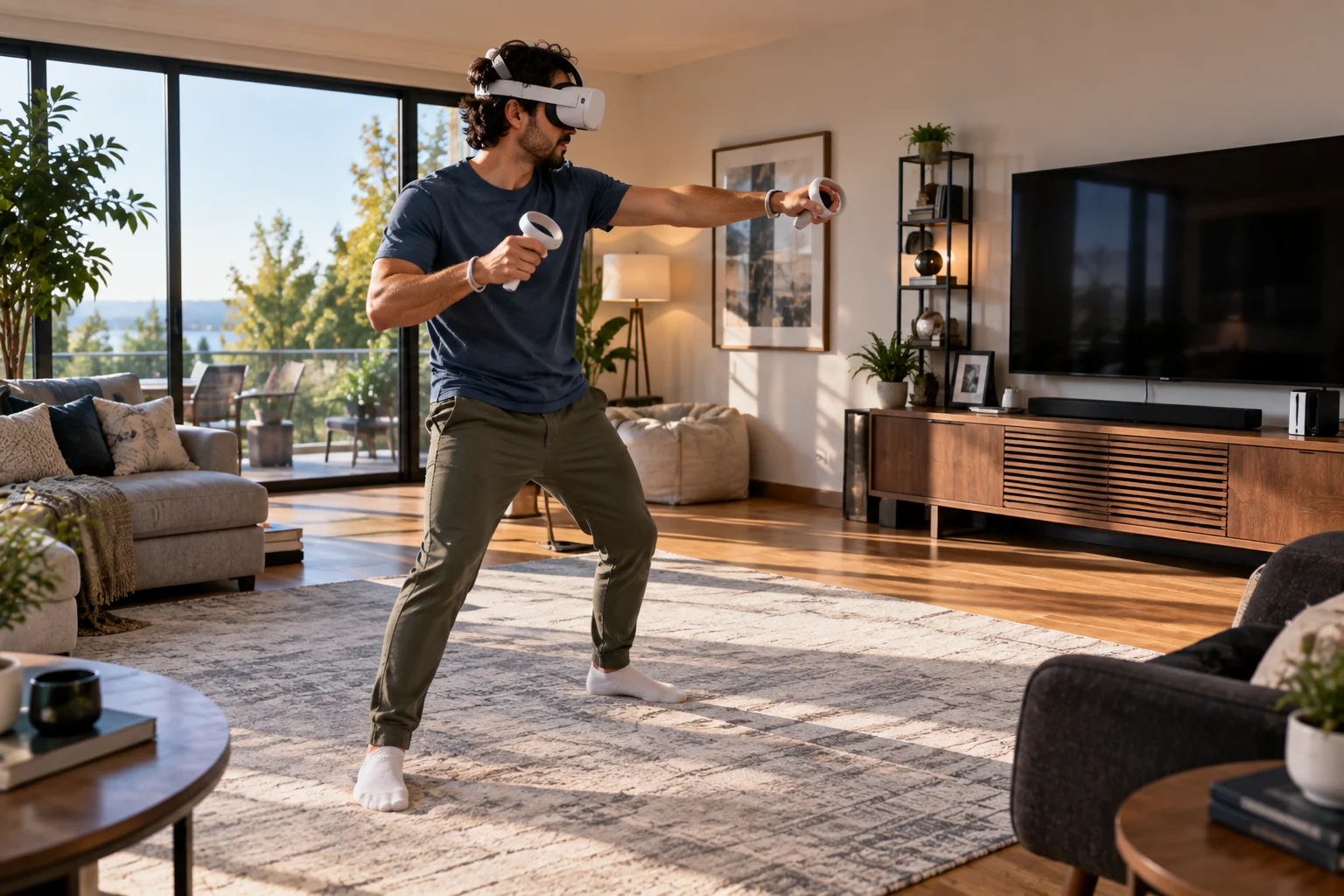
A controller can contain:
Thumbsticks
Triggers
Buttons
Grip controls
Haptic motors
Tracking sensors
That gives developers a much larger set of reliable inputs.
Meta explicitly notes that controllers offer buttons, joysticks and other controls that allow more precise interactions.
Imagine playing a competitive shooting game.
A controller gives you a trigger that physically confirms the action and a thumbstick for continuous movement. With hand tracking, you would need to reproduce those interactions using gestures.
That can work, but it may not feel as precise or responsive.
This is why Meta says hand tracking complements controllers rather than replacing them in every scenario.
Is hand tracking accurate enough for VR gaming?
It can be accurate enough for many interactions, but it still has limitations compared with physical controllers.
The headset needs to see your hands.
That means tracking can become more difficult when your hands are:
Outside the cameras' effective view
Covered by another object
Overlapping each other
Poorly illuminated
Moving rapidly
Hidden beneath clothing or other objects
Apple recommends using Vision Pro in a well-lit environment and keeping hands visible to the headset. It also notes that gloves, long sleeves and large jewelry can affect tracking.
This explains one of the fundamental differences between hands and controllers.
A controller is a dedicated tracking object.
Your hand is much more complicated.
Why do controllers still matter for VR games?
Controllers provide physical buttons, analog movement and haptic feedback that hands alone cannot completely reproduce.
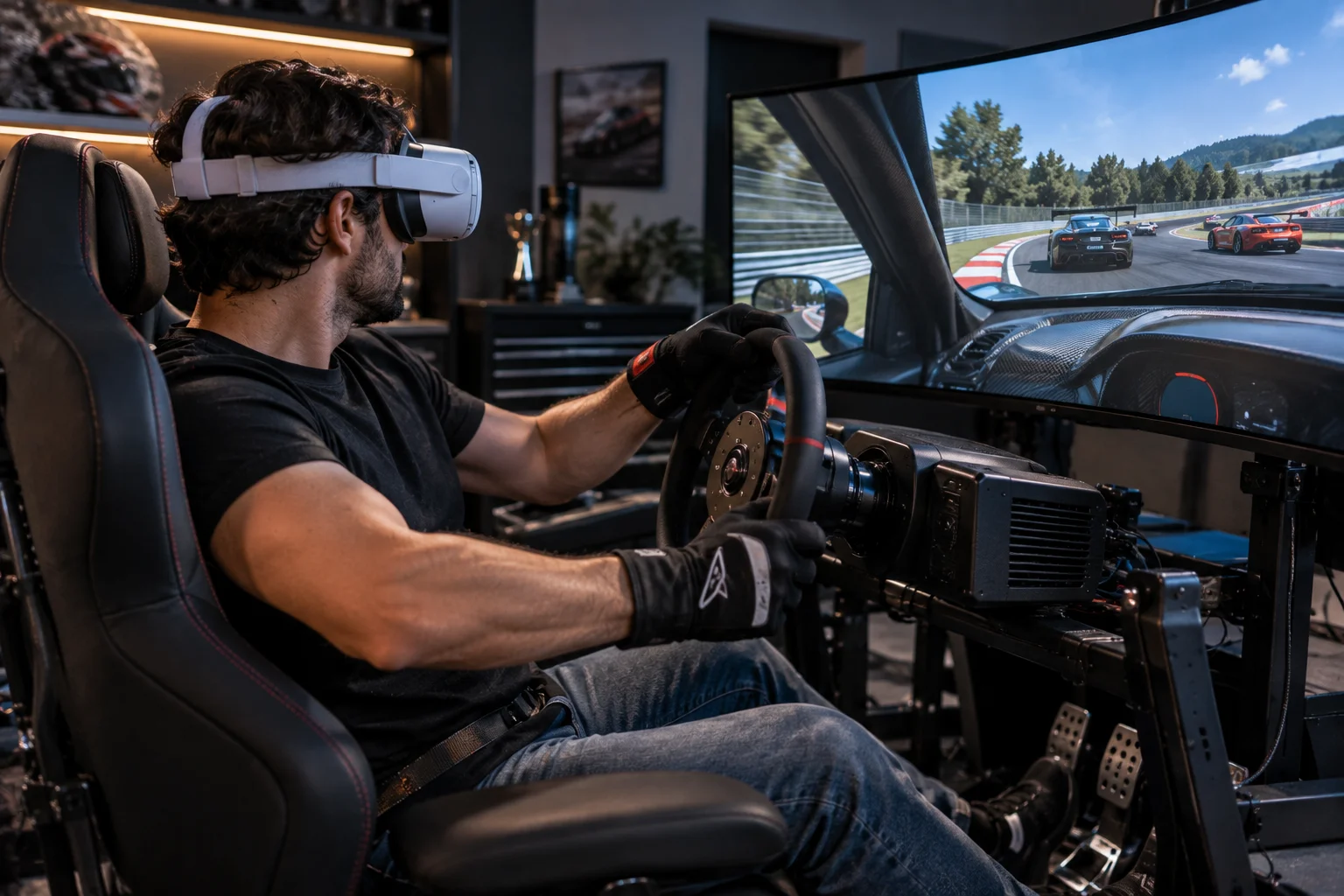
Haptics are particularly important.
When you pull a trigger and feel a vibration, your brain receives physical confirmation that the action occurred.
Bare-hand interaction does not provide that same physical feedback.
Controllers also make certain actions easier to repeat consistently.
For a rhythm game, competitive shooter or simulation, precise physical input can matter considerably.
Meta's development documentation therefore recommends choosing the input method according to the interaction requirements of the experience rather than treating hand tracking as a universal controller replacement.
Is hand tracking changing how VR games are designed?
Yes. Developers increasingly have to design interactions around what a real hand can naturally do rather than simply translating controller buttons into gestures.
This is a subtle but important change.
Meta's guidance says adapting a controller-based application to hand tracking is not simply a matter of remapping buttons. Controllers offer multiple distinct inputs that can be used simultaneously, while hands have fewer independent inputs.
A good hand-tracked game therefore starts with questions such as:
What would the player naturally do with their hands?
Instead of:
Which controller button should perform this action?
That difference can lead to completely different game mechanics.
Are new VR devices becoming controller-free?
Yes. Some newer spatial devices are being designed around eyes and hands as their primary inputs rather than treating controllers as the default.
Meta's 2026 documentation lists Meta VR Glasses as using eyes and hands as primary input, with controllers available separately. Meta says these devices are designed for games that can be played entirely with hand gestures.
That is significant because it changes the hardware assumption.
Instead of asking users to buy a headset and controllers, a future spatial device can be designed around the idea that your body is the controller.
However, Meta also notes that virtual locomotion and gun-based gameplay can still be better suited to Touch Plus controllers.
So even within the same platform, different games may use completely different input systems.
Can hand tracking replace VR controllers completely?
Not yet, and there may not be a reason for it to do so.
Controllers and hand tracking solve different problems.
Interaction | Hand tracking | Controllers |
|---|---|---|
Menus | Excellent | Excellent |
Casual gestures | Excellent | Good |
Puzzle interactions | Very good | Very good |
Social interaction | Natural | Less natural |
Precise aiming | Limited | Excellent |
Analog movement | Limited | Excellent |
Haptic feedback | Limited | Excellent |
Button-heavy games | Limited | Excellent |
Casual mixed-reality apps | Excellent | Good |
The more interesting future is probably hybrid input.
You might use your hands to interact with a virtual computer, pick up objects and navigate menus, then grab controllers when you launch a game that requires precision.
What is Apple doing differently with hand-controlled games?
Apple has built visionOS around eye and hand interaction, making gesture-based input a fundamental part of the platform rather than an optional feature.
VisionOS supports direct interaction with virtual objects as well as indirect interaction, where you look at something and use a small hand gesture to control it.
That can make games feel less like traditional VR.
Instead of pointing a controller at a menu and pulling a trigger, you can look at an object and pinch.
For some experiences, that is considerably more intuitive.
Apple also supports external game controllers, recognizing that some games need more physical input than gestures can provide.
What are the biggest problems with controller-free VR?
Tracking reliability, limited input complexity, lack of physical feedback and player fatigue remain important challenges.
The biggest issue is that your hands do not have buttons.
Developers must communicate actions visually and through gestures.
There is also the problem of physical fatigue. A game that requires repeatedly holding your hands in front of your body can become uncomfortable.
Apple's developer guidance specifically discusses using indirect interaction to reduce large repetitive arm movements during longer experiences.
Good hand-tracked VR therefore needs more than accurate tracking.
It needs good interaction design.
What does the future of VR gaming look like?
VR gaming is likely to become more flexible, with hand tracking, controllers, eye tracking and other input methods working together.
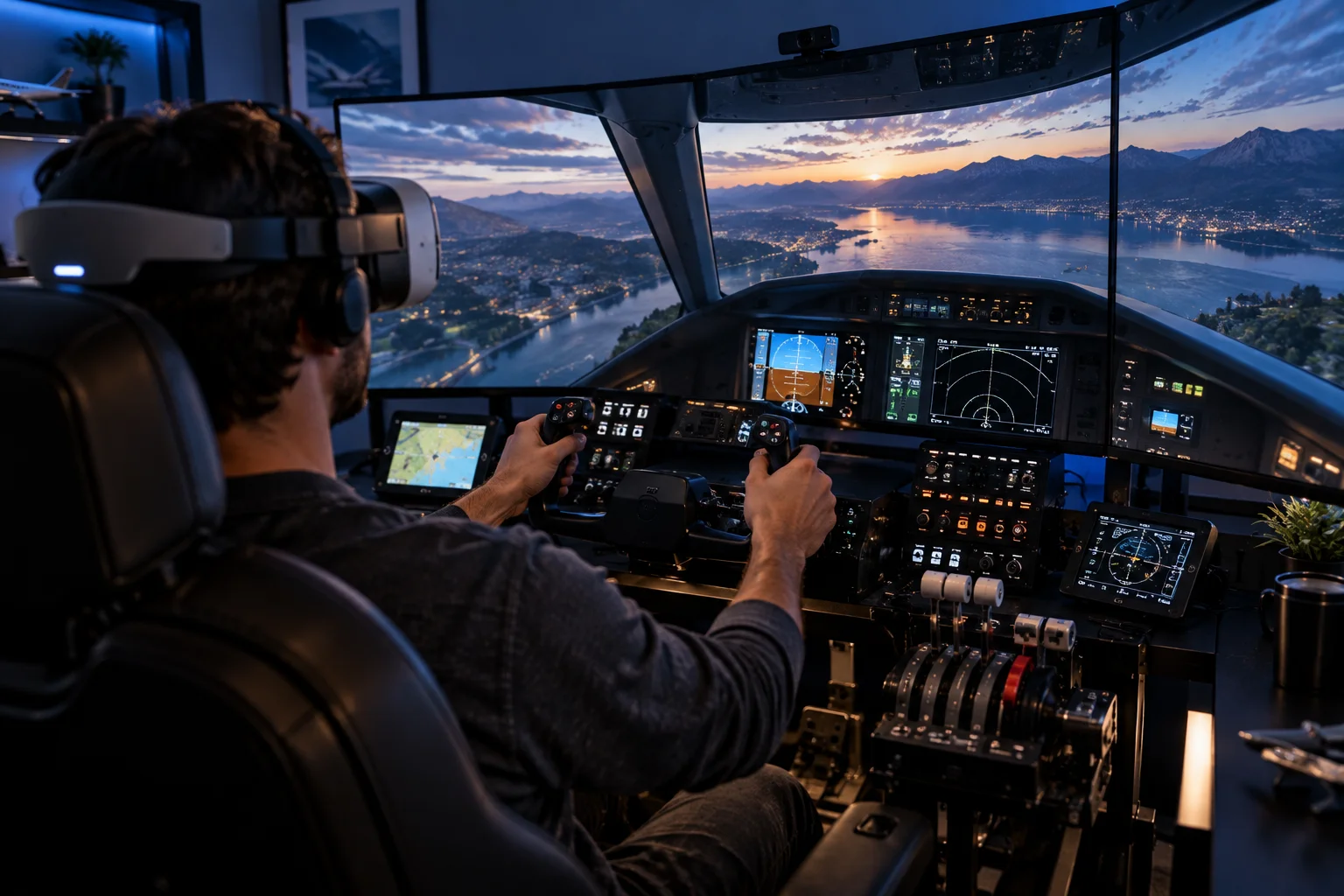
The biggest change may not be that controllers disappear.
It is that players increasingly won't have to think about the input device at all.
A casual game could recognize your hands automatically.
A puzzle could let you grab objects naturally.
A social application could use gestures and eye contact.
A competitive shooter could switch to physical controllers for precision.
That flexibility is already visible in current Meta and Apple platforms. Meta supports controllers and hands as complementary input methods, while Apple combines eye and hand interaction with support for external game controllers.
The result could be a more natural form of VR where the best controller is sometimes no controller at all.
Can VR Games Be Played Without Controllers FAQs
Can you play VR games with just your hands?
Yes, provided the headset and game support hand tracking. Meta Quest supports hands-only input, while visionOS is designed around eye and hand interaction.
Are VR controllers becoming obsolete?
No. Controllers remain useful for precise aiming, locomotion, button-heavy gameplay and haptic feedback. Hand tracking is better understood as another input method.
Can you play shooting games without VR controllers?
Some games can support hand-based shooting or gesture controls, but physical controllers generally provide more precise aiming, triggers, movement controls and haptic feedback.
Does Meta Quest support hand tracking?
Yes. Meta Quest supports hand tracking either alongside controllers or as a hands-only input mode.
Does Apple Vision Pro need controllers?
No. Vision Pro's primary interaction model uses eyes and hands. External controllers are supported for games that benefit from physical input.
Is hand tracking better than controllers?
Neither is universally better. Hands are more natural for gestures and direct interaction, while controllers provide greater precision, physical buttons and haptic feedback.
What games work best with hand tracking?
Puzzle games, casual games, social experiences, educational applications and games built around grabbing, pointing, pinching and manipulating virtual objects are particularly well suited to hand tracking.
Will future VR headsets eliminate controllers?
Some devices are increasingly designed around controller-free interaction, but current platform guidance suggests controllers will remain useful for experiences requiring precise or complex input.