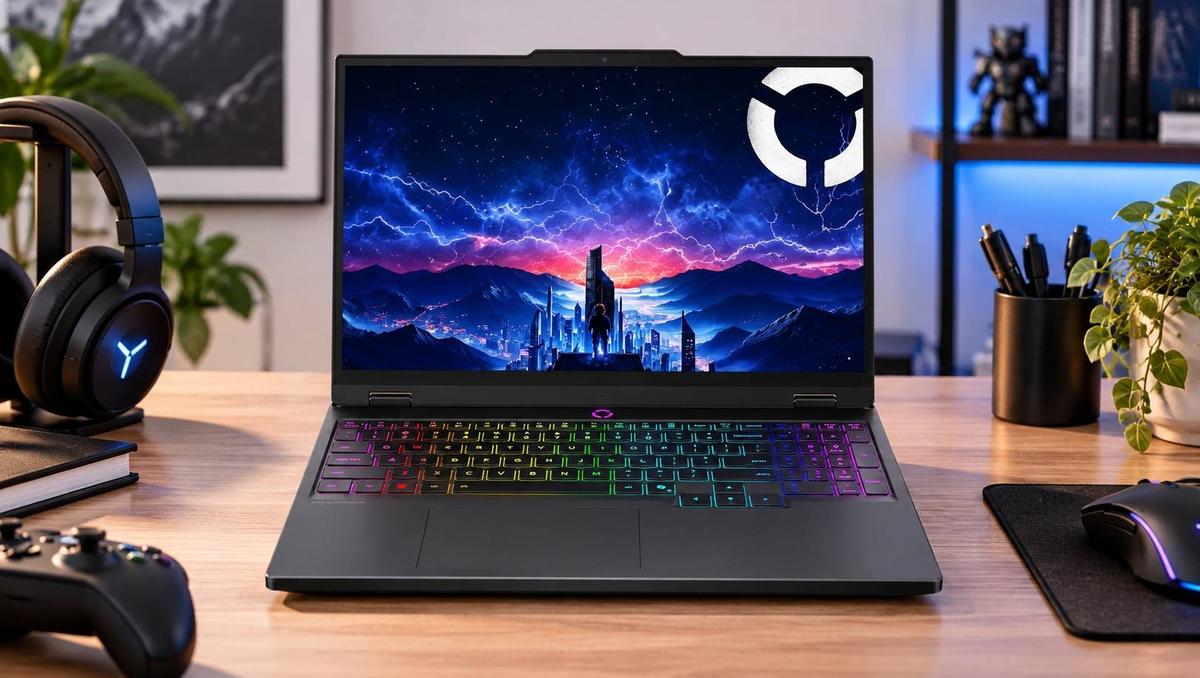
The best PcComponentes gaming accessories deals are the ones that improve comfort, precision or sound quality without making you pay for features you will rarely use. A mechanical keyboard can improve typing feel, a lightweight wireless mouse can help with competitive gaming, and a comfortable headset can make long sessions more enjoyable.
At PcComponentes, Spain's technology retailer, you can compare gaming keyboards, wireless mice, headsets, controllers and accessories across different price points. Its gaming peripherals section features products from brands including Logitech, Corsair, Razer, Newskill and Tempest, alongside the retailer's own PcCom range.
The live catalogue currently includes options such as the Newskill Pyros PRO mechanical wireless keyboard, Logitech G305 LIGHTSPEED wireless mouse and Logitech G Pro X wireless headset. Prices and promotions change, so check the product pages for current stock, delivery terms and whether the item is sold directly by PcComponentes or a marketplace seller.
This guide compares the features worth paying for, from budget gaming bundles to premium peripherals, so you can upgrade your setup without overspending.
Best Gaming Keyboards: Mechanical vs Budget Membrane
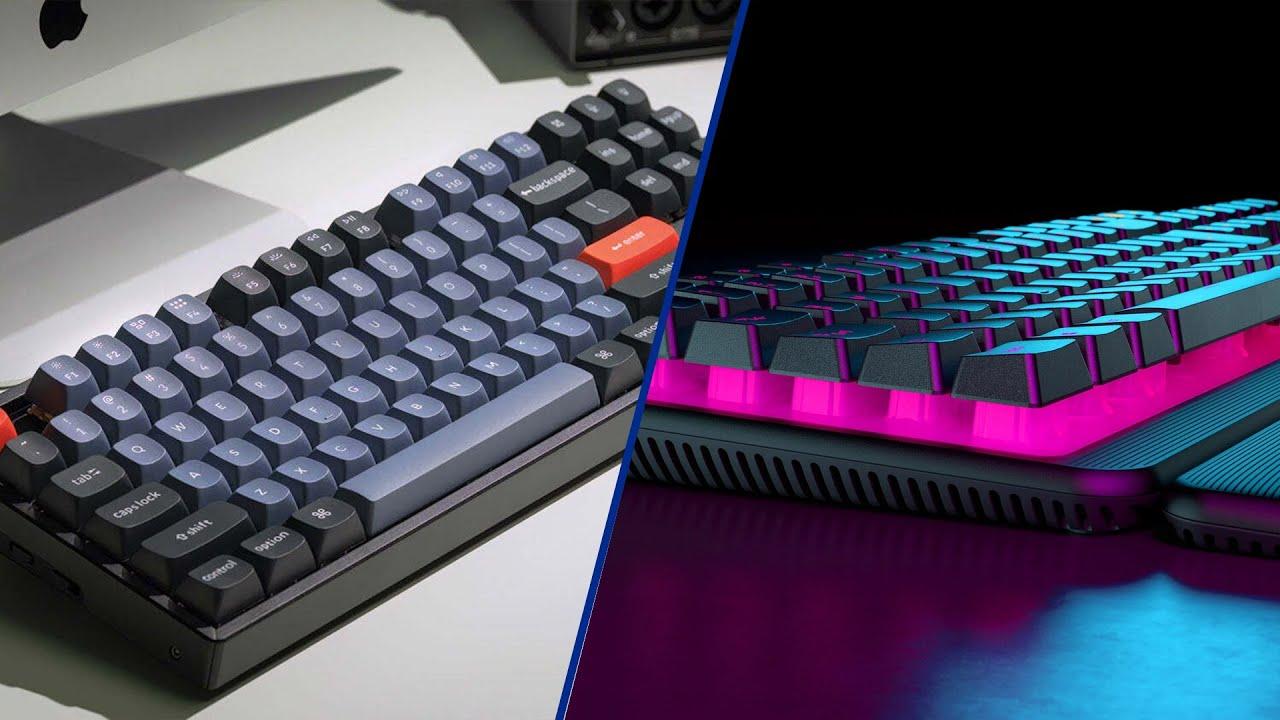
A mechanical keyboard is worth considering if you value distinct key feedback, switch choice and customisation, while a membrane keyboard is usually the cheaper option for casual gaming and everyday use. The right choice depends on how often you play, how much you type and whether noise matters.
Mechanical keyboards use individual switches beneath their keys. They can offer consistent actuation, different switch feels and, on some models, hot-swappable switches that make customisation easier. Membrane keyboards use a different mechanism that is generally quieter and often more affordable.
PcComponentes' current catalogue includes the following examples:
Tempest K11 Ogre: A budget mechanical gaming keyboard listed around €24.99, suitable for shoppers who want mechanical switches without spending much.
Logitech G413 TKL SE: A compact mechanical model listed around €44.99, worth comparing if you prefer a smaller layout.
Newskill Pyros PRO: A wireless 75% mechanical keyboard with hot-swappable switches, listed around €66.11 during research.
Keychron K10 HE: A premium wireless magnetic-switch keyboard listed around €164.99, aimed at users who want more advanced switch technology and customisation.
These are observed listings, not guaranteed future prices. Check the PcComponentes gaming keyboard category for current offers.
Pay extra for features that genuinely help you. Hot-swappable switches are useful if you enjoy customising a keyboard, while a compact TKL or 75% layout can free up desk space for mouse movement. RGB lighting looks attractive but does not improve performance on its own.
For Spanish users, check the keyboard layout carefully. An ES layout includes the ñ key and Spanish punctuation positions, which can make everyday typing much more convenient.
Best Wireless Gaming Mice for Competitive and Casual Players
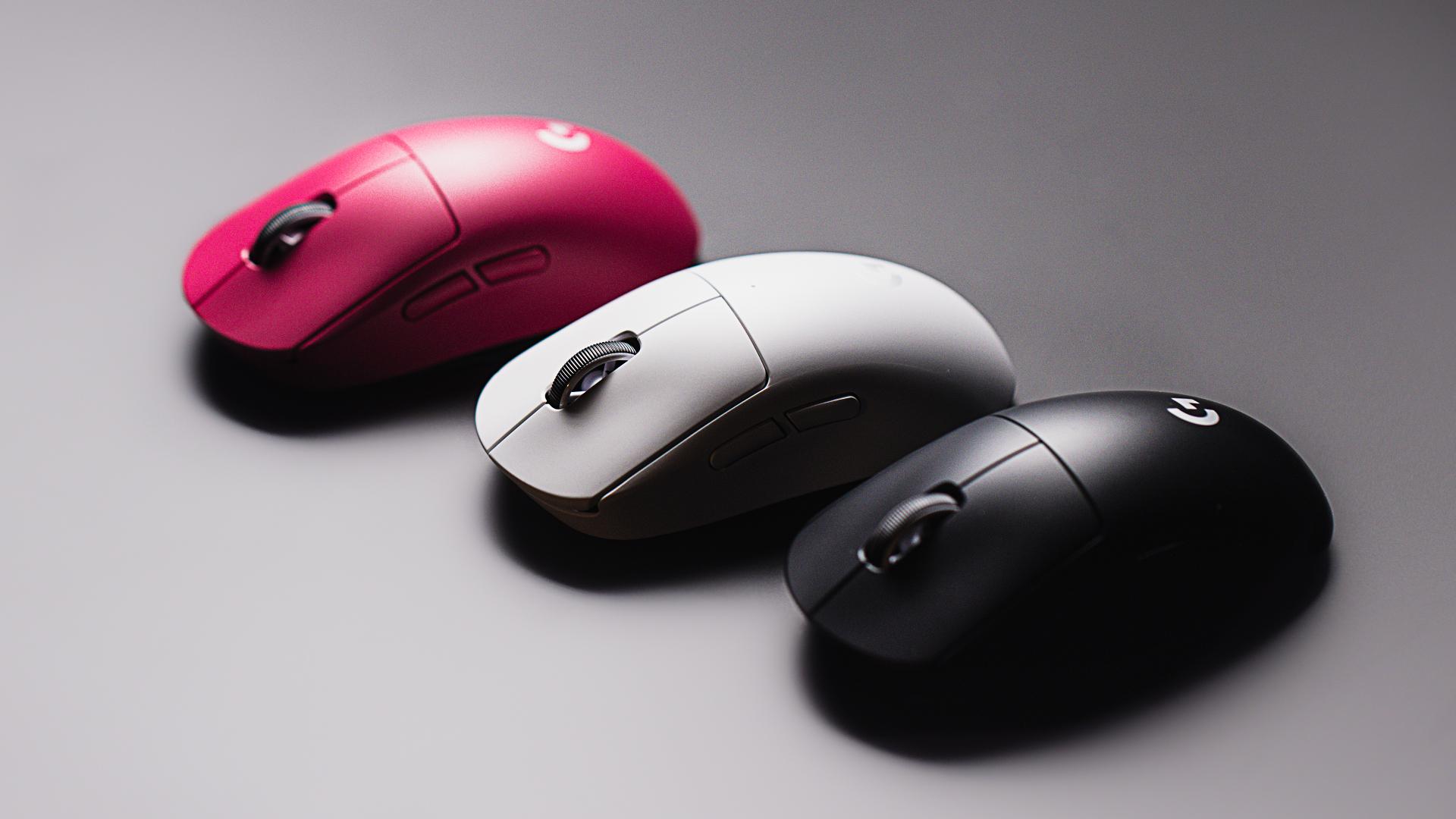
A good wireless gaming mouse should feel comfortable in your hand, track accurately and offer reliable low-latency connectivity. You do not need the highest advertised DPI rating to play well; sensor quality, weight, shape and button placement usually matter more.
PcComponentes currently lists several options at different prices:
Mouse | Observed price | Best suited for |
|---|---|---|
Logitech G203 LIGHTSYNC | €22.95 | Budget wired gaming |
Logitech G305 LIGHTSPEED | €34.99 | Affordable wireless gaming |
Razer Viper V3 HyperSpeed | €51.99 | Lightweight competitive play |
Logitech PRO X SUPERLIGHT | €79.27 | Premium lightweight wireless gaming |
Prices are examples observed during research and can change. Check the gaming peripherals catalogue for the latest listings.
The Logitech G305 is a practical starting point if you want wireless connectivity without paying for a flagship model. The Razer Viper V3 HyperSpeed is worth considering if you prefer a lightweight shape for fast movements, while the PRO X SUPERLIGHT targets competitive players who prioritise low weight and responsive tracking.
Before buying, consider:
Weight and shape: Choose a mouse that fits your grip and hand size.
Sensor performance: Look for consistent tracking rather than focusing only on maximum DPI.
Connectivity: A 2.4GHz USB receiver is generally preferable to Bluetooth for latency-sensitive gaming.
Battery life: Check whether the mouse uses a rechargeable battery or replaceable batteries.
Buttons: Extra programmable buttons are useful for certain games, but unnecessary for some competitive players.
If you mainly play strategy games, use productivity software or prefer a heavier mouse, an expensive ultralight model may offer little practical benefit.
Best Gaming Headsets for Clear Sound and Comfortable Sessions
A good gaming headset should deliver clear positional audio, a usable microphone and enough comfort for long sessions. Wireless connectivity and premium surround-sound features can be worthwhile, but they should not come at the expense of fit or sound quality.
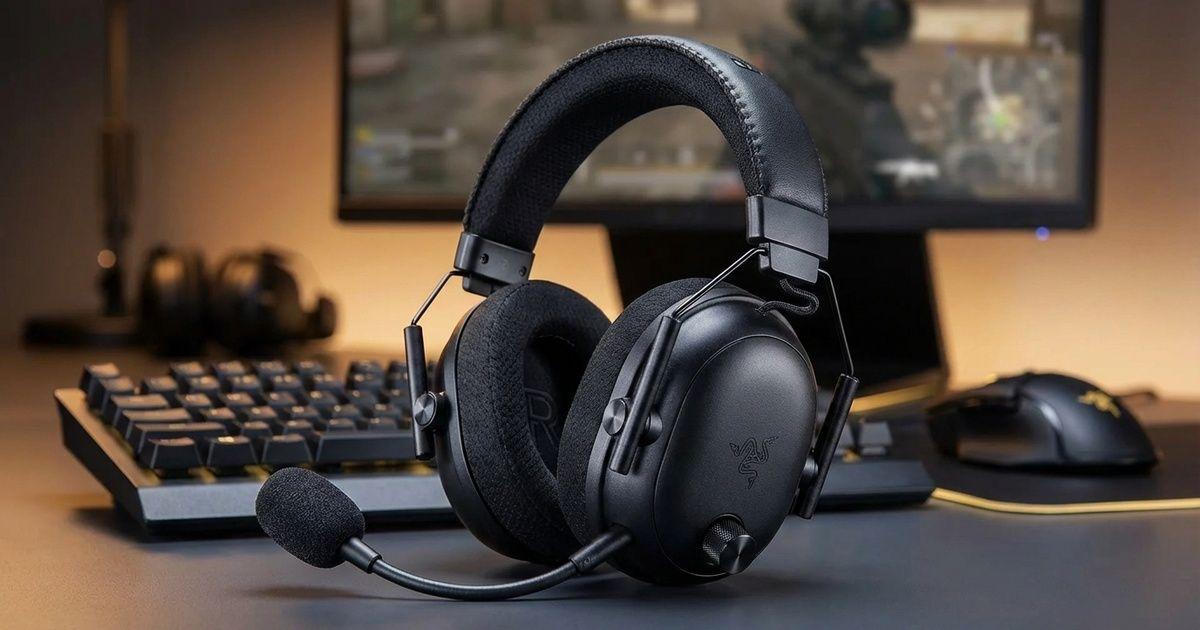
PcComponentes' current peripherals listings include the Logitech G Pro X wireless gaming headset at around €119.99, compared with a displayed recommended price of €229. Its features make it worth considering for players who want wireless convenience and a more premium gaming headset.
For a tighter budget, consider a wired headset or a gaming bundle that includes headphones alongside a keyboard and mouse. The PcComponentes gaming peripherals page includes options at different price points.
When comparing headsets, check:
Microphone quality: Important for team chat, calls and streaming.
Comfort: Ear-cup material, clamping force and weight matter during long sessions.
Connectivity: Wired USB, 3.5mm audio and wireless options suit different devices.
Battery life: Relevant if you choose a wireless headset.
Platform compatibility: Confirm support for your PC, PlayStation, Xbox or other device.
Audio profile: Competitive players may prioritise directional clarity, while others may prefer fuller sound for music and cinematic games.
Do not pay extra for virtual surround sound or software features unless they work well with the games you play. A comfortable mid-range headset can be a better everyday purchase than a more expensive model that fits poorly.
Controller Accessories: What Is Worth Buying?
Controller accessories are worth the money when they improve comfort, control or compatibility with the games and platforms you use. The right accessory depends on whether you play on PC, PlayStation, Xbox or Nintendo Switch.
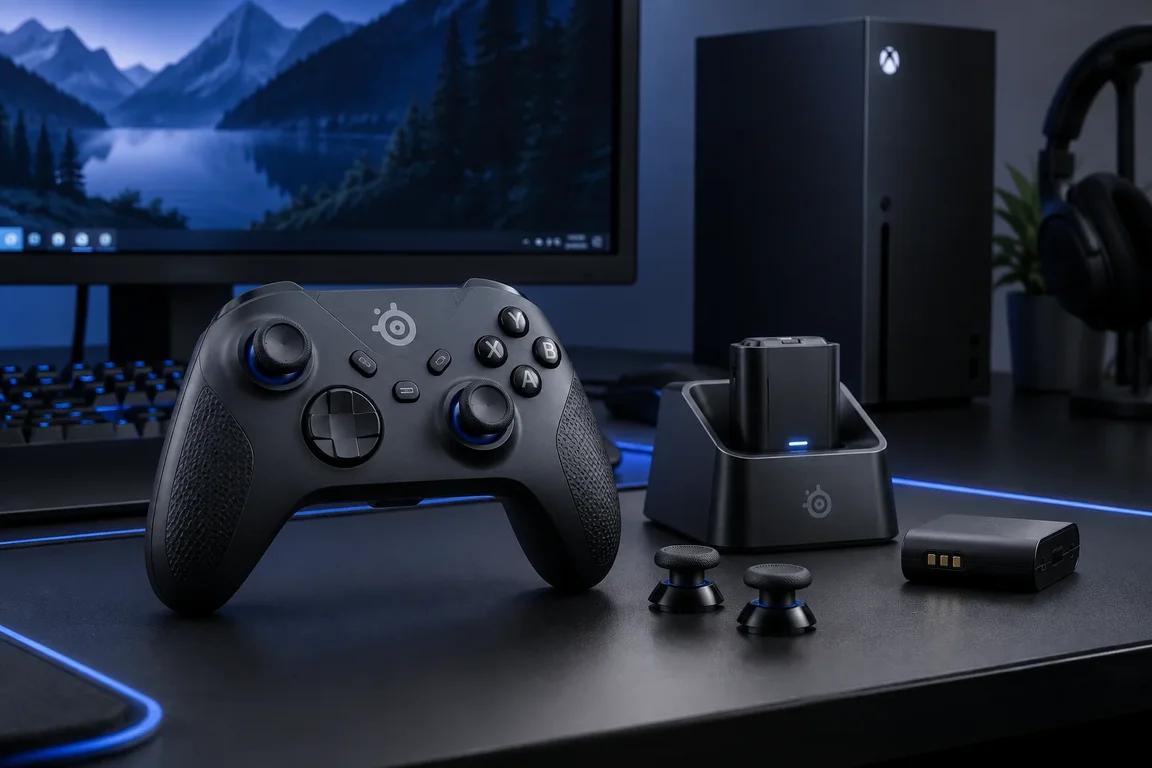
Consider these options when browsing PcComponentes:
Extra wireless controller: Useful for local multiplayer or as a replacement for a worn controller. Check compatibility with your platform before ordering.
Charging dock: Convenient for keeping compatible wireless controllers charged and organised.
Thumb grips: An inexpensive way to change grip and feel, although they will not improve every player's accuracy.
Controller charging cable: A simple, low-cost accessory if your controller supports wired play or charging.
Racing wheel and pedals: A more expensive upgrade for players who regularly enjoy racing simulators. Check platform compatibility and the games supported.
You can explore the gaming peripherals section at PcComponentes, which includes gamepads, steering wheels and other accessories.
For most players, a comfortable controller and a reliable charging solution are more useful than decorative accessories. If you play competitive shooters, a mouse and keyboard may be a more effective upgrade than buying a premium controller you rarely use.
How Much Should You Spend on Gaming Accessories?
Spend first on the peripheral that limits your gaming experience, then upgrade the rest of your setup as your budget allows. You can build a capable gaming accessory setup without buying flagship products across every category.
Use these budget ranges as a starting point:
Budget | What to consider | Best for |
|---|---|---|
Under €30 | Budget keyboard, wired mouse or basic accessories | Casual gaming and first upgrades |
€30–€70 | Entry-level mechanical keyboard, wireless mouse or basic headset | A balanced budget setup |
€70–€150 | Better mechanical keyboards, lightweight wireless mice or mid-range headsets | Regular gaming |
Over €150 | Premium wireless peripherals, advanced keyboards and specialist controllers | Enthusiasts and competitive players |
These are planning ranges rather than guaranteed prices. Bundles can offer good value if you need several accessories at once. For example, PcComponentes has listed the Tempest Oblivion Pro pack, which includes a mechanical keyboard, headset, mouse and mouse pad, at around €44.99 during research.
A bundle is particularly attractive when you are building your first setup. However, if you already own a decent keyboard or headset, buying individual components can deliver better quality where you need it most.
How to Find Genuine PcComponentes Gaming Accessories Deals
Compare the current selling price, specifications and included features rather than relying only on the advertised discount percentage. PcComponentes regularly features technology promotions, limited-time discounts and selected gaming bundles.
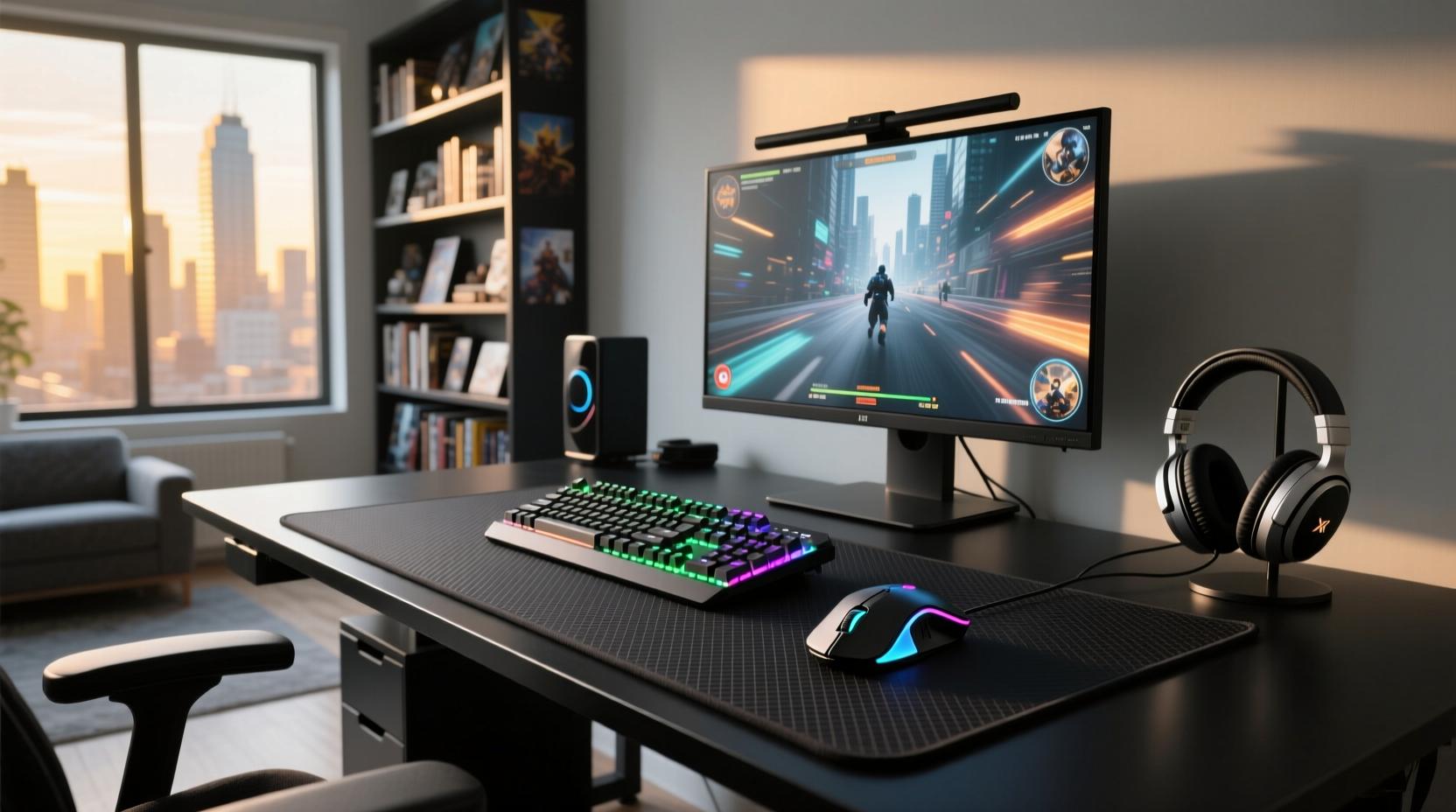
Start with the retailer's gaming peripherals page and current campaigns and offers. These pages are useful for checking promotions across keyboards, mice, headsets and controllers.
Before purchasing:
Compare the exact model across available listings.
Check whether the product is wired or wireless.
Confirm the keyboard layout and platform compatibility.
Review battery life, weight and connection options where relevant.
Check who sells and ships the product.
Read the return conditions and delivery estimates.
PcComponentes' promotional prices and stock can change. A product with a large discount is not necessarily better value than a similar model with the features you actually need.
Conclusion: Which PcComponentes Gaming Accessories Should You Buy?
For a budget setup, prioritise a comfortable mouse and a dependable keyboard; for a more advanced setup, consider a mechanical keyboard, a lightweight wireless mouse and a headset with clear audio and a good microphone. Controller accessories are worth adding when they support how you play.
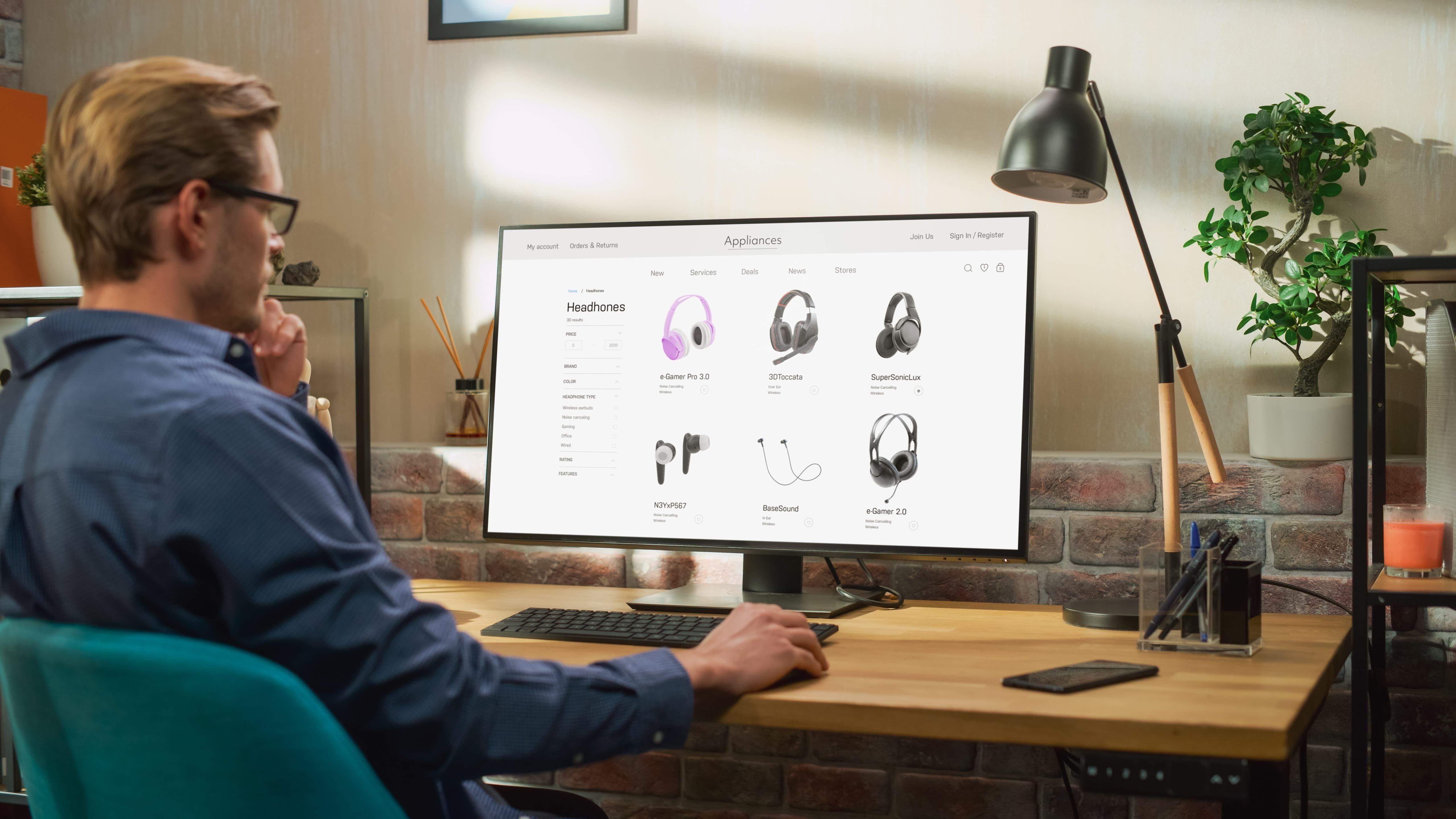
The Tempest K11 Ogre is worth comparing for an affordable mechanical keyboard, the Logitech G305 is a practical wireless mouse option, and the Logitech G Pro X wireless headset is worth considering for a premium audio upgrade. Check current prices and availability before making your final choice.
Visit PcComponentes to compare its latest gaming accessories and promotions. Focus on features that improve comfort, control and sound quality, and avoid paying extra for specifications that will make little difference to your everyday gaming.
FAQs
Are mechanical keyboards worth it for gaming?
They can be. Mechanical keyboards offer distinct switch feedback and more customisation options than many membrane models. However, a good membrane keyboard can still be suitable for casual gaming.
Is a wireless gaming mouse as good as a wired mouse?
Modern wireless gaming mice with dedicated 2.4GHz receivers can offer low latency and responsive tracking. They are convenient, although you need to consider battery life and charging.
What is the best gaming headset budget?
A budget of €30–€70 can cover basic gaming headsets, while spending more may get you improved comfort, microphone quality or wireless connectivity. Fit and sound quality matter more than price alone.
Should I buy a gaming keyboard and mouse bundle?
A bundle can be good value if you need several peripherals at once. If you already own some equipment, compare individual products to avoid paying for accessories you do not need.
Does PcComponentes have ongoing gaming accessory promotions?
Yes. PcComponentes maintains dedicated gaming peripherals and offers pages featuring changing discounts and bundles. Check the live listings for current prices, availability and promotion conditions.
Which gaming accessories should I upgrade first?
Start with the peripheral that causes the biggest problem. For competitive PC gaming, that might be your mouse; for long gaming sessions, a more comfortable headset may matter more. A keyboard upgrade is worthwhile if you dislike your current switches or layout.