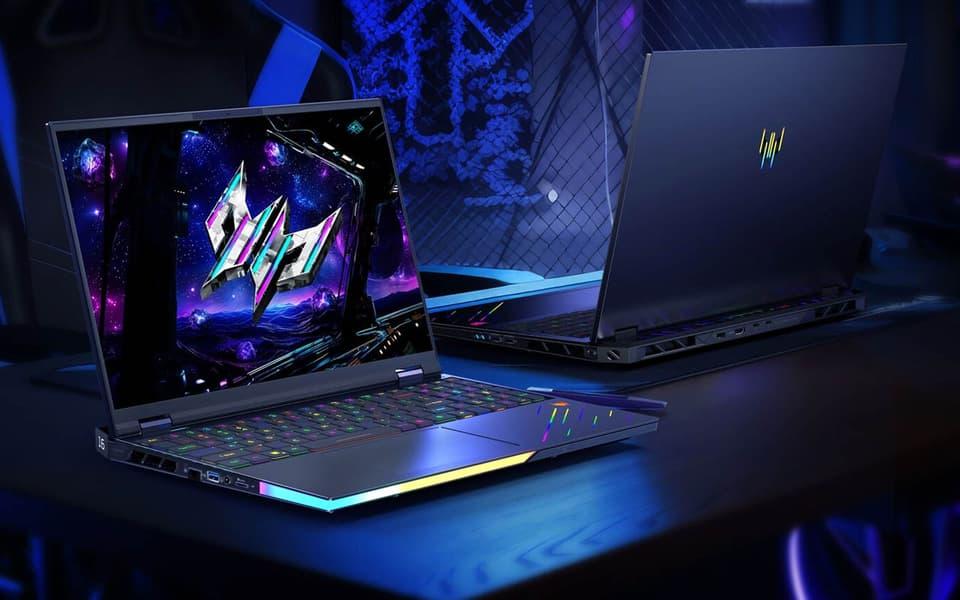
PcComponentes currently lists several gaming laptops below €1,500, including models with NVIDIA RTX 5050 and RTX 5060 GPUs, as well as selected RTX 5070 configurations. The strongest value often comes from balancing GPU performance with cooling, memory, screen quality and the price of any operating-system upgrade you may need.
Here are some live listing examples from PcComponentes' Spanish catalogue during research:
Gaming laptop | Key specifications | Listed price |
|---|---|---|
Lenovo LOQ 15IRX10 | Core i7-13645HX, RTX 5060, 16GB RAM, 512GB SSD | €999 |
MSI Cyborg 15 B13WFKG | Core i7-13620H, RTX 5060, 16GB RAM, 1TB SSD | €1,099 |
Acer Nitro V 15 | Core i9-13900H, RTX 5060, 32GB RAM, 1TB SSD | €1,199 |
Lenovo Legion 5 15AHP11 | Ryzen 7 250, RTX 5060, 32GB RAM, 512GB SSD, OLED display | €1,299 |
These prices appeared on PcComponentes' gaming laptop listings and its Black Friday campaign page. Stock, discounts and seller terms can change, so verify the live product page before purchasing. Some configurations are sold without Windows, which can affect the total cost.
Which Laptop GPU Is Best for Gaming at 1080p and 1440p?
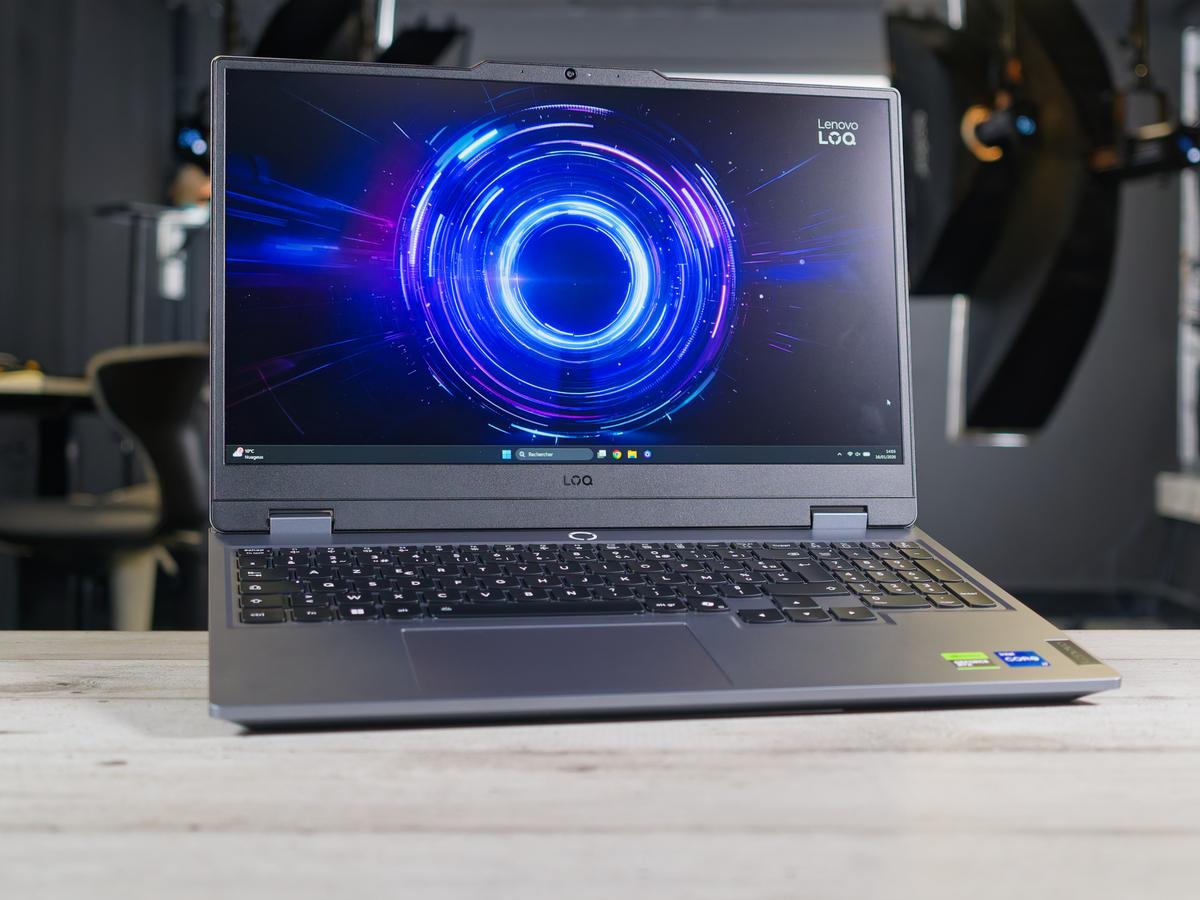
An RTX 5050 is a reasonable entry point for 1080p gaming, while an RTX 5060 is a more attractive target for players who want stronger performance and more headroom. The RTX 5070 offers another step up where a suitable configuration fits within your €1,500 budget.
Laptop GPU | Best use | What to consider |
|---|---|---|
RTX 5050 | 1080p gaming | Entry-level price and settings flexibility |
RTX 5060 | 1080p high refresh rate and selected 1440p games | Strong all-round balance |
RTX 5070 | Demanding 1440p gaming | Worth paying more if performance gains justify it |
Laptop GPU performance depends on more than the model name. Power limits, cooling and the laptop's design can affect sustained performance, so compare independent reviews of the exact machine where possible.
For most buyers under €1,500, the RTX 5060 is a sensible starting point. Browse the PcComponentes gaming laptop catalogue and compare GPU configurations rather than selecting a laptop based on its processor or discount alone.
Why Cooling and Display Refresh Rates Matter
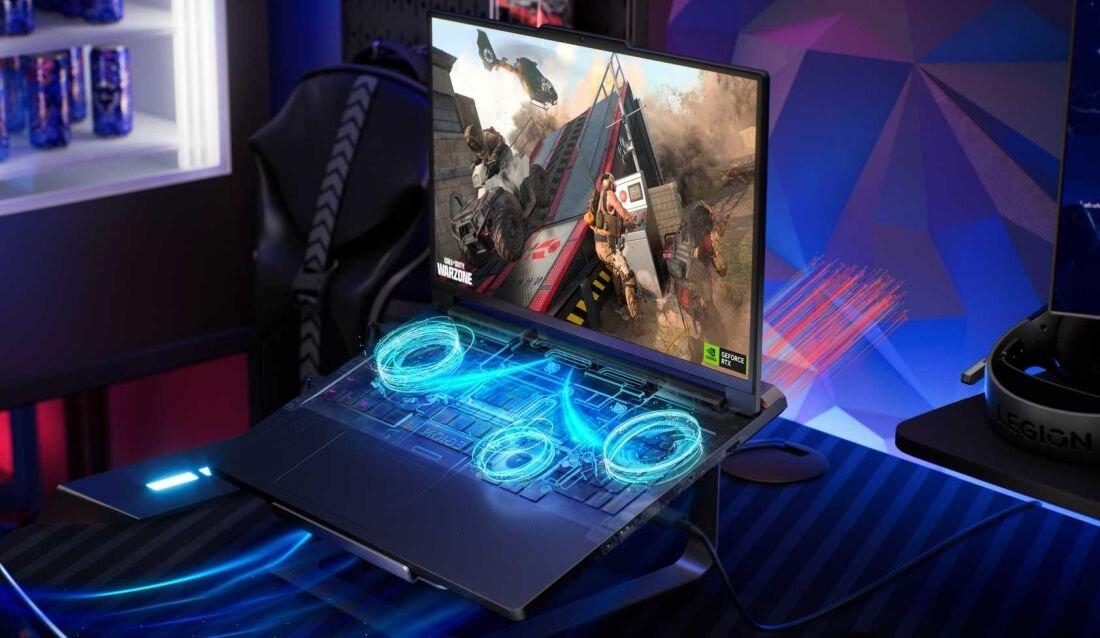
A well-cooled gaming laptop can sustain performance for longer, while a high-refresh-rate display makes fast games feel smoother when the GPU can deliver enough frames. Both features matter when comparing laptops with similar graphics hardware.
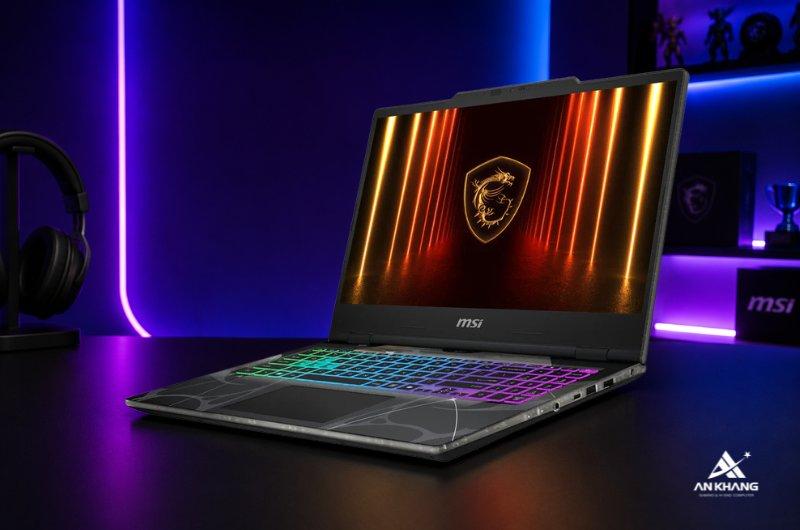
Look for clearly designed air intakes, exhaust vents and reviews that discuss fan noise and temperatures under sustained gaming loads. Thin laptops are easier to carry but may have less thermal headroom than larger gaming systems.
For displays, 144Hz is a useful target for competitive gaming at 1080p. A 165Hz or faster panel can be attractive if your games regularly reach those frame rates. For visually demanding games, image quality, resolution, brightness and colour coverage may matter more than chasing the highest refresh rate.
Also check whether the display is Full HD or QHD. A higher-resolution panel can look sharper, but it demands more GPU performance. Match the screen to the graphics hardware rather than paying for a resolution you cannot comfortably drive in your preferred games.
Processor, RAM and SSD: What Should You Prioritise?
A modern Core i7 or Ryzen 7 with 16GB RAM is a good starting point, while 32GB RAM and a 1TB SSD offer extra flexibility if the budget allows. The GPU remains the main gaming priority, but a balanced configuration helps avoid unnecessary limitations.
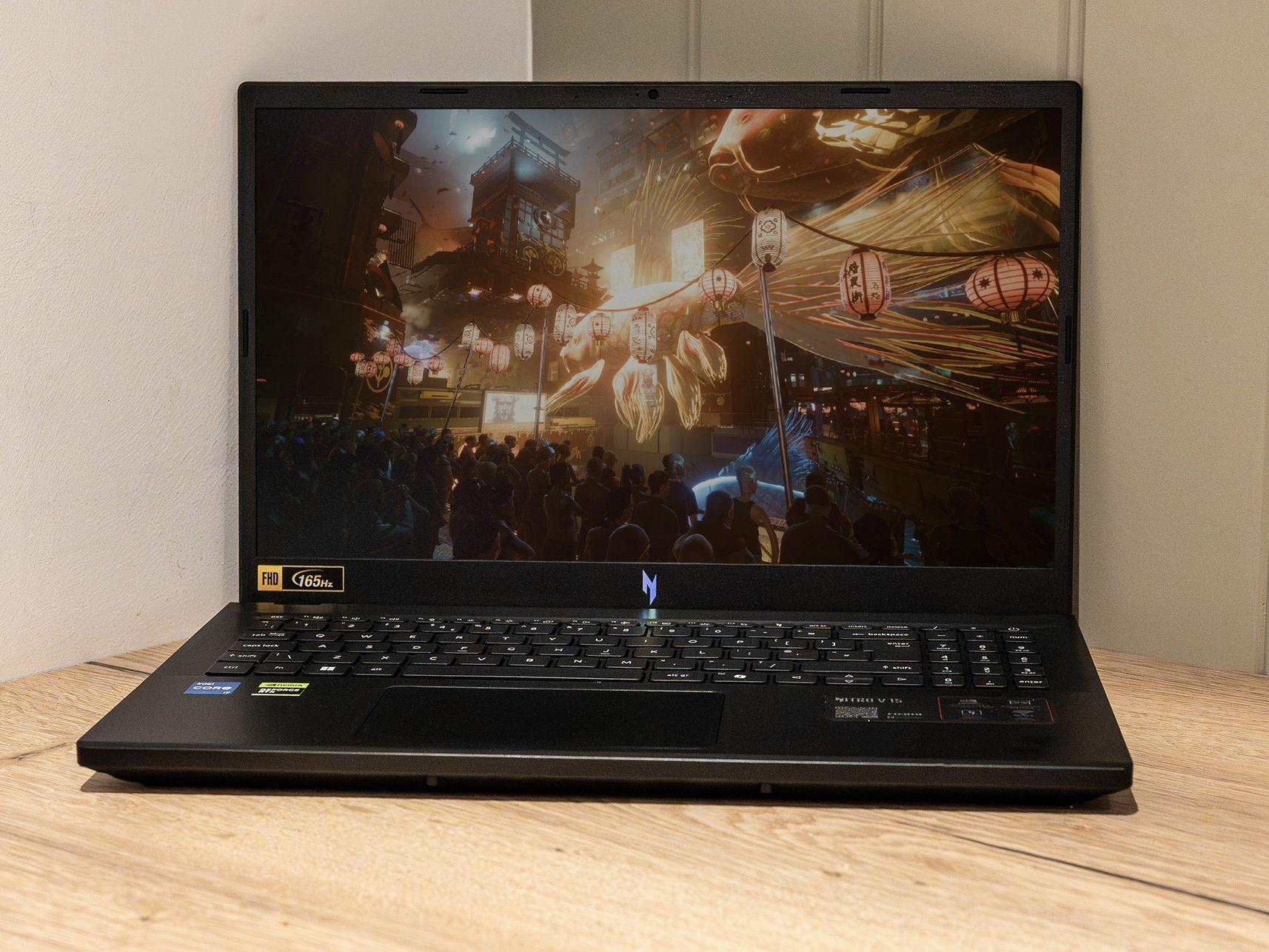
For gaming and everyday use:
Processor: Compare the exact generation and model. An expensive Core i9 is not automatically the best purchase if a Core i7 system has a stronger overall configuration.
RAM: Aim for 16GB at minimum. Choose 32GB if you multitask heavily, create content or want more headroom.
SSD: A 512GB drive works, but large games can fill it quickly. A 1TB SSD is more convenient if you install many titles.
Operating system: Check whether Windows is included. Some PcComponentes laptops ship with FreeDOS or no operating system, so installation and licence costs may affect the final budget.
How to Find the Best PcComponentes Gaming Laptop Offers
Compare the final price, specifications, seller and promotion conditions before buying. PcComponentes maintains a dedicated campaigns and offers section, where current discounts and limited-time deals may appear.
Before ordering, verify the product's live price and stock, check whether it is sold and shipped by PcComponentes or a marketplace seller, and read the delivery and return conditions. Discounts shown against recommended retail prices do not always mean that a product is the best value in its category.
Conclusion: Which Gaming Laptop Under €1,500 Should You Buy?
For most gamers, an RTX 5060 laptop with 16GB or 32GB RAM and an SSD is the strongest starting point under €1,500. The Lenovo LOQ can suit value-focused buyers, the MSI Cyborg offers a configuration with more storage, and the Lenovo Legion 5 is worth comparing if you want an OLED display.
Check current availability on PcComponentes, compare cooling and display quality, and include any operating-system costs before deciding.
FAQs
Is an RTX 5060 laptop good for gaming?
Yes. It is a strong option for 1080p gaming and can handle selected 1440p games, depending on settings and the laptop's power limits.
Is 16GB RAM enough for a gaming laptop?
It is sufficient for many games and everyday tasks. Choose 32GB if you frequently multitask or use demanding creative applications.
Is a 144Hz display worth it?
Yes, particularly for competitive games where smoother motion and responsiveness matter. For cinematic games, display quality and resolution may be equally important.
Should I choose an RTX 5060 or RTX 5070 laptop?
Choose the RTX 5070 if its performance advantage justifies the extra cost. For a balanced gaming laptop under €1,500, the RTX 5060 may offer better overall value.
Do PcComponentes gaming laptops include Windows?
Not always. Some models ship with FreeDOS or without an operating system. Check the listing and account for any additional licence or installation costs.