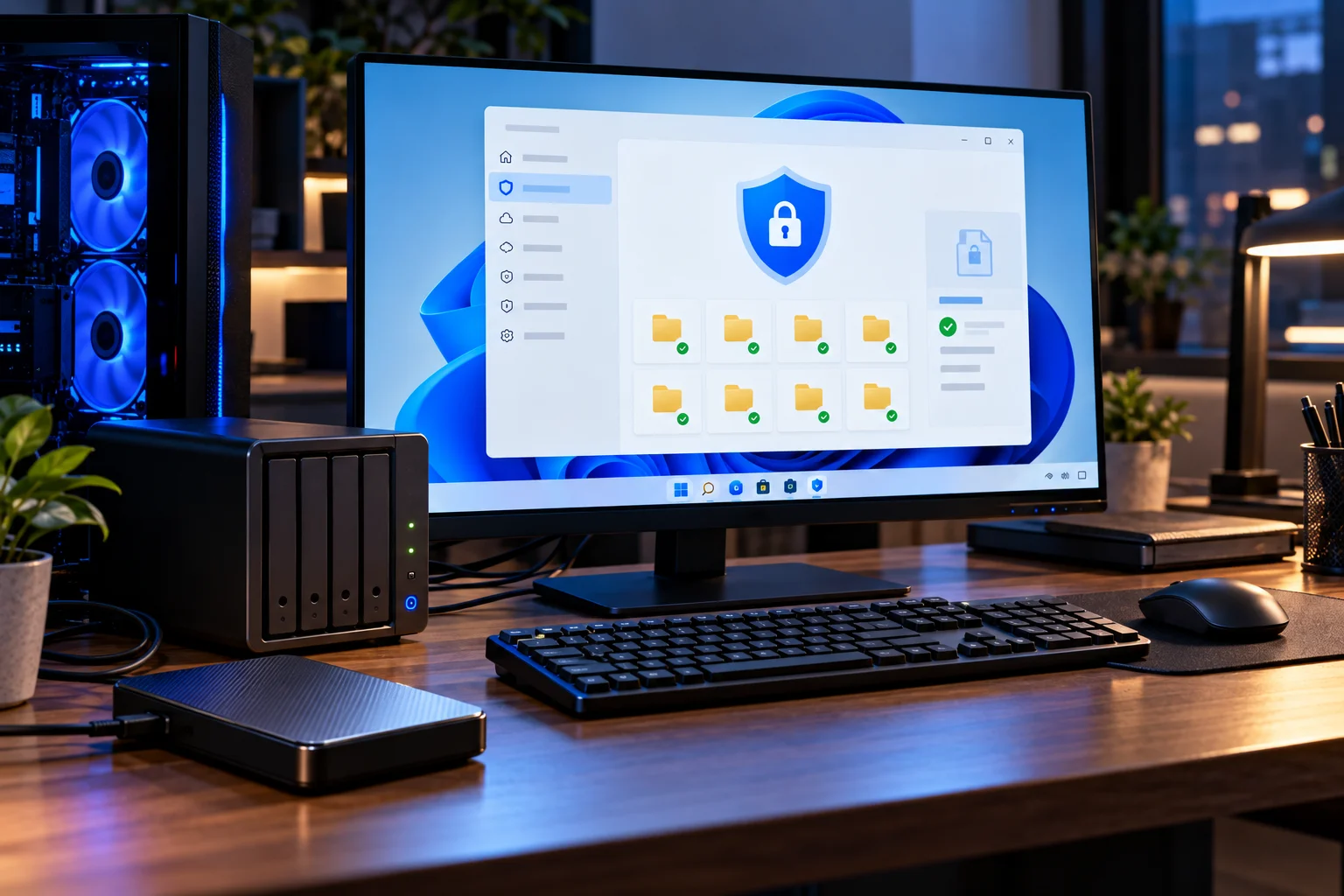
For many Windows users, Microsoft Defender Antivirus and Windows Security provide enough protection that a separate antivirus program is no longer essential. Windows 11 includes real-time antivirus protection, firewall controls, SmartScreen, ransomware-related protections and other security features without requiring a separate subscription.
That does not mean third-party antivirus software has become pointless.
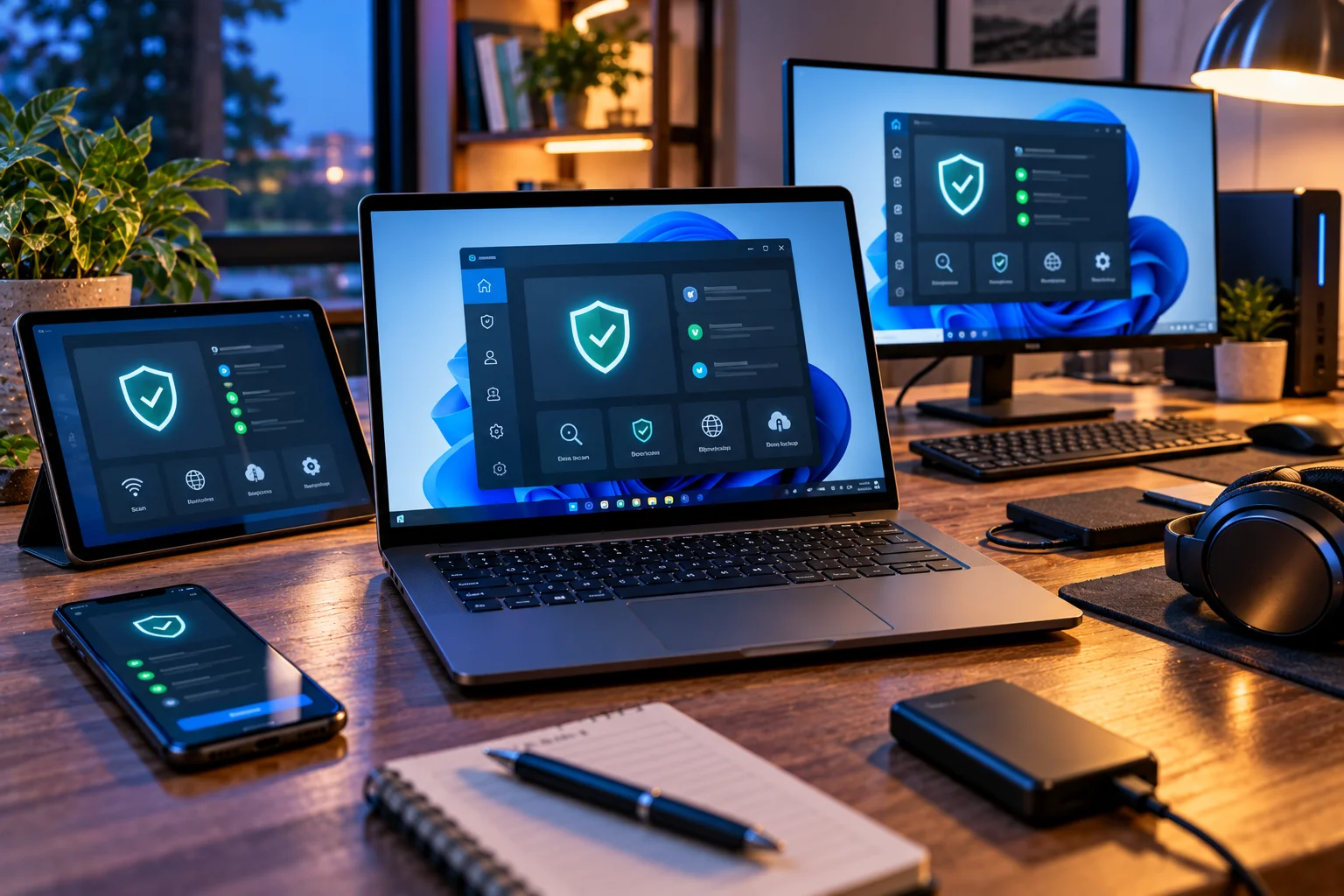
Paid security suites can add features such as VPN services, password managers, identity monitoring, parental controls, privacy tools and additional security controls. Some third-party antivirus products also perform extremely well in independent testing.
The bigger question is not simply Windows Security vs third-party antivirus. It is whether the additional features solve a security problem you actually have.
What Does Windows Security Protect You From?
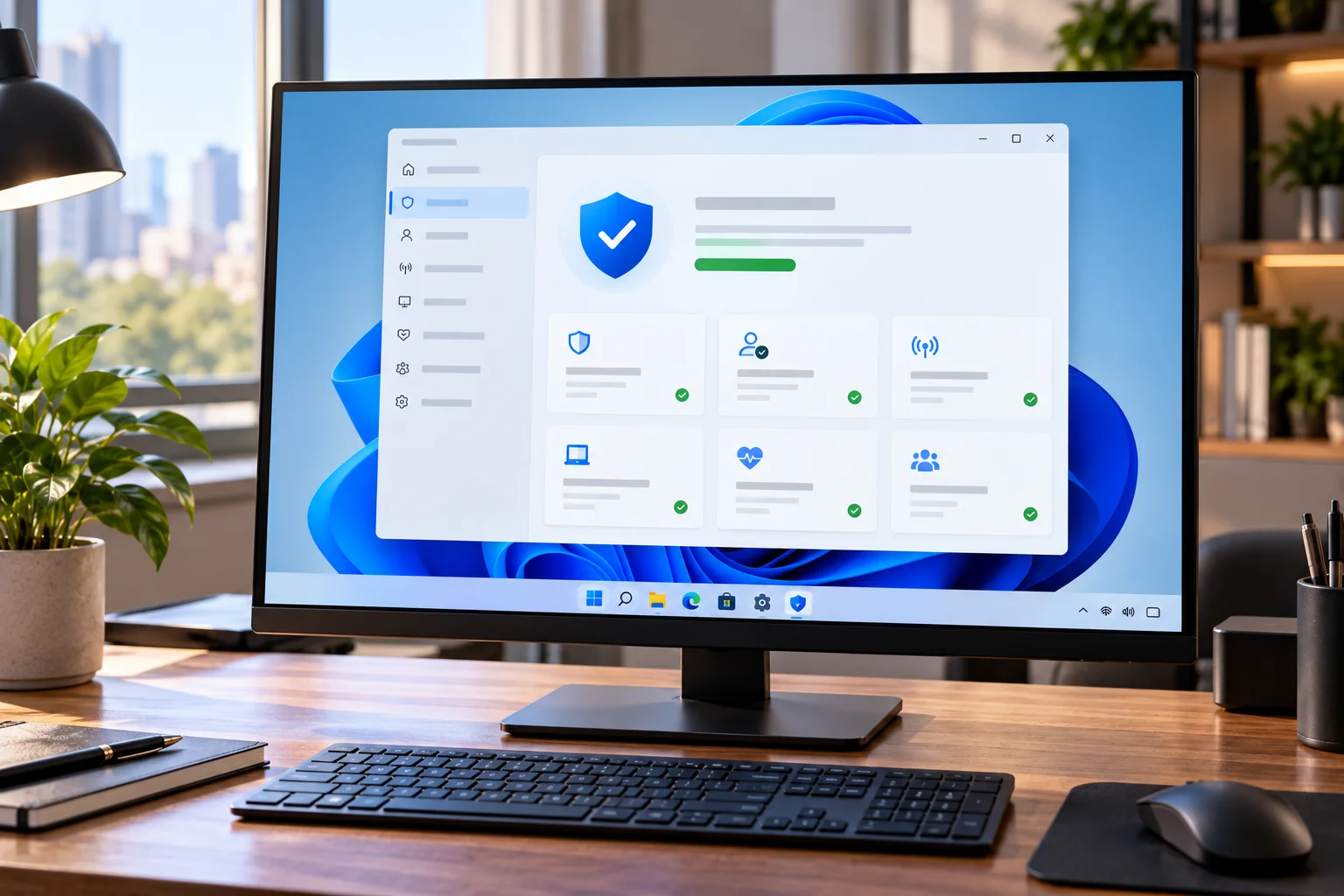
Windows Security combines several built-in Windows security technologies rather than functioning as just a traditional virus scanner.
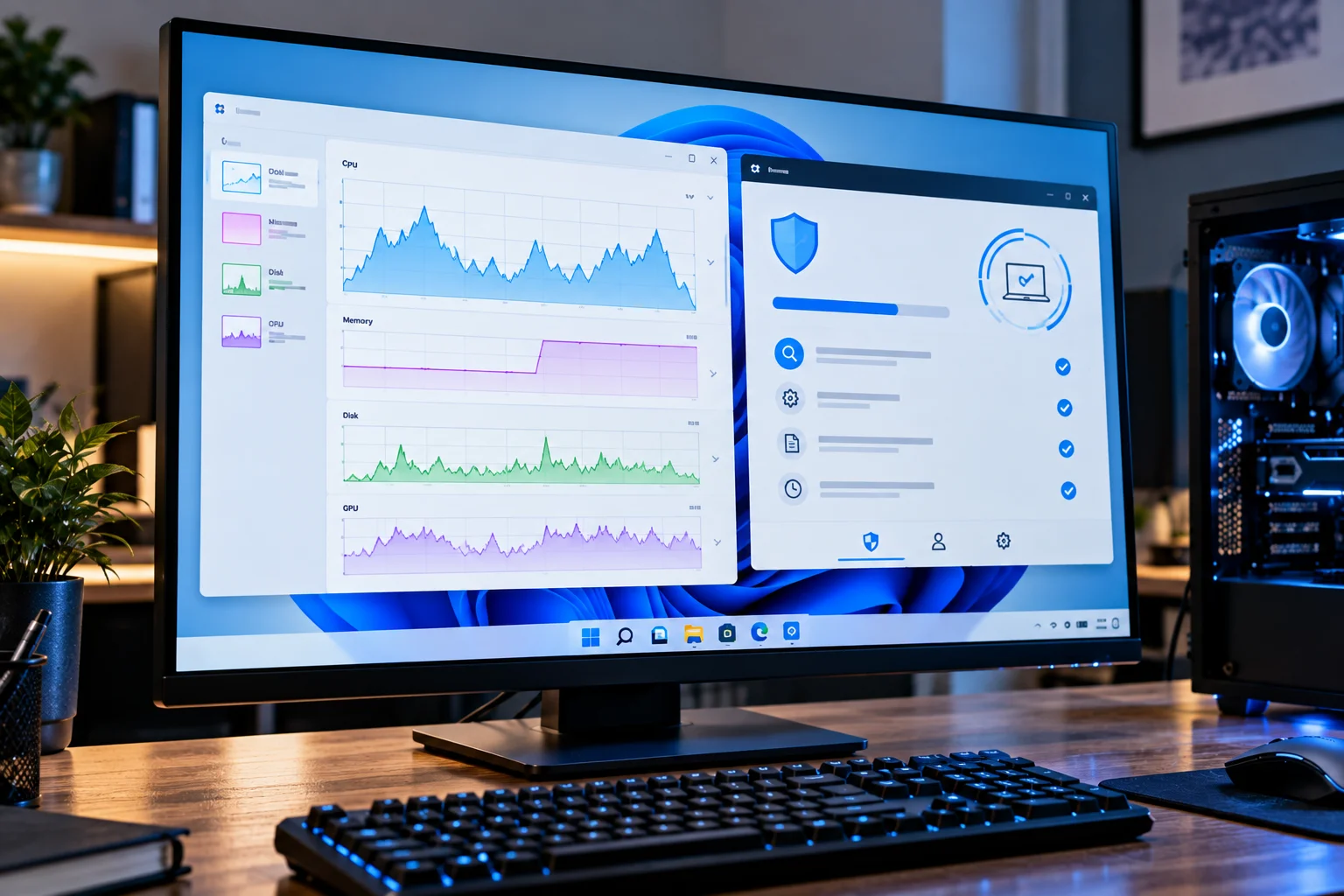
Microsoft Defender Antivirus provides real-time protection against malware, while Microsoft Defender SmartScreen helps protect against malicious websites, phishing attempts and potentially dangerous downloads. Windows also includes firewall functionality and other security controls.
Windows Security also includes ransomware-related controls. For example, Controlled Folder Access can restrict unknown applications from modifying protected folders.
That makes the default Windows security setup considerably broader than simply scanning files for viruses.
Is Microsoft Defender Good Enough in 2026?
For many home users, current independent testing suggests that Microsoft Defender provides a strong level of malware protection.
In AV-TEST's May-June 2026 Windows 11 evaluation, Microsoft Defender Antivirus Consumer received 6/6 for protection, 5.5/6 for performance and 6/6 for usability. The test used current versions with default settings and evaluated both real-world threats and widespread malware.
The previous January-February 2026 test gave Defender a full 6/6 in protection, performance and usability.
That does not mean Defender catches every possible threat. No antivirus product does. Independent tests represent particular test periods and threat samples rather than a guarantee of future protection.
Still, the results show why installing another antivirus simply because Windows' built-in protection is supposedly inadequate is an outdated assumption.
Windows Security vs Third-Party Antivirus: What's the Difference?
The biggest difference is usually the scope of additional features, rather than basic malware protection.
Feature | Windows Security | Third-party antivirus |
|---|---|---|
Real-time malware protection | Yes | Yes |
Virus and malware scanning | Yes | Yes |
Firewall | Built into Windows | Often includes additional controls |
Phishing/web protection | SmartScreen and related protections | Often included |
Ransomware protection | Yes | Often included |
VPN | Not generally part of Windows Security | Common in premium suites |
Password manager | Not part of the core Windows Security app | Often available |
Identity monitoring | Limited/core Windows features | Often available |
Parental controls | Windows family features | Often included in suites |
Multi-device coverage | Primarily Windows Security | Often Windows, macOS, Android and iOS |
Extra privacy tools | Limited | Often available |
The exact feature list varies significantly between products and subscription tiers.
So comparing “Defender” with “paid antivirus” isn't always an apples-to-apples comparison. A premium suite may be selling an entire security ecosystem rather than simply a better virus scanner.
When Is Windows Security Enough?
Windows Security is usually a reasonable choice if you have a typical home PC and practice sensible security habits.
It can make sense to stick with Microsoft's built-in protection if you:
Download software primarily from reputable sources
Keep Windows and applications updated
Don't routinely open suspicious attachments
Use strong, unique passwords
Use multi-factor authentication where available
Keep backups of important files
Don't need a bundle of additional security services
Want to avoid another recurring subscription
Windows Security is also convenient because it is integrated into the operating system. Microsoft says that if another antivirus product is installed and turned on, Microsoft Defender Antivirus turns off automatically; removing the third-party product allows Defender to turn back on.
When Does Third-Party Antivirus Make Sense?
Extra antivirus software becomes more useful when you specifically need features beyond Windows' built-in security.
For example, a security suite may make sense if you want:
Protection Across Multiple Devices
Some subscriptions cover Windows PCs alongside Macs, Android phones and iPhones.
If your household has several devices, a single security subscription can be easier to manage than separate services.
Identity and Privacy Features
Premium suites may include identity monitoring, dark-web monitoring, password managers or privacy tools.
These aren't replacements for good account security, but they can add convenience.
Parental Controls
Some security suites provide centralized controls for managing children's devices, web access and screen-related restrictions.
Windows itself also provides family safety features, so compare the actual controls before paying for a separate suite.
A VPN Bundle
Some antivirus subscriptions include VPN access.
If you already need a VPN, a bundle can sometimes be useful. But don't choose antivirus software solely because it advertises a VPN. VPN capabilities, server networks, data limits and privacy policies vary considerably.
Can You Run Two Antivirus Programs at Once?
You generally should not run two full real-time antivirus products simultaneously.
Running multiple security programs that both attempt to monitor files and processes can create unnecessary conflicts and performance overhead.
Microsoft specifically states that Microsoft Defender Antivirus turns off automatically when another antivirus application is installed and enabled.
This is different from using an additional on-demand malware scanner that doesn't provide continuous real-time protection.
If you're switching antivirus products, uninstall the old real-time security software properly and confirm that your chosen protection is active.
Does Third-Party Antivirus Make Your PC Slower?
It can, but the impact varies considerably between products and workloads.
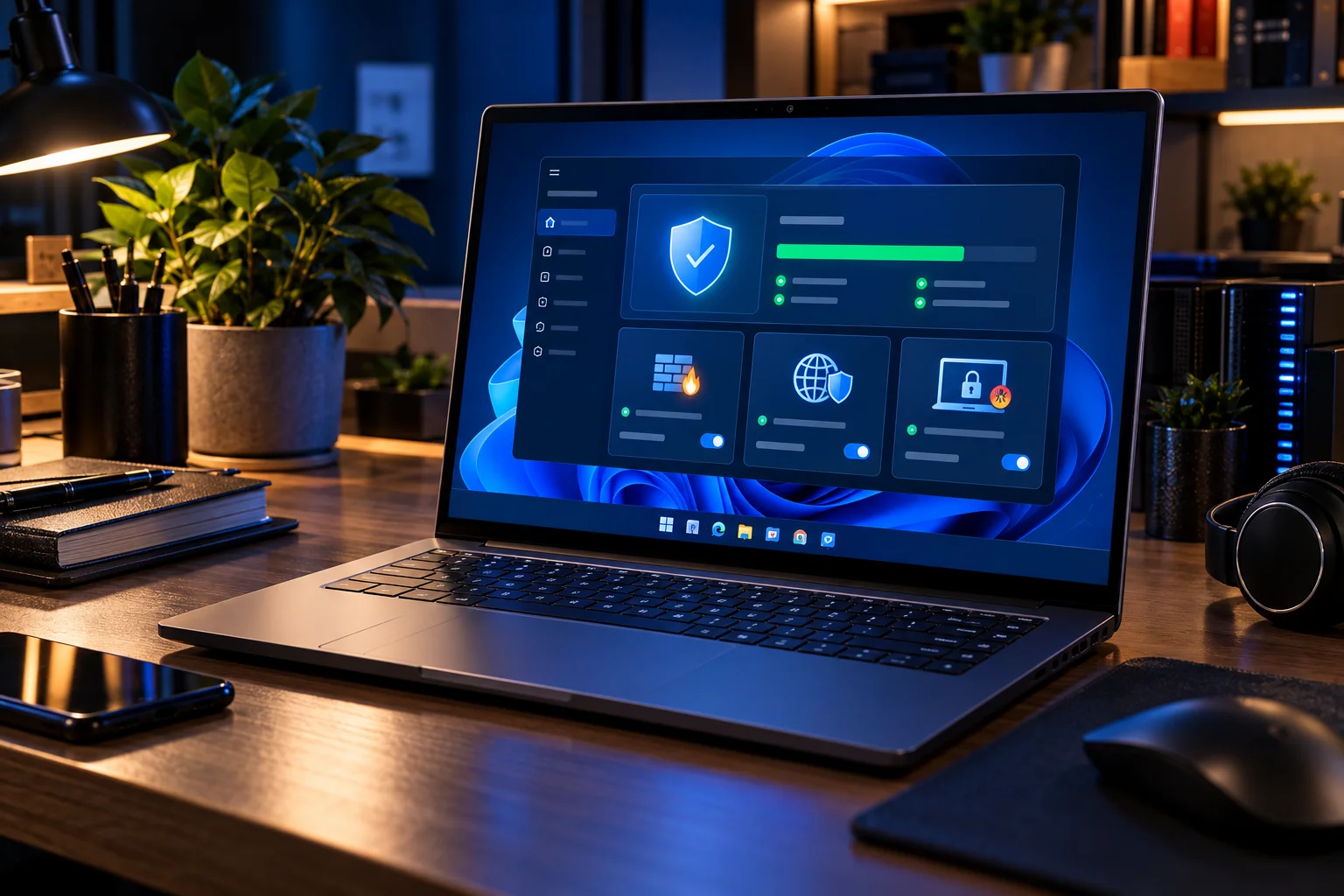
Modern antivirus software continuously performs background activities such as file monitoring, application analysis and web protection. The effect depends on the product, your hardware and what you're doing.
AV-TEST's June 2026 results show that third-party products varied in their performance scores, with several receiving 6/6 while others scored lower. Microsoft Defender received 5.5/6 for performance in that test.
This is why looking at independent testing is more useful than assuming either “third-party antivirus is slow” or “Defender has no performance impact.”
What About Windows Security and Ransomware?
Windows includes dedicated ransomware protection, but configuration and backups still matter.
Controlled Folder Access can prevent unknown applications from modifying files in protected folders. Microsoft also provides options involving OneDrive that can help with recovery after a ransomware incident.
However, antivirus protection is not a substitute for backups.
If ransomware encrypts your files, a properly maintained backup can be the difference between recovering your data and losing it.
A good security setup therefore includes:
Antivirus protection
Regular software updates
Strong account security
Multi-factor authentication
Safe browsing habits
Offline or otherwise protected backups
Should You Pay for Antivirus on Windows 11?
If you're paying only for basic malware protection, you may not need to.
Microsoft Defender already provides integrated real-time protection, and its recent independent test results demonstrate that it can perform at a high level.
Paying for a third-party suite becomes easier to justify when you actually want its additional services.
Think about what you're buying:
Basic antivirus: Windows Security may already cover your needs.
Antivirus + VPN + password manager + identity monitoring: A third-party security bundle may provide useful additional value.
Business or managed security: Consumer Windows Security isn't designed to replace enterprise endpoint security platforms and centralized management.
Windows Security vs Third-Party Antivirus: Which Should You Use?
There isn't one answer for every Windows PC.
Your situation | What to consider |
|---|---|
Basic home PC | Windows Security may be sufficient |
Gaming PC | Defender plus good browsing/download habits may be enough |
Family with multiple devices | Compare multi-device security suites |
Frequent risky downloads | Consider additional security layers and safer software sources |
Need VPN and identity monitoring | A premium security suite may be useful |
Business computer | Use the security solution specified by your organization |
Highly sensitive work | Consider managed or enterprise-grade security controls |
The important thing is to compare features you actually need, not the number of features printed on an antivirus product's marketing page.
Frequently Asked Questions
Is Windows Security the same as Microsoft Defender?
Not exactly. Windows Security is the Windows interface and collection of security features. Microsoft Defender Antivirus is the antivirus component within it. Windows Security also provides access to features such as firewall and other protection settings.
Does Windows 11 need antivirus software?
Windows 11 already includes Microsoft Defender Antivirus and other security features. For many users, that built-in protection can provide a solid baseline without installing another antivirus program.
Is Microsoft Defender still free?
Microsoft Defender Antivirus is included with Windows. Microsoft also offers a separate Microsoft Defender app/service with additional cross-device features through certain Microsoft 365 subscriptions.
Is paid antivirus better than Windows Security?
Not necessarily in terms of basic malware protection. Independent tests show that several third-party products and Microsoft Defender can achieve high protection scores. The more meaningful difference is often the additional features and services included with a paid security suite.
Should I turn off Microsoft Defender if I install another antivirus?
You generally don't need to manually do so. Microsoft says Defender Antivirus turns off automatically when another antivirus application is installed and enabled.
Final Takeaway
For a typical Windows 11 user, Microsoft Defender and Windows Security can provide a strong baseline without requiring another antivirus subscription. Current independent testing supports that assessment, with Defender scoring highly for protection in 2026 evaluations.
Third-party antivirus still has a place, particularly when you want features such as VPN access, identity monitoring, password management, parental controls or protection across multiple platforms.
The smarter question isn't “Do I need paid antivirus?” It's “What security features do I need that Windows doesn't already provide?”
If the answer is “none,” Windows Security may be all the protection you need.