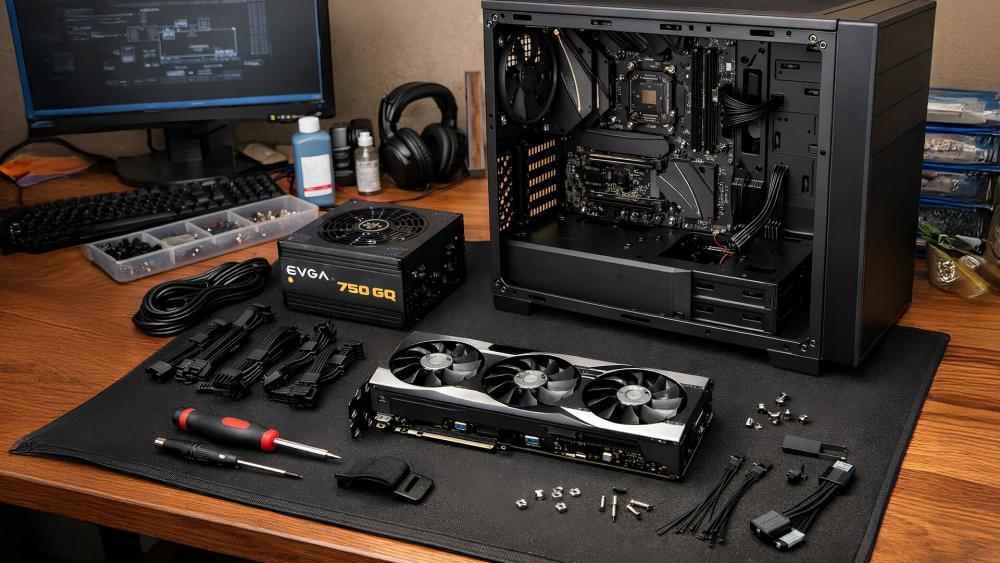
The best graphics card deal is the GPU that delivers the frame rates you want at your preferred resolution without exceeding your budget for the rest of your PC. NVIDIA GeForce RTX cards are particularly attractive for ray tracing, DLSS upscaling and AI-assisted features, while AMD Radeon cards offer competitive gaming performance, generous VRAM options and FSR support.
At PcComponentes, Spain's PC hardware retailer, you can compare graphics cards from NVIDIA, AMD and other manufacturers, filter by price and memory, and browse ongoing promotions. Its live graphics card catalogue includes options for Full HD, QHD and 4K gaming, as well as creator workloads.
The current catalogue includes cards such as the NVIDIA GeForce RTX 5050, RTX 5060 Ti, RTX 5070 Ti and RTX 5080, alongside AMD Radeon RX 9060 XT and RX 9070 XT models. Prices vary significantly by manufacturer, cooling design, VRAM and seller. Some listings are sold directly by PcComponentes, while others come from marketplace sellers, so check the seller and delivery terms before ordering.
This guide compares the main options by gaming resolution, memory, power consumption and value to help you choose the right card.
Which Graphics Card Should You Buy for Each Budget?
For most gamers, the sensible starting point is a mid-range GPU for 1080p or 1440p rather than paying extra for 4K performance you may not use. PcComponentes' live prices can differ substantially between variants, so treat the following as a buying guide and verify the current listing before purchasing.
Budget level | GPUs to compare | Best use |
|---|---|---|
Entry-level | NVIDIA RTX 5050; selected older or refurbished cards | 1080p gaming with adjusted settings |
Mid-range | NVIDIA RTX 5060 and RTX 5060 Ti; AMD Radeon RX 9060 XT | 1080p high refresh rate and selected 1440p gaming |
Upper mid-range | NVIDIA RTX 5070 Ti; AMD Radeon RX 9070 XT | High-quality 1440p and demanding games |
Premium | NVIDIA RTX 5080 | High-end 1440p and 4K gaming |
These categories are based on intended performance, not guaranteed current prices. In the current PcComponentes catalogue, for example, some RTX 5060 Ti listings are priced unusually high relative to their product tier. Compare alternatives carefully rather than assuming that every model in a range represents good value.
Best Budget GPUs for 1080p Gaming
The NVIDIA GeForce RTX 5050 is worth considering for entry-level gaming, while selected previous-generation or refurbished GPUs may offer better value if their prices are competitive. For Full HD gaming, you generally want a card that can run your preferred games smoothly without requiring expensive upgrades to your entire PC.
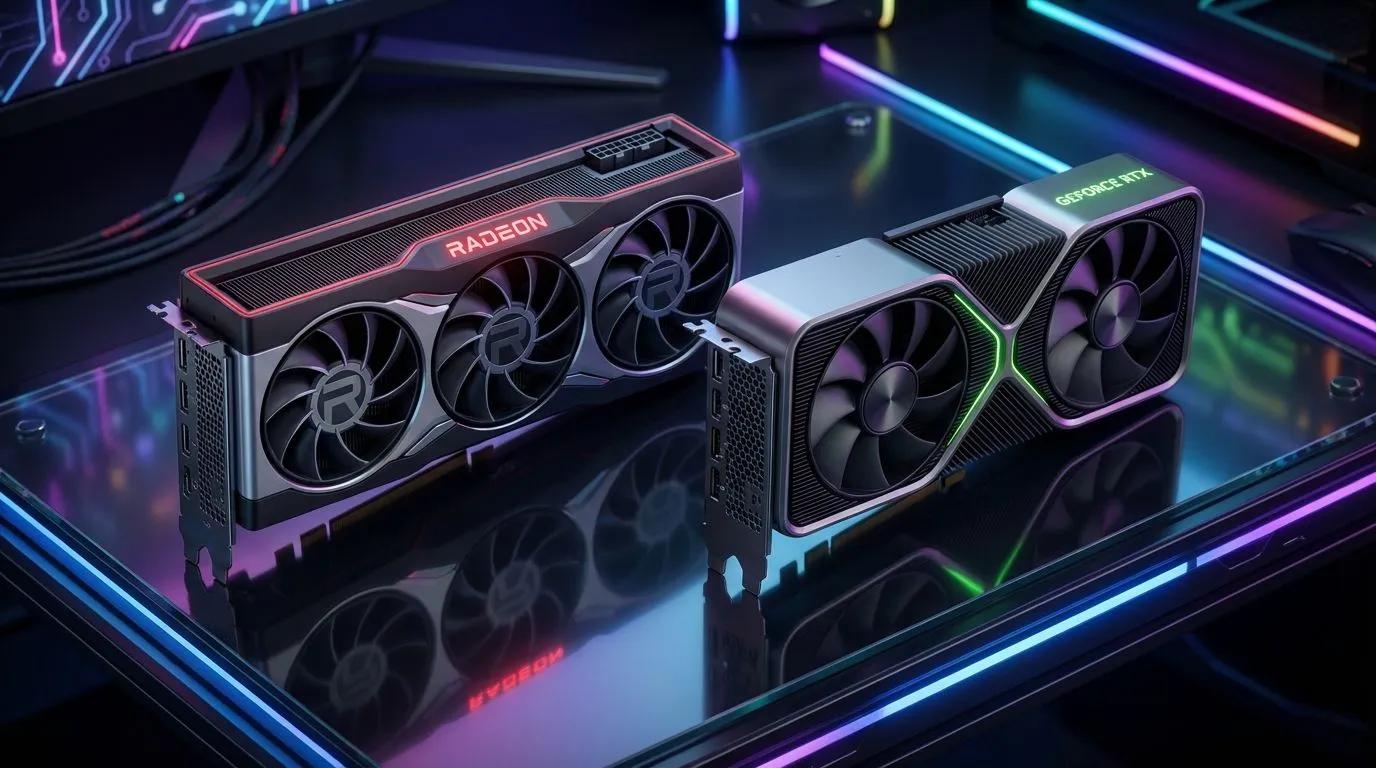
The RTX 5050 comes with 8GB of GDDR6 memory in the listed model. That can be sufficient for many 1080p games, although demanding titles may require lower texture settings. It supports NVIDIA's current-generation RTX feature set, including DLSS 4 technologies where supported.
PcComponentes' NVIDIA catalogue showed a Gigabyte RTX 5050 WINDFORCE OC 8GB at €469.99 during research. At that price, compare it particularly carefully with faster cards and alternative models rather than assuming it is automatically a budget bargain.
You can explore the NVIDIA graphics card range and sort by price to identify the most affordable options in stock.
When buying an entry-level card, prioritise:
Reliable 1080p performance in the games you play.
Enough VRAM for your preferred texture settings.
A card that fits your case.
Reasonable power requirements for your existing PSU.
A price that leaves enough budget for the rest of your PC.
Best Mid-Range GPUs for 1080p and 1440p
The RTX 5060 Ti and Radeon RX 9060 XT are worth comparing for gamers who want stronger performance and more flexibility at higher settings. The exact winner depends on the game, VRAM configuration, ray tracing requirements and price.
The RTX 5060 Ti is available in 8GB and 16GB variants. The 16GB version gives you more memory headroom for high-resolution textures and demanding workloads, while the 8GB version may be sufficient for many 1080p games. Neither capacity guarantees a particular frame rate, and performance still depends on the GPU itself.
AMD's Radeon RX 9060 XT is also available in a 16GB configuration. That larger memory capacity can be attractive for games that use substantial VRAM, especially at higher settings. Compare independent gaming benchmarks for your target resolution rather than treating memory capacity as a substitute for raw performance.
PcComponentes' live catalogue showed the following examples during research:
Gigabyte GeForce RTX 5060 Ti WINDFORCE MAX OC 8GB: €639.99.
ASUS TUF Gaming GeForce RTX 5060 Ti OC 16GB: €909.99.
Gigabyte Radeon RX 9060 XT GAMING OC 16GB: €879.99.
These are listed prices, not recommended target prices, and stock and seller arrangements can change. The prices are high enough that you should compare them with more powerful cards before making a decision.
Check the AMD graphics card selection alongside NVIDIA options. If ray tracing and NVIDIA-specific creative or AI features are not priorities, a competitively priced Radeon card may be a better fit.
Best GPUs for High-Quality 1440p Gaming
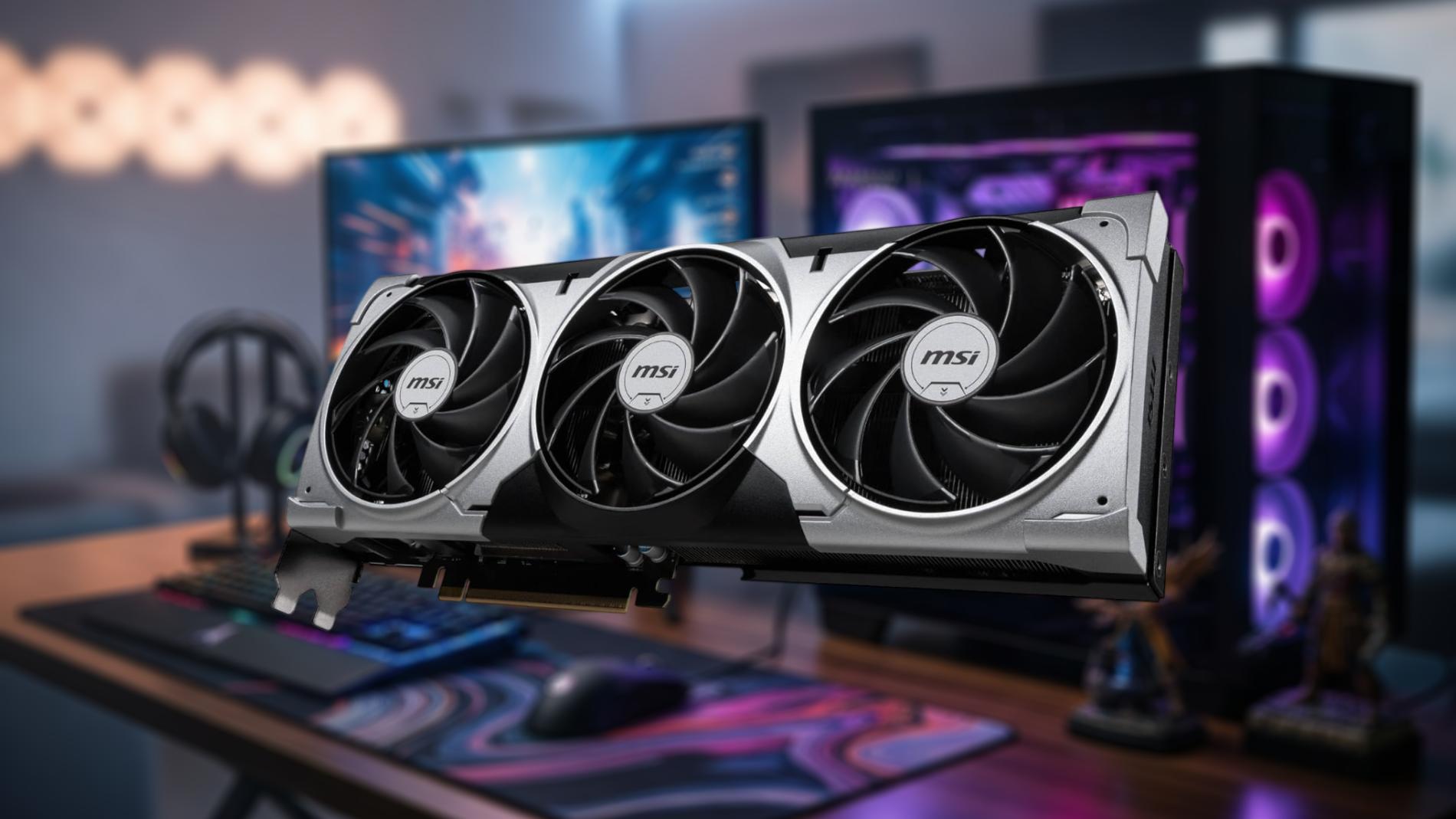
The NVIDIA RTX 5070 Ti and AMD Radeon RX 9070 XT are strong candidates for demanding 1440p gaming, particularly if you want high graphical settings and room for more demanding games. Both offer 16GB of VRAM in the models listed at PcComponentes, although their performance differs by game and rendering settings.
The RTX 5070 Ti uses 16GB GDDR7 memory and supports DLSS 4 features, including supported multi-frame generation technologies. These features can improve perceived smoothness in compatible games, although generated frames are not equivalent to native rendered frames.
The RX 9070 XT uses 16GB GDDR6 memory and supports AMD FSR 4 in compatible titles. It is worth comparing if you prioritise conventional rasterised gaming performance and want a substantial memory capacity.
PcComponentes' live catalogue included examples such as:
Gigabyte GeForce RTX 5070 Ti WINDFORCE OC SFF 16GB: €1,379.
Sapphire PURE Radeon RX 9070 XT 16GB, refurbished: €950.38.
Sapphire PULSE Radeon RX 9070 XT 16GB: approximately €933 in one marketplace listing.
These prices vary by model, seller and condition. The refurbished RX 9070 XT is not directly equivalent to a new card, so check its condition, guarantee and return terms before comparing it with new stock.
Explore the graphics card catalogue at PcComponentes to compare current offers. At these prices, a careful comparison between Radeon and GeForce models is essential.
Is the NVIDIA RTX 5080 Worth the Premium?
The RTX 5080 is aimed at enthusiasts who want high-end performance, particularly for demanding 1440p gaming, 4K and supported ray-tracing workloads. It is not necessary for every gaming PC, and its value depends on the price premium over less expensive cards.
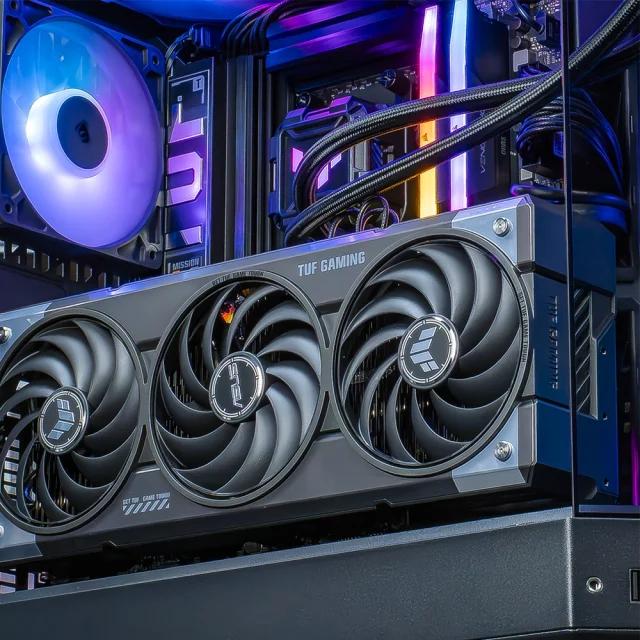
The RTX 5080 comes with 16GB of GDDR7 memory and supports NVIDIA's current RTX technologies. It is a candidate for players who want to run demanding games at high resolutions, use advanced ray tracing or take advantage of DLSS in supported titles.
PcComponentes' catalogue showed an MSI RTX 5080 GAMING TRIO OC 16GB at €1,879.99 during research. Other models can cost more or less depending on their cooling system, factory overclock and seller.
Before buying, ask whether your games and monitor justify the cost. A strong 1440p card may already deliver an excellent experience, leaving more money for a better monitor, processor or SSD. If you primarily play competitive titles at 1080p, an RTX 5080 is likely to be excessive.
For 4K gaming, compare actual benchmarks at the settings you plan to use. Ray tracing can significantly change the performance picture, and upscaling can help, but no single GPU is guaranteed to deliver the same results across all games.
VRAM, Power Consumption and Compatibility: What Matters Most?
Choose a GPU with enough VRAM for your target resolution, then confirm that your power supply, case and cooling can support it. A card that fits your budget but requires other expensive upgrades may not be the best overall deal.
Use these approximate reference power figures as a planning guide. Custom models can vary, so always check the exact card's specifications.
GPU | VRAM in common listed configuration | Approx. board power | Typical target |
|---|---|---|---|
RTX 5050 | 8GB GDDR6 | 130W | 1080p |
RTX 5060 Ti | 8GB or 16GB GDDR7 | 180W | 1080p / 1440p |
RX 9060 XT | 16GB GDDR6 | 160W | 1080p / 1440p |
RTX 5070 Ti | 16GB GDDR7 | 300W | 1440p / 4K |
RX 9070 XT | 16GB GDDR6 | 304W | 1440p / 4K |
RTX 5080 | 16GB GDDR7 | 360W | High-end 1440p / 4K |
These figures are approximate reference specifications, not guarantees for every partner card. Factory-overclocked models may consume more power.
Before ordering, check the manufacturer's recommended PSU capacity, the required power connectors and the card's physical length and thickness. Also consider airflow: a powerful GPU in a poorly ventilated case may run hotter and louder.
VRAM matters too. Eight gigabytes can be adequate for many 1080p games, but 12GB or 16GB provides more headroom for demanding textures and higher resolutions. More VRAM does not automatically make a slower GPU faster, so balance memory with the card's actual processing capability.
How to Find Genuine Graphics Card Offers at PcComponentes
The best way to save is to compare the final price of equivalent GPUs and check the seller, stock and promotion conditions before buying. PcComponentes has a dedicated campaigns and offers page featuring current promotions and selected refurbished products.
When comparing cards, follow these steps:
Filter by your budget and preferred resolution.
Compare the same GPU model and VRAM capacity.
Check whether the listing is new or refurbished.
Confirm whether PcComponentes or a marketplace seller supplies the product.
Review delivery estimates, guarantee terms and return conditions.
Compare the price of the GPU against faster alternatives in the same catalogue.
PcComponentes' offers can change as stock moves. A discounted product is not necessarily the best buy if a faster card costs only slightly more. Equally, a premium GPU may be poor value if you do not need its extra performance.
Conclusion: Which PcComponentes Graphics Card Deal Should You Choose?
For a budget gaming PC, start with the RTX 5050 and compare any better-priced alternatives; for mainstream gaming, assess the RTX 5060 Ti and RX 9060 XT; for demanding 1440p gaming, compare the RTX 5070 Ti and RX 9070 XT; and reserve the RTX 5080 for high-end builds.
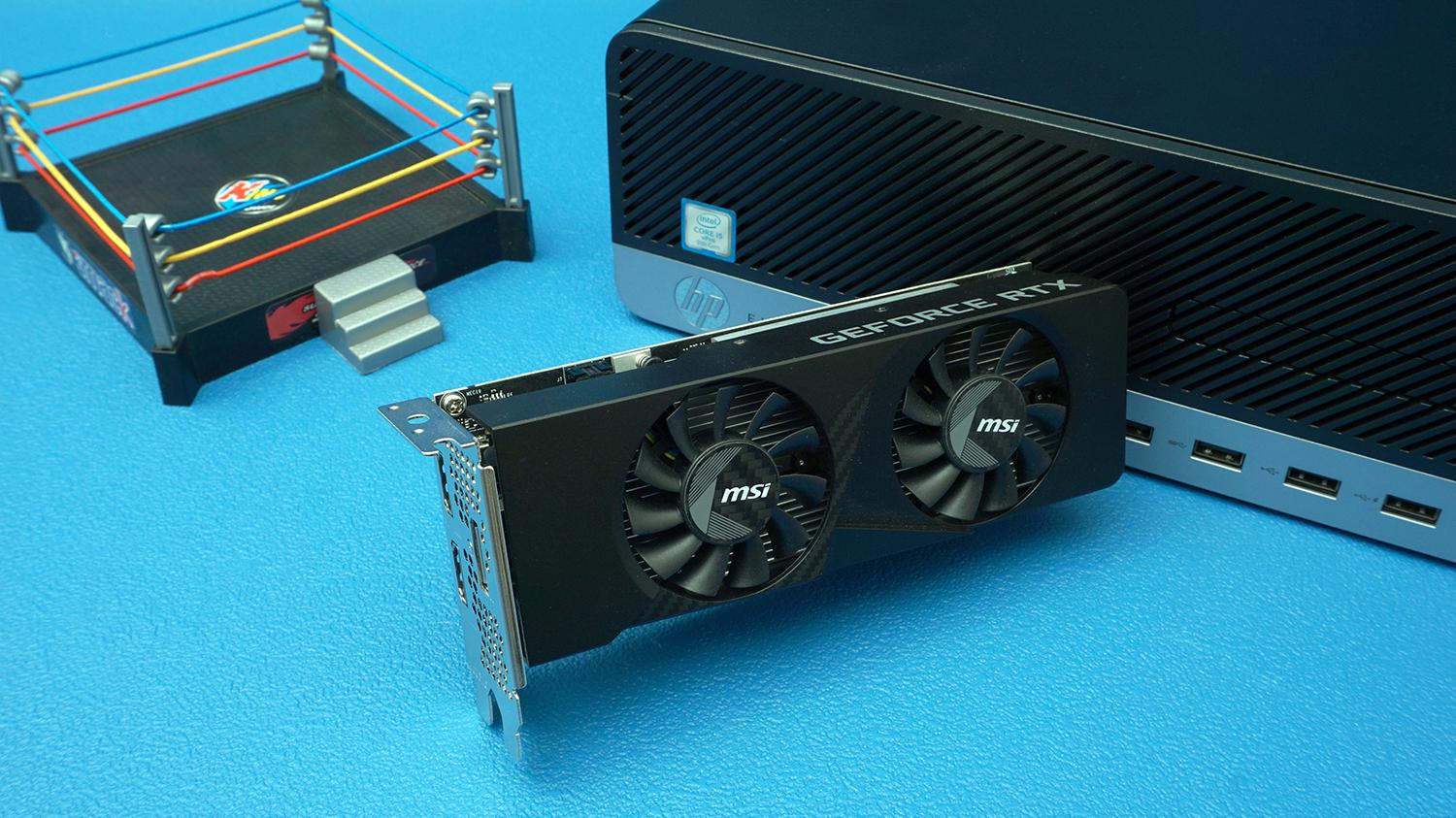
Current listed prices can make the difference between models more important than their original market positioning. Check the latest PcComponentes graphics card offers, compare VRAM and real gaming performance, and make sure your power supply and case are suitable.
The best deal is the card that meets your performance target at a sensible total cost, not simply the model with the largest advertised discount.
FAQs
Which graphics card is best value at PcComponentes?
It depends on current pricing and your target resolution. Compare the RTX 5060 Ti and RX 9060 XT for mid-range gaming, and the RTX 5070 Ti and RX 9070 XT for higher-performance builds.
Is 8GB VRAM enough for gaming in 2026?
Eight gigabytes can still work for many 1080p games, especially with adjusted texture settings. For demanding modern titles, higher resolutions or longer-term flexibility, 12GB or 16GB may be preferable.
Is NVIDIA better than AMD for gaming?
Neither brand is universally better. NVIDIA can be attractive for ray tracing, DLSS and supported AI features, while AMD Radeon cards can be competitive for conventional gaming performance and VRAM capacity. Compare the exact models and prices.
How much should I spend on a graphics card?
Base the budget on your monitor and games. Entry-level cards suit 1080p gaming, mid-range models offer more flexibility for 1440p, and premium GPUs make sense for demanding high-resolution gaming.
Does PcComponentes have ongoing graphics card offers?
PcComponentes maintains a dedicated offers and promotions page and a graphics card catalogue with price filters. Discounts, stock and seller arrangements change, so check the live listing before purchasing.
Should I buy a refurbished graphics card?
A refurbished GPU can be worthwhile if the price saving is meaningful and the condition, guarantee and return terms are clear. Compare it with new cards and check who sells and supplies the product.