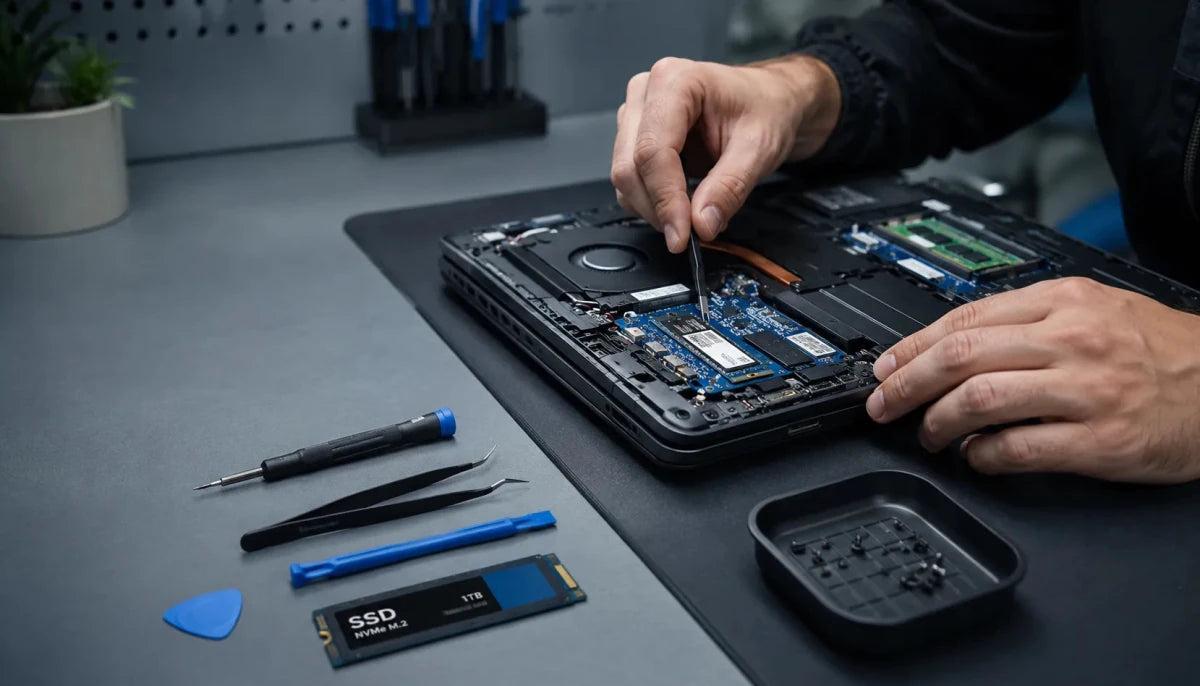
A refurbished laptop from Currys can offer good value if you choose a suitable specification, understand its condition grade and check how well it will meet your needs over the next few years. Currys sells refurbished laptops in three condition grades: Excellent, Very Good and Fair. Its refurbished laptop range also includes a 12-month technical guarantee and devices that have been tested, cleaned and data-wiped before sale.
The main attraction is the opportunity to buy a capable laptop for less than a comparable new model. However, a lower price does not automatically make a refurbished device the better purchase. Battery wear, processor age, operating-system support, storage capacity and the price of a newer alternative all matter.
This guide explains how Currys grades refurbished laptops, what its guarantee covers in broad terms, which checks to make before buying and how to decide whether refurbished technology is worth the saving.
What Do Currys Refurbished Laptop Condition Grades Mean?
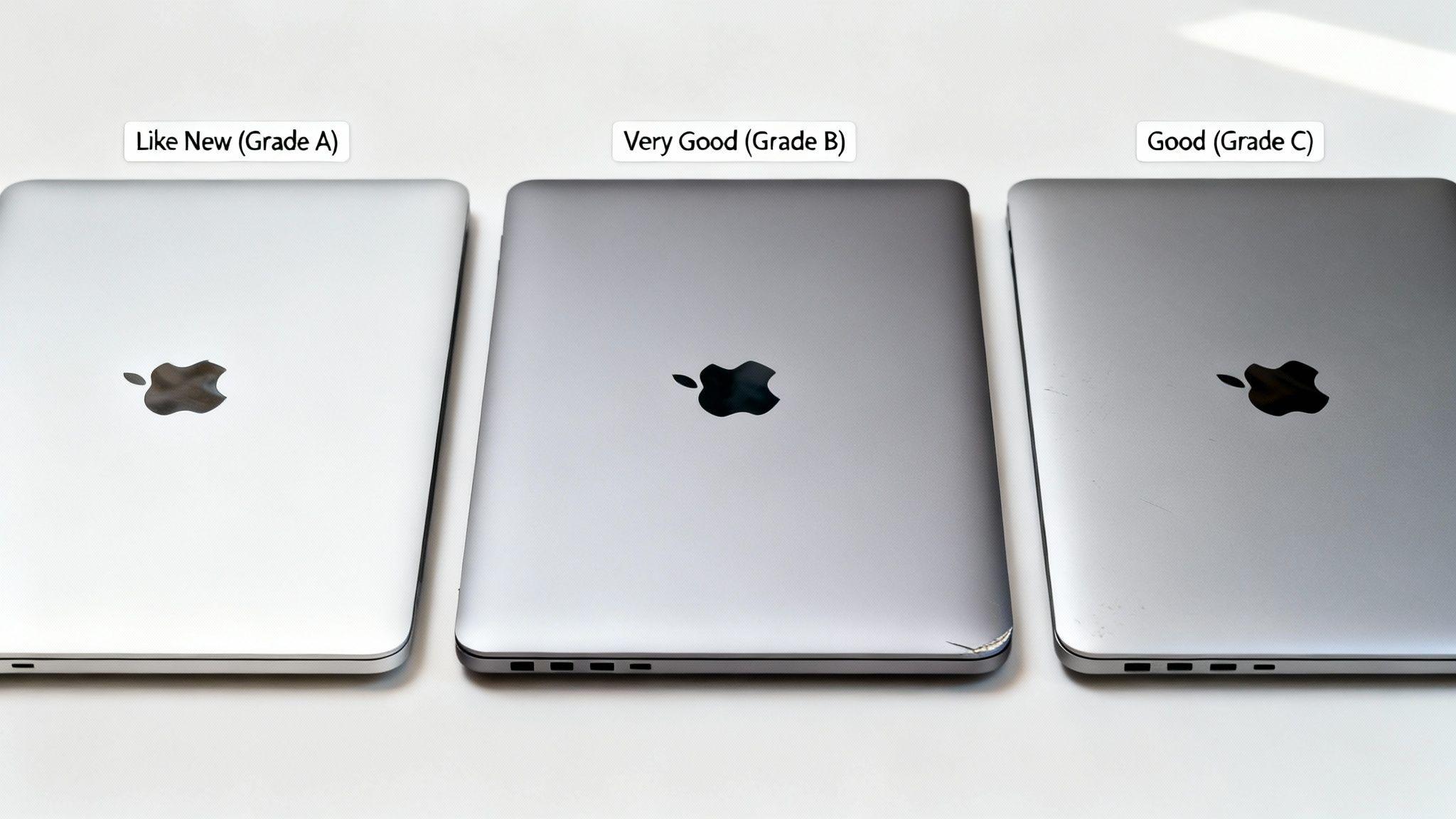
Currys uses three grades to describe the cosmetic condition of its refurbished laptops: Excellent, Very Good and Fair. The grades help you understand what the laptop may look like, but they should not be treated as a ranking of processing power or overall suitability for your needs.
According to Currys' refurbished technology guidance, the categories mean the following:
Excellent: The laptop is in excellent cosmetic condition and fully functional. It is broadly comparable to an industry Grade A refurbished product, although it may not arrive in its original packaging.
Very Good: The laptop works as intended but may have more noticeable cosmetic wear, such as scratches, chips or marks. Some minor parts may be missing or non-original, provided the device remains fully operational.
Fair: The laptop is functional but may show significant signs of wear. It can be a suitable budget option if appearance is less important than price.
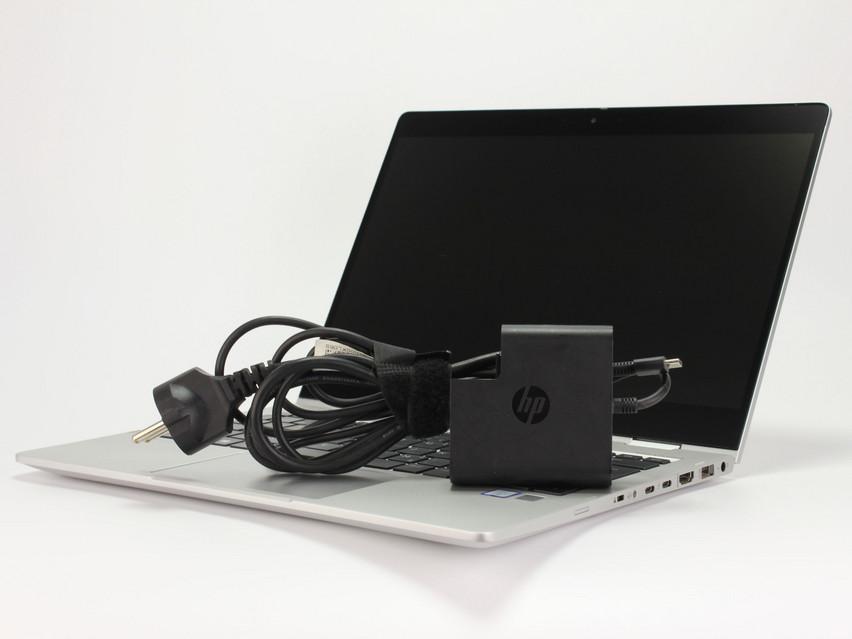
Currys states that refurbished laptops are supplied with a power supply, are data-wiped and come in plain packaging rather than the manufacturer's original box. Manuals may not be included.
The important distinction is that condition grade describes the device's physical state, not how fast it is. A Fair-grade laptop with a newer processor and more memory could suit your needs better than an Excellent-grade model with outdated hardware.
Does a Refurbished Laptop Come with a Guarantee at Currys?
Currys currently advertises a 12-month technical guarantee with its refurbished laptops. This provides protection against qualifying faults, but it is important to understand the guarantee's terms rather than assume it covers every problem.
According to Currys' refurbished technology policy, the retailer says its refurbished laptops are tested and supplied with a 12-month guarantee. Its guidance also explains that faulty items may qualify for a refund or repair depending on when the fault occurs and the circumstances.
Before purchasing, check the product listing and applicable terms for:
The length of the technical guarantee.
How to report a fault and arrange a repair or return.
Whether accidental damage, misuse or normal wear and tear is excluded.
What happens if a repair is unsuccessful or parts are unavailable.
A retailer's guarantee is separate from your statutory consumer rights. UK consumer law can provide additional remedies when goods are faulty, not as described or not fit for purpose. You can read the general guidance on GOV.UK's returns and refunds page.
How Should You Check Battery Health Before Buying?
Battery health deserves particular attention because a refurbished laptop can be fully functional while offering less battery life than it did when new. Currys notes that battery life can vary according to previous use, even when the device has been checked and tested.
A battery's age, charge cycles and previous usage affect how long it can run away from a power socket. The condition grade alone does not tell you its remaining capacity or expected runtime.
Before buying, look for battery-health information in the product description. If a specific capacity percentage or minimum runtime is not stated, do not assume the battery is equivalent to a new one.
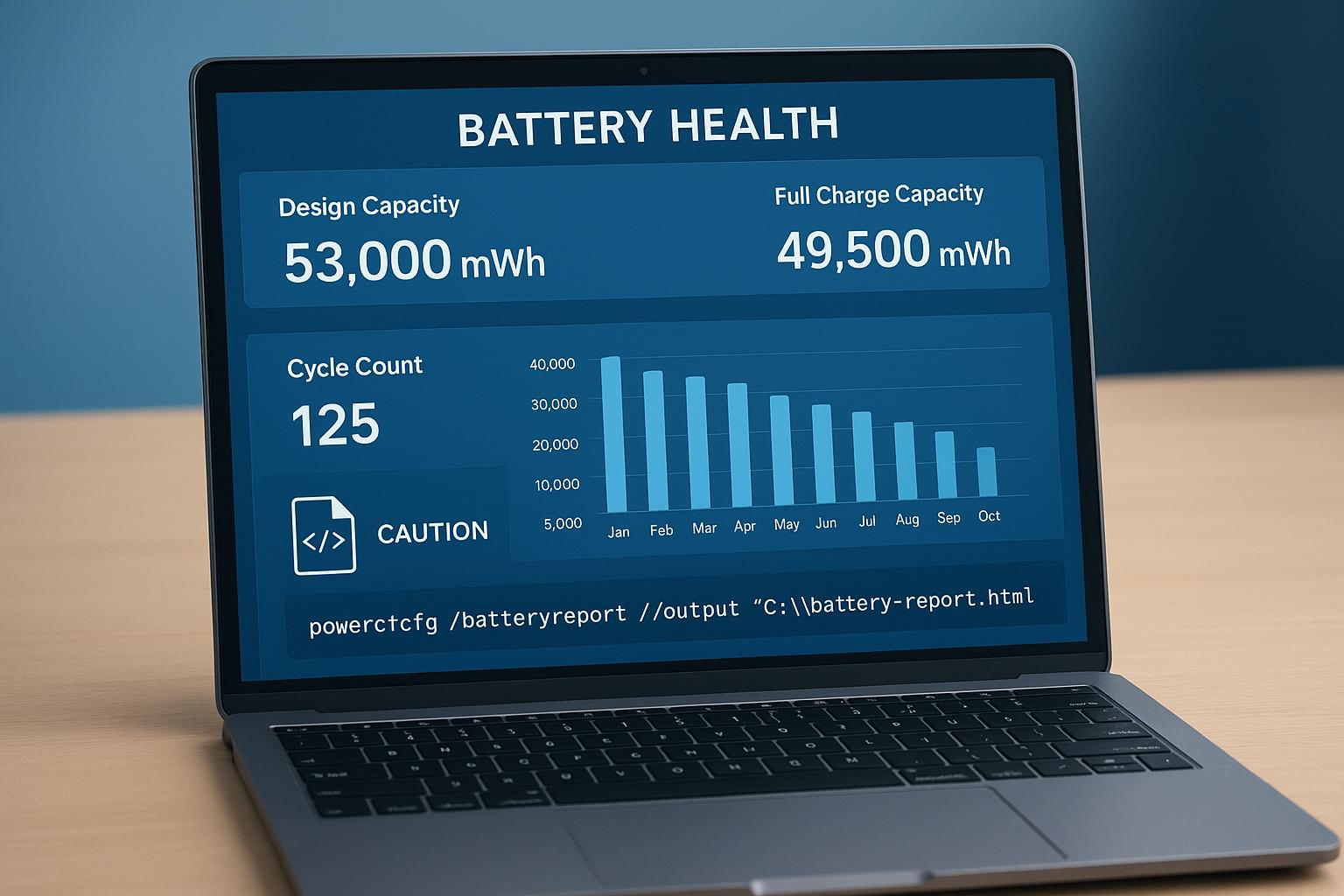
If you can inspect the laptop after delivery, check how quickly its charge falls during ordinary use and whether it charges reliably. On compatible Windows laptops, a battery report can provide information about design capacity and current full-charge capacity. You can generate one through Windows Terminal or Command Prompt using:
powercfg /batteryreport
The report is useful for assessing battery wear, although it does not guarantee how many hours the laptop will last under your workload.
If you depend on your laptop for travel, university or working away from a desk, a newer device with a clearly stated battery specification may be worth paying more for.
Why Operating-System Support Matters When Buying Refurbished
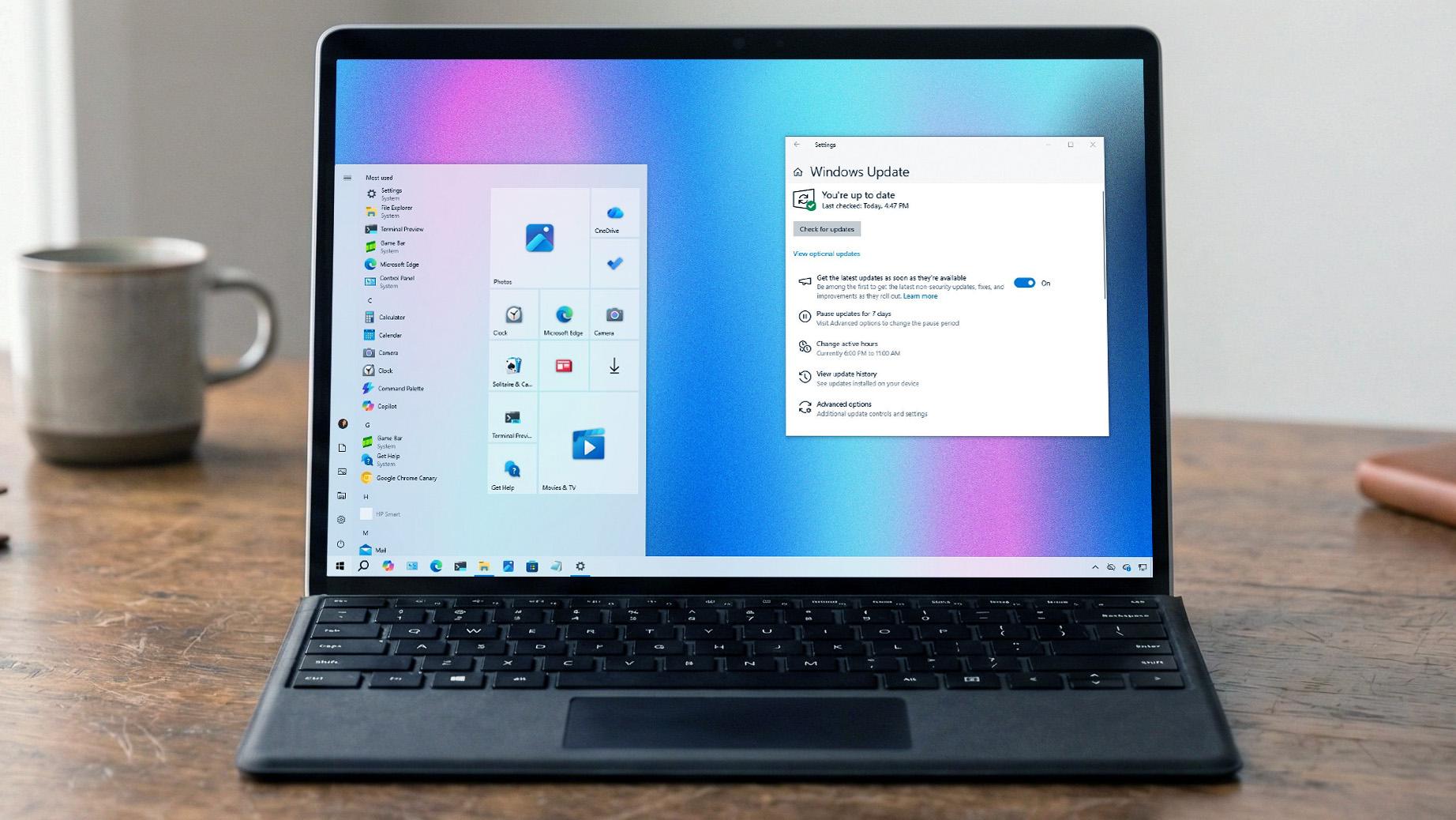
Choose a refurbished laptop that can run a currently supported operating system, because security updates matter more than cosmetic condition. A laptop that looks almost new can still be a poor investment if its operating system is no longer receiving essential security fixes.
Windows 10 reached its standard end-of-support date on 14 October 2025. Microsoft recommends moving to Windows 11 on compatible devices or considering its available extended-security options where applicable. Details are available in Microsoft's Windows 10 support guidance.
For a refurbished Windows laptop, check that:
Windows 11 is installed or the device is officially eligible to upgrade.
The processor and other hardware meet the operating system's requirements.
The laptop receives security updates through Windows Update.
The operating system is properly activated and ready for use.
For a refurbished MacBook, check its exact model and year against Apple's current macOS compatibility information. Older Macs can remain useful for basic tasks, but their future software support may be more limited.
Also consider how long you intend to keep the laptop. A device that meets your needs today may offer poor long-term value if it is already near the end of its software-support life.
Which Specifications Should You Look for in a Refurbished Laptop?
For everyday work, study and browsing, prioritise a supported operating system, an SSD and enough memory for your applications. A strong condition grade cannot compensate for hardware that struggles with your workload.
Currys recommends at least 8GB of RAM and an SSD for smooth everyday performance, with 16GB being a sensible step up for heavier multitasking.
Use these guidelines when comparing models:
Processor: Check the exact processor model and generation rather than relying on labels such as Core i5 or Ryzen 5 alone.
Memory: 8GB can suit basic work and browsing, while 16GB is preferable for many multitasking and creative workloads.
Storage: An SSD generally offers faster startup and application loading than a traditional hard drive. Check the capacity as well as the type.
Display: Look at resolution, brightness, size and whether the screen has touchscreen support if you need it.
Connectivity: Confirm the USB ports, HDMI, Wi-Fi and other connections you use regularly.
Upgrade options: Some laptops have soldered memory or storage, making future upgrades difficult or impossible.
For writing, research, office applications and video calls, a refurbished laptop with a recent mid-range processor, 16GB RAM and a 512GB SSD may be a more balanced choice than an older premium laptop with limited memory.
For gaming, video editing or specialist software, check the graphics hardware and application requirements carefully.
Is a Currys Refurbished Laptop Better Value Than a New Laptop?
A refurbished laptop is better value when the saving is meaningful and the device still offers enough performance, battery life and software support for your expected ownership period. A small discount on an older model may not justify choosing it over a new laptop.
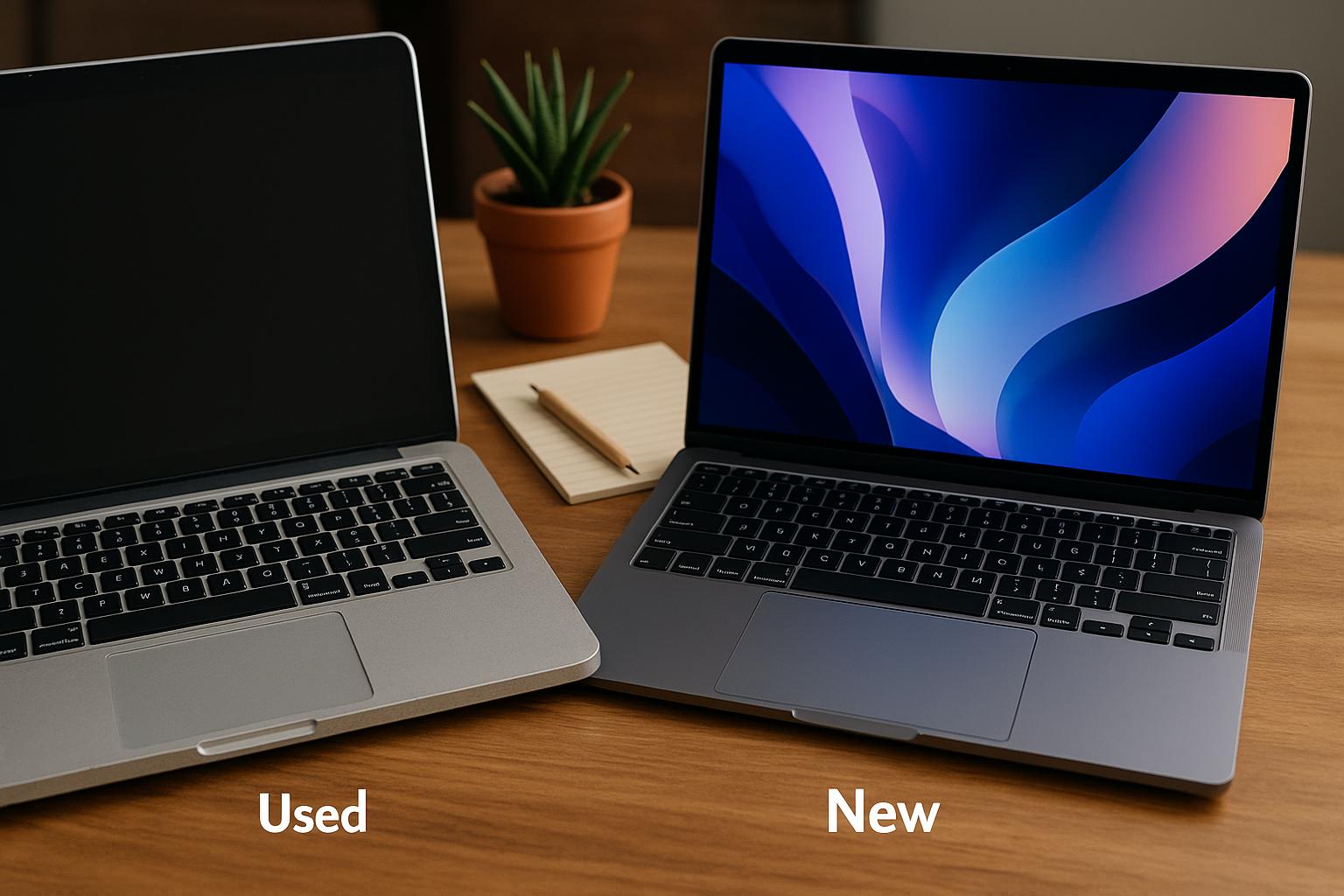
Compare the total value rather than the headline price. For example, a refurbished laptop might cost less but have a worn battery, limited storage or a shorter remaining software-support life. A new model may cost more while offering a fresh battery, current hardware and a longer useful lifespan.
Before deciding, compare the refurbished device with a new laptop in the same price range. Look at the processor, RAM, SSD capacity, display, battery expectations, included accessories and warranty terms.
A refurbished laptop can be particularly attractive if you want a higher-specification machine for the same budget. It can also help reduce electronic waste by extending the useful life of existing hardware.
However, if you need dependable battery performance for several years, require the latest features or find that a new laptop costs only slightly more, buying new may be the more sensible decision.
How to Inspect a Currys Refurbished Laptop After Delivery
Check the laptop as soon as it arrives, focusing on physical condition, charging, performance, connectivity and the operating system. Early inspection helps you identify any problem while the retailer's return arrangements may still be available.
Use this practical checklist:
Inspect the screen for dead pixels, pressure marks, scratches or uneven brightness.
Test the keyboard, trackpad, webcam, speakers and microphone.
Check the charging port, USB ports, headphone socket and other connections.
Confirm that the battery charges and holds power.
Run Windows Update or the relevant operating-system update process.
Check that Wi-Fi, Bluetooth and the webcam work correctly.
Confirm the advertised RAM, processor and storage capacity.
Make sure the laptop is not locked to another user or organisation.
Keep the packaging, order confirmation and proof of purchase until you are satisfied.
Currys states that refurbished PC hardware is fully data-wiped before sale. Even so, confirm that the laptop starts with a clean setup and does not request credentials belonging to a previous owner.
If anything differs from the product description or appears faulty, contact Currys promptly and follow its current returns procedure.
Conclusion: Should You Buy a Refurbished Laptop from Currys?
Currys refurbished laptops can be a worthwhile purchase if you select the right specifications, understand the condition grade and verify the guarantee and battery expectations. The Excellent, Very Good and Fair grades help set expectations about cosmetic wear, while the advertised 12-month technical guarantee provides an additional layer of reassurance.
For most buyers, the strongest approach is to prioritise a supported operating system, adequate RAM, SSD storage and a price that represents a genuine saving against a comparable new laptop.
Browse the Currys refurbished laptop range, compare individual listings and check the latest terms before placing an order. A well-chosen refurbished laptop can deliver excellent value, but the best deal is the one that remains useful and secure for years, not simply the one with the lowest price.
FAQs
Are Currys refurbished laptops tested before sale?
Yes. Currys says its refurbished laptops are inspected, tested, cleaned and data-wiped before sale. Its current refurbished laptop guidance describes a 25-point inspection process.
What is the difference between Excellent, Very Good and Fair refurbished laptops?
Excellent models have the best cosmetic condition, Very Good models may show more noticeable wear, and Fair models have more substantial cosmetic marks. All three grades are described as fully functional, so compare specifications as well as appearance.
Do Currys refurbished laptops come with a warranty?
Currys advertises a 12-month technical guarantee on its refurbished laptops. Check the current terms to understand the fault-reporting process, exclusions and available remedies.
Do refurbished laptops have good battery life?
Battery life varies according to the model and its previous use. Currys states that battery life may vary on refurbished devices, so check the individual listing and any available battery-health information rather than assuming it will match a new laptop.
Is a refurbished laptop safe to use for work or online banking?
It can be, provided the hardware is reliable, the operating system is supported and security updates are installed. Confirm that the laptop is properly reset and free from previous-user account restrictions before using it.
Is it better to buy a refurbished laptop or a new budget laptop?
Compare the actual specifications, battery expectations, software-support life and warranty terms. A refurbished laptop may offer better hardware for the money, while a new budget model may provide a fresh battery and a longer expected useful life.