
Choosing between a Windows laptop and a MacBook used to be relatively straightforward.
Windows gave you more hardware choices and broader software compatibility. MacBook gave you Apple's ecosystem, a polished interface and a reputation for excellent battery life.
Today, the decision is more complicated.
Modern Windows laptops range from inexpensive student machines to powerful gaming systems and premium Copilot+ PCs. MacBooks cover a smaller range of configurations but offer tight integration with the wider Apple ecosystem and Apple's own silicon.
Windows 11 has also become a strong productivity platform, with features such as Snap Layouts, multiple desktops, Microsoft Copilot and increasingly capable AI PCs. macOS, meanwhile, offers Continuity features that allow a Mac to work closely with an iPhone, iPad and Apple Watch, including Handoff, Universal Clipboard, iPhone Mirroring and Instant Hotspot.
So which should you buy?
It depends less on which operating system is "better" and more on what you need your laptop to do every day.
What is the main difference between a Windows laptop and a MacBook?
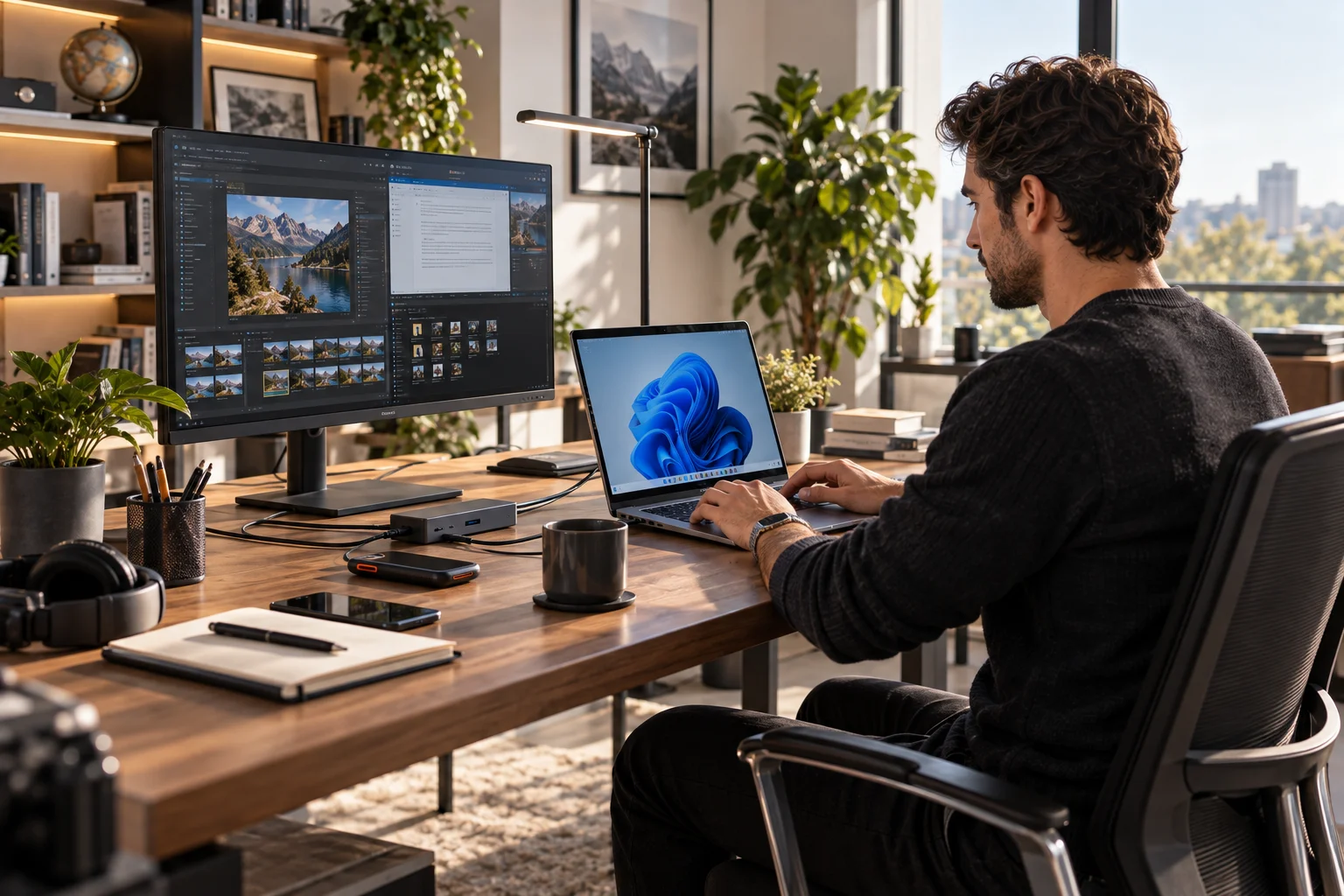
The biggest difference is choice versus integration.
Windows gives you a huge range of manufacturers, prices, screen sizes, processors, graphics cards and form factors. Microsoft itself highlights the variety, from traditional laptops to 2-in-1s and gaming PCs.
MacBook is more controlled. Apple designs the hardware, operating system and its own processors around the same ecosystem.
Category | Windows laptop | MacBook |
|---|---|---|
Hardware choice | Very wide | More limited |
Price range | Budget to premium | Primarily mid-range to premium |
Customization | High | Limited |
Gaming | Stronger overall choice | More limited |
Professional software | Very broad | Excellent, but some Windows-only apps |
Apple ecosystem | Limited | Excellent |
Microsoft 365 | Excellent | Excellent |
Touchscreen options | Many | No standard touchscreen MacBook |
2-in-1 designs | Many | No traditional MacBook 2-in-1 |
Ports | Varies widely | Usually more controlled |
File management | Flexible | Flexible, but more controlled |
AI PCs | Copilot+ PCs available | Apple Intelligence on supported Macs |
That distinction explains most of the smaller differences.
Which is better for work: Windows or MacBook?
Both are excellent work computers, but Windows has an advantage when your job depends on Microsoft software, specialized business applications or hardware flexibility.
Microsoft 365 works very well on both platforms, so using Word, Excel, PowerPoint, Teams and Outlook doesn't automatically mean you need Windows.
Windows becomes more compelling when your work involves:
Specialized enterprise software
Windows-only applications
Complex Excel workflows
Certain accounting or engineering tools
Corporate IT environments
Multiple external monitors and peripherals
Custom hardware configurations
Windows 11 also has strong multitasking features. Snap Layouts let you organize multiple applications on screen, while Snap Groups make it easier to return to a particular workspace.
For someone who spends the day moving between a browser, spreadsheets, documents, Slack, email and presentations, either platform can handle the workload comfortably.
The specific laptop matters more than the logo.
Is a MacBook better for creative work?
MacBook can be particularly attractive for creative professionals who value a quiet, portable machine and work heavily with Apple's supported creative ecosystem.

Video editing, photography, music production, graphic design and content creation can all be handled extremely well on modern Macs.
The bigger question is software compatibility.
Before buying, check the applications you actually use.
If your workflow revolves around Adobe Creative Cloud, Microsoft 365, Google Workspace and browser-based tools, both platforms can work very well.
If you rely on a specific Windows-only application, the calculation changes immediately.
That's why professional software compatibility should come before general opinions about which operating system feels nicer.
Which is better for students?
For most students, both platforms can work well, but Windows offers more choice at different budgets.
A student studying writing, business, marketing, communications or general academics can comfortably use either.
Windows becomes particularly attractive when budget matters.
You can find Windows laptops with:
13-inch displays
Large 15- or 16-inch screens
Touchscreens
2-in-1 designs
Stylus support
Dedicated graphics
Different processor options
Microsoft also positions Windows 11 laptops across work, education and everyday use, with Copilot and AI features becoming part of the broader platform.
MacBook makes sense for a student who already uses an iPhone or iPad and wants that ecosystem to extend to their laptop.
Apple's Continuity features can make everyday tasks such as copying text between devices, receiving iPhone messages on the Mac and continuing work between devices remarkably convenient.
Which has better battery life?
Battery life depends heavily on the specific laptop, processor, display and workload, so don't assume every MacBook automatically lasts longer than every Windows laptop.
Modern Windows Copilot+ PCs have made significant progress here. Microsoft says many Copilot+ PCs are designed for all-day battery life, with some models rated for up to 22 hours of video playback or 15 hours of web browsing under Microsoft's stated testing conditions.
MacBooks are also known for strong battery efficiency, particularly with Apple's silicon-based systems.
But real-world battery life depends on what you're doing.
A laptop editing 4K video is going to consume considerably more power than one displaying Google Docs and a few browser tabs.
When comparing two laptops, look at the specific model and processor, not simply "Windows vs Mac."
Which is better for multitasking?
Windows has an advantage if your idea of multitasking means arranging several applications across the screen.
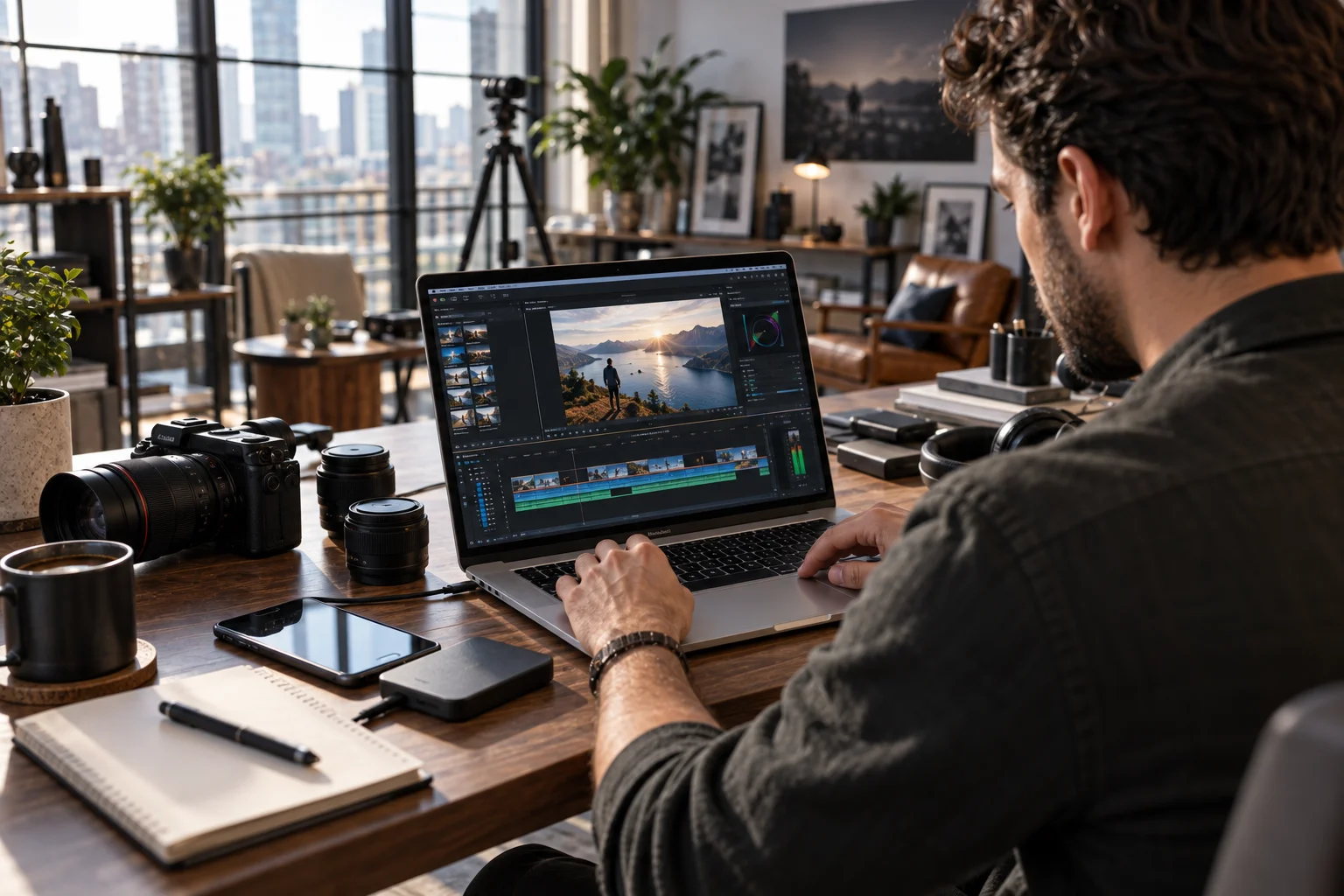
Windows 11's Snap Layouts make it easy to place applications into predefined layouts, and Snap Groups help you return to those arrangements.
macOS also handles multitasking well through Spaces, Mission Control and multiple desktops.
The difference is largely about workflow.
If you're constantly arranging:
Excel + browser + Teams + Word
Windows' window management can feel particularly natural.
If you're moving between:
Safari + Messages + Mail + Notes + creative apps
macOS offers a very cohesive experience.
Neither prevents you from getting serious work done.
Which is better for gaming?
Windows is generally the more flexible choice for gaming.
The reason isn't simply performance.
It's the enormous range of gaming hardware available.
You can choose Windows laptops with:
Dedicated NVIDIA or AMD graphics
High-refresh-rate displays
Advanced cooling
Mechanical-style keyboards
Upgradeable components on some models
Gaming-focused software
Microsoft explicitly positions Windows as a gaming platform with broad game support and features such as Game Bar.
Mac gaming has improved, but the game library and hardware choices aren't as broad.
If gaming is one of your main reasons for buying a laptop, Windows gives you more options.
Which operating system is easier to use?
The easier operating system is usually the one you're already familiar with.
Someone who has used Windows for 15 years may find macOS unfamiliar at first.
Someone who has lived inside Apple's ecosystem may find Windows unnecessarily complicated.
Both operating systems are mature.
Windows 11 provides familiar desktop workflows, extensive hardware compatibility and features such as Snap Layouts, while macOS focuses on a more controlled interface and deep integration with Apple's hardware.
Don't confuse unfamiliarity with poor usability.
Give either platform a week or two and your initial reaction can change considerably.
Which has better integration with a phone?
MacBook has the strongest advantage if your phone is an iPhone.
This is one of the biggest reasons people stay within Apple's ecosystem.
With Continuity, you can:
Receive iPhone calls on your Mac
Reply to messages
Copy and paste between devices
Continue tasks with Handoff
Use your iPhone as a camera
Mirror your iPhone on your Mac
Use your iPhone's hotspot without taking it out of your bag
Apple documents all of these as part of its Continuity features.
Windows has its own phone integration through Phone Link. Microsoft says it can connect your phone to Windows for calls, texts and notifications.
Android users can therefore get useful cross-device functionality with Windows.
The experience is simply different.
iPhone + MacBook = deeper integration.
Android + Windows = broader device flexibility.
Which is better for AI features?
Both platforms now include AI features, but the hardware requirements and implementation differ.

Windows has a specific category called Copilot+ PCs. Microsoft defines these as Windows 11 PCs with dedicated NPUs capable of at least 40 trillion operations per second, enabling certain on-device AI experiences.
Depending on the machine and region, Windows AI features can include intelligent search, translation, image tools and Copilot functionality.
Apple has integrated Apple Intelligence into supported Mac hardware and macOS features.
For buyers, the important lesson is simple:
Don't assume that every laptop marketed as an "AI PC" has the same AI capabilities.
Check the processor, NPU, operating-system version and the exact features supported on that model.
Which gives you more ports and hardware flexibility?
Windows laptops generally give you more choice because manufacturers design machines for different priorities.
One laptop might prioritize portability.
Another might include HDMI, USB-A, USB-C, Ethernet and an SD card reader.
Another might be a gaming machine with a dedicated GPU and extensive cooling.
MacBooks tend to have a more consistent and controlled port selection.
That isn't necessarily bad.
But if your desk contains several peripherals, external drives, cameras and displays, check the port selection before buying.
You may need a hub or dock.
Is Windows or macOS better for file management?
Windows generally feels more flexible if you regularly work directly with folders, external drives and different file types.
File Explorer is deeply integrated into Windows, while macOS uses Finder.
Both can handle serious professional workflows.
The difference becomes more noticeable if you frequently:
Move large files between drives
Work with external storage
Manage complicated folder structures
Connect specialist hardware
Download files from multiple sources
For ordinary documents, photos and cloud files, either system works well.
Which is better value for money?
Windows gives you more ways to match your budget to your hardware requirements.

You can spend relatively little on a basic Windows laptop or considerably more on a premium workstation or gaming machine.
MacBook starts at a higher level of hardware and pricing, but the comparison should be made model against model.
Don't compare a $400 Windows laptop with a $1,000 MacBook and conclude that one operating system offers better value.
Compare:
Processor + RAM + storage + display + battery + build quality + software needs + expected lifespan.
That's the useful comparison.
Windows laptop vs MacBook for different types of users
The easiest way to narrow the decision is to look at your actual use case.
Your priority | More suitable starting point |
|---|---|
Microsoft-heavy workplace | Windows |
General office work | Either |
University or school | Either |
Tight budget | Windows |
Gaming | Windows |
iPhone + Apple Watch user | MacBook |
Creative work | Either, depending on software |
Maximum hardware choice | Windows |
2-in-1 or touchscreen | Windows |
Minimal, controlled ecosystem | MacBook |
Frequent file and hardware flexibility | Windows |
Apple device integration | MacBook |
Browser-based work | Either |
These aren't hard rules.
They're starting points.
A graphic designer who also games might choose Windows. A business student who lives entirely inside Google Workspace might prefer a MacBook. A developer may choose either depending on their tools and deployment environment.
Should you buy a Windows laptop or MacBook?
The best choice depends on your software, your phone, your budget and the way you work.
Choose a Windows laptop if you want extensive hardware choice, gaming support, touchscreen or 2-in-1 options, broad software compatibility or more flexibility at different price points.
Choose a MacBook if you already live in Apple's ecosystem, value the integration between Mac and iPhone, prefer Apple's hardware-and-software approach or work comfortably within macOS-compatible creative and productivity applications.
For work and study, both are capable enough for most people.
The more important question is what happens after you close the browser and start doing your actual work.
If you spend your day in Excel, Teams and specialized business software, Windows may fit naturally into that environment.
If you're moving between an iPhone, MacBook, AirPods and other Apple devices all day, macOS can make those transitions feel almost invisible.
And if you're simply browsing, writing documents, attending meetings, watching videos and managing everyday tasks?
Either can do the job very well.
Don't buy the operating system. Buy the workflow that makes sense for you.