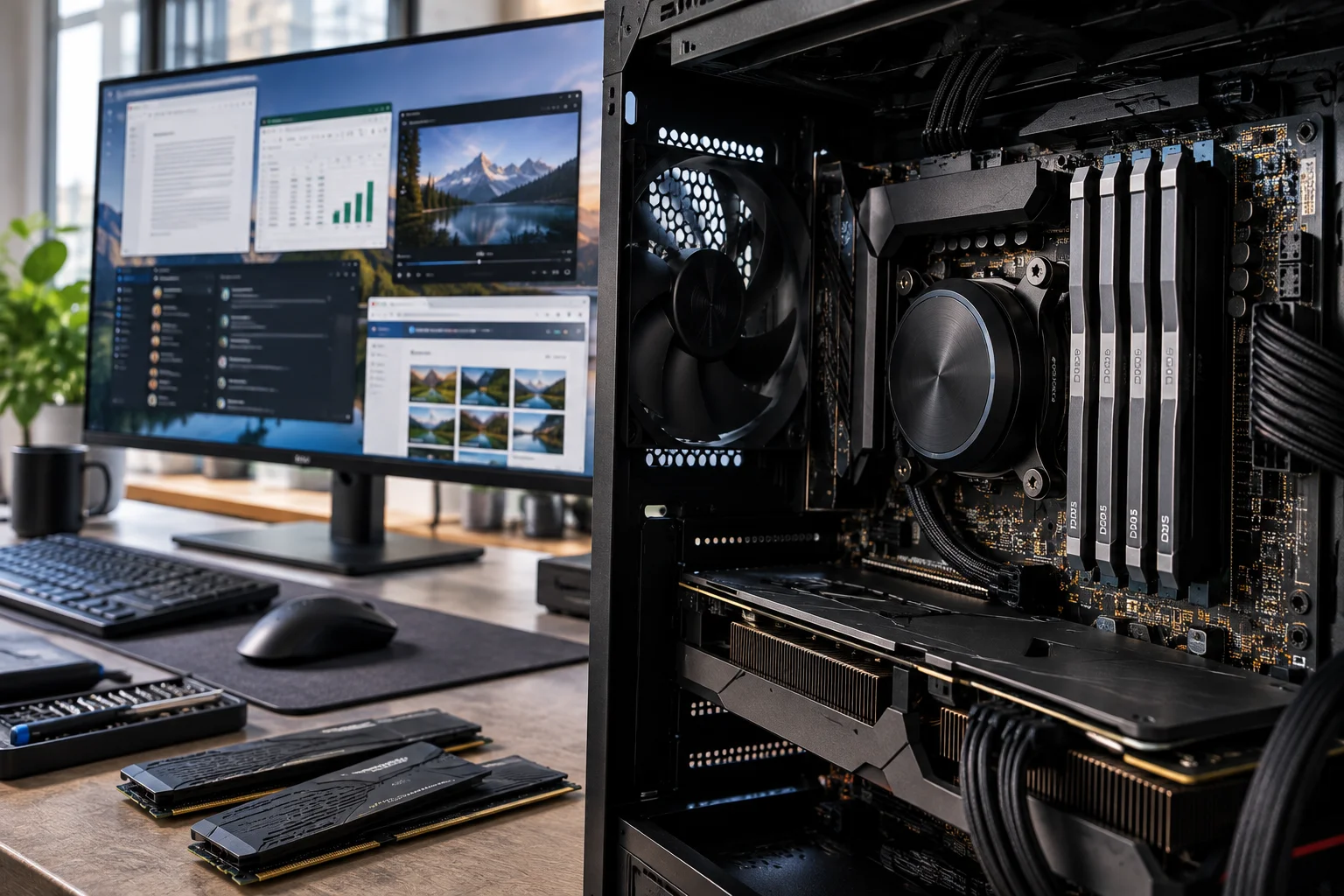
RAM is one of the most important components inside a computer, but it is also one of the most misunderstood.
People often assume that more RAM automatically means a faster computer. That is not quite right.
RAM, or Random Access Memory, is the computer's short-term working space. It temporarily holds the data and programs your processor needs to access quickly. When you open a browser, launch an application or switch between several tasks, RAM helps keep those things ready to use.
The amount of RAM you have affects how many tasks your computer can comfortably handle at the same time. But RAM is only one part of performance. Your processor, storage and graphics hardware all matter too.
What does RAM actually do?
RAM temporarily stores the information your computer is actively using so the processor can access it quickly.
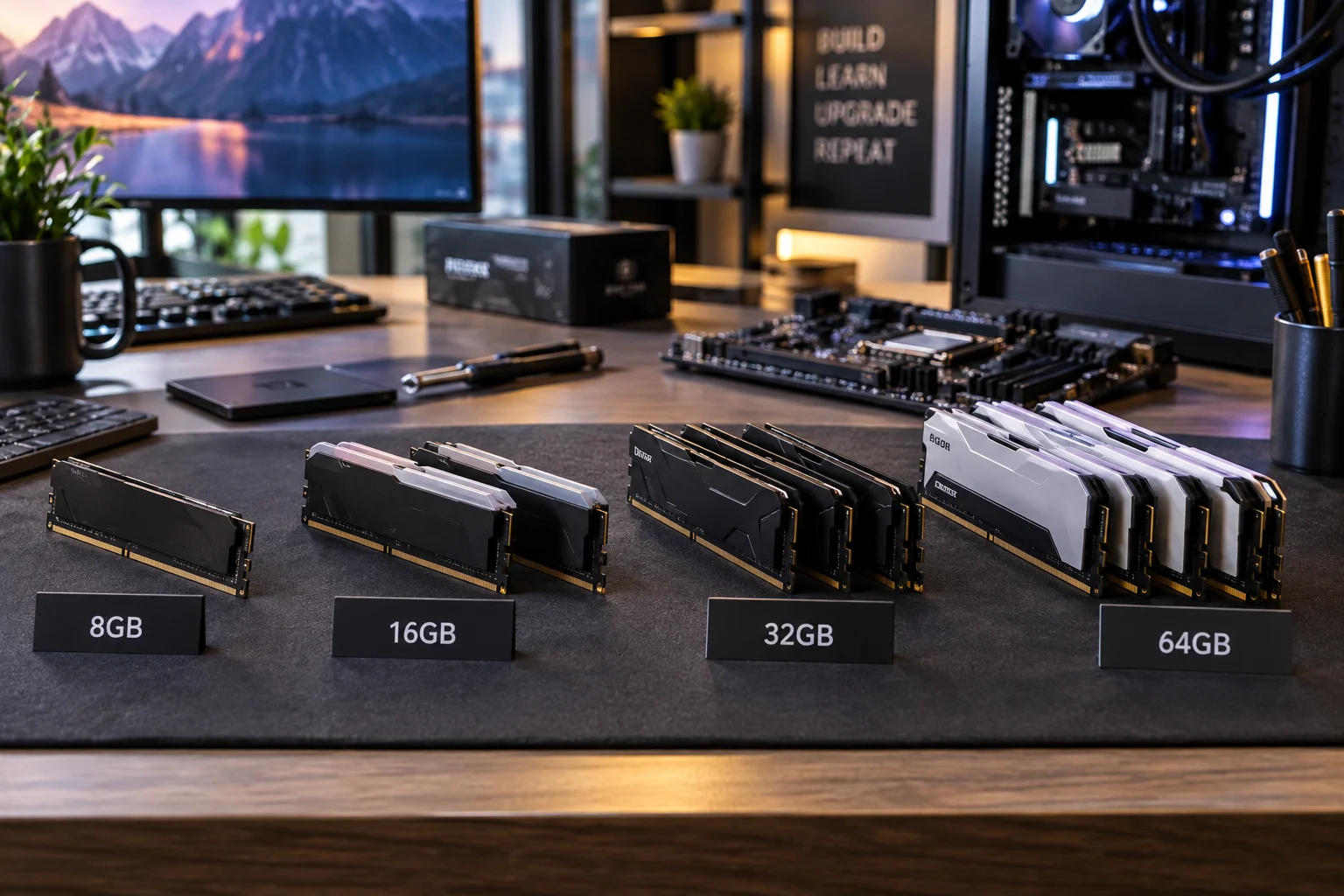
Think about your desk.
Your computer's SSD or HDD is like a filing cabinet where your files are permanently stored. RAM is the space on your desk where you keep the documents you are currently working on.
The larger the desk, the more things you can have open and ready without constantly putting something away.
When you start an application, the computer loads the information it needs from storage into RAM. When you close the application, that working memory can be used for something else.
RAM is therefore not permanent storage. Your files remain on the SSD or HDD when the computer is turned off, while the contents of RAM are lost.
Does more RAM make a computer faster?
More RAM can make a computer feel much faster when the existing amount is not enough for your workload. Once you have enough RAM, adding more does not necessarily improve everyday performance.
For example, moving from 8GB to 16GB can make a noticeable difference if you regularly use many browser tabs, office applications and communication tools at the same time.
Moving from 32GB to 64GB may make little difference for someone who mainly checks email, browses the web and writes documents.
This is why there is no single amount of RAM that is "best" for everyone.
The right amount depends on what you do with your computer.
What happens when you run out of RAM?
When available RAM becomes too limited, the operating system has to work harder to keep applications running, which can lead to sluggish performance.
Modern operating systems can use storage as additional memory when physical RAM becomes constrained. This is much slower than using actual RAM because even a fast SSD cannot match the access characteristics of system memory.
You may notice symptoms such as:
Applications taking longer to switch
Browser tabs reloading
Programs becoming less responsive
Increased storage activity
Slower multitasking
This does not always mean the computer needs more RAM. Background processes, malware, insufficient storage or an overloaded processor can also cause slowdowns.
But consistently running out of available memory is a strong sign that additional RAM could help.
How much RAM do you need?
For most people buying a new Windows PC or Mac today, 16GB is a sensible starting point.
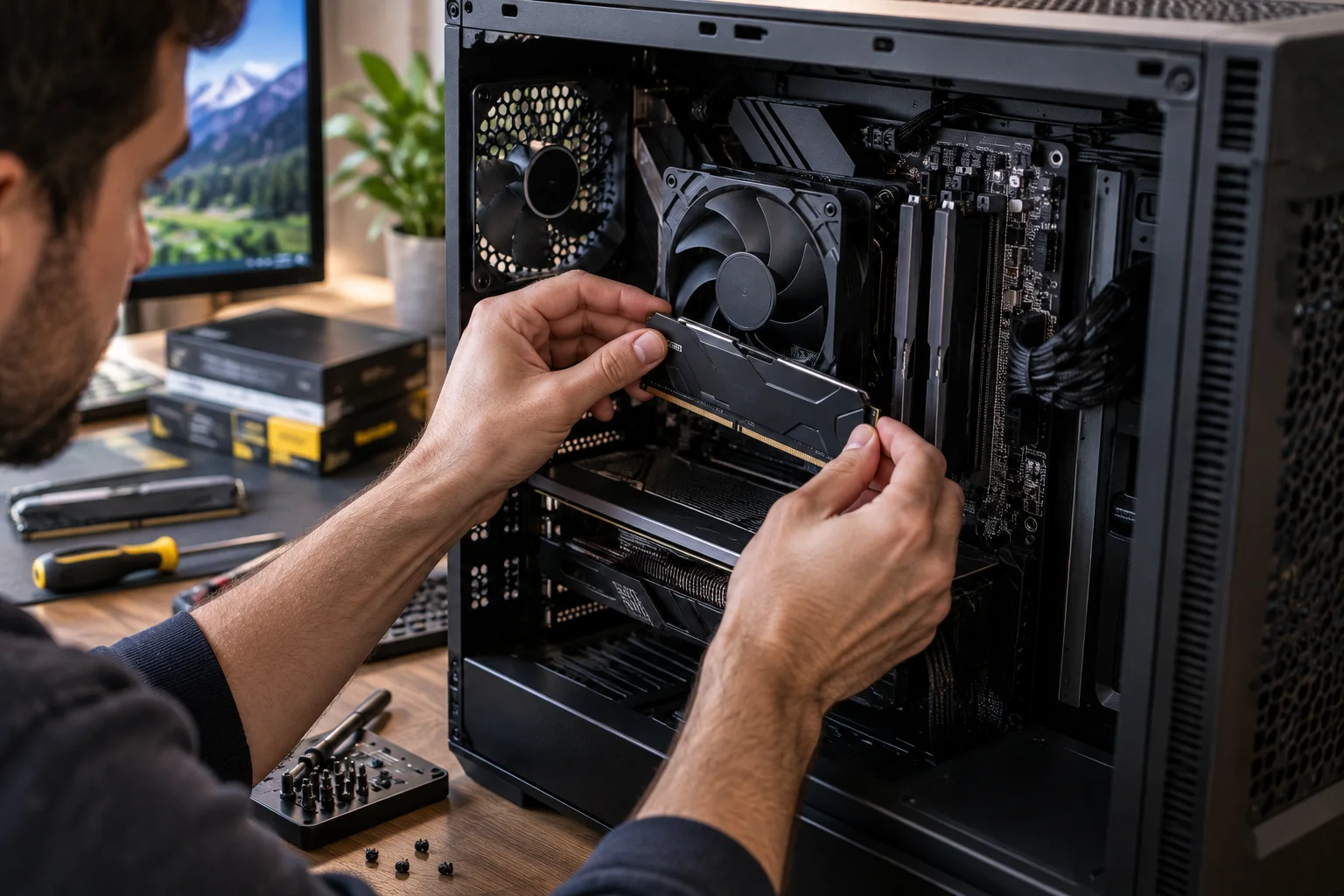
A useful guide is:
RAM | Suitable for |
|---|---|
4GB | Very basic tasks and lightweight systems |
8GB | Basic browsing, email and office work |
16GB | Most everyday users, students and professionals |
32GB | Gaming, development, creative work and heavy multitasking |
64GB or more | Professional workloads, large projects and demanding technical applications |
These are practical guidelines rather than strict rules.
A person with 8GB and a lightweight workload may have a better experience than someone with 32GB who has an old processor and slow storage.
Is 8GB RAM enough?
8GB can still be enough for light computing, but it is no longer the ideal amount for many people buying a new computer.
If your typical day involves a few browser tabs, email, word processing and video calls, 8GB may be usable.
The problem is what happens when your workload grows.
A browser can consume significant memory across multiple tabs. Add a video meeting, a spreadsheet, messaging software and several other applications, and that 8GB can disappear surprisingly quickly.
For a computer you expect to use for several years, 16GB provides considerably more breathing room.
Is 16GB RAM enough for gaming?
Yes, 16GB is still a sensible amount for many gaming PCs.
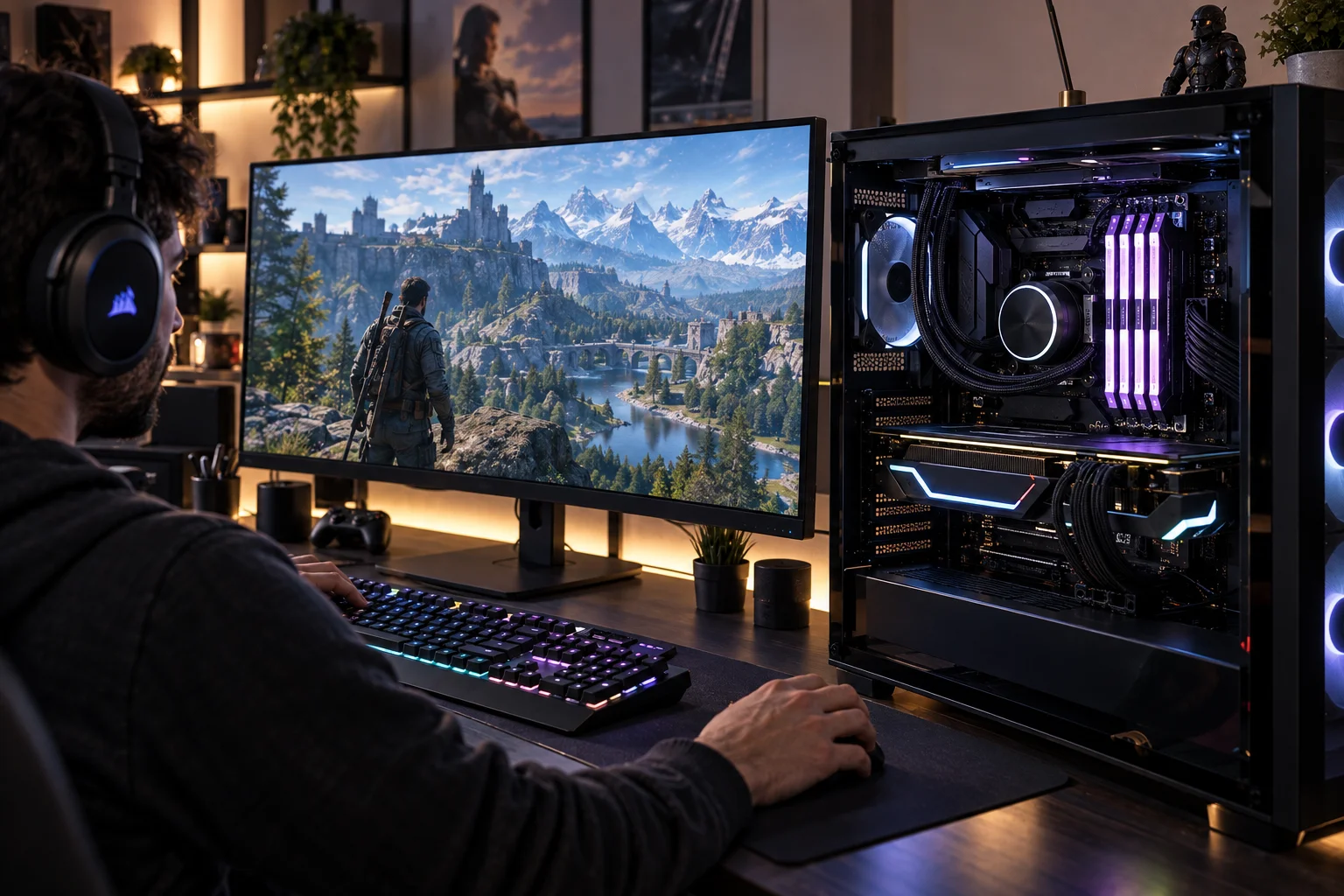
Most games do not require enormous amounts of system RAM by themselves. However, you are rarely running only the game.
You may also have a browser open, voice chat running, game launchers active and other background applications using memory.
For a new gaming system, 16GB is a practical starting point. 32GB becomes more attractive if you play demanding modern games, stream, record gameplay or multitask heavily while gaming.
It is also important to remember that system RAM and graphics-card VRAM are different things.
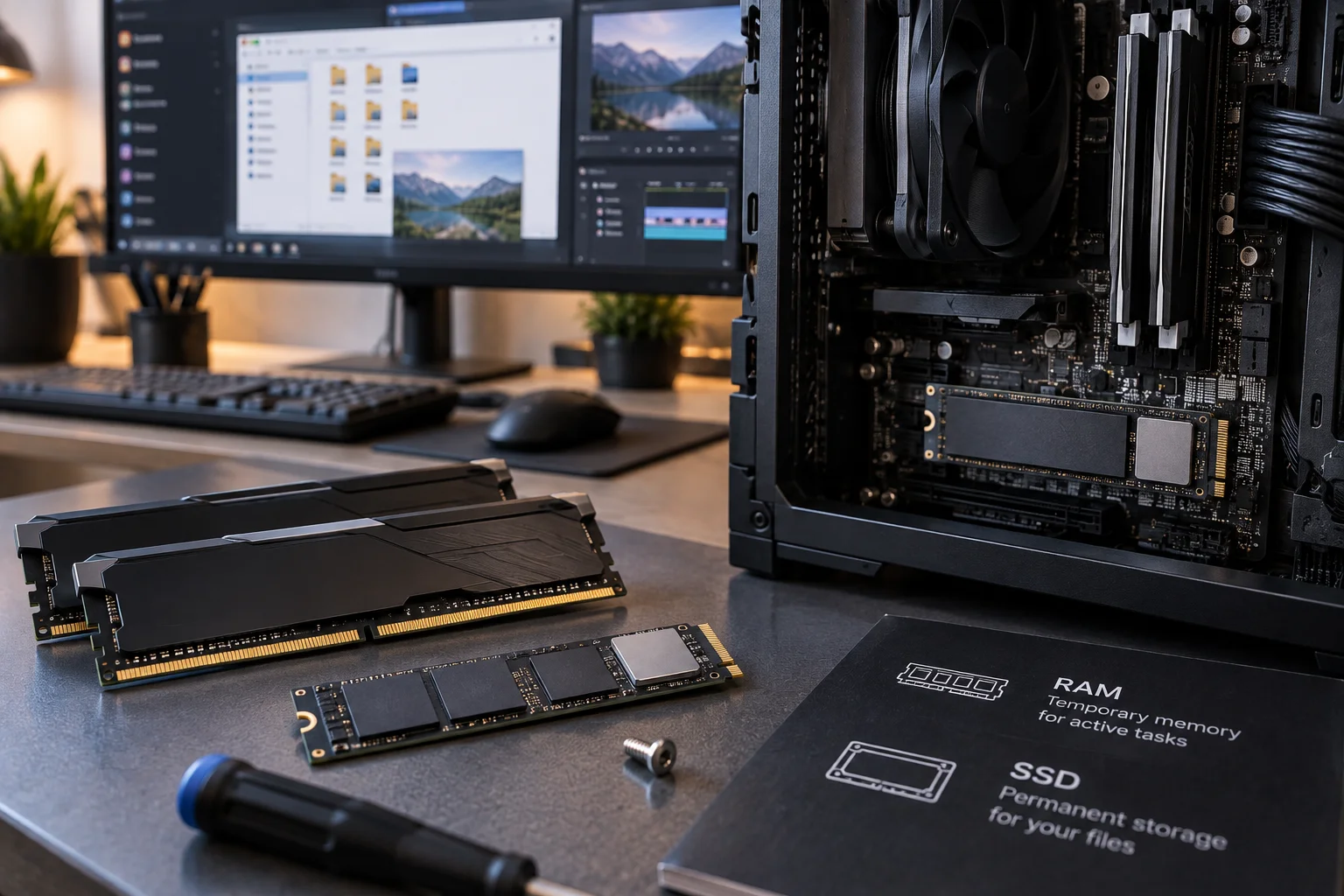
What is the difference between RAM and storage?
RAM is temporary working memory. Storage is where your files and applications are kept permanently.
An SSD stores Windows, games, applications, photos and documents even when the computer is turned off.
RAM temporarily holds the information those applications are actively using.
This explains why upgrading storage and upgrading RAM solve different problems.
If your computer constantly runs out of disk space, you need more storage.
If applications struggle because the system does not have enough working memory, additional RAM can help.
An SSD can also make a computer feel dramatically faster than an old HDD, but it does not replace RAM.
Does RAM speed matter?
Yes, but capacity is usually the more important factor for ordinary users.
Modern RAM comes in different generations and speeds. DDR4 and DDR5, for example, are different memory standards with different technical characteristics.
Faster memory can improve performance in some workloads, particularly when the processor is sensitive to memory bandwidth.
But buying extremely fast RAM while having insufficient capacity is usually the wrong priority.
For most people, it is better to have enough compatible RAM than to chase the highest possible memory speed.
What is DDR5 RAM?
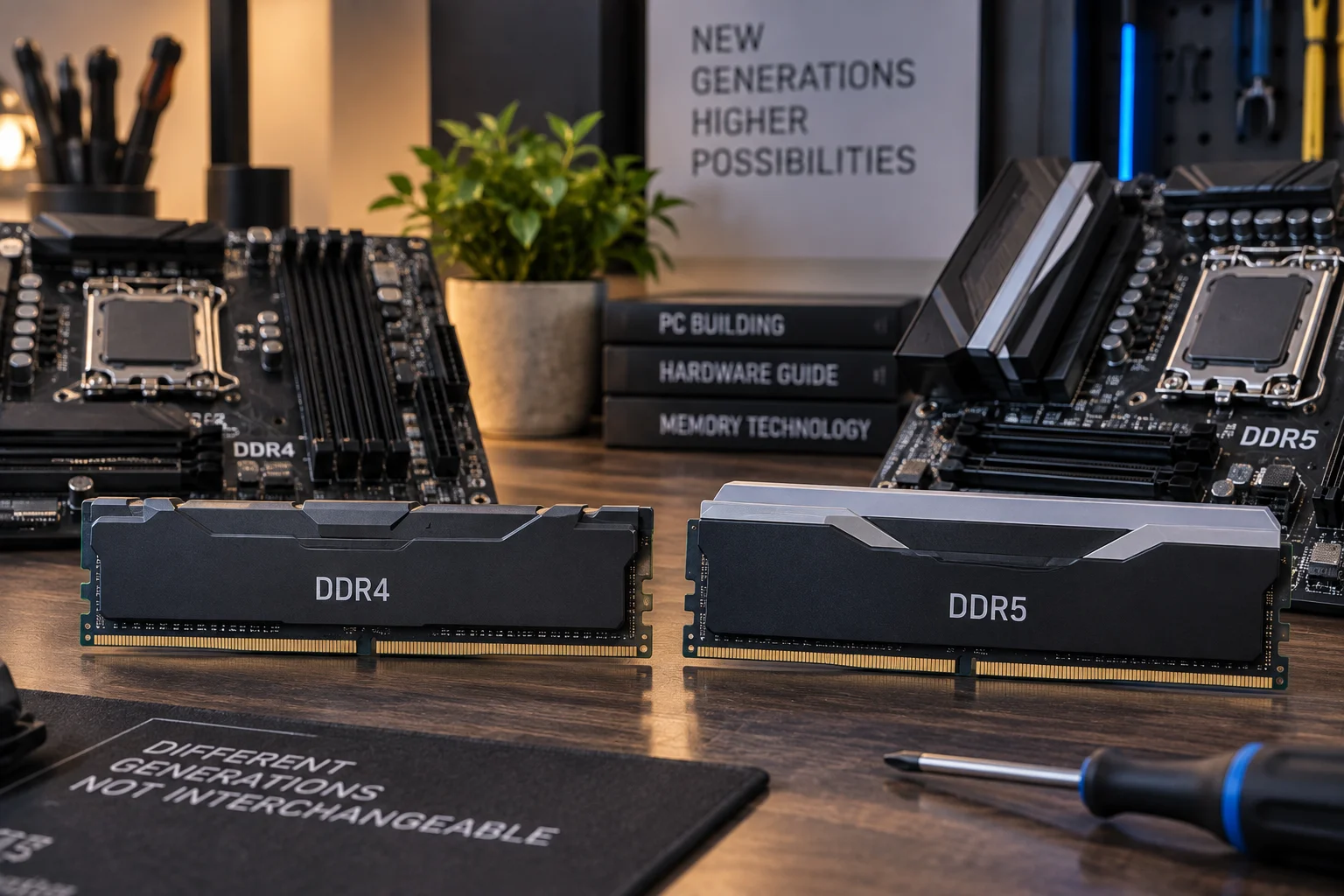
DDR5 is a newer generation of system memory that offers higher bandwidth and improved efficiency compared with DDR4.
It is now common in newer computers and is designed to support modern processors and increasingly demanding workloads.
However, DDR5 is not interchangeable with DDR4.
A motherboard designed for one memory standard generally cannot simply use the other.
When upgrading RAM, compatibility matters. You need to check the type of memory supported by your computer, the maximum supported capacity and whether the system allows memory upgrades at all.
Does RAM affect gaming performance?
RAM can affect gaming performance, but the graphics card and processor are usually much more important.
If you already have enough RAM, adding more may produce little or no improvement in average frame rates.
However, insufficient RAM can create problems with stuttering, loading and multitasking.
Memory speed can also influence gaming performance, particularly on systems where the processor is heavily dependent on memory bandwidth.
This is why a balanced gaming computer is usually more important than maximising one specification.
How much RAM does a laptop need?
For a general-purpose laptop, 16GB is a strong target.
Students, office workers and people who spend much of the day in a browser will usually have plenty of room with 16GB.
Choose 32GB when you regularly use demanding development tools, virtual machines, large creative applications or other memory-heavy workloads.
There is another important consideration with laptops: upgradeability.
Some modern laptops have RAM soldered directly to the motherboard. In those machines, you cannot simply add another memory module later.
That makes choosing enough RAM at the time of purchase particularly important.
Does RAM affect video editing and creative work?
Yes. RAM becomes increasingly important as projects become larger and applications become more demanding.
Video editing software may need to work with large video files, previews, effects and multiple applications at once.
Photo editing and graphic-design applications can also consume substantial amounts of memory when working with large images or multiple layers.
For basic creative work, 16GB may be sufficient.
For serious video editing, 3D work or large professional projects, 32GB or more can make much more sense.
Your graphics card also matters because many creative applications can use GPU acceleration.
How does RAM affect multitasking?
Multitasking is one of the areas where you are most likely to notice having enough RAM.
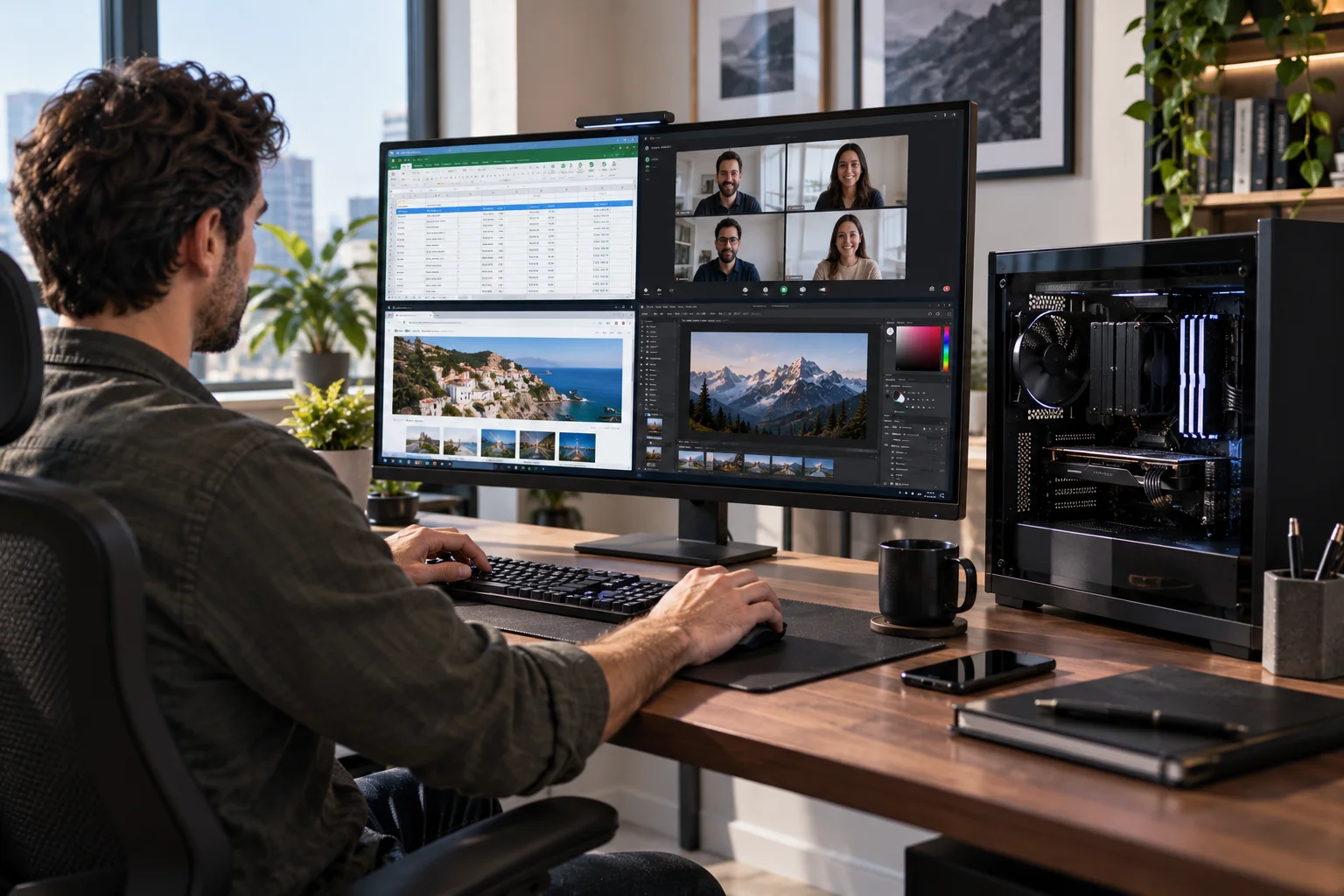
Imagine working with a spreadsheet, 20 browser tabs, a video meeting, email and a music application.
With sufficient memory, those applications can remain ready in the background.
With insufficient memory, the system may need to move information between RAM and storage more frequently, making switching between tasks less responsive.
That is why people who describe their computer as "fine until I open everything I need for work" may benefit from more RAM.
Can you upgrade RAM later?
Sometimes, but it depends entirely on the computer.
Desktop PCs usually provide the most flexibility because memory modules can often be replaced or added.
Some laptops have accessible RAM slots, while others have memory soldered onto the motherboard.
Before buying an upgrade, check:
Maximum supported RAM
Memory type
Number of memory slots
Existing module configuration
Manufacturer compatibility requirements
Adding incompatible RAM will not solve a performance problem and can prevent the system from working correctly.
Is more RAM better than a faster processor?
Neither is automatically more important. It depends on what is limiting performance.
If your computer is constantly running out of memory, adding RAM may produce a much bigger improvement than upgrading the processor.
If you already have plenty of free RAM but applications are processor-heavy, a faster CPU will matter more.
This is why simply comparing specifications can be misleading.
A computer with 32GB of RAM is not automatically faster than one with 16GB.
The 32GB system may simply have more memory capacity than it needs.
How can you tell whether you need more RAM?
Check your memory usage while doing the tasks that normally make your computer slow.
On Windows, Task Manager can show how much memory is being used. On a Mac, Activity Monitor provides similar information.
Look for a pattern rather than a single reading.
If memory usage regularly approaches the system's available capacity while you are working, and the computer becomes slower at the same time, a RAM upgrade may help.
If memory usage is comfortable but the computer is still slow, look elsewhere.
Your SSD, processor, graphics card, software or thermal performance may be the actual problem.
RAM FAQs
What does RAM stand for?
RAM stands for Random Access Memory. It is the computer's temporary working memory used by the operating system and applications.
Is 16GB RAM enough for most people?
Yes. 16GB is a sensible amount for general computing, college work, office productivity and many gaming systems.
Is 32GB RAM overkill?
Not necessarily. It can be useful for demanding gaming, programming, virtual machines, video editing, 3D work and heavy multitasking.
Does more RAM increase FPS?
Not automatically. Once a game has enough memory available, additional RAM may have little effect on frame rates. The CPU and GPU usually have a greater influence.
Is RAM the same as SSD storage?
No. RAM is temporary working memory, while an SSD provides long-term storage for files and applications.
Can I add RAM to any laptop?
No. Some laptops allow RAM upgrades, while others use soldered memory that cannot be replaced.
Is DDR5 better than DDR4?
DDR5 is a newer memory standard with higher bandwidth and different technical characteristics, but the best choice depends on the processor and motherboard in your computer.
Does RAM speed matter?
Yes, but having enough capacity is usually more important for everyday users than buying extremely fast memory.
Why does my computer slow down when I open many programs?
You may be running short of available RAM, although CPU limitations, background processes and other issues can also cause slowdowns.
Final Thoughts
RAM is essentially the space your computer uses for the work it is doing right now.
More RAM does not magically make every computer faster. It gives the system more room to keep applications and data readily available, which becomes increasingly valuable as your workload grows.
For most people, 16GB is the practical starting point for a new computer. Move to 32GB when you regularly game heavily, create content, develop software, run virtual machines or work with other demanding applications.
The most important lesson is to look at RAM as part of the whole system.
A computer with plenty of RAM but a slow processor is still limited.
A powerful processor with too little RAM can also struggle.
The best-performing computer is a balanced one, with enough RAM for the way you actually use it.