A GPU bottleneck happens when the graphics card is the component limiting your gaming performance, but the same PC can become CPU-, RAM-, VRAM- or storage-limited in a different game or workload.
That distinction matters because seeing your GPU at 95–100% usage isn't automatically a problem. In fact, high GPU utilization is often exactly what you want when gaming.
The real question is: What is limiting your frame rate right now?
If your GPU is working continuously while the CPU has spare capacity, you're probably GPU-bound. If the GPU is sitting at 50–70% while one or more CPU threads are heavily loaded, the CPU may be holding it back. Intel's performance-analysis guidance uses CPU and GPU workload together to identify these scenarios rather than relying on a single utilization number.
Here's how to identify what's actually happening inside your PC.
What Is a GPU Bottleneck?
A GPU bottleneck occurs when the graphics card takes longer to complete its work than the rest of the system takes to prepare the next frame.

Think of a gaming PC as an assembly line.
The CPU prepares game logic, physics, AI, draw calls and other instructions. The GPU then processes the rendering workload and produces the image.
If the GPU needs 20 milliseconds to finish a frame, the system can't consistently produce that frame in less than 20 milliseconds, even if the CPU could prepare everything faster.
That's a GPU-bound scenario.
Intel describes the same basic relationship: when the GPU is still busy while the CPU has finished its relevant work, the GPU is the limiting part of the rendering pipeline.
Is a GPU Bottleneck Actually Bad?
Not necessarily. A GPU being the bottleneck is often completely normal.
If you're playing a visually demanding game at high settings and your GPU is running close to full utilization, you're probably getting the performance your graphics card is capable of delivering.
For example:
GPU at 98% + stable frame rate = often healthy GPU-bound gaming.
The situation becomes a problem when you expected significantly higher performance and need to determine what is preventing it.
A bottleneck simply tells you where the current performance ceiling is.
What Causes a GPU Bottleneck?
A GPU becomes the limiting component when the rendering workload is too demanding for its available processing power or memory resources.
Common causes include:
High resolution
Ultra graphics settings
Ray tracing
High-quality textures
Complex shaders
High shadow quality
Heavy visual effects
High geometry or object density
A demanding game engine
An entry-level GPU paired with demanding settings
Intel's graphics analysis documentation identifies complicated shaders, memory-heavy assets such as textures and geometry, and large numbers of rendering commands as common causes of GPU-bound workloads.
This is why the same graphics card can be GPU-bound in one game and CPU-bound in another.
How Do You Know If Your GPU Is the Bottleneck?
The clearest sign is consistently high GPU utilization while the CPU isn't preventing the GPU from staying busy.
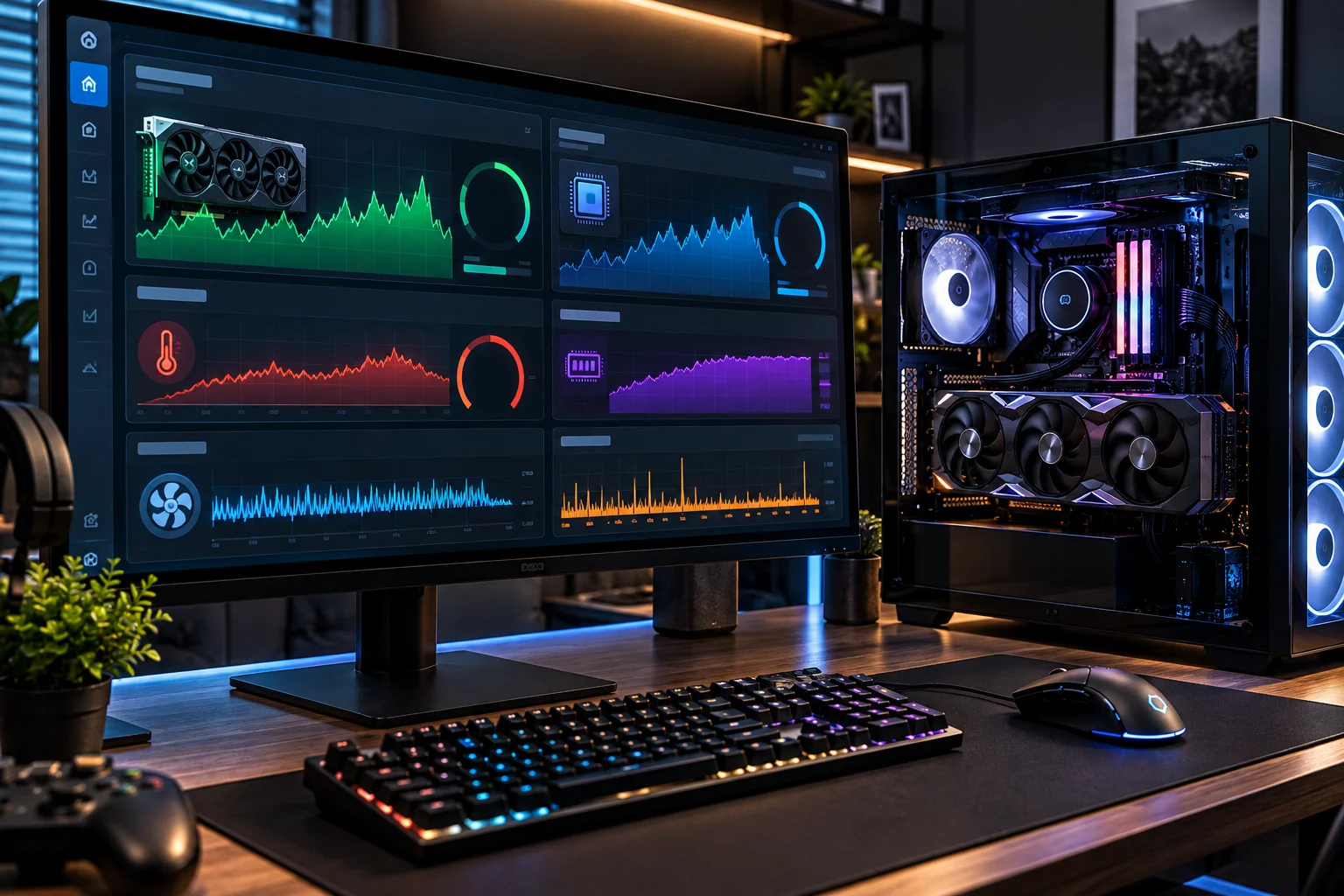
Use an in-game overlay or monitoring application to watch:
GPU utilization
GPU clock speed
GPU temperature
GPU power
VRAM usage
CPU utilization
CPU per-core usage
RAM usage
FPS
Frame-time data
AMD's Radeon performance overlay, for example, can display GPU utilization, CPU utilization, VRAM usage, system RAM and FPS together.
NVIDIA's FrameView also provides real-time CPU/GPU statistics and performance monitoring.
A typical GPU-bound pattern looks like this:
Metric | What you might see |
|---|---|
GPU utilization | 95–100% |
CPU overall usage | Moderate |
CPU individual cores | Not consistently maxed |
VRAM | Below or near capacity |
GPU clocks | Sustained |
FPS | Limited by GPU workload |
Lowering resolution | FPS increases significantly |
That last test is particularly useful.
If you reduce the game's resolution or GPU-heavy settings and FPS rises substantially, you've probably reduced a GPU limitation.
How Can You Tell If the CPU Is Bottlenecking the GPU?
A CPU bottleneck often appears as relatively low GPU utilization combined with one or more heavily loaded CPU threads.
This is where looking only at overall CPU usage can mislead you.
A game may heavily load a few CPU threads without pushing the entire processor to 100%.
For example, you might see:
GPU: 65%
CPU overall: 55%
One CPU core: near 100%
FPS: lower than expected
That can indicate that a CPU thread is preventing the GPU from receiving work quickly enough.
Intel specifically warns that high CPU utilization combined with low GPU utilization can indicate a bottleneck.
Try this test
Lower the game's resolution while keeping the CPU-heavy settings unchanged.
If you go from 1440p to 1080p and FPS barely changes, the GPU probably wasn't the main limitation.
If FPS increases dramatically, the GPU was likely limiting performance.
What Does a RAM Bottleneck Look Like?
Insufficient system RAM can cause stuttering, slowdowns and inconsistent frame times rather than simply producing a low average GPU utilization number.
Modern games can use substantial amounts of system memory, particularly large open-world titles.
If your RAM is full, Windows may have to move data between RAM and storage, which can increase latency and cause performance problems.
Watch:
RAM utilization
Page-file activity
Frame-time spikes
Background applications
Don't confuse RAM capacity with RAM speed.
Having 32GB of RAM doesn't automatically make a game faster than 16GB if the game never needs more than 16GB. But if you're running out of available memory, adding RAM can make a much bigger difference.
Can VRAM Cause a GPU Bottleneck?
Yes. Running out of VRAM can become a separate limitation from the GPU's raw processing power.
VRAM stores graphical assets such as textures and other rendering resources.
When a game needs more memory than the graphics card comfortably provides, you may encounter:
Texture streaming problems
Stuttering
Frame-time spikes
Reduced texture quality
Performance drops
This is why a GPU with a powerful processor but insufficient VRAM can behave differently from another GPU with similar rendering performance but more memory.
A useful monitoring setup should therefore show both GPU utilization and VRAM usage, rather than GPU utilization alone. AMD's monitoring tools expose both metrics for this reason.
Can Slow Storage Cause Gaming Performance Problems?
Yes, particularly through asset streaming and loading rather than raw GPU rendering performance.
Modern games can continuously stream textures, geometry and other assets from storage.
A slow drive or storage problem can contribute to:
Long loading times
Texture pop-in
Asset-streaming stutters
Delayed world loading
But don't automatically blame the SSD whenever a game stutters.
Frame-time problems can originate from the CPU, GPU, VRAM, system RAM, drivers, shader compilation or the game itself.
Can the Power Supply Cause a GPU Performance Problem?
A power-delivery problem can prevent a GPU from maintaining its expected performance, although it isn't the same thing as a conventional GPU bottleneck.
If the graphics card is power-limited or thermal-limited, its clocks may fall and performance can decline.
Watch:
GPU temperature
GPU power
GPU clock
Fan speed
Throttling indicators
A graphics card running at lower clocks because of excessive temperature isn't necessarily being bottlenecked by the CPU. The GPU itself may be limiting its performance.
How Does Resolution Help Identify a Bottleneck?
Changing resolution is one of the simplest diagnostic tests because resolution primarily changes the amount of rendering work placed on the GPU.
Try running the same game or scene at:
4K → 1440p → 1080p
If FPS rises substantially as resolution falls, the GPU is likely a major limitation.
If FPS barely changes, investigate the CPU, game engine or another system component.
Intel's guidance also emphasizes that game settings and scene characteristics can change whether a system becomes CPU- or GPU-bound.
How Does a Graphics-Settings Test Work?
Change one GPU-heavy setting at a time and observe frame rate and frame time.
Good settings to test include:
Ray tracing
Resolution
Shadow quality
Texture quality
Ambient occlusion
Volumetric effects
Reflections
If disabling ray tracing produces a large performance improvement, you have identified a substantial GPU workload.
If dropping texture quality eliminates stuttering while average FPS changes little, VRAM may have been the more relevant limitation.
Why FPS Alone Doesn't Tell You Enough
Average FPS can hide the exact problem because two systems producing the same average FPS can have very different frame-time behavior.
For example:
PC A: 60 FPS with consistent frame times
PC B: 60 FPS average with frequent drops and spikes
The second system may feel considerably worse.
That's why modern monitoring tools expose frame-time and percentile measurements in addition to average FPS. Intel PresentMon, for example, provides real-time graphs, percentiles and a GPU Busy metric designed to help evaluate CPU/GPU balance.
A Simple GPU Bottleneck Test You Can Do at Home
You can diagnose most gaming bottlenecks by changing resolution while monitoring GPU, CPU, VRAM and frame-time behavior.
Step 1: Record your baseline
Play the same section of the game and note:
FPS
GPU utilization
CPU utilization
CPU per-core usage
VRAM
RAM
GPU temperature
GPU clock
Step 2: Lower the resolution
For example:
1440p → 1080p
Don't change anything else.
Step 3: Compare FPS
If FPS increases substantially, the GPU is likely limiting performance.
If FPS barely changes, investigate CPU-side limitations.
Step 4: Reduce GPU-heavy settings
Try lowering ray tracing, shadows and other visual effects.
Step 5: Check VRAM
If VRAM is close to capacity and you see stuttering or texture-related problems, memory capacity may be contributing.
Step 6: Check frame times
Look for sudden spikes rather than relying only on average FPS.
What Does a CPU Bottleneck Look Like vs a GPU Bottleneck?
Symptom | Likely limitation |
|---|---|
GPU 95–100%, CPU has headroom | GPU |
GPU usage low, one CPU thread heavily loaded | CPU |
Lower resolution dramatically increases FPS | GPU |
Lower resolution barely changes FPS | CPU/other limitation |
VRAM nearly full + stuttering | VRAM |
RAM nearly full + system paging | System RAM |
GPU clocks drop with high temperature | GPU thermal limit |
Long asset-loading delays | Storage/CPU/game engine |
Large frame-time spikes | Requires deeper investigation |
These are diagnostic clues, not absolute rules. Intel's performance-analysis documentation emphasizes that bottlenecks can shift depending on the scene, settings and synchronization between CPU and GPU.
Should You Upgrade the GPU or CPU First?
Upgrade the component that repeatedly limits performance in the workload you actually care about.
If your GPU sits near full utilization and lowering resolution or graphics settings produces substantial FPS gains, a faster GPU is likely to help.
If your GPU is frequently underutilized while CPU threads are saturated, a CPU upgrade may provide more benefit.
If VRAM is consistently insufficient, buying a GPU with more VRAM may be more useful than simply buying a faster GPU with the same memory capacity.
And if neither CPU nor GPU is clearly saturated, investigate RAM, storage, thermals, drivers, background processes and the game engine.
FAQs About GPU Bottlenecks
Is 100% GPU usage bad?
No. High GPU utilization is often normal when the GPU is the component doing the rendering work. The important question is whether temperatures, clocks and frame rates are appropriate.
Is 100% CPU usage always a CPU bottleneck?
No. Overall CPU usage can be misleading. A game may be limited by one heavily loaded CPU thread even when total CPU utilization isn't near 100%.
How do I know if my CPU is bottlenecking my GPU?
Monitor GPU utilization alongside per-core CPU usage and frame times. Consistently low GPU utilization combined with a heavily loaded CPU thread can indicate a CPU-side limitation.
Does lowering resolution remove a CPU bottleneck?
No. Lowering resolution primarily reduces GPU workload. If FPS barely changes after a major resolution reduction, that can be a clue that something other than GPU rendering is limiting performance.
Can RAM bottleneck a GPU?
Yes, indirectly. Insufficient system RAM can cause paging and frame-time problems, preventing the overall system from feeding the GPU efficiently.
Can a weak GPU bottleneck a powerful CPU?
Absolutely. A powerful CPU cannot make a graphics card render frames faster than the GPU's own processing capabilities allow.
The Bottom Line
A bottleneck isn't automatically a problem. It simply identifies the component currently setting the performance ceiling.
For gaming, the easiest way to diagnose the situation is to monitor GPU utilization, CPU per-core usage, VRAM, RAM, clocks and frame times together.
A GPU sitting at 98–100% while delivering stable performance usually means you're getting close to what the graphics card can provide.
A GPU sitting at 50–70% while one CPU thread is struggling tells a very different story.
And if neither component appears fully occupied, don't immediately buy new hardware. Check VRAM, system RAM, temperatures, clock speeds, storage activity, drivers and frame-time behavior first.
The goal isn't to eliminate every bottleneck. The goal is to identify the one that is actually limiting the performance you want, then spend money on the component that can remove that limitation.