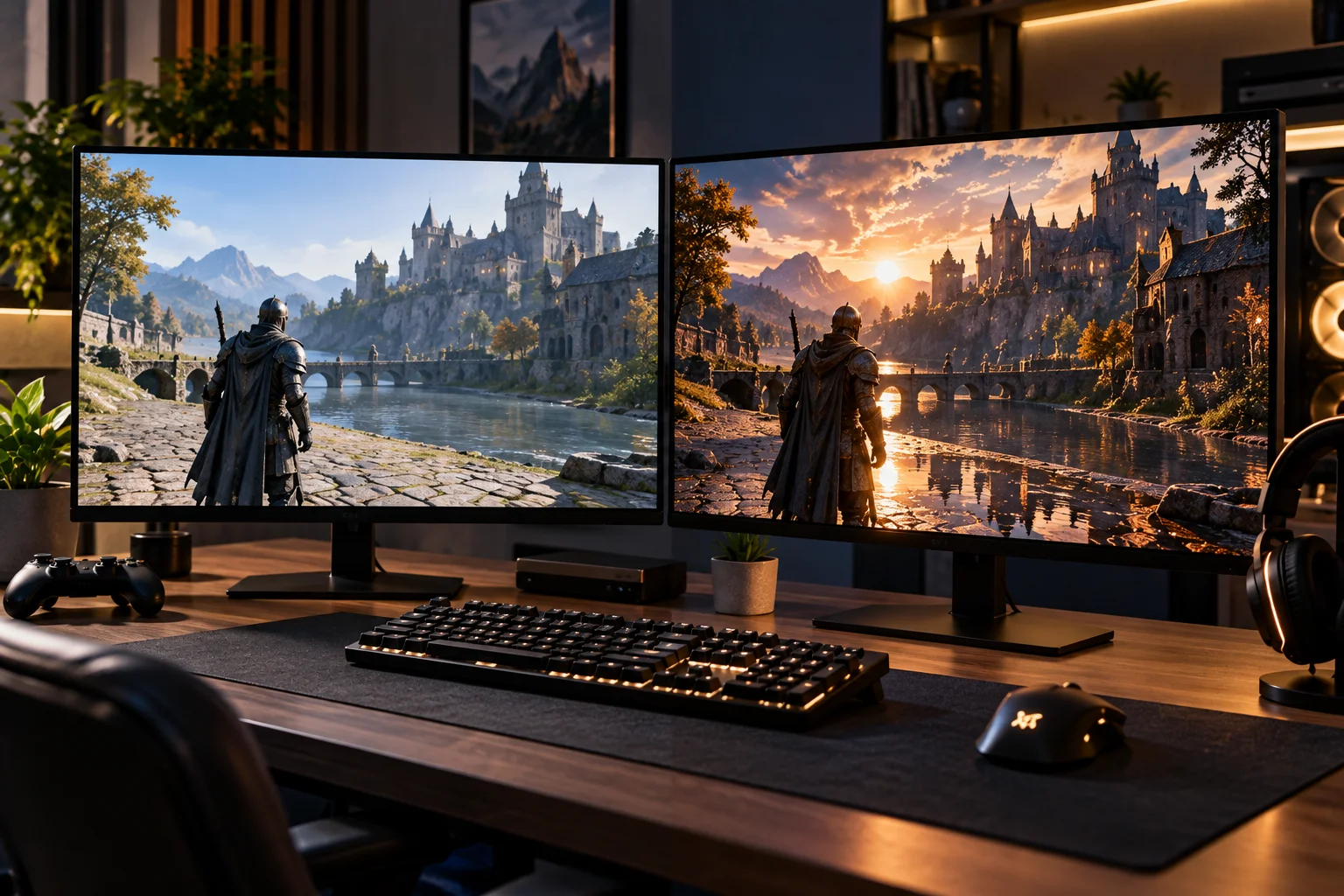
Ray tracing is a rendering technique that simulates how light interacts with objects to create more realistic reflections, shadows, lighting and other visual effects. The trade-off is that calculating those effects requires additional work from the GPU, which can reduce frame rates.
Traditional real-time game graphics rely heavily on rasterization, a highly optimized technique that converts 3D geometry into pixels. Developers use carefully designed lighting, shadows, reflections and other techniques to make those pixels look realistic.
Ray tracing takes a different approach.
Instead of simply approximating how light should look, it traces rays through a scene and calculates how they interact with surfaces. Microsoft's DirectX Raytracing (DXR) provides a standardized way for games to use hardware-accelerated ray tracing on supported GPUs.
The result can be more convincing lighting and reflections, but there's a reason the setting can have such a noticeable impact on performance.
What Is Ray Tracing in Gaming?
Ray tracing simulates the behavior of light rays to calculate how light interacts with objects in a virtual scene.
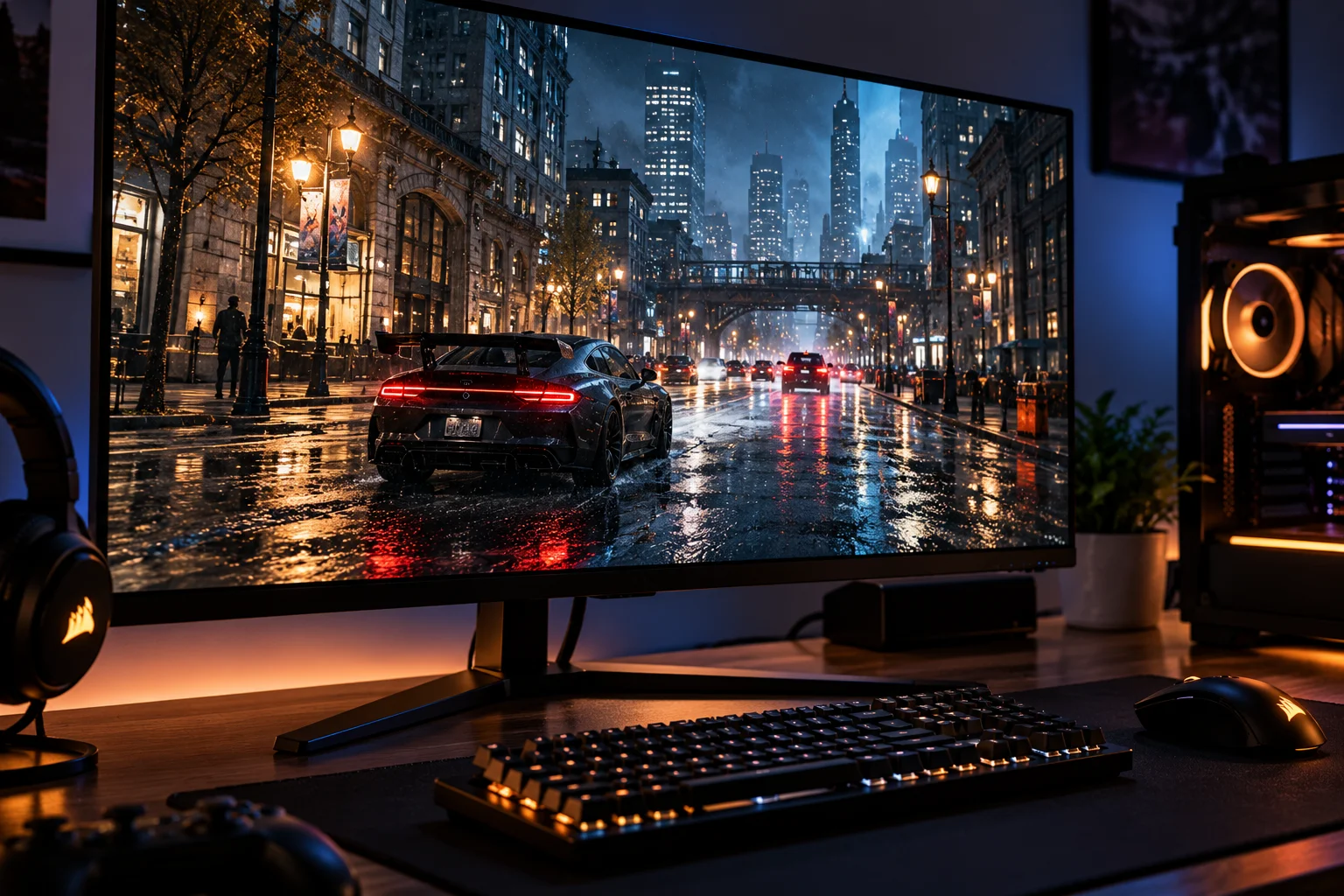
Imagine looking at a polished car in a game.
With conventional rendering, the developer can use techniques designed to approximate the reflection of the surrounding environment.
With ray tracing, the game can calculate rays that interact with the car's surface and determine what should actually appear in the reflection.
The same basic principle can be applied to:
Reflections
Shadows
Global illumination
Ambient occlusion
Refractions
Some indirect lighting effects
DirectX Raytracing supports these types of effects, while developers decide which ray-traced features a particular game actually uses.
How Does Ray Tracing Work?
A ray-traced game sends rays into the virtual scene and calculates what those rays hit and how the resulting light contributes to the final image.
The process is more complicated than simply drawing a line from the camera to every object.
A simplified version looks like this:
The game creates the 3D scene.
Rays are generated for relevant pixels or effects.
The GPU determines which objects those rays intersect.
The lighting interaction is calculated.
Additional rays may be traced for reflections, shadows or indirect lighting.
The result is combined with the rest of the rendered image.
A denoising or reconstruction process can improve the final result.
Ray tracing systems commonly use an acceleration structure called a Bounding Volume Hierarchy (BVH) to reduce the number of intersection calculations required. NVIDIA explains that BVH traversal and ray-triangle intersection calculations are among the major workloads introduced by real-time ray tracing.
That extra computational work is a major reason ray tracing can reduce FPS.
What Does Ray Tracing Actually Improve?
Ray tracing primarily improves the accuracy and consistency of lighting, reflections and shadows rather than simply making everything sharper.
Reflections
Ray-traced reflections can show objects that are actually located outside the camera's direct view.
This can be particularly noticeable on:
Glass
Water
Polished floors
Cars
Metal surfaces
Shadows
Ray tracing can calculate more realistic shadow behavior based on the position and shape of light sources.
This can produce softer or more physically consistent shadows depending on the game's implementation.
Global Illumination
Ray-traced global illumination attempts to account for light bouncing around the environment.
For example, sunlight entering a room can illuminate nearby surfaces indirectly instead of relying entirely on precomputed or approximated lighting.
Reflections and Refractions
Transparent materials such as glass and water can benefit from ray-traced calculations because the renderer can account for how light interacts with the surface.
The exact visual improvement depends on how extensively the developer has implemented the technology.
Why Does Ray Tracing Reduce FPS?
Ray tracing reduces performance because the GPU has to perform additional calculations on top of the normal rendering workload.
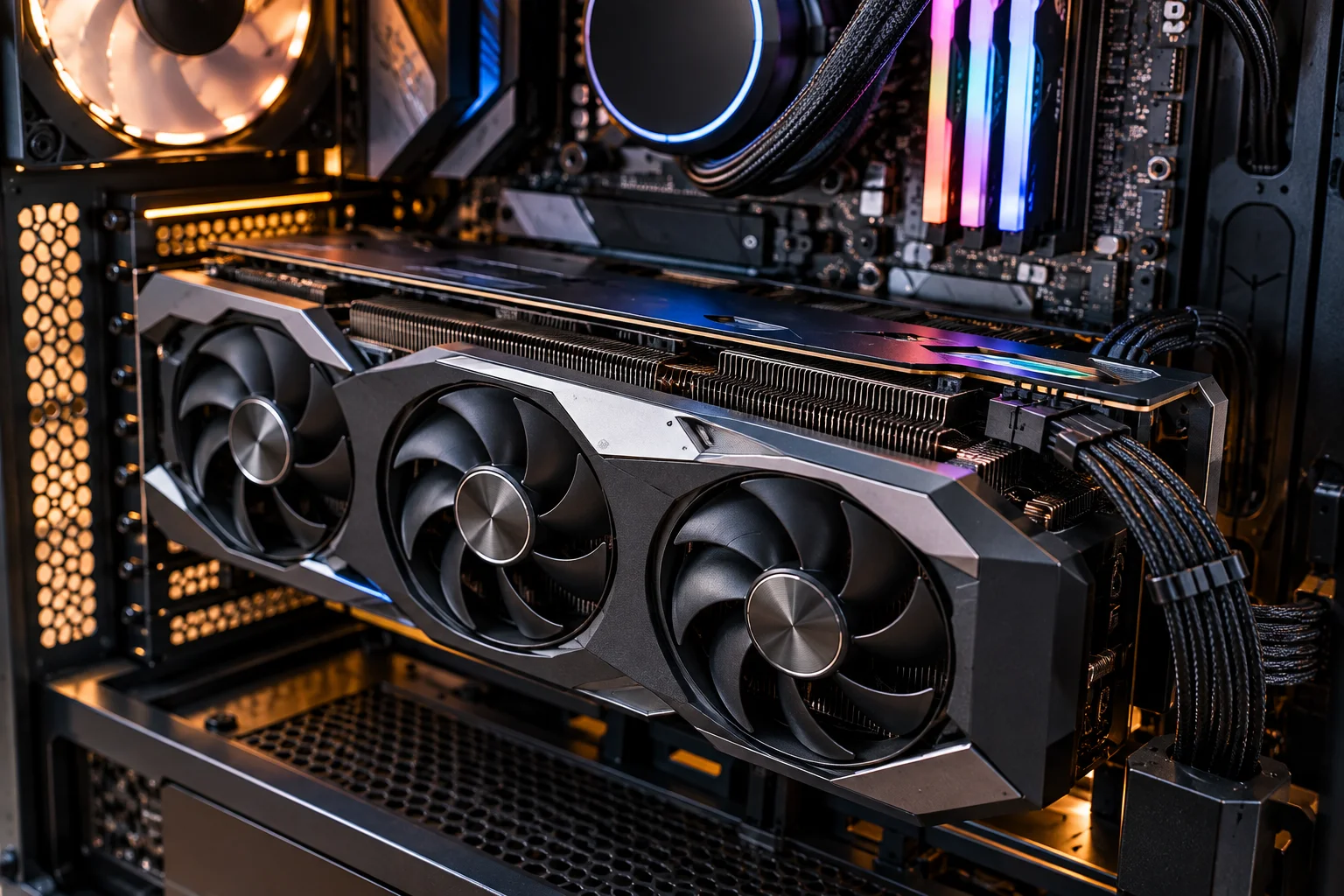
A conventional frame already requires the GPU to process geometry, textures, shaders, lighting and post-processing.
Ray tracing adds workloads such as:
Ray generation
BVH traversal
Ray-object intersection calculations
Additional lighting calculations
Denoising
Additional memory and data movement
NVIDIA explains that ray tracing introduces several new GPU workloads, including determining which triangles rays intersect and processing the resulting data.
That's why enabling ray tracing can produce a significant FPS reduction even when the rest of your graphics settings remain unchanged.
What Are RT Cores?
RT cores are specialized hardware designed to accelerate ray-tracing calculations on supported NVIDIA GPUs.
Instead of making general-purpose shader cores perform every ray-tracing operation, dedicated RT hardware can accelerate important parts of the process.
NVIDIA introduced dedicated RT cores with its RTX architecture specifically to accelerate operations such as BVH traversal and ray-triangle intersection calculations.
Modern RTX generations have continued to improve this hardware. NVIDIA currently describes its Blackwell-based GeForce RTX 50 Series as using fourth-generation RT cores, with the company claiming up to twice the ray-tracing performance of the previous generation in relevant workloads.
AMD GPUs also support hardware-accelerated ray tracing, although the architecture and implementation differ between GPU generations.
Ray Tracing vs Rasterization: What's the Difference?
Rasterization is generally faster because it uses highly optimized approximations, while ray tracing calculates more physically based interactions between light and objects.
Feature | Rasterization | Ray tracing |
|---|---|---|
Rendering approach | Geometric projection | Light-ray simulation |
Performance | Generally faster | Generally more demanding |
Reflections | Approximated techniques | More physically accurate |
Shadows | Shadow maps and other methods | Ray-based calculations |
Lighting | Often precomputed/approximated | Can calculate light interactions |
Hardware demand | Lower | Higher |
Visual consistency | Depends heavily on technique | Can be more physically consistent |
Modern games generally don't choose one technique exclusively.
Instead, many use hybrid rendering, combining rasterization with ray tracing for selected effects. NVIDIA describes this approach as a way to add ray-traced lighting, reflections and shadows without rendering the entire scene through ray tracing.
Why Does Ray-Traced Reflections Affect Performance So Much?
Reflections can require additional rays to determine what objects should appear on reflective surfaces.
Consider a room with a shiny floor.
The renderer needs to determine what the floor reflects from the surrounding environment.
Now imagine hundreds of reflective surfaces across a large game world.
The number of calculations can quickly increase.
The performance cost also depends on the resolution, number of ray-traced effects, quality level and complexity of the scene. NVIDIA notes that ray-tracing performance varies significantly depending on the game, resolution, settings and type of ray tracing being used.
What Is Ray-Traced Global Illumination?
Ray-traced global illumination calculates indirect light by tracing how light can bounce through the environment.
Traditional games often use baked lighting, screen-space techniques or other approximations to simulate indirect illumination.
Ray-traced global illumination can respond more dynamically to changes in the scene.
For example, moving a light source or changing the environment can alter how illumination reaches nearby surfaces.
The downside is that global illumination can involve substantial additional calculations, especially when combined with other ray-traced effects.
What Is Path Tracing?
Path tracing is a more comprehensive form of ray-based rendering that can simulate many light interactions throughout a scene, but it is substantially more demanding than using ray tracing for one or two effects.
Instead of selectively ray tracing reflections or shadows, path tracing can use ray-based calculations for much more of the lighting process.
This is why games offering a path-traced or full ray-tracing mode can be dramatically more demanding than games using basic ray-traced reflections.
The performance difference isn't simply because "ray tracing is on." It depends on how much of the rendering pipeline is being handled through ray-based calculations.
How Does DLSS Help With Ray Tracing?
DLSS can recover performance by rendering internally at a lower resolution and using AI-based reconstruction to produce a higher-resolution output.
NVIDIA's current DLSS suite includes:
DLSS Super Resolution
DLSS Ray Reconstruction
DLSS Frame Generation
DLSS Multi Frame Generation on supported RTX 50 Series hardware
DLSS Super Resolution uses a lower-resolution input and reconstructs a higher-resolution image. Ray Reconstruction uses an AI model to reconstruct pixels in ray-traced scenes and replace traditional hand-tuned denoisers.
This is particularly useful because ray tracing creates a difficult performance problem: you want the visual improvements of ray-traced lighting without requiring the GPU to calculate every possible ray at native resolution.
NVIDIA's latest DLSS 4.5 Ray Reconstruction uses a second-generation transformer model for ray-traced and path-traced games.
Does Frame Generation Make Ray Tracing Free?
No. Frame generation can increase displayed FPS, but it does not eliminate the underlying cost of rendering ray-traced frames.
DLSS Frame Generation and Multi Frame Generation create additional frames using AI rather than rendering every displayed frame traditionally.
That can make gameplay appear considerably smoother, but the GPU still needs to render the underlying frames.
It's therefore useful to distinguish between:
Rendered FPS: Frames actually rendered by the traditional rendering pipeline.
Generated FPS: Additional frames created through frame-generation technology.
A higher displayed frame rate doesn't mean ray tracing suddenly requires less computational work.
How Much Performance Does Ray Tracing Cost?
There is no universal FPS penalty because the cost depends on the game, GPU, resolution and type of ray tracing.
For example, ray-traced shadows may have a very different cost from full path tracing.
Performance is affected by:
GPU architecture
Resolution
Ray-tracing quality
Number of ray-traced effects
Scene complexity
Game engine
Upscaling technology
Denoising/reconstruction
Other graphics settings
NVIDIA explicitly notes that ray-tracing performance can vary substantially between games and configurations.
So statements such as "ray tracing always cuts FPS in half" are too simplistic.
Should You Turn Ray Tracing On?
Turn ray tracing on when you can see a meaningful visual improvement and your GPU can maintain the frame rate you want.

It makes more sense when:
You play single-player games
Visual realism is important
You have a powerful modern GPU
You use a high-quality display
The game has a particularly good ray-tracing implementation
You may want to turn it down or disable it when:
You prioritize competitive FPS
You need very high refresh rates
Your GPU is struggling
The visual difference is difficult to notice during gameplay
You're already using a demanding 4K or ultrawide resolution
Ray tracing is a graphics option, not a requirement for a good gaming experience.
What Ray-Tracing Setting Should You Use?
Don't automatically choose the highest ray-tracing preset; use the level that delivers the visual improvements you actually notice without sacrificing too much performance.
A sensible progression is:
Off → Low/Medium RT → High RT → Ultra/Path Tracing
Compare each setting in the same scene.
You may discover that medium ray-traced reflections provide most of the visual improvement while an ultra preset consumes considerably more GPU resources.
Using DLSS or another supported upscaling technology can also help recover performance. NVIDIA currently recommends DLSS Super Resolution and related technologies as part of its RTX performance strategy for supported games.
FAQs About Ray Tracing
Does ray tracing make games look better?
It can. Ray tracing can produce more realistic reflections, shadows and lighting, but the improvement depends on how the developer implements it.
Why is ray tracing so demanding?
It adds computationally expensive workloads such as ray generation, BVH traversal and ray-object intersection calculations to the existing rendering pipeline.
Does ray tracing use more VRAM?
It can increase memory requirements because ray-traced rendering involves additional scene data and acceleration structures, although the exact increase depends on the game and implementation.
Is ray tracing worth using at 1080p?
It depends on the GPU and game. At 1080p, a capable modern GPU can often handle selected ray-traced effects, but competitive players may prefer the higher frame rates available without them.
Is path tracing the same as ray tracing?
No. Path tracing is a more comprehensive ray-based rendering approach that can simulate many light interactions. It is generally much more demanding.
Can you use ray tracing without an RTX GPU?
Yes. Ray tracing is supported through APIs such as Microsoft's DirectX Raytracing, and different GPU vendors support hardware-accelerated ray tracing in their modern architectures. Dedicated ray-tracing hardware can substantially improve performance.
The Bottom Line
Ray tracing makes games more visually convincing by calculating light interactions more realistically, but those calculations come with a performance cost.
The important thing is understanding what you're paying for.
Ray-traced reflections can make a wet street look dramatically more convincing. Ray-traced shadows can respond more naturally to lighting. Global illumination can make an indoor scene feel more realistically lit. Path tracing can push these ideas much further.
But every additional ray-traced calculation consumes GPU resources.
Modern hardware has made the trade-off much easier to manage. Dedicated RT hardware accelerates the calculations, while technologies such as DLSS Super Resolution and Ray Reconstruction can reduce the rendering burden or improve the quality of ray-traced output.
So the best approach isn't simply "ray tracing on" or "ray tracing off."
Choose the ray-tracing effects you can actually see, combine them with an appropriate upscaling mode when available, and prioritize the frame rate that matches the way you play.