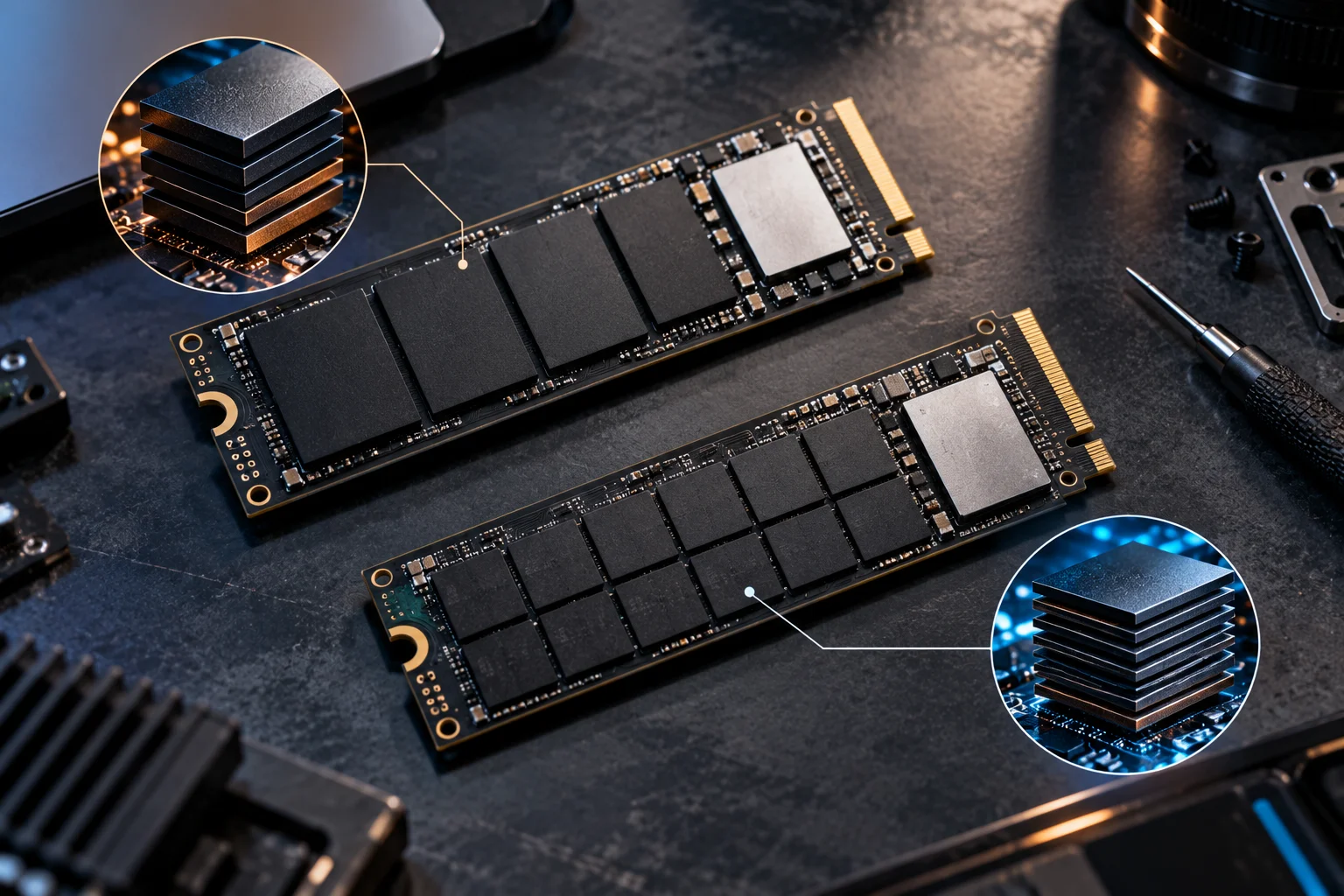
When shopping for an SSD, you will often see two terms buried in the specifications: TLC and QLC. They describe how many bits of data each NAND flash memory cell stores, and that difference affects storage density, write performance, endurance and price.
TLC stores three bits per cell, while QLC stores four. Because QLC packs more data into each cell, manufacturers can build higher-capacity SSDs at a lower cost per gigabyte. TLC generally offers a stronger balance of performance and endurance, particularly for workloads involving frequent writes. Micron describes QLC as particularly suited to read-centric applications, while TLC provides a broader cost-performance balance.
But that does not make QLC a bad choice.
Modern QLC SSDs can be very fast for everyday computing, and newer controller, firmware and caching technologies have narrowed some of the performance differences. Micron, for example, now uses adaptive write technology to improve QLC write performance in current client SSDs.
For web browsing, office work, gaming and media storage, the difference may barely matter. Heavy content creation, large sustained writes and professional workloads are where TLC becomes more compelling.
What is the difference between TLC and QLC NAND?
TLC stores three bits in each NAND cell, while QLC stores four.
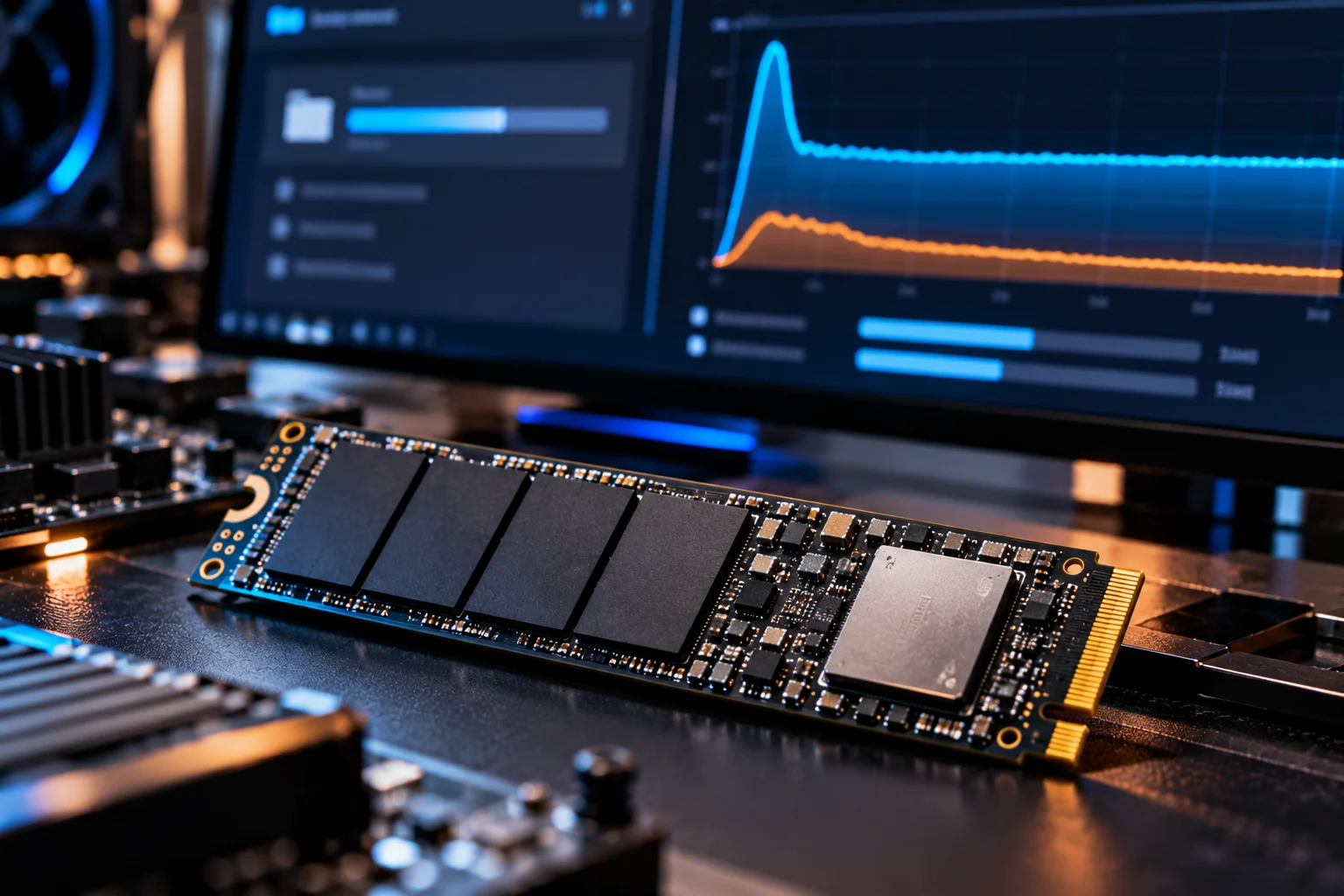
That sounds like a small change, but it has an important effect on how much information can be stored in a given amount of flash.
Feature | TLC SSD | QLC SSD |
|---|---|---|
Bits per cell | 3 | 4 |
Storage density | High | Higher |
Cost per GB | Generally higher | Generally lower |
Write endurance | Generally higher | Generally lower |
Sustained writes | Generally stronger | Can slow more significantly |
Best suited to | Mixed workloads | Read-heavy storage |
Typical appeal | Performance + endurance | Capacity + value |
Micron describes TLC as a solution offering a good cost-performance balance, while QLC provides greater density and is particularly attractive for high-density, read-centric storage.
The important word here is generally.
The NAND type does not tell you everything about an SSD's performance or endurance. Controller design, firmware, capacity, NAND generation, cache and over-provisioning can substantially change the final product.
Why does QLC store more data than TLC?
QLC increases storage density by storing four bits per cell instead of three, allowing more data to fit into the same physical NAND footprint.
The trade-off comes from the number of electrical states each cell must distinguish.
TLC uses eight possible states to represent three bits. QLC needs 16 states to represent four bits.
That makes programming more complicated.
The result is higher density and lower cost per gigabyte, but QLC traditionally has lower write endurance and slower native write behavior than TLC. Micron specifically identifies QLC's higher density and cost advantages while noting its suitability for read-intensive workloads.
For buyers, this is the basic trade-off:
More bits per cell = more capacity efficiency, but generally more compromises around writing.
Is TLC faster than QLC?
Usually, especially during sustained writes, although the difference is much less obvious during ordinary everyday use.

QLC SSDs commonly use an SLC cache to temporarily absorb incoming writes at higher speeds.
For a normal desktop task, that can work extremely well.
Installing an application, saving documents or downloading a game may complete before the cache becomes a major limitation. But a very large continuous write can eventually exhaust the cache, after which the SSD may have to write directly to QLC NAND at a much lower sustained rate.
Micron's current Adaptive Write Technology illustrates how manufacturers are addressing this limitation. Its QLC-based SSDs can dynamically use SLC and TLC modes to improve write performance before data is ultimately stored as QLC.
So the specification sheet's headline sequential-write number does not always tell you what happens after a long sustained transfer.
Does TLC last longer than QLC?
TLC generally has higher NAND write endurance than QLC, but the SSD's actual TBW rating is more important than the NAND label alone.
Every NAND cell has a finite number of program/erase cycles.
As more bits are stored in a cell, maintaining reliable data becomes more demanding. Micron lists TLC as having lower performance and endurance specifications than lower-density NAND, while QLC introduces another step toward higher density and is generally intended for more read-centric applications.
But you should not assume that every TLC SSD automatically lasts longer than every QLC SSD.
Capacity matters.
A large QLC SSD has more NAND available to distribute writes across than a small drive. Controller technology, over-provisioning and firmware also influence endurance.
The better comparison is therefore:
Check the manufacturer's TBW rating for the exact SSD.
Does QLC matter for gaming?
For most gaming PCs, QLC can be perfectly suitable, particularly when the SSD is mainly used for game storage and loading.
Games involve plenty of reading once they are installed.
Loading maps, textures and game assets is primarily a read workload, which plays into one of QLC's strengths.
Game installations and updates do involve substantial writes, but an occasional large installation is very different from continuously writing hundreds of gigabytes every day.
The bigger consideration may actually be capacity.
A 2TB QLC SSD can provide substantially more room for a large game library than a similarly priced smaller TLC drive. For many gamers, that additional capacity can be more noticeable than the difference between TLC and QLC.
Is QLC good enough for everyday use?
Yes. For browsing, office applications, streaming, photo libraries and general PC use, a good QLC SSD can provide a responsive experience.
Everyday workloads typically involve relatively small and mixed reads and writes rather than continuous high-volume writing.
Modern QLC SSDs have also improved considerably.
Micron's current 2500 and 2600 client SSDs use QLC NAND while targeting everyday computing, demonstrating how manufacturers are increasingly designing QLC products for mainstream PCs rather than treating the technology as purely archival storage.
That is an important distinction.
QLC is no longer synonymous with “slow SSD.”
The specific SSD design matters.
When should you choose a TLC SSD?
TLC is the more appropriate choice when you regularly perform heavy writes, need stronger sustained performance or want a higher-endurance drive.
TLC makes particular sense for:
Video editing and large media projects
Professional photo workflows
Software development with heavy build activity
Large file transfers
Workstations with frequent writes
Databases
Scratch-disk workloads
Users who want stronger endurance margins
The advantage becomes more obvious when the SSD spends a lot of time writing large amounts of data.
If your workload regularly pushes an SSD for extended periods, the sustained-write behavior and endurance rating deserve more attention than the purchase price alone.
When should you choose a QLC SSD?
QLC makes sense when capacity and price matter more than maximum sustained-write performance.
It can be a sensible option for:
Game libraries
General desktop storage
Laptops
Media collections
Secondary storage
Large document libraries
Read-heavy workloads
Users looking for more capacity per dollar
Micron describes QLC as particularly attractive for high-density mass storage and read-centric applications.
If a QLC SSD gives you twice the capacity at a price you can comfortably afford, that can be a more useful upgrade than buying a smaller TLC drive simply because its NAND type sounds better.
Does SSD capacity change the TLC vs QLC decision?
Yes. Capacity can substantially change the practical endurance and value equation.
Consider two otherwise similar SSDs.
A larger drive has more NAND cells available for distributing writes. This can contribute to higher rated endurance, which is one reason SSD manufacturers often give higher-capacity versions higher TBW ratings.
For example, Micron's QLC-based 2400 series was rated at 150TBW for 512GB, 300TBW for 1TB and 600TBW for 2TB.
That illustrates why you should never judge an SSD's endurance solely from the word QLC.
Always check the exact capacity and model.
Does an SLC cache make QLC as fast as TLC?
An SLC cache can make QLC feel very fast during short or moderate writes, but it does not eliminate the underlying differences in NAND behavior.
The SSD temporarily writes incoming data using a faster mode before reorganizing it into its final storage location.
This is one reason a QLC SSD can show impressive benchmark numbers despite using higher-density NAND.
The catch appears during sustained workloads.
Once the cache is exhausted, write performance can fall substantially depending on the drive.
That is why independent sustained-write testing can be more useful than looking only at a manufacturer's maximum sequential-write specification.
Should you buy TLC or QLC in 2026?
For most everyday users, choose based on the complete SSD specification rather than TLC or QLC alone.
Look at:
Price per usable GB
Capacity
TBW endurance rating
Sustained-write performance
Controller and firmware
DRAM or host-memory architecture
Warranty
Your actual workload
If you primarily browse, work, game and store media, a well-designed QLC SSD can be a sensible choice.
If you frequently edit video, move huge datasets or perform heavy sustained writes, TLC gives you a larger endurance and performance margin.
The NAND label is a useful starting point, not the final buying decision.
QLC vs TLC SSD FAQs
Is TLC better than QLC?
TLC generally offers stronger write endurance and sustained-write performance, while QLC provides greater storage density and lower cost per gigabyte. Which is more appropriate depends on the workload.
Is QLC SSD bad for gaming?
No. QLC can work very well for game storage because gaming involves substantial reading. The main limitation is more likely to appear during long sustained writes.
Does QLC SSD wear out faster?
QLC generally has lower NAND write endurance than TLC, but actual SSD endurance depends on the exact model, capacity, controller, firmware and TBW rating.
Is TLC worth paying more for?
It can be if you perform frequent large writes or want higher endurance. For ordinary everyday computing, the difference may not justify a large price premium.
Is QLC slower than TLC?
QLC can be slower, particularly during sustained writes after its faster cache is exhausted. Modern QLC SSDs can nevertheless deliver strong everyday performance through improved controllers, firmware and caching.
Which is better for a laptop, TLC or QLC?
Both can work well. QLC can be attractive when you want more capacity at a lower price, while TLC is preferable for heavier workloads and frequent writing.
How do I know if an SSD is TLC or QLC?
Check the manufacturer's product specifications or technical documentation for the exact model. Do not assume the NAND type from the product family name or price.
Does QLC have a shorter lifespan?
QLC generally has lower write endurance than TLC, but that does not automatically mean a QLC SSD will fail quickly. For a light or moderate workload, a properly designed QLC SSD can last for years.
The bottom line on QLC vs TLC
TLC is generally the better fit for heavy workloads, while QLC is increasingly attractive for affordable, high-capacity everyday storage.
For most people, the difference will not be obvious while browsing the web, opening applications or playing games.
The situation changes when an SSD is subjected to sustained writes. That is where TLC's endurance and write characteristics become more valuable.
So don't buy an SSD simply because it says TLC, and don't reject one simply because it says QLC.
Check the TBW rating, capacity, sustained-write behavior, warranty and price. For an everyday PC, a good QLC SSD can be a smart value purchase. For a workstation or write-heavy system, TLC is usually the safer specification to prioritize.