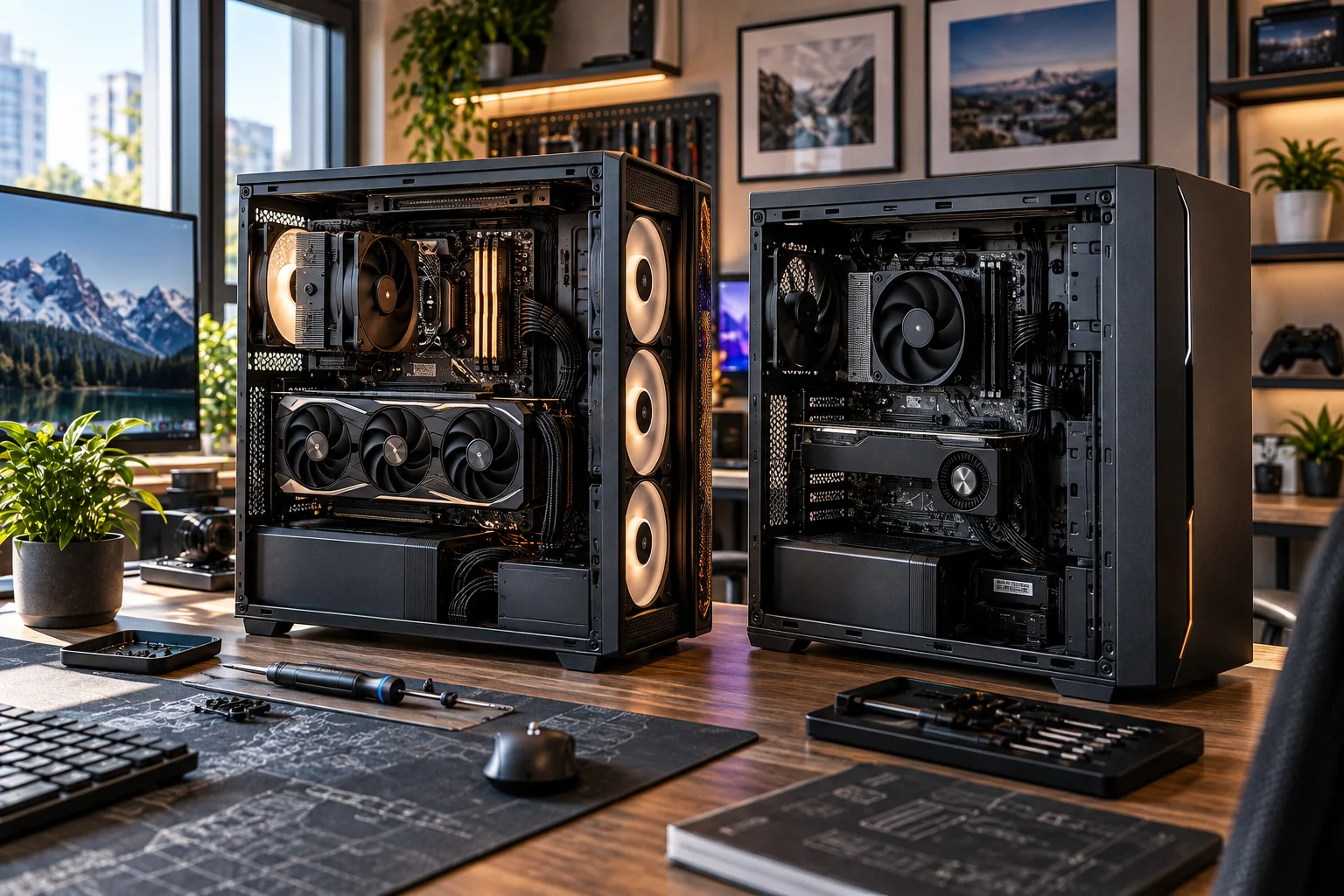
A custom desktop PC generally gives you more upgrade freedom, easier component-level repairs and greater control over cooling, but a good prebuilt PC can offer excellent thermal engineering, compatibility testing, warranty coverage and surprisingly strong upgradeability. The difference depends heavily on how the system is designed.
A custom PC lets you choose the motherboard, case, power supply, CPU cooler, fans, storage and graphics card individually. That makes it easier to plan for future upgrades rather than working around whatever components the manufacturer selected. Intel also notes that DIY and custom systems provide substantially more hardware configuration options than typical prebuilts.
Prebuilt desktops have one major advantage: convenience. They're assembled, tested and usually covered by a system-level warranty. Some modern gaming desktops also use standard components and tool-less chassis designs, making upgrades much easier than the reputation of older prebuilts suggests.
So the real question isn't simply prebuilt vs custom PC. It's whether the particular desktop gives you the freedom, cooling capacity and repair access you'll need several years from now.
Custom PCs Give You the Most Upgrade Freedom
A custom PC gives you the greatest control over future upgrades because you choose the components and compatibility constraints before the system is built.
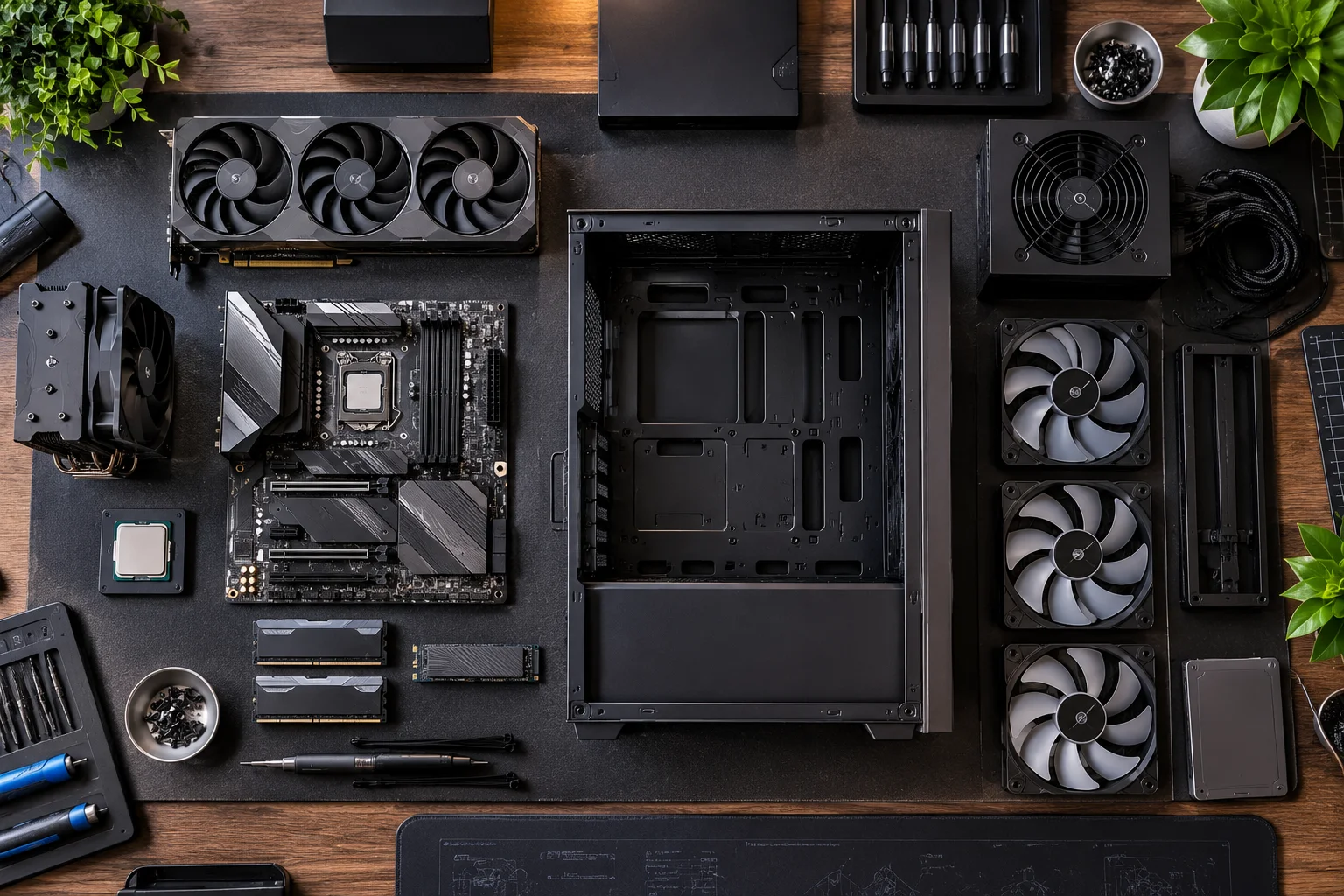
You can select a motherboard with enough M.2 slots, RAM slots, PCIe expansion, USB connectivity and power delivery for your future plans. You can also choose a case large enough for a future graphics card or larger CPU cooler.
That's important because an upgrade isn't just about whether a component physically fits.
A future GPU might require:
More physical space
A higher-wattage power supply
Different power connectors
Better case airflow
Additional cooling
A motherboard with appropriate PCIe support
Intel recommends considering motherboard size and compatibility with both current and future components when building a PC. Larger ATX systems also generally provide more room for upgrades than compact designs.
A custom build lets you plan around these requirements from day one.
What about upgrading a prebuilt?
Many prebuilts can absolutely be upgraded.
The problem is that the degree of freedom varies considerably between manufacturers and models. Lenovo notes that proprietary components can make some prebuilt systems harder to upgrade or repair.
A desktop with a standard ATX motherboard, standard power supply and conventional case is very different from a compact machine using proprietary parts.
Don't judge a prebuilt by its brand alone. Judge its motherboard, PSU, case, cooling and component standards.
Cooling Depends More on the Chassis Than on Whether the PC Is Prebuilt
A custom PC gives you more control over cooling, but a well-engineered prebuilt can cool its factory configuration extremely well.
This is one area where the old assumption that “custom means better cooling” doesn't always hold.
A manufacturer can design a prebuilt around a specific CPU, GPU, cooler, fan arrangement and chassis. That system can be thermally validated before it reaches the customer.
Dell, for example, currently markets its Alienware Area-51 desktop around factory-validated liquid cooling and a highly accessible chassis. HP similarly describes its current OMEN desktops as using thermal designs intended to support performance and future upgrades.
The advantage of custom building is different: you decide how much thermal headroom you want.
You can choose:
A high-airflow mesh case
A larger CPU air cooler
A 240mm or 360mm AIO
Additional intake and exhaust fans
A case with generous GPU clearance
Better cable routing
A motherboard with stronger VRM cooling
Airflow is particularly important because heat needs a clear path through the chassis. Intel recommends considering airflow carefully and notes that larger cases can make upgrades and cooling easier, although simply making a case bigger doesn't automatically make it cooler.
A Custom PC Is Usually Easier to Repair
Custom PCs tend to be easier to repair because individual components can be diagnosed and replaced independently.
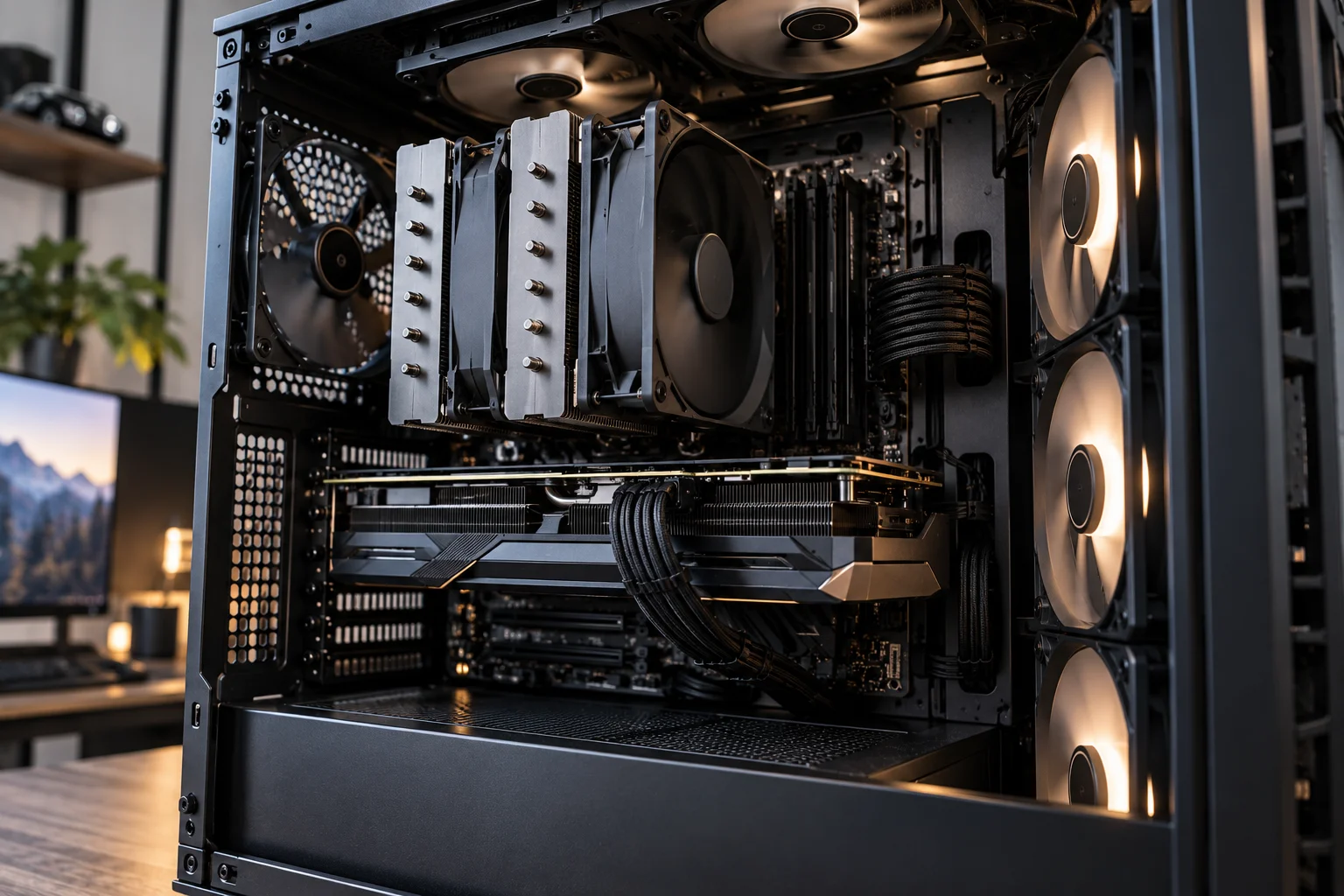
If your custom PC stops working, you can potentially replace just the failed:
Power supply
RAM module
SSD
GPU
CPU cooler
Motherboard
Case fan
You don't necessarily need to replace the entire system.
This also makes troubleshooting more straightforward. Standard components usually have readily available replacement parts and documentation.
Prebuilt systems can be equally repairable when they use industry-standard components. HP, for example, says its OMEN desktops use tool-less access and industry-standard components on current models.
But proprietary hardware changes the equation.
A proprietary motherboard, power connector, cooler mounting system or compact chassis can make a seemingly simple repair much more complicated.
That's why component standardization matters more than the “prebuilt” label itself.
Prebuilt PCs Win on Warranty and Troubleshooting Support
A prebuilt usually has the advantage when you want one company responsible for the complete machine.
With a prebuilt, the manufacturer has assembled the components and generally provides system-level support and warranty coverage.
If the PC refuses to boot, you don't necessarily have to determine whether the motherboard, RAM or power supply is responsible before contacting support.
Custom systems divide responsibility between individual component manufacturers unless you buy the complete custom system from a builder that provides its own system warranty.
Intel highlights this distinction: prebuilts typically come with manufacturer warranty and customer support, while DIY builders generally deal with warranties at the individual component level.
For someone who doesn't want to troubleshoot hardware, that can be a significant advantage.
The Power Supply Is One of the Most Important Upgrade Checks
Before upgrading a prebuilt PC, check the power supply before buying a faster GPU or CPU.
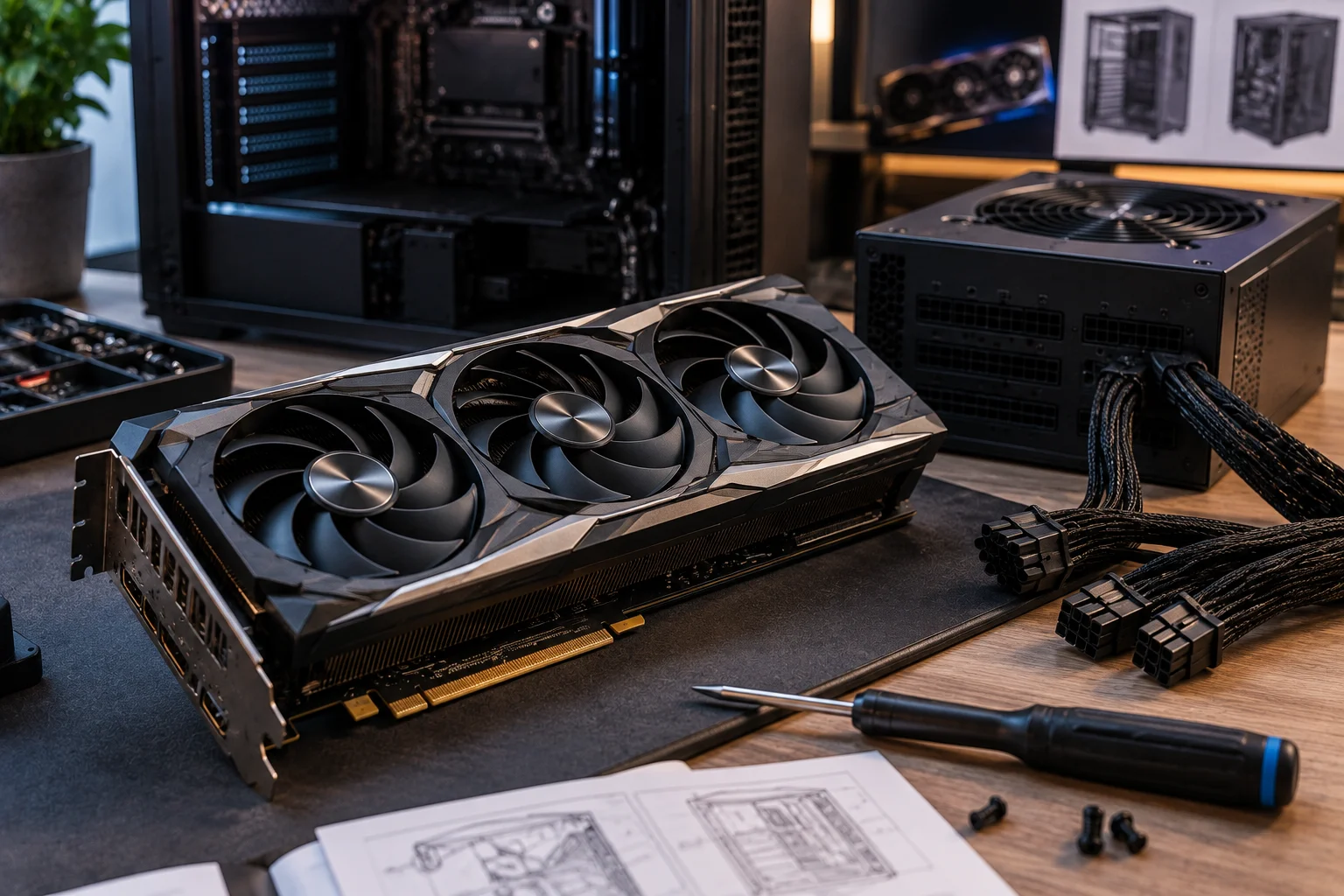
A system might have enough physical room for a new graphics card but lack the electrical capacity to run it safely and reliably.
Check:
PSU wattage
PSU efficiency rating
Available PCIe power connectors
Physical PSU dimensions
Whether the PSU uses standard connectors
GPU power requirements
CPU power requirements
A custom build makes this planning easier because you select the PSU yourself.
With a prebuilt, don't assume that a powerful CPU or GPU automatically means the manufacturer installed a PSU with lots of future headroom.
Motherboard Choice Can Decide How Long Your PC Stays Upgradeable
The motherboard is one of the strongest predictors of a desktop's future upgrade flexibility.
Look at:
Feature | Why it matters |
|---|---|
RAM slots | Allows future memory expansion |
M.2 slots | Makes adding NVMe SSDs easier |
PCIe slots | Supports GPUs and expansion cards |
CPU socket/platform | Determines processor upgrade options |
USB ports | Supports future peripherals |
Wi-Fi/Bluetooth | Can reduce the need for expansion cards |
VRM design | Matters for higher-power CPUs |
BIOS support | Determines compatibility with newer processors |
This is where custom PCs have a major advantage because you can choose the motherboard around your future plans.
A prebuilt with a standard motherboard can still perform very well, but some inexpensive systems make compromises in expansion.
Case Size Matters More Than Many Buyers Realize
A spacious mid-tower is usually easier to upgrade and work on than a compact desktop.
Intel describes mid-tower ATX systems as a common configuration with room for larger graphics cards, multiple drives and substantial cooling hardware. It also notes that compact systems can require more careful component selection and leave less room for future upgrades.
That's why two desktops with identical CPUs and GPUs can have very different long-term value.
One might have:
Large case → standard motherboard → standard PSU → multiple drive bays → several fan mounts
while another has:
Compact case → proprietary motherboard → limited PSU → restricted GPU clearance → minimal expansion
Both may perform similarly on day one.
They won't necessarily be equally easy to upgrade in year three.
Custom Does Not Automatically Mean Cheaper
Building a PC yourself can improve component selection and value, but it isn't guaranteed to cost less than a prebuilt.
Prebuilt manufacturers purchase components at scale, bundle Windows, assemble systems and sometimes discount complete configurations.
A DIY builder also needs to account for:
Operating system
CPU cooler
Case fans
Quality PSU
Case
Wi-Fi/Bluetooth if required
Shipping
Assembly time
Troubleshooting time
Intel explicitly points out that there isn't a universally cheapest option between prebuilt, custom-built and DIY systems.
The better comparison is what hardware you're receiving for the total price.
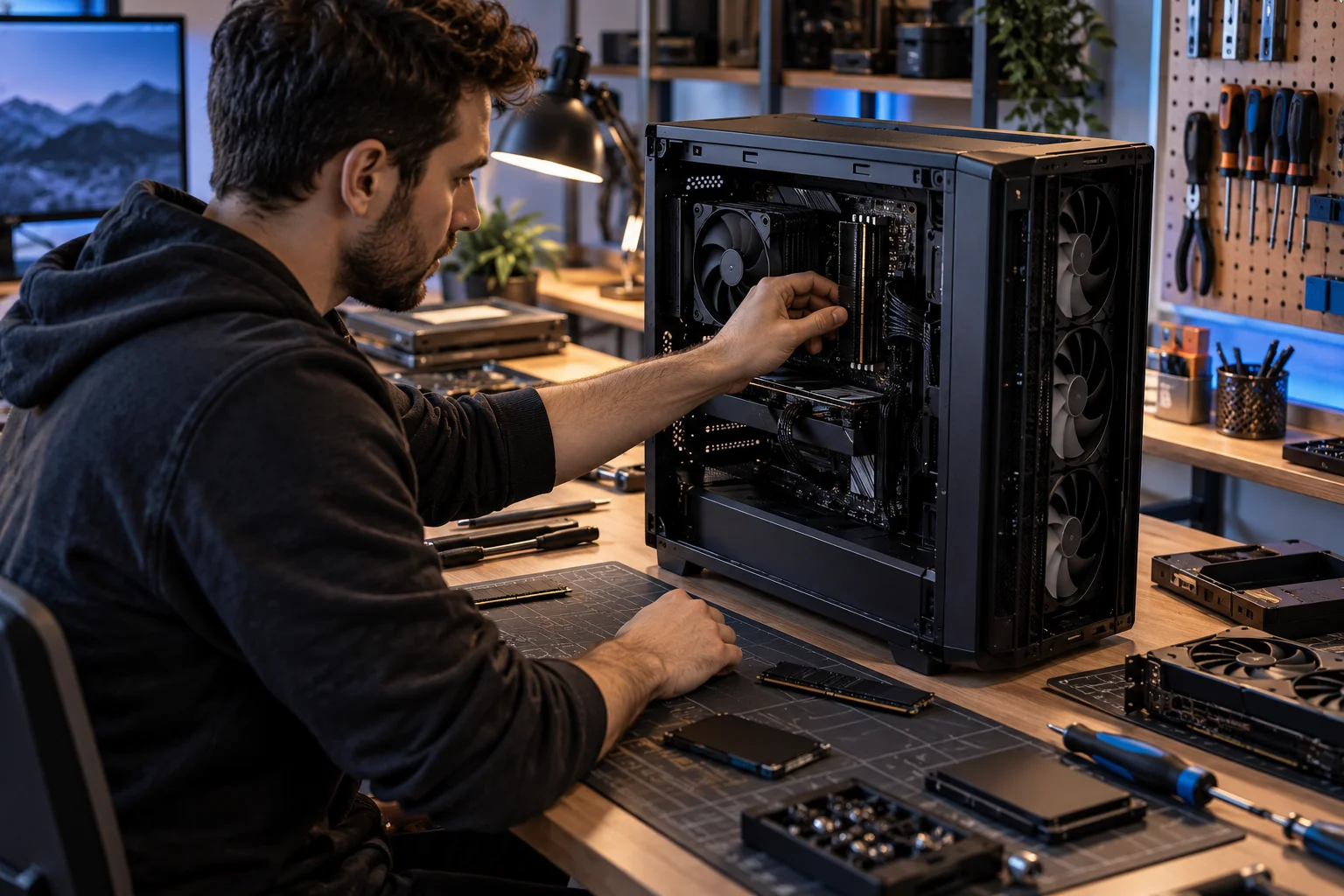
Which PC Is Easier to Upgrade?
Custom PCs generally offer the easiest upgrade path, but a standardized prebuilt can be nearly as flexible.
Here's the practical comparison:
Factor | Prebuilt | Custom |
|---|---|---|
Component choice | Limited to available configurations | Full control |
GPU upgrade | Depends on case and PSU | Planned around your build |
RAM upgrade | Usually easy if standard | Very easy |
SSD expansion | Model-dependent | Easy to plan |
CPU upgrade | Platform-dependent | Planned around motherboard |
Cooling upgrades | Model-dependent | Full control |
PSU replacement | May be restricted | Fully selectable |
Repairability | Varies significantly | Generally strong |
Warranty | Usually system-level | Usually component-level |
Assembly | None | Required |
Technical knowledge | Lower | Higher |
Long-term flexibility | Model-dependent | High |
The important exception is the modern, upgrade-oriented prebuilt. HP's current OMEN range, for example, uses tool-less access and industry-standard components on its gaming desktops, while Dell's current Area-51 emphasizes accessible internal components and upgradeability.
What Should You Buy: Prebuilt or Custom?
Choose a custom PC if upgrade freedom, component selection, repairability and cooling control are your priorities.
A custom desktop makes particular sense when you:
Want to choose every component
Expect to upgrade the GPU later
Need specific storage capacity
Care about quiet operation
Want substantial cooling headroom
Plan to keep the PC for many years
Are comfortable troubleshooting hardware
A prebuilt makes more sense when you:
Want something that works immediately
Prefer one warranty provider
Don't want to assemble the system
Don't want to troubleshoot individual components
Find a configuration with standard, upgrade-friendly hardware
Get a strong deal on the complete system
The smartest approach is not to reject prebuilts automatically. Look inside the specification sheet before buying.
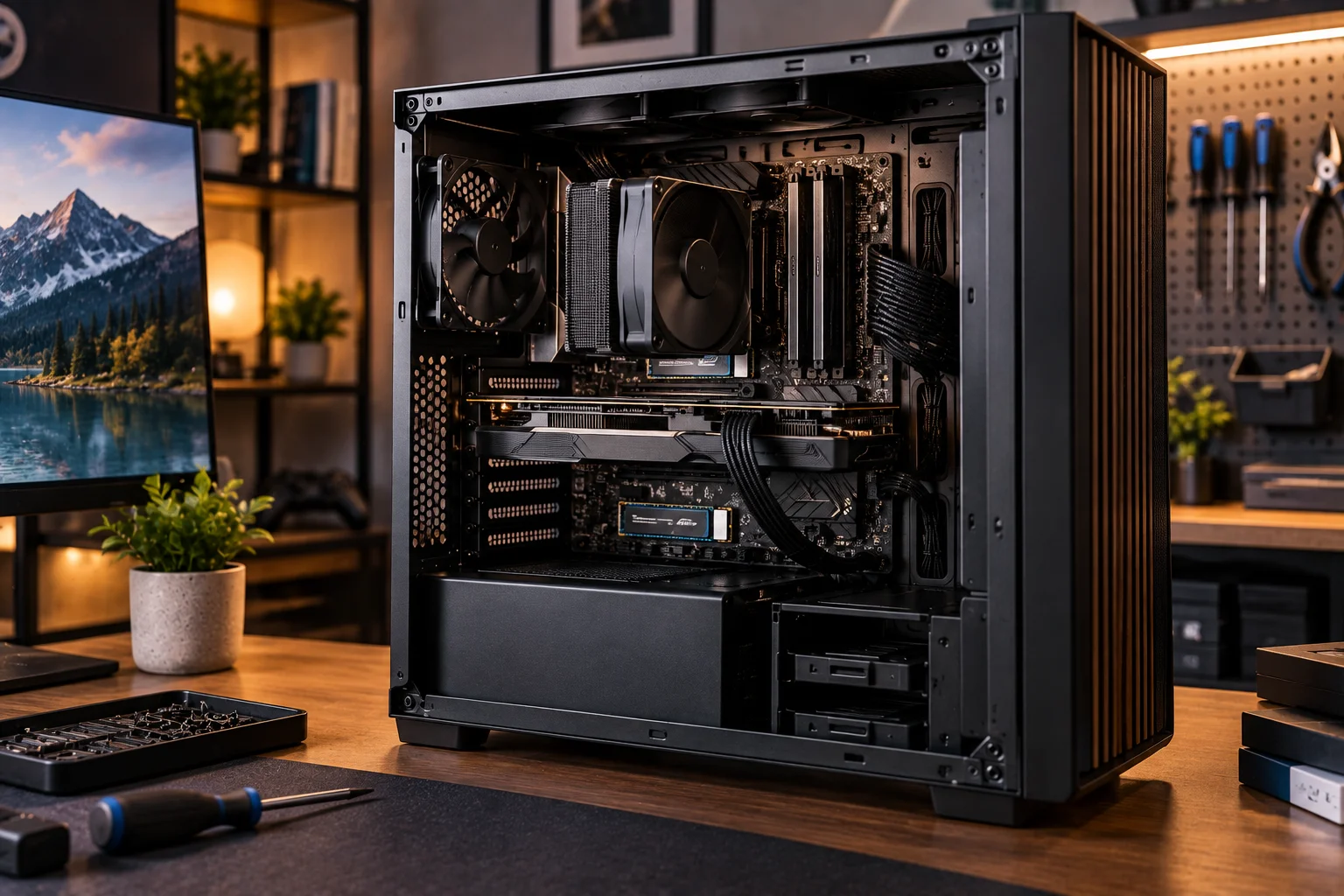
Check the motherboard, PSU, case dimensions, GPU clearance, RAM configuration, storage slots and cooling system. A well-designed prebuilt can be an excellent long-term desktop.
FAQ: Prebuilt vs Custom Desktop PCs
Are custom PCs easier to upgrade than prebuilts?
Usually, yes. A custom PC lets you select the motherboard, case, PSU and other components specifically around future upgrades. However, some modern prebuilts use standard components and can be highly upgradeable.
Do custom PCs have better cooling?
Not automatically. Custom PCs give you greater control over cooling hardware and airflow, while a good prebuilt can have a carefully engineered thermal solution for its factory components.
Are prebuilt PCs harder to repair?
It depends on the design. Standard-component prebuilts can be straightforward to repair. Proprietary components and compact designs can make repairs and upgrades more difficult.
Can you replace the GPU in a prebuilt PC?
Often, yes. Before doing so, check the GPU's physical clearance, motherboard compatibility, PSU wattage and available power connectors.
Is a custom PC better for long-term use?
A custom PC can provide greater long-term flexibility because you control the components from the beginning. But a well-designed prebuilt with standard components can also have a long upgrade path.
What should I check before buying a prebuilt PC?
Check the CPU, GPU, motherboard, RAM, storage, PSU, cooling, case dimensions and upgrade options rather than focusing only on the processor and graphics card.
The biggest difference between a good and bad desktop purchase isn't necessarily whether the machine was built by you or a manufacturer. It's how much freedom the hardware gives you after the initial purchase. If you want maximum control, custom wins. If you value convenience and system-level support, a well-designed prebuilt can be a very practical choice.