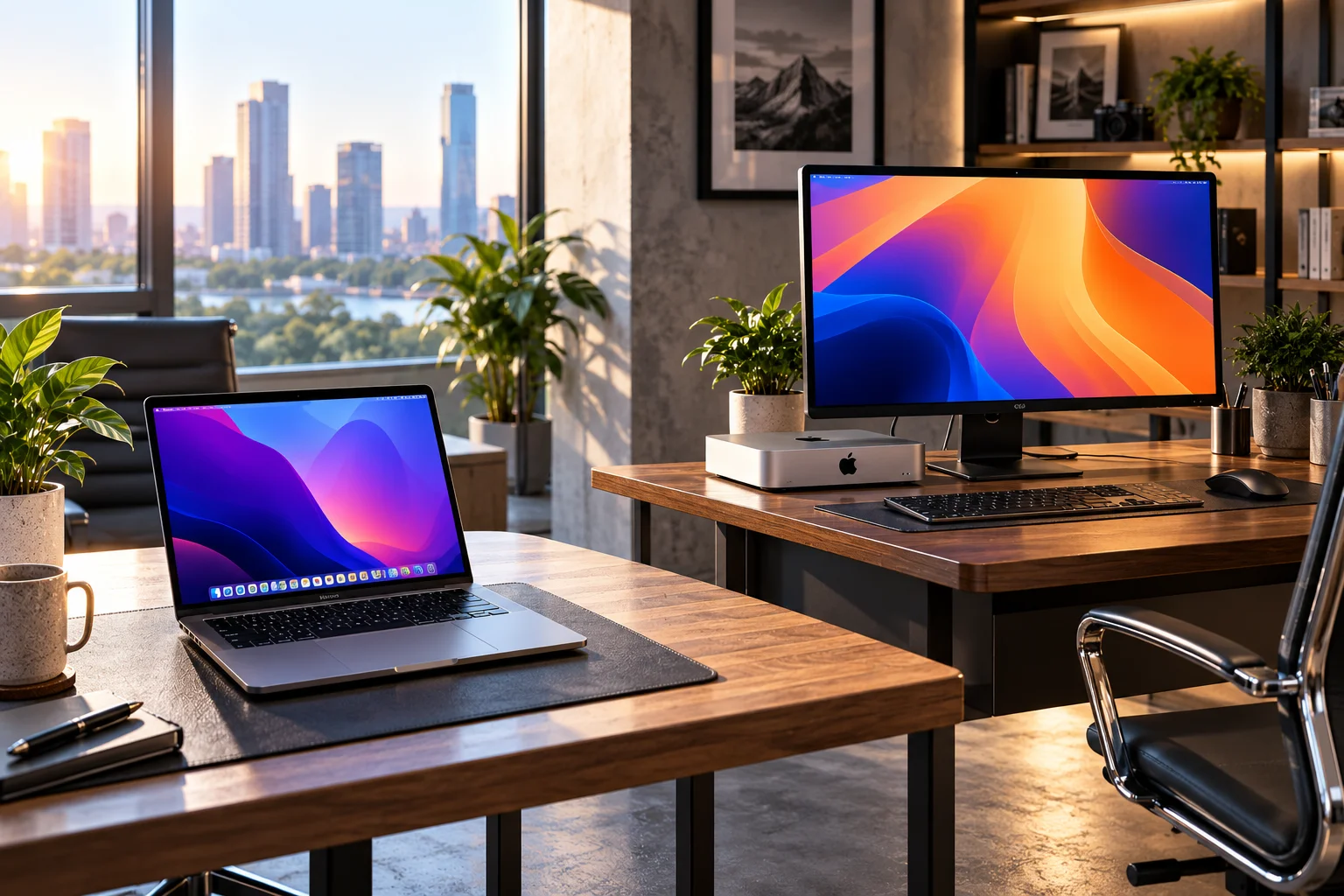
Choose a MacBook if you need portability, a built-in display and the freedom to work anywhere. Choose a Mac desktop if you mostly work in one place and want more performance, a larger external display setup or better value from your hardware.
The decision sounds simple until you look at what you're actually buying.
A MacBook combines the computer, display, keyboard, trackpad, speakers, webcam and battery into one portable machine. The current MacBook Air uses Apple's M5 chip, while the 14- and 16-inch MacBook Pro can be configured with M5 Pro or M5 Max for more demanding workloads.
A Mac desktop takes the opposite approach.
The Mac mini gives you a compact computer that you connect to your own monitor and peripherals. The iMac combines the Mac with a 24-inch 4.5K display, while the Mac Studio is designed for professional workloads requiring substantially more processing power and unified memory.
So the right question isn't simply MacBook or desktop?
It's where, how and how heavily do you use your computer?
MacBook vs Mac Desktop: What's the Difference?
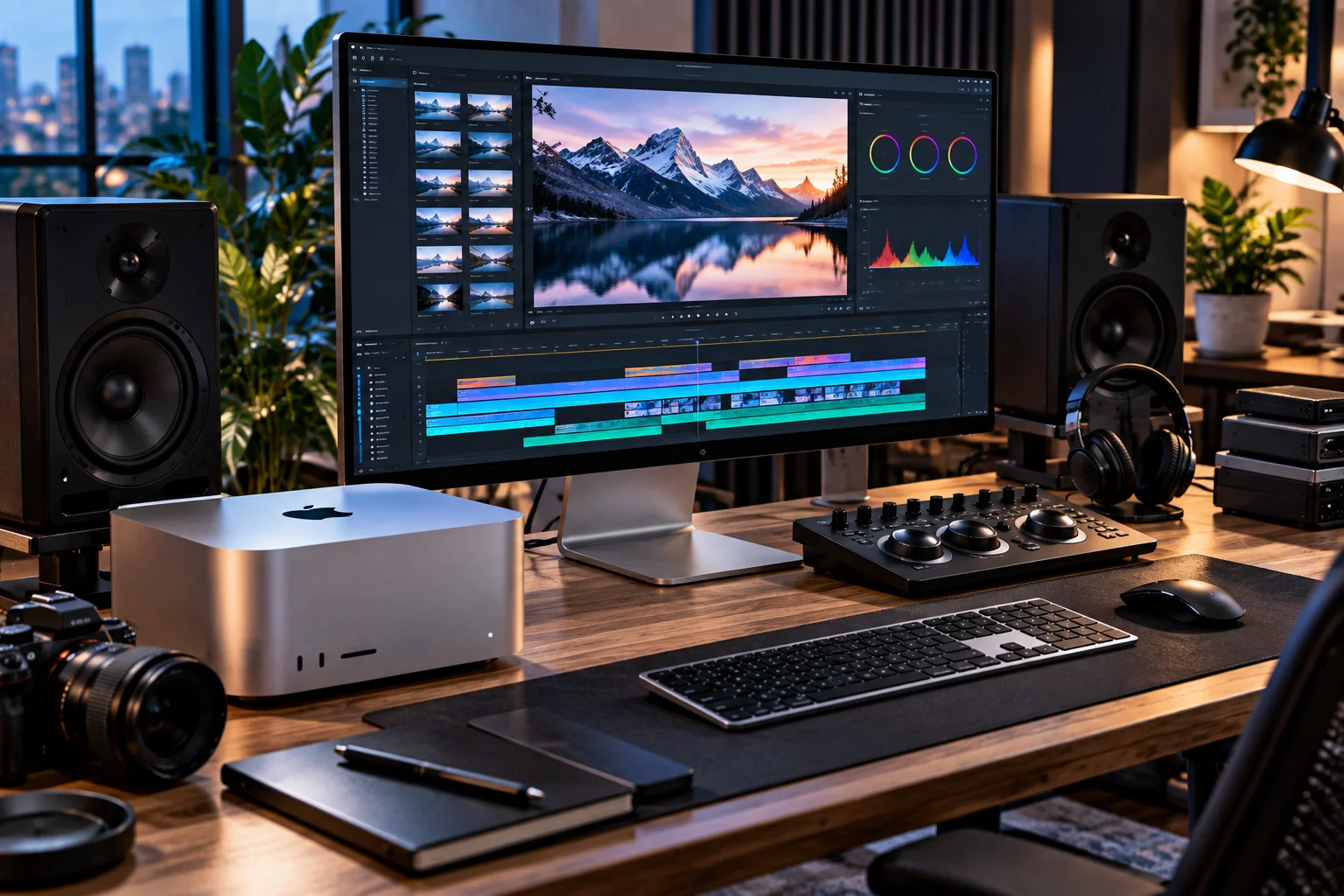
MacBooks prioritize mobility and convenience, while desktop Macs prioritize sustained performance, workspace flexibility and a permanent setup.
Feature | MacBook | Mac desktop |
|---|---|---|
Portability | Excellent | None |
Built-in display | Yes | iMac only |
Battery | Yes | No |
External displays | Supported | Excellent support |
Desk space | Low when docked | Low to moderate |
Performance | Excellent | Ranges from excellent to workstation-class |
Sustained heavy workloads | Strong, especially Pro | Stronger on high-end desktops |
Upgradeability | Very limited | External expansion, but internal upgrades are limited |
Setup flexibility | Moderate | High |
Best for travel | Yes | No |
Best for permanent workstation | Good | Excellent |
Best for one-computer solution | MacBook | iMac |
The exact capabilities vary by model, particularly when comparing MacBook Air with MacBook Pro or Mac mini with Mac Studio.
Why Choose a MacBook?
A MacBook is the better choice when you need one computer that can move between home, office, school and travel.
You get everything in one package:
Display
Keyboard
Trackpad
Webcam
Speakers
Battery
Computer
That matters more than it might initially seem.
You can work at your desk in the morning, take the MacBook to a meeting, work from a café in the afternoon and continue at home without moving your files between two computers.
The current MacBook Air with M5 starts with 16GB of unified memory and can be configured with up to 32GB, while storage options extend to 4TB.
For everyday work, that is already a very capable computer.
Why Choose a Mac Desktop?
A desktop Mac makes more sense when your computer usually stays in one place and you want a larger, more customizable workstation.
The Mac mini is particularly flexible because you choose your own display.
Apple's current M6 Mac mini supports up to three external displays in supported configurations, while the M5 Pro model also supports up to three displays with Thunderbolt 5.
You can therefore build a setup around:
A 4K monitor
A 5K monitor
An ultrawide
Multiple displays
A professional color-accurate monitor
Your preferred keyboard and mouse
And if your monitor eventually becomes outdated, you can replace the monitor without replacing the computer.
Which Is More Portable?
The MacBook wins by definition because the entire computer is designed to travel with you.
A desktop requires:
Computer
Monitor
Keyboard
Mouse
Power cables
A MacBook requires essentially one device.
Even a MacBook Pro designed for professional work remains portable, although its larger size and weight make it less convenient than a MacBook Air.
This makes a MacBook particularly attractive for:
Students
Consultants
Writers
Developers
Remote workers
Business travelers
Freelancers
People who work between multiple locations
If you regularly move between locations, desktop performance advantages may not compensate for the inconvenience of having two separate workstations.
Which Is Better for Home Office Work?
Either can be excellent, but the better choice depends on whether you work in one location.
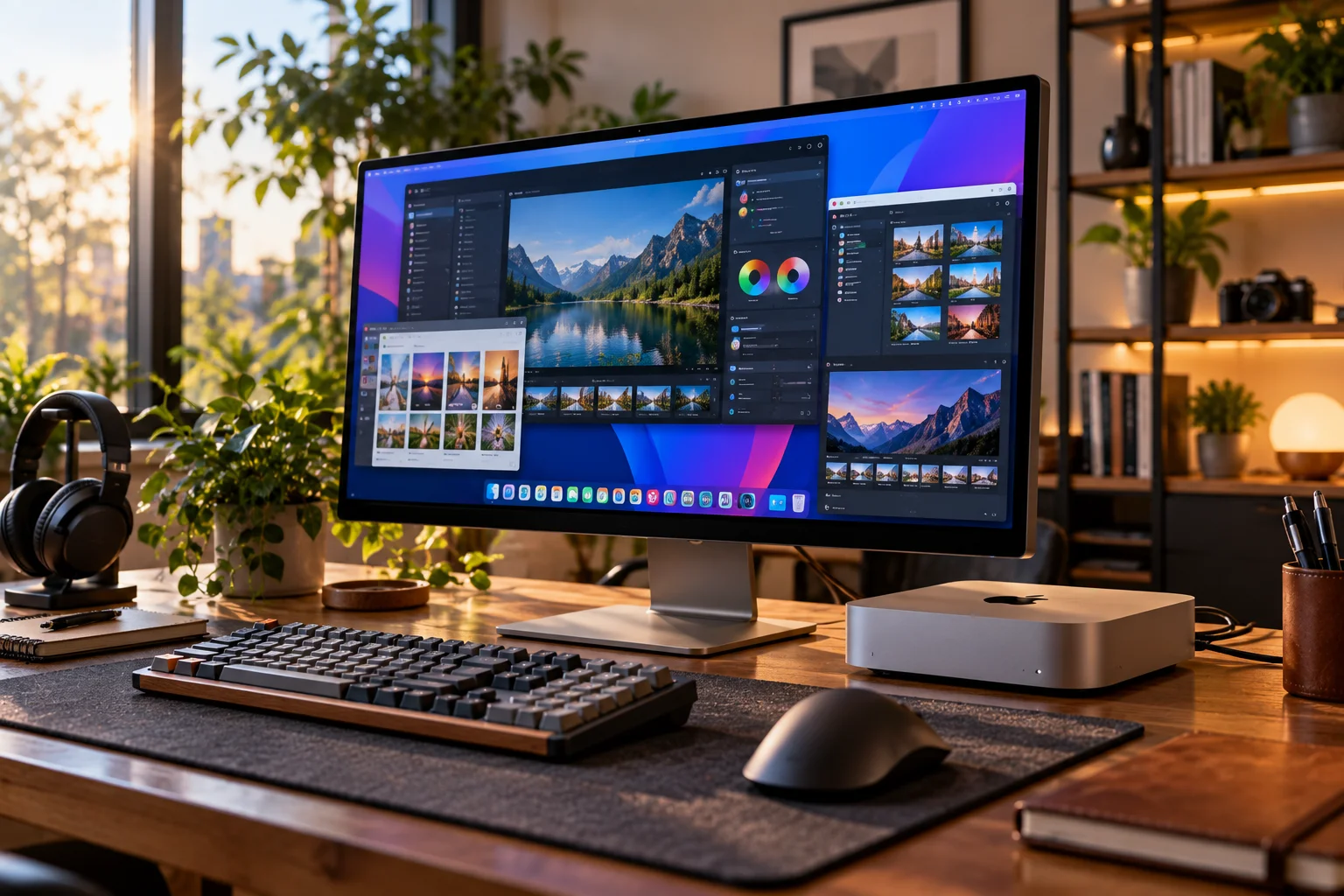
For a permanent home office, a Mac mini connected to a large monitor can make an excellent workstation.
For someone who works partly from home and partly from an office, a MacBook is considerably more convenient.
There's also a hybrid option.
You can use a MacBook as your portable computer and connect it to an external display, keyboard, mouse and other accessories when you're at your desk.
That gives you one computer for both environments.
Which Is More Powerful?
The answer depends on the specific models, but Apple's highest-end desktop configurations offer substantially more memory and sustained performance than the entry-level MacBooks.
A MacBook Air is designed for everyday computing and moderate creative work.
MacBook Pro moves into professional territory. The current M5 Max MacBook Pro can be configured with up to 128GB of unified memory and up to a 40-core GPU.
But Mac desktop goes considerably further.
The current Mac Studio with M5 Ultra can reach:
36-core CPU
80-core GPU
512GB unified memory
1.2TB/s memory bandwidth
Apple positions it for demanding workloads including real-time 8K video, VFX and large on-device AI models.
So if your workload genuinely needs enormous amounts of memory or sustained workstation performance, a desktop has the advantage.
Which Is Better for Video Editing?
For casual and professional editing, both MacBooks and desktops can work extremely well; the choice depends on project size and whether you need portability.
A MacBook Air can handle everyday editing and lighter creative work.
A MacBook Pro becomes more appropriate for:
4K editing
Motion graphics
Large projects
Color grading
Professional codecs
Multiple video streams
A Mac Studio goes further for demanding workflows such as complex 8K projects, VFX and high-end production.
The current M5 Pro and M5 Max MacBook Pro configurations include dedicated media engines for H.264, HEVC, ProRes and ProRes RAW workloads.
The important question is whether you need that performance while traveling.
If you don't, a desktop can give you more performance without requiring a battery-powered portable design.
Which Is Better for AI?
For smaller AI workloads, a MacBook can be very capable; for large local models, high-memory desktop Macs have a major advantage.

Apple's latest Mac mini and Mac Studio are explicitly positioned for on-device AI workloads. The M6 Mac mini starts with 16GB of unified memory and can reach 32GB, while M5 Pro reaches 64GB.
The Mac Studio is in another category.
Its M5 Ultra can reach 512GB of unified memory, giving developers and researchers substantially more room for large local AI models.
That doesn't mean every AI application will automatically run better on a Studio. Software support, model architecture and memory requirements still matter.
But if local AI is one of your primary reasons for buying a Mac, memory capacity becomes a major factor.
Which Has the Better Display?
MacBook gives you a high-quality built-in display wherever you go, while a desktop gives you the freedom to choose a much larger external display.
The MacBook Air has a built-in Liquid Retina display, while MacBook Pro adds a more advanced Liquid Retina XDR display.
A desktop gives you more choices.
You can pair a Mac mini or Mac Studio with Apple's current 27-inch 5K Studio Display, which offers 5120×2880 resolution, 600 nits of brightness and a 12MP Center Stage camera.
You can also choose a third-party display instead.
That flexibility is especially useful for:
Video editors
Photographers
Designers
Programmers
Financial analysts
Multitaskers
Which Is Better for Multiple Monitors?
Desktop Macs are generally better suited to permanent multi-monitor workstations, although higher-end MacBooks can also support multiple external displays.
The M6 Mac mini supports up to three external displays depending on the configuration and resolution.
The Mac Studio can go much further, supporting up to eight displays depending on configuration.
This can matter if your workflow involves a browser, code editor, communications app, monitoring dashboard and reference material simultaneously.
MacBook Pro is also capable of multi-display setups, but the advantage of a desktop is that the entire setup can remain permanently connected.
Which Is Better for Gaming?
Neither MacBook nor Mac desktop is the obvious choice if gaming is your primary reason for buying a computer, but a desktop gives you more display and workspace flexibility.
Apple silicon Macs can run many modern games, and hardware-accelerated ray tracing is available on current M5 and M6 chips.
However, Apple's ecosystem still isn't as broad as Windows for PC gaming.
If gaming is a secondary activity, either a MacBook or Mac desktop can work depending on the games you play.
If gaming is the main purpose of the computer, compare the actual games you want to run rather than choosing solely on Mac hardware specifications.
Which Is Better for Programming?
Both are excellent development machines, and the better choice mostly comes down to portability and workload size.
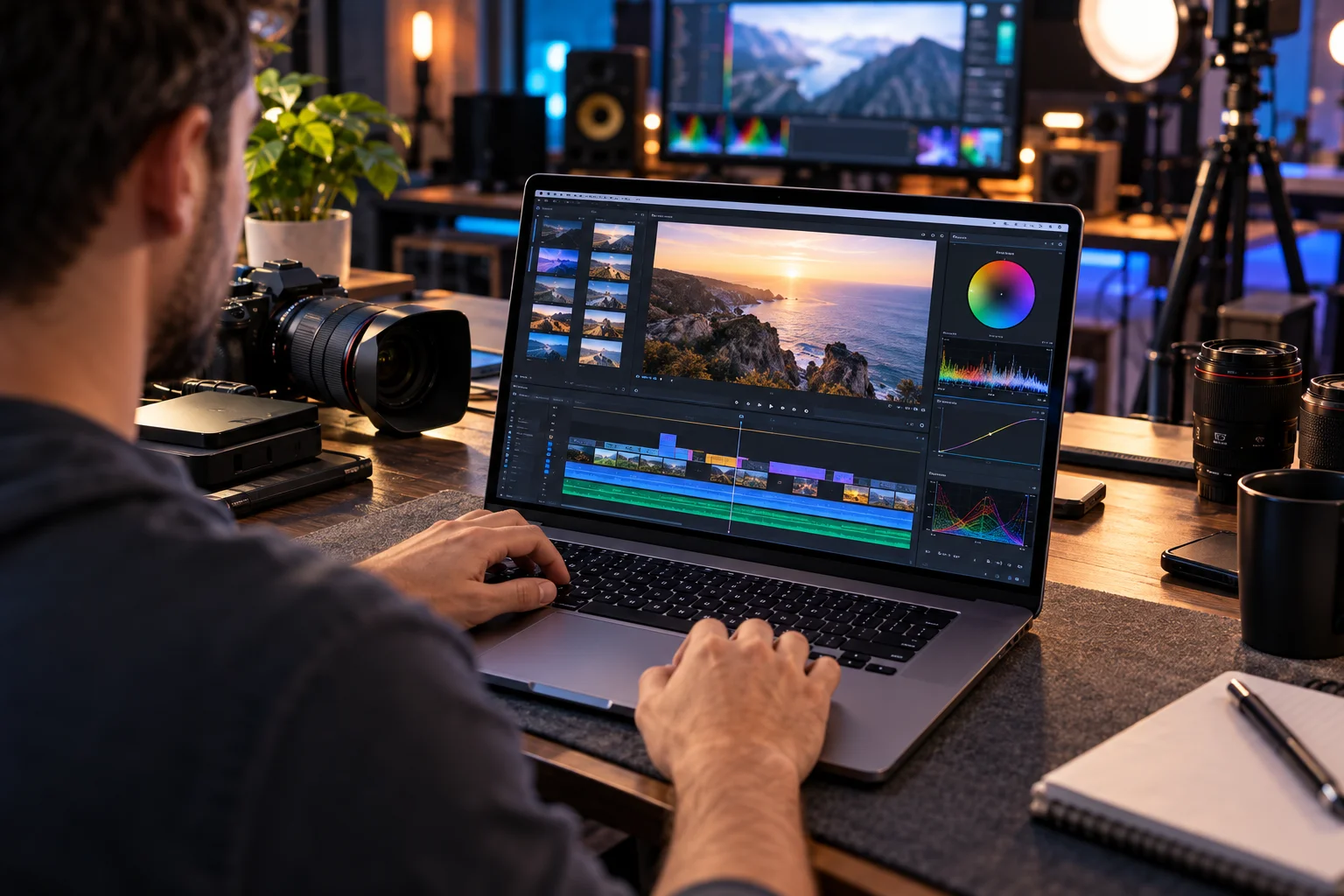
A MacBook is particularly useful if you:
Move between office and home
Attend meetings
Work remotely
Need a portable development environment
A desktop can be better if you spend most of your time at a permanent desk and run:
Large builds
Containers
Virtual machines
Local AI models
Multiple development environments
Multiple high-resolution displays
The M5 Pro MacBook Pro and M5 Pro Mac mini both offer up to 64GB of unified memory, so the choice isn't necessarily about performance alone.
Which Is More Cost-Effective?
A MacBook can be more cost-effective if you need both a computer and a portable workstation, while a Mac mini can be better value if you already own a monitor and peripherals.
This is where total setup cost matters.
A MacBook already includes the display, keyboard, trackpad, speakers, camera and battery.
A Mac mini requires a separate:
Monitor
Keyboard
Mouse
Webcam, if needed
Speakers or headphones
But those components can be reused for years.
If you already have a good monitor, the Mac mini becomes particularly attractive.
If you need to buy an entire portable setup, the MacBook's integrated hardware becomes more valuable.
Which Is Easier to Upgrade?
Neither modern MacBooks nor desktop Macs offers traditional PC-style internal component upgrades, so you should choose your memory and storage configuration carefully when buying.
This is particularly important with Apple silicon because unified memory is part of the system architecture.
For example, the M5 MacBook Air can be configured with up to 32GB of unified memory, while M5 Max MacBook Pro can reach 128GB.
Mac Studio goes substantially further, but you still need to select the appropriate configuration when buying.
External storage is easier to expand on desktops and laptops alike, but internal memory isn't something you should expect to upgrade later.
MacBook vs Mac Desktop for Different Users
User | Better fit to consider |
|---|---|
Student | MacBook Air |
Remote worker | MacBook Air |
Frequent traveler | MacBook Air |
Content writer | MacBook Air or Mac mini |
Office worker | MacBook or iMac/Mac mini |
Programmer | MacBook Pro or Mac mini |
Photographer | MacBook Pro or Mac desktop |
Video editor | MacBook Pro or Mac Studio |
3D/VFX professional | Mac Studio |
Local AI developer | Mac Studio |
Permanent multi-monitor setup | Mac mini or Mac Studio |
Family computer | iMac |
One computer for everything | MacBook |
MacBook vs Mac Desktop: Which Should You Buy?
Choose the MacBook when portability is genuinely useful; choose the desktop when your computer will spend most of its life on one desk.
Choose a MacBook if you:
Work from multiple locations
Travel frequently
Need a built-in display
Want one computer for work and travel
Work from cafés or coworking spaces
Attend frequent meetings
Want a battery-powered computer
Choose a Mac desktop if you:
Work primarily at one desk
Want a large external display
Need multiple monitors
Want maximum sustained performance
Already own peripherals
Need a high-memory workstation
Want a dedicated home-office setup
Choose a Mac mini specifically if you:
Already own a monitor
Want a compact desktop
Need a flexible multi-monitor setup
Want strong performance without buying an all-in-one
Choose a Mac Studio if you:
Edit demanding video projects
Work in 3D/VFX
Develop with large local AI models
Need very high memory capacity
Run exceptionally demanding professional workloads
FAQs About MacBooks and Desktop Macs
Is a MacBook better than a Mac desktop?
Neither is universally better. MacBook is better for mobility, while a desktop is better for a permanent workstation and can offer more performance at the high end.
Is Mac mini better than MacBook?
If you already have a monitor and don't need portability, Mac mini can be an attractive choice. If you need a display and computer that travel together, MacBook is more practical.
Is MacBook Pro more powerful than Mac mini?
It depends on the configuration. Current Mac mini reaches M5 Pro, while MacBook Pro reaches M5 Max. High-end configurations therefore serve different performance needs.
Can I use a MacBook as a desktop?
Yes. You can connect a MacBook to an external display, keyboard, mouse and other peripherals and use it as a desktop workstation.
Is Mac Studio better than MacBook Pro?
Mac Studio can offer substantially greater memory capacity and higher sustained workstation performance, particularly with M5 Ultra. MacBook Pro's advantage is that it gives you much of that professional capability in a portable computer.
Should I buy a MacBook or iMac for home use?
Choose MacBook if you might want to move the computer around. Choose iMac if you want a permanent, clean all-in-one setup with its integrated 24-inch 4.5K display.
The Bottom Line
MacBook is the better one-computer solution; Mac desktop is the better permanent workstation.
A MacBook Air is an excellent fit for students, writers, office workers and anyone who values portability. The MacBook Pro makes more sense when you need professional CPU/GPU performance but still want to take the machine with you. Apple's current M5 Pro and M5 Max models can reach up to 128GB of unified memory.
On the desktop side, the Mac mini is the flexible choice. You provide the monitor and peripherals, but that also means you can build exactly the workspace you want.
The iMac is the simplicity choice: computer, 24-inch 4.5K display and peripherals in one package.
And the Mac Studio is the workstation choice, particularly when demanding video, 3D, software development or local AI workloads justify its substantially higher memory and processing capabilities. The current M5 Ultra configuration can reach 512GB of unified memory.
The simplest rule is:
If you need to carry your computer, buy a MacBook.
If your computer lives on your desk, buy a desktop Mac.
Then choose the specific model based on how demanding your work actually is.