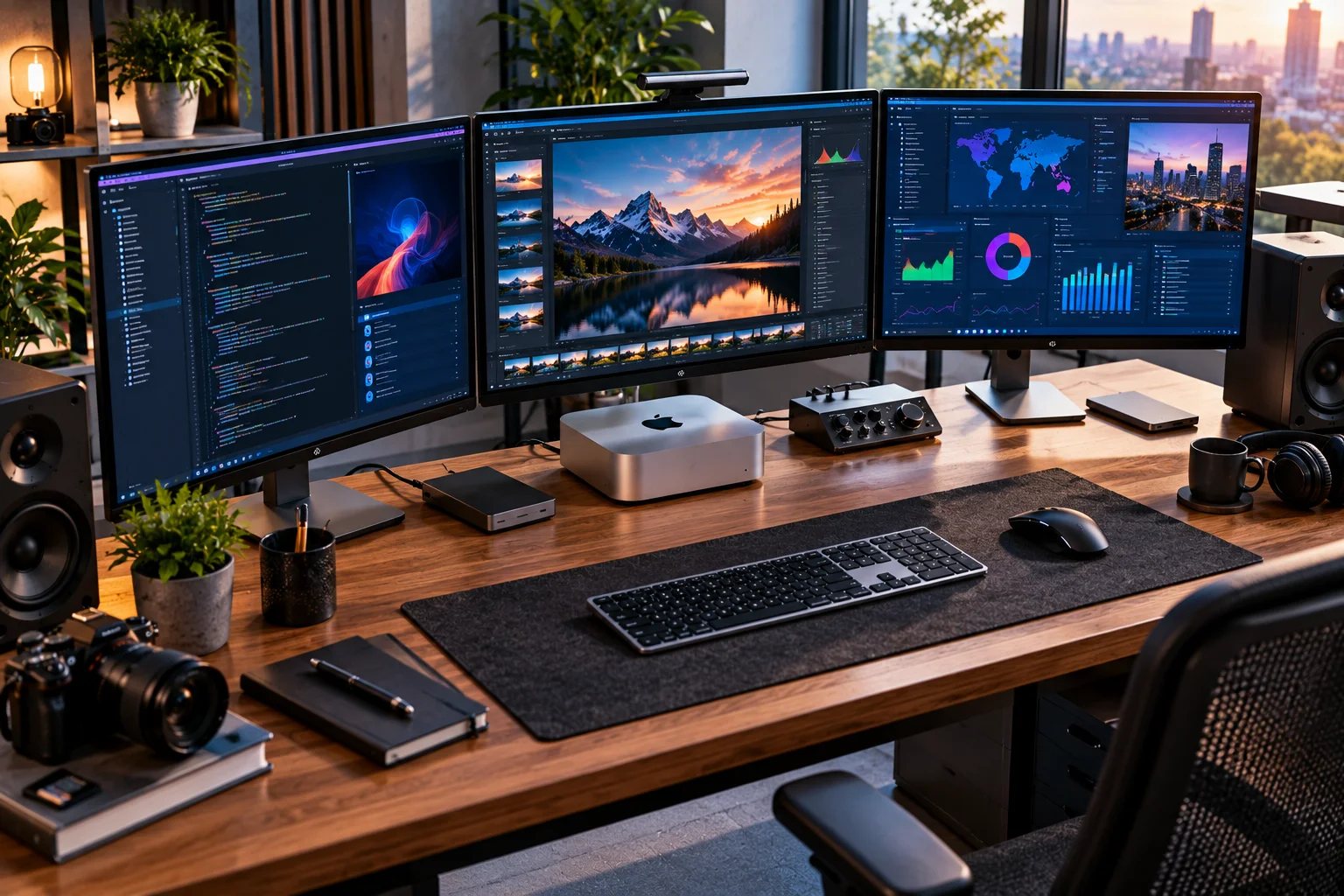
The Mac mini is the most flexible choice for most people, the iMac is the simplest all-in-one desktop, and the Mac Studio is designed for professionals who need substantially more processing power and memory.
Apple's desktop range covers three very different types of users.
The Mac mini is a compact computer that you pair with your own monitor, keyboard and mouse. The latest generation is available with Apple's M6 or M5 Pro chips, with up to 64GB of unified memory and up to 8TB of SSD storage.
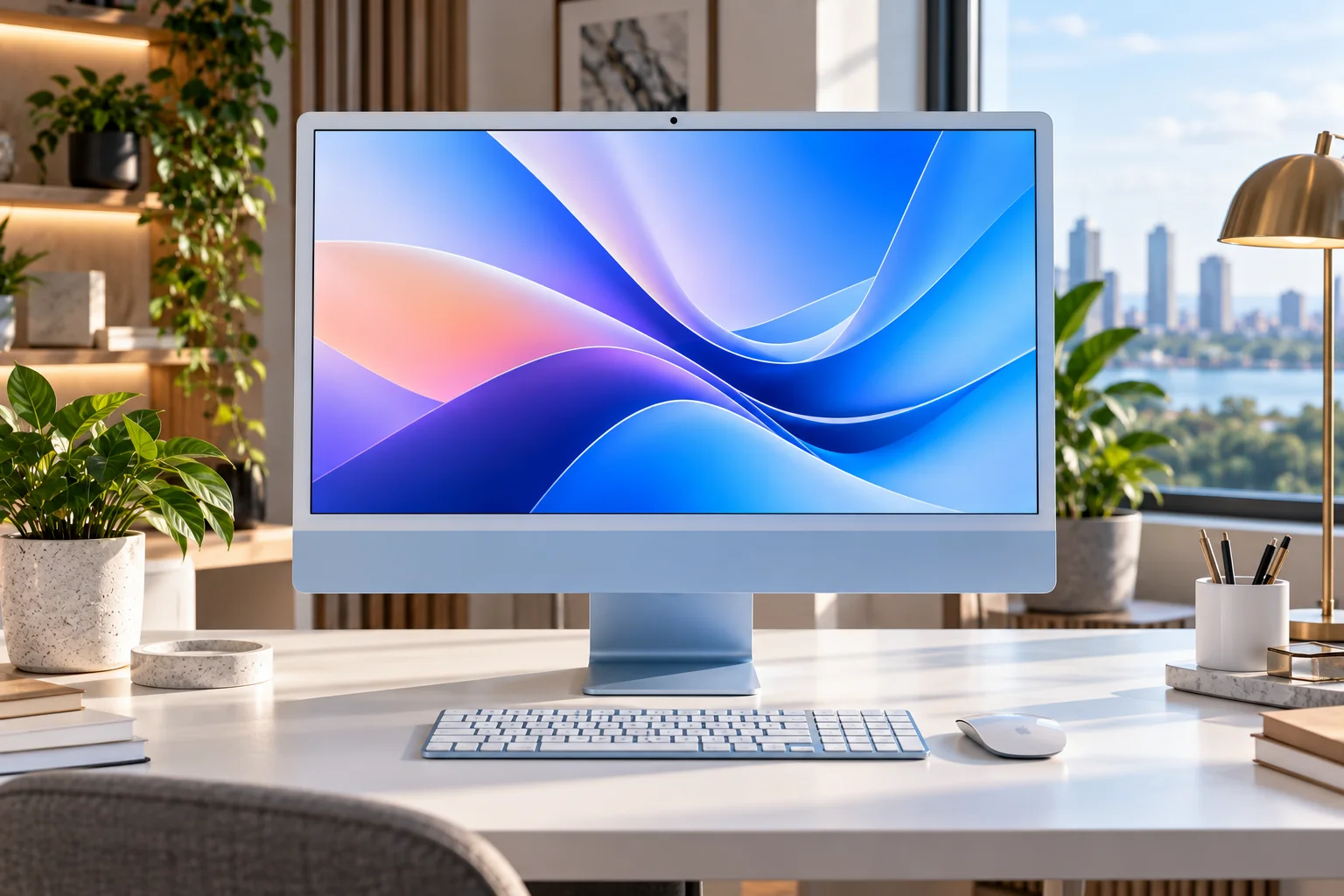
The iMac combines the computer, 24-inch 4.5K Retina display, speakers, camera and other components into one slim desktop. The current model uses the M4 chip and starts with 16GB of unified memory.
The Mac Studio sits at the top of the range. Its M5 Max and M5 Ultra configurations can reach 128GB and 512GB of unified memory respectively, making it aimed squarely at demanding professional workloads.
So which one should you buy?
It depends on whether you value simplicity, flexibility or maximum performance.
Mac mini vs iMac vs Mac Studio: What's the Difference?
The Mac mini is the modular option, the iMac is the all-in-one option, and the Mac Studio is the high-performance workstation.

Feature | Mac mini | iMac | Mac Studio |
|---|---|---|---|
Current chip family | M6 / M5 Pro | M4 | M5 Max / M5 Ultra |
Display included | No | Yes | No |
Best for | General use + creators | Home/office + creative work | Professional workloads |
Maximum memory | 64GB | 32GB | 512GB |
Maximum storage | 8TB | 2TB | 16TB |
External displays | Up to 3 | Up to 2 additional | Up to 8 |
Size | Very compact | All-in-one | Compact workstation |
Upgrade flexibility | External peripherals/displays | Limited | External expansion |
Starting price in India | ₹99,900 | ₹174,900 | ₹279,900 |
Main advantage | Flexibility | Simplicity | Performance |
Apple's current pricing puts the Mac mini substantially below the iMac and Mac Studio, although the mini requires you to supply a display and peripherals.
What Is the Mac mini Best For?
The Mac mini is the best fit if you already have a monitor or want to choose your own display.
The biggest advantage of the Mac mini is that it doesn't lock you into Apple's display.
You can connect:
A 4K monitor
An ultrawide
A high-refresh gaming monitor
A professional color-accurate display
Multiple monitors
The current M6 Mac mini supports up to three external displays in supported configurations, while the M5 Pro version can also support up to three displays with considerably higher bandwidth through Thunderbolt 5.
The machine itself is tiny, measuring about 5 × 5 inches and weighing around 1.5 pounds with the M6 configuration.
That makes it particularly easy to build around.
Who should buy a Mac mini?
Consider it if you're:
A student
A home-office user
A content writer
A programmer
A developer
A photographer
A light-to-moderate video editor
A small-business user
Someone who already owns a good monitor
The M5 Pro version also pushes the mini into much more demanding territory, with up to an 18-core CPU, 20-core GPU and 64GB unified memory.
What Is the iMac Best For?
The iMac is the best choice when you want a complete desktop setup without choosing a separate monitor.
The current iMac combines an M4-powered computer with a 24-inch 4.5K Retina display, a 12MP Center Stage camera, speakers and wireless peripherals.
This makes the iMac particularly convenient.
You take it out of the box, connect the power cable and set it up.
There's no separate tower.
There's no monitor to research.
There's no need to decide which webcam and speakers to buy.
For a home office, family computer, reception desk or creative workspace, that simplicity can be worth paying for.
Who should buy an iMac?
The iMac makes sense for:
Home users
Office workers
Students
Families
Content writers
Designers
Photographers
Casual video editors
People who value a clean desk
Its 24-inch 4.5K display is also a major part of what you're paying for.
The trade-off is flexibility.
You're buying the computer and display as one system.
What Is the Mac Studio Best For?
The Mac Studio is designed for professionals whose workloads justify substantially more CPU, GPU and unified-memory capacity.
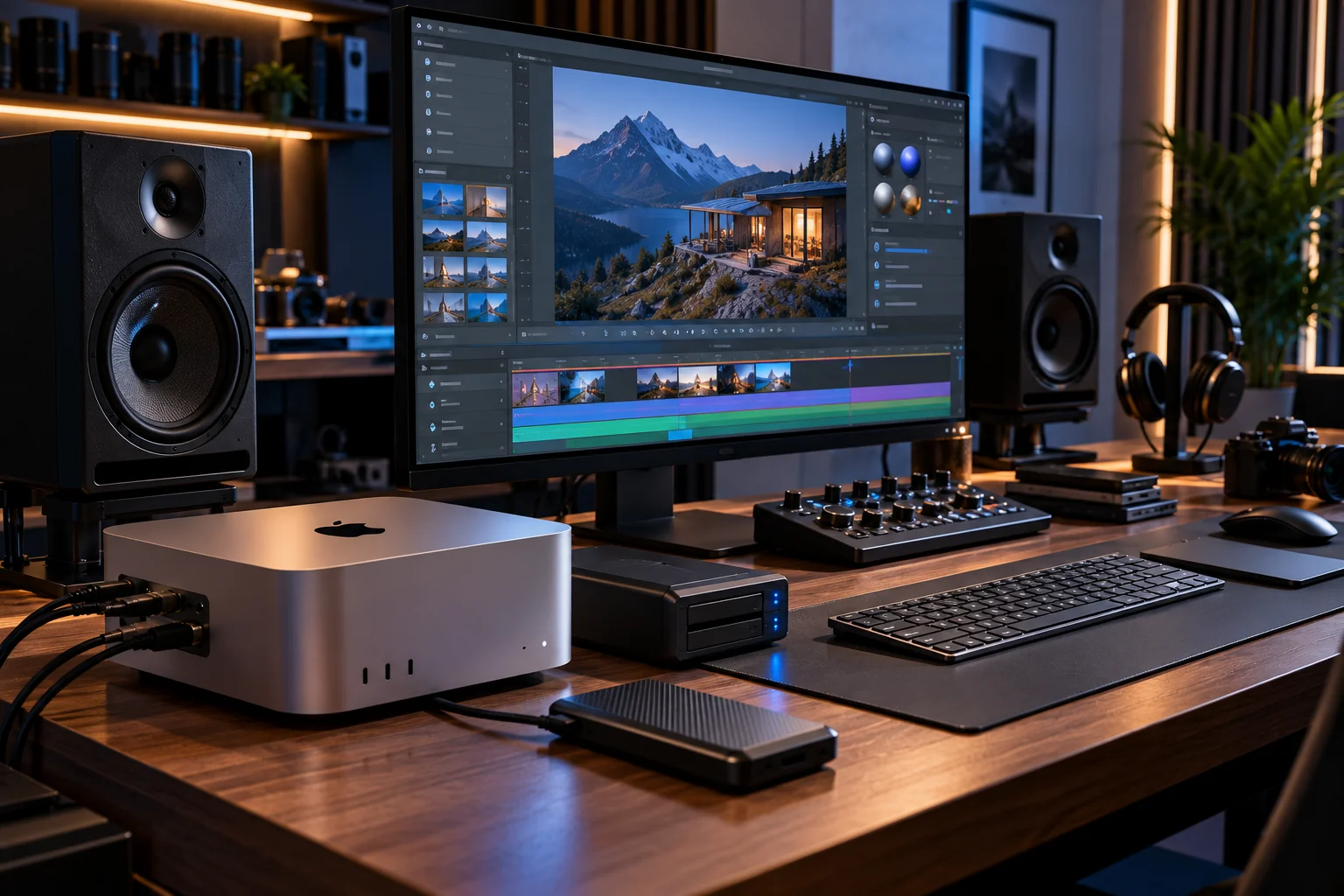
The current Mac Studio starts with the M5 Max and can be configured with the M5 Ultra.
The M5 Max version can reach:
18-core CPU
40-core GPU
128GB unified memory
8TB SSD
The M5 Ultra can reach:
36-core CPU
80-core GPU
512GB unified memory
16TB SSD
Apple also gives the Studio two video-decode engines and multiple video-encode and ProRes engines, depending on configuration.
This is a completely different class of machine from the iMac.
Who should buy a Mac Studio?
Think about the Studio if you work with:
Professional video editing
8K workflows
3D rendering
VFX
Large photo libraries
Software development
Game development
Machine learning
Large local AI models
Complex audio production
Heavy multitasking
Apple specifically positions the M5 Ultra Mac Studio for workloads such as real-time 8K video, VFX and large on-device AI models.
If you're primarily using Safari, Microsoft Office and email, however, you're unlikely to need anything close to this level of hardware.
Which Has the Most Performance?
The Mac Studio is by far the most capable option, particularly in GPU-heavy and memory-intensive professional workloads.
There's an enormous difference between the product tiers.
The M6 Mac mini is designed as a compact general-purpose desktop, while the M5 Pro version adds considerably more CPU/GPU capability.
The Mac Studio then moves into M5 Max and M5 Ultra territory, with dramatically higher memory capacity and bandwidth.
The distinction becomes particularly important for AI.
A Mac mini can handle everyday AI features and smaller local workloads, but the Mac Studio's unified-memory ceiling of up to 512GB gives it a completely different capacity for large models.
Which Mac Is Best for Video Editing?
The Mac mini is enough for many editors, the iMac is excellent for general creative work, and the Mac Studio is aimed at professional high-resolution workflows.
For 1080p and ordinary 4K editing, you don't necessarily need a Mac Studio.
A well-configured Mac mini can provide substantial performance while allowing you to choose your own monitor and storage.
The iMac adds the advantage of its built-in 4.5K display.
The Mac Studio becomes more compelling when your workflow involves:
Large 4K projects
6K/8K footage
Multiple video streams
Heavy effects
3D
Color grading
Large professional projects
Its expanded media engines and higher memory configurations are designed for workloads well beyond typical home editing.
Which Mac Is Best for AI?
The Mac Studio is the strongest choice when local AI is a major part of your workflow because its unified-memory capacity is vastly higher.
Memory matters enormously for local AI.
The current Mac mini reaches 64GB.
The iMac reaches 32GB.
The Mac Studio can reach 512GB with M5 Ultra.
That doesn't mean every AI model automatically runs better on the Studio. Software support, model architecture, quantization and GPU performance still matter.
But if you're specifically buying a Mac to experiment with large local models, the Studio gives you substantially more memory headroom.
Which Mac Gives You the Best Display?
The iMac wins on convenience because its 24-inch 4.5K Retina display is included with the computer.
The Mac mini and Mac Studio don't include displays.
That means you can pair either with Apple's 2026 Studio Display, which has a 27-inch 5K Retina panel, 600-nit brightness and a 12MP Center Stage camera.
But that also increases the total cost.
The advantage is flexibility.
You aren't tied to Apple's monitor.
You can choose an inexpensive 4K display or a specialized professional monitor instead.
Which Mac Is Best for Multiple Monitors?
The Mac Studio offers the greatest display flexibility, while the Mac mini can also support multiple external displays.
The M6 Mac mini supports up to three external displays in supported configurations.
The Mac Studio goes much further, supporting configurations of up to eight displays depending on the chip and resolution.
The iMac can also connect external displays, but its role is different: the built-in 24-inch screen is the primary display.
For a workstation involving several monitors, the mini or Studio is therefore the more natural platform.
Which Mac Has the Best Ports?
The Mac Studio offers the most extensive connectivity, while the Mac mini provides a surprisingly capable selection for its size.
The M6 Mac mini includes:
Three Thunderbolt 4 ports
HDMI
Two front USB-C ports
2.5Gb Ethernet
3.5mm headphone jack
The M5 Pro version upgrades its rear connections to Thunderbolt 5.
The Mac Studio adds considerably more connectivity, including Thunderbolt 5 and an SDXC card slot, making it better suited to professional storage, cameras and high-speed peripherals.
Mac mini vs iMac vs Mac Studio for Different Users
User | Best fit to consider |
|---|---|
Student | Mac mini or iMac |
Home user | iMac |
Office worker | iMac or Mac mini |
Content writer | Mac mini |
Programmer | Mac mini or Mac Studio |
Graphic designer | iMac or Mac mini |
Photographer | iMac or Mac mini |
4K video editor | Mac mini or Mac Studio |
Professional video editor | Mac Studio |
3D artist | Mac Studio |
AI developer | Mac Studio |
Multi-monitor workstation | Mac mini or Mac Studio |
Minimalist setup | iMac |
Existing monitor owner | Mac mini |
Maximum performance | Mac Studio |
Which Mac Is the Best Value?
The Mac mini can be the most economical option if you already own a monitor and peripherals, while the iMac can be compelling when you need an entire desktop setup.
The current Indian starting prices illustrate the difference:
Mac mini M6: ₹99,900
iMac M4: ₹174,900
Mac Studio M5 Max: ₹279,900
Mac Studio M5 Ultra: ₹629,900
But comparing those numbers directly isn't entirely fair.
The iMac includes a 24-inch 4.5K display and wireless keyboard/mouse, while the Mac mini does not.
The Mac Studio is substantially more expensive because you're buying workstation-class performance and memory capacity.
So think about the total setup cost, not just the computer.
Mac mini vs iMac vs Mac Studio: Which Should You Buy?
For most people, start with the Mac mini if you already have a monitor, choose the iMac if you want an elegant all-in-one setup, and choose the Mac Studio when your professional workload genuinely requires its additional performance.
Choose the Mac mini if you want:
The best flexibility
Your own monitor
Multiple displays
A compact computer
Strong everyday performance
A lower entry price
M5 Pro-class performance in a tiny desktop
Choose the iMac if you want:
A complete setup
A beautiful 4.5K display
Minimal cables
Built-in speakers and camera
A simple home or office computer
Choose the Mac Studio if you want:
Maximum performance
Large unified-memory capacity
Professional video workflows
3D/VFX
Serious software development
Local AI
Multiple high-resolution displays
Extensive high-speed connectivity
FAQs About Mac mini, iMac and Mac Studio
Is Mac mini better than iMac?
It depends on your setup. Mac mini offers more flexibility because you choose your own display, while iMac provides a complete 24-inch 4.5K desktop in one package.
Is Mac Studio worth it over Mac mini?
It can be for demanding professional workloads. For everyday computing, office work and moderate creative work, the Mac mini can provide plenty of performance without the Studio's much higher cost.
Is iMac good for video editing?
Yes. The M4 iMac can handle many everyday and creative video-editing workflows. More demanding professional projects may benefit from the higher-performance Mac mini Pro or Mac Studio configurations.
Can Mac mini use any monitor?
Mac mini is designed to work with external displays, giving you considerably more choice than an iMac's integrated screen. Current M6 configurations support multiple external displays depending on resolution and connection.
Is Mac Studio good for AI?
Yes, particularly when large amounts of unified memory are useful. Its M5 Ultra configuration can reach 512GB of unified memory, far beyond the Mac mini and iMac.
Which Mac is best for a home office?
The iMac is convenient if you want an all-in-one setup. The Mac mini is attractive if you already have a monitor or want to build a custom multi-monitor workstation.
The Bottom Line
The Mac mini, iMac and Mac Studio aren't really competing for exactly the same buyer.
The Mac mini is the flexible desktop. It gives you a tiny computer and lets you decide what the rest of your setup looks like.
The iMac is the convenience desktop. Its biggest attraction isn't simply the M4 chip; it's the combination of computer, 24-inch 4.5K display, camera, speakers and peripherals in one clean package.
The Mac Studio is the workstation. Its M5 Max and M5 Ultra chips, enormous unified-memory configurations and extensive connectivity are designed for workloads that go well beyond ordinary office computing.
For most home and office users, Mac mini or iMac makes more sense than Mac Studio.
If you already own a good monitor, the Mac mini is the natural starting point.
If you want everything in one box, choose the iMac.
If you're buying a Mac because your work regularly pushes CPU, GPU, memory or media-processing limits, that's where the Mac Studio earns its place.
Don't buy the most powerful Mac you can afford. Buy the Mac whose performance and form factor match the way you actually work.