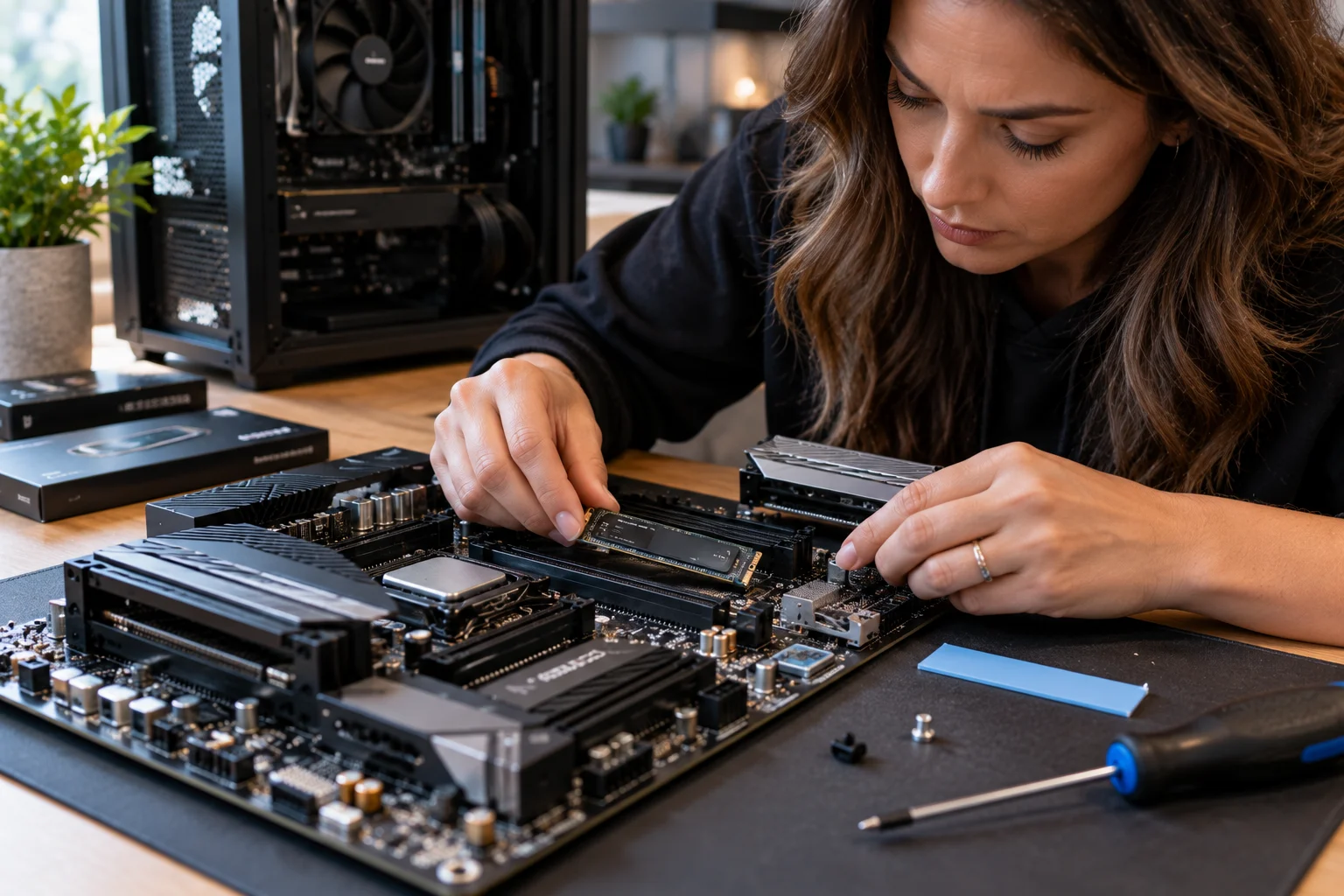
Most modern SSDs can last for many years, and for a typical PC user, NAND wear is unlikely to be the reason for replacing a drive anytime soon. The more useful question is not simply “How many years does an SSD last?” but “How much data will this SSD write, and under what conditions?”
Manufacturers measure SSD endurance using TBW, or Terabytes Written, which estimates how much data can be written to a drive over its rated life. But TBW is only one part of the picture.
NAND type, drive capacity, write amplification, workload, available free space, controller quality, firmware, temperature and power conditions can all affect actual longevity. Wear leveling and TRIM help spread and manage writes, while SMART data can provide an indication of remaining endurance.
For ordinary web browsing, gaming, office work and everyday storage, a quality consumer SSD can remain useful for years. Heavy workloads such as video production, scratch-disk use, databases and constant large-scale writes demand much closer attention to TBW and endurance.
How long does an SSD usually last?
A modern SSD can often remain usable for many years, and typical consumer workloads may never come close to exhausting its rated write endurance.
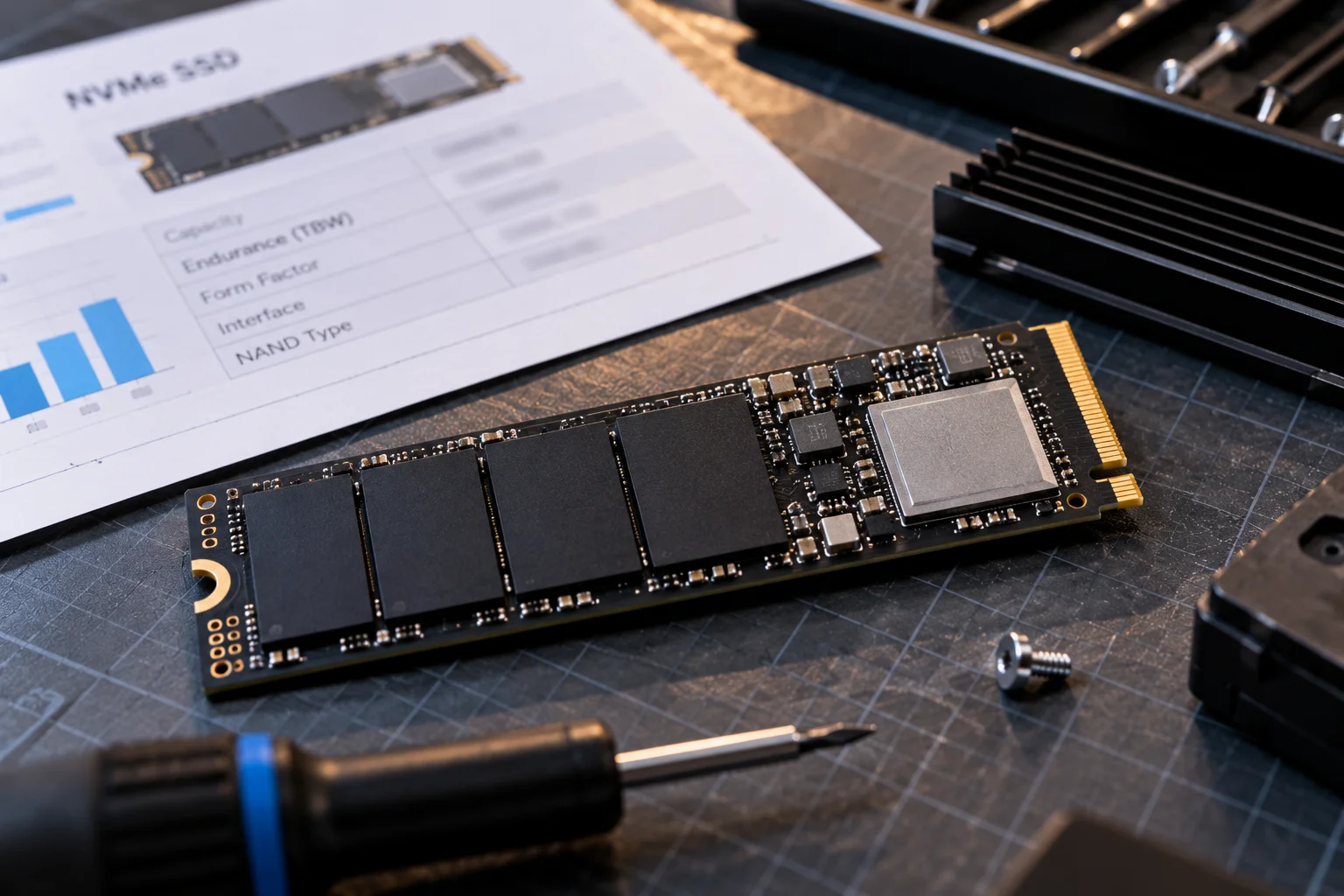
There is no universal lifespan because two SSDs can experience completely different workloads.
A 1TB SSD used for Windows, applications, documents and gaming might accumulate relatively modest amounts of writes over several years. A drive used for constant video recording, database activity or heavy scratch-disk work can accumulate writes much faster.
Kingston notes that wear leveling and over-provisioning can allow an SSD to outlast the useful life of the system it is installed in under typical client workloads.
So, five years is not an expiration date for an SSD. It is often the length of the manufacturer's warranty, while the physical drive may continue operating beyond it.
What does TBW mean on an SSD?
TBW means Terabytes Written and represents the total amount of data a manufacturer rates the SSD to withstand under specified conditions.
For example, Samsung's current warranty documentation lists several consumer SSDs with ratings such as 600TBW, 1,200TBW and 2,400TBW depending on capacity and model. The warranty generally ends when either the stated time period or TBW limit is reached, whichever comes first.
Think of TBW as an endurance rating rather than a countdown timer.
If a 1TB SSD is rated at 600TBW, that does not mean it will suddenly stop working after exactly 600TB has been written. It means the manufacturer has specified that amount as the drive's warranted endurance under its testing methodology.
Actual endurance can vary with workload and operating conditions.
How much TBW do you actually need?
For everyday computing, even a few hundred TBW can represent a substantial amount of writing.
Consider a hypothetical 600TBW SSD:
Average writes per day | Approximate time to 600TB |
|---|---|
20GB/day | ~82 years |
50GB/day | ~33 years |
100GB/day | ~16 years |
250GB/day | ~6.6 years |
500GB/day | ~3.3 years |
These are simple mathematical illustrations, not predictions of actual drive failure. The SSD's warranty, workload, write amplification and other components still matter.
Micron gives a similar perspective: writing 100GB every day for three years would amount to roughly 107TBW, well below a 300TB endurance rating.
What actually wears out inside an SSD?
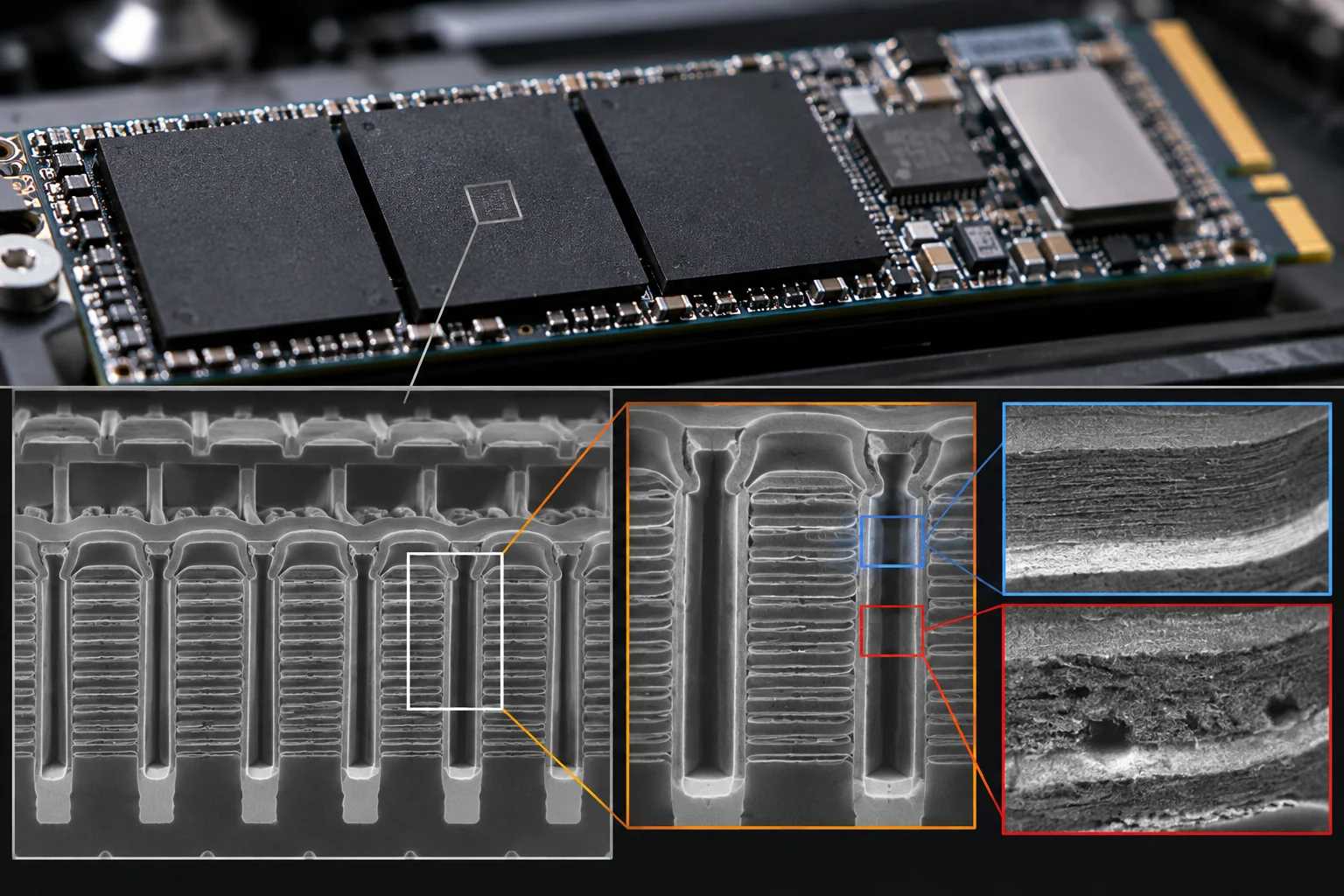
NAND flash cells gradually wear because programming and erasing them changes their electrical characteristics.

SSD storage is divided into pages and blocks. Data is programmed into pages, while NAND generally has to erase larger blocks before those locations can be reused.
That creates the fundamental endurance limitation.
Every program/erase cycle places stress on NAND cells. Reads cause negligible NAND wear compared with writes.
The SSD controller works continuously behind the scenes to distribute this wear and manage the NAND.
What is wear leveling?
Wear leveling spreads writes across NAND cells so that the same physical cells are not repeatedly worn out.
Without wear leveling, frequently updated areas could reach their endurance limits while other NAND cells remained relatively unused.
The controller moves data around to distribute the workload across the available flash. Modern SSDs also use error correction and bad-block management to maintain reliability as NAND ages.
This is one reason you should not calculate SSD lifespan simply by dividing capacity by the amount of data you write.
Does TLC or QLC affect SSD lifespan?
Yes. NAND type influences endurance, but it should not be used by itself to judge whether an SSD will last.
TLC NAND stores three bits per cell, while QLC stores four. Increasing the number of bits stored in each cell allows manufacturers to achieve higher storage density, but it generally comes with different endurance and performance characteristics.
That does not mean every QLC SSD has poor longevity.
A large-capacity QLC SSD can distribute writes across a much larger amount of NAND. Solidigm notes that workload, capacity and over-provisioning can significantly affect effective endurance, and high-capacity QLC drives can provide substantial total write endurance.
The specific SSD's TBW rating and intended workload are more useful purchasing indicators than simply seeing “TLC” or “QLC” on the specification sheet.
What is write amplification and why does it matter?
Write amplification means the SSD may perform more internal NAND writes than the amount of data your computer actually sends to it.
Suppose your computer changes a small amount of data inside a larger NAND block. The controller may need to move valid data elsewhere, erase a block and then write new information.
Those additional internal operations contribute to NAND wear.
Solidigm describes random, small-block writes as particularly demanding because they can generate more internal data movement and write amplification than efficient sequential workloads.
This is why two people can own identical SSDs and see different endurance behavior.
Does keeping free space help an SSD last longer?
Yes. Maintaining free space gives the controller more room for garbage collection, wear leveling and other internal operations.
An SSD that is nearly full has fewer free blocks available for efficient housekeeping.
Over-provisioning deliberately reserves some capacity for the controller. Kingston notes that over-provisioning can improve both performance and longevity.
You do not necessarily need to manually reserve a large percentage of a consumer SSD, but avoiding a drive that remains completely full is sensible.
TRIM also helps by telling the SSD which logical blocks are no longer needed, allowing the controller to manage those areas more efficiently.
Does temperature affect SSD lifespan?
Yes. Excessive heat can affect SSD reliability, performance and, in some circumstances, longevity.
High-performance NVMe drives can generate substantial heat during sustained workloads. SSDs commonly use thermal management or throttling to prevent temperatures from reaching damaging levels. Samsung, for example, uses Dynamic Thermal Guard to manage SSD temperatures and reduce performance when necessary.
Temperature also matters when an SSD is powered off and being used for long-term data storage. Flash charge gradually degrades over time, and higher storage temperatures accelerate this process.
For a desktop or laptop, good airflow and an appropriate motherboard heatsink can be enough for most users.
How do you check how much life an SSD has left?
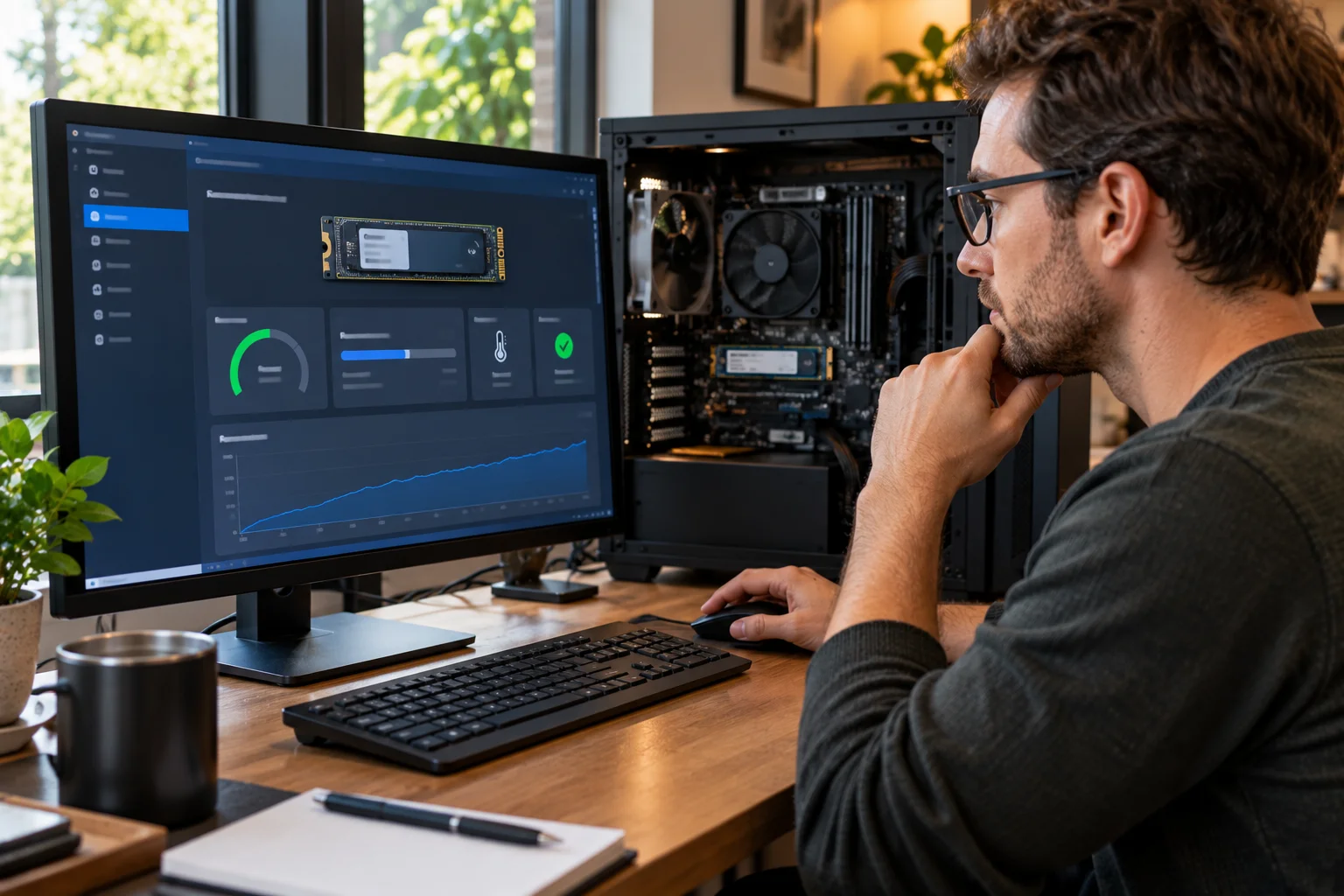
Use the SSD's SMART data and the manufacturer's management software to check wear indicators, written data and warnings.
Depending on the drive, SMART information can include:
Percentage used or remaining life
Total data written
Power-on hours
Unsafe shutdowns
Media errors
Temperature
Wear-leveling information
NVMe drives can report a Percentage Used value, while manufacturers may expose their own health indicators through management utilities.
Do not assume every SSD reports these values in exactly the same way.
What can make an SSD fail before its TBW rating?
TBW is not a guarantee that every component will survive indefinitely until that exact number is reached.
An SSD contains a controller, firmware, NAND packages, DRAM or other memory components, power circuitry and other electronics.
A controller or firmware problem can cause a drive to fail even when NAND wear is not exhausted.
Power interruptions can also create problems, particularly during active writes. Intel notes that unexpected power loss can leave data in temporary buffers unsaved unless the SSD has appropriate power-loss protection.
This is why TBW should be viewed as an endurance specification, not a prediction of the exact failure date.
How can you make an SSD last longer?
The simplest strategy is to avoid unnecessary writes, keep reasonable free space, manage temperatures and maintain backups.
For most users:
Keep some storage capacity free.
Let the operating system use TRIM.
Avoid repeatedly filling and rewriting the entire drive unnecessarily.
Keep high-performance NVMe SSDs adequately cooled.
Avoid using SSDs outside their specified operating environment.
Monitor SMART health occasionally.
Never treat an SSD as a backup.
One common mistake is manually defragmenting an SSD. Modern SSDs do not need traditional HDD-style defragmentation, and Samsung specifically advises against frequent defragmentation because it adds unnecessary writes.
So, how long does an SSD really last?
For most everyday PC users, an SSD is likely to remain useful for many years, and TBW is often much higher than the amount of data an ordinary user writes.
The more important factors are NAND type, SSD capacity, workload, write amplification, controller and firmware quality, free space, temperature and power conditions.
A 600TBW SSD could theoretically represent decades of endurance for a light workload, while a workstation constantly writing hundreds of gigabytes per day could consume that endurance much sooner.
The practical takeaway is simple: don't judge an SSD's lifespan by years alone. Check its TBW rating, understand your workload and monitor its SMART health.
For everyday computing, gaming and general storage, a reputable SSD with an appropriate endurance rating should provide years of service. For heavy write workloads, endurance should be one of the first specifications you compare.
SSD Lifespan FAQs
Is 5 years a long time for an SSD?
Five years is a common warranty period for many consumer SSDs, but it is not necessarily the end of the drive's usable life. Actual longevity depends heavily on workload and NAND wear.
Does reading data wear out an SSD?
Reads cause far less NAND wear than writes. SSD endurance is primarily affected by program/erase activity associated with writing and rewriting data.
Is higher TBW always better?
Higher TBW generally indicates a higher rated write endurance, but it should be considered alongside capacity, workload, NAND type, warranty and the rest of the SSD's design.
Can an SSD last 10 years?
Yes, an SSD can remain operational for 10 years or longer, particularly under relatively light workloads. However, no manufacturer can guarantee that every individual drive will last that long.
Is QLC SSD good for long-term storage?
QLC can be suitable for read-heavy and general storage workloads. The individual model's endurance rating and workload suitability matter more than the QLC label alone.
Should you replace an SSD when it reaches 100% health used?
If the SSD reports that its rated endurance has been consumed, you should treat it as a replacement candidate and ensure important data is backed up. Some drives may continue operating, but the manufacturer may no longer warrant them beyond the specified endurance.