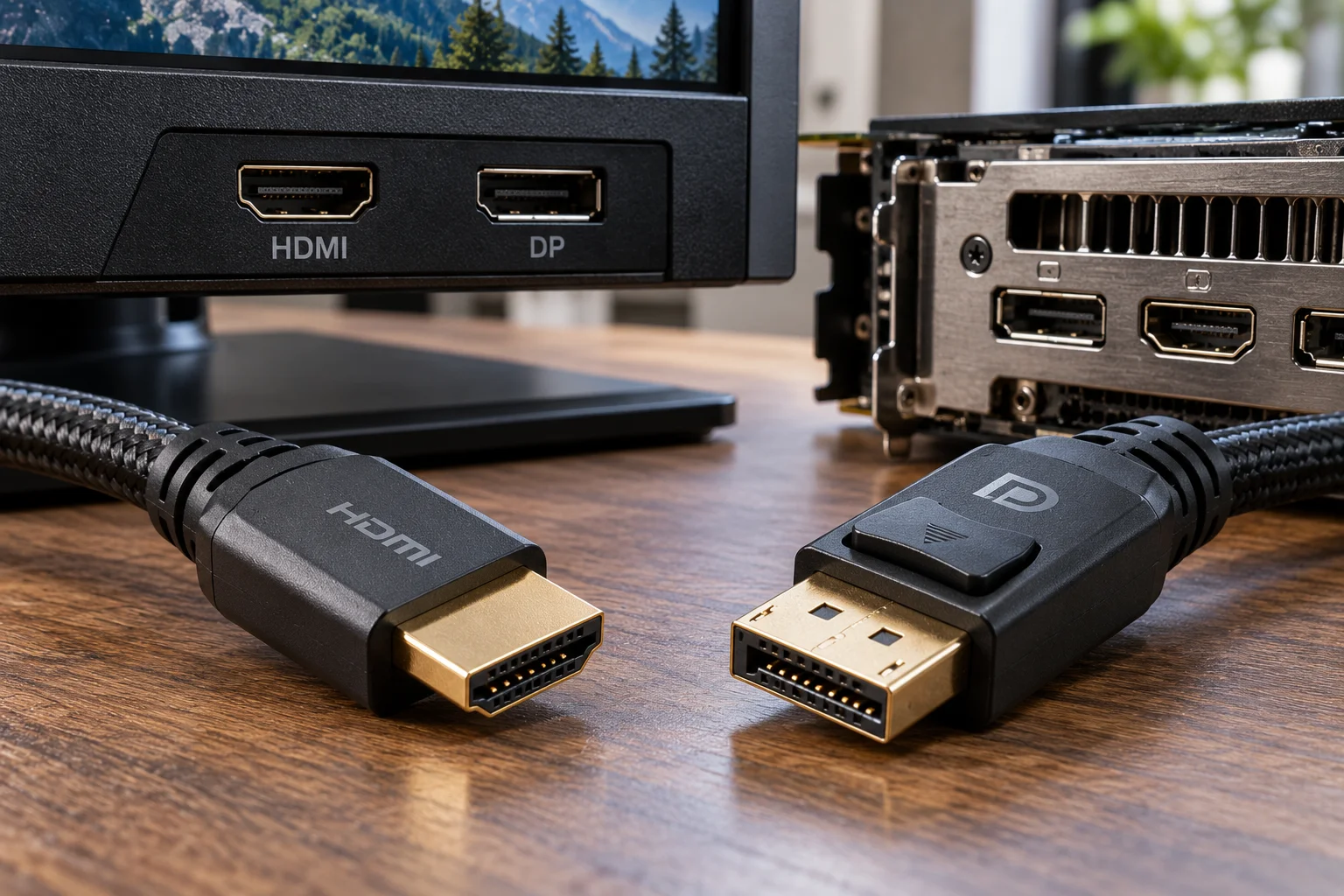
HDMI and DisplayPort can both deliver high-resolution video, high refresh rates, HDR and variable refresh rate gaming. For a basic 1080p or 1440p monitor, either connection can work perfectly well.
The differences become more important when you move into high-refresh gaming, 4K, ultrawide monitors, multiple displays and newer graphics cards.
DisplayPort has traditionally been the PC-focused interface, and its latest generations offer extremely high bandwidth. DisplayPort 2.1b can provide up to 77.37 Gbps of maximum payload through UHBR20, while VESA-certified DP80 connections support up to 80 Gbps of link bandwidth.
HDMI has a stronger position across TVs, consoles and home entertainment equipment. HDMI 2.1b supports up to 48 Gbps and features including 4K at 120Hz, VRR and ALLM.
So which should you use?
For a PC gaming monitor, DisplayPort is often the easiest choice when both ports support the same required specification. But HDMI 2.1 can be the better option for 4K high-refresh displays, TVs used as monitors and setups where HDMI's broader consumer-electronics compatibility matters.
The important thing is not simply choosing the connector with the higher version number. Check the exact capabilities of both the graphics card and monitor.
What is the difference between HDMI and DisplayPort?
HDMI was developed primarily as an audio/video interface for consumer electronics, while DisplayPort was designed with computer displays and PC graphics in mind.
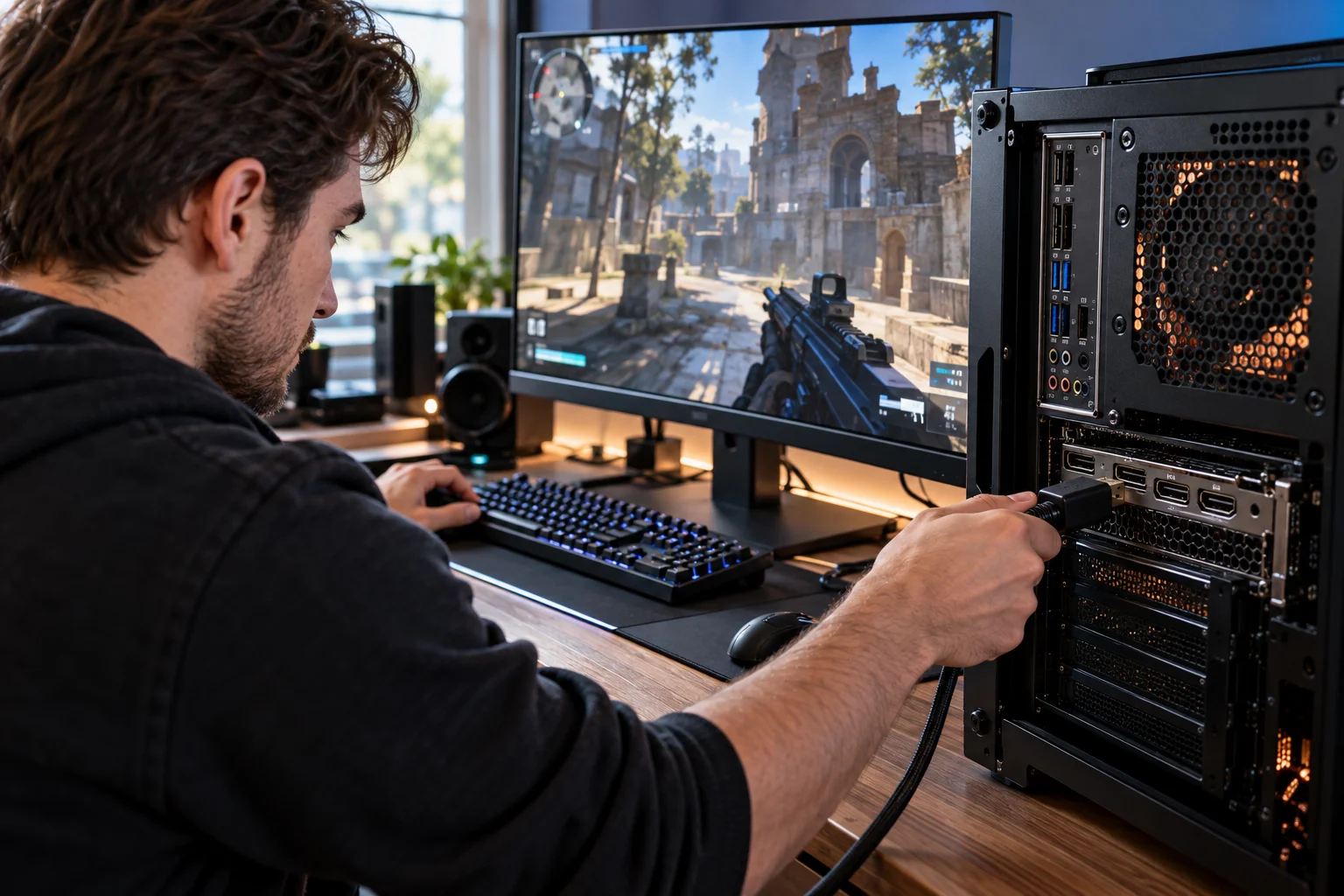
HDMI is extremely common on TVs, monitors, laptops, game consoles, soundbars and AV receivers.
DisplayPort is particularly common on desktop graphics cards and PC monitors.
Both can carry digital video and audio, so a basic connection between a PC and monitor may look identical regardless of which one you use.
The differences appear when you examine features such as bandwidth, multi-monitor support, adaptive synchronization and the maximum resolution and refresh-rate combinations available on your specific hardware.
VESA describes DisplayPort as a display interface developed for personal computers, while HDMI has traditionally been widely used as an AV interface for home entertainment.
Is DisplayPort better than HDMI for PC gaming?
DisplayPort is often the more straightforward choice for a high-refresh PC gaming monitor, particularly when the monitor and graphics card offer strong DisplayPort support.
DisplayPort has long been closely associated with PC gaming monitors because of its support for high refresh rates, Adaptive-Sync and multi-monitor configurations.
The latest DisplayPort 2.1b standard supports extremely high bandwidth through UHBR connections. VESA says UHBR20 can provide up to 80 Gbps of link bandwidth and a maximum payload of 77.37 Gbps.
That gives DisplayPort considerable headroom for demanding displays.
But don't assume that every DisplayPort connector is equivalent.
A graphics card with DisplayPort 1.4 and a monitor with DisplayPort 2.1 are not going to magically operate at DisplayPort 2.1 speeds.
The weakest link in the chain determines the available capability.
Is HDMI good enough for gaming monitors?
Yes. Modern HDMI can be excellent for gaming, especially when both the GPU and monitor support HDMI 2.1 or newer capabilities.
HDMI 2.1 supports bandwidth up to 48 Gbps and enables combinations such as 4K at 120Hz. It also supports gaming features including Variable Refresh Rate and Auto Low Latency Mode.
That makes HDMI 2.1 particularly useful for:
4K gaming
High-refresh 4K monitors
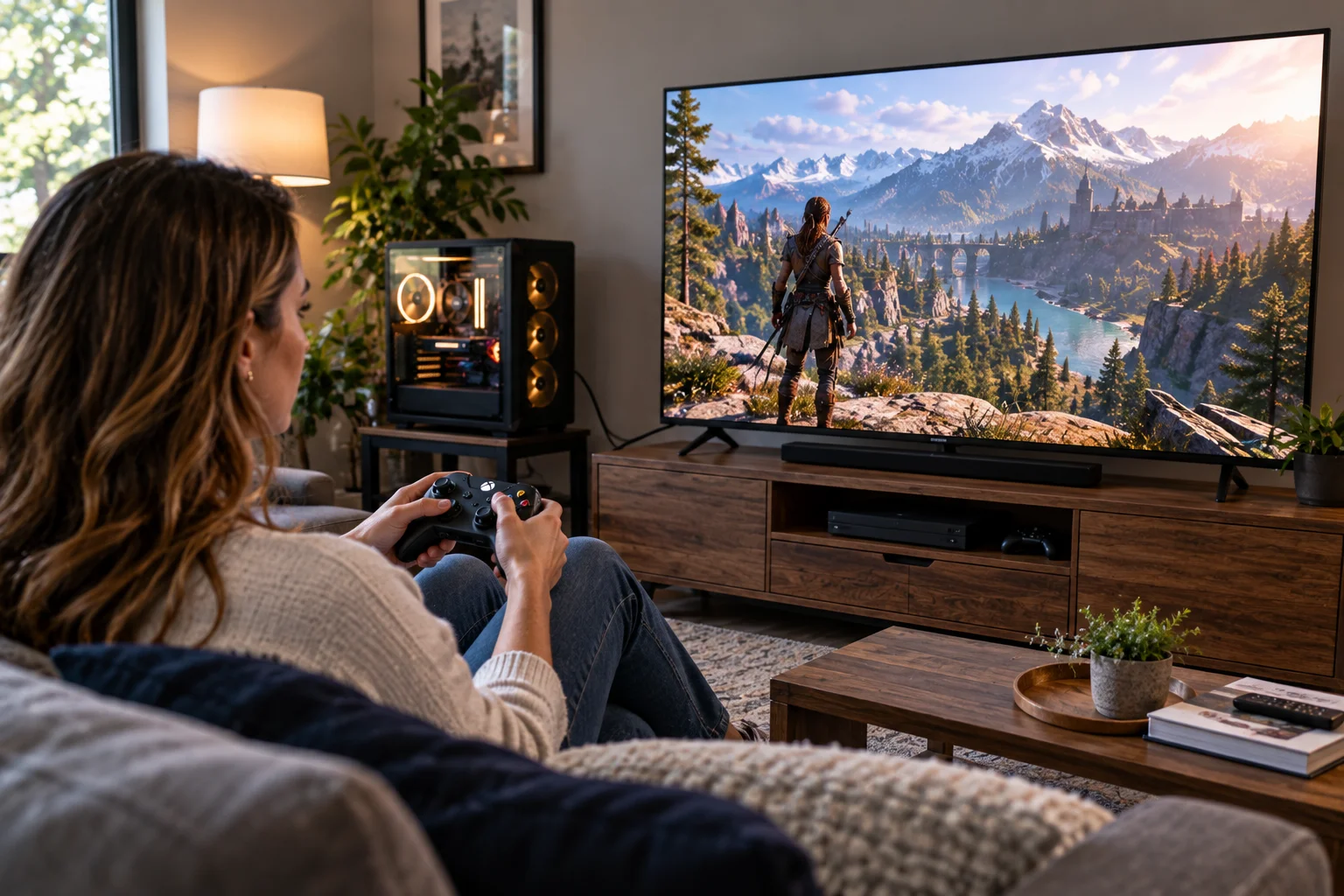
Gaming TVs
PCs connected to large-screen displays
Systems shared between a PC and console
For a 4K 120Hz gaming monitor with HDMI 2.1, there is little reason to avoid HDMI simply because DisplayPort exists.
In fact, if the display's HDMI implementation provides the features you need while its DisplayPort port is more limited, HDMI may be the better connection.
Which has more bandwidth: HDMI or DisplayPort?
Current DisplayPort 2.1b has substantially more maximum link bandwidth than HDMI 2.1b, although the comparison depends on the exact specification supported by each device.
Connection | Maximum stated bandwidth |
|---|---|
HDMI 2.1b | 48 Gbps |
DisplayPort 2.1 UHBR20 | 80 Gbps link bandwidth |
DisplayPort 2.1b maximum payload | 77.37 Gbps |
HDMI 2.1b provides up to 48 Gbps, while VESA's DP80 specification supports up to 80 Gbps of DisplayPort link bandwidth.
However, raw bandwidth isn't the only factor determining what your monitor can display.
Compression such as Display Stream Compression, chroma format, color depth and the particular implementation of the monitor all affect the final resolution and refresh-rate combinations available.
That's why you should compare the actual supported modes, not just the number printed next to the connector.
What is better for 4K high-refresh monitors?
Both can work extremely well, but HDMI 2.1 and DisplayPort 2.x provide substantially more headroom than older HDMI and DisplayPort standards.
A 4K 60Hz monitor doesn't require the same connection capabilities as a 4K 240Hz gaming monitor.
For 4K at 120Hz, HDMI 2.1 explicitly supports the mode, while DisplayPort's newer UHBR standards provide substantially more bandwidth for demanding configurations.
For extremely high refresh rates, ultrawide resolutions or future display formats, DisplayPort 2.1's bandwidth advantage can become more significant.
But there is an important catch.
Your GPU must also support the required standard.
A monitor advertising DisplayPort 2.1 doesn't help if your graphics card only provides an older DisplayPort implementation.
Which is better for 1440p 144Hz gaming?
Either HDMI or DisplayPort can be suitable for 1440p at 144Hz, so check the specifications of your particular monitor and GPU rather than choosing based on the connector alone.
This is one of the situations where the debate is often overcomplicated.
A modern gaming monitor running at 2560×1440 and 144Hz doesn't necessarily need the latest interface generation.
If your monitor supports 1440p 144Hz over HDMI and DisplayPort, both can deliver essentially the same image quality.
The differences may instead involve:
VRR support
Maximum supported refresh rate
HDR modes
Adaptive-Sync compatibility
Multi-monitor functionality
For a straightforward single-monitor setup, use whichever connection officially supports the mode you want.
Does DisplayPort support multiple monitors?
Yes. DisplayPort supports Multi-Stream Transport, allowing compatible source devices to drive multiple displays from a single DisplayPort connection.
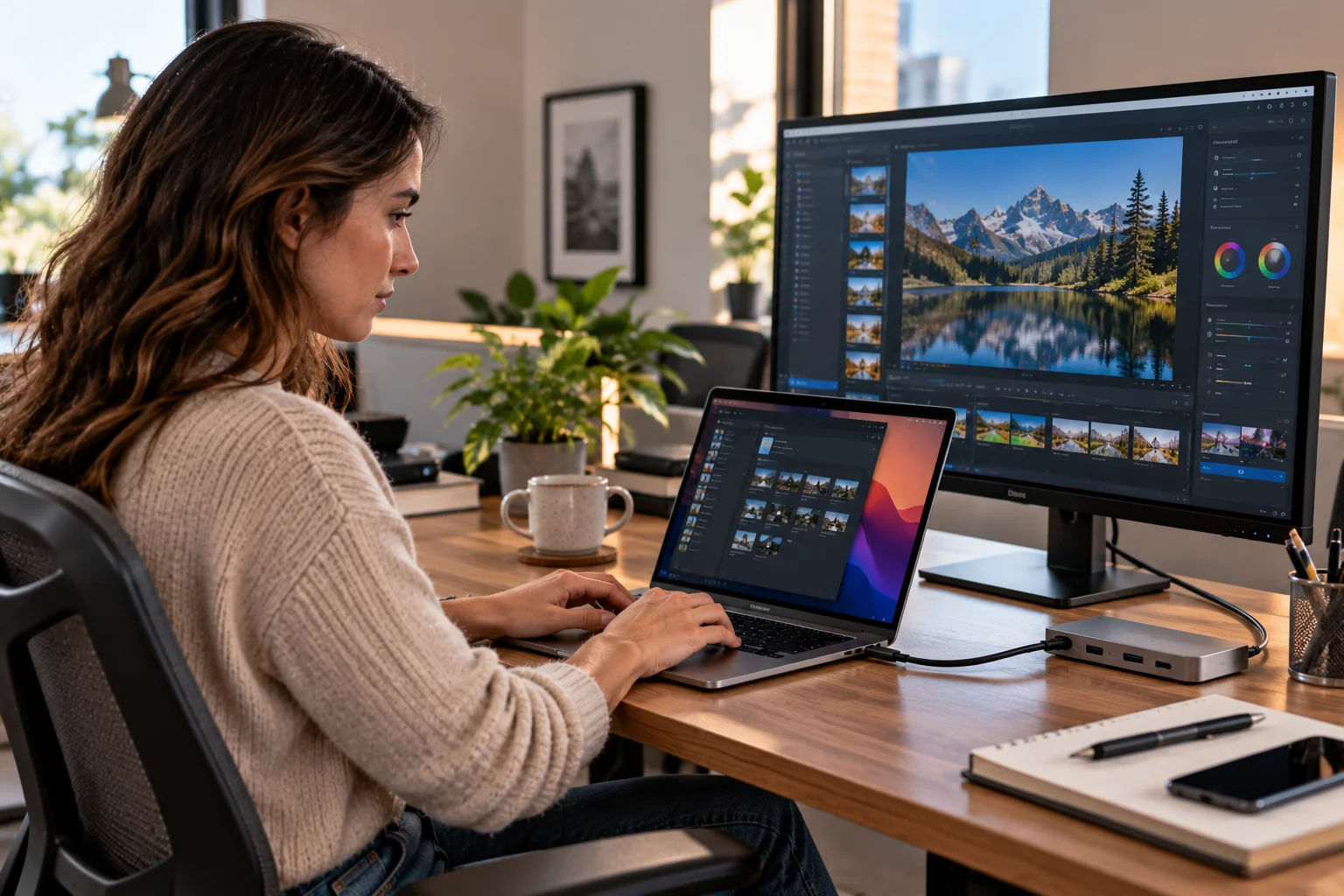
This is particularly useful for workstation and laptop docking setups.
VESA identifies the ability to connect multiple displays from a single video output as one of DisplayPort's user benefits.
DisplayPort can also operate through USB-C using DisplayPort Alt Mode.
That is why a single USB-C connection on a laptop can sometimes carry video to a monitor while also supporting other functions through the same connection.
The exact capabilities depend on the laptop, dock, monitor and USB-C implementation.
Does HDMI have better compatibility?
HDMI generally has broader compatibility with TVs, consoles and home-entertainment equipment.
If you're connecting a gaming PC to a TV, HDMI is often the natural choice because the TV is likely to provide multiple HDMI inputs while having no DisplayPort input.
HDMI also carries audio and supports features designed around home entertainment systems, including eARC. HDMI 2.1b supports enhanced audio capabilities alongside its video features.
This makes HDMI particularly convenient if your PC monitor doubles as a television or your setup includes an AV receiver or soundbar.
For a conventional desktop monitor connected directly to a graphics card, DisplayPort's PC-oriented feature set can be more useful.
Which is better for NVIDIA and AMD graphics cards?
There is no universal answer because the capabilities depend on the exact GPU model, monitor and driver-supported features.
Modern graphics cards commonly provide both HDMI and DisplayPort outputs.
The important question isn't whether your GPU has HDMI or DisplayPort.
It's whether the specific port supports the resolution, refresh rate, HDR and VRR mode you want.
For example, a graphics card may have one HDMI output capable of a particular high-bandwidth mode while its DisplayPort outputs support different configurations.
Always check the GPU manufacturer's specifications before buying a cable or monitor based on an interface assumption.
Does DisplayPort have better VRR support?
DisplayPort's Adaptive-Sync support is deeply integrated into the PC-monitor ecosystem, while modern HDMI also supports VRR.
VESA says Adaptive-Sync was introduced with DisplayPort 1.2a and remains supported in current DisplayPort standards.
HDMI 2.1 also supports Variable Refresh Rate, which synchronizes the display's refresh behavior with the source to reduce tearing and stutter.
So the important question is not simply whether HDMI or DisplayPort supports VRR.
Check whether your GPU, monitor and connection combination supports the specific VRR technology and refresh range you intend to use.
What about DisplayPort vs HDMI for dual-monitor setups?
DisplayPort can be particularly convenient for multi-monitor PC setups because of Multi-Stream Transport, but HDMI works perfectly well when your graphics card provides enough outputs.
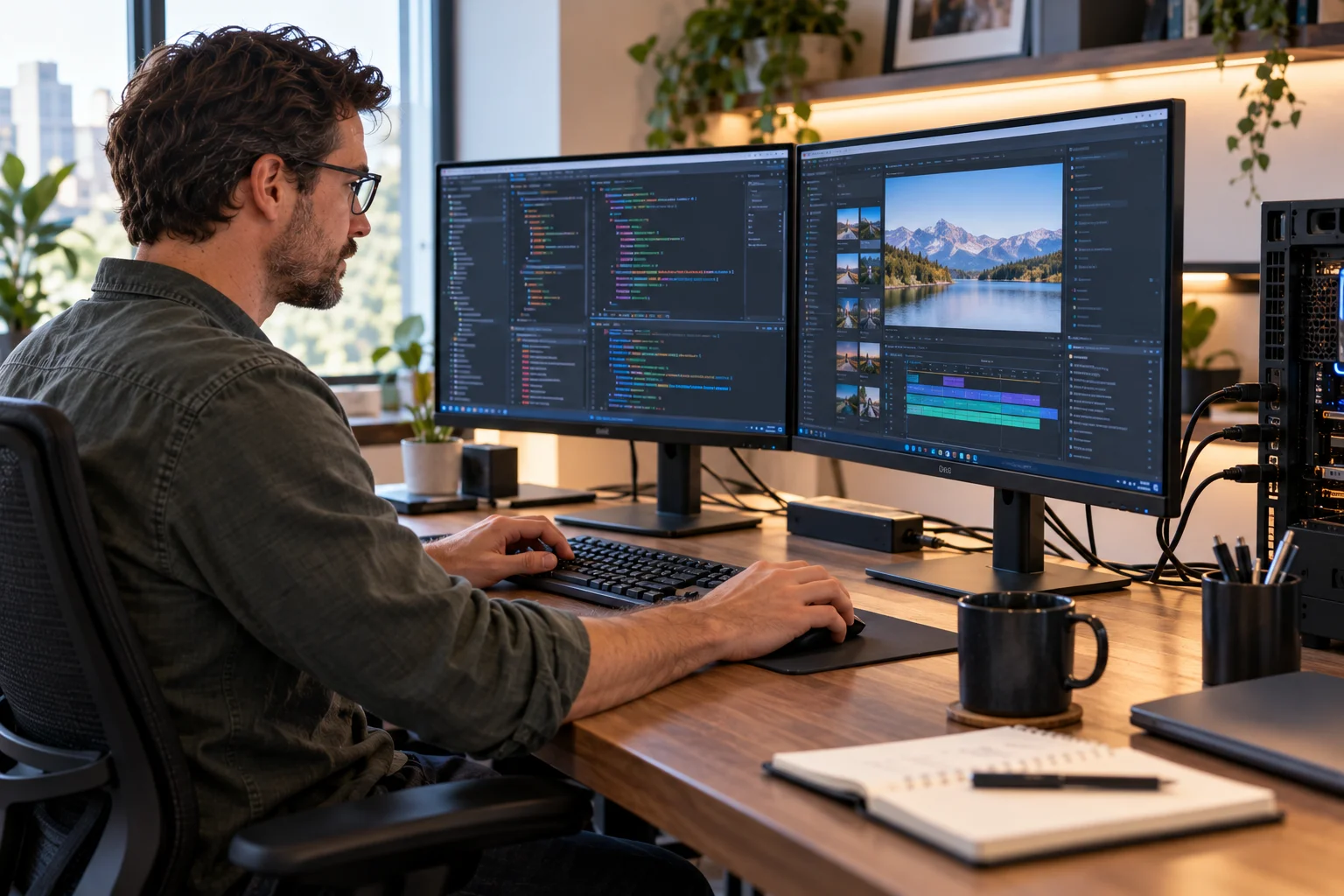
If you have two monitors and two appropriate outputs on your graphics card, there's no need to complicate the setup.
Connect each monitor directly.
DisplayPort becomes especially useful when you're working with compatible hubs, docking stations or daisy-chain-capable displays.
For a desktop gaming PC with several physical GPU outputs, however, using a combination of HDMI and DisplayPort is completely normal.
Which cable should you buy?
Buy a certified cable that matches the capabilities you actually need rather than choosing an expensive cable simply because it has a newer version number.
For HDMI 2.1-class applications, HDMI recommends certified Ultra High Speed HDMI cables for the full 48 Gbps capability.
For high-bandwidth DisplayPort 2.1 configurations, VESA recommends looking for certified DP40 or DP80 cables depending on the required UHBR performance. DP80 cables support UHBR20 up to 80 Gbps.
Avoid buying a cable based purely on marketing claims such as “8K gaming” without checking certification and the actual specifications.
A cable cannot upgrade an older GPU or monitor.
HDMI vs DisplayPort: Which should you use?
For a typical PC gaming monitor, use DisplayPort when it offers the refresh rate and resolution you need. Use HDMI 2.1 when you're connecting to a compatible 4K high-refresh display, gaming TV or device where HDMI provides the required features.
Use case | Connection to consider |
|---|---|
1080p 60Hz | HDMI or DisplayPort |
1440p 144Hz | HDMI or DisplayPort |
1440p high refresh | DisplayPort often convenient |
4K 120Hz | HDMI 2.1 or DisplayPort 2.x |
4K high-refresh PC gaming | DisplayPort 2.x or HDMI 2.1+ |
Gaming TV | HDMI |
PS5/Xbox with display | HDMI |
Multi-monitor PC setup | DisplayPort can be especially useful |
USB-C laptop display | DisplayPort Alt Mode/USB-C |
Extreme high-resolution/high-refresh display | DisplayPort 2.1b has greater bandwidth headroom |
The practical rule is simple:
Don't choose HDMI or DisplayPort based on the connector alone. Choose the connection that supports the exact resolution, refresh rate, HDR and VRR combination your hardware needs.
For a normal PC monitor, DisplayPort remains a very sensible default. For a gaming TV or a 4K 120Hz HDMI 2.1 display, HDMI can be the obvious choice.
HDMI vs DisplayPort FAQs
Is DisplayPort better than HDMI for PC monitors?
Often, yes for PC-focused high-refresh monitors, particularly when the display and GPU support the necessary DisplayPort standard. But HDMI can offer equivalent performance for many resolutions and is particularly useful for gaming TVs.
Is HDMI 2.1 better than DisplayPort?
Neither is universally better. HDMI 2.1b provides up to 48 Gbps, while DisplayPort 2.1b can reach up to 80 Gbps of link bandwidth with UHBR20. The better choice depends on your GPU and monitor.
Can HDMI do 1440p 144Hz?
Yes, depending on the HDMI version and the specific monitor and GPU. Always check the manufacturer's supported resolution and refresh-rate combinations.
Can DisplayPort do 4K 120Hz?
Yes. DisplayPort's newer standards provide substantially more bandwidth than older versions, and VESA lists high-resolution, high-refresh configurations supported by DisplayPort 2.x.
Does DisplayPort give better image quality than HDMI?
Not automatically. If both connections deliver the same resolution, refresh rate, color depth and HDR mode without compression differences that affect the signal, the displayed image can be effectively identical.
Does DisplayPort support VRR?
Yes. DisplayPort supports VESA Adaptive-Sync, while HDMI 2.1 also supports VRR.
Should I use HDMI or DisplayPort for a gaming PC?
For a dedicated PC gaming monitor, DisplayPort is often the simplest choice when it supports your monitor's maximum refresh rate and VRR features. HDMI 2.1 is an excellent alternative for compatible high-refresh 4K displays and gaming TVs.
Does the cable matter?
Yes. High-bandwidth modes require appropriately rated cables. For example, HDMI's 48 Gbps modes require an Ultra High Speed HDMI cable, while VESA-certified DP80 cables support the highest UHBR20 DisplayPort performance.
What should you use for your monitor?
If your monitor and graphics card both support the same target resolution and refresh rate through HDMI and DisplayPort, use whichever is more convenient. If you're pushing a high-refresh PC monitor or an advanced multi-monitor setup, check DisplayPort first; if you're connecting to a 4K gaming TV or HDMI 2.1 display, HDMI is usually the more natural option.