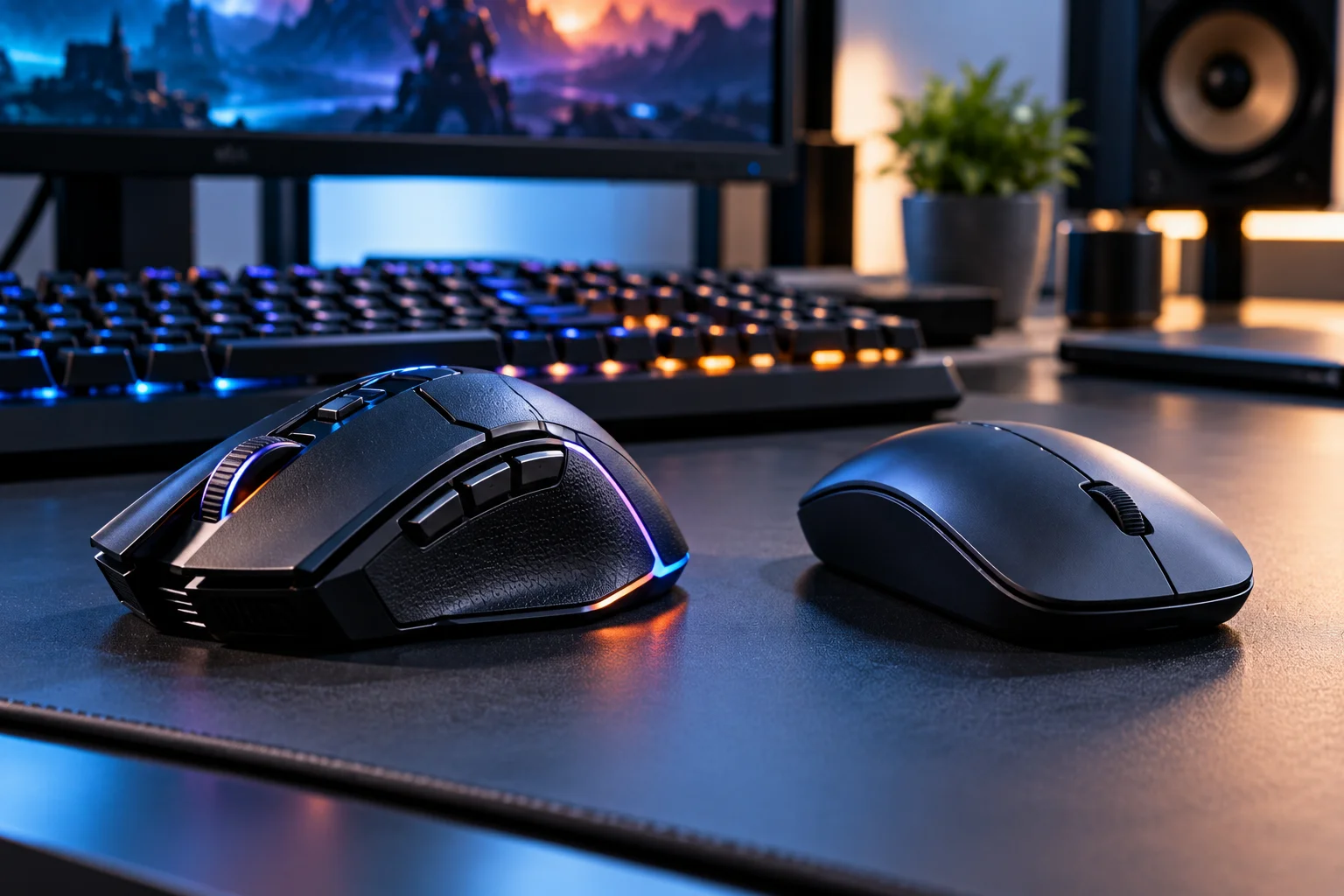
A gaming mouse is designed to prioritize fast tracking, low input latency, consistent movement and customizable controls, while a regular mouse is generally built around everyday comfort, reliability and basic pointer control.
For browsing the web, answering emails or working in spreadsheets, almost any decent mouse will do the job.
Gaming is different.
When you're aiming at an opponent, making a rapid turn or trying to execute several commands in quick succession, even small differences in tracking, button response and physical control can become relevant.
That doesn't mean a gaming mouse automatically makes you better at games. Modern regular mice are already accurate enough for everyday computing and casual gaming. RTINGS notes that even many budget mice have sufficiently low sensor latency for ordinary use.
The difference is that gaming mice are designed to give you more control and fewer compromises when speed and precision matter.
What Is a Gaming Mouse?
A gaming mouse is a mouse designed specifically around the speed, precision and control requirements of PC gaming.
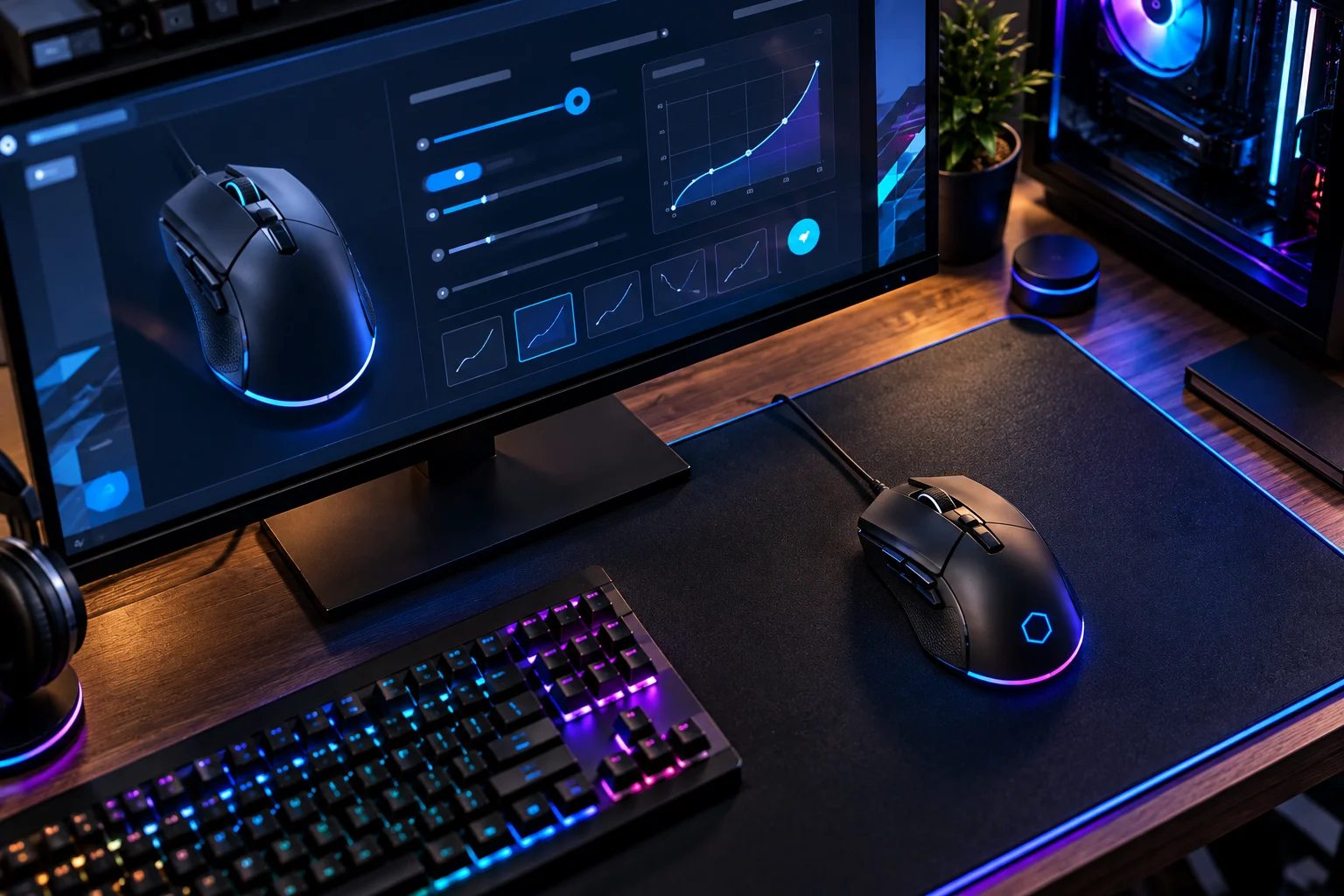
Depending on the model, it may include:
A high-performance optical sensor
Higher polling rates
Low click latency
Programmable buttons
Adjustable DPI
Lightweight construction
Customizable software
Gaming profiles
RGB lighting
Wired or low-latency wireless connectivity
Modern gaming mice can also be surprisingly advanced. Logitech's current gaming range, for example, includes models with 8,000Hz polling and specialized optical sensors designed for competitive gaming.
But you don't need every premium feature to get a good gaming experience.
What Is a Regular Mouse?
A regular mouse is primarily designed for general computer use such as browsing, office work, documents and basic navigation.
Its priorities are usually:
Comfort
Simplicity
Reliability
Battery life
Affordable pricing
Easy connectivity
A typical office mouse doesn't need to track extremely fast movements or register hundreds of clicks in rapid succession.
For scrolling through a spreadsheet or moving a cursor between browser tabs, the difference between a basic office mouse and an expensive gaming mouse can be practically irrelevant.
That's why buying the most technically advanced gaming mouse doesn't automatically make sense for everyone.
Gaming Mouse vs Regular Mouse: What's the Difference?
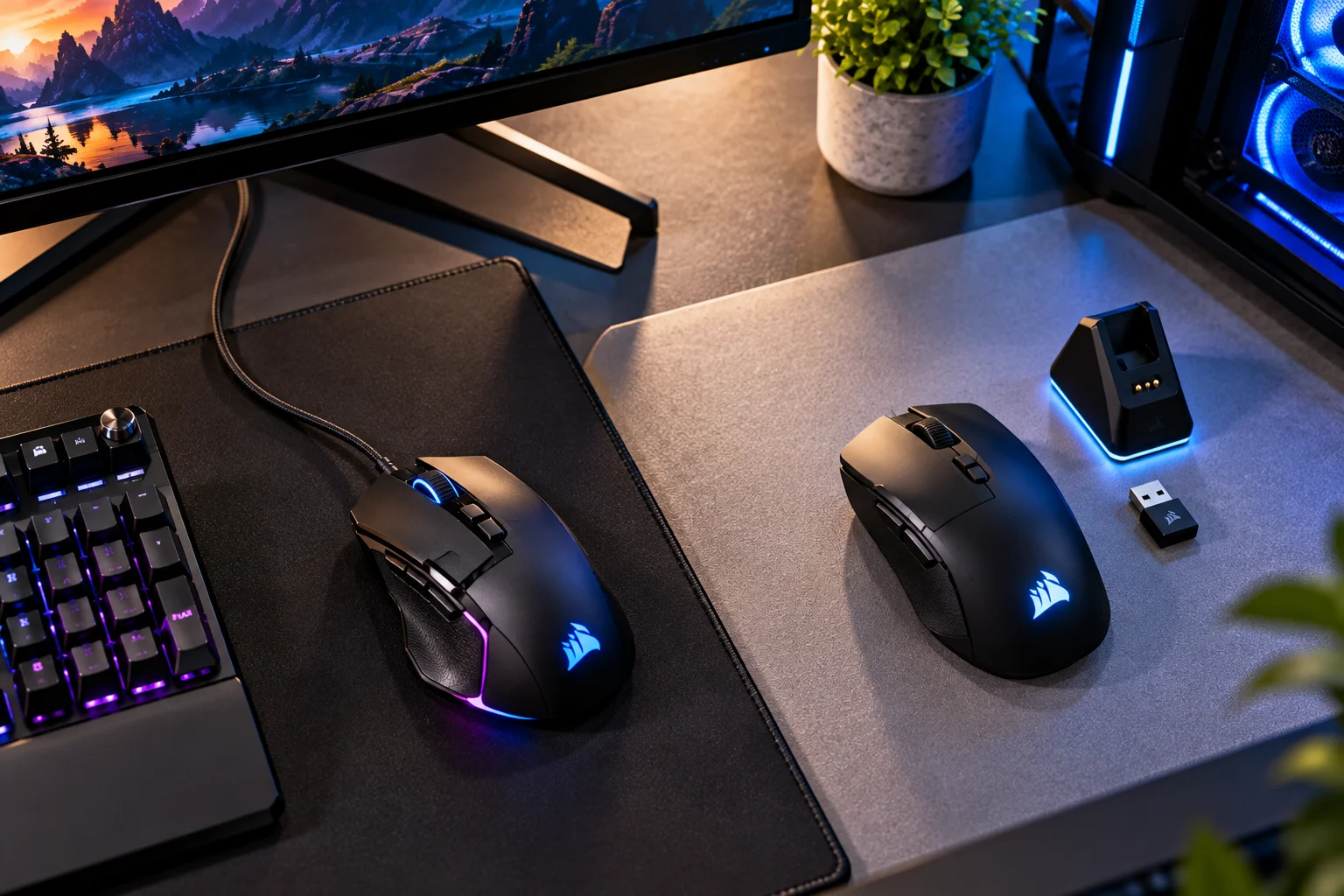
The biggest differences are usually sensor performance, latency, polling rate, customization and physical design.
Feature | Gaming Mouse | Regular Mouse |
|---|---|---|
Sensor | High-performance optical sensor | Standard optical sensor |
Polling rate | Often 1,000Hz or higher | Often lower |
Click latency | Usually optimized for low latency | Less of a priority |
DPI adjustment | Extensive | Usually limited |
Weight | Often lightweight | Varies |
Buttons | Often programmable | Usually basic |
Software | Advanced customization | Basic or none |
Wireless | Often low-latency receiver | Bluetooth commonly used |
RGB | Common on gaming models | Uncommon |
Gaming profiles | Common | Rare |
Price | Usually higher | Usually lower |
The exact specifications vary enormously between models.
Why Does a Gaming Mouse Have a Better Sensor?
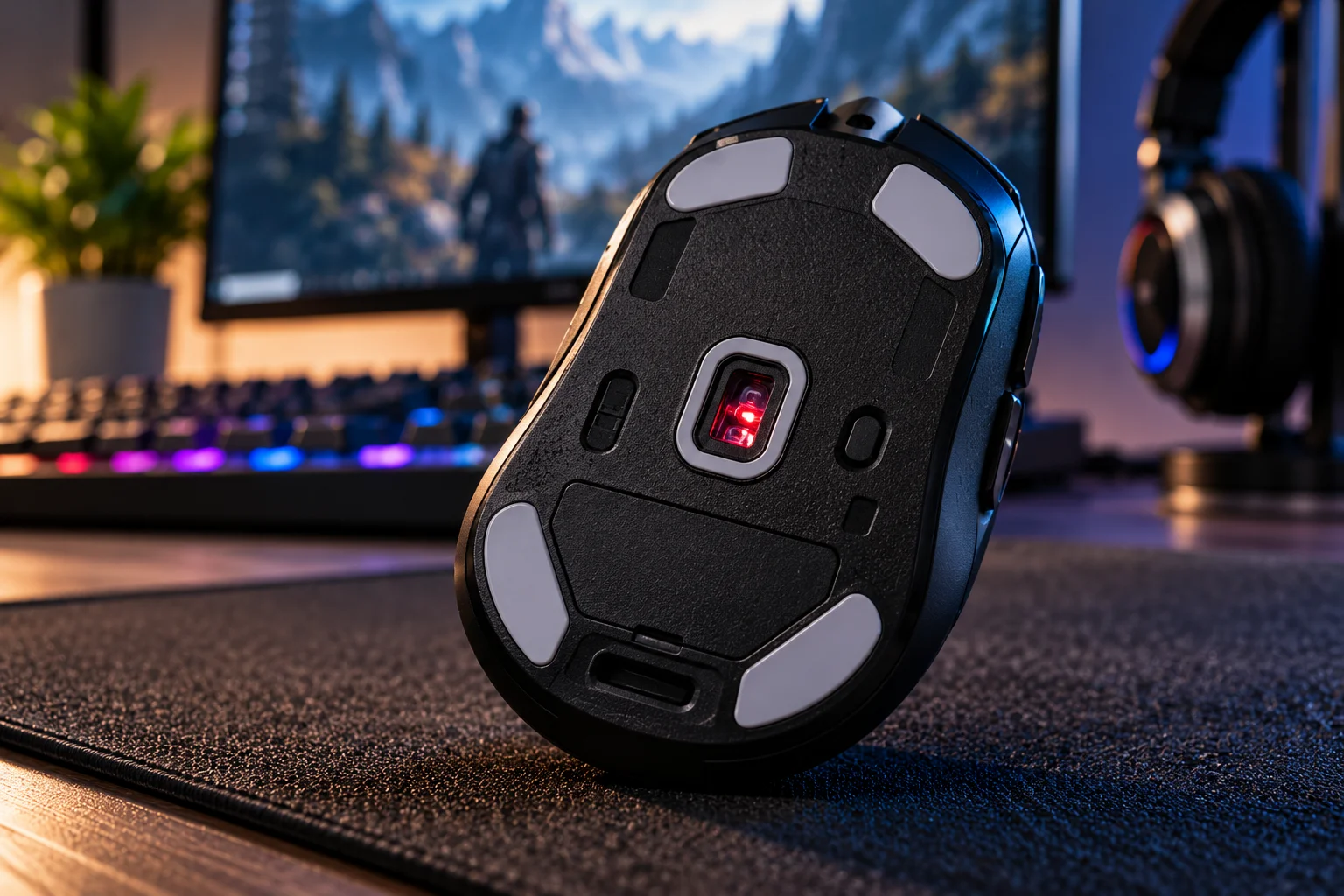
Gaming mouse sensors are designed to track fast and precise movements consistently.
The sensor essentially observes the surface underneath the mouse and converts those changes into movement data.
Important characteristics include:
Tracking accuracy
Maximum tracking speed
Acceleration handling
Lift-off distance
Consistency
Adjustable sensitivity
Modern optical gaming sensors can track extremely fast movements. Logitech's HERO 2 sensor, for example, is rated for up to 44,000 DPI, 888 IPS and 88G acceleration.
Those numbers sound impressive, but there's an important catch:
You probably don't need anything close to 44,000 DPI.
Most gamers use much lower sensitivity.
The value of a high-end sensor is more about maintaining accurate tracking across a wide range of movement speeds than actually playing at the maximum DPI setting.
What Is DPI and Why Does It Matter?
DPI determines how much cursor movement the mouse produces for a given physical movement.
For example, a higher DPI means the cursor moves farther across the screen when you move the mouse a particular distance.
Gaming mice typically allow you to adjust DPI precisely, sometimes through software or a dedicated button.
You might use:
Low DPI for precise aiming
Medium DPI for general gaming
High DPI for fast cursor movement
But higher DPI does not mean better accuracy.
Your preferred sensitivity depends on your game, display resolution, mouse pad size and personal control style.
A huge advertised DPI number is therefore more of a specification than a reason to buy a particular mouse.
What Is Polling Rate?
Polling rate is how frequently the mouse reports its position to the computer.
A 1,000Hz polling rate means the mouse can report its position approximately 1,000 times per second, or once every millisecond.
Higher polling rates can produce smoother and more frequent position updates.
Common settings include:
125Hz
250Hz
500Hz
1,000Hz
2,000Hz
4,000Hz
8,000Hz
RTINGS notes that 1,000Hz is a common standard for gaming, while higher rates can provide smoother movement but can also consume more CPU resources. It also notes that the difference between 1,000Hz and extremely high polling rates is much less noticeable than the jump from lower polling rates to 1,000Hz.
So 8,000Hz isn't automatically necessary.
For many gamers, a good 1,000Hz mouse is already highly responsive.
Why Does Click Latency Matter?
Click latency is the delay between physically pressing the mouse button and the computer registering that click.
This matters most in fast games where a fraction of a second can affect an action.
RTINGS considers under 10ms a good click-latency result and notes that wireless gaming mice using proprietary USB receivers can now achieve latency comparable to, or sometimes better than, wired mice.
That's an important change from older wireless mouse designs.
A modern gaming mouse doesn't necessarily need a cable to be responsive.
Is Wired Better Than Wireless for Gaming?
Not necessarily. Modern wireless gaming mice can be extremely responsive when they use a dedicated low-latency USB receiver.
There are three common connection types:
Wired USB
The mouse communicates directly with the PC.
Advantages:
Consistent connection
No battery
Very low latency
No wireless interference concerns
Disadvantage:
Cable drag
2.4GHz wireless receiver
The mouse communicates through a dedicated USB receiver.
Advantages:
Cable-free movement
Very low latency
Suitable for competitive gaming
Disadvantage:
Requires battery charging or replacement
Bluetooth
Bluetooth is convenient for laptops and office work, but it generally isn't the preferred connection for competitive gaming.
RTINGS' testing finds Bluetooth typically has higher click latency than wired and dedicated wireless receiver connections.
Why Are Gaming Mice Often So Lightweight?
A lighter mouse can require less effort to move quickly across a large mouse pad.
This is particularly useful for games where players make large, rapid movements.
Competitive FPS players often use relatively low sensitivity, meaning they physically move the mouse farther to rotate the camera.
A lighter mouse can make those repeated movements feel less tiring.
However, weight is personal.
Some users prefer a heavier mouse because it feels more substantial and controlled.
There is no universally correct weight.
Why Do Gaming Mice Have Extra Buttons?
Extra buttons let you assign frequently used commands without moving your hand to the keyboard.
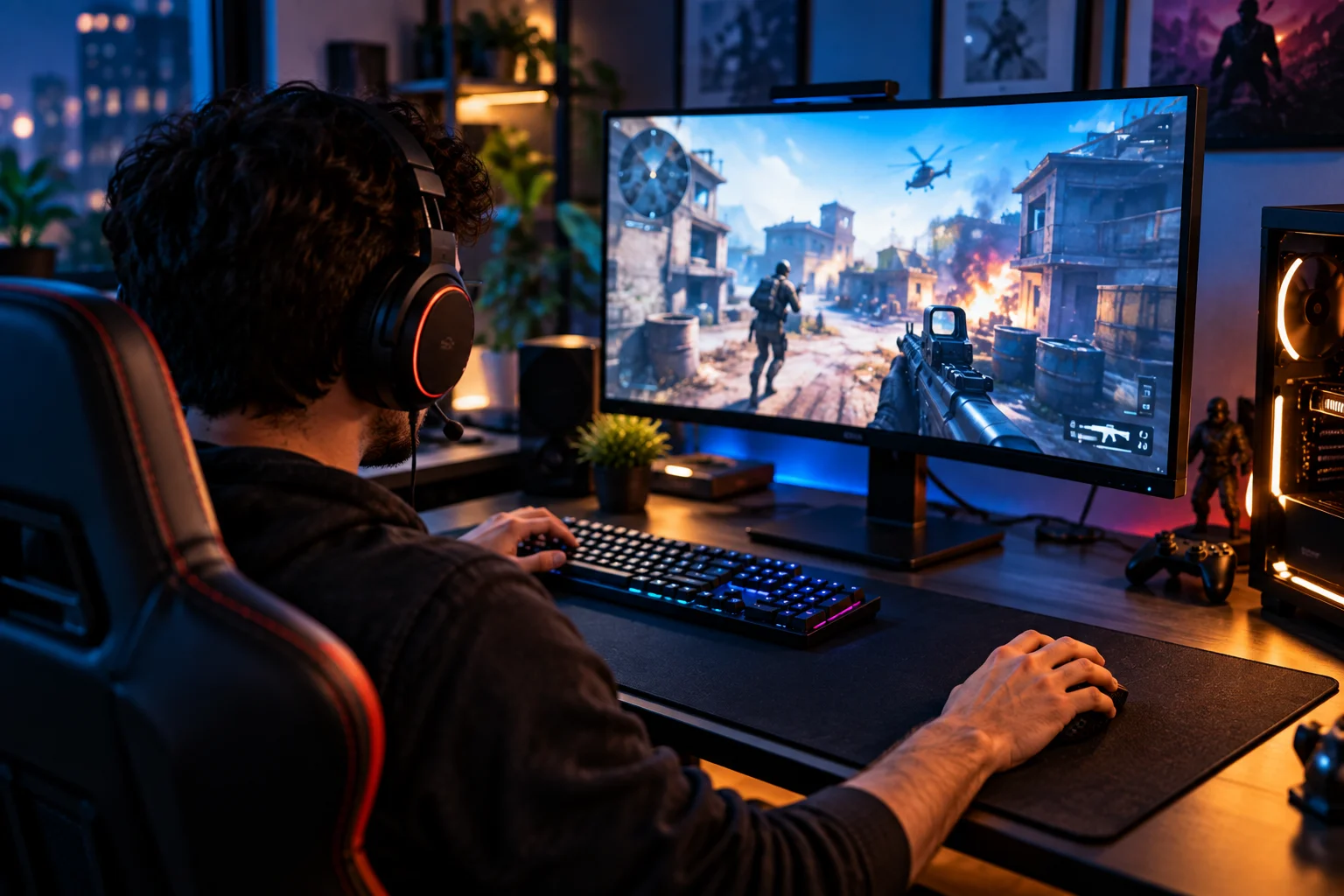
For example, a gaming mouse might let you assign:
Reload
Melee
Push-to-talk
Inventory
Weapon switching
Abilities
Macros
The number of buttons depends on the mouse category.
A lightweight FPS mouse may have only two side buttons, while an MMO mouse can have a large grid of programmable buttons.
Logitech's G203, for example, provides six programmable buttons through its software.
For everyday work, programmable buttons can also be useful for shortcuts, copy/paste, browser navigation or application-specific commands.
What Does Gaming Mouse Software Do?
Gaming software lets you customize the mouse instead of being locked into its factory settings.
Depending on the model, you can adjust:
DPI
Polling rate
Button assignments
RGB lighting
Lift-off distance
Profiles
Macro functions
Sensor performance settings
Some gaming mice can automatically switch profiles depending on the application or game.
That means one mouse can behave differently when you're editing a document versus playing a game.
Are Gaming Mice More Comfortable?
Not automatically. A gaming mouse can be highly responsive and still be uncomfortable if its shape doesn't suit your hand.
This is one area where specifications don't tell the whole story.
A mouse should match:
Hand size
Grip style
Palm position
Finger placement
Preferred weight
Left- or right-handed use
RTINGS' current gaming-mouse recommendations specifically emphasize finding a mouse that fits your hand size and preferred grip, alongside low click latency and a high polling rate.
A technically superior mouse that cramps your hand is still the wrong mouse.
What Are the Main Gaming Mouse Grip Styles?
Your grip style can influence which mouse shape feels comfortable.
Palm grip
Most of your hand rests on the mouse.
A larger, fuller mouse often works well.
Claw grip
Your palm touches the rear while your fingers arch over the buttons.
Medium-sized mice can work particularly well.
Fingertip grip
Only your fingertips contact the mouse.
A lighter, smaller mouse may feel easier to control.
There isn't a universally superior grip.
The important thing is that the mouse allows you to control it comfortably without excessive tension.
Does RGB Lighting Make a Gaming Mouse Better?
No. RGB lighting is primarily cosmetic.
It can look great and synchronize with a gaming setup, but it doesn't make the sensor more accurate or reduce click latency.
Some gaming mice include extensive lighting controls, while competitive-focused models may minimize RGB to reduce weight or keep the design simple.
If you're choosing between two mice, sensor performance, latency, shape and comfort should matter much more than lighting.
Do You Need a Gaming Mouse for PC Gaming?
No. A regular mouse can be perfectly adequate for casual gaming.
You probably don't need a dedicated gaming mouse if you mainly play:
Strategy games
Simulation games
Turn-based games
Casual games
Story-driven games
Browser games
The difference becomes more meaningful in fast-paced games where precise and rapid mouse movement matters.
For games such as competitive shooters, racing games with mouse control or fast action titles, a low-latency gaming mouse can provide a more responsive experience.
What Makes a Gaming Mouse Worth Buying?
Look beyond the word “gaming” and focus on the features that actually affect your use.
Prioritize:
Shape and hand fit
Sensor consistency
Click latency
Polling rate
Weight
Connection type
Button layout
Software
Battery life if wireless
Build quality
Don't pay extra simply for a huge DPI number, RGB lighting or an extreme polling rate you won't meaningfully use.
Gaming Mouse vs Regular Mouse for Different Users
User | Suitable choice |
|---|---|
Office worker | Regular or ergonomic mouse |
Student | Regular mouse |
Casual gamer | Either |
Strategy gamer | Either |
FPS gamer | Gaming mouse |
Competitive esports player | Low-latency gaming mouse |
Video editor | Ergonomic or productivity mouse |
Programmer | Ergonomic or productivity mouse |
MMO player | Gaming mouse with extra buttons |
Work + gaming | Gaming or hybrid mouse |
A hybrid mouse can be particularly useful if you spend eight hours working and two hours gaming. You don't necessarily need an aggressively shaped esports mouse just because you play games.
FAQs About Gaming Mice
Does a gaming mouse make you better at gaming?
Not by itself. It can provide more responsive tracking and controls, but skill, settings, practice and game knowledge matter far more.
Is a higher DPI better?
No. DPI is simply sensitivity. Many gamers deliberately use relatively low sensitivity for greater physical control.
Is 1,000Hz polling rate enough for gaming?
For most players, yes. Higher polling rates can make movement updates smoother, but the improvement becomes progressively smaller as polling rate increases.
Are wireless gaming mice as good as wired mice?
Many modern wireless gaming mice using dedicated USB receivers can match or even outperform some wired mice in measured latency.
Is Bluetooth good for gaming?
Bluetooth works for casual gaming, but dedicated 2.4GHz wireless receivers or wired connections generally provide lower latency.
Do gaming mice need RGB?
No. RGB is an aesthetic feature and has no meaningful effect on tracking or responsiveness.
Are lightweight gaming mice better?
Not automatically. Lightweight mice can make fast movements easier, but some players prefer additional weight and a more substantial feel.
The Bottom Line
A gaming mouse is different from a regular mouse because it is engineered around responsiveness, tracking precision and customization rather than simply moving a cursor around a screen.
Its biggest advantages are usually the sensor, low click latency, higher polling rates, gaming-oriented shape, lighter designs and programmable controls.
But there's an important reality behind all those specifications.
You don't need the most expensive mouse with the highest DPI and 8,000Hz polling rate to play well. Current testing shows that modern mice already perform extremely well, and differences between very high-performing models can be difficult to notice in actual gameplay.
For most gamers, a better buying formula is:
Good shape + accurate sensor + low latency + comfortable weight + reliable connection.
Everything else is secondary.