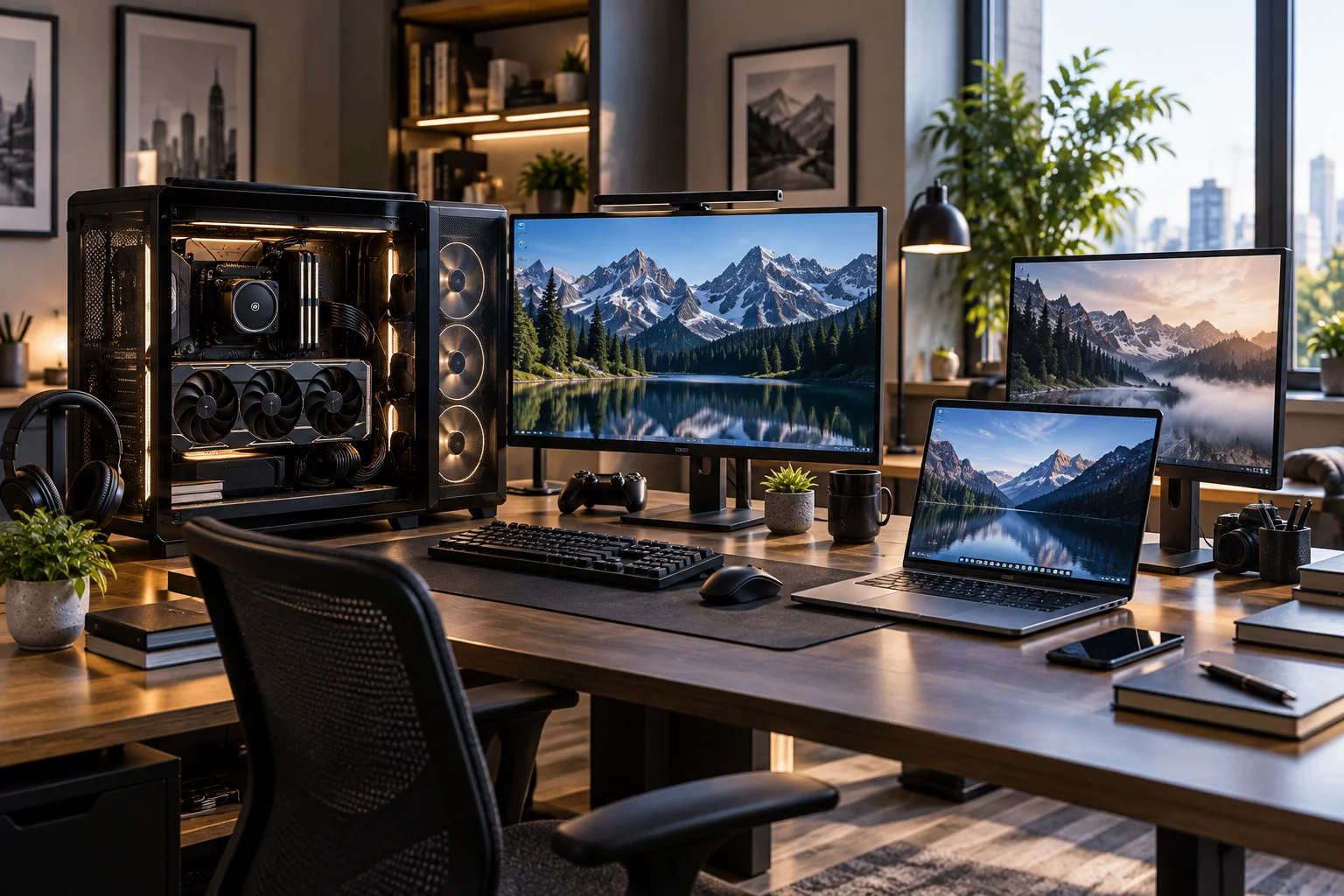
The desktop PC has lost some of its old advantage.
Modern laptops can have powerful CPUs, discrete GPUs, fast NVMe storage, large amounts of RAM and even high-refresh displays. Some can handle serious video editing, 3D work, software development and gaming without needing to sit permanently on a desk.
So why would anyone still buy a full-size desktop PC in 2026?
Because size still buys you something.
A desktop has more physical room for cooling, larger power supplies, full-size graphics cards, multiple storage drives, expansion cards and replaceable components. That matters when you're running a demanding workload for hours, upgrading a system over several years or building a workstation around a powerful discrete GPU.
Laptops, meanwhile, combine the screen, keyboard, trackpad, battery and computer into one portable machine. Microsoft currently describes desktops as offering strong performance, comfort and upgrade flexibility, while laptops prioritize portability and an all-in-one setup.
The decision in 2026 therefore isn't simply:
Desktop = performance, laptop = portability.
It's more useful to ask:
Do you need the performance, cooling, expansion and upgrade freedom that a larger chassis makes possible?
Is a Desktop PC Still Faster Than a Laptop in 2026?
A desktop can still deliver higher sustained performance, particularly when comparing similarly positioned CPU and GPU hardware, but the difference depends heavily on the specific components.
Modern laptop processors have become remarkably capable.
Manufacturers have also improved cooling systems, power management and performance-per-watt.
But a desktop doesn't have to fit:
A battery
A thin chassis
A keyboard
A display
A trackpad
Compact speakers
A small cooling system
That gives manufacturers considerably more freedom with power and thermal design.
AMD explicitly notes that desktop platforms generally have more thermal and performance headroom because mobile systems have to balance performance, battery life and heat.
The result is particularly noticeable in sustained workloads.
A laptop may deliver excellent performance for a short burst but reduce power or clock speeds when heat builds up.
A desktop with a larger cooler can often sustain a high workload for much longer.
Why Does Desktop Cooling Still Matter?
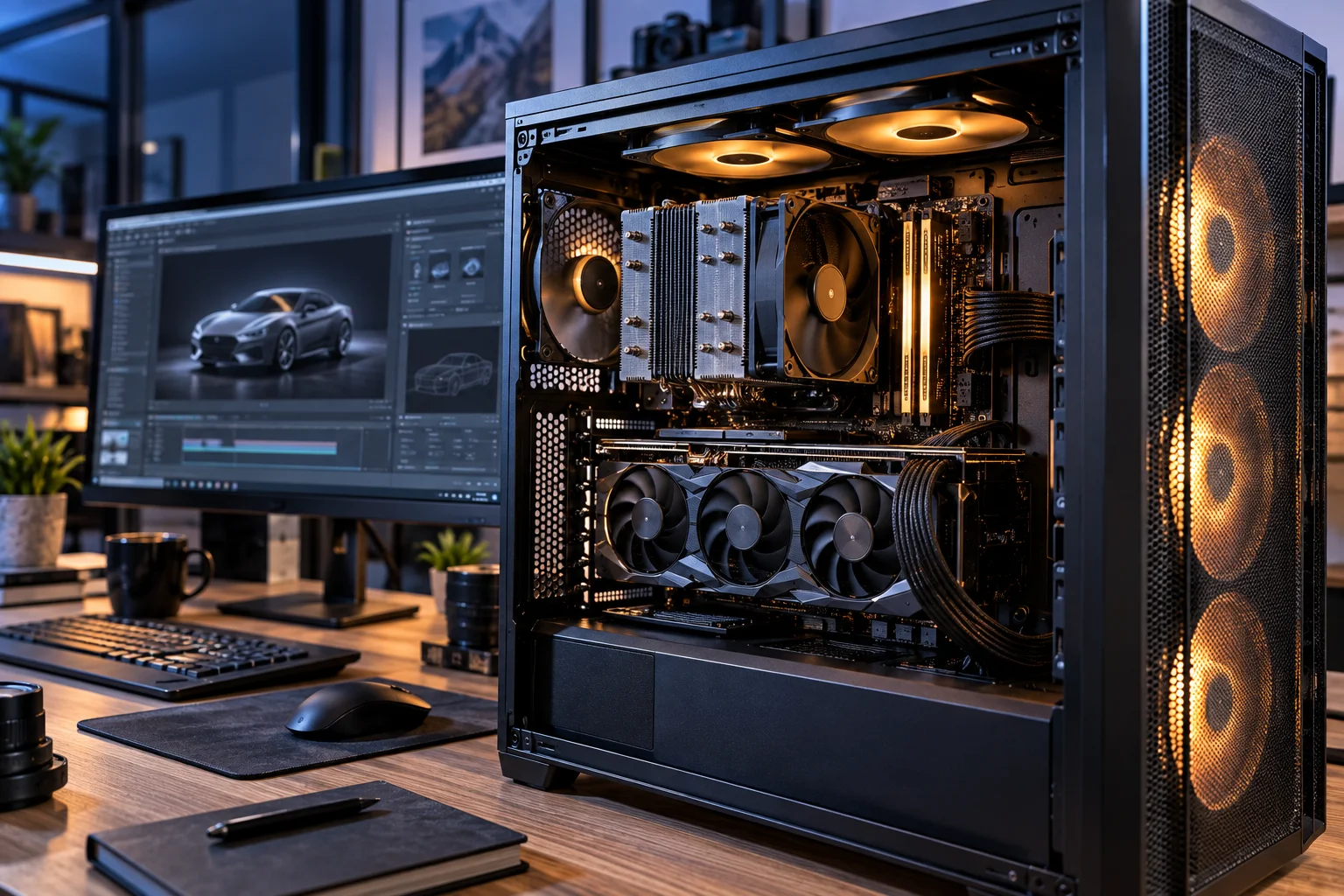
Cooling is one of the biggest reasons a desktop can maintain high performance during long workloads.
A laptop has a limited amount of space for:
Heat pipes
Fans
Radiators
Air intake
Exhaust
Power delivery components
A desktop tower can accommodate much larger cooling hardware.
You can install:
Large air coolers
Multiple case fans
Larger radiators
Liquid cooling
High-airflow cases
This doesn't mean every desktop runs cooler than every laptop.
A poorly ventilated desktop can perform badly.
But the larger form factor gives you more thermal headroom to work with.
That becomes particularly useful for:
3D rendering
Video encoding
AI workloads
Software compilation
Scientific computing
Long gaming sessions
Large simulations
Does a Desktop Give You Better Graphics Performance?
For demanding GPU workloads, desktops generally offer more room for powerful discrete graphics cards and their associated cooling and power requirements.
A gaming laptop can contain a high-performance GPU, but laptop graphics hardware operates within the thermal and power limits of the notebook.
A desktop graphics card can have:
Larger heatsinks
Multiple fans
Higher power limits
Larger memory configurations on some models
Easier replacement
Better cooling
Intel notes that desktop systems also provide more physical room for expansion through PCIe slots and discrete graphics cards.
This matters beyond gaming.
A powerful desktop GPU can be useful for:
3D rendering
AI development
Local AI models
Video effects
CAD
Scientific workloads
GPU compute
For example, Apple's current Mac Studio uses the M5 Max and M5 Ultra for demanding professional and AI workloads, demonstrating that the desktop form factor remains relevant even in systems built around integrated system-on-chip architectures. Apple describes the M5 Ultra as targeting workloads such as 3D rendering, visual effects, scientific analysis and compute-intensive AI.
Can You Upgrade a Laptop Like a Desktop?
Usually not to the same extent.
This is one of the biggest differences between the two form factors.
Many modern laptops have:
Soldered RAM
Soldered CPU
Soldered GPU
Proprietary cooling
Limited internal space
One or two storage slots
Some laptops still provide replaceable SSDs and, on certain models, upgradeable memory.
But the CPU and GPU are generally not practical upgrades.
Intel specifically notes that laptop CPUs and graphics processors are often soldered to the motherboard or otherwise difficult to replace, while desktops use more accessible modular components.
A desktop is different.
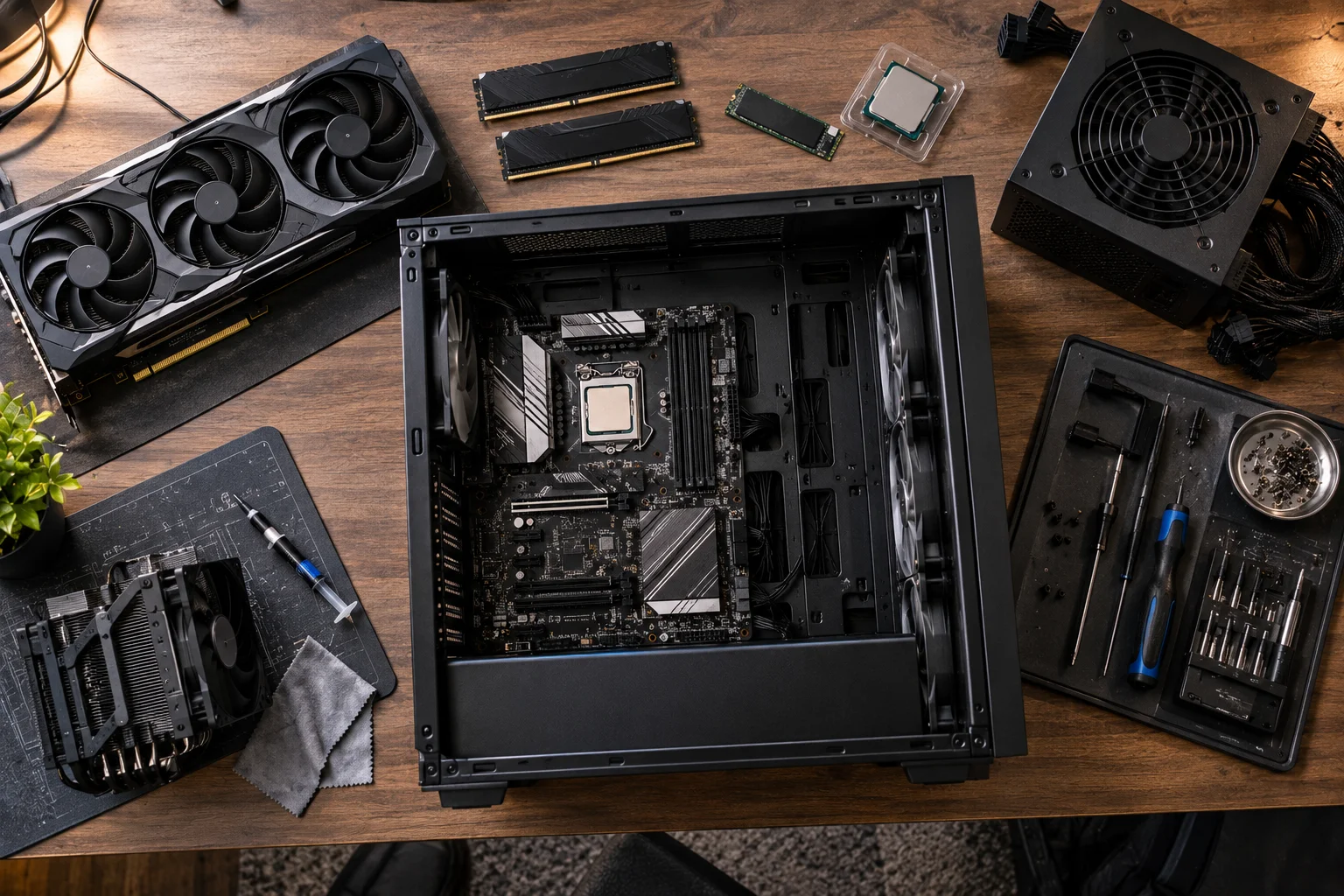
You can potentially replace:
RAM
SSD
Hard drive
Graphics card
CPU
CPU cooler
Power supply
Case fans
Motherboard
The exact upgrade path depends on the platform and motherboard.
Why Does Desktop Upgradeability Matter So Much?
A desktop lets you improve the parts that become bottlenecks instead of replacing the entire computer.
Imagine buying a desktop with:
16GB RAM + 1TB SSD + midrange GPU
Three years later, your workload grows.
You might only need:
32GB or 64GB RAM + a larger SSD
You don't necessarily need a new computer.
Later, you could replace the GPU.
Eventually, you might replace the CPU and motherboard.
The system can evolve gradually.
Microsoft currently lists desktop upgrade flexibility as one of the major advantages of the form factor.
With a laptop, a performance upgrade can often mean buying an entirely new machine.
Is a Desktop Cheaper for the Same Performance?
A desktop can offer stronger performance per dollar because you're not paying for an integrated screen, battery, keyboard, trackpad and compact engineering.
A laptop includes all of those components.
A desktop doesn't.
But remember to include the cost of:
Monitor
Keyboard
Mouse
Speakers or headphones
Webcam if needed
Operating system where applicable
If you already own these peripherals, the desktop's value proposition becomes stronger.
Microsoft currently describes desktops as offering strong price-to-performance value compared with laptops.
What About Electricity Consumption?
A desktop generally gives you more performance headroom, but it can also consume more power because its components aren't designed around battery efficiency.
A laptop has to operate from a battery.
That means manufacturers put significant emphasis on performance per watt.
A desktop can use substantially more electrical power when running a powerful CPU and discrete GPU.
This matters if your PC runs:
3D rendering overnight
AI workloads continuously
Large simulations
Cryptocurrency-related workloads
Long gaming sessions
Professional encoding
For ordinary web browsing and office work, the difference may be less important than the performance requirements themselves.
Does a Desktop Need More Space?
Yes, although the amount of space varies considerably by desktop design.
A traditional tower requires:
Desk or floor space
Monitor space
Keyboard space
Mouse space
Cable management
A laptop needs only the laptop itself.
However, desktops don't have to mean enormous towers.
You can choose:
Mini PCs
Small-form-factor PCs
Compact desktops
All-in-ones
Mid-tower systems
Full towers
The trade-off is straightforward:
Smaller desktop → less expansion and cooling potential
Larger desktop → more room for components and upgrades
What About Ports and Connectivity?
Desktops generally provide more physical connectivity and expansion options, particularly when you need multiple displays, storage devices or specialized peripherals.
A desktop motherboard may provide:
Multiple USB ports
Ethernet
Audio
Display outputs
PCIe expansion
Multiple storage connections
The graphics card can add additional display outputs.
Intel highlights broader I/O and expansion as an advantage of desktop systems.
Laptops compensate with USB-C, Thunderbolt or other high-speed interfaces and docking stations.
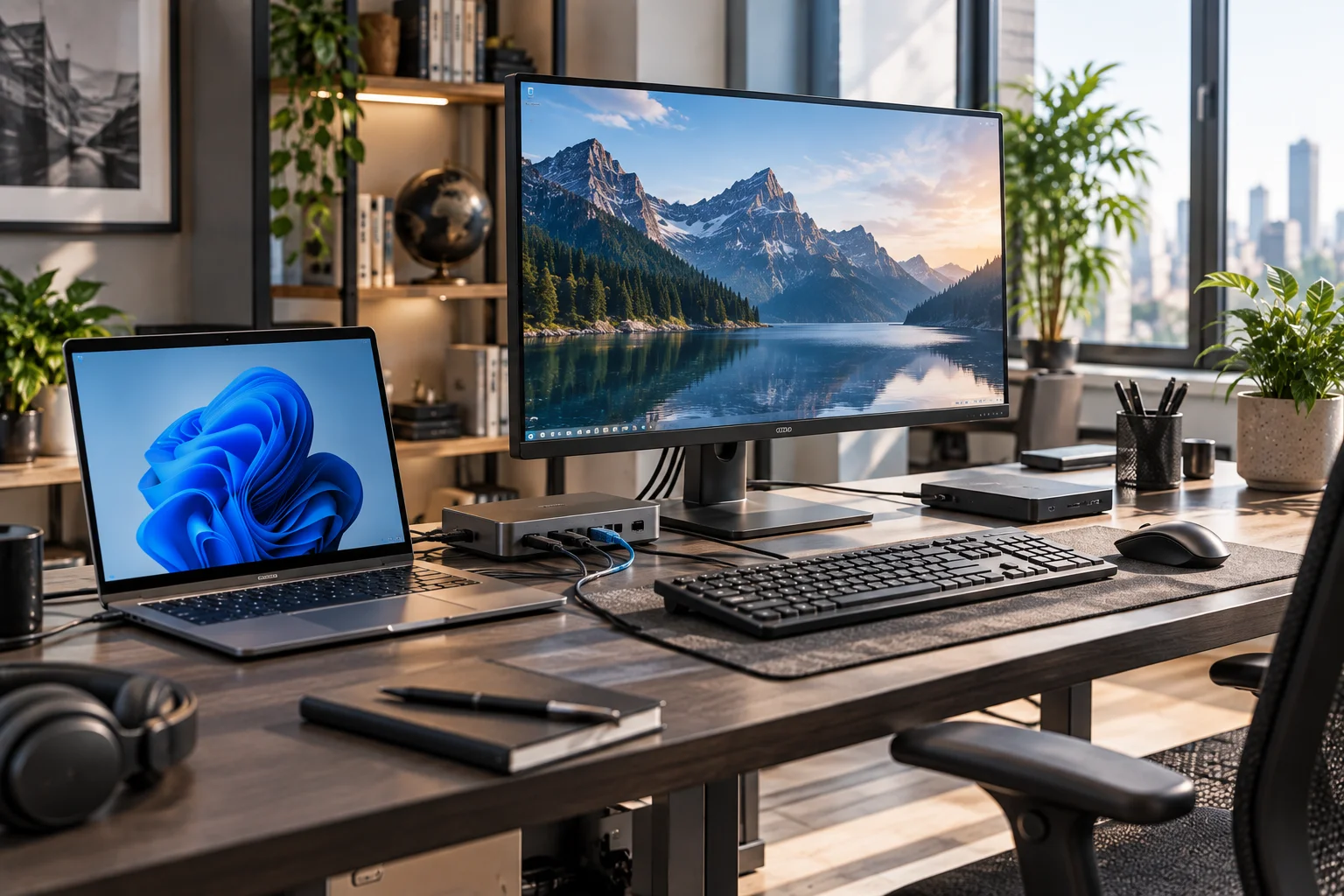
A capable laptop can therefore become a full desktop workstation.
But you are adding accessories to achieve what a desktop provides natively.
Can a Laptop Replace a Desktop With a Dock?
Yes, and this is one of the strongest arguments for buying a powerful laptop in 2026.
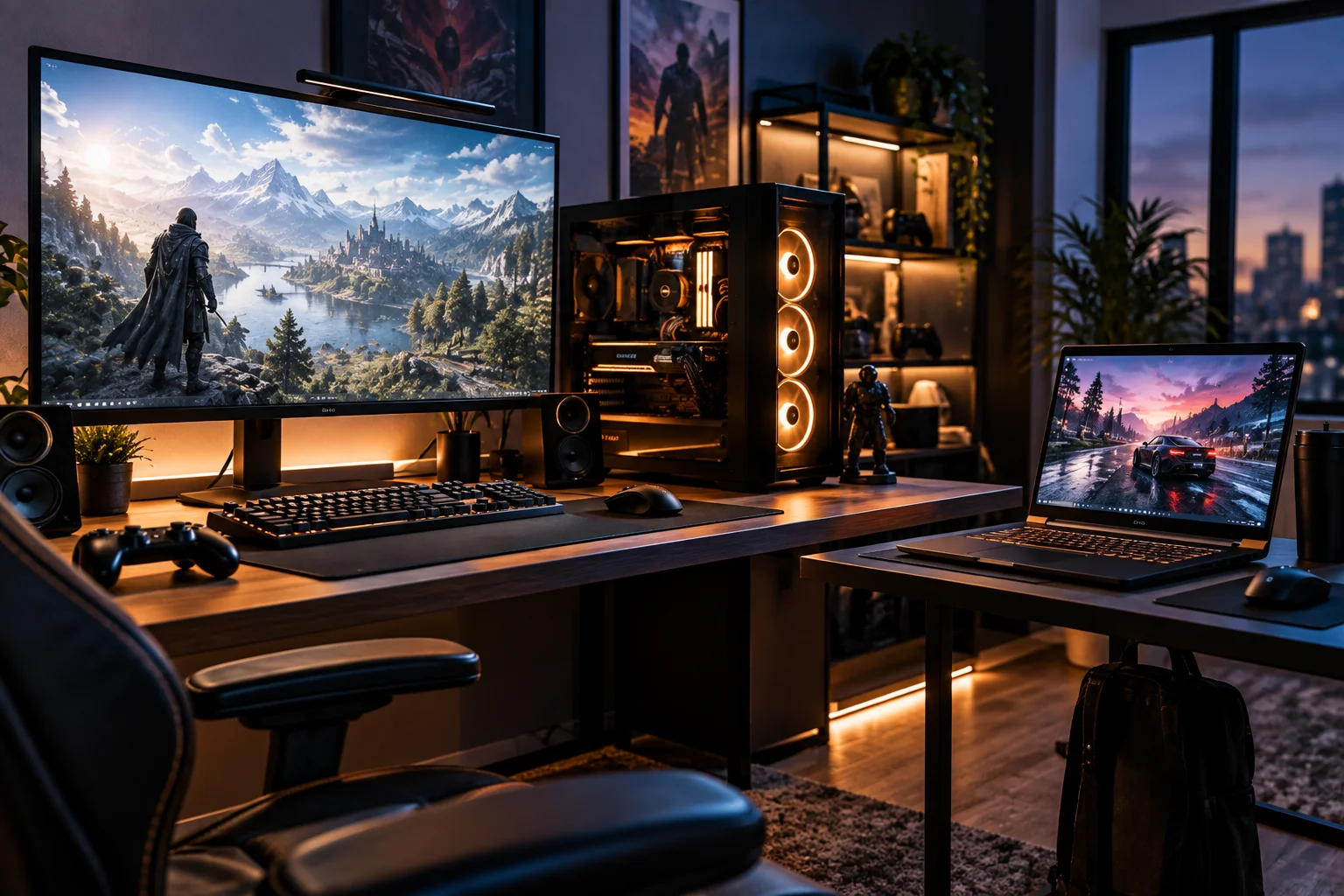
You can connect a laptop to:
Laptop → USB-C/Thunderbolt dock → monitor + keyboard + mouse + storage + Ethernet
At home, it behaves like a desktop.
Then you disconnect one cable and take the computer with you.
Microsoft specifically points out that a monitor and dock can turn a laptop or 2-in-1 into a more complete workstation.
For hybrid workers and professionals who move between locations, this can eliminate the need for two separate computers.
Is a Desktop Better for Gaming?
A desktop generally gives gamers more freedom to prioritize GPU performance, cooling, upgradeability and large displays.
You can choose your own:
GPU
CPU
RAM
Storage
Monitor
Keyboard
Mouse
Cooling
Case
You can also replace the graphics card later.
A gaming laptop gives you something a desktop cannot:
Gaming performance that travels with you.
That makes the choice more about where you play than about which category is universally better.
Is a Desktop Better for AI Workloads?
A desktop can be particularly useful for local AI when you need a powerful discrete GPU, substantial memory or long periods of sustained computation.
AI workloads can stress:
GPU compute
GPU memory
System RAM
Storage
Cooling
Power delivery
A desktop gives you more room to configure those components.
Apple's current Mac Studio is an example of a desktop designed specifically around high-end AI and professional workloads, with the M5 Ultra offering up to 1.2TB/s of unified memory bandwidth and up to 1.2TB/s of memory bandwidth according to Apple.
On Windows PCs, discrete NVIDIA and AMD graphics cards can provide another route for local AI workloads.
The important point is that AI performance isn't determined by desktop versus laptop alone.
The actual GPU, VRAM or unified memory, software support and workload matter.
Is a Laptop Better for AI Because of Its NPU?
Not necessarily. Both laptops and desktops can now include dedicated AI acceleration, but the NPU is only one part of the AI-performance equation.
Copilot+ PCs, for example, use NPUs designed for efficient on-device AI workloads.
Microsoft's current Copilot+ requirements are centered around capable NPUs, while AMD has also brought Ryzen AI processors with up to 50 TOPS of NPU performance to desktop platforms.
This is an important development.
AI acceleration is no longer exclusively a laptop feature.
But if your workload involves running larger local models, GPU compute and available memory can matter far more than NPU TOPS alone.
What About Multi-Monitor Setups?
Desktops are usually easier to build around multiple large monitors, although powerful laptops can support multi-display workstations through docks and compatible outputs.
A desktop workstation can have:
Two 4K monitors
Three monitors
Ultrawide displays
High-refresh gaming monitor + secondary display
Professional color monitor
The exact limit depends on the GPU and motherboard.
A laptop can achieve similar setups with the right dock and graphics hardware.
The difference is convenience.
With a desktop, the computer is designed around the workstation.
With a laptop, the workstation is an expansion of the portable machine.
Which Is Better for Video Editing?
A desktop makes more sense when video editing involves long exports, high-resolution footage, demanding effects or large storage requirements, while a powerful laptop is better when editing needs to travel.
Video editing can stress multiple components simultaneously:
CPU
GPU
RAM
SSD
Media engines
A desktop can accommodate larger cooling systems and multiple internal drives.
You might use:
Fast NVMe SSD → active projects
Second SSD → cache
Large HDD/SSD → media archive
A laptop can accomplish the same workflow using external Thunderbolt or USB storage, but that adds cables and devices.
For editors who move between locations, the laptop's portability can outweigh that inconvenience.
Does a Desktop Last Longer Than a Laptop?
A desktop can have a longer useful life because individual components can be replaced, but longevity still depends on the quality and age of the platform.
A desktop doesn't automatically last longer.
Its advantage is that you can respond to aging components.
If storage becomes inadequate:
Replace storage.
If the GPU becomes too slow:
Replace the GPU.
If memory becomes limiting:
Add RAM, if the platform supports it.
If the CPU platform supports an upgrade:
Replace the CPU.
Microsoft notes that desktops tend to provide greater flexibility for upgrades over time.
A laptop with soldered components has fewer such options.
When Does a Desktop Actually Make More Sense?
A desktop makes the strongest case when you work at one location and need sustained performance, upgradeability, multiple displays, expansion or a powerful discrete GPU.
A desktop is particularly compelling if you:
Game seriously
Edit 4K/8K video
Render 3D scenes
Run local AI models
Compile large software projects
Work with large datasets
Need several internal drives
Use multiple monitors
Need PCIe expansion
Want to upgrade components over time
Keep computers for many years
Microsoft's current Windows guidance similarly positions desktops around dedicated workspaces, creators, gamers, families and users who value performance and upgrade flexibility.
When Does a Laptop Make More Sense?
A laptop makes more sense when the ability to take the entire computer with you is more valuable than maximum expansion.
Choose a laptop when you:
Commute
Travel frequently
Work from multiple locations
Study
Work from cafés
Move between home and office
Need a built-in display
Need battery power
Want one computer instead of a desktop plus secondary device
The laptop's biggest advantage isn't a technical specification.
It's mobility.
Everything travels together.
Desktop PC vs Laptop in 2026
Factor | Desktop PC | Laptop |
|---|---|---|
Portability | Poor | Excellent |
Sustained performance | Strong | Depends on model |
Cooling headroom | High | Limited by chassis |
GPU options | Very broad | More limited |
CPU upgrades | Often possible | Usually no |
GPU upgrades | Often possible | Usually no |
RAM upgrades | Often possible | Model dependent |
Storage upgrades | Excellent | Model dependent |
Internal expansion | Excellent | Limited |
Multiple monitors | Excellent | Good with dock |
Battery | No | Yes |
Built-in display | No | Yes |
Price/performance | Often strong | Pays for portability |
Desk space | More | Less |
Repairability | Generally easier | More model dependent |
Long-term customization | Excellent | Limited |
Travel | Poor | Excellent |
What Should You Buy in 2026?
Choose based on the workload and where you actually use the computer, not simply on whether one form factor has a faster processor.
Choose a desktop if you need:
Performance + cooling + upgrades + expansion
This is particularly relevant for gaming, professional creation, AI, rendering and workstation use.
Choose a laptop if you need:
Performance + portability + battery + an all-in-one setup
This is ideal for students, hybrid workers, consultants, travelers and anyone who works in multiple locations.
Choose both if:
Your work genuinely requires mobility and workstation performance.
For example:
Laptop for travel → desktop workstation at home
Cloud storage, remote-desktop software and synchronized applications can make a two-computer setup much easier to manage.
Frequently Asked Questions About Desktop PCs vs Laptops
Is a desktop PC faster than a laptop in 2026?
Not automatically. Performance depends on the exact CPU, GPU, cooling and power limits. Desktops generally have more thermal and power headroom for sustained workloads.
Are desktop PCs easier to upgrade?
Usually. Desktop components are generally more modular, while laptop CPUs and GPUs are often soldered or difficult to replace.
Can a laptop replace a desktop?
Yes. A powerful laptop connected to a monitor, dock, keyboard, mouse and external storage can function as a complete desktop workstation.
Is a desktop cheaper than a laptop?
Often, when comparing similar performance and excluding peripherals. A desktop doesn't need to include a battery, screen, keyboard or trackpad, and manufacturers have more room for cooling and components.
Is a laptop better for students?
Usually, portability makes a laptop more practical when students need to carry their computer between classes, home and other locations. Microsoft similarly identifies laptops as the more mobile Windows form factor.
Is a desktop better for gaming?
A desktop offers greater GPU choice, cooling potential, upgradeability and monitor flexibility. A gaming laptop trades some of that flexibility for portability.
Is a desktop better for AI?
It can be, particularly when you need a powerful discrete GPU, substantial memory and sustained compute. But actual AI performance depends on the processor, GPU, memory, software and workload rather than the form factor alone.
Can desktop RAM and storage be upgraded?
On most conventional desktops, yes, although compatibility and motherboard limitations still apply. Always check the specific system before buying replacement components.
Are laptops becoming as powerful as desktops?
High-end laptops can now deliver extremely strong performance, and the gap has narrowed considerably. But desktops retain advantages in maximum cooling capacity, component size, expansion and upgradeability.
The Bottom Line
The desktop PC still makes sense in 2026 when you need sustained performance, expansion and the freedom to upgrade individual components over time.
It isn't simply about having the fastest processor.
It's about having a computer that can accommodate a larger GPU, more cooling, more storage, more memory, more displays and more expansion hardware without fighting the physical limitations of a thin chassis.
Laptops have become much harder to dismiss.
A modern high-performance laptop can serve as your work computer, travel machine, home workstation and entertainment system. Add a dock and external monitor and it can effectively become a desktop setup when you're at home.
But if your computer spends 95% of its life on the same desk, you don't need a battery, and your workload keeps getting heavier, the desktop's extra size starts looking less like a disadvantage.
It becomes an advantage.
Buy a laptop when the computer needs to move. Buy a desktop when the computer needs room to grow.