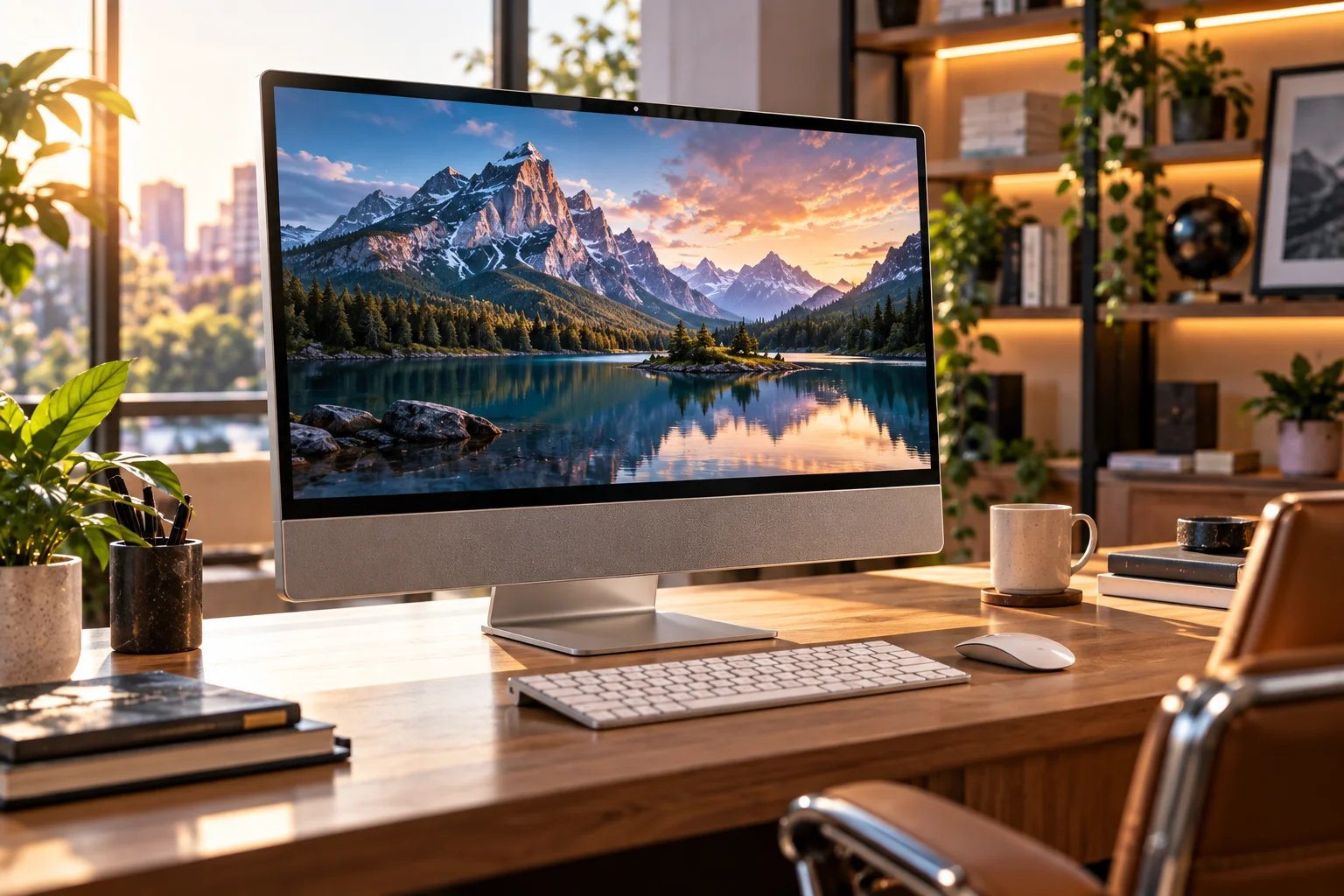
A desktop PC is usually the better choice if you want performance, upgradeability and flexibility, while an all-in-one PC is better suited to users who value a clean setup, minimal cables and a compact footprint.
The difference is mainly about how the computer is designed.
A traditional desktop separates the computer from the display. You have a tower containing the processor, memory, storage and other components, plus a separate monitor, keyboard and mouse.
An all-in-one (AIO) combines the computer hardware and display into one unit. Many AIOs also integrate speakers, webcams and microphones, reducing the number of components and cables on the desk. (hp.com)
That makes an AIO particularly attractive for a tidy home office, family computer or space-constrained workspace.
A desktop, meanwhile, gives you much more freedom to choose the components individually and upgrade them later. Microsoft describes desktop PCs as a good fit for people who mostly work in one place and want comfort and performance for the price. (microsoft.com)
What Is a Desktop PC?
A desktop PC is a computer with a separate tower or case and usually a separate monitor.
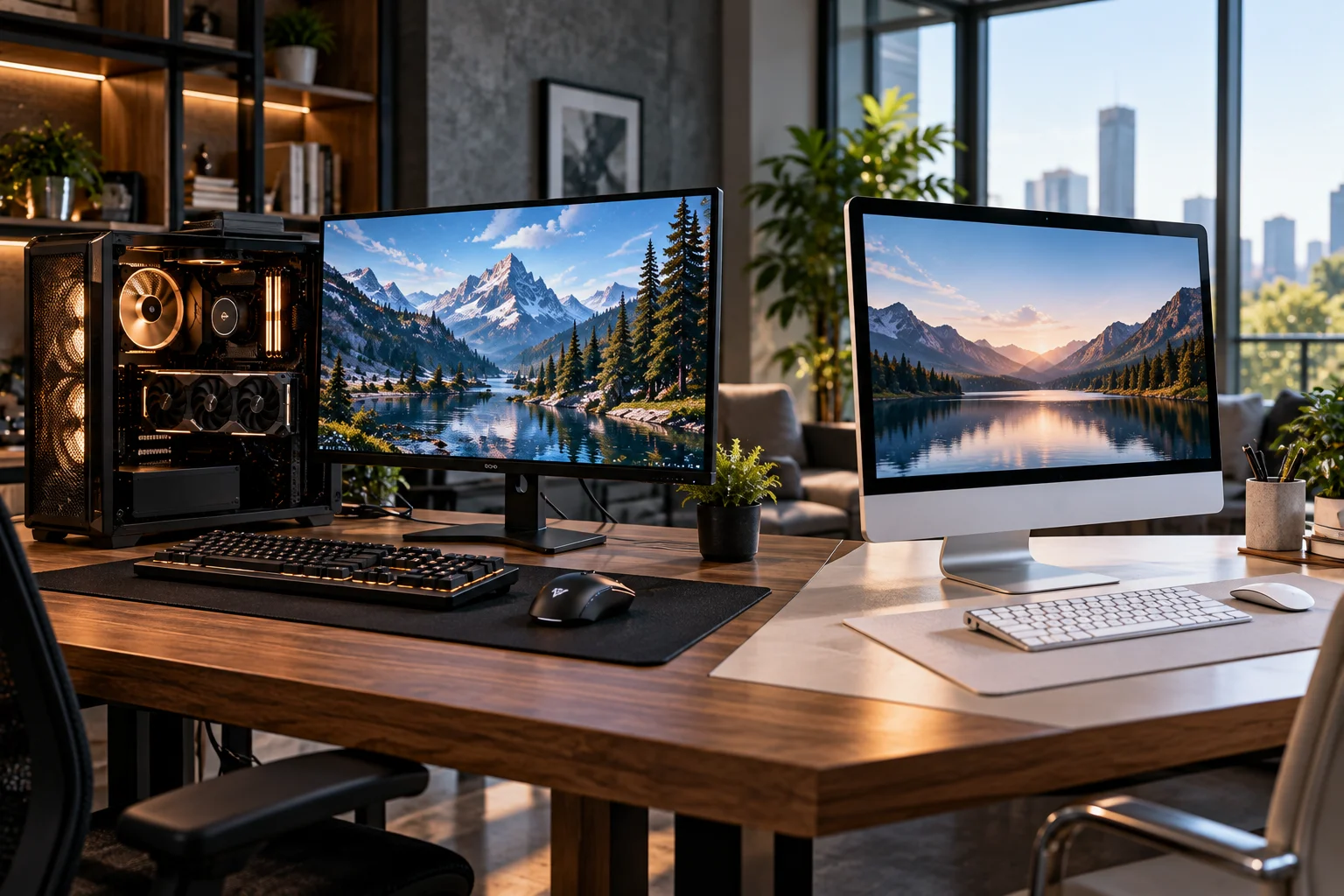
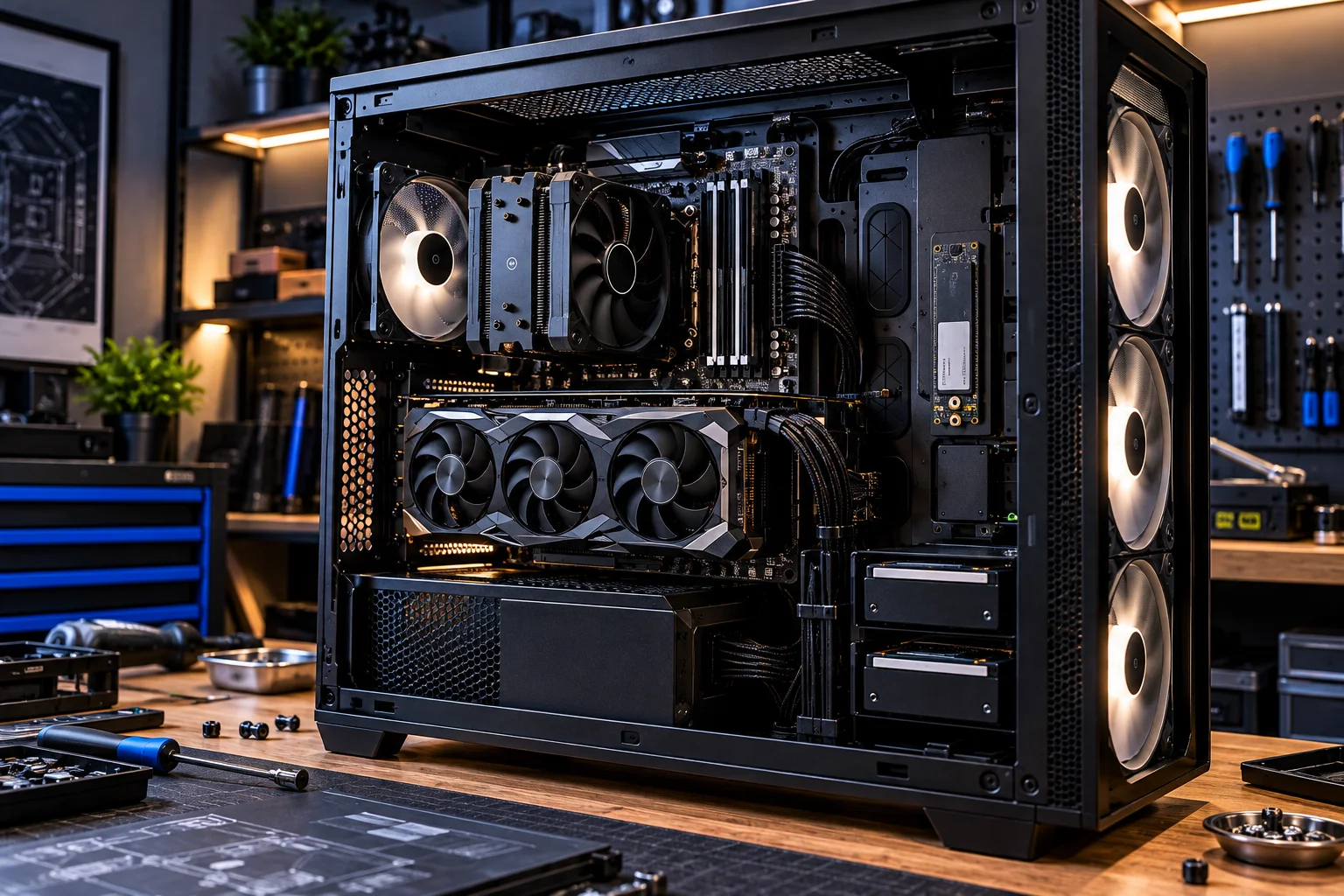
The tower contains the major computing components:
CPU
Motherboard
RAM
Storage
Graphics hardware
Power supply
Cooling system
You choose the monitor and peripherals separately.
That separation is one of the desktop's biggest advantages.
You can upgrade the computer without replacing the monitor, or replace the monitor without replacing the computer.
You can also configure the system around a specific workload, from a basic office machine to a high-performance gaming or creative workstation. (hp.com)
What Is an All-in-One PC?
An all-in-one PC combines the computer and display into a single physical unit.
Instead of having a tower under or beside your desk, the computing hardware is integrated into the monitor enclosure.
Many AIOs also include:
Built-in webcam
Microphones
Speakers
Wi-Fi
Bluetooth
Multiple USB ports
The result is a cleaner setup with fewer separate components.
Microsoft lists all-in-one PCs as a desktop category that combines the traditional computer and monitor arrangement into a single device. (microsoft.com)
Desktop PC vs All-in-One: What's the Difference?
The desktop prioritizes flexibility, while the all-in-one prioritizes simplicity and space efficiency.
Feature | Desktop PC | All-in-One PC |
|---|---|---|
Computer design | Separate tower | Computer built into display |
Monitor | Separate | Integrated |
Desk footprint | Larger overall | Smaller |
Cable management | More cables | Fewer cables |
Upgrades | Generally easier | Usually limited |
Repairability | Generally easier | More complicated |
Graphics options | Wide range | More limited |
Monitor replacement | Easy | Requires external display |
Customization | High | Limited |
Setup | More components | Plug-and-play |
Gaming potential | Excellent | Usually limited |
Long-term flexibility | High | Moderate |
These are broad characteristics rather than rules for every model. Premium AIOs can be powerful, while compact desktops can have surprisingly small footprints.
Which Is More Powerful?
A desktop generally gives you more performance headroom, particularly when sustained CPU or GPU performance matters.
A tower has more physical space for cooling hardware, larger components and dedicated graphics cards.
That makes it easier to build a system for demanding workloads such as:
Gaming
4K video editing
3D rendering
CAD
Large software projects
AI workloads
Professional content creation
AIOs can certainly handle everyday productivity and some demanding workloads, but their compact design places more constraints on cooling and component selection. HP notes that traditional desktops can offer more power and customization, while AIOs are generally aimed more at everyday computing. (hp.com)
Which Is Better for Office Work?
Both can be excellent for office work, but an AIO can make more sense when simplicity and desk space are priorities.
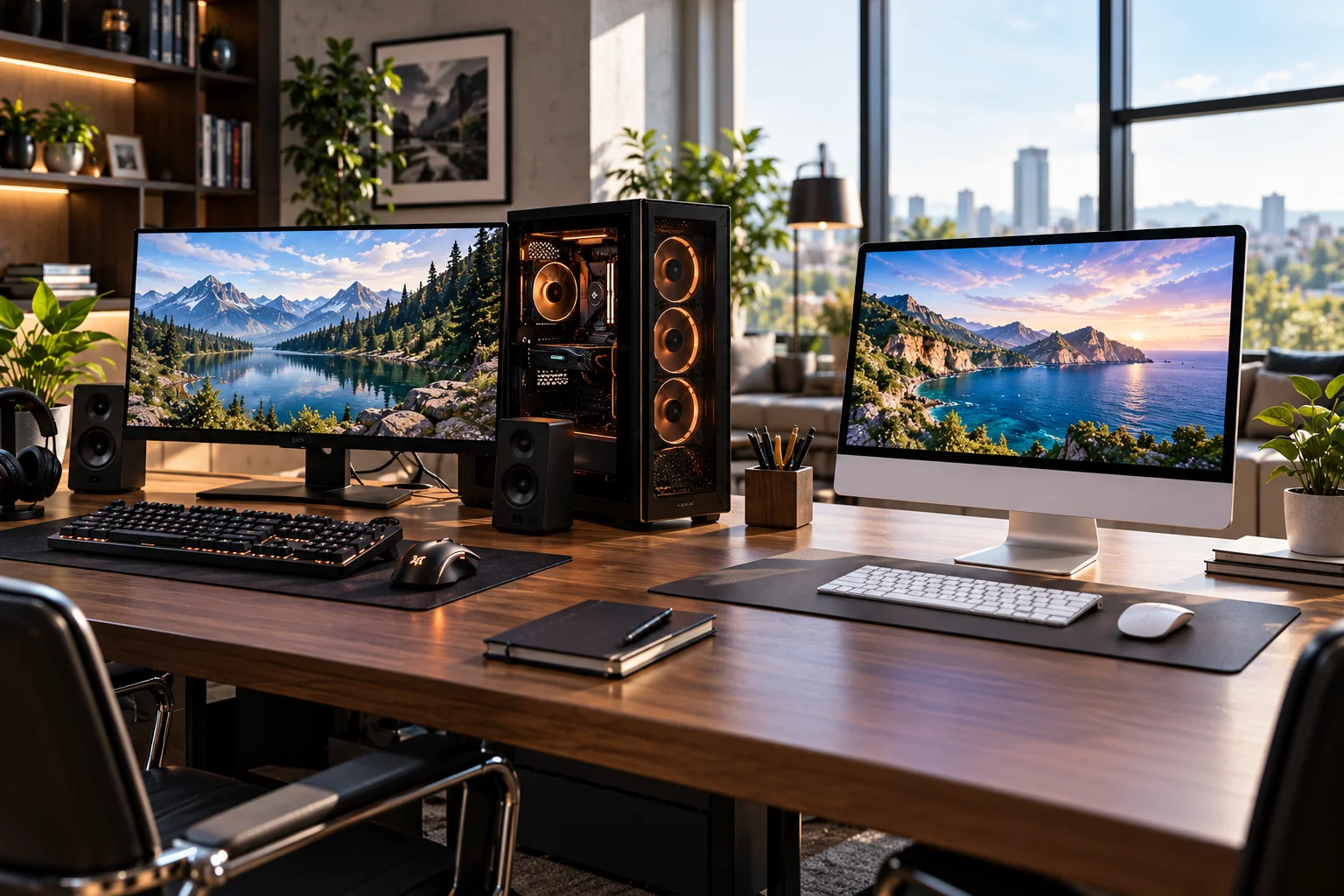
For tasks such as:
Microsoft Office
Email
Web browsing
Video conferencing
Accounting
CRM software
Document management
you don't necessarily need a large tower.
An AIO gives you a built-in screen, webcam and speakers, making it convenient for video calls and everyday productivity.
A desktop becomes more attractive if the office needs multiple monitors, specialized peripherals or hardware that may need to be upgraded later.
Which Takes Up Less Space?
An all-in-one generally takes up less desk space because the computer is built into the display.
You don't need to find a separate location for a tower.
There are still cables for power and peripherals, but the setup is considerably cleaner.
This can be useful for:
Small home offices
Bedrooms
Reception desks
Shared workspaces
Family rooms
Small businesses
HP identifies space savings and simplified cable management as major advantages of AIO systems. (hp.com)
If your desk is already crowded, the difference can be meaningful.
Which Is Easier to Upgrade?
A desktop is considerably easier to upgrade in most cases.
Depending on the system, you can replace or add:
RAM
SSD
Hard drive
Graphics card
Power supply
Cooling
Expansion cards
Sometimes the CPU
This means you can start with a modest configuration and improve it later.
AIO computers generally have less internal space and fewer upgrade options. Some allow RAM or storage upgrades, but the exact possibilities vary by model. HP notes that AIO upgrades are typically more limited than those of traditional desktops. (hp.com)
This matters if you expect your workload to become more demanding over the next five years.
Which Is Easier to Repair?
A traditional desktop is generally easier to repair because its components are more accessible and modular.
If a desktop's graphics card fails, you can potentially replace the graphics card.
If the monitor fails, you can replace the monitor while keeping the computer.
An AIO combines these systems.
If the display fails, the computer is still physically tied to that display. Repairs can also require opening a much more tightly integrated enclosure.
HP similarly identifies repairability as an advantage of conventional desktop systems. (hp.com)
Which Gives You Better Value?
A desktop often provides better performance-per-dollar when you compare computing hardware, particularly if you already have a monitor and peripherals.
With an AIO, you're paying for an integrated display, computer hardware and often built-in speakers and webcam.
That integration has value because you don't need to buy those components separately.
But it also means that you're purchasing the entire system as one package.
A desktop lets you allocate your budget more precisely.
For example, you could spend more on the graphics card and choose a basic monitor, or prioritize a high-quality color-accurate display while using a mid-range computer.
Which Has the Better Display?
An AIO gives you a display that is designed and supplied as part of the system, while a desktop gives you much more freedom to choose the screen.
This distinction matters for creative professionals.
With a desktop, you can choose:
4K monitor
Ultrawide monitor
High-refresh gaming display
OLED monitor
Color-accurate professional monitor
Multiple-monitor setup
If your display needs change, you can replace the monitor independently.
An AIO locks you into its built-in display for the life of the computer, although you can usually connect an external monitor if the system supports it. HP identifies the inability to independently upgrade the built-in display as one of the limitations of AIO designs. (hp.com)
Which Is Better for Gaming?
A desktop is generally the better choice for serious gaming because it offers far more graphics and cooling options.
Gaming benefits from a dedicated GPU, high-performance cooling and the ability to upgrade components.
AIO computers can run games, particularly models with capable dedicated graphics, but their integrated design makes high-performance upgrades more difficult.
A desktop also lets you upgrade the GPU later rather than replacing the entire computer.
For casual gaming, an AIO may be perfectly adequate.
For someone building a gaming PC around performance, a tower offers substantially more flexibility.
Which Is Better for Video Editing and Creative Work?
A desktop is usually the more flexible option for demanding creative workloads.
Video editing, 3D rendering and other content-creation applications can benefit from:
More CPU cores
Dedicated GPU acceleration
More RAM
Multiple SSDs
Better cooling
Large external or internal storage
An AIO can work well for lighter editing and design tasks, particularly if you value its integrated display.
But if your projects are becoming increasingly demanding, a desktop gives you more room to grow.
Which Is Easier to Set Up?
An AIO is generally easier because most of the computer is already assembled into one device.
You typically connect the power cable, attach the keyboard and mouse, connect to the network and begin setting it up.
A desktop involves more components.
You need to connect the monitor, computer, keyboard, mouse and potentially speakers, webcams, external storage and other accessories.
That isn't difficult, but it creates more decisions and more cables.
For a family computer or a simple home-office setup, an AIO's plug-and-play nature can be appealing.
Which Is Better for a Home Office?
An AIO is a strong choice for a clean, compact home office, while a desktop is better if your work is demanding or likely to expand.

Choose an AIO if you want:
Minimal cable clutter
Built-in webcam
Built-in speakers
Integrated display
Simple installation
A clean desk
Choose a desktop if you want:
Multiple monitors
More storage
Dedicated graphics
Easier upgrades
More powerful cooling
Greater long-term flexibility
Which Is Better for a Small Business Office?
The right choice depends on whether simplicity or hardware flexibility matters more to the business.
AIOs can work well at:
Reception desks
Front-office stations
Administrative desks
Customer-service counters
Shared work areas
Traditional desktops make more sense when employees need specialized applications, multiple displays or hardware upgrades.
For businesses buying many systems, also consider warranty coverage, serviceability, security features and how easy it is for IT staff to maintain the machines.
Can You Upgrade an All-in-One PC?
Some AIOs allow RAM or storage upgrades, but you shouldn't assume that every model does.
Before buying, check the manufacturer's service documentation.
Some components may be soldered or difficult to access.
The CPU and GPU are particularly important.
If the computer's processor or graphics hardware cannot be upgraded, you're effectively buying a fixed performance level for the life of the machine.
That's one reason a desktop can be a better long-term investment for power users.
Desktop PC vs All-in-One: Which Should You Buy?
Choose an AIO for simplicity and space efficiency; choose a desktop for performance, customization and future upgrades.
Choose an All-in-One if you:
Have limited desk space
Want minimal cables
Mainly use Office and web applications
Need a built-in webcam and speakers
Want a clean-looking workspace
Prefer a simple setup
Don't expect major hardware upgrades
Choose a Desktop PC if you:
Want maximum performance
Play demanding games
Edit video or work in 3D
Need a dedicated graphics card
Want multiple monitors
Expect to upgrade components
Want to replace individual parts
Need maximum flexibility
Desktop vs All-in-One for Different Users
User | Better fit to consider |
|---|---|
Student | AIO or desktop |
Home-office worker | AIO or desktop |
Family computer | AIO |
Small business office | AIO or desktop |
Content writer | AIO or desktop |
Graphic designer | Desktop |
Video editor | Desktop |
Gamer | Desktop |
Casual home user | AIO |
Power user | Desktop |
Multi-monitor user | Desktop |
These aren't absolute rules. A well-equipped AIO can handle demanding work, while a compact desktop can be perfectly suited to basic office tasks.
FAQs About Desktop and All-in-One PCs
Is an all-in-one PC better than a desktop?
Neither is universally better. An AIO prioritizes compactness and simplicity, while a desktop provides more performance and upgrade flexibility.
Is a desktop PC cheaper than an all-in-one?
A desktop can offer better performance for the money, particularly because components can be selected separately. However, you also need to purchase a monitor and peripherals if you don't already have them. (hp.com)
Are all-in-one PCs good for working from home?
Yes. Their built-in display, webcam, speakers and relatively clean setup make them convenient for many home-office workflows.
Can you upgrade an all-in-one PC?
Some models support RAM or storage upgrades, but upgradeability varies considerably. Check the manufacturer's specifications before buying.
Is an all-in-one PC good for gaming?
Some can handle casual or moderate gaming, but traditional desktop PCs offer much more flexibility for dedicated graphics and future upgrades.
Which lasts longer, a desktop or an all-in-one?
The physical lifespan depends on the individual system and how it is used. A desktop has an advantage in long-term serviceability because individual components can generally be replaced or upgraded more easily.
The Bottom Line
An all-in-one PC is essentially a convenience-first desktop, while a traditional desktop is a flexibility-first computer.
If you want a clean desk, fewer cables and a computer that works straight out of the box, an AIO can be a very practical choice. It is particularly well suited to general home computing, office work, video calls and shared family use.
If you care about performance, gaming, creative workloads or upgrading your computer over time, a traditional desktop gives you considerably more room to grow. HP's current comparison similarly identifies desktops with stronger customization, repairability and upgrade potential, while AIOs emphasize compactness and simplicity. (hp.com)
There's also a useful way to think about the decision:
Buy an AIO when you want the computer to disappear into the workspace.
Buy a desktop when you want the computer to become part of the workspace you can keep changing.
For everyday home and office use, either can work extremely well. The better choice is the one that matches how much you value simplicity today versus flexibility later.