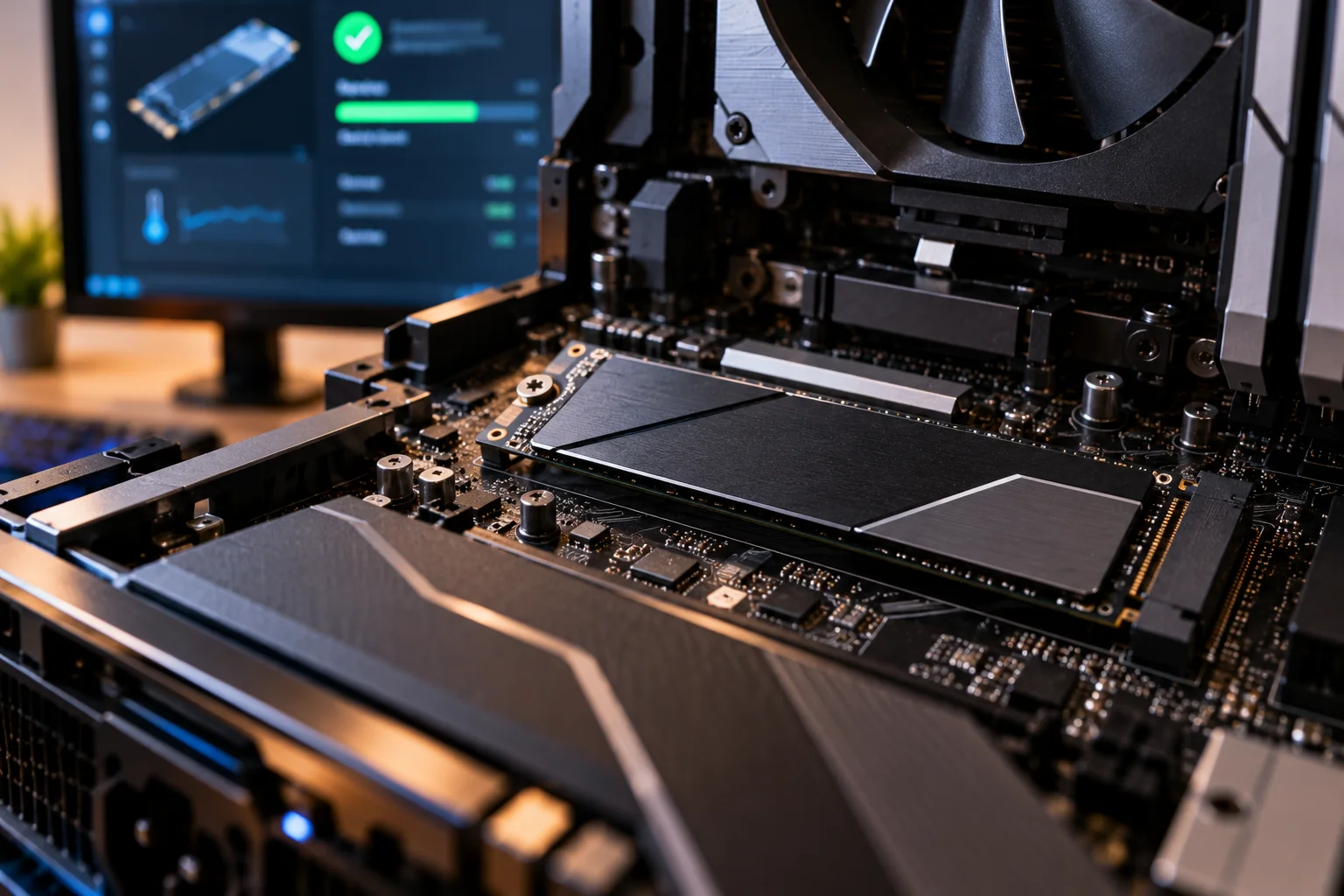
An SSD can fail without giving you a dramatic warning first. A drive may work normally one day and suddenly disappear from the BIOS, enter read-only mode or become inaccessible the next.
That is why SSD health monitoring and backups matter more than waiting for obvious symptoms.
The good news is that many SSDs expose useful health information before they reach the end of their rated endurance. NVMe drives, for example, report SMART information such as Critical Warning, Percentage Used, Available Spare, Media Errors and temperature. NVMe also maintains error logs that can help identify problems with the controller or flash media.
There are also warning signs you can notice during normal use: repeated crashes, corrupted files, disappearing partitions, read-only behavior and unexplained I/O errors.
But not every SSD problem means the drive itself is dying. A loose connection, faulty USB enclosure, motherboard issue, overheating or operating-system problem can produce similar symptoms.
The safest approach is simple: if an SSD starts behaving strangely, back up important data before troubleshooting further.
Can an SSD fail without warning?
Yes. An SSD can fail suddenly, even though SMART data and other symptoms may sometimes provide clues beforehand.

SSDs do not have the mechanical components found in hard drives, so they do not necessarily produce an obvious physical sound before failure.
A controller failure, firmware problem, electrical fault or serious NAND issue can make a drive inaccessible with little notice.
NVMe's health-monitoring system is designed to report conditions such as degraded reliability, read-only operation, media errors and hardware problems through its SMART and error-reporting mechanisms.
That makes regular health checks worthwhile, especially for a drive containing important data.
What are the warning signs of a failing SSD?
The most important warning signs include increasing errors, disappearing drives, read-only behavior, corrupted data and worsening SMART health indicators.
Watch for these symptoms:
Warning sign | What it could indicate |
|---|---|
SSD suddenly disappears | Controller, connection, power or hardware problem |
Files become corrupted | Media, controller or filesystem problem |
Frequent I/O errors | Communication or drive reliability problem |
Drive becomes read-only | Possible serious SSD degradation |
SMART critical warning | Hardware, media, temperature or reliability issue |
Rapidly increasing media errors | Possible NAND or data-integrity problem |
SSD health reaches its endurance limit | Drive has reached its rated wear level |
Repeated system crashes | Could be storage-related, but other causes are possible |
One symptom alone does not prove that an SSD is dying. The pattern matters.
Does a failing SSD become slower?
Sometimes, but slowing down by itself is not reliable evidence that an SSD is failing.
An SSD can become slower because it is nearly full, thermally throttling, performing background garbage collection or dealing with a workload that exceeds its sustained write capability.
A drive that suddenly develops severe performance problems alongside I/O errors, disappearing volumes or SMART warnings deserves much more attention.
This distinction is important because modern SSDs can also experience normal performance fluctuations without being defective.
What does the SSD's SMART data tell you?
SMART data is one of the best places to look for evidence of SSD health problems.
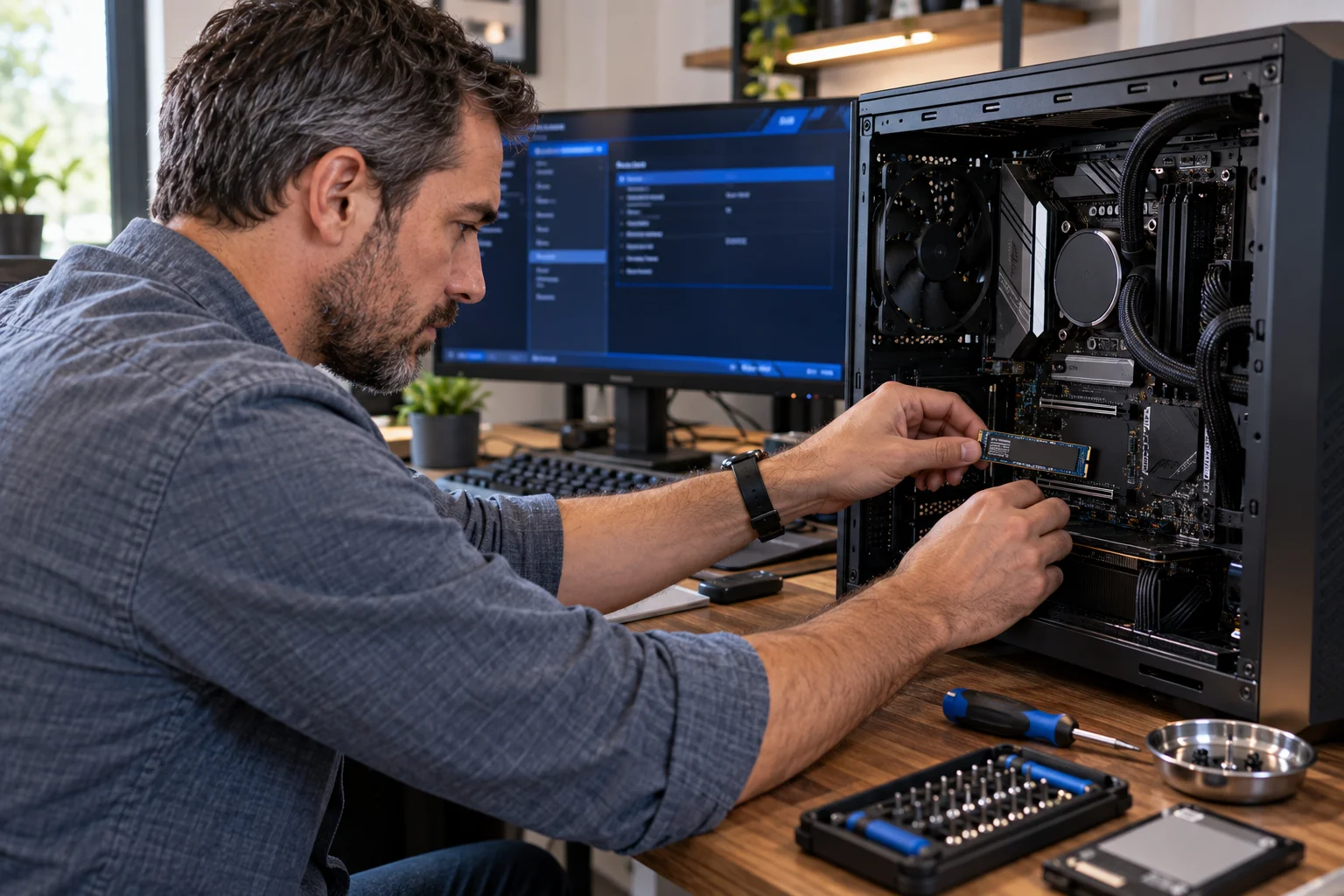
For NVMe SSDs, the SMART/Health log can include:
Critical Warning
Available Spare
Percentage Used
Temperature
Data Units Written
Media and Data Integrity Errors
Error Information Log Entries
Unsafe Shutdowns
NVM Express identifies Critical Warning as the main health indicator. A non-zero critical warning can indicate conditions such as degraded reliability, read-only operation, excessive temperature or other drive problems.
The exact attributes available and how they are interpreted can vary by drive.
What does “Percentage Used” mean on an NVMe SSD?
Percentage Used estimates how much of the drive's rated endurance has been consumed.
Unlike a conventional battery percentage, it is not necessarily a precise prediction of how much usable time remains.
NVM Express describes Percentage Used as an endurance gauge that increases as NAND cells wear. Solidigm similarly uses Percentage Used for PCIe/NVMe drives, starting at 0% and increasing toward 100%.
For example, a drive reporting 30% Percentage Used has consumed an estimated portion of its rated endurance. That does not mean it has exactly 70% of its physical life remaining.
Once an SSD reaches its manufacturer's endurance limit, replacement becomes sensible rather than treating the drive as a permanent storage device.
What does a Critical Warning mean on an SSD?
A SMART Critical Warning should be treated seriously because it means the drive has detected a condition that requires attention.
NVMe defines several possible conditions behind the warning, including degraded reliability, read-only operation, excessive temperature and volatile-memory backup failure.
If your monitoring software suddenly reports a critical warning, the priority should be:
Back up important files.
Avoid unnecessary writes.
Record the SMART information.
Check the manufacturer's diagnostic software.
Investigate the specific warning.
Prepare to replace the SSD if the problem is confirmed.
Do not wait for the drive to become completely inaccessible before protecting your data.
Is an SSD failing if it becomes read-only?
A drive entering read-only mode can be a serious warning and should trigger an immediate backup.
NVMe specifically defines a Read Only condition within its Critical Warning information. NVM Express describes drives entering degraded or read-only states in response to serious media or hardware problems.
A read-only SSD may still allow you to copy important files.
That can be a valuable opportunity.
If the drive suddenly stops accepting writes but your data remains accessible, prioritize copying that data rather than repeatedly rebooting or attempting repairs.
What if an SSD suddenly disappears?
A disappearing SSD does not automatically mean the NAND has failed.

Before declaring the drive dead, check the simpler possibilities.
For an internal SATA SSD, inspect the SATA data and power connections. For an M.2 NVMe drive, reseating the drive and checking BIOS detection can help isolate the problem.
External SSDs introduce additional possibilities, including a faulty USB cable, enclosure, port or power connection.
If the SSD disappears repeatedly across different systems or connections, the likelihood of a drive-level problem becomes more concerning.
Can corrupted files mean an SSD is dying?
Repeated unexplained file corruption can be a warning sign, particularly when it occurs alongside SMART errors or I/O failures.
One corrupted file does not prove that the SSD is failing.
Filesystem problems, software bugs, memory errors, malware and unexpected shutdowns can also corrupt data.
The situation becomes more serious when corruption keeps appearing, files fail integrity checks, the operating system reports storage errors and the SSD's SMART logs show media or reliability problems.
NVMe error logs are specifically designed to record storage-related errors and provide information useful for diagnosing problematic drives.
Can SSD health software predict exactly when a drive will fail?
No. SSD health indicators are useful warning tools, not guaranteed failure predictions.
A drive can operate beyond its rated endurance, while another component can fail before the NAND reaches its specified wear limit.
Solidigm's health tools distinguish between drive health and estimated life remaining, while Kingston uses specific SMART attributes to determine endurance and warranty conditions for supported SSDs.
That distinction matters.
A drive showing 90% health is not necessarily guaranteed to last nine times longer than one showing 10%.
Health software should help you identify risk, not give you a countdown clock.
How do you check whether an SSD is dying?
Use the SSD manufacturer's monitoring software or a reliable SMART utility and look for changes over time.
Check:
Overall health status
Percentage Used or wear indicator
Available spare capacity
Media errors
Error-log entries
Temperature
Total data written
Critical warnings
Unexpected changes in reported capacity or operating mode
For example, Kingston's SSD Manager reports an SSD Wear Indicator and other health information, while Solidigm's tools use SMART attributes to identify degradation.
The most useful approach is to establish a baseline when the drive is healthy and check periodically rather than obsessively monitoring it every day.
What should you do if your SSD shows warning signs?
Back up first, troubleshoot second.
If the SSD contains important files and starts producing errors, do not begin with firmware updates, formatting or aggressive repair operations.
Start by copying irreplaceable data to another drive or a reliable backup location.
Then investigate the cause.
If the drive is still stable, check its SMART data, connections, temperatures and manufacturer's diagnostic utility. If it continues producing errors or reports a critical health condition, replacement is usually more sensible than trusting it with important data.
A backup is far more valuable than squeezing another few months out of a questionable SSD.
Can you prevent an SSD from failing suddenly?
You cannot eliminate the possibility of sudden SSD failure, but you can greatly reduce the consequences.
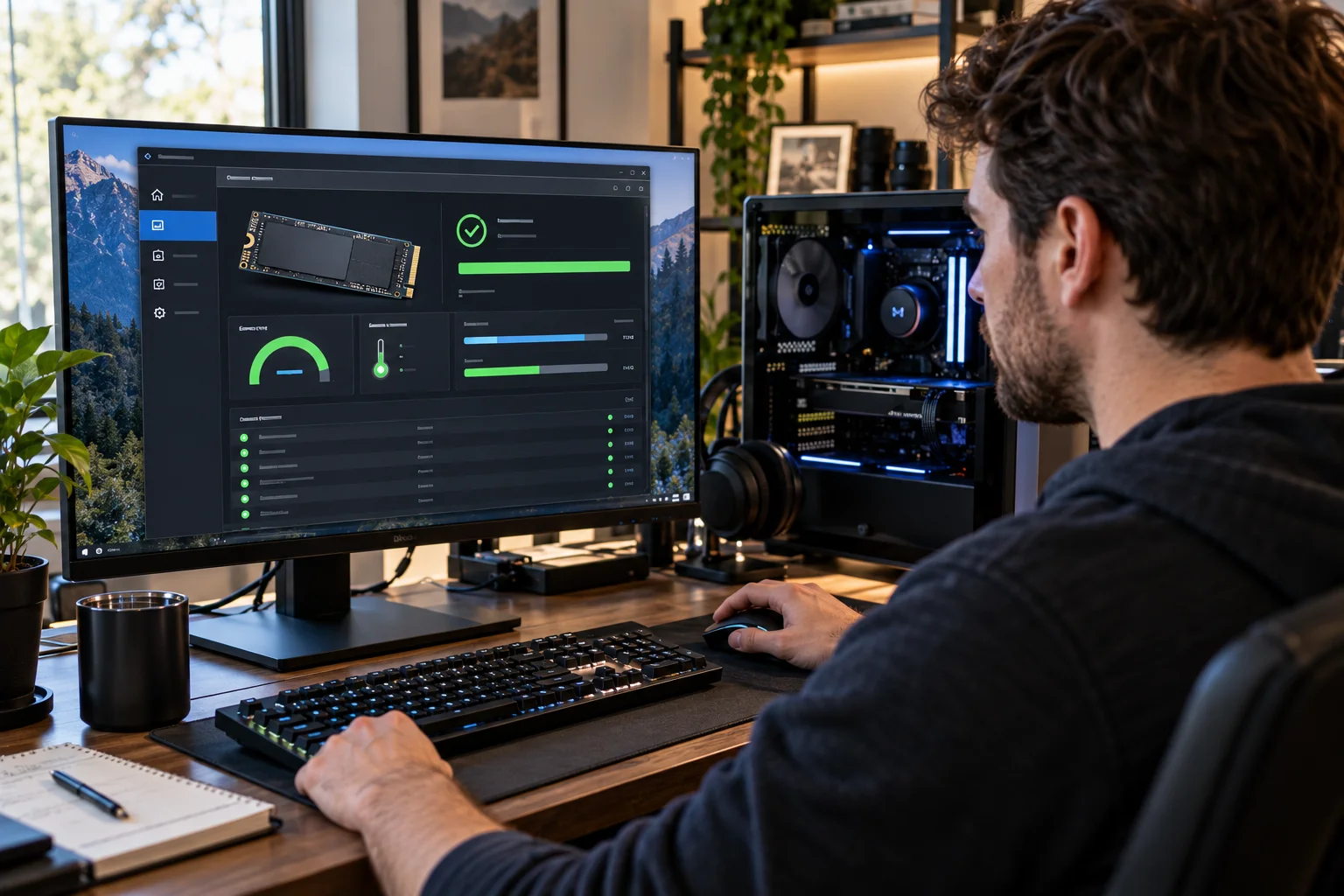
The most important protection is the 3-2-1 backup principle: maintain multiple copies of important data, using more than one type of storage and keeping at least one copy separate from the primary device.
For the SSD itself, keep reasonable free space, maintain sensible temperatures, install stable firmware when appropriate and monitor health indicators periodically.
Kingston notes that SSDs eventually wear out, while technologies such as wear leveling and over-provisioning help extend usable life.
The goal is not to make an SSD impossible to fail.
It is to make failure inconvenient rather than catastrophic.
Can an SSD Fail Without Warning FAQs
How do I know if my SSD is dying?
Look for repeated I/O errors, corrupted files, disappearing drives, read-only behavior and worsening SMART health indicators. A Critical Warning or increasing media errors deserves immediate attention.
Can an SSD suddenly stop working?
Yes. Controller, firmware, electrical and NAND-related failures can make an SSD inaccessible with little obvious warning.
What is the biggest warning sign on an NVMe SSD?
A non-zero Critical Warning is one of the most important indicators. NVMe uses this field to report serious conditions involving reliability, temperature, read-only operation and other problems.
Does 100% SSD health mean the drive cannot fail?
No. Health indicators estimate specific aspects of drive condition and endurance. They cannot guarantee that the controller, firmware or another component will not fail unexpectedly.
Should I replace an SSD at 100% Percentage Used?
You should treat it as having reached its rated endurance and plan for replacement, particularly if it contains important data. Kingston, for example, uses 100% Percentage Used as an endurance limit for supported NVMe warranty conditions.
Can a failing SSD be repaired?
Sometimes the underlying problem is actually a cable, enclosure, connection, firmware or filesystem issue. A genuine hardware failure inside the SSD generally cannot be repaired reliably by a consumer.
Should I keep using an SSD that reports errors?
If important data is stored on it, back up that data immediately. Continued use should come after you understand the cause of the errors, not before.
How often should I check SSD health?
For an everyday PC, checking every few months or whenever you notice unusual behavior is reasonable. More frequent monitoring makes sense for drives handling important or heavy-write workloads.
The safest way to think about SSD failure
An SSD does not always give you a warning before it fails, so backups are more important than any health percentage.
SMART data can provide valuable clues. Falling endurance, media errors, Critical Warnings and read-only behavior should never be ignored.
But the absence of a warning does not guarantee that the drive is healthy.
Treat SSD health monitoring as an early-warning system, not an insurance policy. Keep your important data backed up, investigate unusual behavior quickly and replace a drive when its reliability becomes questionable.
That is the best way to make an SSD failure a hardware problem rather than a data-loss disaster.