
Buying a college laptop sounds simple until you start comparing processor names, RAM configurations, display sizes, battery claims and dozens of different models.
The problem is that the most expensive laptop is rarely the best choice for a student.
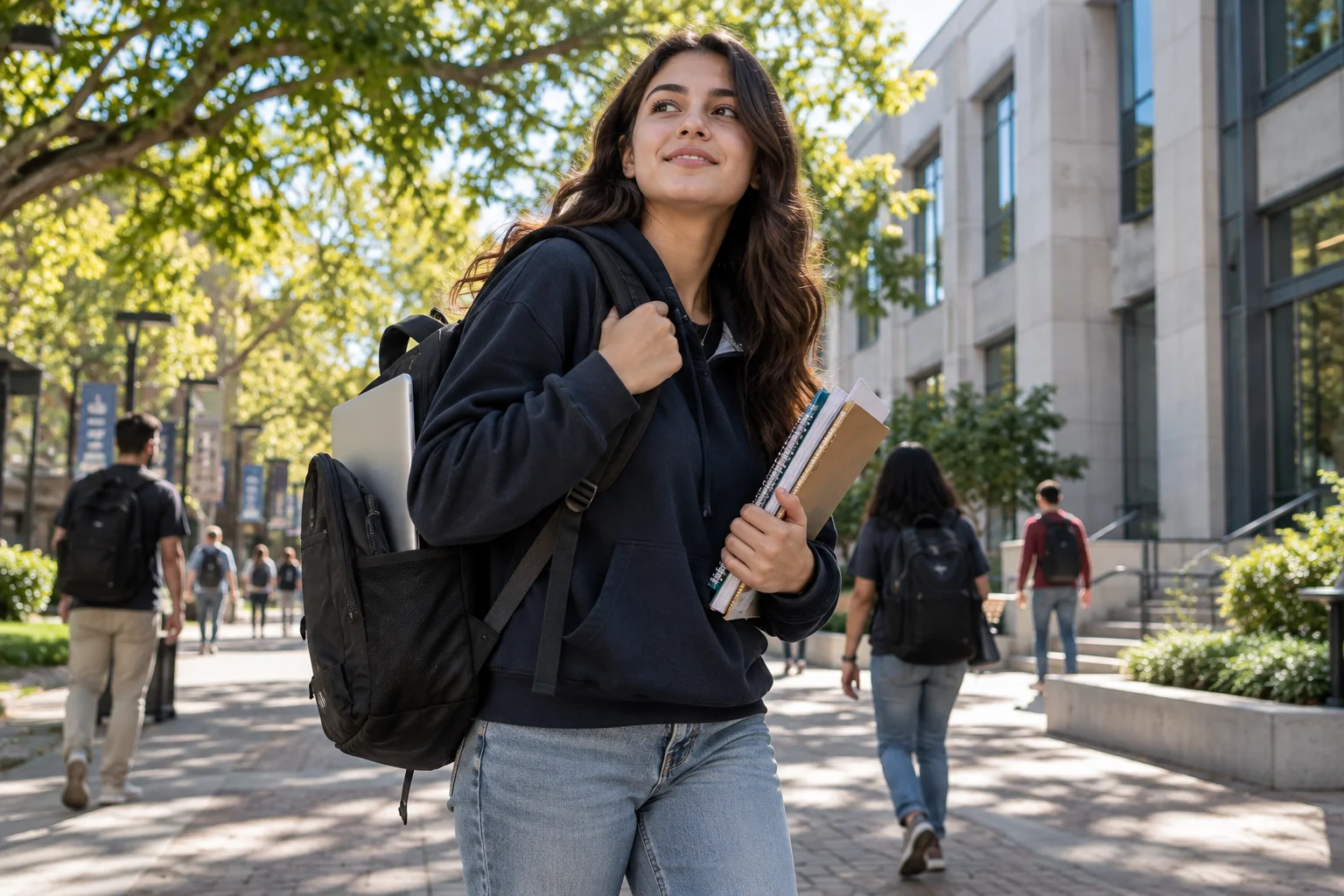
A college laptop needs to do a few things consistently well: handle research and assignments, survive being carried around campus, last through classes, make video calls easy and have enough performance to remain useful for several years.
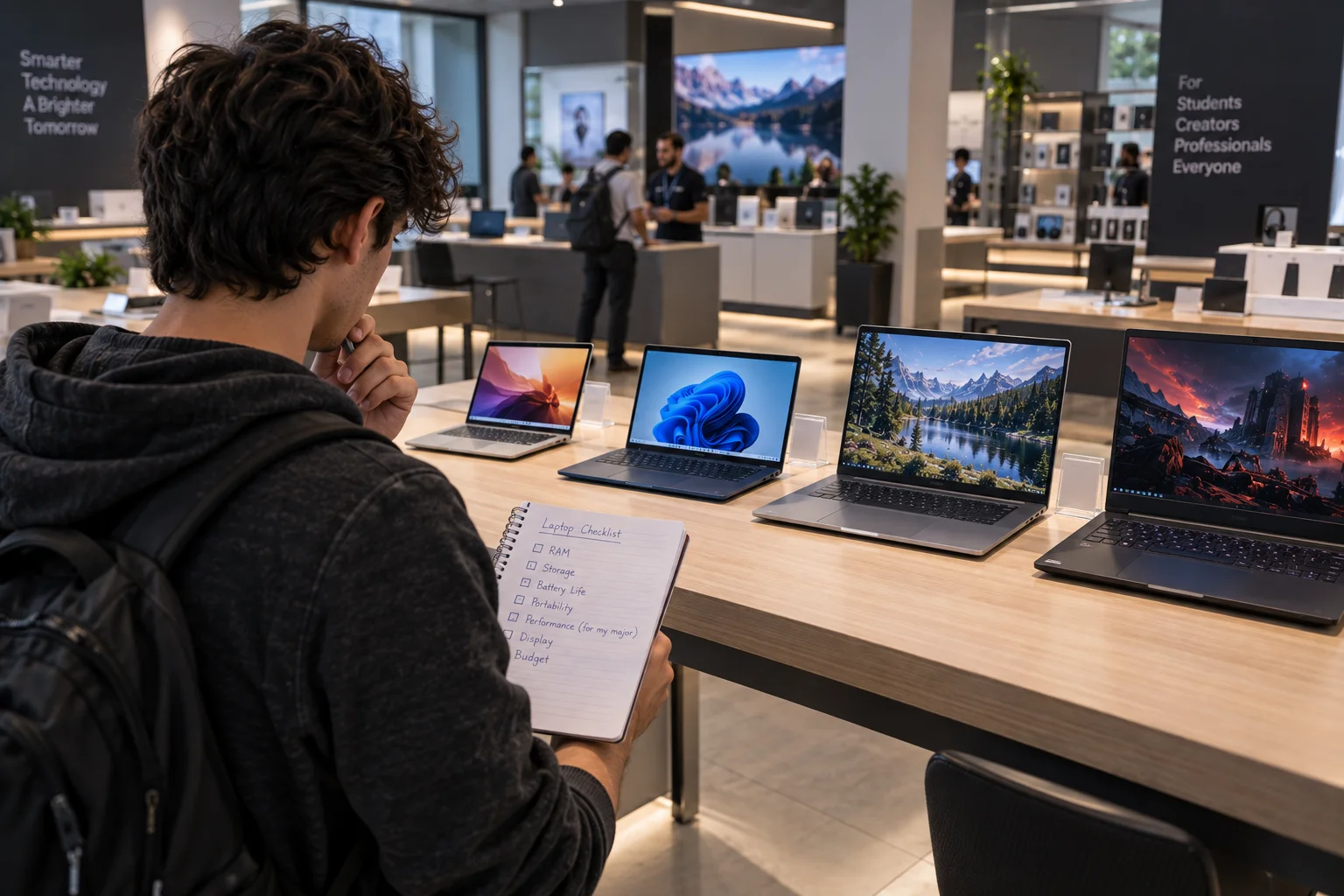
For most students, a good target is 16GB of RAM, at least 512GB of SSD storage, a 13- to 15-inch display and strong battery life. Students studying engineering, computer science, design or other demanding subjects may need more graphics performance.
Current models such as the MacBook Air with M5, Dell XPS 13, HP OmniBook 5 14, Acer Swift Go 14 AI and Surface Laptop 13-inch show how different manufacturers are approaching the student market.
What is the best laptop for college students in 2026?
For most students, the MacBook Air with M5 is the strongest all-round choice, while the Dell XPS 13 is an excellent Windows alternative.
Laptop | Best for | Key reason |
|---|---|---|
MacBook Air 13-inch with M5 | Best overall | Excellent balance of performance, portability and battery |
Dell XPS 13 | Best Windows premium option | Very light design and strong performance |
HP OmniBook 5 14-inch | Best battery-focused Windows laptop | Up to 34 hours of local video playback |
Acer Swift Go 14 AI | Best lightweight Windows option | Very light design, OLED options and strong connectivity |
Surface Laptop 13-inch | Best compact Windows laptop | Small footprint, long battery life and useful port selection |
Lenovo IdeaPad Slim 5i 16-inch | Best larger-screen value | 16GB RAM, 512GB SSD and a spacious display |
The right choice still depends on your major and how much you expect to do beyond basic coursework.
MacBook Air with M5 is the best laptop for most college students
The MacBook Air 13-inch with M5 is a particularly strong choice for students who want a thin, quiet laptop that can handle everyday coursework without feeling underpowered.
Apple's current MacBook Air uses the M5 chip and now starts with 16GB of unified memory and 512GB of SSD storage. The 13-inch version weighs 2.7 pounds and is rated for up to 18 hours of video streaming or up to 15 hours of wireless web use.
That combination is useful on a campus where your laptop may spend much of the day in a backpack.
The 13.6-inch display is also large enough for essays, presentations and research while keeping the machine compact. Students who prefer more workspace can move up to the 15.3-inch version, which weighs 3.3 pounds and offers the same headline 18-hour video-streaming rating.
Apple is currently running an education promotion in the US in which eligible buyers can get a gift card when purchasing a Mac or iPad with education savings. The education store lists the MacBook Air from $1,199.
Dell XPS 13 is a strong Windows alternative
Choose the Dell XPS 13 when you want Windows, a premium compact design and very low weight.
The current XPS 13 starts at just 2.2 pounds and is 0.50 inches thick. Dell says it can deliver up to 17 hours of streaming battery life, while its current configurations include 16GB of memory and 512GB SSD storage.
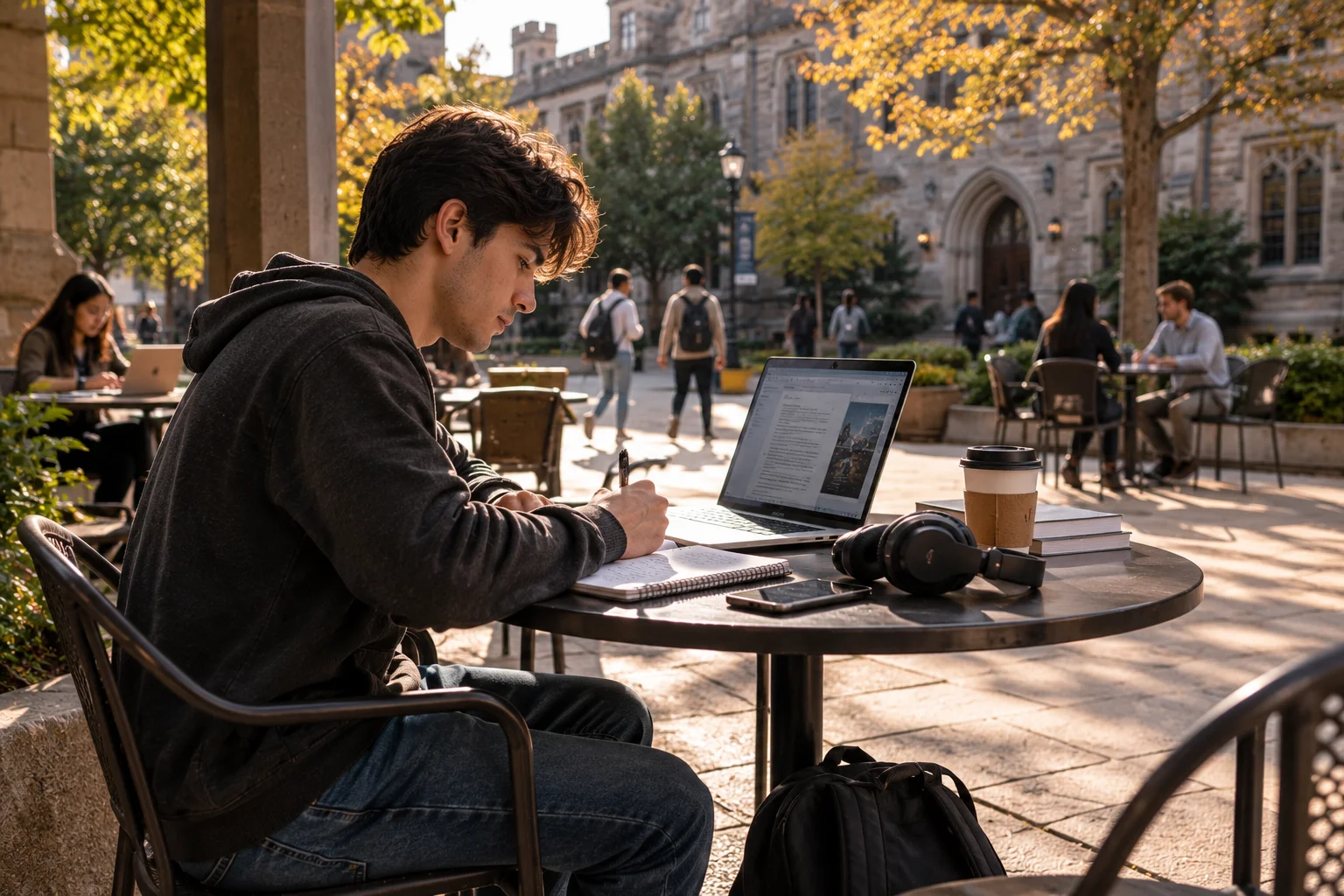
That makes it particularly appealing for students who move between lectures, libraries, coffee shops and dorm rooms throughout the day.
There is also a significant commercial advantage for eligible students right now. Dell is advertising exclusive XPS 13 student pricing starting at $599, with the offer currently scheduled to run through October 30, 2026. Dell also offers a broader student discount programme on eligible purchases.
HP OmniBook 5 14 is a strong choice for battery life
The HP OmniBook 5 14-inch stands out when battery life is one of your biggest priorities.
HP lists up to 34 hours of local video playback on select configurations, together with a 14-inch 2K OLED display, 16GB memory and 512GB SSD in one current configuration. The laptop starts at 2.9 pounds and supports charging to 50% in about 30 minutes with HP Fast Charge.
That is useful for students who regularly spend long days away from an outlet.
The OLED display is another reason to consider it, especially if you also use your laptop for watching movies, editing photos or other visual work after class.
HP's Education Program also advertises additional savings for students, teachers, parents and faculty on eligible purchases.
Acer Swift Go 14 is one of the better portable Windows options
Acer's Swift Go 14 is worth considering when you want a lightweight Windows laptop without moving into the most expensive premium category.
The current Swift Go 14 lineup includes ultra-light configurations starting at 1.12kg, OLED display options reaching up to 3K resolution and 120Hz refresh rates, Wi-Fi 7, Thunderbolt 4 and HDMI 2.1.
That makes it unusually well equipped for campus use.
The Snapdragon version goes further on battery life, with Acer quoting up to 28 hours and configurations with up to 32GB of memory.
For students who want something easy to carry but still capable of handling heavier workloads, the Swift Go deserves a place on the shortlist.
Surface Laptop 13-inch is ideal for students who value portability
The Surface Laptop 13-inch is a smart choice when you want a compact Windows machine with a simple design and strong battery life.
Microsoft lists the Snapdragon version with an 8-core Snapdragon X Plus processor, 16GB or more memory options and storage configurations reaching 1TB. It weighs 2.7 pounds and Microsoft rates it for up to 23 hours of local video playback or 16 hours of active web use.
It also has two USB-C ports, a USB-A port and a headphone jack, which is useful when connecting accessories or older campus equipment.
The main thing to check before buying any Windows-on-ARM laptop is whether the specialist software required by your major is fully compatible.
Lenovo IdeaPad Slim 5i 16 is useful when screen space matters
A larger laptop can make sense when you spend long periods reading documents, working with spreadsheets or keeping multiple windows open.
The current IdeaPad Slim 5i 16-inch can be configured with Intel Core 5 or Core 7 processors, 16GB of DDR5 memory and a 512GB PCIe Gen 4 SSD. The 16-inch display uses a 16:10 ratio and is available as a WUXGA touchscreen configuration.
It is not as convenient to carry as a 13- or 14-inch laptop, but that larger screen can be worth the trade-off for some majors.
How much RAM does a college student really need?
16GB is the sweet spot for most students in 2026.
8GB can still work for basic browsing, writing and video calls, but college work often means having dozens of browser tabs, documents, messaging apps and research tools open simultaneously.
For most students:
8GB: acceptable for very basic use
16GB: recommended for most students
24GB to 32GB: useful for demanding creative, technical or development work
It is usually better to buy enough memory at the start than to discover later that the laptop cannot handle your workload comfortably.
How much storage should a college laptop have?
512GB SSD storage is a sensible minimum for most students buying a laptop they expect to keep for several years.

A 256GB machine can work if most files stay in cloud storage, but operating-system files, applications, downloaded lecture material, photos and personal files can consume space surprisingly quickly.
Choose 1TB when you regularly work with large video files, design projects, virtual machines, games or extensive local media libraries.
SSD speed also matters for everyday responsiveness. Fast storage reduces the time spent waiting for applications to launch and files to load.
Does a college laptop need a powerful processor?
Not usually.
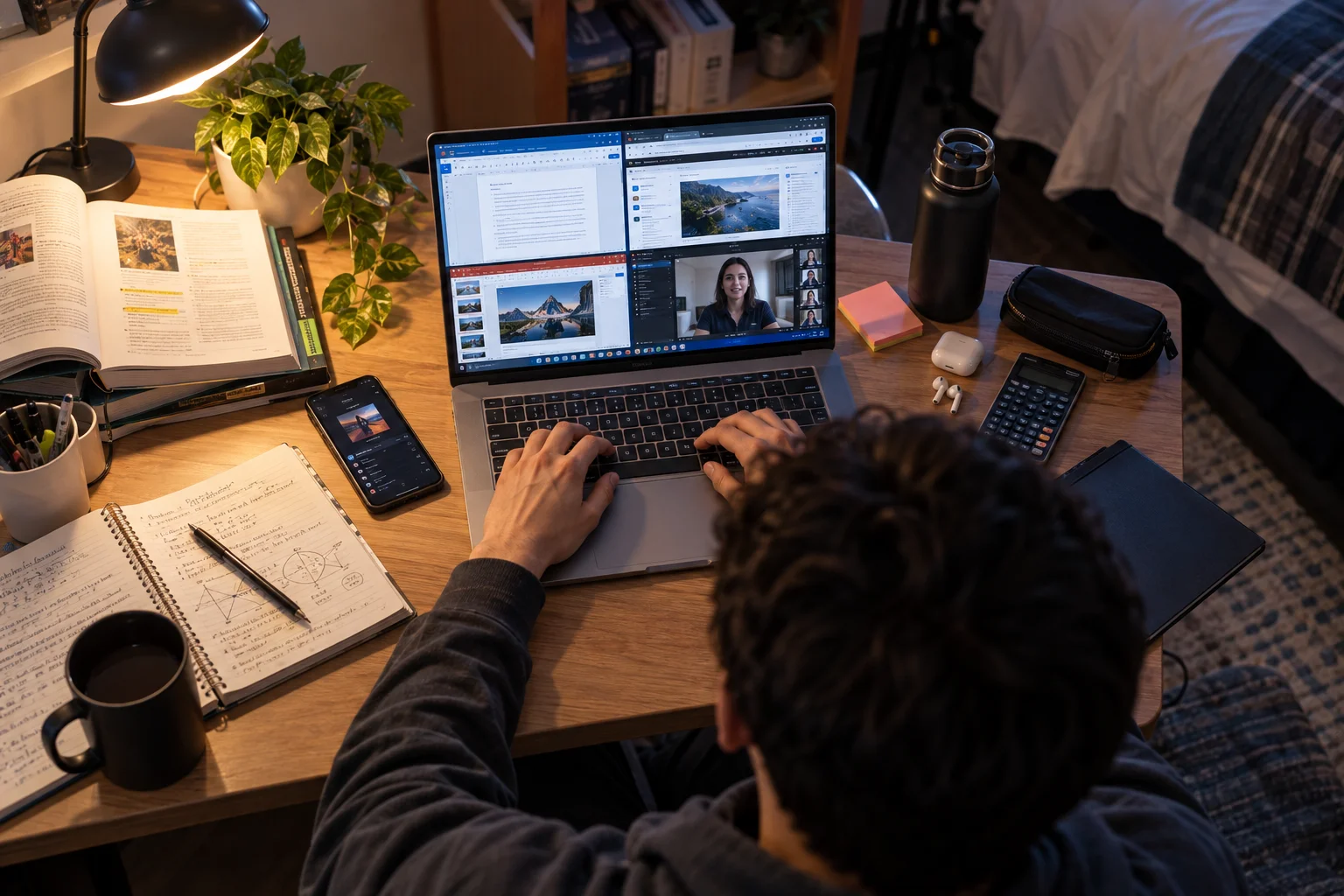
For writing papers, browsing academic websites, attending Zoom classes, creating presentations and using Microsoft Office or Google Workspace, a modern mid-range processor is generally enough.
Spend more on processing power when your course requires it.
Computer science students may benefit from stronger processors when working with development environments and virtual machines. Engineering and architecture students may need more demanding hardware for CAD or simulation. Design and film students may need substantially more graphics performance.
The mistake is buying workstation-level hardware for a communications major simply because the specifications look impressive.
Is a 13-inch or 15-inch laptop better for college?
A 13- or 14-inch laptop is generally the best balance for carrying around campus.
A 15- or 16-inch model makes more sense when screen size matters more than portability.

Think about how you will use the laptop every day.
If you expect to carry it from class to class, a lighter 13- or 14-inch machine quickly becomes more appealing. If most of your work happens in a dorm room or apartment, the extra workspace of a 15- or 16-inch display can be more valuable.
How important is battery life?
Battery life is one of the most important specifications for a college laptop, but manufacturer estimates should not be treated as real-world guarantees.
Apple rates the current MacBook Air for up to 18 hours of video streaming and 15 hours of wireless web use. HP quotes up to 34 hours on select OmniBook 5 configurations, Acer lists up to 28 hours for its Swift Go 14 AI Snapdragon model, and Microsoft quotes up to 23 hours of local video playback for the 13-inch Surface Laptop Snapdragon model.
Different manufacturers use different tests, so these numbers should be used for comparison rather than as promises of all-day browsing.
What laptop features actually matter for college?
The specifications that make the biggest everyday difference are surprisingly straightforward:
Prioritise:
16GB RAM
512GB SSD or more
Good battery life
Comfortable keyboard
Quality webcam and microphone
Bright, readable display
Wi-Fi 6E or Wi-Fi 7 where available
USB-C connectivity
Reasonable weight
A fancy high-refresh display is nice.
A comfortable keyboard you can type on for three hours is more important.
A premium processor is nice.
A laptop that still has battery left at the end of a long day is more useful.
What laptop should different college majors buy?
Your major matters more than the brand name.
Business, communications, humanities and education: MacBook Air, Dell XPS 13 or Surface Laptop.
Computer science: MacBook Air or a Windows laptop with 16GB or 32GB RAM, depending on development tools and virtual machines.
Engineering and architecture: Windows laptop with a stronger processor and dedicated graphics where required by your course software.
Graphic design and creative subjects: prioritize display quality, memory and graphics performance.
Students who game after class: consider a gaming laptop with dedicated graphics, but remember that it will usually be heavier and less convenient to carry.
What should you avoid when buying a college laptop?
Avoid paying for specifications you will never use, but also avoid buying the absolute cheapest laptop simply to save money upfront.
The biggest warning signs are 4GB of RAM, very small storage, poor-quality displays, uncomfortable keyboards and extremely heavy gaming hardware when portability is important.
Also check your college's software requirements before buying a Mac or Windows-on-ARM machine. Some specialist applications may require a particular operating system or processor architecture.
Which college laptop is the best value?
The best value depends on what you actually need rather than the lowest sticker price.
A basic Windows laptop can be excellent value for a student who mainly writes papers and browses the web.
A MacBook Air can be better value over several years for someone who wants strong performance, long battery life and a lightweight machine.
A Dell XPS 13 becomes especially interesting when student pricing reduces its purchase cost.
HP and Acer are worth watching when promotions make higher-spec configurations considerably more attractive.
Current manufacturer student programmes matter too. Dell has dedicated student pricing, HP runs its Education Program and Apple has a separate US Education Store with education savings.
College Laptop FAQs
How much should I spend on a college laptop?
There is no single correct budget. Spend enough to get at least 16GB of RAM, 512GB of SSD storage and the processor performance your major requires rather than paying for premium specifications you will never use.
Is a MacBook good for college?
Yes. The current MacBook Air with M5 combines 16GB of memory, 512GB of storage, a lightweight design and strong battery life, making it an excellent general-purpose college laptop.
Is 8GB RAM enough for college?
It can be enough for light use, but 16GB is a better long-term choice for most students because modern coursework often involves multiple applications and browser tabs running together.
Is 256GB storage enough for college?
It can be, particularly when you use cloud storage heavily. For most students buying a laptop for several years, 512GB is a more comfortable choice.
Should college students buy a 2-in-1 laptop?
A 2-in-1 can be useful for students who like touchscreen note-taking, presentations or tablet-style use. It is less important when you primarily type essays and browse the web.
Is a gaming laptop good for college?
It can be excellent for gaming and demanding technical work, but gaming laptops are usually heavier and less portable than mainstream student laptops.
What is the best laptop size for college?
For most students, 13 to 14 inches provides the best balance between portability and screen space. Larger 15- and 16-inch models make more sense when productivity and screen area are the priority.
Should I buy a Windows laptop or a MacBook?
Check your major's software requirements first. For general college work, both platforms can be excellent. Specialist software may make one operating system a better choice.
Final Thoughts
The best college laptop is not necessarily the fastest, most expensive or most heavily advertised model.
It is the laptop you can comfortably carry across campus, use through a long study session, rely on for video calls and assignments, and keep using as your workload becomes more demanding.
For most students, the MacBook Air with M5 is the strongest all-round option. The Dell XPS 13 is an excellent premium Windows alternative, while the HP OmniBook 5 14, Acer Swift Go 14 and Surface Laptop 13-inch give students more choices depending on battery life, portability and Windows preferences.
The biggest buying lesson is simple: prioritise the features you will use every day, not the specifications that look impressive on a product page.
That usually means 16GB of memory, 512GB of storage, a good keyboard, reliable battery life and a size you will actually want to carry to class.
Shop laptops for college students