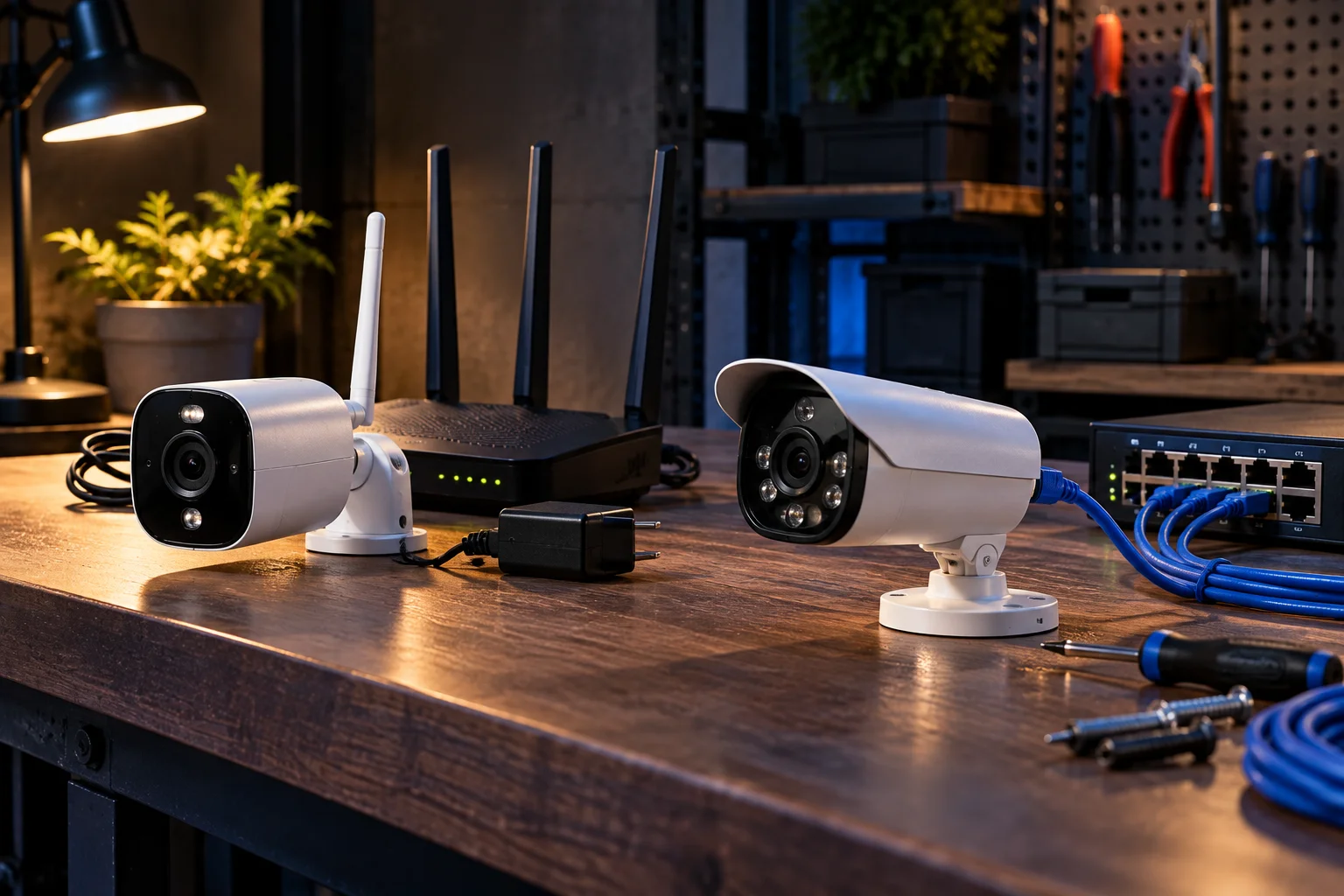
Wireless security cameras are easier to install and more flexible, while wired cameras generally provide a more consistent connection and are better suited to permanent, always-on surveillance. The right choice depends on where you want to install the cameras, how much recording you need, and whether you want a simple DIY setup or a more permanent system.
The terminology can be confusing because a “wireless camera” isn't necessarily completely cable-free. A Wi-Fi security camera may send video wirelessly but still require a power cable. Battery-powered cameras eliminate that cable too, but they introduce another limitation: battery life.
Wired cameras have their own trade-off. Running cables can make installation more complicated, particularly in an existing home, but a properly installed wired system can provide a stable connection without depending on Wi-Fi signal strength.
Both types can offer motion detection, night vision, smartphone alerts, remote viewing and local or cloud recording. The important differences are connectivity, power, installation, reliability, maintenance and security.
What Is the Difference Between Wireless and Wired Security Cameras?
A wireless security camera typically sends video over Wi-Fi, while a wired camera sends its video through a physical network or video cable.
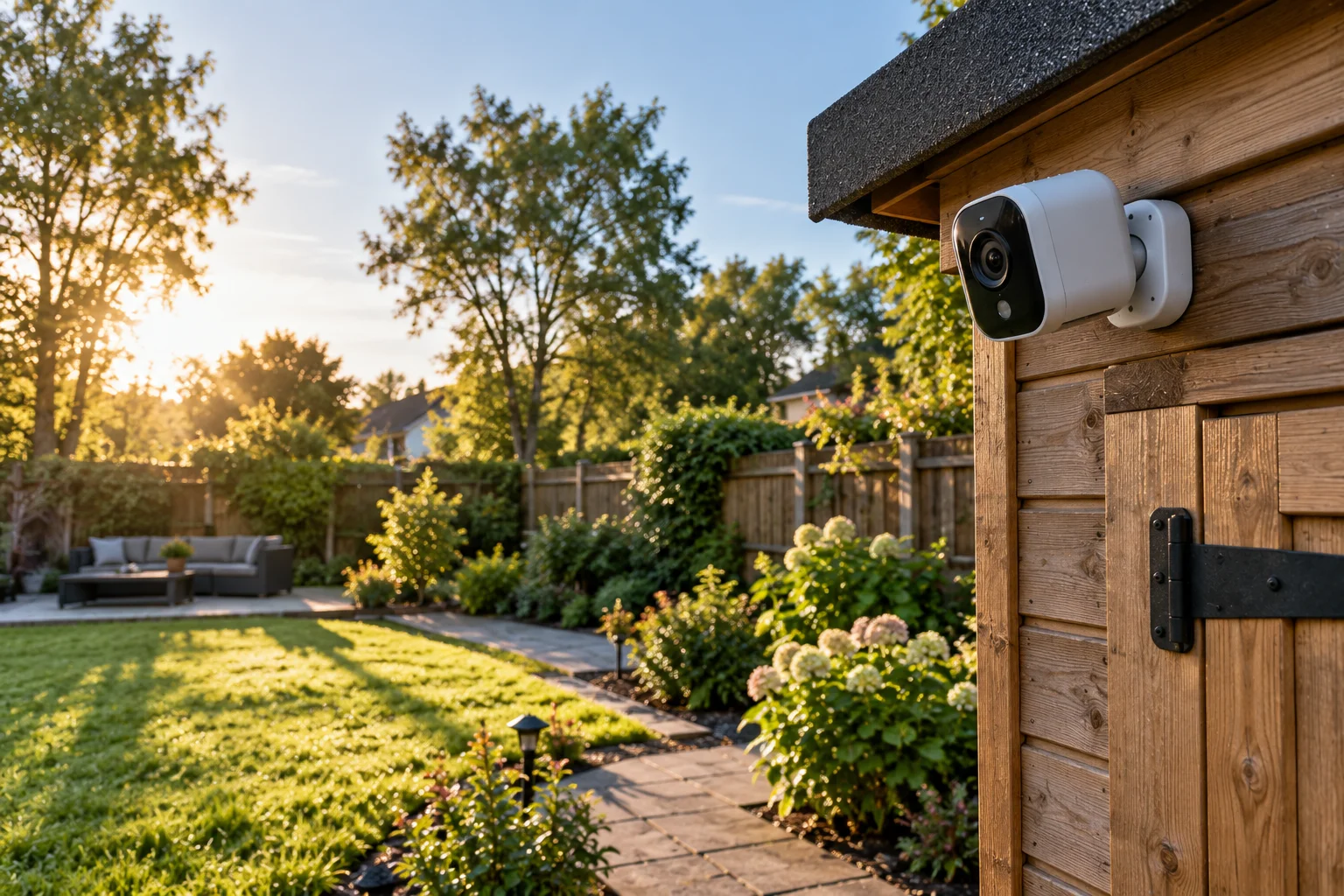
A typical wireless setup looks like:
Camera → Wi-Fi → Router → Internet/app
A wired IP camera can use:
Camera → Ethernet cable → Router/NVR → Internet/app
Some wired cameras use Power over Ethernet (PoE), allowing a single Ethernet cable to carry both network data and electrical power.
There is also a third category worth separating: battery-powered Wi-Fi cameras. These communicate wirelessly and don't need a continuous power cable, but their batteries eventually need charging.
Feature | Wireless | Wired |
|---|---|---|
Video connection | Wi-Fi | Ethernet/coaxial cable |
Power | Usually cable or battery | Usually continuous power |
Installation | Easier | More involved |
Wi-Fi dependence | Usually yes | No for camera-to-network connection |
Long-term reliability | Depends on wireless conditions | Generally consistent |
Relocation | Easy | More difficult |
Continuous recording | Depends on model/power | Well suited |
Battery maintenance | Battery models require charging | Usually none |
Best for | DIY and flexible setups | Permanent surveillance |
Are Wireless Security Cameras Easier to Install?
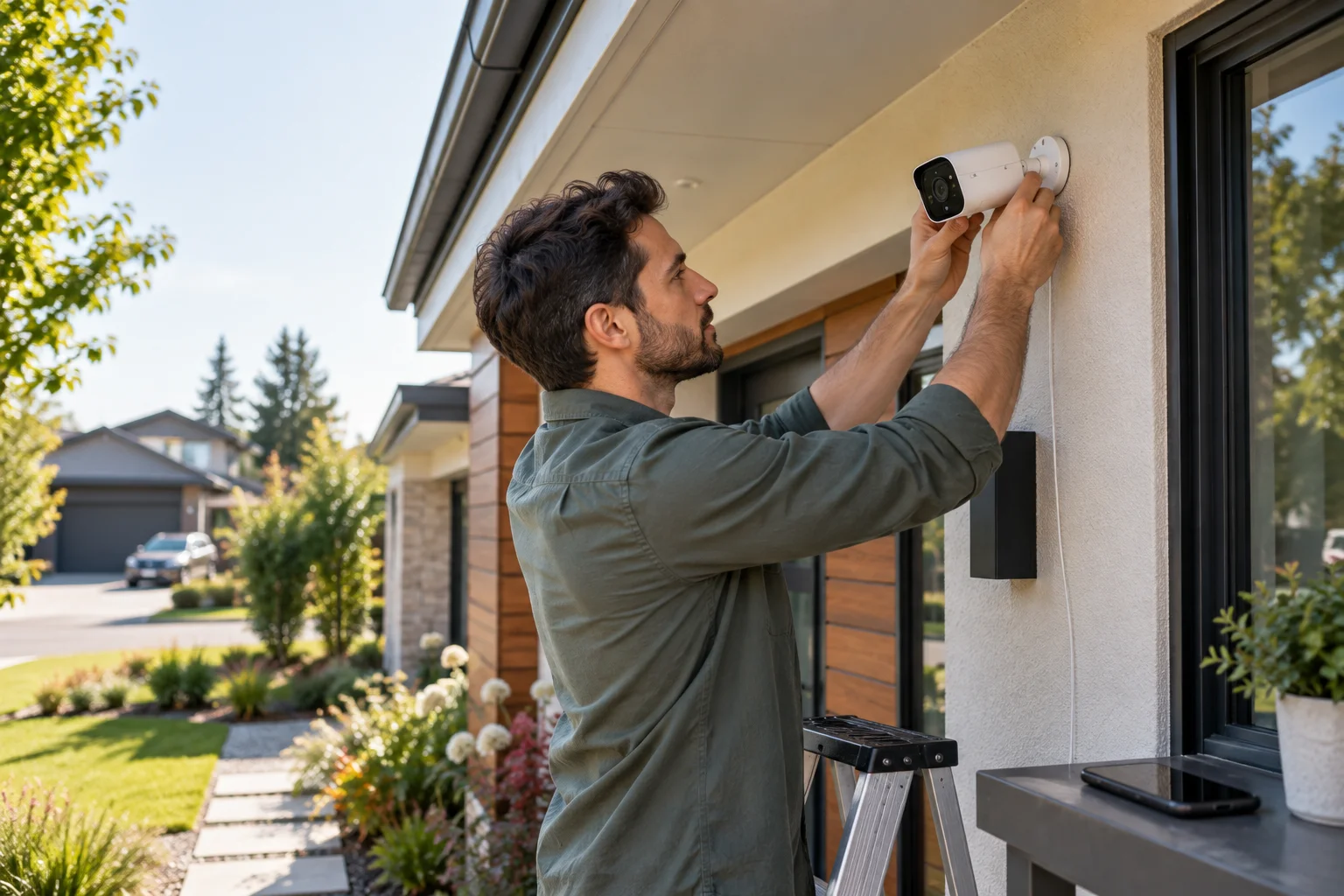
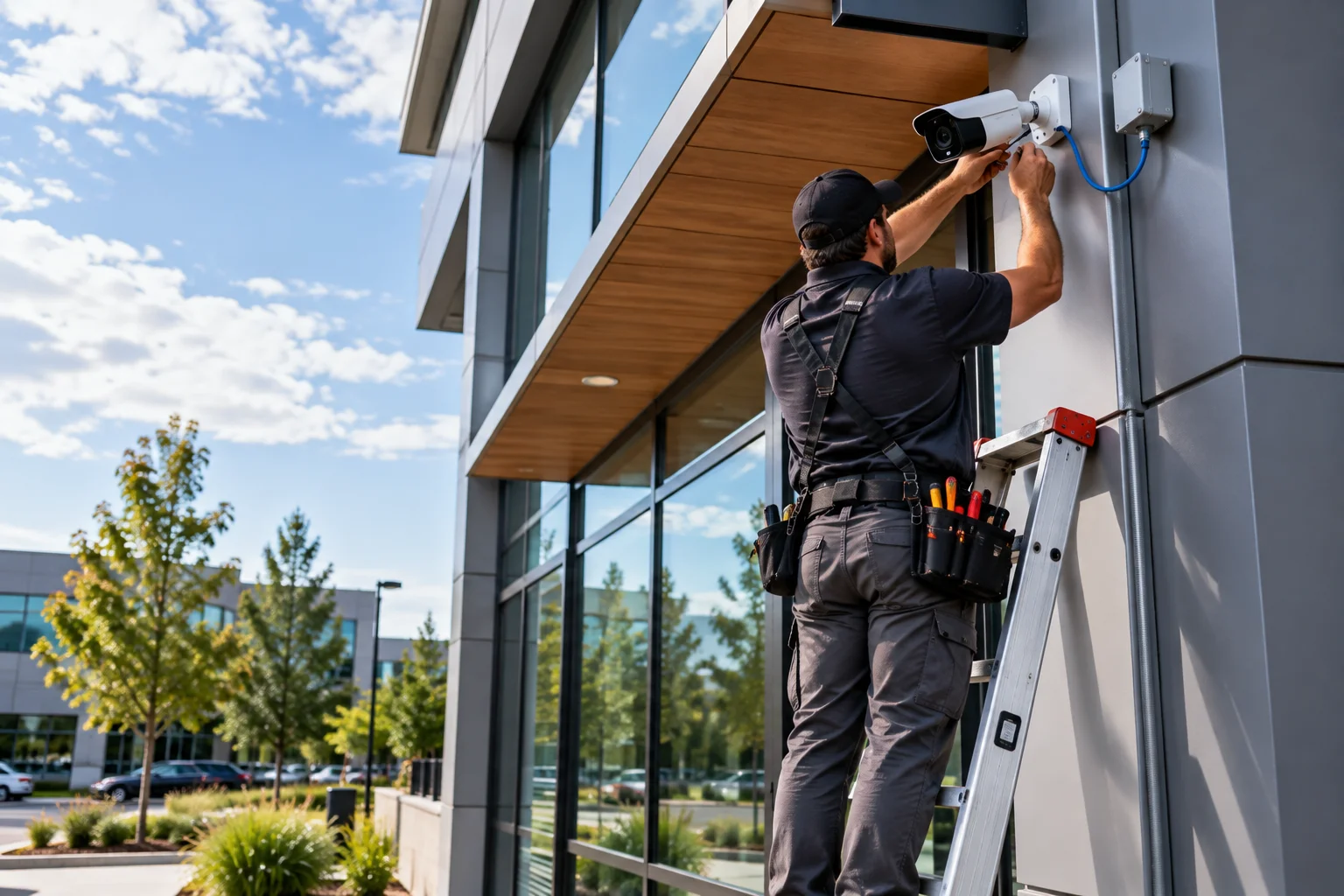
Yes, wireless cameras are usually easier to install because you don't need to run a dedicated video cable back to a recorder or network switch.
For a typical Wi-Fi camera, installation may involve mounting the camera, connecting its power supply, connecting it to Wi-Fi and configuring the manufacturer's app.
That makes wireless cameras particularly convenient for renters or homeowners who don't want to open walls or route Ethernet cables through the house.
Battery-powered models can be even more flexible because they don't require a nearby electrical outlet during normal operation.
The compromise is that the camera still needs a reliable wireless connection, and battery-powered models need periodic charging.
Are Wired Security Cameras More Reliable?
Wired cameras generally provide a more predictable connection because the camera's network traffic doesn't depend on Wi-Fi signal strength or wireless interference.
A Wi-Fi camera can experience connection problems if its signal is weak, the network is congested or the camera is separated from the router by several walls or other obstacles.
That doesn't mean wireless cameras are inherently unreliable. A well-designed Wi-Fi network can support security cameras effectively.
But wired Ethernet removes one major variable: the wireless link between the camera and network.
For a permanent outdoor camera, driveway camera or system with several cameras continuously recording, this can be an important consideration.
Do Wireless Security Cameras Need Power Cables?
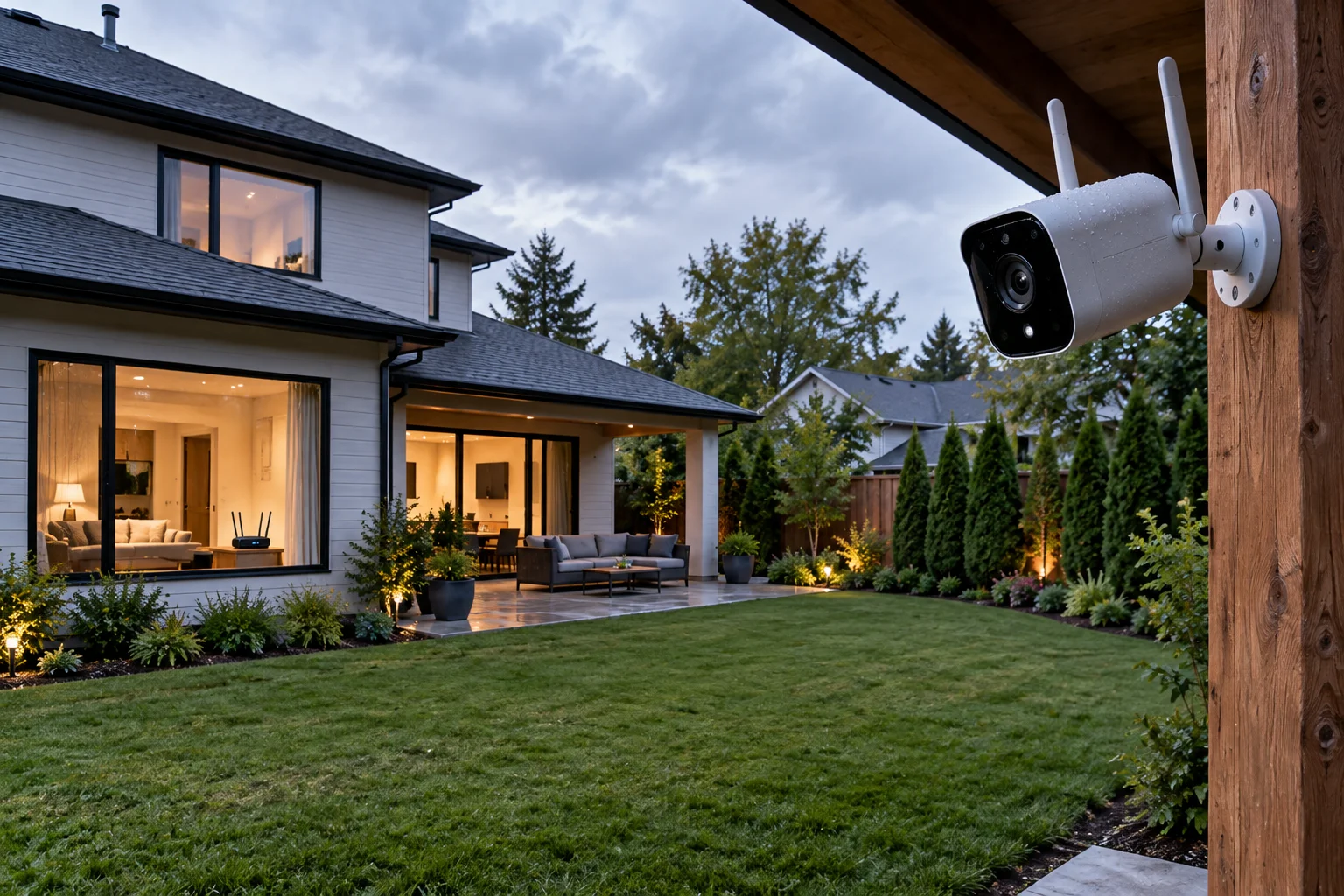
Many wireless cameras still need a power cable because “wireless” usually describes the data connection rather than the power source.
This is one of the most common misunderstandings when comparing security cameras.
A Wi-Fi camera can have:
Wireless video + wired power
Wireless video + rechargeable battery
Wireless video + solar-assisted power
A battery camera is genuinely cable-free during operation, but it isn't maintenance-free.
Frequent motion detection, high-resolution recording, cold weather and other factors can affect how often the battery needs to be recharged.
Which Is Better for Continuous Recording?
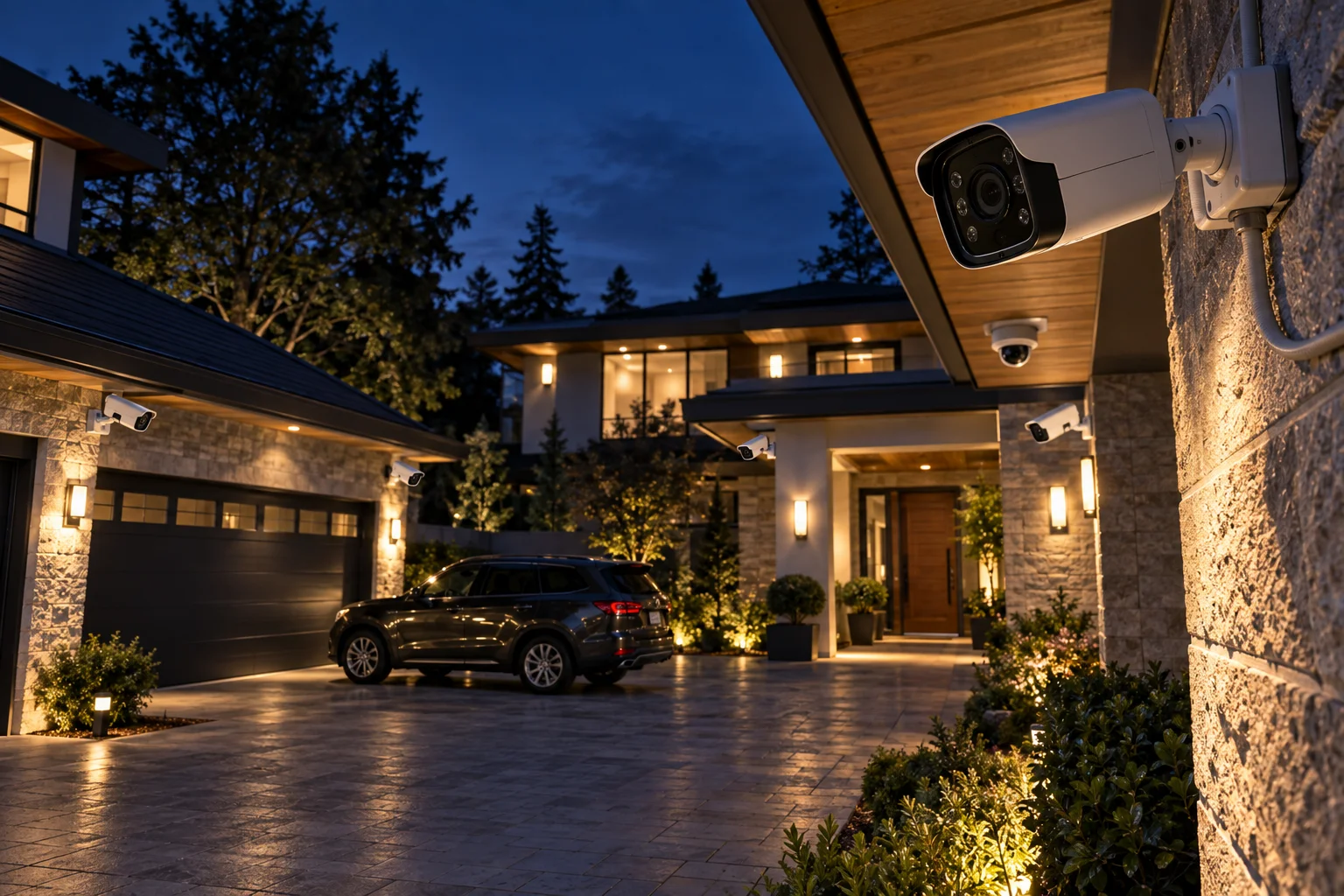
Wired cameras are generally better suited to continuous recording because they can remain powered continuously without relying on a rechargeable battery.
This matters if you want footage covering an entire period rather than recordings triggered only by motion.
Battery-powered cameras often use motion detection to conserve energy. That's useful for reducing battery consumption, but it means they may not operate in exactly the same way as a continuously powered surveillance camera.
If your priority is recording a driveway, entrance or property perimeter around the clock, a continuously powered wired camera can make more sense.
Which Has Better Video Quality?
Neither connection type automatically produces better image quality.
Resolution, image sensor, lens, bitrate, image processing and low-light performance are much more important factors.
A high-quality 2K or 4K Wi-Fi camera can produce better footage than a low-quality wired camera.
Likewise, a wired connection can make it easier for a camera system to maintain a consistent high-bitrate video stream, particularly when multiple cameras are operating simultaneously.
When comparing cameras, don't choose based on “wired” or “wireless” alone. Look at the actual imaging hardware and recording specifications.
What Happens If Wi-Fi Goes Down?
A Wi-Fi camera may lose remote access or cloud connectivity when the network goes down, although some models can continue recording locally.
The exact behavior depends on the camera.
A camera with local storage may continue saving footage to a microSD card even if internet access is temporarily unavailable.
A cloud-dependent camera may have fewer recording and remote-viewing options during an outage.
Wired cameras aren't automatically immune to outages either. If the router, network switch, NVR or power supply fails, the system can still be affected.
That's why it's useful to distinguish Wi-Fi failure, internet failure and power failure. They are different problems.
Which Is More Secure: Wired or Wireless?
Security depends more on the camera, network configuration and account protection than simply whether the camera is wired or wireless.
Wireless cameras introduce a Wi-Fi connection that needs to be secured. The FTC recommends using strong, unique passwords, enabling two-factor authentication when available, keeping camera software updated and securing the home Wi-Fi network. It also recommends checking whether the camera supports encryption for account information, livestreams and stored footage.
Wired cameras aren't automatically secure, either. If a wired IP camera is connected to the internet, it can still be exposed to account, software and network vulnerabilities.
For either type, look for:
Strong account authentication
Two-factor authentication
Encrypted connections
Regular firmware updates
Secure router configuration
Local storage options where appropriate
User-access controls
The FTC also recommends considering a separate network for cameras and other smart devices so that a compromise of one device doesn't provide easy access to other devices on the main network.
Which Is Better During a Power Outage?
Neither type is automatically better during a power outage; the backup-power design of the system matters more.
A wired camera normally depends on electrical power.
A Wi-Fi camera with a rechargeable battery can potentially continue operating when household power is unavailable, although its Wi-Fi router also needs power if remote connectivity is required.
A wired system connected to an uninterruptible power supply (UPS) can also continue operating during a short outage.
So if power resilience is important, look at the entire system:
Camera + router + recorder + network equipment + backup power
rather than just choosing wireless or wired.
Which Is Better for Outdoor Security?
Wired cameras are often practical for permanent outdoor installations, while wireless cameras are attractive when running cables is difficult.
Consider a driveway camera mounted far from the house.
If Ethernet cable can be professionally routed to the location, a PoE camera can provide both data and power through one cable.
If running cable would require major construction, a Wi-Fi camera may be considerably simpler.
Outdoor wireless cameras also need a strong enough Wi-Fi signal at the installation point. A camera that works perfectly inside the house may struggle when mounted at the far end of a property.
Wireless vs Wired Security Cameras: Which Should You Choose?
Choose wireless if installation flexibility and simplicity matter most; choose wired if stable connectivity and continuous surveillance are your priorities.
A wireless camera may make more sense if:
You want a DIY installation
You rent your home
You may move the camera later
Running cables is difficult
You prefer app-based monitoring
You want battery-powered options
A wired system may make more sense if:
You're installing cameras permanently
You want continuous recording
You have several cameras
You can run Ethernet cables
You want PoE
You want to minimize dependence on Wi-Fi
For many homes, a hybrid approach can also work well. Permanent exterior cameras can use wired connections, while indoor or temporary cameras can use Wi-Fi.
FAQs About Wireless and Wired Security Cameras
Are wireless security cameras completely wireless?
Not necessarily. Many Wi-Fi cameras still require a power cable. Battery-powered models can operate without a power cable during normal use.
Can a wireless camera record without Wi-Fi?
Some can, particularly models with local storage. However, features such as remote viewing and cloud recording generally require network connectivity.
Do wired cameras need the internet?
Not necessarily. A camera system can record locally without internet access, depending on its design. Internet access is mainly needed for remote viewing, cloud services and other connected features.
Are wired cameras harder to install?
Usually, yes. Running Ethernet or other video cables can require more planning and physical installation work than mounting a Wi-Fi camera.
Can wireless cameras be hacked?
Any internet-connected camera can present cybersecurity risks. The FTC recommends strong passwords, software updates, encryption and two-factor authentication where available.
Is PoE better than Wi-Fi for security cameras?
PoE can simplify permanent installations because one Ethernet cable can provide network connectivity and power. Wi-Fi is more convenient when running cable isn't practical.
The Bottom Line
Wireless cameras win on installation flexibility, while wired cameras have an advantage for permanent, continuously powered surveillance.
The choice isn't really about which technology is universally better. It's about matching the camera to the property.
For a renter or someone who wants a quick DIY setup, Wi-Fi can be extremely convenient. For a homeowner building a permanent multi-camera system, wired Ethernet or PoE can provide a more predictable infrastructure.
And whichever system you choose, don't overlook cybersecurity. A security camera is protecting your home, but it's also collecting video from inside or around it. Strong account security, encryption, software updates and a properly secured network are just as important as the camera's resolution.