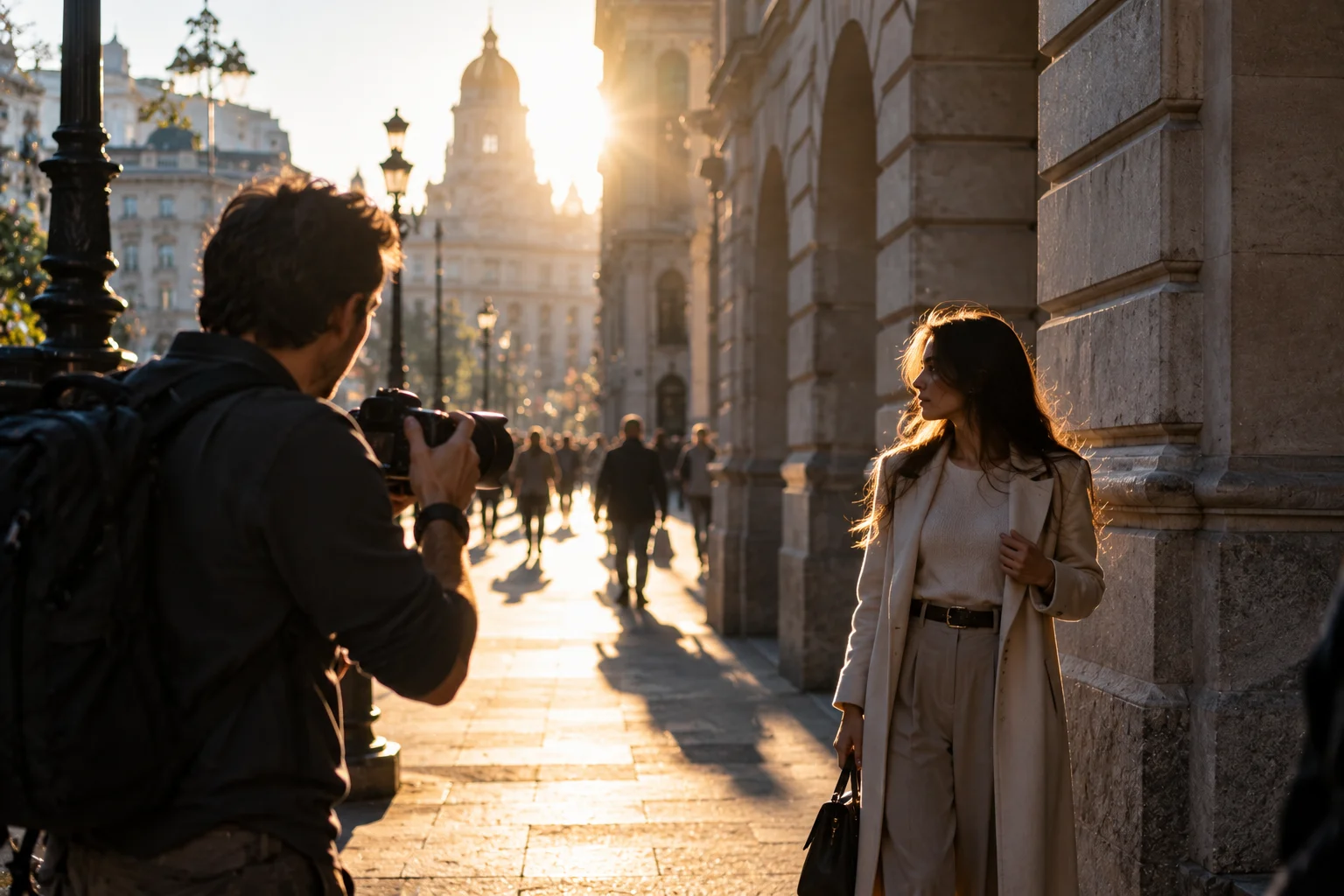
Outdoor photography gives you something photographers always want: light.
But plenty of light doesn't automatically mean great photographs.
Bright midday sun can create harsh shadows. A wide-open aperture can leave parts of a portrait out of focus. A slow shutter speed can turn a moving subject into a blur. Auto white balance can also shift the look of your images as you move between sunlight and shade.
The good news is that you don't need to manually control every setting before taking a photograph.
For most outdoor situations, start by controlling the settings that have the biggest effect on exposure, depth of field, motion and focus. Aperture, shutter speed and ISO form the basic exposure triangle, while white balance, autofocus, metering and image format determine how the camera records the scene.
If you're heading outside with a DSLR, these are the 10 settings worth checking first.
1. Choose Aperture Priority or Manual Mode
Aperture Priority is the easiest starting point for general outdoor photography, while Manual mode gives you complete control when lighting is consistent.
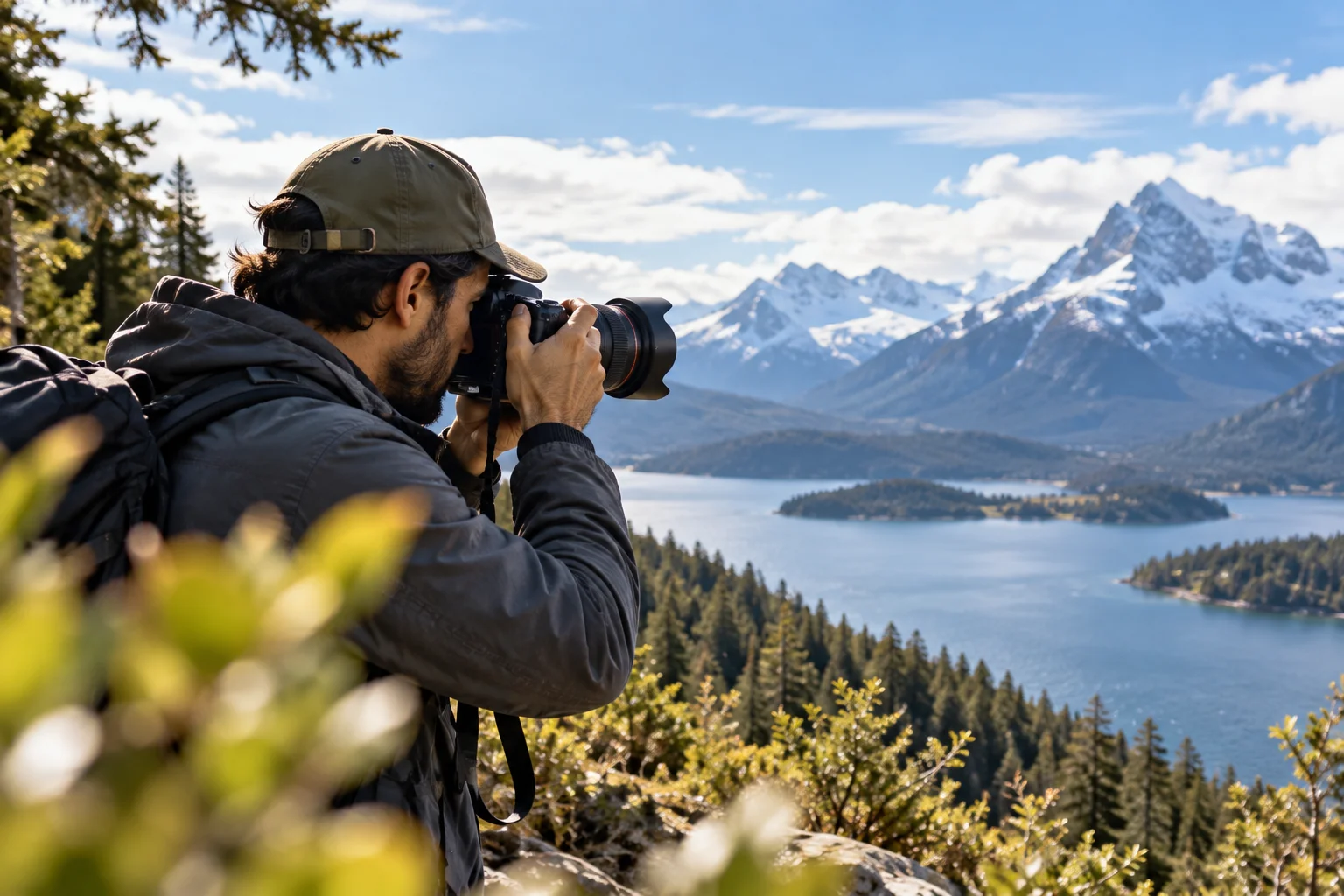
On many cameras, Aperture Priority is marked A or Av. You choose the aperture and the camera automatically selects an appropriate shutter speed.
That's useful outdoors because you can control how much of the scene appears sharp without constantly adjusting two exposure controls.
For example:
Landscape: start around f/8
Group photo: around f/5.6–f/8
Portrait: around f/2.8–f/5.6 depending on the lens and desired depth of field
Action: use a wider aperture if you need more shutter speed
Sony recommends around f/8 as a starting point for many landscape scenes because it can provide broad depth of field while maintaining good sharpness.
Manual mode becomes more useful when the lighting isn't changing and you want consistent exposure across a series of photographs.
The important thing is to understand that aperture isn't simply an exposure control. It also determines how much of the scene appears acceptably sharp.
2. Set the Aperture for the Subject, Not Just the Light
Choose aperture according to the depth of field you want, then use shutter speed and ISO to complete the exposure.
A lower f-number means a larger aperture.
For example:
f/2.8 → larger opening → more light → shallower depth of field
f/8 → smaller opening → less light → greater depth of field
That gives you two very different outdoor looks.
For a portrait, f/2.8 can help separate the person from the background.
For a landscape, f/8 can help keep foreground and background elements sharp.
But don't assume that f/22 automatically produces the sharpest possible landscape. Very small apertures can introduce diffraction and reduce fine detail on some cameras and lenses.
A practical starting point for many outdoor landscapes is f/8 to f/11, then adjust according to the scene and lens.
3. Keep ISO as Low as Practical
Use the lowest ISO that allows you to maintain the shutter speed and aperture you need.
Outdoor light usually gives you an opportunity to keep ISO relatively low.
ISO 100 or 200 is a common starting point on cameras that offer those settings.
Lower ISO generally means less amplification of the sensor signal, which can produce cleaner images with less visible noise. Sony describes the camera's base ISO as the setting that provides the best image quality, least noise and widest dynamic range when sufficient light is available.
But don't become obsessed with keeping ISO at its minimum.
If you're photographing a bird at 1/2000 sec and ISO 100 produces an underexposed image, increasing ISO is the correct move.
A slightly noisier sharp photograph is generally more useful than a technically clean photograph ruined by motion blur.
A useful outdoor starting range
Situation | Starting ISO |
|---|---|
Bright sunlight | ISO 100–200 |
Overcast conditions | ISO 200–400 |
Open shade | ISO 200–800 |
Late afternoon | ISO 400–800+ |
Fast action in lower light | ISO 800+ |
These are starting points, not rules.
The camera's sensor, lens, available light and desired shutter speed all influence the final ISO.
4. Set a Fast Enough Shutter Speed
Your shutter speed should be fast enough to prevent the type of motion blur you don't want.
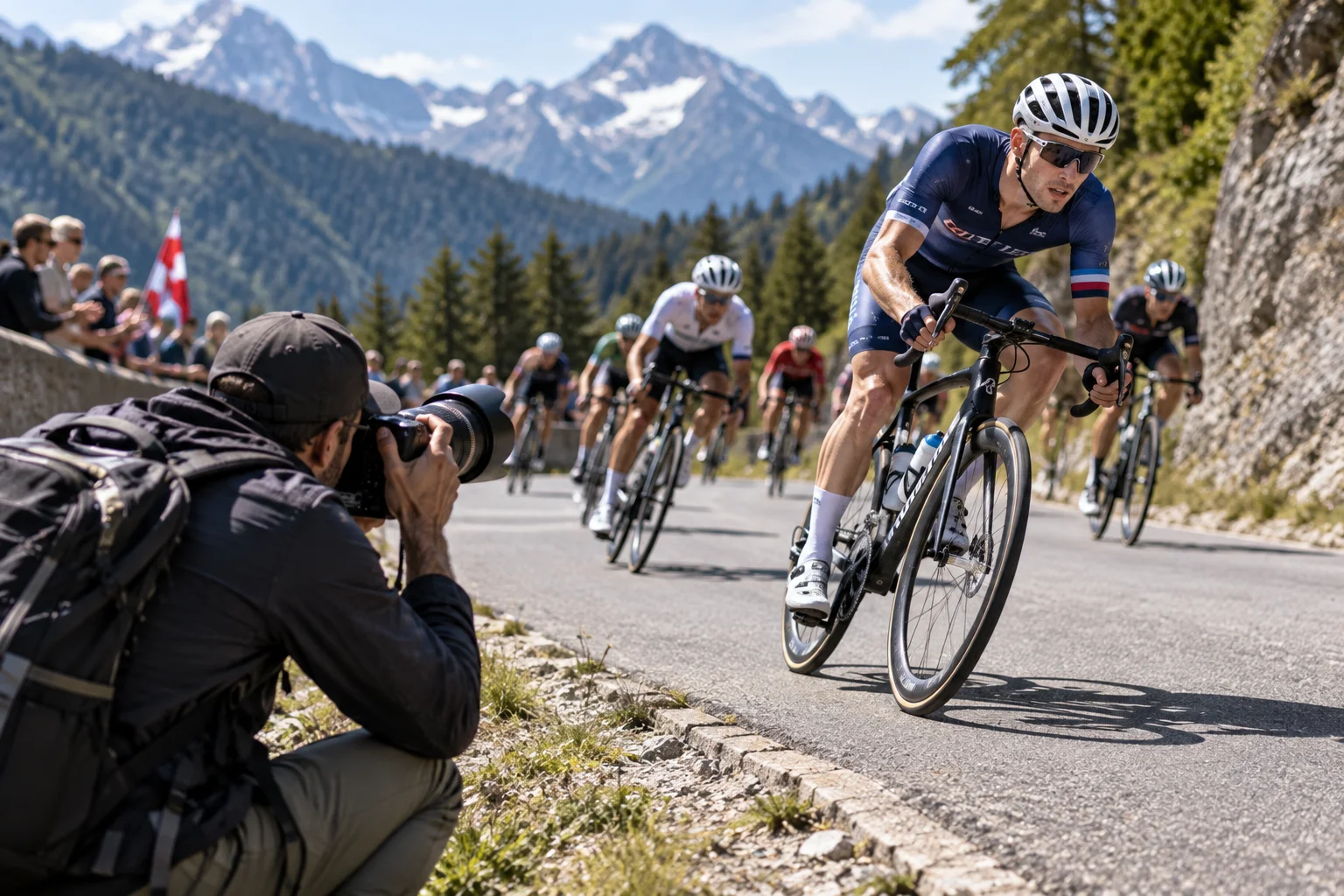
Shutter speed controls how long the sensor is exposed to light.
A slower shutter speed lets in more light but increases the risk of blur.
A faster shutter speed reduces the time available for movement to register.
For example:
1/60 sec: relatively slow for handheld action
1/125 sec: useful for relatively stationary subjects
1/250 sec: good starting point for moderate movement
1/500 sec: useful for faster action
1/1000 sec or faster: useful for sports and wildlife
Nikon recommends around 1/500 sec as a minimum starting point for sports and 1/1000 sec or faster for more demanding action, depending on the subject.
Sony similarly recommends increasing shutter speed when you need to freeze movement.
For landscapes, you can usually use a much slower shutter speed if the camera is stable and the subject isn't moving.
5. Decide Whether to Use Auto ISO
Auto ISO can make outdoor shooting much easier when the light or subject movement changes quickly.
For example, suppose you're photographing a person walking between sunlight and shade.
You want to maintain:
f/4 for your desired depth of field
at least 1/250 sec for movement
Instead of manually changing ISO every time the light changes, Auto ISO can allow the camera to adjust sensitivity automatically.
Nikon's Auto ISO system can be configured with a minimum shutter speed, allowing ISO to increase when available light falls below the level required to maintain that shutter speed.
This can be particularly useful for:
Street photography
Outdoor portraits
Wildlife
Sports
Travel photography
Changing weather
For a controlled landscape scene on a tripod, however, manually selecting a low ISO may give you more predictable results.
6. Choose the Right Autofocus Mode
Use Single AF for stationary subjects and Continuous AF for subjects that are moving.
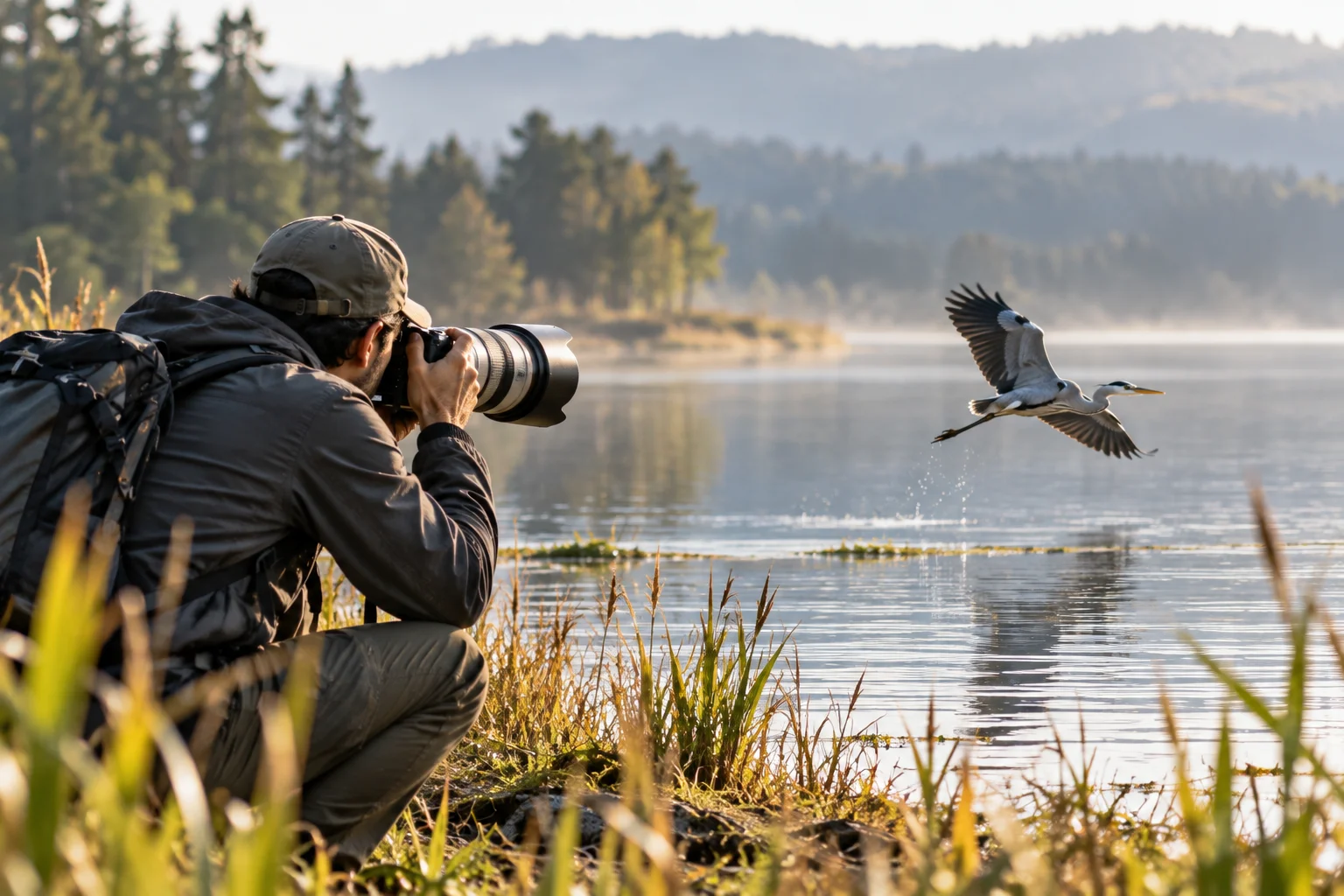
Different manufacturers use different names, but the basic idea is consistent.
For a stationary landscape or posed portrait, a single-shot autofocus mode can work well.
For a runner, cyclist, bird or child moving toward you, use continuous autofocus.
Sony calls these AF-S and AF-C, respectively. Its guidance recommends AF-C for subjects that are moving.
For action photography, continuous autofocus allows the camera to keep adjusting focus instead of locking focus once and waiting for you to take the picture.
If your DSLR offers subject tracking or an appropriate dynamic-area AF mode, that's worth experimenting with for unpredictable movement.
7. Select the Appropriate Focus Area
Use a single or small focus point when you need precision, and a wider or dynamic focus area when your subject is moving unpredictably.
For example, photographing a flower against a distracting background is very different from photographing a football player running across a field.
A small focus area gives you more control over exactly what the camera prioritizes.
A wider AF area gives the camera more opportunity to maintain focus when your subject moves.
Don't automatically use the largest possible focus area for everything.
You want the camera to have enough freedom to track the subject without giving it so much freedom that it focuses on the wrong object.
8. Check Your Metering Mode
Matrix or evaluative metering is a good general-purpose starting point for outdoor photography, but challenging lighting may require center-weighted or spot metering.
Your camera's meter estimates how bright the scene is and helps determine the exposure.
Common options include:
Evaluative/Matrix: considers a large portion of the frame
Center-weighted: gives greater importance to the center
Spot: measures a very small area
For general outdoor photography, evaluative or matrix metering is usually the easiest place to start.
Nikon recommends Matrix Metering as a starting point for photographers learning portrait exposure.
Spot metering becomes particularly useful when the subject and background have dramatically different brightness levels.
Think of a person standing in front of a bright sky.
The camera may try to balance the entire scene and leave the person's face too dark.
In that situation, metering specifically from the subject can provide a better starting exposure.
9. Set White Balance for the Light
Auto White Balance is convenient, but selecting Daylight, Cloudy or Shade can give outdoor images more consistent color.
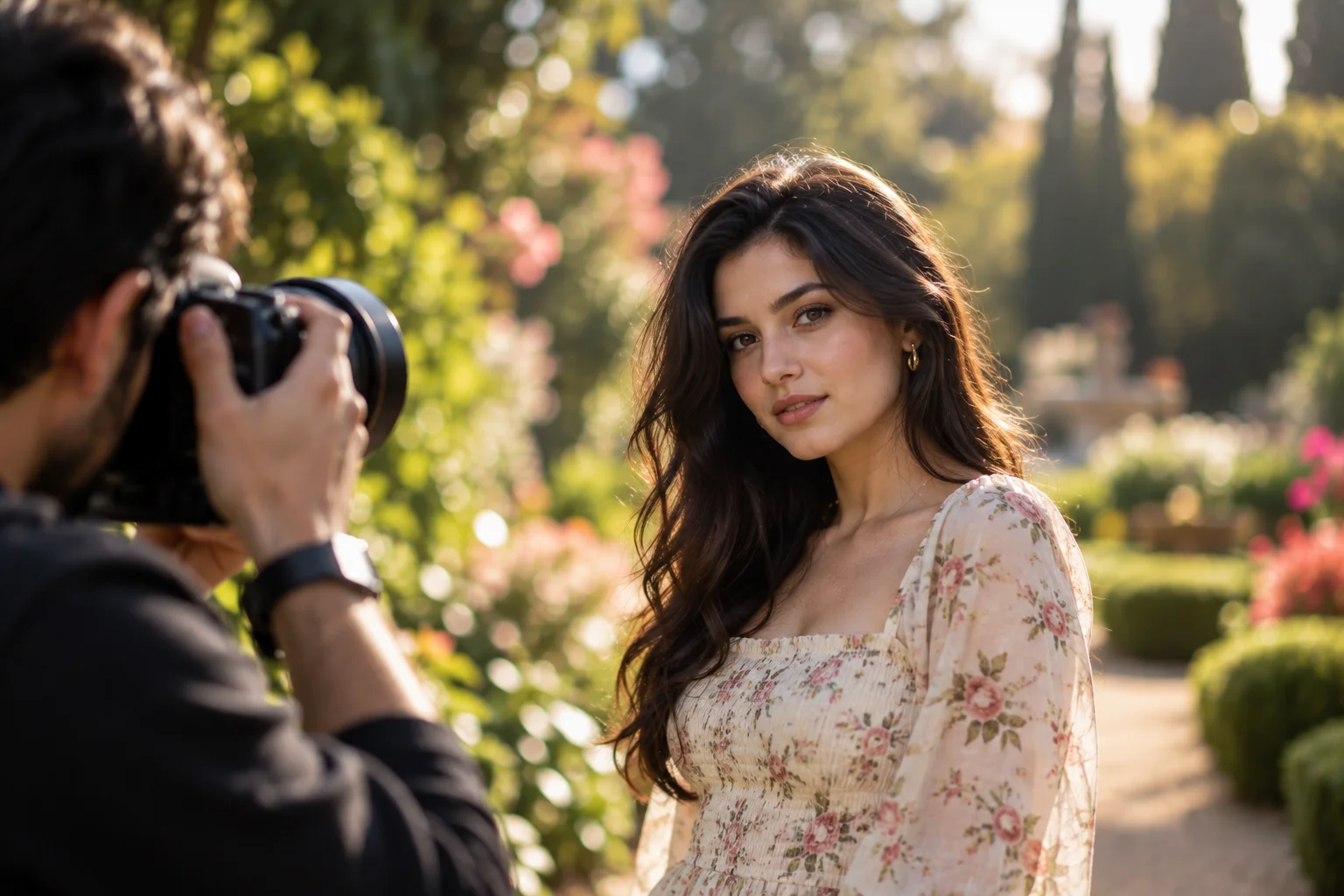
White balance tells the camera what neutral white should look like under the current lighting.
Outdoor light changes constantly.
You might photograph:
Direct sunlight → open shade → cloudy conditions → sunset
All of those have different color characteristics.
Common outdoor settings include:
Daylight: direct sun
Cloudy: overcast conditions and a warmer appearance
Shade: often warmer than direct sunlight
Auto: camera determines the white balance
Canon notes that outdoor conditions can vary substantially with time of day and weather, and recommends choosing the preset that best matches the light when appropriate.
There's another reason to shoot RAW.
If you're recording RAW files, white balance can be changed extensively during editing without the same restrictions you have with a finished JPEG.
10. Shoot RAW or RAW + JPEG
RAW gives you significantly more flexibility when correcting exposure, white balance and other image characteristics during editing.
JPEG files are processed inside the camera before being saved.
The camera applies its chosen:
White balance
Picture style
Sharpening
Contrast
Color processing
Noise reduction
RAW files retain much more of the underlying sensor data for later processing.
That becomes particularly valuable outdoors because you can encounter very high dynamic range.
A landscape might contain:
dark foreground + medium-tone mountains + extremely bright sky
A RAW file gives you more flexibility when recovering and balancing those tones during post-processing.
If you need immediately usable images, RAW + JPEG can be a practical compromise.
A Good Outdoor DSLR Starting Setup
If you're unsure where to begin, this is a useful general-purpose setup for a bright outdoor scene.
Setting | Starting point |
|---|---|
Shooting mode | Aperture Priority |
Aperture | f/5.6–f/8 |
ISO | 100–200 |
Shutter speed | Let camera choose, but monitor it |
White balance | Auto or Daylight |
AF mode | Single AF for still subjects |
AF area | Single/small point |
Metering | Evaluative/Matrix |
Image format | RAW or RAW + JPEG |
Drive mode | Single shot |
Then change the settings based on the subject.
For outdoor portraits
Try:
Aperture: f/2.8–f/5.6
ISO: 100–400
Shutter speed: 1/250 sec or faster
AF: Single AF for a posed subject
Metering: Evaluative/Matrix
WB: Auto or Daylight
A wider aperture can separate your subject from the background, but don't automatically use the widest aperture available. Nikon points out that an extremely shallow depth of field can make it harder to keep the desired parts of a portrait sharp.
For outdoor landscapes
Try:
Aperture: f/8–f/11
ISO: 100
Shutter speed: determined by light
AF: Single AF
AF area: Single point
Metering: Matrix/Evaluative
WB: Daylight or Auto
Tripod: when shutter speed becomes too slow
Sony recommends Aperture Priority and an aperture around f/8 as a starting point for many landscape situations.
For outdoor sports and wildlife
Try:
Aperture: f/2.8–f/5.6
Shutter speed: 1/500–1/2000+ sec
ISO: Auto ISO or manually raised
AF: Continuous AF
AF area: Dynamic/Wide/Tracking
Drive mode: Continuous burst
Metering: Matrix/Evaluative
Nikon recommends high shutter speeds for stopping sports action, while Sony recommends Shutter Priority and continuous autofocus when dealing with fast-moving subjects.
What Should You Change First When the Photo Looks Wrong?
Change the setting that controls the specific problem rather than randomly adjusting everything.
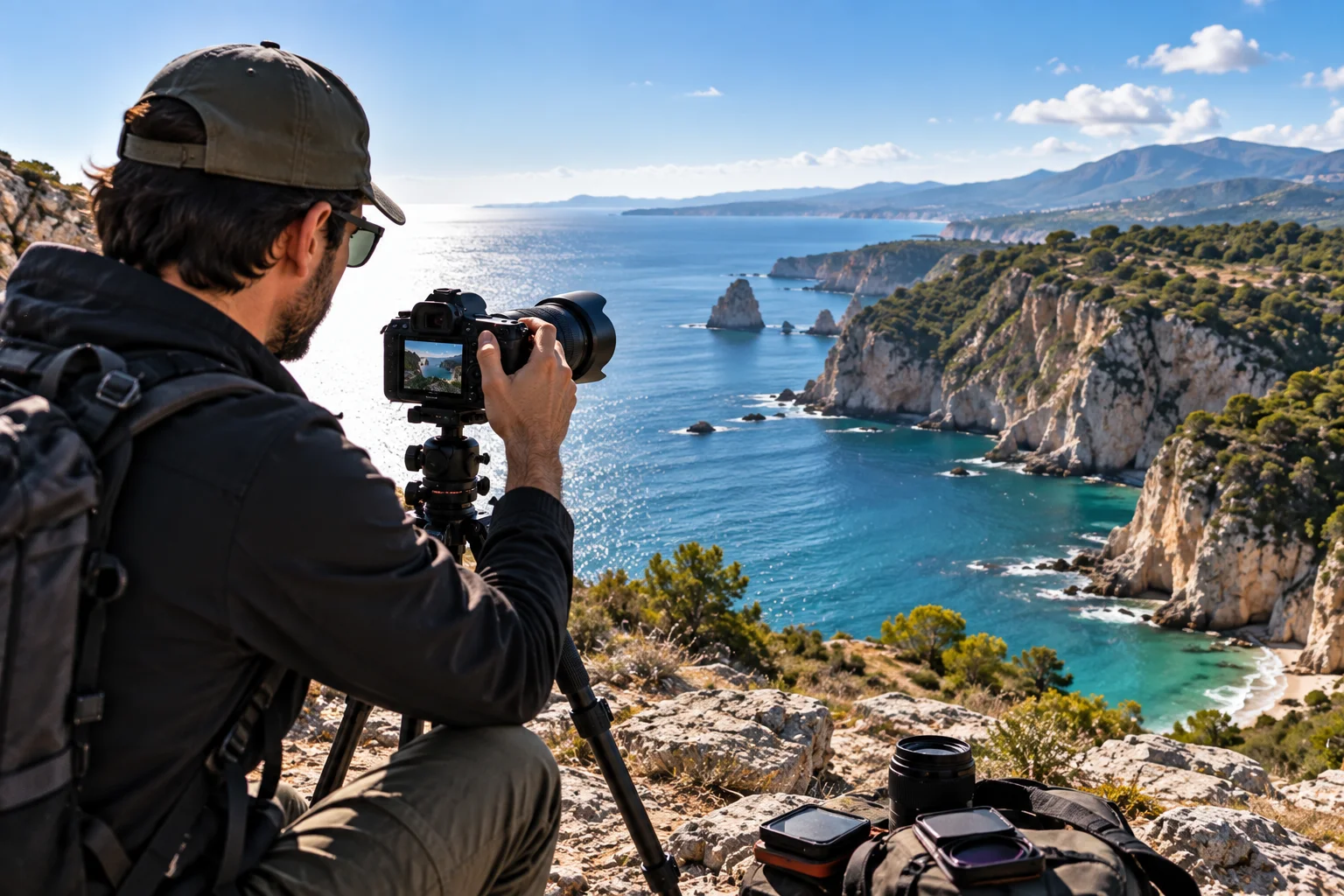
The image is blurry
First check shutter speed.
If the subject moved, increase it.
If camera shake caused the problem, increase it or stabilize the camera.
The background isn't blurred enough
Open the aperture.
Move toward the subject or use a longer focal length if appropriate.
The entire landscape isn't sharp
Try a smaller aperture such as f/8 or f/11, and make sure your focus point is appropriate for the scene.
The photograph is noisy
Lower ISO if you have enough light, or use a slower shutter speed if the subject and camera can remain still. Higher ISO increases signal amplification and can increase visible noise.
The subject is too dark
Check your metering and exposure compensation.
If the subject is backlit, consider metering more deliberately on the subject or using fill flash where appropriate.
The colors look too blue or orange
Check white balance.
Auto White Balance may be perfectly acceptable, but Daylight, Cloudy or Shade can provide more predictable results in consistent outdoor light.
Should You Always Use Manual Mode Outdoors?
No. Manual mode isn't automatically better; it is simply another way to control exposure.
For landscapes with consistent lighting, Manual can be excellent because every frame can have the same exposure.
For rapidly changing outdoor conditions, Aperture Priority with Auto ISO can be much faster.
For sports, Shutter Priority or Manual with Auto ISO can help you protect the shutter speed you need.
The goal isn't to use the most complicated mode.
The goal is to control the setting that matters most for the photograph you're trying to make.
The Bottom Line: The Best Outdoor Camera Settings Depend on the Shot
There is no single combination of DSLR settings that produces a perfect outdoor photograph.
Instead, start with the three controls that determine exposure:
Aperture → controls depth of field and light
Shutter speed → controls motion and light
ISO → controls sensor signal amplification and exposure
Then set autofocus, metering, white balance and image format around the subject and lighting conditions.
For a general sunny outdoor scene, a strong starting point is:
Aperture Priority + f/5.6–f/8 + ISO 100–200 + Auto/Daylight WB + Evaluative/Matrix metering + appropriate AF mode + RAW.
From there, adapt.
For a landscape, prioritize depth of field and low ISO.
For a portrait, prioritize aperture and subject focus.
For sports or wildlife, prioritize shutter speed and continuous autofocus.
That's a much more reliable approach than memorizing one "perfect" camera setup.
And once you start thinking in terms of what you want the photograph to look like, rather than simply which settings a photographer on the internet recommends, outdoor photography becomes much easier to control.
FAQs
What is the best ISO for outdoor photography?
ISO 100–200 is a useful starting point in bright conditions when your camera supports those settings. Increase ISO when you need a faster shutter speed or more exposure. Lower ISO generally provides less noise and can maximize image quality when sufficient light is available.
What aperture should I use for outdoor photography?
For landscapes, f/8 is a useful starting point. For portraits, a wider aperture such as f/2.8–f/5.6 can provide more background separation. The exact choice depends on the desired depth of field and lens.
What shutter speed should I use outside?
For stationary subjects, 1/125 sec or faster can be a useful handheld starting point, although focal length and image stabilization affect the minimum. For sports and fast action, 1/500 sec or faster is often appropriate, with 1/1000 sec or higher useful for particularly fast movement.
Should I use Auto ISO outdoors?
You can. Auto ISO is particularly useful when lighting changes or when you need to maintain a minimum shutter speed. Nikon's implementation allows photographers to specify a minimum shutter speed before ISO increases automatically.
Should I use Auto White Balance outside?
Auto White Balance is a good general-purpose choice. Daylight, Cloudy and Shade can be useful when you want more consistent color or a specific warmth in your photographs.
Should I shoot RAW or JPEG outdoors?
RAW is preferable when you plan to edit your photographs and want greater flexibility with exposure and white balance. RAW + JPEG is useful if you want both an editable original and an immediately usable file.
What autofocus mode is best for moving subjects outdoors?
Continuous autofocus, such as AF-C on Sony cameras, is designed to keep adjusting focus as a subject moves.
What metering mode should I use outdoors?
Evaluative or Matrix metering is a good general-purpose starting point. Spot metering can be useful when your subject's brightness differs substantially from the background.
Should I use a tripod for outdoor photography?
Not always. Handheld shooting is often preferable for people, wildlife and action. A tripod becomes useful for landscapes, long exposures and situations where you want to use a slow shutter speed while keeping ISO low. Sony recommends a tripod and low ISO for long-exposure night scenes, for example.
What are the three most important camera settings?
Aperture, shutter speed and ISO form the fundamental exposure controls. Aperture also affects depth of field, while shutter speed affects motion blur and ISO affects signal amplification and image noise.