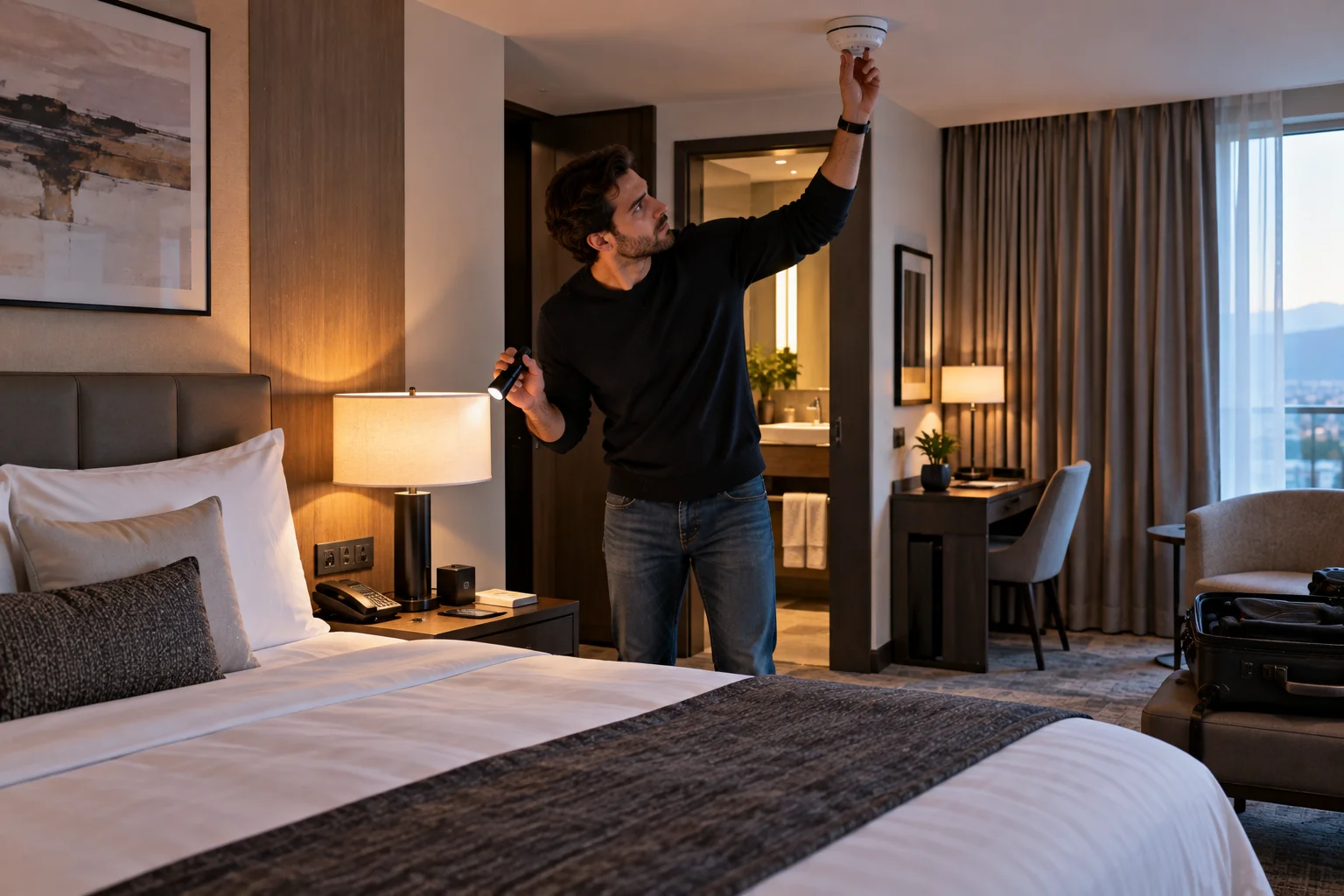
Finding a hidden camera in a hotel room, vacation rental or private space is a disturbing possibility, particularly when the device is placed somewhere you reasonably expect privacy. Fortunately, you don't need specialized surveillance equipment to perform a sensible first check.
The most effective approach is layered detection: inspect the room physically, look for unusual devices or objects, check the local network when appropriate, and use your phone's camera or a dedicated detector only as supporting tools.
No single technique can find every hidden camera. A camera might be wired, battery-powered, offline, recording to local storage or disguised inside an ordinary-looking object. Similarly, phone apps that claim to detect “all hidden cameras” can produce false positives.
There is also an important distinction between a disclosed security device and an unauthorized recording device. For example, Airbnb currently prohibits hosts from having security cameras or recording devices monitoring the interior of home listings, even if the devices are switched off or disconnected, and specifically prohibits hidden cameras. Exterior cameras must be disclosed.
Where Are Hidden Cameras Commonly Concealed?
The first step is to look for objects that have an unexplained view of areas where people expect privacy.
A camera needs a lens with a reasonably unobstructed field of view. That makes certain objects worth inspecting more carefully:
Smoke or other ceiling-mounted devices
Alarm clocks
USB chargers
Power adapters
Lamps
Speakers
Air purifiers
Decorative objects
Picture frames
TV or streaming equipment
Unfamiliar electronics
Objects positioned unusually close to beds or bathrooms
The goal isn't to assume that an ordinary device is a camera. Instead, ask whether its location, wiring and function make sense.
A legitimate smoke detector, for example, has an obvious safety purpose. An unfamiliar electronic device pointed directly toward a bed with no obvious reason for being there deserves closer attention.
How to Perform a Physical Room Inspection
A careful visual inspection is one of the most useful first steps because it doesn't depend on wireless connectivity or camera software.
Start with the areas where privacy matters most.
Look for:
Unfamiliar objects.
Tiny circular openings that could contain lenses.
Devices facing beds, showers or seating areas.
New or modified fixtures.
Unexplained wires or power supplies.
Objects that seem unnecessarily positioned toward the room.
Electronics that don't appear to serve their advertised purpose.
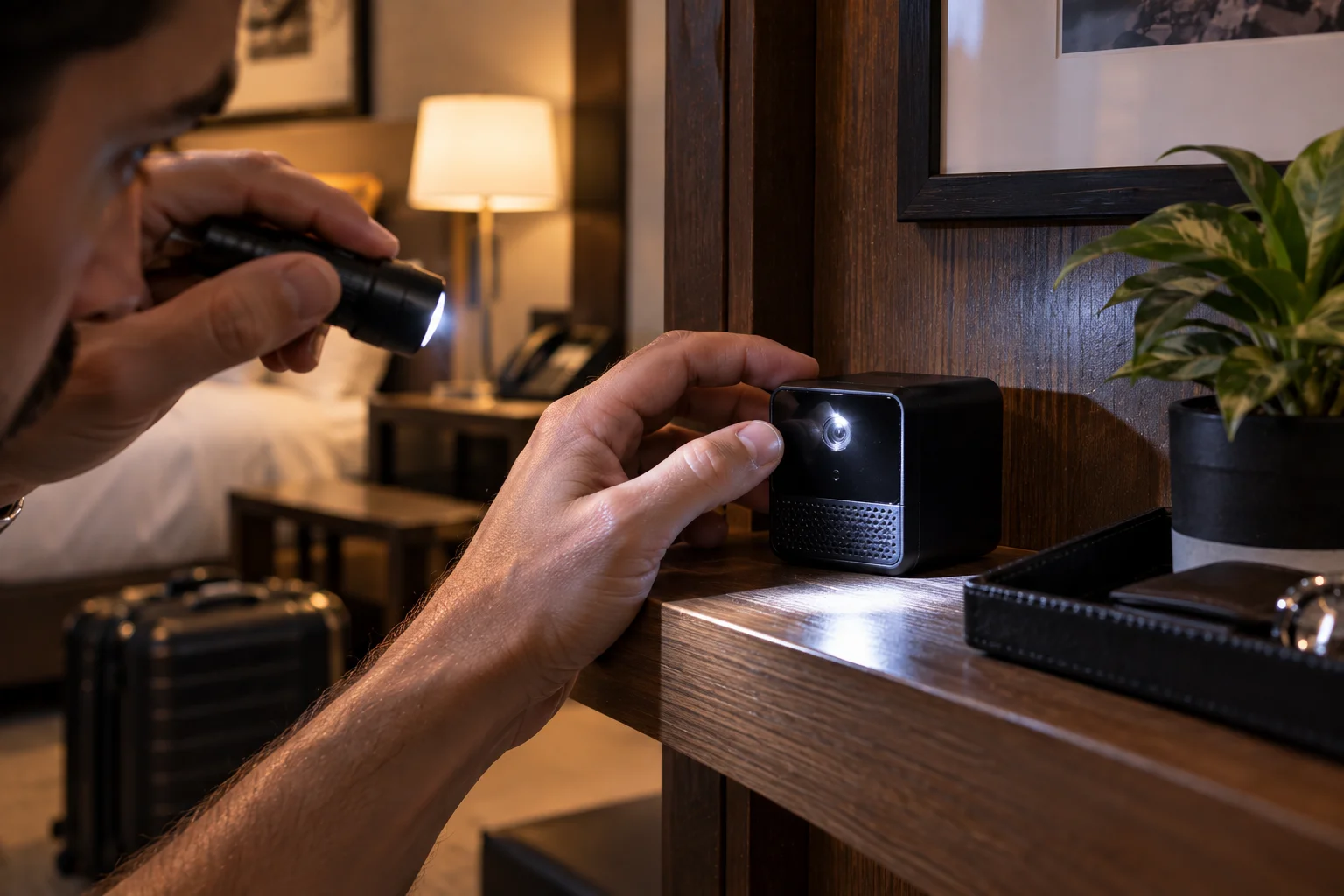
Use a flashlight at different angles to inspect suspicious objects. A camera lens can sometimes reflect light distinctly from the surrounding material.
However, a reflection alone does not prove that you've found a camera. Glass, polished plastic, LEDs and other components can produce similar reflections.
Can Your Phone Camera Detect Hidden Cameras?
A smartphone camera can sometimes help identify infrared illumination, but it isn't a universal hidden-camera detector.
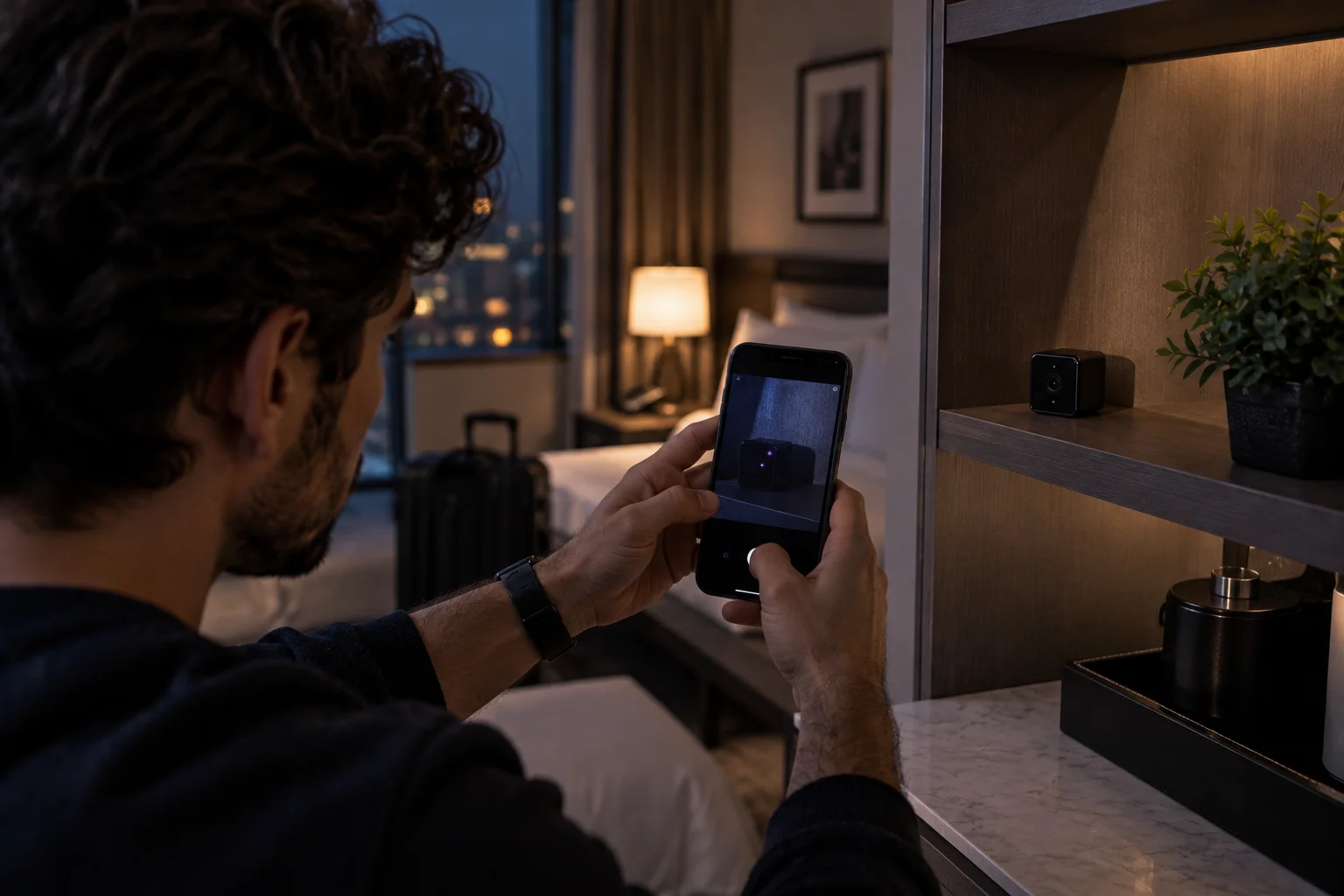
Some night-vision cameras use infrared LEDs that are invisible to the human eye but can be visible to certain smartphone camera sensors.
You can test your phone first with a known infrared source, such as a compatible TV remote:
Open your phone's camera.
Point the remote at the camera.
Press a button on the remote.
Check whether you can see the infrared LED lighting up on your screen.
If your phone can see the infrared light, you can use the camera as a supplementary inspection tool in a darkened room.
Move slowly around suspicious objects and look for unusual points of light.
But this method has major limitations. A camera without infrared illumination won't necessarily appear, and some phones filter infrared differently between their front and rear cameras.
So a negative result doesn't prove that the room is free of cameras.
Can You Find Hidden Cameras by Checking Wi-Fi?
Network inspection can reveal some connected devices, but it cannot detect every camera.
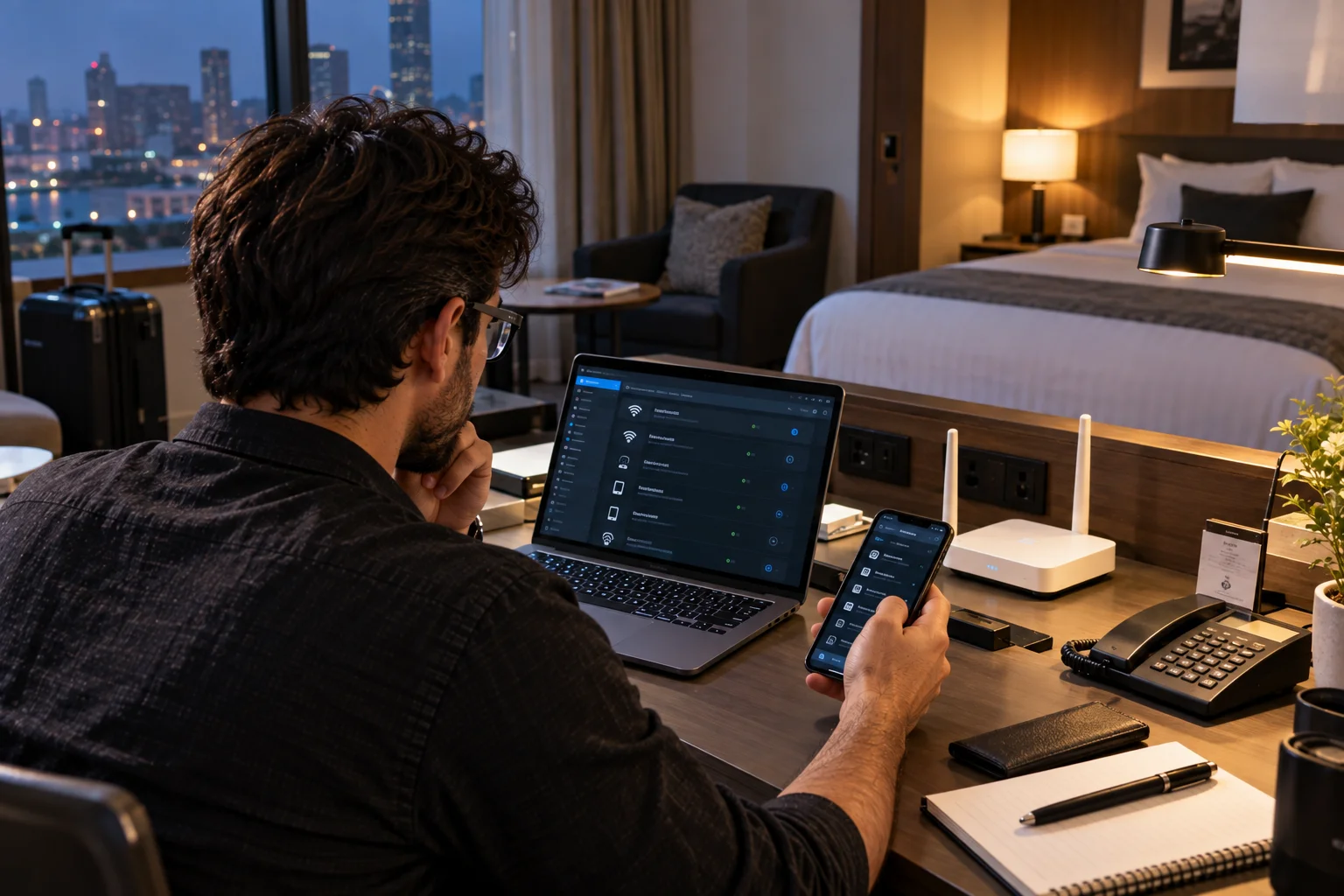
If you're using the property's Wi-Fi, a network-scanning tool may show devices connected to the same network.
You might see unfamiliar entries such as:
IP cameras
Network video devices
Smart-home equipment
Unknown manufacturers
Devices with generic names
But don't immediately assume an unfamiliar device is surveillance equipment.
A rental may legitimately contain:
Smart TVs
Streaming boxes
Smart speakers
Routers
Thermostats
Smart locks
Printers
Appliances
A camera can also avoid appearing on the network altogether by recording to a local memory card, using another network or remaining offline.
That's why network scanning should be treated as supporting evidence rather than proof.
Do Hidden Camera Detector Apps Really Work?
They can provide useful clues, but you shouldn't rely on a phone app alone to establish that a hidden camera exists or doesn't exist.
Many apps advertise magnetic-field detection, infrared detection or network scanning.
The problem is that phones contain multiple radios, sensors and electronic components, and rooms contain many sources of electromagnetic interference.
A magnetic sensor can react to ordinary electronics.
A network scanner can identify legitimate smart devices.
An infrared detector can miss cameras that don't use infrared illumination.
Use these tools to investigate something suspicious rather than treating an app's warning as definitive evidence.
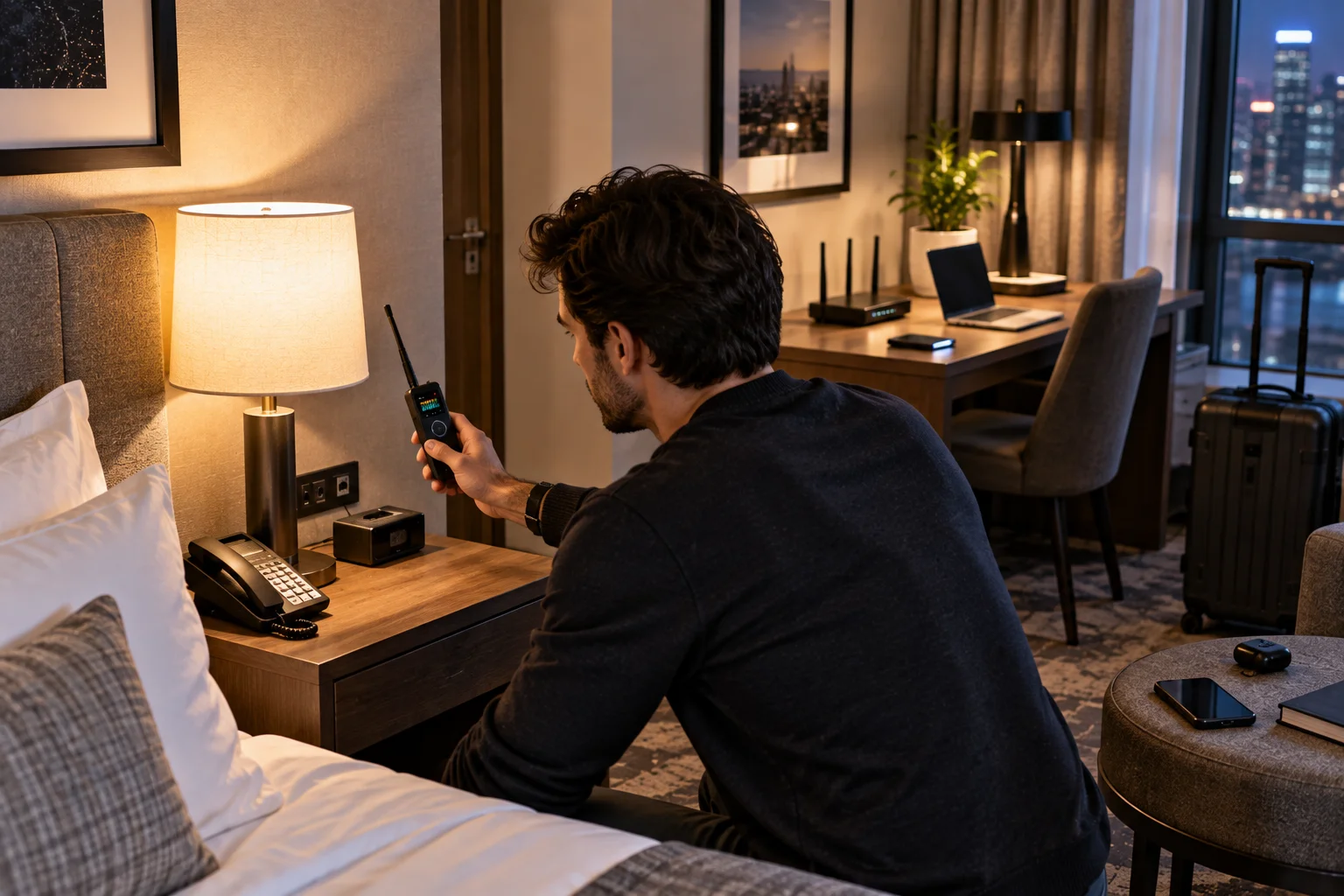
What About RF Detectors?
RF detectors can identify some transmitting devices, but they cannot detect cameras that aren't actively transmitting.
A wireless camera may transmit video over Wi-Fi or another radio connection. An RF detector can sometimes identify radio-frequency activity around such a device.
But a camera recording to local storage doesn't need to transmit anything.
RF detectors can also react to legitimate sources such as:
Wi-Fi routers
Bluetooth devices
Mobile phones
Wireless access points
Smart-home equipment
For that reason, RF detection works best when combined with physical inspection rather than used as a standalone test.
What Should You Do If You Find a Suspicious Camera?
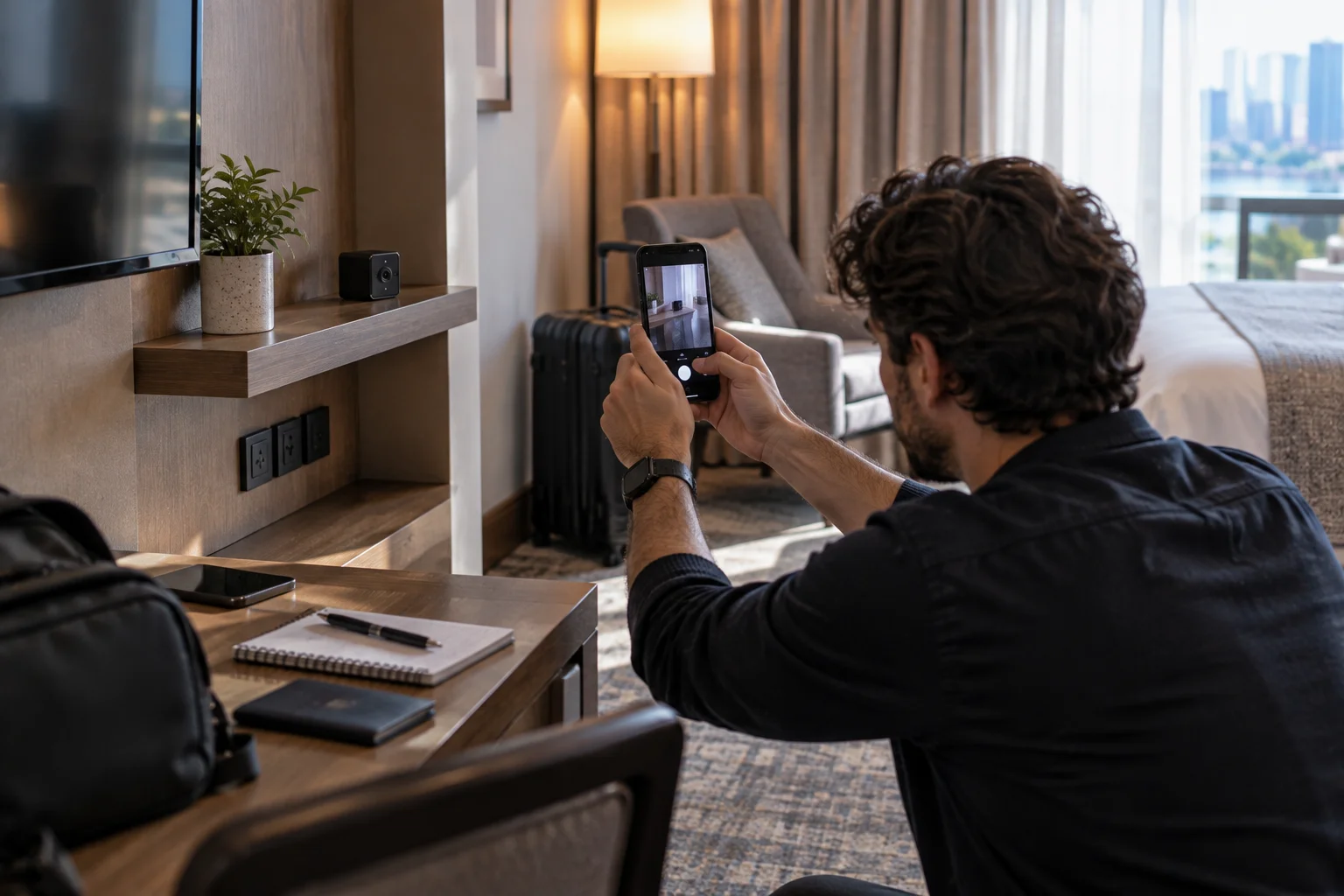
Don't immediately dismantle or destroy the device. Preserve the situation and document what you found.
If you believe you've found an unauthorized recording device:
Photograph the device in its original position.
Record the surrounding area.
Note the date and time.
Avoid unnecessarily handling it.
Leave the area if you feel unsafe.
Contact the hotel, rental platform or property manager.
Report suspected criminal conduct to local law enforcement where appropriate.
If you're in a rental booked through a platform, use the platform's official reporting mechanism as well.
Airbnb's current policy explicitly prohibits hidden cameras and indoor recording devices in home listings. The company says violations can lead to investigation and action against listings or accounts.
Should You Cover a Camera If You Find One?
If you believe a camera is recording you without authorization, prioritizing your privacy and safety is reasonable, but avoid damaging or dismantling the device.
If practical, you can move yourself away from its field of view or use a temporary physical obstruction without destroying the device.
However, if you are in a hotel or rental and have identified a suspicious device, documenting it before altering anything can make subsequent reporting easier.
If you believe the device may be part of an immediate safety threat, leave the room and contact the appropriate authority.
How Can You Reduce Privacy Risks Before Booking?
The best protection starts before you arrive.
For vacation rentals, carefully read the property's security-device disclosures.
Airbnb currently requires hosts to disclose exterior security cameras and their locations, while indoor cameras and recording devices are prohibited in home listings. Its policy also prohibits hidden cameras.
Before booking, check:
Security-device disclosures
Recent guest reviews
Property rules
Whether the accommodation is professionally managed
The platform's current privacy policy
For hotels, ask the property about cameras in common areas and any monitoring devices inside the room.
Keep in mind that laws governing recording and surveillance differ by country, state and jurisdiction. A platform's rules are not the same thing as local law.
How Reliable Is Hidden-Camera Detection?
No consumer method can guarantee that a room contains no hidden recording device.
Each method has limitations:
Method | What it can find | Main limitation |
|---|---|---|
Physical inspection | Visible or disguised devices | Requires careful examination |
Flashlight | Possible lens reflections | Many false positives |
Phone camera | Some IR illumination | Doesn't detect every camera |
Wi-Fi scan | Network-connected devices | Offline cameras remain invisible |
RF detector | Some transmitting devices | Detects other radio sources too |
Detector apps | Various signals | Results can be unreliable |
The strongest approach is therefore multiple independent checks.
Frequently Asked Questions About Hidden Cameras
Can a hidden camera work without Wi-Fi?
Yes. A camera can record video to internal storage or a memory card without connecting to Wi-Fi. Some cameras can also use other communication methods.
Can my phone detect every hidden camera?
No. A smartphone can sometimes detect infrared illumination or help with visual inspection, but it cannot reliably detect every hidden camera.
Can turning off the Wi-Fi stop a hidden camera?
Not necessarily. A camera recording locally can continue operating without internet access. Disconnecting Wi-Fi only affects cameras that depend on that network connection.
Do hidden cameras always have a visible lens?
A camera needs an optical opening for its imaging system, but that opening can be extremely small and disguised within another object. It may be difficult to identify without close inspection.
Are cameras allowed inside Airbnb rentals?
Airbnb's current global home-listing policy prohibits security cameras and recording devices monitoring indoor spaces, even if they are turned off or disconnected. Hidden cameras are specifically prohibited. Certain rules and legal exceptions can apply to specific hotel listings and jurisdictions.
Should I report a suspected hidden camera?
If you reasonably believe you've found an unauthorized recording device, document what you found and report it to the accommodation provider or platform. If you believe a crime has occurred or you face an immediate safety concern, contact local law enforcement.
Can an RF detector prove that a camera is present?
No. An RF detector can identify radio-frequency transmissions, but many legitimate devices transmit radio signals and a camera recording locally may transmit nothing.
The Bottom Line
Detecting a hidden camera isn't about finding one magical app or buying the most expensive detector.
The most sensible approach is to inspect the room physically, question unexplained devices, use your phone's camera as a supplementary infrared check, examine the local network when appropriate and treat RF or detector-app results cautiously.
Most importantly, don't let a false sense of security come from a single negative test. A camera that is offline, recording locally or using technology your phone cannot detect may escape it.
If you find something genuinely suspicious, document it before disturbing it, move somewhere you feel safe and report it through the appropriate platform or local authority.
Privacy expectations vary by location and accommodation type, but in a private sleeping or bathing space, an undisclosed recording device is a serious matter that deserves prompt attention.