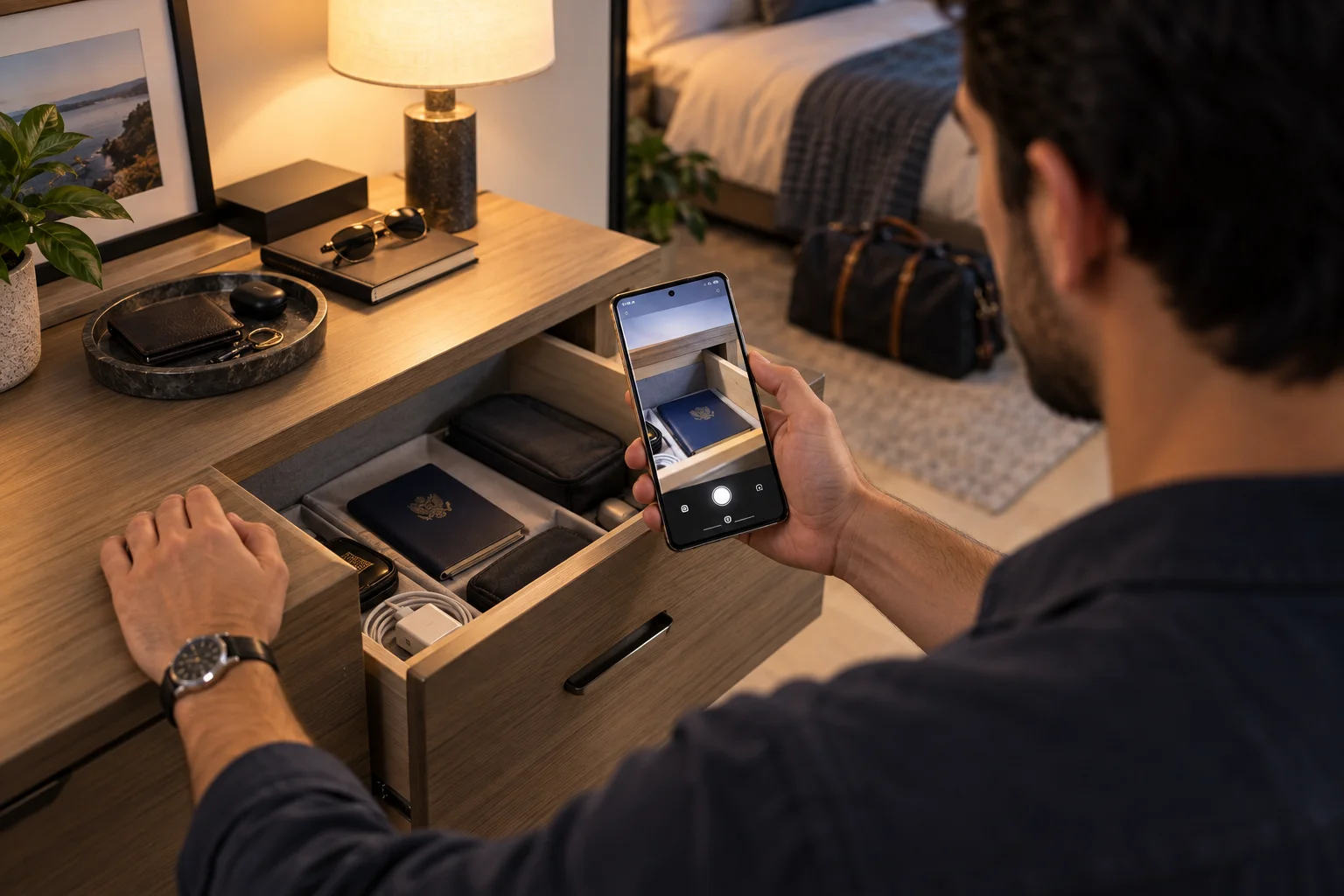
Google's September 2026 Android Drop adds several practical features that make the phone more aware of your surroundings, your physical belongings and the way you use it while travelling. The headline additions include Gemini-powered remembered items in Find Hub, Motion Assist for reducing motion sickness, and Guided Vision in Gemini Live for describing what the camera sees.
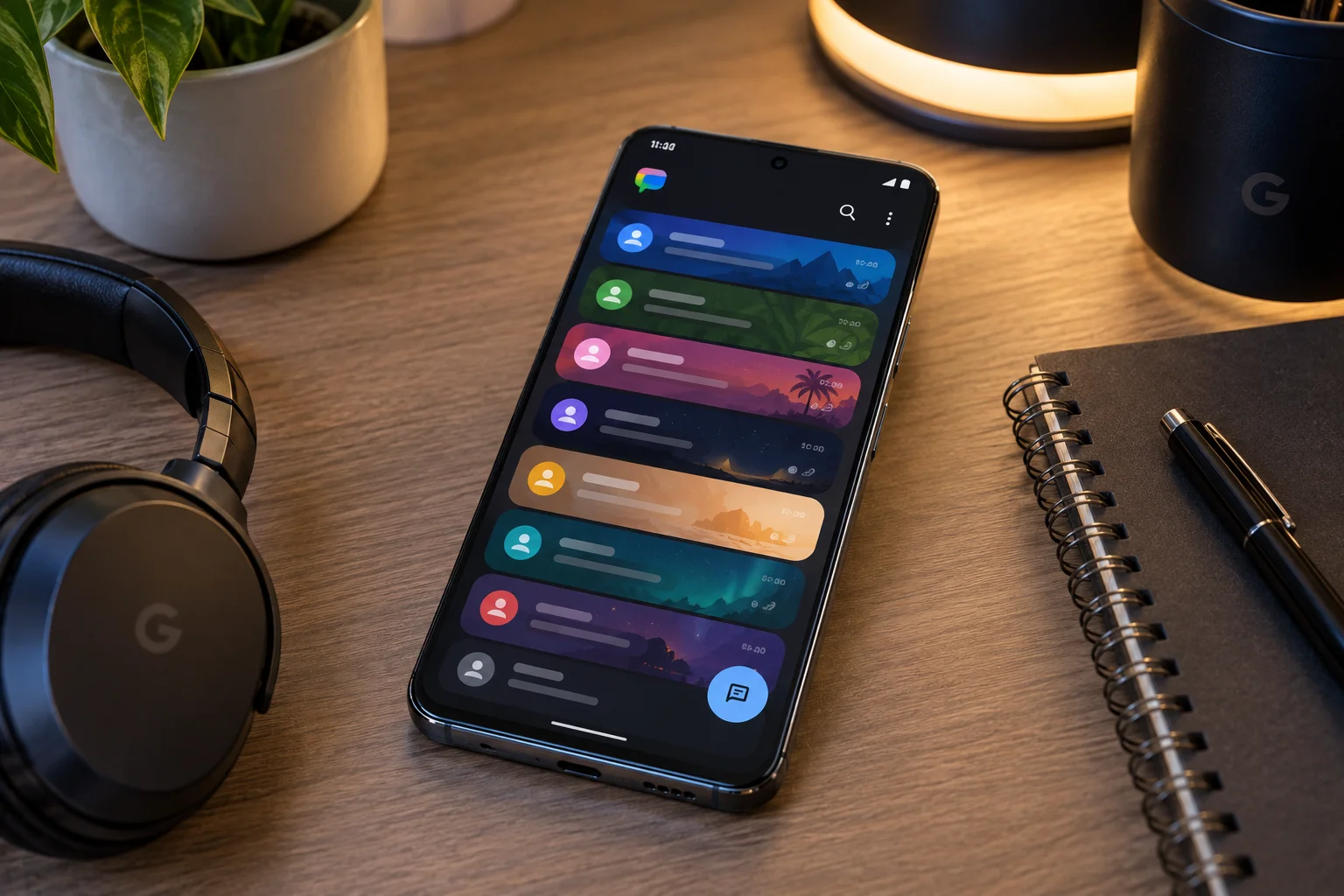
There are also smaller quality-of-life changes. Google Messages now lets people collaborate on Google Keep notes directly inside a conversation, while new chat themes allow individual conversations to have their own backgrounds and colours.
This isn't a conventional major Android version launch. Google calls it the September Android Drop, a feature update designed to deliver new capabilities between larger platform releases.
The interesting part is where Google is taking Android.
Instead of simply adding another camera mode, settings menu or visual tweak, several of these features try to connect AI with the physical world around your phone.
Gemini can remember where you put your passport. Find Hub can retrieve that memory later. Guided Vision can describe objects through your camera. Motion Assist tries to make looking at a screen in a moving car more comfortable.
In other words, Google's latest Android update is increasingly about making the phone understand context, rather than simply giving you more apps.
What Is the September 2026 Android Drop?
The September Android Drop is a feature update bringing five new Android capabilities, including Gemini-powered Find Hub memories, Motion Assist, Guided Vision and new Google Messages features.
Google announced the update on September 1, 2026, describing five new features intended to make everyday Android use easier.
The five headline additions are:
Gemini + Find Hub remembered items
Motion Assist
Guided Vision
Google Keep collaboration inside Google Messages
Custom chat backgrounds and themes
Not every feature requires the same Android version.
That's important because Android's ecosystem isn't a single uniform software environment.
For example, Google says Motion Assist requires Android 17, while the remembered-items functionality requires Android 16 or later. Guided Vision is coming to phones running Android 9 or later where Gemini is available, subject to compatibility and setup.
So receiving the September feature announcement doesn't necessarily mean every Android phone gets every feature simultaneously.
Gemini Can Now Remember Where You Put Physical Items
The most interesting new Find Hub feature lets you tell Gemini where you placed an item and save that information for later.
Imagine putting your passport in a bedroom drawer before a trip.
Normally, several days later, you might remember that you put it "somewhere safe" but have no idea where that safe place was.
With the new feature, you can tell Gemini something like:
"Remember in Find Hub that I put my passport in the bedroom drawer."
Google says you can optionally include a photo.
Later, you can ask Gemini where you put the passport or check the remembered-items section in Find Hub.
That is a meaningful change to what Find Hub traditionally does.
Does Find Hub Actually Track Your Keys With GPS?
No. The new remembered-items feature does not provide real-time tracking for objects that don't have a tracker attached.
This distinction is crucial.
If you put an AirTag-like tracker or compatible tracking device on your keys, Find Hub can use the tracker's location capabilities.
But if you simply tell Gemini:
"I put my spare key in the kitchen drawer,"
the system is storing the location information you provided.
Google explicitly says the remembered-items tab does not track the real-time location of these objects and that accuracy depends on the information provided by the user.
So this is better understood as:
AI-powered memory + Find Hub
rather than:
GPS tracking for everything you own.
That's an important distinction for both accuracy and expectations.
Why Gemini + Find Hub Could Be More Useful Than It Sounds
The feature solves a memory problem rather than a tracking problem.
There are plenty of objects that don't justify a physical tracker.
You might not attach a tracker to:
Passport
Spare house key
Warranty documents
Travel adapters
Important paperwork
Backup credit card
Small electronics
Seasonal accessories
The problem is that people often remember the object but forget the exact place they stored it.
Gemini effectively turns a verbal statement into a searchable memory.
That makes the feature a small but interesting example of Google's broader Gemini Intelligence strategy, where AI is increasingly expected to remember context and perform tasks across apps. Google has separately described Gemini Intelligence as a system that can automate multi-step tasks and use information from connected applications.
Motion Assist Is Designed to Reduce Motion Sickness While Using Your Phone
Motion Assist adds a moving bubble overlay to the screen that is designed to reduce motion sickness when you're using your phone as a passenger in a moving vehicle.
The basic problem is familiar.
Your eyes are focused on a stationary screen.
Your body, however, is experiencing acceleration, braking, turns and other vehicle movements.
That mismatch between visual information and motion sensed by the body can contribute to motion sickness.
Motion Assist attempts to give the eyes an additional visual cue.
Google says the feature displays subtle bubbles that move with the vehicle, helping bridge the difference between what your eyes see and what your body feels.
How Does Motion Assist Work?
Motion Assist uses a screen overlay whose movement responds to the vehicle's motion rather than changing the content you're viewing.
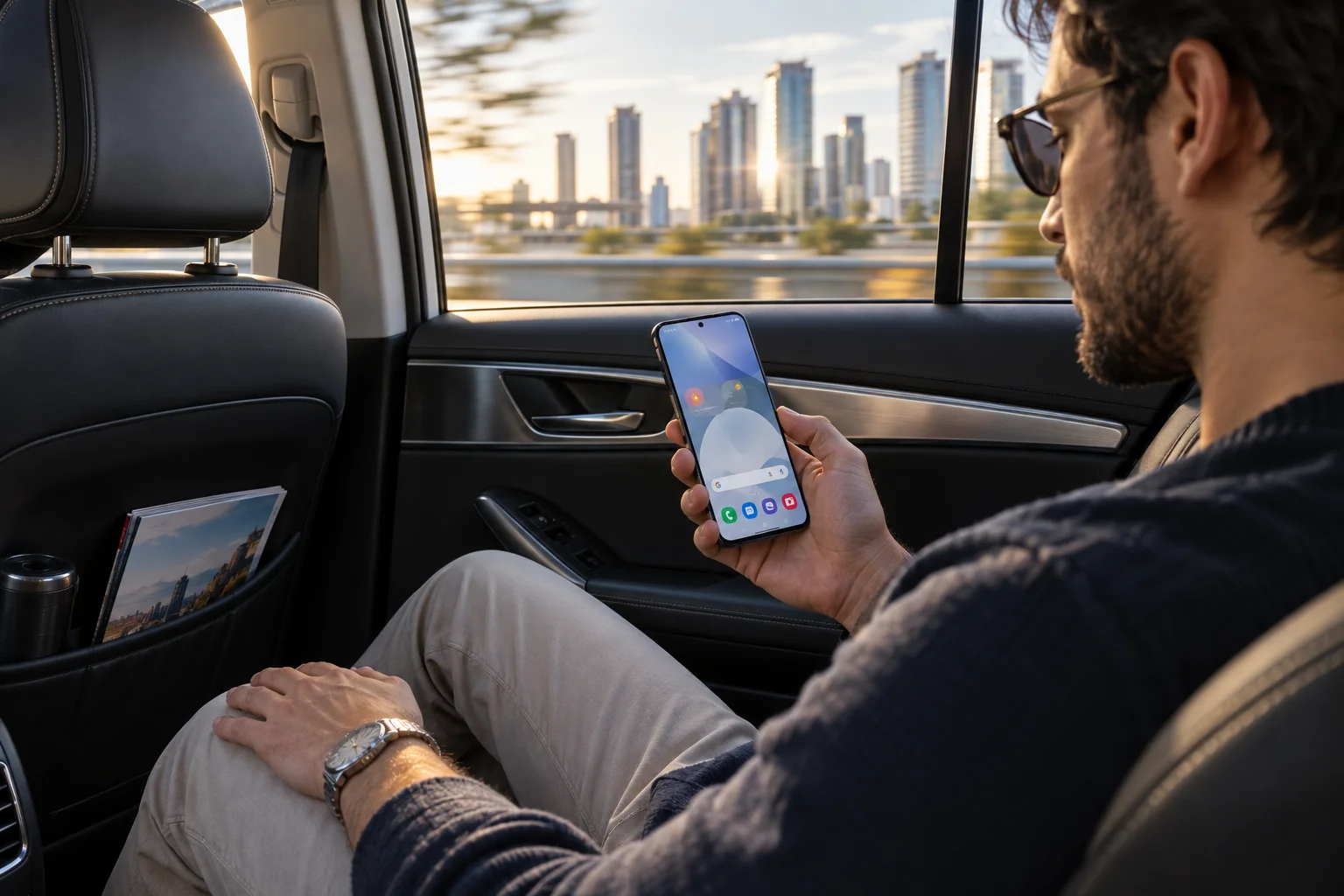
You can continue:
Reading
Browsing
Watching videos
Using apps
while the bubbles remain visible over the screen.
Google says Motion Assist can be configured to activate automatically and can also be added to Quick Settings. Users can customise the bubbles' shape, colour and opacity.
The important point is that it isn't a new display mode or a hardware feature.
It's a software-based visual cue designed around motion.
Google also cautions that results vary, that Motion Assist may not work for everyone, and that a small percentage of users could experience worse symptoms. It should not be used while operating a vehicle or in situations where full attention to safety is required.
Which Android Phones Get Motion Assist?
Motion Assist is designed for phones running Android 17.
Google's Android feature documentation specifically lists Android 17 as a requirement.
That makes it different from several other September additions.
If you have an older Android phone that won't receive Android 17, you shouldn't assume Motion Assist will arrive simply because the September Android Drop exists.
This is a good example of why Android feature updates need to be considered separately from Android version updates.
Guided Vision Turns Gemini Live Into a Visual Assistant
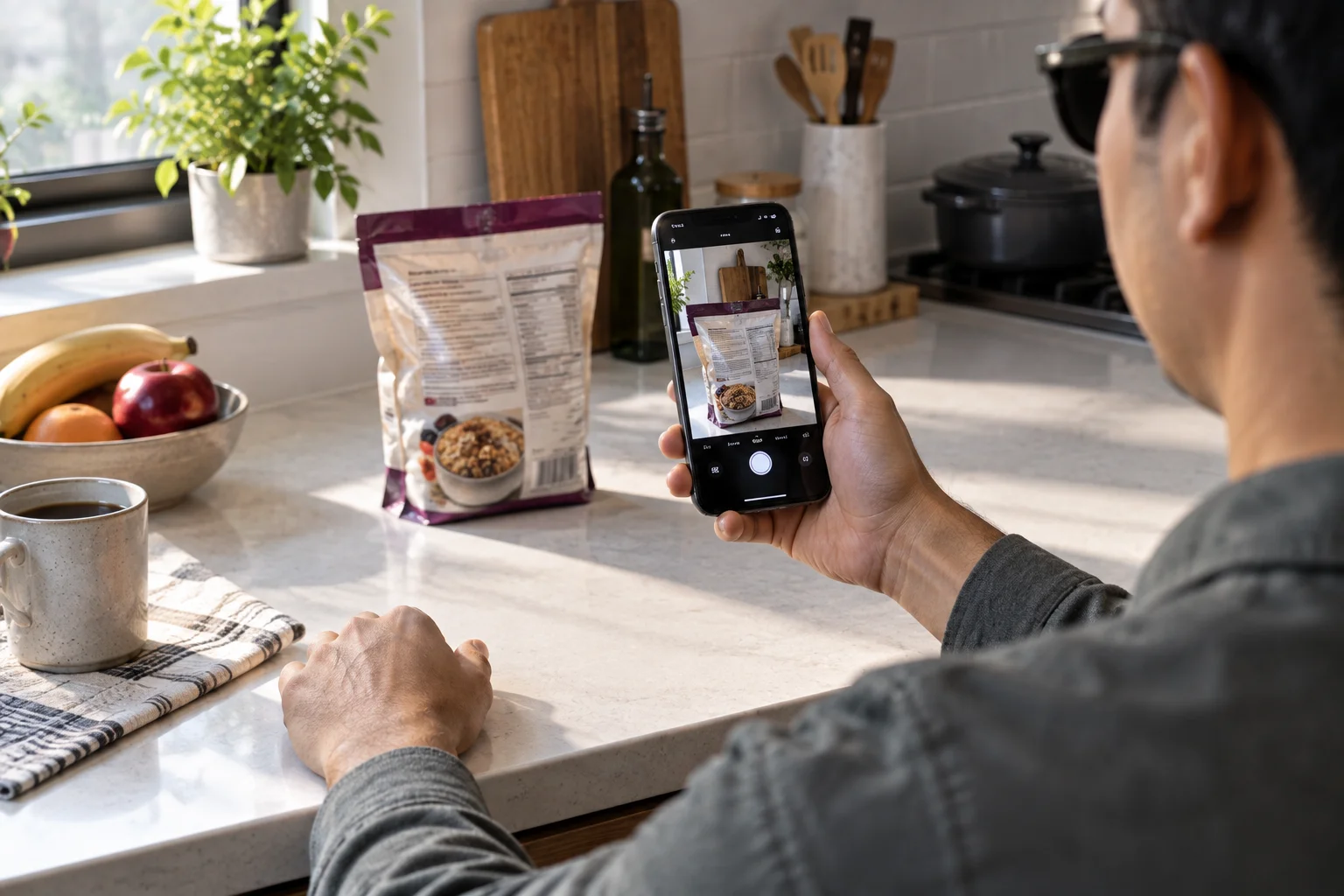
Guided Vision lets you share your camera with Gemini Live so Gemini can describe what the camera sees and provide spoken guidance.
This is arguably the most significant accessibility-oriented feature in the September update.
Google says Guided Vision was designed with and for blind and low-vision communities.
Potential uses include:
Reading small print on a food label
Reading a menu in a dim restaurant
Identifying household objects
Understanding what's in front of the camera
Getting guidance to reframe the camera
If the camera isn't positioned correctly, Google says voice feedback can help the user move the camera, pan across an area or centre an object.
That makes Guided Vision different from simply asking Gemini:
"What is this?"
The feature is designed as a more guided, interactive camera experience.
Is Guided Vision a Replacement for Navigation or a Mobility Aid?
No. Google explicitly says Guided Vision should not be treated as a navigation or obstacle-detection system.
This limitation matters.
AI vision systems can make mistakes.
A system describing an object isn't the same as a certified mobility device capable of reliably detecting hazards.
Google states that Guided Vision can make mistakes and isn't intended to be a medical device, mobility aid or substitute for safe-travel guidance. It also says not to use it for navigation or obstacle detection.
That doesn't make the feature unhelpful.
It simply defines what the technology is designed to do:
provide AI-generated descriptions and guidance from the camera view.
How Is Guided Vision Different From Gemini Live?
Gemini Live already supports camera-based conversations, while Guided Vision adds a more structured experience for understanding the camera view.
Gemini Live can already use the camera as part of a conversational interaction.
Guided Vision focuses more specifically on describing surroundings and helping the user position the camera.
That distinction is particularly useful for accessibility.
Instead of having to work out exactly how to phrase a prompt or where to point the camera, the system can provide spoken guidance when the framing isn't useful.
Google says Guided Vision can be accessed through Accessibility shortcuts, the TalkBack menu or Gemini app settings.
Google Keep Is Coming Directly Into Google Messages
Google Messages now lets people create and edit shared Google Keep notes without leaving a conversation.
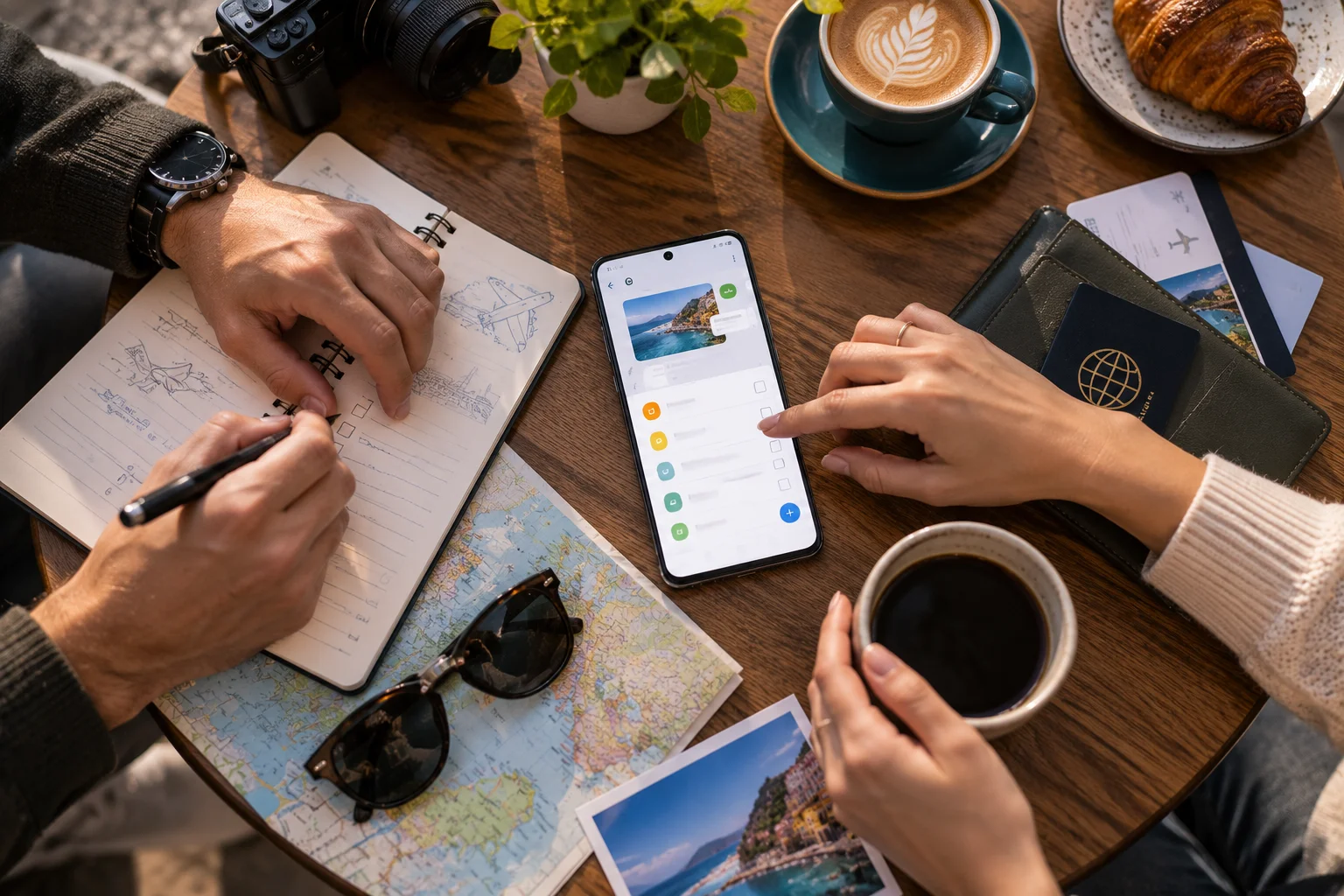
This is a much smaller change than Guided Vision or Gemini-powered Find Hub, but it solves a very common problem.
Imagine a group chat planning a holiday.
Previously, you might send:
Hotel names
Restaurant ideas
Flight details
Things to buy
Places to visit
through dozens of messages.
Now, Google says you can create a shared Keep note or list directly from Google Messages, allowing everyone in the conversation to view, edit and add information.
It effectively turns part of a chat into a collaborative workspace.
What Can You Use Shared Keep Notes For?
The feature is particularly useful for information that needs to remain organised rather than disappear into a message history.
Examples include:
Grocery shopping
Everyone adds items to one shared list.
Holidays
Participants can add:
Hotels
Restaurants
Activities
Booking details
Events
A group can maintain a shared list of tasks, supplies or attendees.
Home projects
People can record:
Shopping lists
Measurements
Materials
Tasks
The important change is that the shared information lives in Keep while the collaboration happens from inside Messages.
Google says the rollout has started in Google Messages, and the feature requires RCS to be enabled as well as the Google Keep app and extension.
Google Messages Also Gets Custom Chat Themes
Google Messages now lets you give individual conversations their own backgrounds and colour themes.
You can select:
A built-in background
Your own photo
Custom bubble colours
Google says the message bubbles can automatically match the selected background, creating a separate visual identity for each conversation.
It's primarily a personalisation feature rather than a productivity upgrade.
There is also an important limitation:
The theme is only visible to the person who created it.
So if you create a beach background for your holiday group chat, the other participants don't automatically see the same background.
How Important Is the September Android Update?
The September Android Drop is more important for what it signals about Android than for the number of features it adds.
The individual changes are relatively focused.
Find Hub remembers where you put things.
Motion Assist tries to reduce motion sickness.
Guided Vision gives Gemini Live a more accessible camera experience.
Keep improves group collaboration.
Chat themes make Messages more personal.
But together, they show a clear direction:
Android is becoming more context-aware.
The phone isn't simply waiting for you to open an app.
It can increasingly:
remember → understand → describe → assist → connect
That direction is consistent with Google's wider Gemini Intelligence strategy, which includes multi-step actions, screen and image context, connected apps and proactive assistance.
September Android Drop vs Android 17: What's the Difference?
The September Android Drop is a feature update, while Android 17 is the underlying Android platform release.
Android 17 itself introduced features around productivity, gaming, security and safety, including enhanced Find Hub lost-device protection and improved multitasking. Google says Android 17 began rolling out first to Pixel devices, followed by other eligible Android devices during 2026.
The September Drop is different.
It adds new experiences on top of the existing Android ecosystem.
Think of it this way:
Android version → underlying platform
Android Drop → additional feature releases
This is useful because Android users don't necessarily need to wait for another major Android version to receive meaningful new capabilities.
Will Every Android Phone Get These Features?
No. Feature availability depends on Android version, device compatibility, Google app support, region and account availability.
The requirements vary significantly.
Feature | Key requirement |
|---|---|
Gemini + Find Hub remembered items | Android 16+; Gemini and Find Hub supported |
Motion Assist | Android 17 |
Guided Vision | Android 9+ on compatible devices where Gemini is available |
Shared Keep notes in Messages | RCS + Google Keep app/extension |
Chat themes | Google Messages with supported feature rollout |
Google's feature documentation also notes that some features are rolling out gradually and may require setup or compatible hardware.
So if one Android phone receives a feature before another, that doesn't necessarily mean the second phone is permanently excluded.
What Does the September Update Actually Add to Android?
The biggest practical improvements are better memory, better visual assistance and better contextual interaction rather than raw performance or major interface changes.
Here's the short version:
Feature | What it actually adds |
|---|---|
Gemini + Find Hub | Remembers where you manually stored physical items |
Motion Assist | Adds motion-responsive visual cues while riding in a vehicle |
Guided Vision | Uses Gemini Live camera input to describe surroundings |
Keep in Messages | Lets groups create and edit shared notes inside chats |
Chat themes | Adds personal backgrounds and colours to individual chats |
The first three are the most technically interesting.
They demonstrate how Google's AI strategy is moving beyond "ask Gemini a question" toward "let Gemini understand the situation around you."
FAQ: September 2026 Android Update
What is the September 2026 Android update?
Google's September 2026 Android Drop is a feature update adding five major capabilities, including Gemini-powered remembered items in Find Hub, Motion Assist, Guided Vision, shared Google Keep notes in Messages and custom chat themes.
Can Gemini remember where I put my keys?
Yes. On supported Android 16+ devices, you can ask Gemini to remember where you placed items such as keys or passports, and the information is saved in Find Hub.
Does Find Hub track items without a tracker?
No. Remembered items are based on information you provide. Google says the feature does not provide real-time location tracking for those items.
What is Motion Assist on Android?
Motion Assist adds a subtle bubble overlay that moves with vehicle motion and is designed to reduce motion sickness while using your phone as a passenger. It requires Android 17.
What is Guided Vision?
Guided Vision is a Gemini Live camera feature that can describe what is in front of the phone and provide voice guidance to help position the camera. It was designed with and for blind and low-vision communities.
Can Guided Vision identify obstacles?
It should not be relied upon for that purpose. Google specifically says Guided Vision isn't intended for navigation or obstacle detection and can make mistakes.
Can I create a shared Google Keep note inside Google Messages?
Yes. Google Messages now allows supported users to create and collaborate on Keep notes or lists directly from a conversation. RCS and the Google Keep app/extension are required.
Can other people see my Google Messages chat theme?
No. Google says chat themes are only visible to the user who created the theme.
Do all Android phones get the September features?
No. Requirements differ by feature, and availability can depend on Android version, compatible device, region, apps and account support.
Is this the same as Android 17?
No. Android 17 is the underlying platform release. The September Android Drop is a separate feature update that delivers additional capabilities across supported Android devices.
The September 2026 Android Drop doesn't radically change what an Android phone is.
It does something more subtle.
It makes the phone increasingly useful as a context engine.
Find Hub can remember something you told it. Gemini can interpret what your camera sees. Motion Assist can react to vehicle movement. Google Messages can turn part of a conversation into a shared workspace.
Those aren't traditional smartphone upgrades like a faster processor or better camera.
They're examples of Google trying to make Android understand what you're doing and what is happening around you, rather than simply waiting for you to open the next app.
And that may be the more important direction to watch as Google's Gemini strategy expands across Android phones, watches, cars, glasses and other devices.